
Oops! Something went wrong while submitting the form.
the promise: describe the outcome, and the software decides the steps. The category now contains four very different products — iPaaS platforms with an LLM node, no-code assistant builders, classic RPA bots, and autonomous computers that operate a real desktop the way a person does.
This comparison covers 11 tools for automating recurring work, with capabilities and pricing verified against vendor pages on 11 September 2026, and is explicit about where each one stops.
An AI agent for automation is software that receives a goal, plans the sequence of actions needed to reach it, executes those actions against real applications, checks the result, and retries or re-plans when something differs from expectation. The distinction from traditional automation is where the sequence comes from: a workflow platform executes a graph a human drew in advance, while an agent decides the next step at run time from what it observes.
That difference matters most when the environment moves. A rule-based flow breaks when a field is renamed or a button moves; an agent that reasons over the current screen or response can adapt. The trade-off is determinism — a graph does the same thing every time, an agent does the right thing most of the time and needs guardrails on the actions that cannot be undone.
Three surfaces define what any given agent can automate: APIs (fast and reliable, but only for vendors who publish one), the browser (broader, but confined to a tab), and the whole operating system (desktop applications, local files and already-authenticated sessions). Performance on the third surface is measured by the OSWorld benchmark, which scores agents on real tasks in a live desktop environment.

What it is. Sai is an autonomous computer: a computer-use agent that runs on a real desktop — yours, or a persistent cloud machine — and operates whatever is installed on it. It reads the screen, moves the cursor and types, so the automation surface is every application you have, not the subset with a public API.
Best for. Operations, finance, recruiting and marketing teams whose recurring work crosses tools that do not integrate with each other, including internal systems behind SSO.
Strengths.
Limitations. Per-run cost is higher than an API call, so high-volume, fully API-covered pipelines are cheaper on an iPaaS. Desktop control requires installing the app on macOS or Windows. Fully hands-off operation needs the approval rules configured first, because irreversible steps pause by default. Starter is $50/month, above the entry price of workflow tools.
Pricing. Starter $50/month (listed as reduced from $200), Premium $200/month with a persistent cloud computer, Pro $500/month, Enterprise on request. See Simular pricing.
Compare directly: ChatGPT vs Sai · OpenClaw vs Sai · Grok vs Sai · Hermes Agent vs Sai. For a sales-specific breakdown, see computer-use agent alternatives for sales.
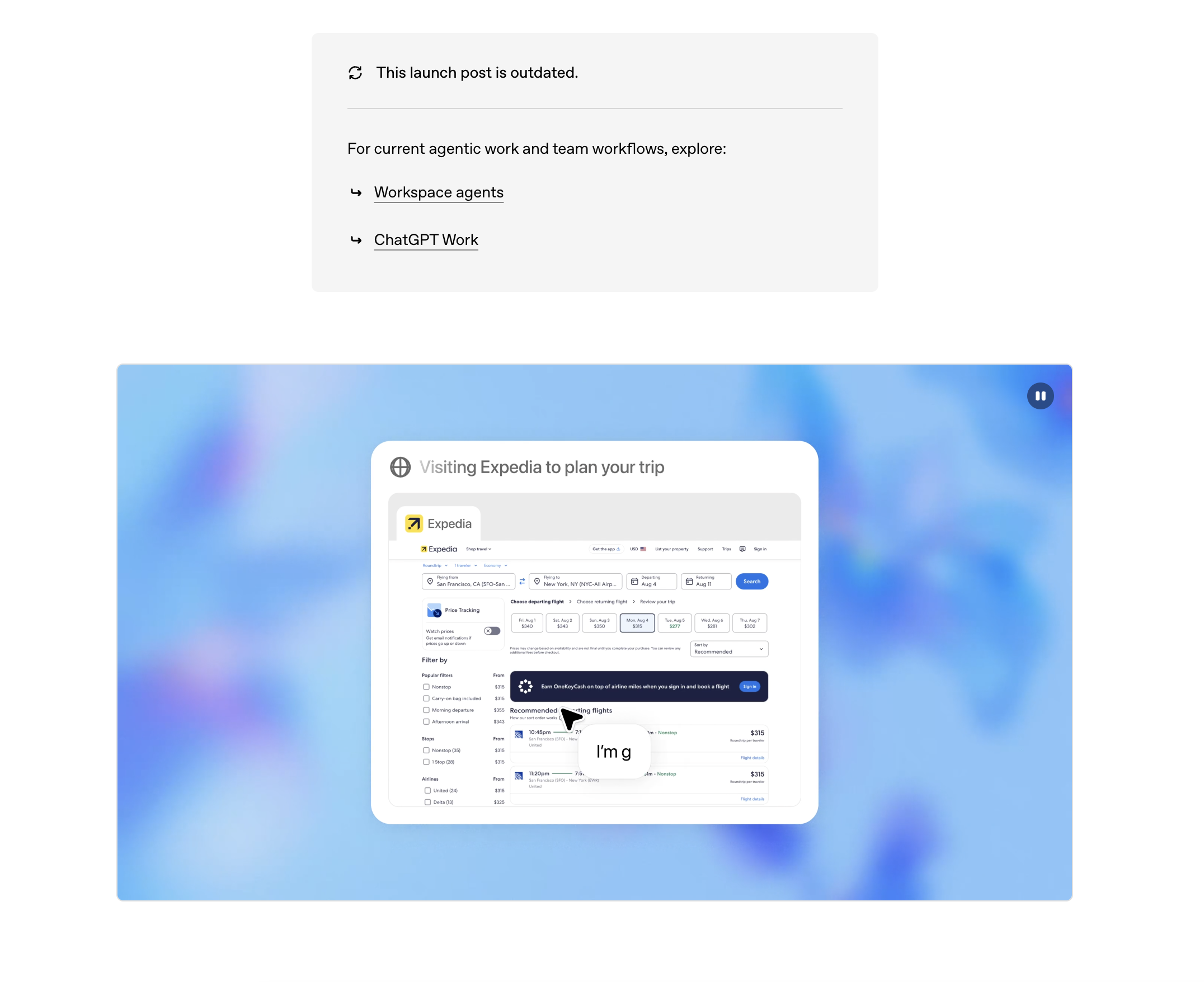
What it is. ChatGPT's agent mode runs on a virtual computer in OpenAI's cloud with a browser, a terminal and connectors to mainstream SaaS, described in OpenAI's ChatGPT agent announcement.
Best for. Individuals automating research, reporting and light web tasks they would otherwise do by hand.
Strengths. No configuration — you describe the task in a sentence. Scheduled tasks on paid plans, connectors to Gmail and Drive, and file output rather than chat text.
Limitations. The computer is OpenAI's, so local files and installed applications are out of reach, and sessions begin logged out. It is a general assistant rather than an automation platform: no shared workflow library, no run history a team can audit, no per-step error handling.
Pricing. Free $0; Go $8/month; Plus $20/month; Pro from $100/month. See ChatGPT pricing.
What it is. A source-available workflow platform with AI agent nodes, run on your own infrastructure or as a managed cloud plan.
Best for. Technical teams that want deterministic pipelines, data residency control, and an LLM only where the work genuinely varies.
Strengths. Self-hosting removes per-task pricing and keeps data in your environment. Hundreds of integrations, real branching, retries and error workflows, plus code nodes for anything missing. AI agent nodes handle the non-deterministic steps inside an otherwise deterministic graph.
Limitations. Someone still designs and maintains the graph. It automates APIs, not screens — an application without an endpoint stays manual. Self-hosting means you own upgrades, monitoring and security.
Pricing. Free when self-hosted; cloud plans metered on workflow executions and AI credits. See n8n pricing.
What it is. The largest iPaaS, now with agents, Copilot, Tables and Interfaces layered on top of its Zap workflows.
Best for. Non-technical teams automating handoffs between mainstream SaaS tools.
Strengths. The widest integration catalogue in the category, so most business apps are one connector away. Copilot builds a working Zap from a description, and the free tier is enough to prove the idea.
Limitations. Task-based pricing rises quickly with volume. Multi-step logic is clumsy compared with n8n or Make. Agents operate through connectors, so anything without one — a desktop app, an internal portal, a supplier site with no API — remains out of scope.
Pricing. Free forever $0; Professional from $19.99/month; team and enterprise plans above that. See Zapier pricing.
What it is. A visual automation platform where scenarios are drawn as a node graph, with AI agents available inside them.
Best for. Operations teams building multi-branch processes that would be painful in a linear Zap.
Strengths. The clearest visual model of the three big iPaaS tools, strong iterators, aggregators and error handlers, and credit-based pricing that is cheaper than per-task at moderate volume.
Limitations. A steeper learning curve than Zapier, a smaller app catalogue, and the same structural ceiling — it is an API automation tool, so screen-only software cannot be reached.
Pricing. Free up to 1,000 credits/month; Core $12/month, Pro $21/month, Teams $38/month, each priced for 10,000 credits/month; Enterprise on request. See Make pricing.
What it is. A no-code builder for AI assistants that fire on an event — an inbound email, a new meeting, a form submission — and act through app integrations.
Best for. Sales and operations teams that want an inbox, scheduling or CRM-hygiene assistant without engineering time.
Strengths. Fast setup, a large integration catalogue, human-in-the-loop approval, and genuinely good handling of email and calendar routines.
Limitations. Capability equals connector coverage, with no UI-level fallback when a tool is missing. Per-seat pricing scales with headcount rather than with automated volume.
Pricing. From $29.99/user/month. See Lindy pricing.
What it is. A platform for building an "AI workforce": specialised agents with defined roles, tools and delegation between them.
Best for. Companies that want several coordinated agents — research, qualification, outreach — rather than one assistant.
Strengths. Explicit multi-agent orchestration, role and tool definitions, agent evaluations and A/B testing, plus enterprise controls such as SSO, RBAC and audit logs.
Limitations. Setup effort is closer to building software than configuring an app. Agents act through integrations and APIs, not through a screen. As of 11 September 2026 the pricing page is sales-led and lists no self-serve price, so budget requires a conversation.
What it is. A node-based canvas for AI workflows, with scraping, document parsing and LLM steps chained into repeatable flows.
Best for. Marketing and research teams automating content, enrichment and analysis pipelines.
Strengths. Clean drag-and-drop interface aimed at non-engineers, strong web scraping and document handling, subflows for reuse, and scheduled runs.
Limitations. Younger ecosystem with fewer native integrations than Zapier or Make. Browser-bound: no desktop applications or local file system. Credit consumption on AI-heavy flows needs watching.
Pricing. Pro from $37/month; Enterprise custom. See Gumloop pricing.
What it is. The largest enterprise RPA vendor, combining recorded UI automation with orchestration, governance and newer agentic capabilities.
Best for. Large organisations automating high-volume processes in legacy systems, with compliance requirements attached.
Strengths. Mature governance, orchestration and audit tooling. Attended and unattended robots. Deep experience with legacy enterprise software that will never expose an API.
Limitations. Selector-based automation is brittle: a moved button or a redesigned screen breaks the bot, and maintenance is the dominant long-run cost. Implementation typically needs specialists or a partner, and the licensing model is complex compared with per-seat SaaS.
Pricing. Automation Cloud Basic from $25/month; higher tiers and enterprise licensing priced separately. See UiPath pricing.
What it is. Microsoft's automation platform, covering cloud flows over connectors and desktop flows for UI-level RPA on Windows.
Best for. Enterprises already committed to Microsoft 365, Dynamics and Azure.
Strengths. Native access to the Microsoft estate, desktop flows for Windows applications, and enterprise identity and compliance inherited from the tenant.
Limitations. Desktop flows are selector-based and share RPA's fragility under UI change. Licensing is layered — per user, per process, per hosted bot — and premium connectors add cost. Non-Microsoft tools are second-class citizens.
Pricing (verified 11 Sep 2026). Power Automate Premium $15.00/user/month paid yearly; Power Automate Process $150.00/bot/month; Hosted Process $215.00/bot/month. See Power Automate pricing.
What it is. An open-source library that lets a model control a browser, plus hosted browser infrastructure billed by the hour.
Best for. Developers building web automation into their own product.
Strengths. Fully inspectable, self-hostable, no subscription, reuses your own browser profiles and proxies, and priced by usage rather than by seat.
Limitations. A framework, not an application: there is no interface for a business user, and reliability is whatever you engineer. Confined to the browser, with no desktop or file-system reach.
Pricing. Credits from $5 with no expiry; hosted browsers $0.02/hour; residential proxies $5/GB, direct traffic $0.20/GB. See Browser Use pricing.
Start from the surface the work lives on, then from volume.
Every step has an API and the process runs thousands of times a month. Use an iPaaS — Zapier for coverage, Make for branching, n8n for control and cost. Add an agent node only where the step genuinely varies.
At least one step happens in software with no API, or behind a login. API automation cannot reach it. The options are classic RPA, which records selectors and breaks when the screen changes, or an autonomous computer such as Sai, which reads the screen and re-plans. For processes that change more than once a quarter, the second is the lower-maintenance choice.
The trigger is a message or a meeting and the response is conversational. Lindy or Relevance AI.
The task is different every time. A cloud agent such as ChatGPT agent, because there is nothing to build.
You are shipping automation as part of your own product. Browser Use or self-hosted n8n.
Most teams end up with two: a workflow platform for the high-volume API paths, and an agent for the parts that involve a screen. Related reading: invoice automation and social media automation.