
Oops! Something went wrong while submitting the form.

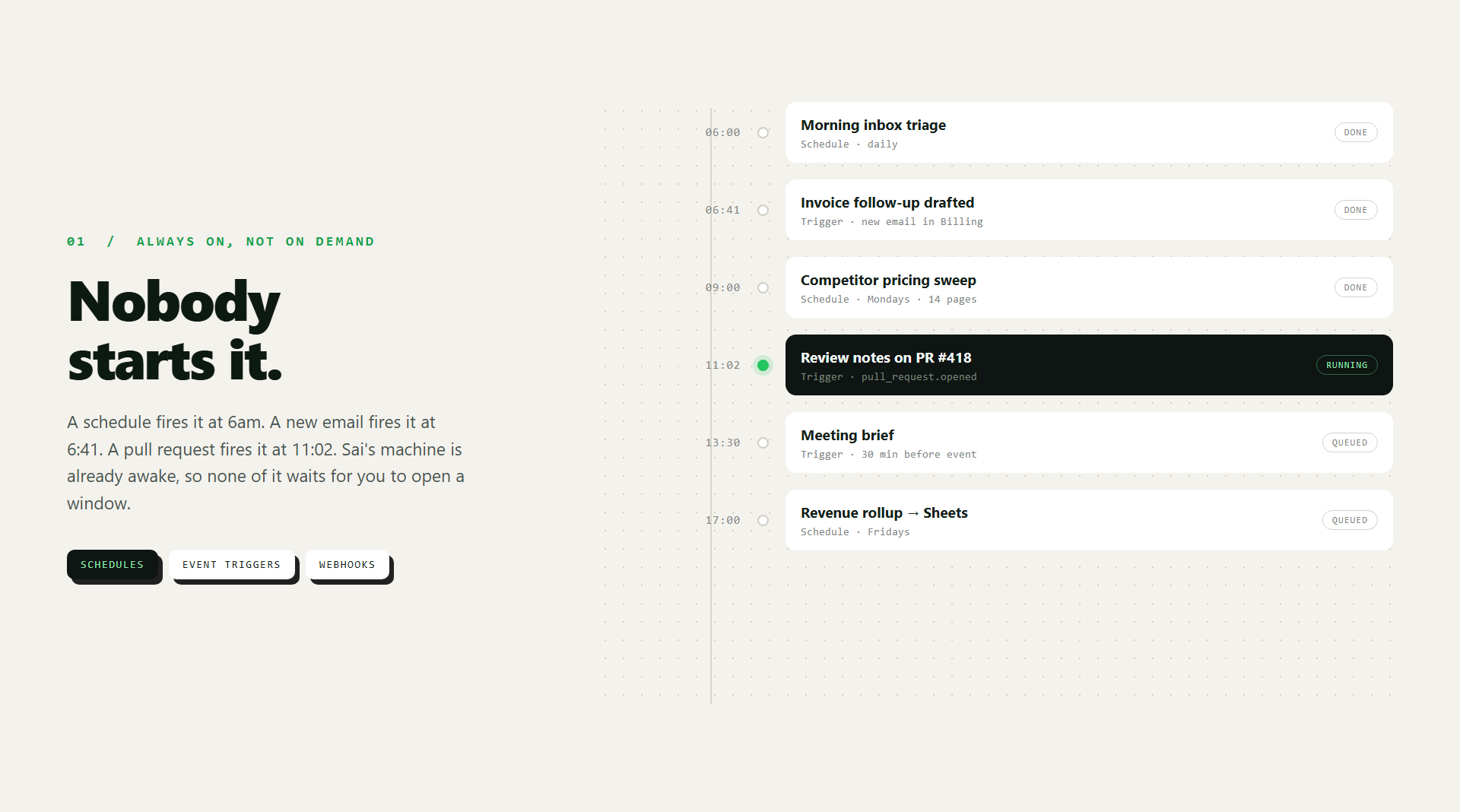
Sai runs work on a schedule, on events, and on webhooks — a new email, a PR opening, a meeting about to start. Nothing has to be typed to kick it off, and no window has to stay open. Runs are independent and can go in parallel, so a morning briefing, an inbox sweep, and a pipeline refresh are not queued behind each other. Each run leaves the workspace where the last one left it, so the work compounds instead of restarting.
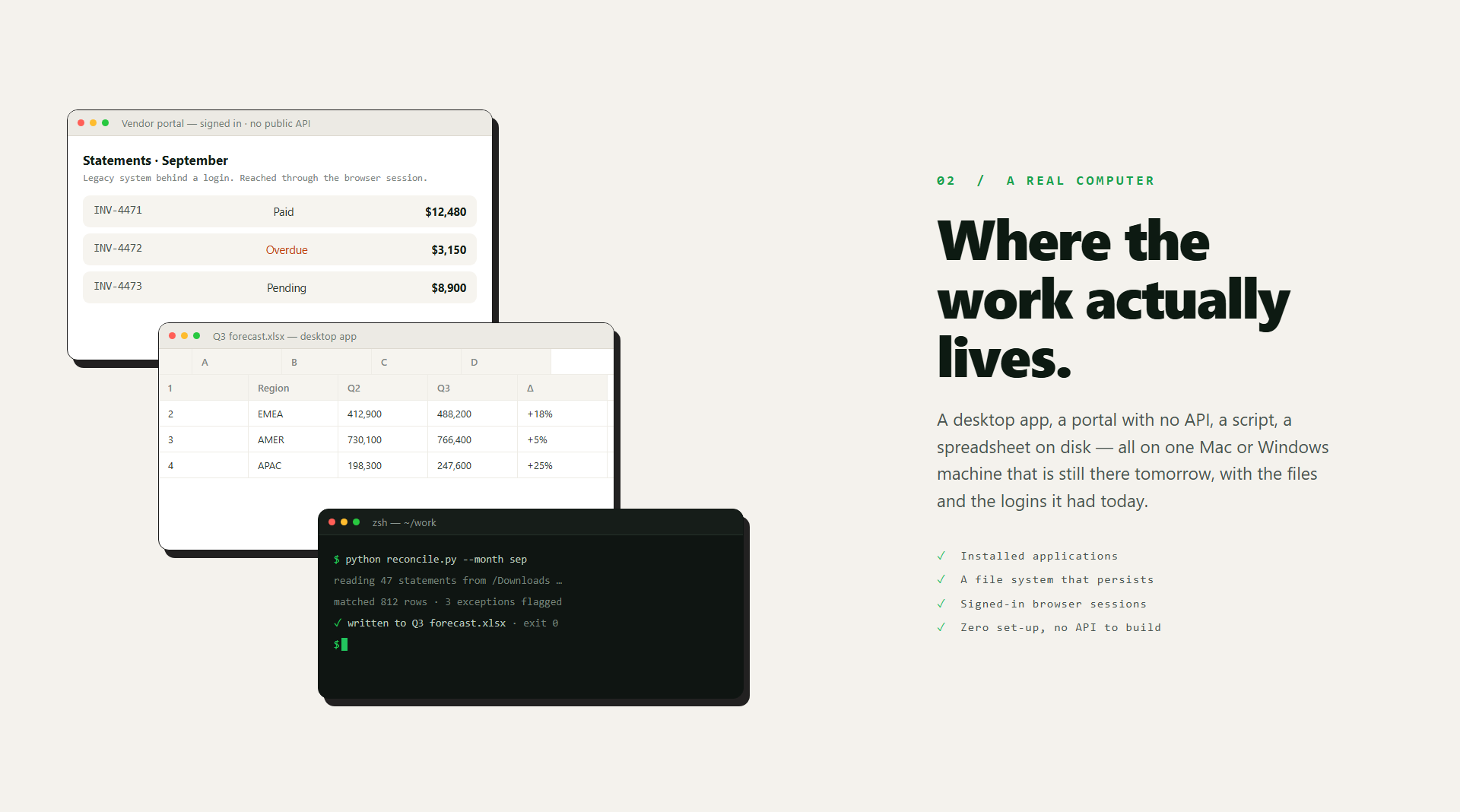
Sai operates an actual desktop: installed applications, a file system, a browser with your signed-in sessions. That is what makes the awkward half of real work reachable — internal portals, legacy systems behind a login, tools that never shipped an API. Files it downloads on Monday are still there on Friday. Zero set-up: no API integration to build before the first task runs.
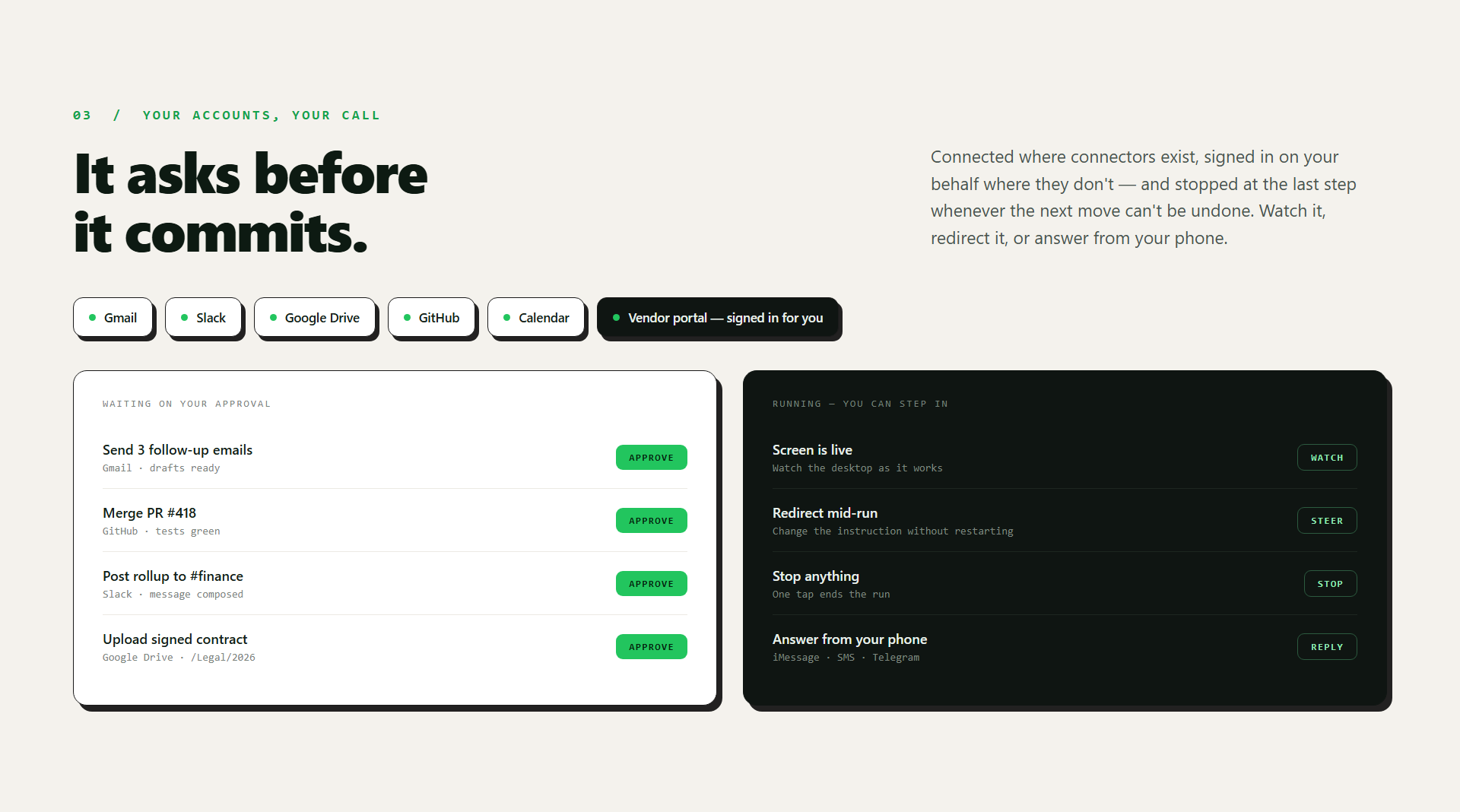
Sai connects directly to Gmail, Slack, Google Drive, GitHub, and Calendar, and signs in on your behalf to sites that have no connector at all. Irreversible actions stop for approval before they happen. You can watch a run on screen, redirect it mid-task, or stop it. And you can reach it from your phone — iMessage, SMS, or Telegram — without opening an app.
What Grok Bot is good at. Grok Bot is built around a genuinely strong idea: AI teammates you message the way you would message a colleague, on desktop or iOS, that sign in to your tools and use them the way you do rather than waiting for an API. Every Bot gets a persistent cloud computer with files, a browser, and logins that survive between sessions, so a Bot can pick up where the last one stopped — and because Bots share that machine, they can hand work off to each other and keep context. Work can be saved as a routine and re-run on a schedule, and the plan tiers make the review model explicit: a Bot brings back a draft and nothing goes out until you have looked at it. For enterprises, admins can set DLP, certificates, proxies, and network controls at boot. If your work lives in web tools and you want a teammate you chat with, that is a well-built shape.
Where Sai takes over. The difference is what the computer is. Grok Bot's machine is a cloud computer shared across your Bots; Sai gives you a full Mac or Windows desktop of your own, with installed applications, a real file system, and signed-in browser sessions that persist. That matters the moment the work leaves the browser — a desktop app, a VPN-gated internal portal, a legacy system that never shipped an API. Sai also starts work without you: not only schedules, but events and webhooks — a new email arriving, a pull request opening, a meeting about to begin. It connects directly to Gmail, Slack, Drive, GitHub, and Calendar where connectors exist, and signs in on your behalf where they do not. And it is reachable where you already are — iMessage, SMS, or Telegram — so a run can be started, watched, redirected, or stopped from your phone.
On price, honestly. Grok Bot is cheaper to enter. Access comes with Cursor Pro at $20/month or SuperGrok at $30/month, both with weekly Grok Bot usage included and additional usage billed on token cost; Cursor Teams starts at $40 per seat per month, and enterprise access runs through Cursor account teams. Grok itself also has a free tier. Sai has no free tier: Starter is $50/month (currently promotional against a $200 list price), with Premium at $200, Pro at $500, and Enterprise on request — and the remote desktop is included rather than metered separately. If your usage is light and browser-shaped, Grok Bot costs less. If the work runs every day, unattended, across desktop software and systems without APIs, that is what Sai's price buys.
Which to choose. Pick Grok Bot if you want a chat-first AI teammate for web tools and you are already in the Cursor or Grok ecosystem; pick Sai if the work has to run on its own computer, on its own schedule, without anyone opening a window.