
Oops! Something went wrong while submitting the form.



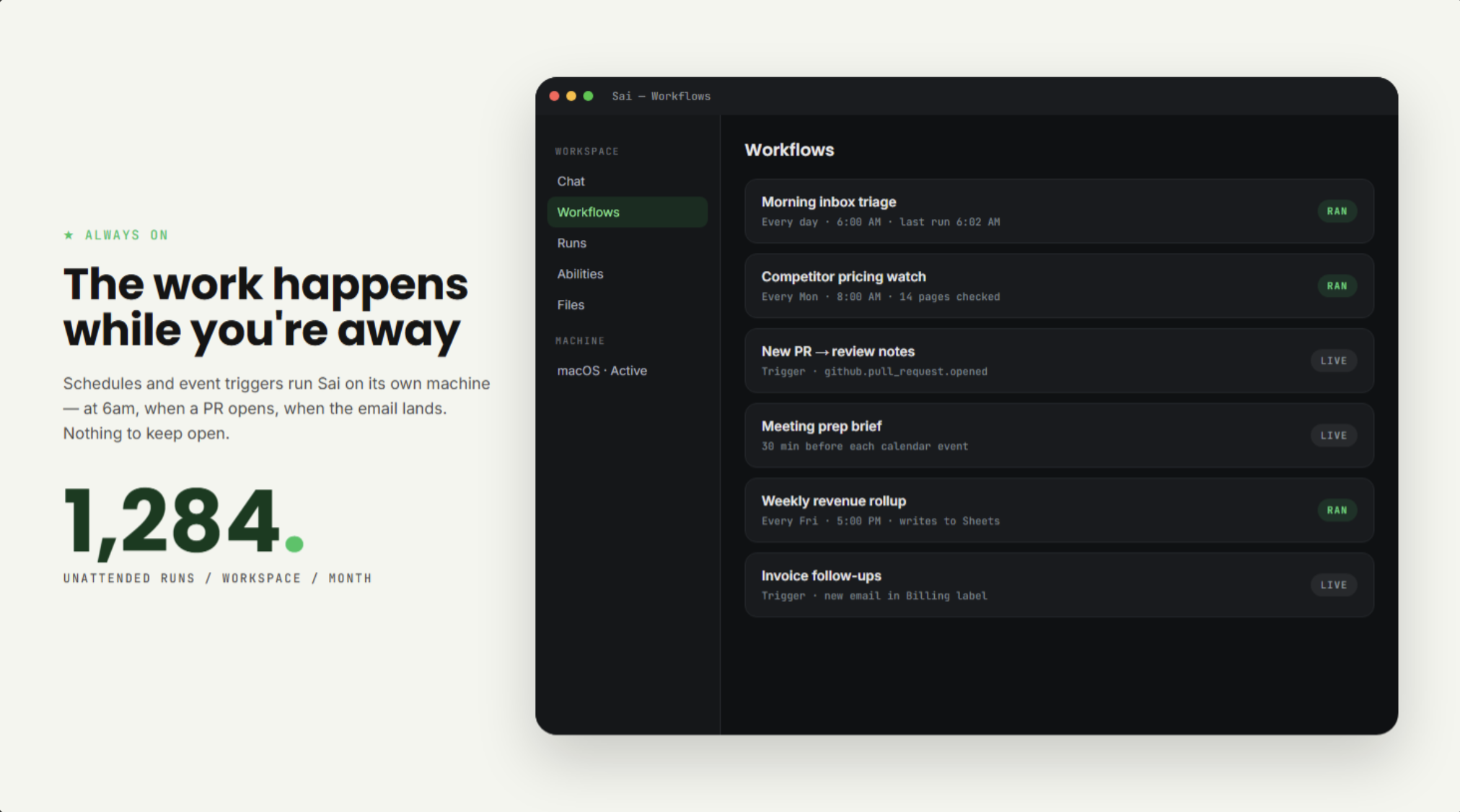
Both tools can act while you sleep. The difference is what wakes them and what survives afterwards. ChatGPT's scheduled tasks fire on a clock (up to 5 active on Plus) and hand back a message. Sai runs on schedules and on event triggers and webhooks, on a workspace that persists — the files it wrote yesterday, the app it installed, the site it stayed signed in to are all still there tomorrow.
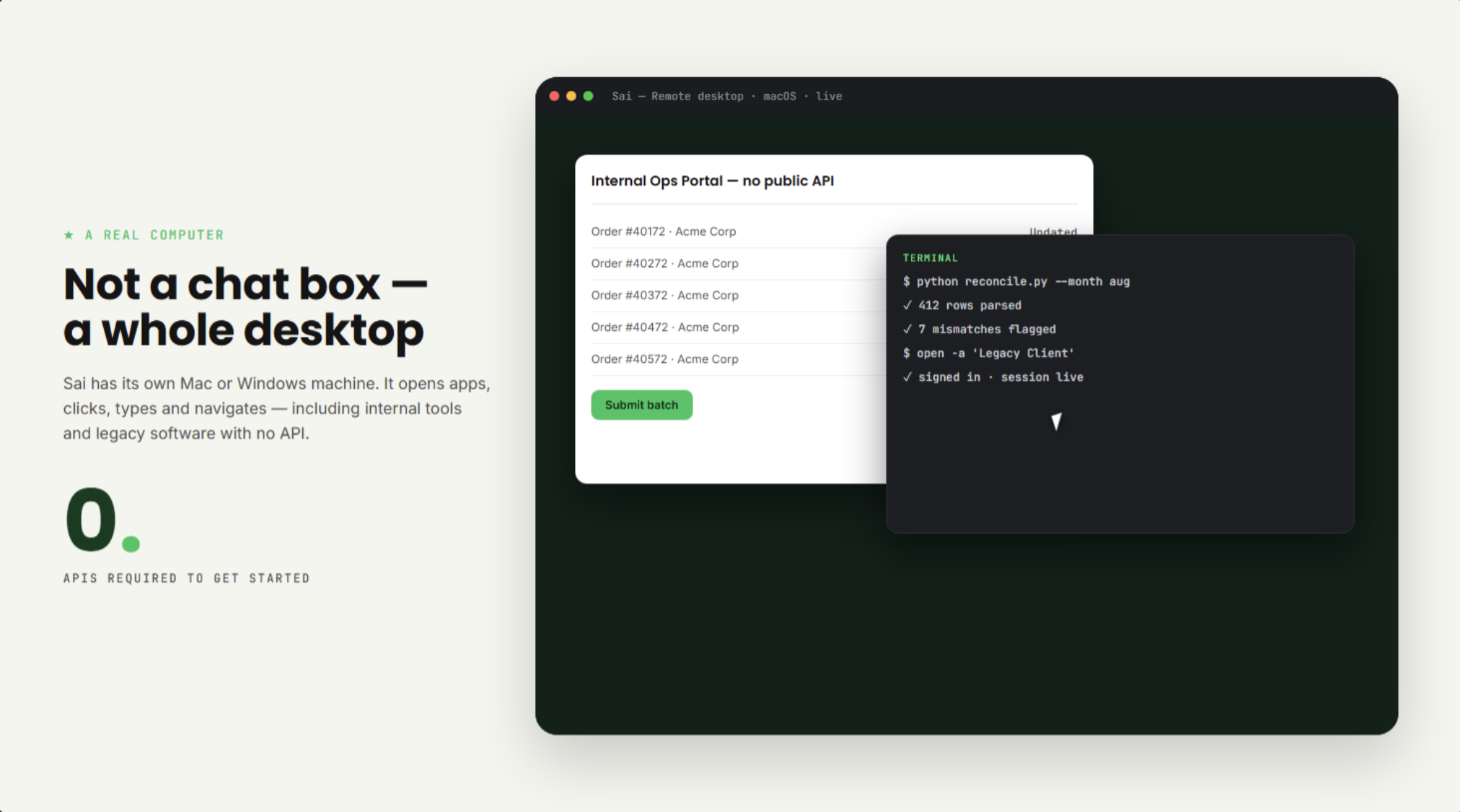
OpenAI's cloud browser is genuinely capable on the open web, but it is a browser, and at launch it does not accept your credentials or sign in for you — it stops where the login wall starts. Sai operates a real desktop the way a person does: opening desktop apps, running scripts, and working inside internal tools and legacy systems that never shipped an API.


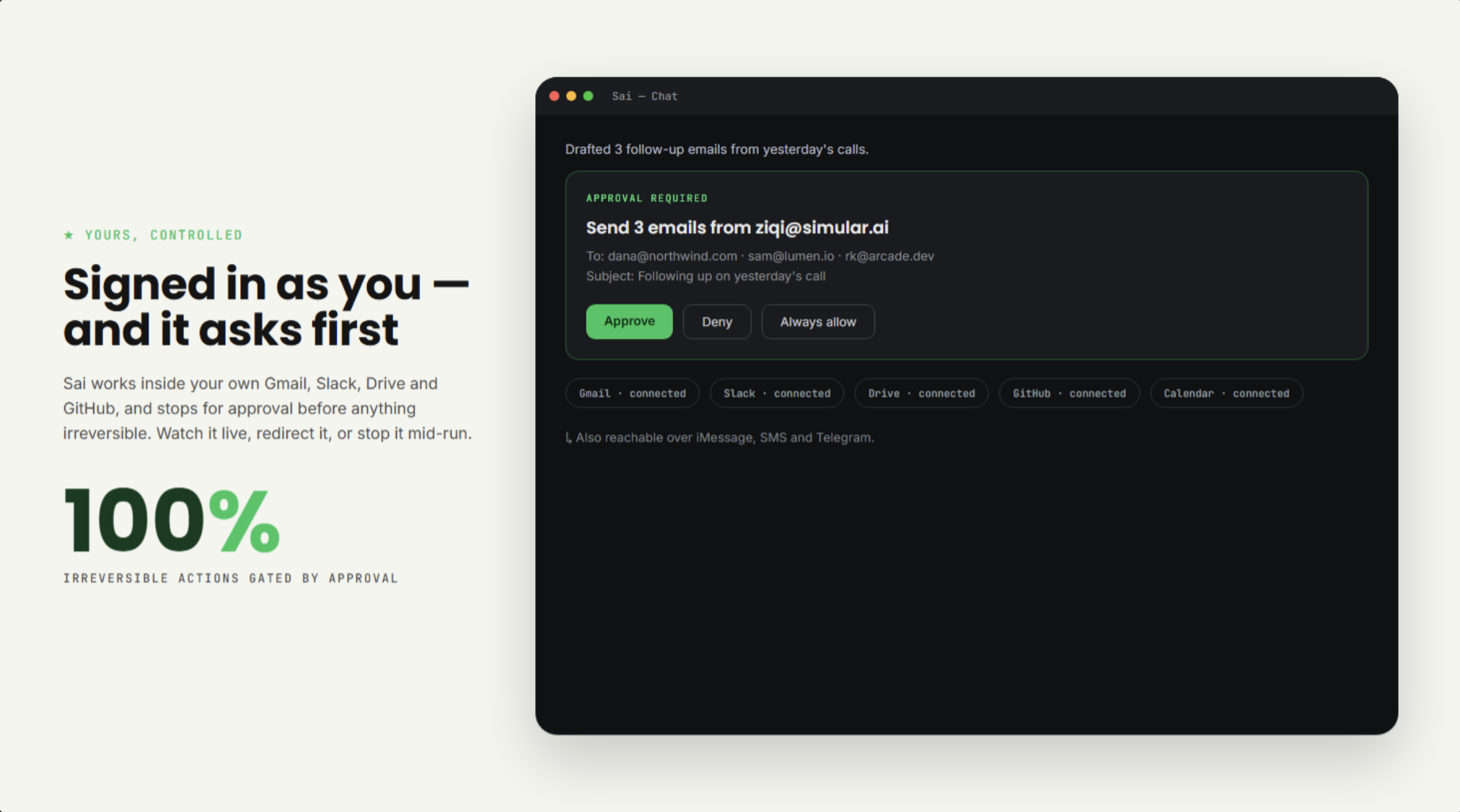
Both tools ask before consequential, hard-to-undo actions — that is table stakes and ChatGPT does it too. What differs is reach and steerability: Sai signs in to sites that have no connector, you can watch its screen live and redirect or stop it mid-run, and you can reach it from iMessage, SMS or Telegram instead of a tab.
ChatGPT is excellent at what it is built for: thinking out loud, drafting and reshaping text, explaining unfamiliar territory, researching deeply. It has also grown real hands — scheduled tasks, connectors into Gmail and Drive, a cloud browser, Codex. If your task fits in a conversation and ends when you copy the answer somewhere, ChatGPT does that well, and the free tier costs nothing.
Sai starts where the conversation ends. It is given its own Mac or Windows machine and works like a colleague with a desk: it opens apps, signs in, clicks through the internal portal nobody built an API for, runs the script, saves the file, and is still holding that same machine tomorrow. It wakes on events as well as clocks, runs several jobs in parallel, asks before anything irreversible, and answers you over iMessage or Telegram.
Pricing is honest either way: ChatGPT has a free tier and Plus at $20/month. Sai is $20/month, and the remote desktop is included — there is no free tier.
Pick ChatGPT to think faster. Pick Sai when the thinking is done and something has to actually happen on a computer.