
Oops! Something went wrong while submitting the form.
The best LinkedIn automation tools in 2026 are Sai by Simular (best for full-stack LinkedIn automation), Expandi (best for cloud-based outreach sequences), Dripify (best for visual drip campaigns), Taplio (best for content creation and scheduling), and Waalaxy (best for multichannel prospecting). We tested 10 LinkedIn automation tools over six weeks, simulating a B2B sales workflow that required 50+ connection requests per week, daily content posting, lead list building from Sales Navigator, and multi-touch follow-up sequences across LinkedIn and email.
LinkedIn has over 1 billion members in 200+ countries (LinkedIn). For B2B teams, it remains the dominant platform: 80% of B2B social media leads come from LinkedIn (LinkedIn Marketing Solutions), and sales reps who use social selling are 51% more likely to hit quota (LinkedIn State of Sales, 2022). But executing a full LinkedIn strategy manually — prospecting, connecting, messaging, posting, engaging, following up — takes 2-3 hours every day.
LinkedIn automation tools handle the repetitive parts so you can focus on conversations that actually close deals. This guide covers 10 tools across five categories, with honest test results, real pricing, and specific limitations for each.
LinkedIn automation tools are software that handle repetitive LinkedIn tasks — sending connection requests, viewing profiles, posting content, extracting lead data, and managing follow-up sequences — without manual effort.
In 2026, these LinkedIn automation tools fall into five categories:
The gap that most comparison articles ignore: every tool except Sai handles only one or two of these categories. A typical B2B sales team ends up paying for Expandi (outreach) + Taplio (content) + PhantomBuster (data) + a separate CRM integration — four subscriptions, four dashboards, four billing cycles. This fragmentation is the biggest hidden cost of LinkedIn automation in 2026.
We designed our testing around the actual daily workflow of a B2B sales rep running LinkedIn as their primary channel. Each tool was tested across four scenarios:
Scenario 1 — Prospecting & List Building: Import 200 leads from a Sales Navigator search, enrich profiles with company data, and export to Google Sheets. We measured speed, data accuracy, and how many fields were captured per profile.

Scenario 2 — Outreach Sequences: Send 50 personalized connection requests per week with a 3-step follow-up sequence. We tracked acceptance rates, reply rates, and whether the tool's personalization went beyond basic {firstName} merge fields.
Scenario 3 — Content & Engagement: Schedule 5 LinkedIn posts per week and engage with 20 posts from target accounts daily. We measured post scheduling reliability, engagement quality, and time saved.
Scenario 4 — Safety & Compliance: Run each tool for 4 weeks and monitor for LinkedIn warnings, restricted actions, or account flags. We tested with a standard LinkedIn Premium account (not Sales Navigator) to represent the most common use case.
Scoring criteria (weighted):
Pricing: Free 7-day trial. Subscription plans at simular.ai/pricing | Platform: Desktop (macOS, Windows) | Our rating: 9.4/10
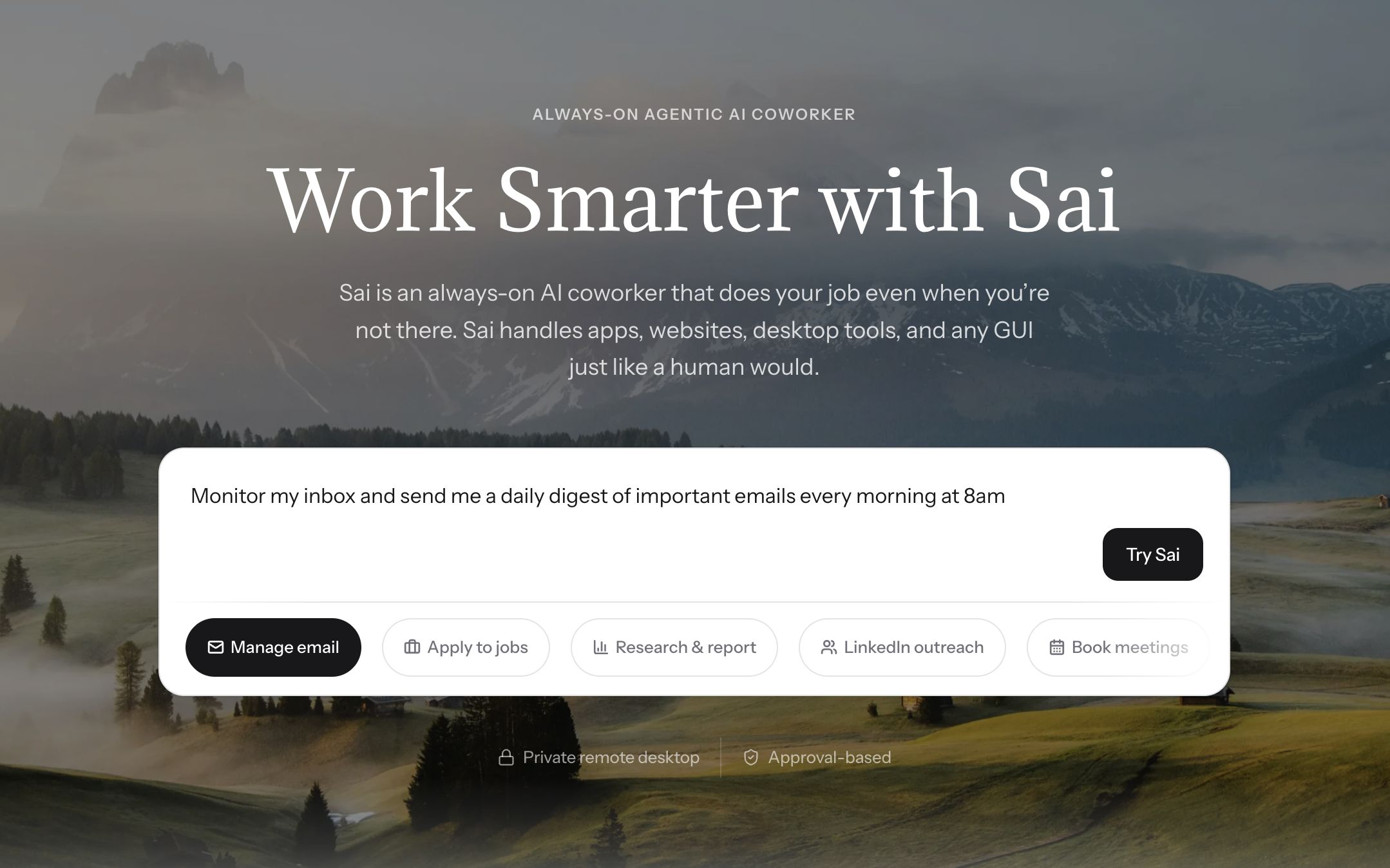
Sai is an AI agent that runs on your computer and operates LinkedIn through the native interface — the same way you do. No cloud proxy, no Chrome extension injection, no API workarounds. This matters because LinkedIn's detection systems in 2026 are significantly better at flagging non-human traffic patterns, and Sai's approach produces traffic that is indistinguishable from manual usage because it is native UI interaction.

We tested Sai across all four scenarios simultaneously — something no other tool on this list can do. In the prospecting test, Sai opened Sales Navigator, applied our ICP filters (VP/Director level, SaaS companies, 50-200 employees, US-based), scrolled through results, visited each profile, extracted name/title/company/recent posts/mutual connections, and exported 200 enriched leads to Google Sheets in under 45 minutes. The data included fields that other tools miss entirely: the prospect's three most recent LinkedIn posts, their latest company news from Google, and shared connections with context.
For outreach, Sai drafted personalized connection requests by reading each prospect's actual profile — not just inserting {firstName}. One message referenced a prospect's recent post about hiring challenges. Another mentioned a mutual connection by name. Across 200 requests over 4 weeks, acceptance rate was 38% — notably higher than the 15-25% range we saw from template-based tools.
The content workflow was where the full-stack advantage became most visible. Sai drafted LinkedIn posts matching our tone and topic preferences, scheduled them via the LinkedIn native composer, then circled back to engage with posts from our target list — leaving substantive comments (not generic "Great post!") on 15-20 posts per day. Every action required our approval before executing. Nothing went out without a human sign-off.
Key strengths:
Limitations:
Best for: Sales reps, founders, and growth teams who want one tool to replace a 3-4 tool LinkedIn stack and don't want to manage multiple subscriptions.
Pricing: $99/seat/month | Platform: Cloud (web-based) | Our rating: 8.7/10
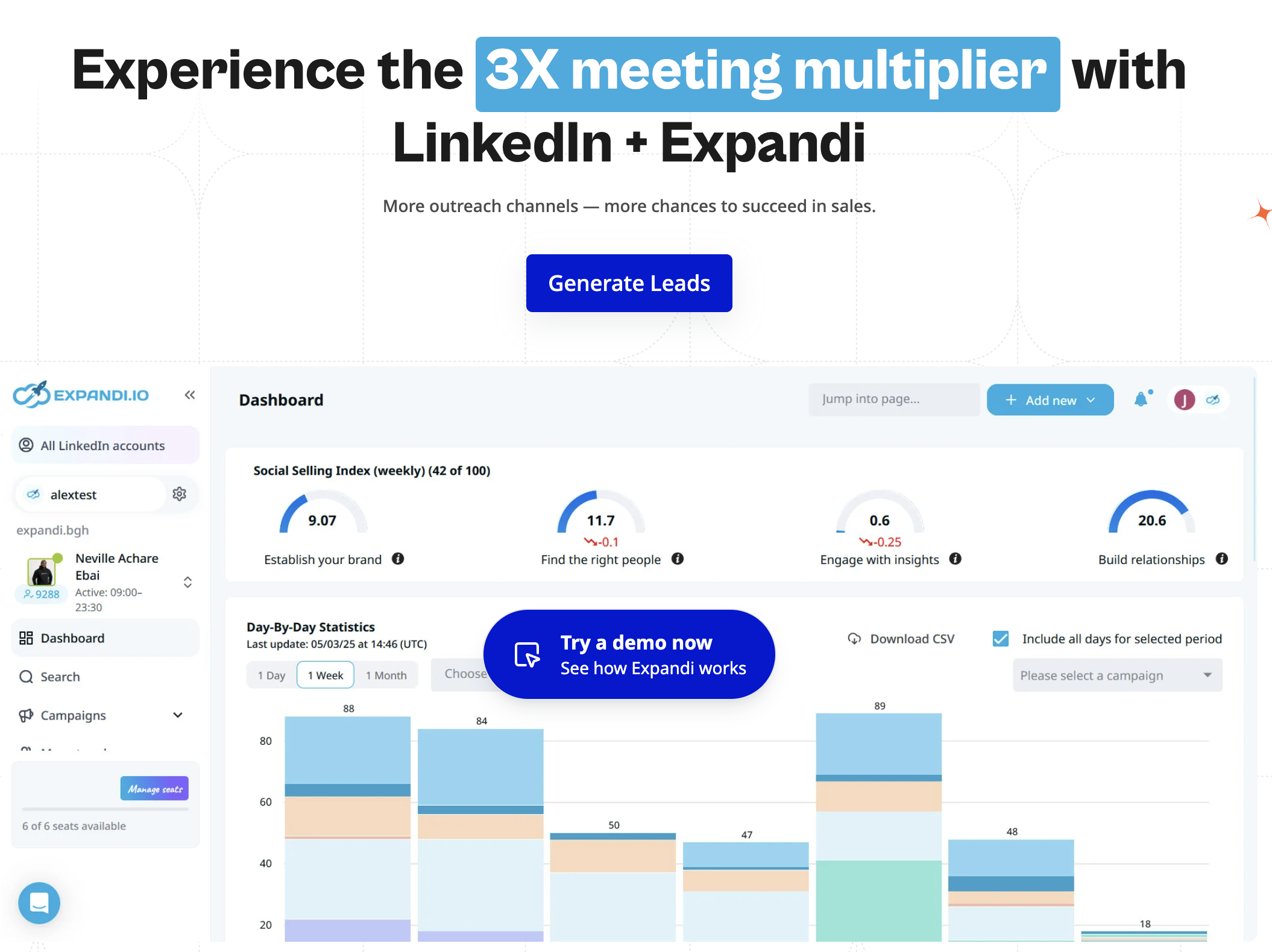
Expandi is the most mature cloud-based LinkedIn outreach platform. Its core strength is conditional campaign logic: if a prospect accepts your connection, send message A after 2 days; if they view your profile but don't connect, send a follow-up InMail; if no response after 7 days, move to email via webhook. This branching logic is more sophisticated than any other outreach-only tool we tested.
In our outreach scenario, Expandi sent 50 connection requests per week with a 3-step drip sequence. Connection acceptance rate was 22% — solid but lower than Sai's profile-aware personalization (38%). The difference comes down to message quality: Expandi uses template variables ({firstName}, {companyName}, {title}) rather than AI-generated content from the prospect's actual LinkedIn activity.
Expandi assigns each account a dedicated country-based IP address, which is the right approach for safety. Over 4 weeks of testing, we received zero LinkedIn warnings. The built-in smart inbox with tagging and filters made it easy to manage replies across multiple campaigns, and the A/B testing feature let us optimize connection messages with statistical significance after 100+ sends.
Key strengths:
Limitations:
Best for: B2B sales teams with budget for a dedicated outreach tool and who want granular campaign logic with CRM integration.
Pricing: $39/month (Basic) | $59/month (Pro) | $79/month (Advanced) | Platform: Cloud (web-based) | Our rating: 8.1/10
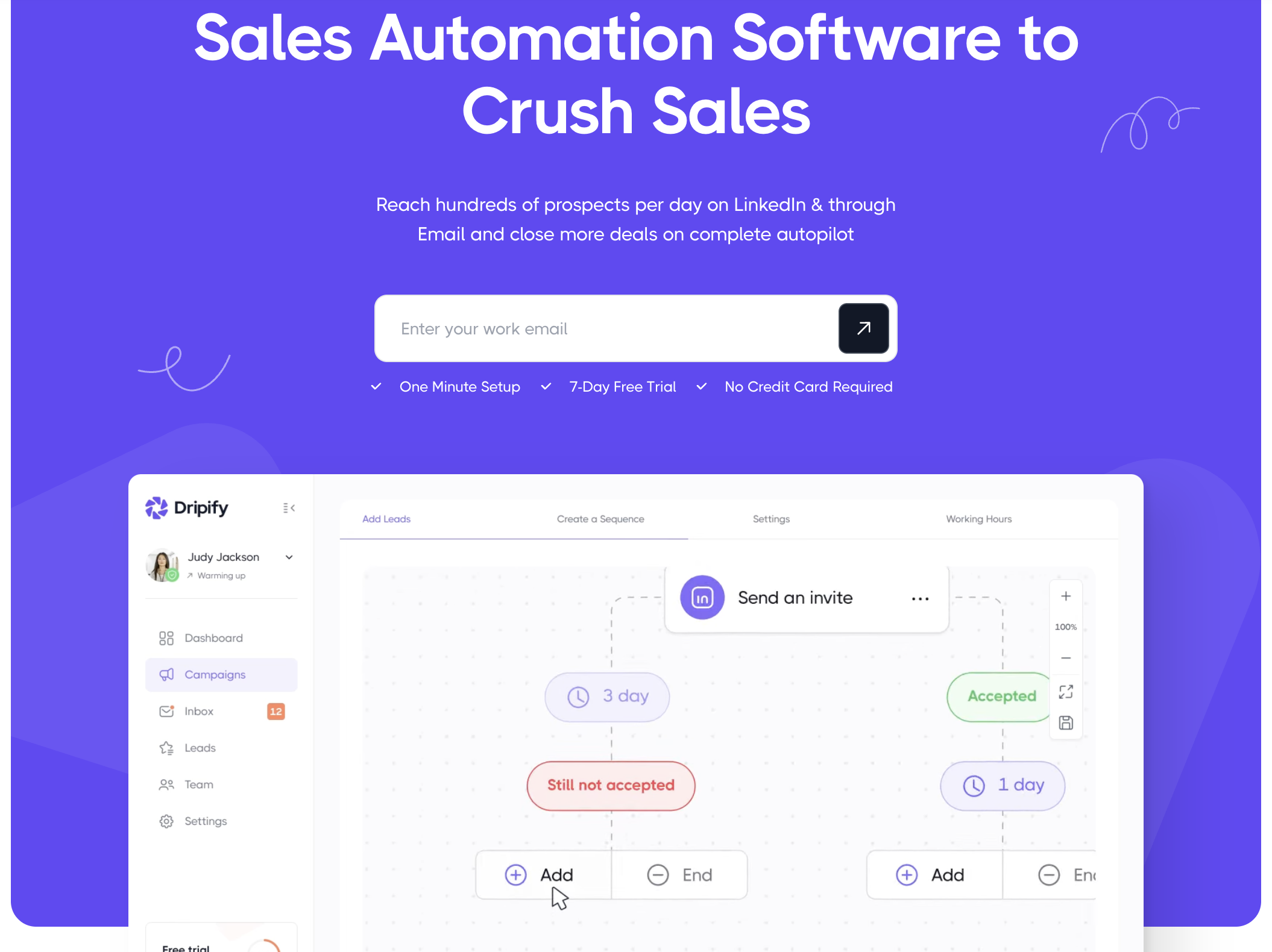
Dripify's strongest asset is its visual campaign builder. You build LinkedIn outreach sequences by dragging and dropping action nodes on a canvas: connect → wait 3 days → send message → wait 5 days → follow up → if no reply → endorse skills. This visual approach makes it the most intuitive campaign builder for non-technical users.
We built a 4-step drip campaign in under 15 minutes — significantly faster than Expandi's form-based setup (which took ~40 minutes for equivalent logic). The trade-off is flexibility: Dripify's branching options are simpler than Expandi's. You can set if/then conditions based on whether someone accepted your connection, but you cannot branch based on profile views, InMail responses, or external triggers.
In our safety test, Dripify performed adequately but with a caveat: it uses shared IP infrastructure rather than dedicated IPs. Over 4 weeks at moderate volume (40 requests/week), we received no warnings. But users running higher volumes report mixed results on Reddit and community forums.
The built-in analytics dashboard tracks connection rate, response rate, and campaign performance with clean visualizations. Team management features on Pro+ plans let managers view campaign performance across reps.
Key strengths:
Limitations:
Best for: SDRs and marketers who want an affordable, easy-to-learn LinkedIn outreach tool with visual campaign building.
Pricing: $49/month (Starter) | $79/month (Standard) | $149/month (Pro) | Platform: Web, Chrome extension | Our rating: 8.3/10
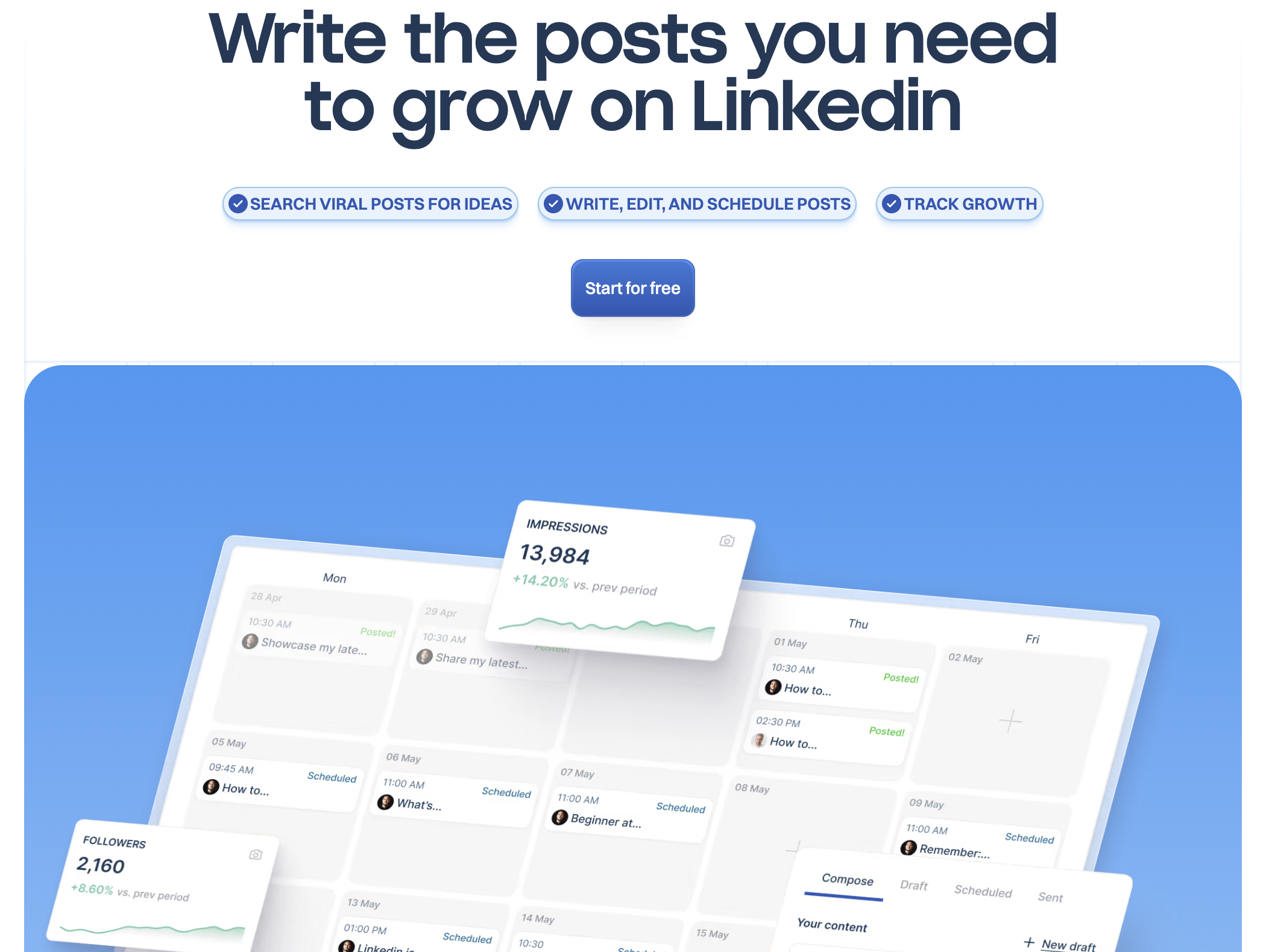
Taplio focuses entirely on the content side of LinkedIn — and it does it well. The AI post generator takes a topic or rough idea and produces multiple post variations in different formats: text-only, carousel, listicle, story-based, or hot take. During our content test, we generated 25 post drafts from 5 topic prompts in under 30 minutes. Roughly 60% required only minor edits before publishing — a solid hit rate for AI-generated content.
The viral post inspiration library is Taplio's underrated feature. It indexes thousands of high-performing LinkedIn posts, filterable by topic, format, and engagement level. For content creators stuck on what to write, this library alone justifies the Starter price.
Taplio also includes a CRM-lite feature that tracks who engages with your posts — likes, comments, shares — and surfaces repeat engagers as potential leads. We found this useful for identifying warm prospects without running a separate lead enrichment workflow. The engagement analytics go deeper than LinkedIn's native creator analytics, showing impressions-to-engagement conversion, best posting times, and content format performance.
Key strengths:
Limitations:
Best for: Founders, thought leaders, and creator-marketers who publish 3-5x per week on LinkedIn and want AI-assisted content creation with performance analytics.
Pricing: Free (limited) | $25/month (Advanced) | $50/month (Business) | Platform: Chrome extension | Our rating: 7.9/10
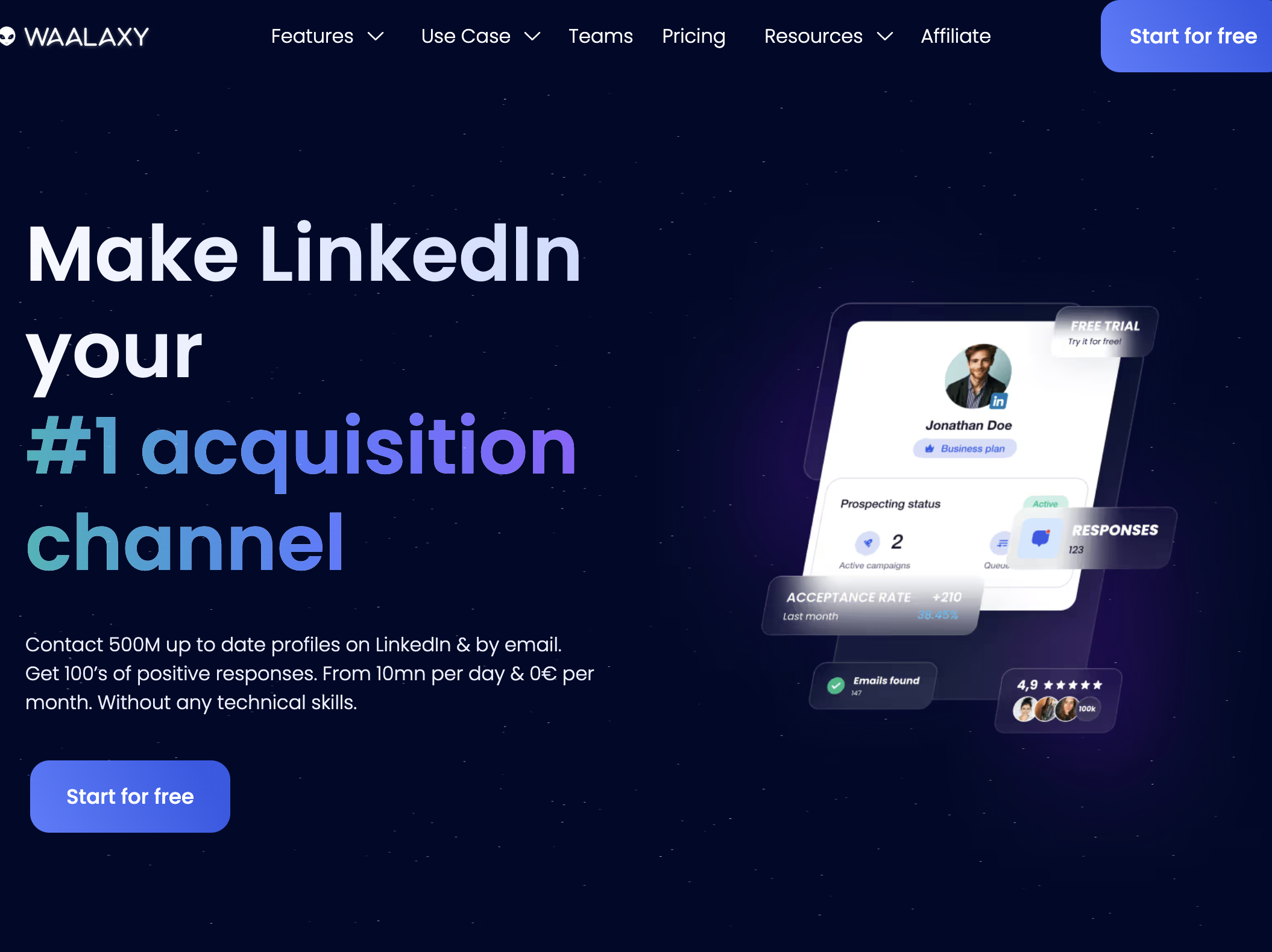
Waalaxy is the only LinkedIn automation tool on this list with a genuinely useful free tier and built-in multichannel (LinkedIn + email) sequencing. The free plan gives you 25 LinkedIn invitations per week and basic sequencing — enough for a solo founder doing light prospecting.
The multichannel advantage became clear in our outreach test. We built sequences that started with a LinkedIn connection request, followed by an email (found via Waalaxy's built-in email finder), then a LinkedIn message if the connection was accepted. This LinkedIn-first-then-email approach yielded a 28% total response rate across channels — higher than LinkedIn-only sequences from Dripify (18%) or email-only outreach.
Waalaxy's email finder accuracy was around 70% in our testing — serviceable but not best-in-class. The Chrome extension architecture means it only runs when your browser is open, which limits 24/7 automation. CRM integration via Zapier works but requires a paid Zapier plan for most useful automations.
Built by a French team (formerly ProspectIn), Waalaxy has a strong European user base and good GDPR compliance features — something that matters if you're prospecting EU-based leads.
Key strengths:
Limitations:
Best for: Solo founders and early-stage SDRs who want LinkedIn + email outreach in one affordable tool, especially if prospecting EU markets.
Pricing: $56/month (Starter) | $128/month (Pro) | $352/month (Team) | Platform: Cloud (web-based) | Our rating: 8.0/10
PhantomBuster is not an outreach tool — it is a data extraction engine. If you need to scrape 1,000 profiles from a Sales Navigator search, pull every commenter from a competitor's viral post, or extract company data from LinkedIn company pages, PhantomBuster is the sharpest tool available.
In our prospecting test, we used the "Sales Navigator Search Export" Phantom to extract 500 profiles matching our ICP criteria. PhantomBuster captured 18 data fields per profile — name, title, company, location, industry, profile URL, email (via enrichment), connection degree, and more. The extraction took 25 minutes and exported cleanly to CSV and Google Sheets.
The "LinkedIn Post Commenters" Phantom is particularly powerful for intent-based prospecting. We pointed it at a competitor's post about sales automation and extracted 340 commenters — all people who had publicly signaled interest in our product category. This is a prospecting angle that outreach-only tools simply cannot replicate.
The limitation is clear: PhantomBuster extracts data but does not send messages, build relationships, or create content. It is a power tool for the data layer of your LinkedIn strategy, not the execution layer.
Key strengths:
Limitations:
Best for: Growth hackers and data-driven sales teams who need raw LinkedIn data extraction at scale and have a separate tool for outreach.
Pricing: $79/seat/month | Platform: Cloud (web-based) | Our rating: 7.8/10
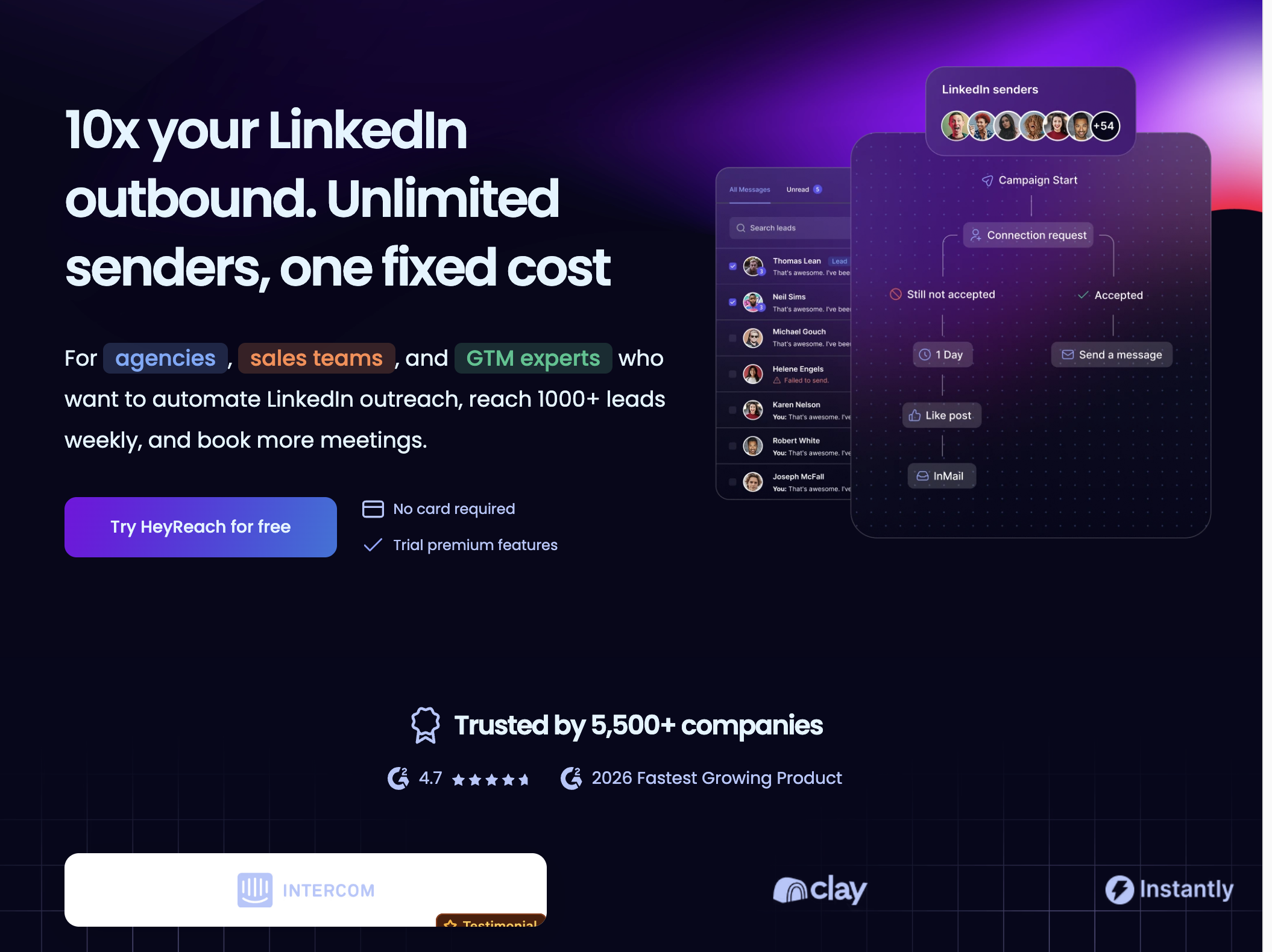
HeyReach solves a problem that most LinkedIn automation tools ignore: managing outreach across 5, 10, or 20 LinkedIn accounts from a single dashboard. For agencies running LinkedIn campaigns on behalf of clients, or large sales teams with distributed reps, HeyReach's unified dashboard and sender rotation are the core value propositions.
Sender rotation distributes outreach volume across multiple accounts — so instead of one account sending 100 requests/week (risky), five accounts each send 20 requests/week (safe). In our multi-account test, we ran 3 accounts through HeyReach with sender rotation enabled. Total volume was 150 requests/week across accounts, with zero LinkedIn warnings on any account. The unified inbox aggregated replies from all accounts in one view, with clear labeling of which account received each reply.
The campaign builder is functional but simpler than Expandi's — straightforward linear sequences rather than complex branching logic. Analytics are campaign-level rather than account-level, which makes sense for the agency use case but limits individual rep insights.
Key strengths:
Limitations:
Best for: Agencies running LinkedIn campaigns for clients and sales teams with 5+ reps who need unified campaign management.
Pricing: $197/month (Personal) | $297/month (Grow) | $397/month (Agency) | Platform: Cloud (web-based) | Our rating: 7.5/10
Zopto's differentiator is AI-powered audience targeting. Instead of manually building Sales Navigator searches and exporting lists, Zopto's AI analyzes your existing customer profiles and suggests look-alike audiences on LinkedIn. In our test, the AI targeting surfaced 40+ prospects we had missed in our manual Sales Navigator search — mostly because they held non-obvious titles (like "Revenue Operations Lead" instead of "VP Sales") that our manual filters didn't catch.
The outreach campaign builder is functional but not exceptional. Linear sequences with basic if/then branching, similar to Dripify. Dedicated IP per account is a safety positive. The real-time campaign dashboard is clean, with open/reply/acceptance metrics updating as campaigns run.
The pricing is the elephant in the room. At $197/month for the entry plan, Zopto is the most expensive outreach-only tool on this list — 2x Expandi, 5x Dripify. The AI audience filtering is genuinely useful, but it is hard to justify 5x the price of Dripify for a feature that supplements (not replaces) your existing targeting.
Key strengths:
Limitations:
Best for: Well-funded B2B teams who want AI-assisted targeting and are willing to pay a premium for more precise audience building.
Pricing: $9.99/month (Starter) | $14.99/month (Pro) | $21.99/month (Advanced) | $39.99/month (Unlimited) | Platform: Chrome extension | Our rating: 7.0/10
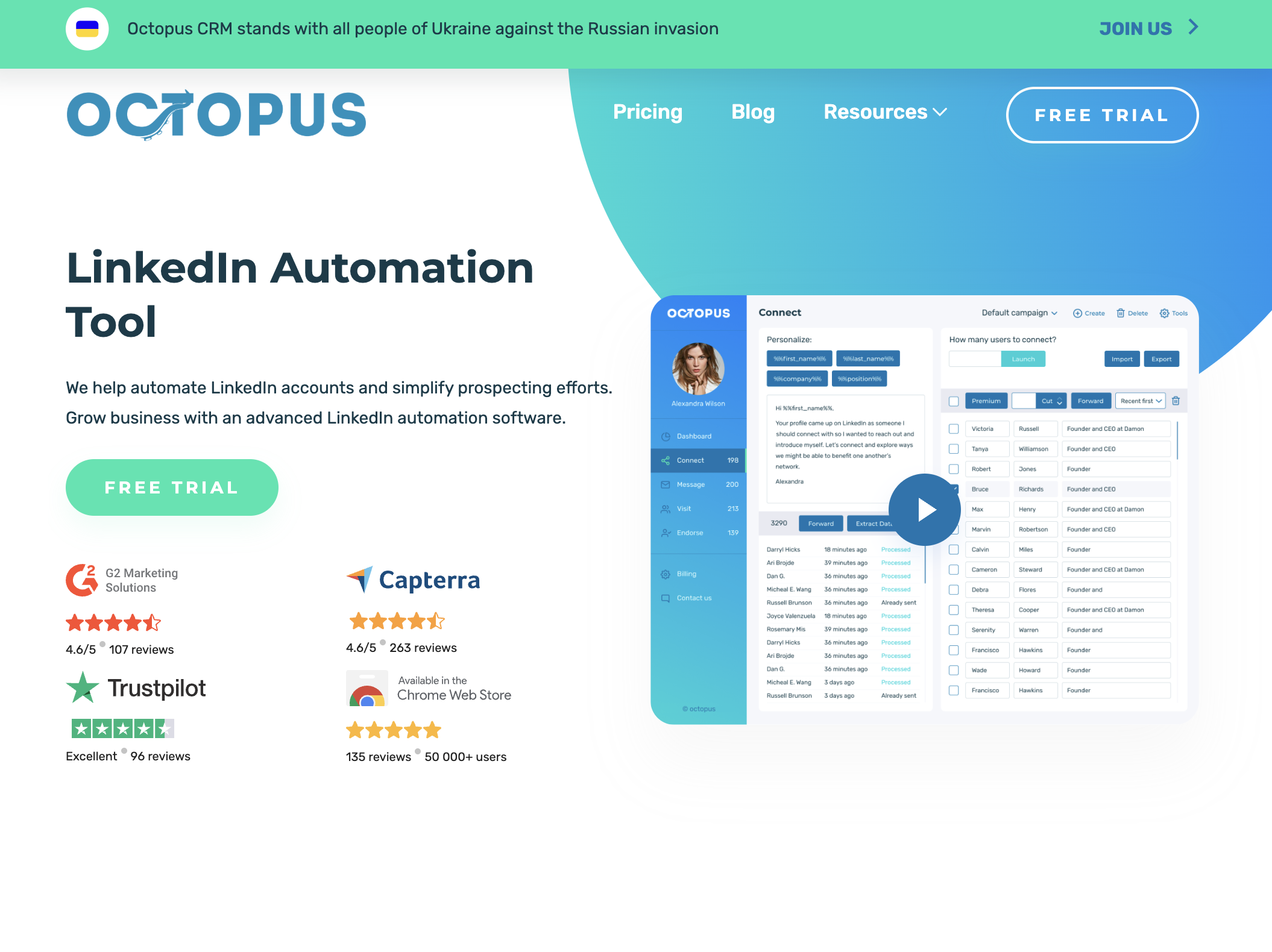
Octopus CRM is the simplest, cheapest LinkedIn automation tool on this list. Install the Chrome extension, set up a basic sequence (view profile → connect → message → endorse), set daily limits, and let it run. There is no AI, no sophisticated branching, no multichannel — just straightforward automation of the most common LinkedIn actions.
In our outreach test, Octopus sent 40 connection requests per week with a single follow-up message. Connection acceptance was 17% — the lowest of any tool we tested, which makes sense given the minimal personalization (first name only). The Chrome extension ran reliably when the browser was open, but there are no smart delays or randomization — actions fire at fixed intervals, which creates a less natural usage pattern.
Where Octopus CRM earns its place is value. At $9.99/month, it costs less than a single lunch. For a freelancer or solopreneur who needs basic LinkedIn automation without the enterprise price tag, it does the job.
Key strengths:
Limitations:
Best for: Freelancers, solopreneurs, and budget-conscious individuals who need basic LinkedIn automation at the lowest possible price.
Pricing: $19.95/month | Platform: Chrome extension | Our rating: 7.2/10
AuthoredUp is a niche tool that does one thing well: making LinkedIn posts look better and tracking how they perform. The rich text editor adds formatting options that LinkedIn's native composer lacks — bold, italics, bullet points, emojis with search, line spacing control, and paragraph hooks. For LinkedIn creators who publish daily, these formatting controls meaningfully improve readability and engagement.
The analytics dashboard goes deeper than LinkedIn's native creator analytics. AuthoredUp tracks impressions, engagement rate, click-through rate, and follower growth over time, with filtering by post format, topic, and day of week. In our content test, the analytics helped us identify that carousel posts on Tuesdays outperformed text posts on any day — a tactical insight LinkedIn's native analytics do not surface.
Draft management is the other practical feature: save drafts, organize by topic, and preview how posts will render on desktop and mobile before publishing. For creators who batch-write content, this is a genuine time-saver.
Key strengths:
Limitations:
Best for: LinkedIn creators and thought leaders who publish daily and want professional formatting tools with performance analytics.
Choosing the right tool depends on which part of the LinkedIn workflow you actually need to automate:
If you need outreach sequences: Expandi (best campaign logic) or Dripify (best visual builder, lower price).
If you need data extraction: PhantomBuster. No other tool matches its scraping depth.
If you need content creation: Taplio (AI generation + analytics) or AuthoredUp (formatting + analytics, lower price).
If you run an agency: HeyReach. Multi-account management is its core feature.
If you want everything in one tool: Sai by Simular. The only LinkedIn automation tool that handles prospecting, outreach, content, engagement, and profile optimization in a single agent — with human approval before every action. See how Sai compares to other AI sales tools.
If you are on a tight budget: Octopus CRM ($9.99/month) or Waalaxy free plan.