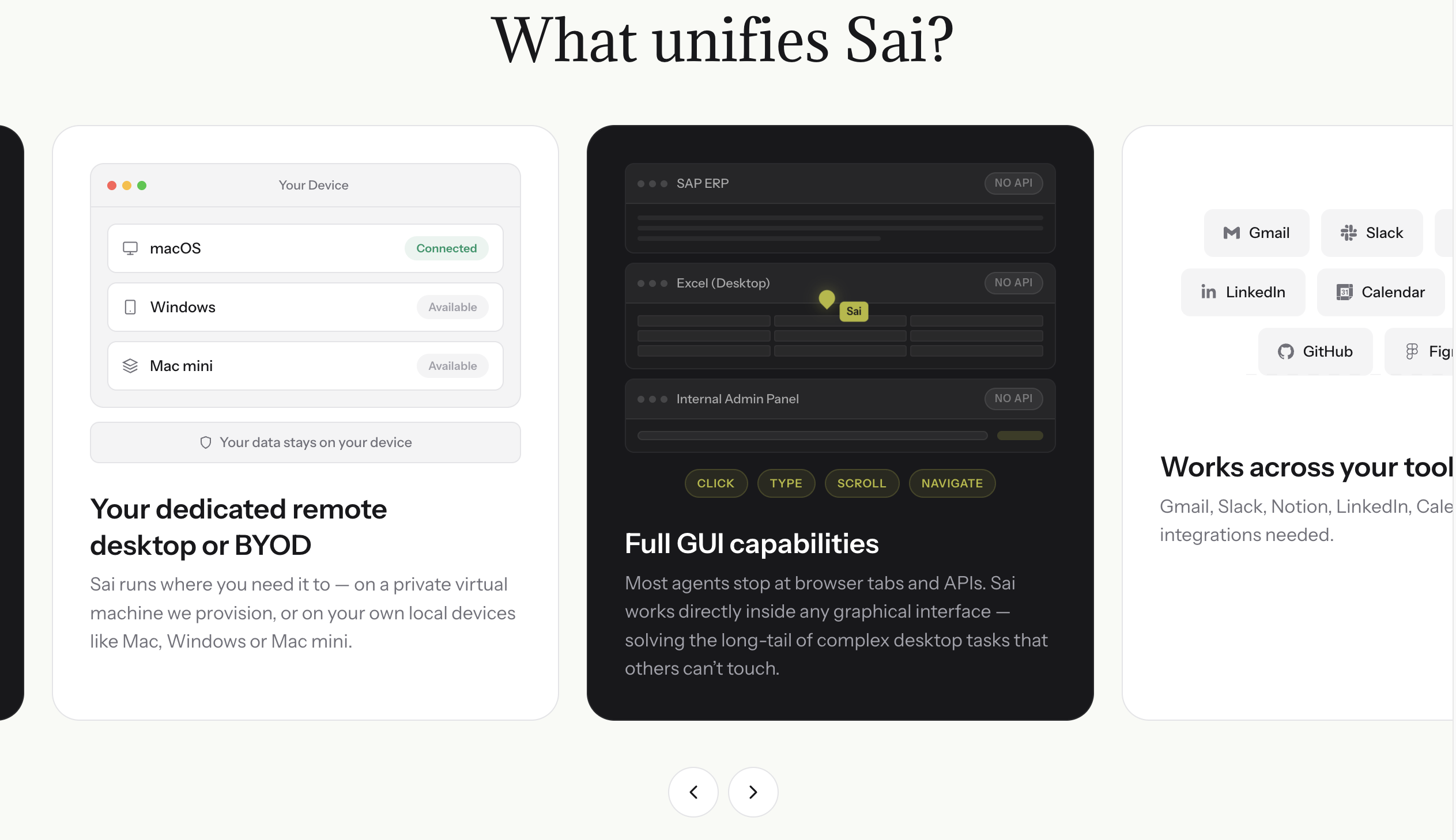
Sai is an AI workforce agent built by Simular that automates computer tasks by controlling a real browser — the same way you would. For LinkedIn commenting, this means Sai does not use APIs or browser extensions that LinkedIn can detect. It operates inside a secure cloud Workspace with a full browser instance, scrolling through feeds, reading posts, and typing comments exactly like a human user would.
How Sai's LinkedIn Commenting Workflow Operates
Here is the step-by-step process Sai follows when you activate a LinkedIn commenting workflow:
Step 1: Define your commenting strategy.
You tell Sai who to engage with and what topics matter to you, in plain language:
"Comment on posts from AI startup founders, VCs who invest in B2B SaaS, and marketing leaders in tech. Focus on topics related to AI automation, go-to-market strategy, and product-led growth. Avoid political content, cryptocurrency, and personal life updates. My commenting tone is professional but conversational — I share specific experiences and data when possible, and I ask genuine questions."
Sai stores this as your engagement profile — a persistent context that guides every comment it generates.
Step 2: Sai opens LinkedIn and scans your feed.
Using its built-in browser automation, Sai navigates to LinkedIn, scrolls through your feed, and identifies posts that match your defined criteria. It reads each post in full — not just the first two lines, but the entire expanded text, any linked articles, and even the existing comment thread (to avoid duplicating something someone else already said).
Step 3: Sai generates a contextual, unique comment.
For each qualifying post, Sai drafts a comment that:
- Directly references specific content from the post. Not generic reactions, but responses to actual claims, data points, or stories the author shared.
- Matches your personal voice and tone. If you tend to be concise and analytical, Sai writes concisely. If you use informal language and emoji, Sai adapts to that style.
- Varies in structure. Some comments are questions, some share a personal anecdote, some respectfully challenge a point, some add a relevant data point. No two consecutive comments follow the same format.
- Stays within optimal length. Sai targets 30-80 words per comment — long enough to be substantive, short enough to be read in full. It avoids the "essay comment" trap.
-
Step 4: Sai paces interactions at human speed.
After posting each comment, Sai waits 1-3 minutes (randomized) before engaging with the next post. During wait periods, it performs natural filler actions — scrolling past posts, pausing on content, occasionally reacting (like/celebrate) without commenting. This mimics the behavioral pattern of a real user browsing their feed.
Step 5: Sai logs everything for your review.
After each commenting session, Sai provides a summary of what it did: which posts it commented on (with links), what comments it left, and engagement metrics from previous comments (likes received, replies generated, profile views triggered). This lets you review quality and refine your strategy over time.
Sai's Built-in LinkedIn Skills
Sai comes with specialized Skills — pre-built capabilities that handle specific LinkedIn workflows. For auto-commenting, the relevant Skills include:
LinkedIn Inner Circle Activation Skill This Skill maintains a list of your most important connections — hiring managers you are targeting, potential clients, industry leaders, or close collaborators. Sai checks their profiles daily for new posts and prioritizes commenting on them. You define the inner circle once, and Sai ensures these people see your name consistently. This is the "warm-up" strategy that makes later DMs and outreach feel natural rather than cold.
LinkedIn Creator Engagement Skill For creators and influencers managing high-volume interactions, this Skill handles the other side of commenting — triaging and responding to comments on your own posts. It categorizes incoming comments (genuine questions, supportive reactions, spam), drafts replies that match your voice, and prioritizes high-value interactions (comments from target accounts or people with large followings).
LinkedIn Account Diagnostic Skill Before automating comments, this Skill audits your LinkedIn profile and recent activity to identify issues. It checks your posting frequency, engagement patterns, content mix, and network health. The diagnostic tells you exactly where commenting automation will have the highest impact — for example, if your profile views are low but your content quality is high, the bottleneck is visibility, and commenting is the right lever to pull.
LinkedIn Activation Automation Skill This is the daily operational Skill that combines commenting with connection requests. It targets 5-10 relevant posts for thoughtful comments and sends 20-30 connection requests to suggested people in your niche per day. The commenting warms up your profile visibility while connection requests grow your network simultaneously — both operating at safe velocity limits.

.svg)


.svg)