
Oops! Something went wrong while submitting the form.
"Best AI agent" is now a search for two different products sold under one label. One is a chat assistant that writes and calls APIs. The other is an autonomous computer — an agent that sees a screen, moves a cursor, opens desktop applications, and works inside accounts you are already signed into. The gap between them decides whether a tool finishes your work or hands you a plan for it.
This comparison covers 11 tools, verified against vendor documentation and pricing pages on 11 September 2026, and states where each one stops.
An AI agent is a system that takes a goal in natural language, breaks it into steps, executes those steps against real software, observes the result, and adapts until the goal is met or it needs permission to continue. It differs from a chatbot in that it acts rather than answers, and from a workflow builder in that the sequence is decided at run time rather than wired in advance by a human.
Agents divide by the surface they can reach. API agents call documented endpoints — reliable, but blind to anything without an API. Browser agents drive a web page inside a cloud sandbox — broader, but confined to a browser tab and usually to a fresh, logged-out session. Computer-use agents control an entire operating system: browser, desktop applications, file system, and the accounts already authenticated on that machine. The academic benchmark for the third category is OSWorld, which scores agents on real tasks in a live Ubuntu environment rather than on scripted API calls.
What it is. Sai is a computer-use agent: you describe the outcome in plain English, and Sai does the work on a real computer by seeing the screen, clicking and typing. It runs on its own cloud computer (Windows or Linux) or on your Mac or Windows machine, and it works in whatever is on that screen: Chrome, Excel, a desktop CRM, a file manager, an internal tool behind SSO. Because it works through the interface rather than through APIs, it can automate any app you can use yourself, not only the ones with a public integration.
Best for. Operators, analysts, recruiters and marketers whose work spans several tools that do not talk to each other, and who need the result delivered rather than described.
Strengths.
Limitations.
Pricing (checked October 2026).
Sai and the Sai API share the same plans. See Sai pricing.
Compare directly: ChatGPT vs Sai · Grok vs Sai · OpenClaw vs Sai · Hermes Agent vs Sai
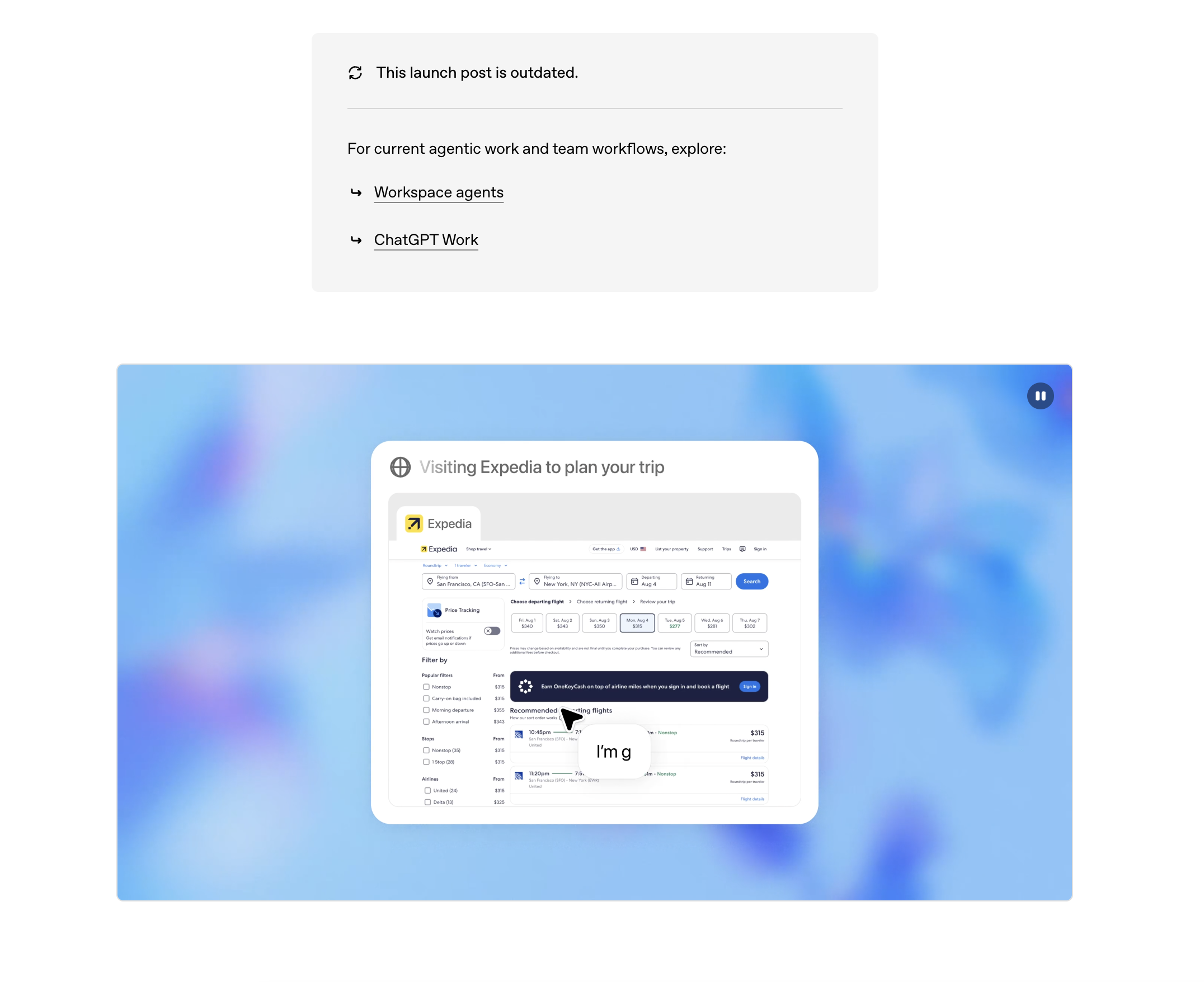
What it is. ChatGPT's agent mode gives the assistant a virtual computer in OpenAI's cloud, with a built-in browser, a terminal and connectors to apps such as Gmail and Google Drive. Announced in OpenAI's ChatGPT agent post, it can browse, fill forms, build spreadsheets and hand back files.
Best for. Knowledge workers who want research, drafting and light web tasks in the tool they already open every day.
Strengths. Strongest general reasoning in daily use; scheduled tasks; connectors to mainstream SaaS; a built-in browser and interactive apps on paid tiers.
Limitations. The computer it drives is OpenAI's, not yours. It cannot open the CRM client installed on your laptop, cannot read a folder on your disk unless you upload it, and starts most sessions logged out — anything behind your SSO requires signing in inside the sandbox. Session state is not durable across runs the way a persistent machine is.
Pricing (verified 11 Sep 2026). Free $0; Go $8/month; Plus $20/month; Pro from $100/month; business and enterprise plans priced separately. See ChatGPT pricing.
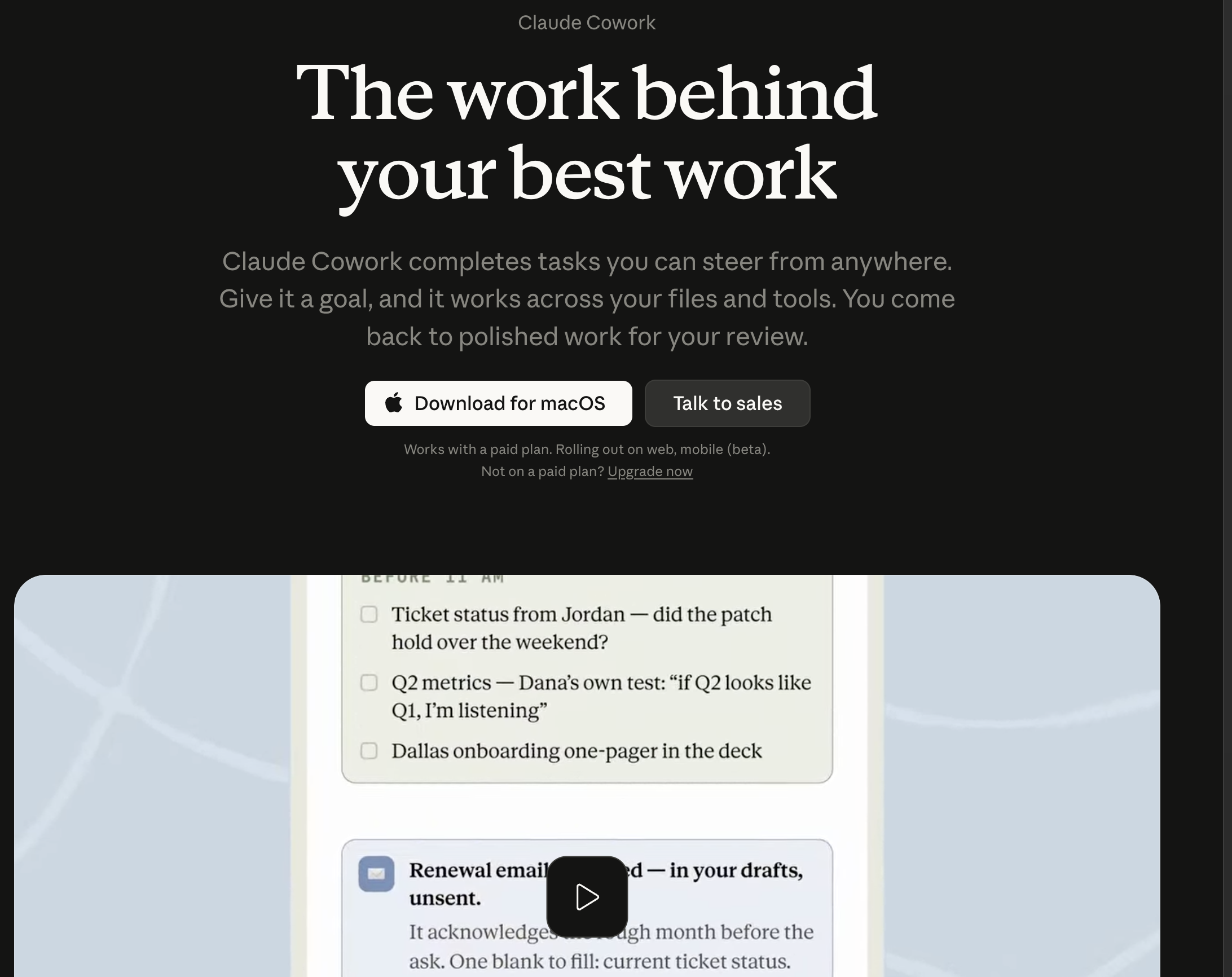
What it is. Claude ships computer use as a developer capability: the model is given screenshots and returns cursor and keystroke actions, documented since Anthropic's computer-use launch. Claude Code extends the same reasoning to a terminal-resident coding agent.
Best for. Engineering teams that want to build a bespoke agent and own the runtime.
Strengths. High-quality reasoning and code generation; computer use exposed as a tool through the API; large ecosystem via the Model Context Protocol; Claude Code is widely used for real repository work.
Limitations. Computer use is a building block, not a finished product — you supply the virtual machine, the screenshot loop, the safety rails and the scheduler. Anthropic's own documentation describes it as slower and more error-prone than API-based tool use. The consumer Claude app does not drive your desktop.
Pricing (verified 11 Sep 2026). Pro $20/month ($17/month billed annually); Max from $100/month; Team $25/seat/month ($20 annual), Team Premium $125/seat ($100 annual); API billed per token. See Anthropic pricing.
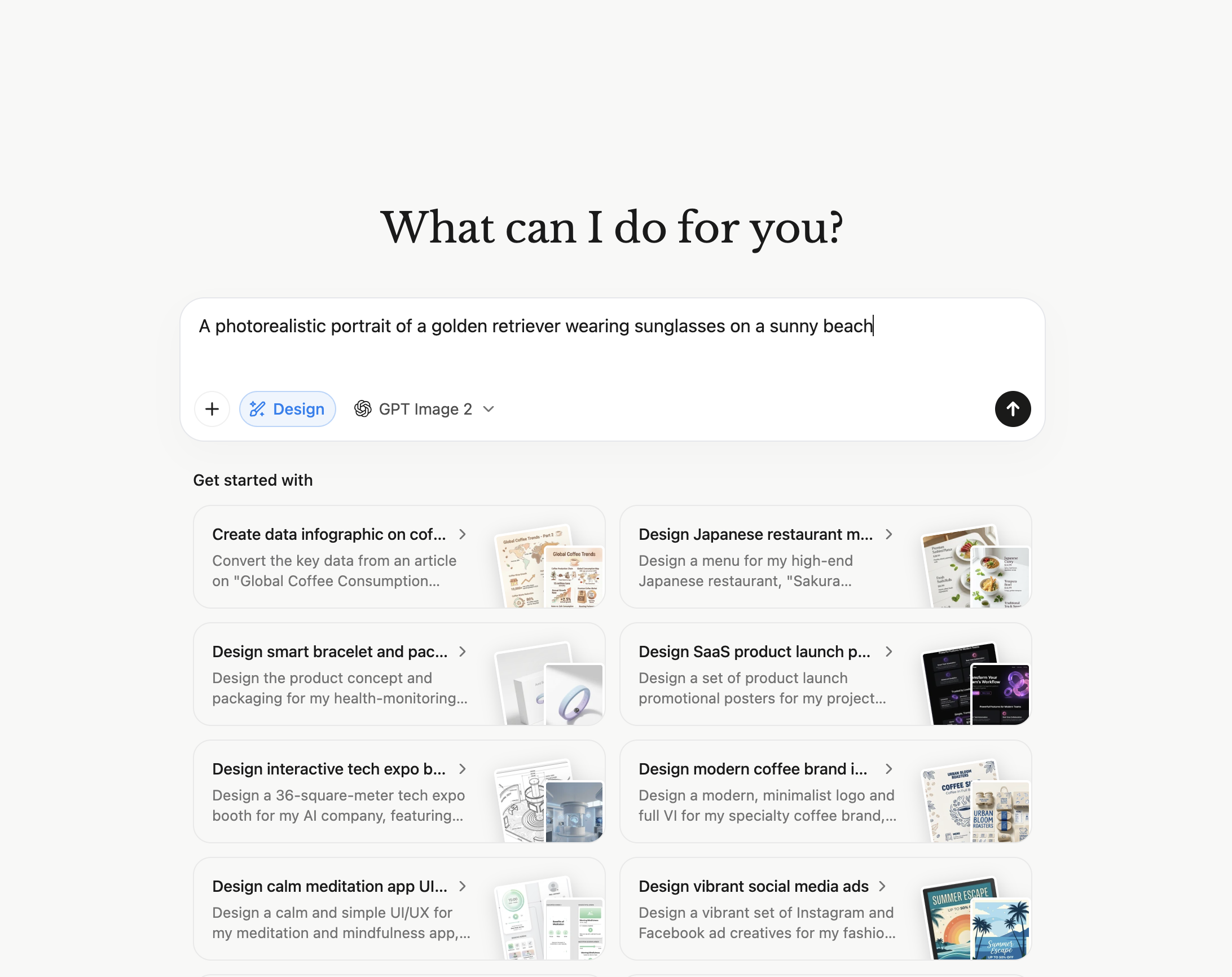
What it is. A general cloud agent that plans autonomously and returns finished artefacts — slide decks, sheets, sites, research reports — from a single prompt, running asynchronously while you close the tab.
Best for. Consultants and founders who want a deliverable produced from a brief without supervising the steps.
Strengths. Genuinely long-running autonomy; concurrent and scheduled tasks; produces files rather than chat text; higher tiers include a cloud computer.
Limitations. Everything happens in Manus's cloud, so local applications and files are out of reach. Consumption is metered in credits, which makes cost per task hard to predict before you run it. Tasks that need your authenticated internal systems require logging in inside their environment.
Pricing (verified 11 Sep 2026). $20/month for 4,000 credits; $40/month for 8,000; $200/month for 40,000 with a cloud computer included. See Manus pricing.
What it is. Gemini with agentic browsing and Workspace integration, extending research and multi-step web tasks across Google surfaces.
Best for. Teams standardised on Gmail, Docs, Sheets and Drive.
Strengths. Deep native access to Workspace data; very long context; strong multimodal handling; bundled into an existing Google subscription for many buyers.
Limitations. Agentic capability is strongest inside Google's own products and thins out beyond them. No control of your desktop or local file system, and third-party tools are reached through integrations rather than the UI.
Pricing (verified 11 Sep 2026). Google AI Pro $19.99/month; higher AI Ultra tier and Workspace business plans priced separately. See Google AI plans.
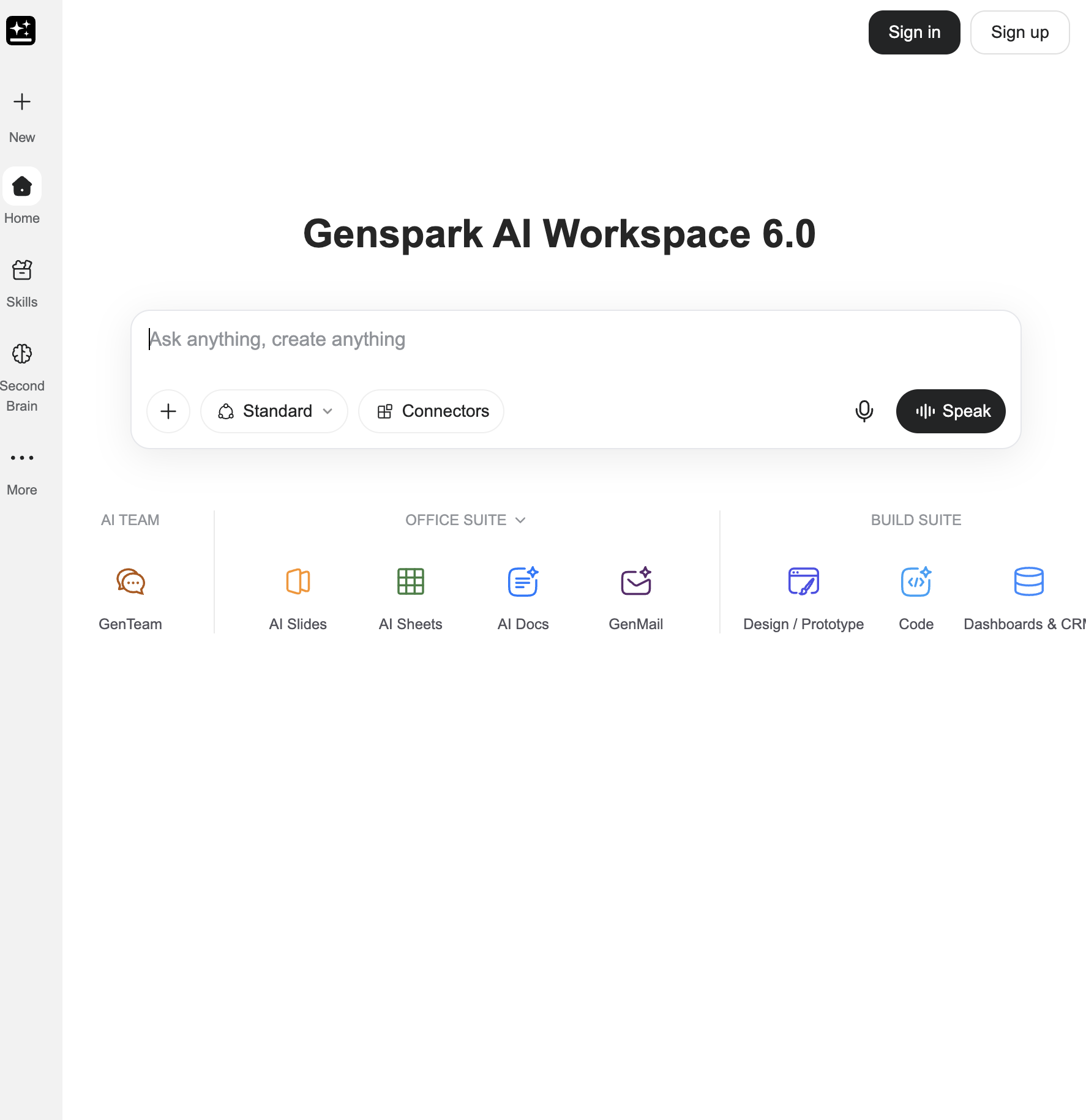
What it is. An AI workspace combining a general "super agent" with document, slide, sheet and mail tools, plus a Google Workspace plugin.
Best for. Small teams that want agent output and an office suite in one subscription.
Strengths. Broad set of built-in generators; agent output lands directly in editable documents; a single workspace instead of a stack of point tools.
Limitations. Cloud-only, like the other hosted agents — no desktop or local file control. Genspark's pricing page is behind a sign-in as of 11 September 2026, so plan costs cannot be verified without an account; budget on a credit model. See Genspark.
What it is. An autonomous software engineer that takes a ticket, works in its own environment with an editor, shell and browser, and opens a pull request.
Best for. Engineering teams offloading well-specified backlog work.
Strengths. Purpose-built for repository work; runs long tasks unattended; parallel sessions; integrates with the normal code review flow.
Limitations. Scope is software engineering only — it is not a general-purpose agent for operations, sales or admin work. Team usage is metered in ACUs, and complex tasks still need review before merge.
Pricing (verified 11 Sep 2026). Free tier $0; Pro $20/month; team and enterprise plans metered in ACUs. See Devin pricing.
What it is. An open-source library that lets an LLM control a browser, plus hosted browser infrastructure for running those agents at scale.
Best for. Developers building their own web-automation product.
Strengths. Fully inspectable and self-hostable; usage-based hosted browsers with no subscription; proxy handling built in; can reuse your own browser profiles and cookies.
Limitations. A framework, not an application — there is no interface for a non-developer, and reliability is whatever you engineer. Confined to the browser: no desktop applications, no file system beyond downloads.
Pricing (verified 11 Sep 2026). Pay as you go, credits from $5, no expiry; hosted browsers $0.02/hour; residential proxies $5/GB, direct traffic $0.20/GB. See Browser Use pricing.
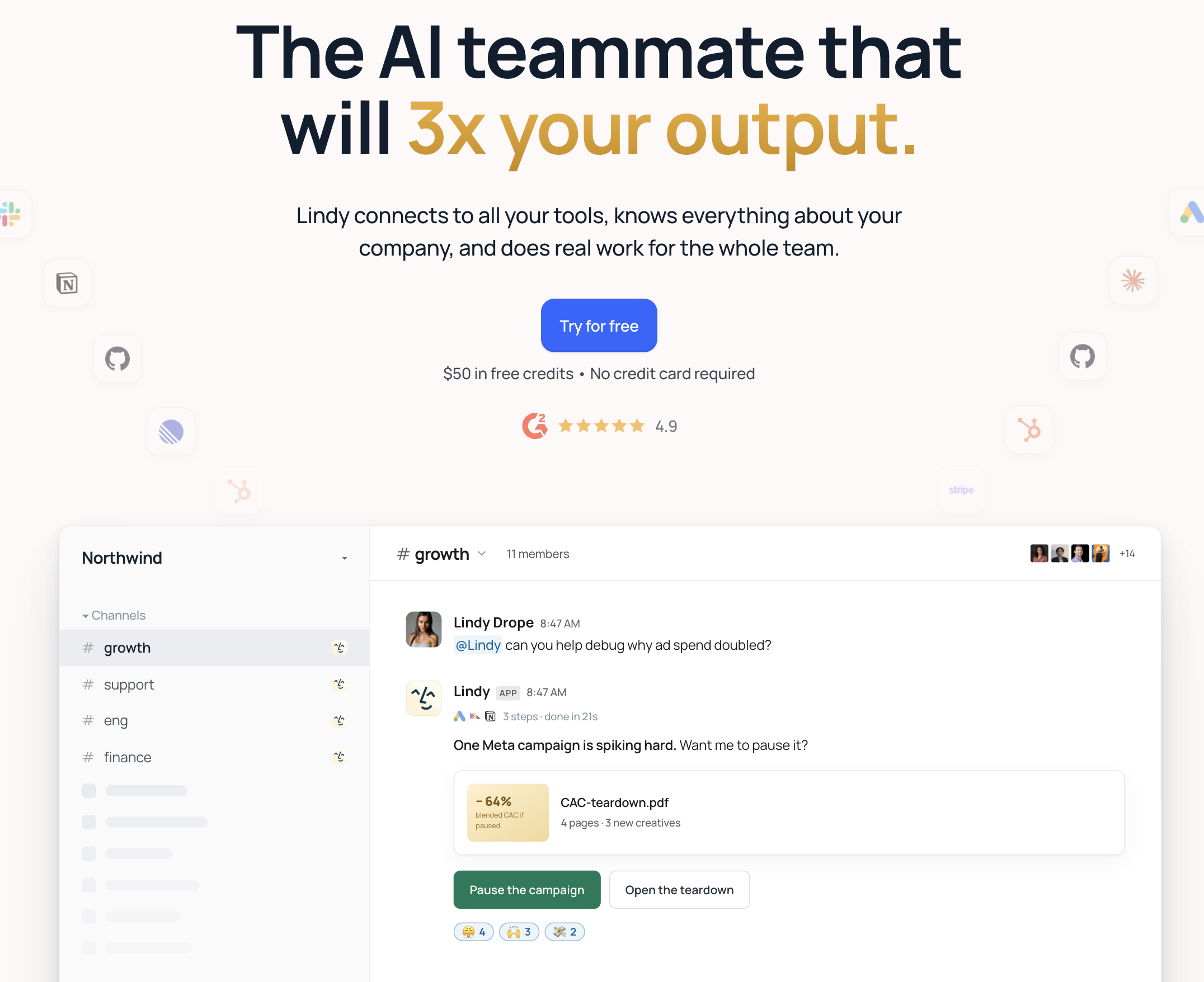
What it is. A no-code platform for building AI assistants that trigger on events — an inbound email, a calendar invite, a form submission — and act through app integrations.
Best for. Operations and sales teams that want an inbox or scheduling assistant without engineering time.
Strengths. Fast to configure; large integration catalogue; event triggers and human-in-the-loop approval; strong at email, meeting and CRM routines.
Limitations. Bounded by its integrations. If a tool has no connector, the agent cannot reach it, because there is no UI-level fallback. Per-seat pricing scales with team size rather than with work done.
Pricing (verified 11 Sep 2026). From $29.99/user/month. See Lindy pricing.
What it is. A source-available workflow automation platform with AI agent nodes, self-hostable or run as cloud plans.
Best for. Technical teams that want deterministic pipelines with an LLM step inside them, on their own infrastructure.
Strengths. Self-hosting keeps data in your environment; hundreds of nodes; branching, retries and error handling that ad-hoc agents lack; AI agent nodes for the genuinely non-deterministic steps.
Limitations. A workflow builder first — a human still designs the graph, and anything without a node needs a custom HTTP call. It automates APIs, not screens: applications with no API stay manual. Cloud plans meter AI credits.
Pricing (verified 11 Sep 2026). Free when self-hosted; paid cloud plans with monthly execution and AI credit limits. See n8n pricing. The same trade-off applies to Zapier's agent product, which is broader in integrations and narrower in control.
What it is. An open-source personal agent you host yourself, reachable from messaging clients and extensible with skills and MCP servers.
Best for. Technically confident individuals who want an always-available agent with no vendor holding their credentials.
Strengths. No subscription; full control of data and model choice; scheduled jobs; a large community skill ecosystem.
Limitations. You operate the infrastructure, the updates and the security boundary. Capability depends entirely on the skills and connectors you install, and there is no first-party desktop GUI control comparable to a dedicated computer-use agent. Model and hosting costs are yours.
Pricing (verified 11 Sep 2026). Free and self-hosted; you pay for models and infrastructure. See the OpenClaw vs Sai comparison for the trade-off in detail.
Match the tool to the surface your work lives on, not to the model behind it.
Your work spans desktop applications, local files and logged-in accounts. Choose an autonomous computer. Sai is the only tool in this list that operates a full desktop with persistent state and unattended runs.
Your work is research, drafting and public-web tasks. A cloud agent is enough. ChatGPT agent, Manus and Genspark all finish this class of work, and Gemini is the cheapest route if your data already sits in Google Workspace.
Your work is code. Devin for backlog tickets, Claude Code for work you supervise in a terminal.
You are building a product, not buying one. Browser Use for browser control, Claude's computer-use tool for OS control, OpenClaw for a self-hosted assistant.
You need deterministic, auditable pipelines. n8n or Zapier, with an agent node reserved for the steps that genuinely vary.
A practical test: write down the last task that took you two hours, then count how many of its steps happened outside a browser tab. If the answer is more than zero, a cloud-only agent will hand back part of the job.