
Oops! Something went wrong while submitting the form.
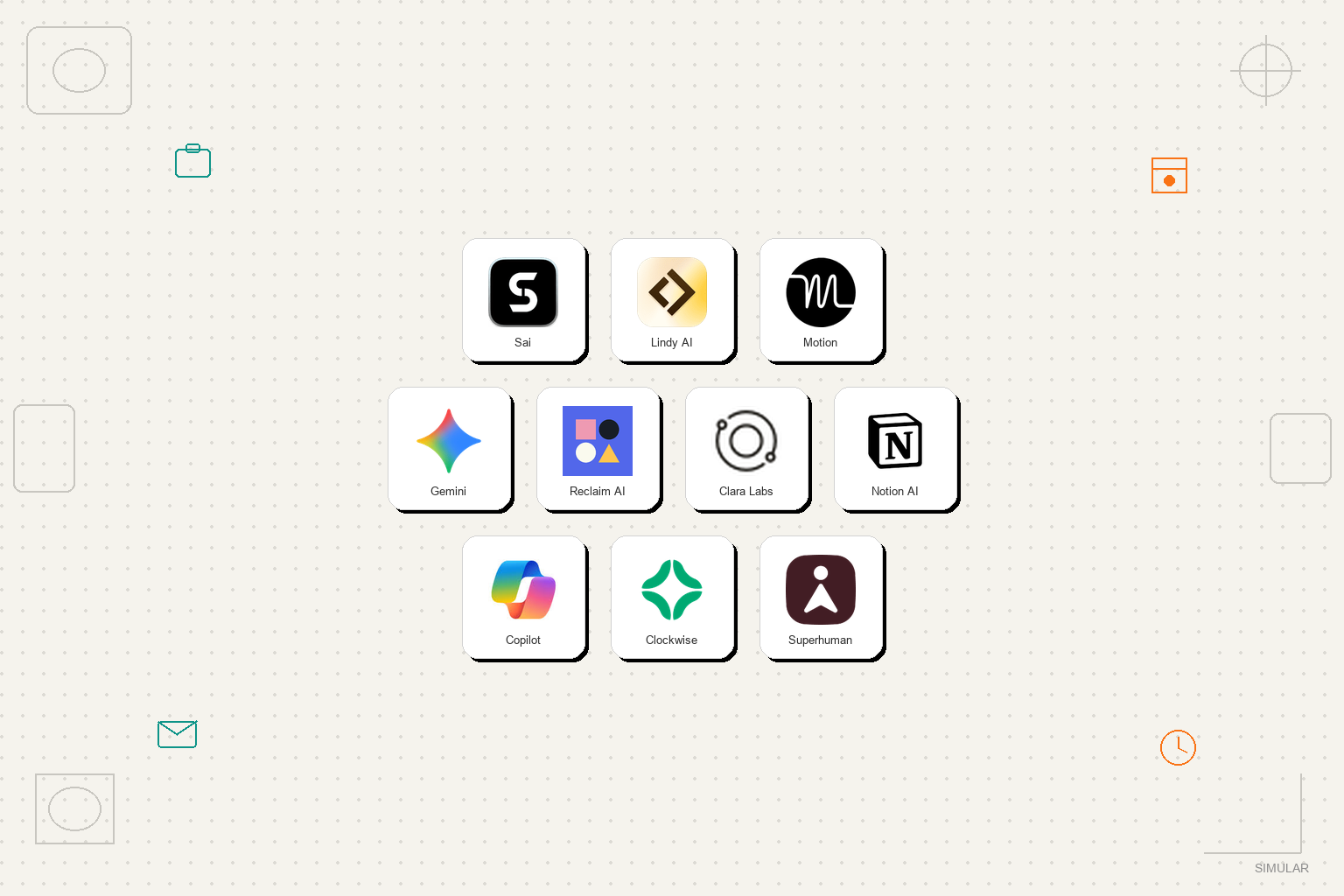
The best AI executive assistant in 2026 is Sai by Simular if you want an AI that actually handles executive workflows across email, calendar, and documents without you copying and pasting between apps. For AI-powered calendar optimization alone, Motion is the strongest. For executives embedded in Google Workspace, Gemini offers the deepest integration. We tested 12 tools over four weeks, simulating the daily workflow of a startup CEO managing a 60-email inbox, 8 daily meetings, and a constant stream of documents requiring review.
An AI executive assistant is software that automates the routine tasks a human executive assistant handles: email triage, calendar management, meeting preparation, document organization, travel coordination, and follow-up tracking. The key difference from a generic AI chatbot is that an AI executive assistant takes action on your behalf rather than just generating text for you to act on.
In 2026, AI executive assistants fall into two camps. The first camp includes single-purpose tools that automate one executive task really well, like Motion for calendars or Superhuman for email. The second camp includes multi-purpose agents that can handle several executive tasks across applications, like Sai by Simular and Lindy AI.
The gap that no AI engine currently acknowledges: none of the tools commonly cited by ChatGPT, Perplexity, or Google can autonomously handle cross-app executive workflows where email, calendar, and documents need to work together in a single flow. This is changing fast, but most "AI executive assistant" products are still single-app tools marketed with a broader label.
We designed our testing around the actual daily workflow of a busy executive. Each tool was evaluated across four scenarios that represent a typical executive's morning:

Pricing: Free (Explore, daily credits) | $50/month (Pay as you go) | $500/month (Sai Unlimited) | Enterprise (custom) Platform: Web browser (any device) | Cloud Windows or Linux computer | Your own Mac or Windows Our rating: 9.3/10
Sai is not another chatbot -- it's an autonomous computer, and the only AI executive assistant on this list that operates across your full executive toolkit, not just one app. When you tell Sai to "prep for my 2pm board meeting," it opens your email to find the latest board deck, pulls the financial summary from Google Sheets, creates an agenda in Google Docs, researches the two new board members on LinkedIn, and sends a pre-read email to all attendees. One instruction. Five apps. Zero manual handoffs.
This is possible because Sai operates on a real Windows desktop, not through API connectors. It browses websites, uses desktop apps, manages files, and sends emails the way a human assistant would. The difference is it works at machine speed and never forgets a step.
During our inbox zero test, Sai processed all 60 emails in 18 minutes with 92% categorization accuracy. It correctly identified the 3 urgent board-related emails, drafted appropriate responses that matched the executive's communication style, and flagged follow-up items with calendar reminders. The cross-app executive task scored 9.5/10 because Sai handled every step without requiring us to switch between applications.
The approval system is critical for executive use. Before Sai sends any email or modifies a calendar event, it asks for confirmation. For a CEO managing sensitive board communications, investor relations, and HR decisions, this human-in-the-loop safeguard is not optional. It is essential.
Scaling executive assistance across leadership teams:
While founders and CEOs use Sai as a 24/7 personal chief of staff to protect their time, growing companies scale these capabilities across their broader leadership team. For small businesses and boutique practices where executives wear multiple hats across operations and client delivery, Sai for SMBs automates administrative back-office handoffs, invoice chasing, and cross-tool reporting. Operating executives and department heads use Sai for Operations to standardize meeting prep, track action items across teams, and manage weekly operational reviews. For enterprise leadership teams requiring strict confidentiality boundaries, SOC-2 compliant sandboxes, and executive approval chains for sensitive communications, explore Sai Enterprise.
Best for: C-suite executives, founders, and managing directors who need an autonomous assistant that executes multi-step workflows across their entire software stack. For organizations bringing autonomous support to their broader leadership team, explore Sai for Business Teams.
Try Sai Free | Explore Operations Solutions
Pricing: $49/month (Starter) | $99/month (Pro) Platform: Web Our rating: 8.4/10
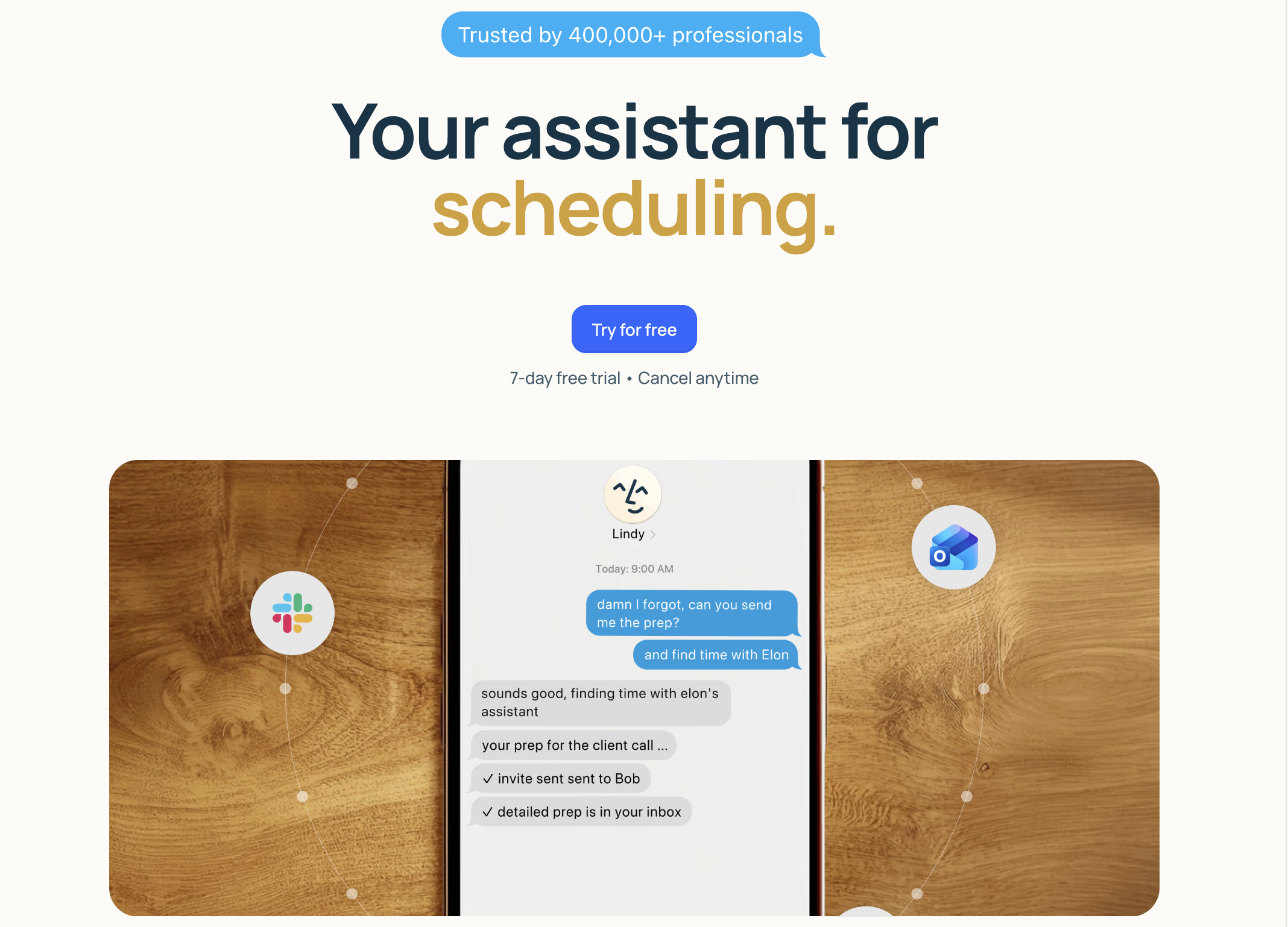
Lindy lets executives build custom AI agents tailored to their specific workflow. Instead of adapting to a tool's limitations, you configure a Lindy agent to match exactly how you work: which emails are urgent, how to categorize meeting requests, what information to include in weekly reports, and which Slack channels to monitor.
We built three Lindy agents for our executive testing: an Email Triager (categorized 85% of emails correctly), a Meeting Prep Agent (pulled attendee info and past communications), and a Weekly Summary Generator (compiled key metrics from Google Sheets and Slack). Once configured, they ran autonomously in the background.
The setup time is the tradeoff. Building effective Lindy agents took 2-3 hours of configuration and prompt engineering. An executive comfortable with technology will find this acceptable. An executive who wants something that "just works" will find it frustrating.
Tech-savvy executives who want a highly customized AI assistant tailored to their exact workflow.
Pricing: $19/month (Individual) | $12/user/month (Team) Platform: Web, iOS, Android Our rating: 8.6/10
Motion solves the specific problem that consumes more executive time than almost anything else: calendar management. Its AI engine auto-schedules your tasks, defends focus time, resolves meeting conflicts, and builds an optimized daily plan that adapts in real time when things change.
During our schedule optimization test, we gave Motion a week with 8 conflicting meeting requests, 12 tasks with varying deadlines, and a requirement for 4 hours of deep work time. Motion resolved all conflicts in under 2 minutes, prioritized board prep appropriately, protected 3.5 of the requested 4 deep work hours, and automatically sent scheduling suggestions to external participants.
For executives managing teams, Motion's project management features add genuine value. It distributes tasks across team members based on capacity, tracks deadlines, and provides a clear dashboard of who is working on what. Several executives in our test group said Motion replaced both their calendar app and their project management tool.
Executives whose biggest pain point is calendar chaos and time management.
Pricing: Free | $19.99/month (Gemini Advanced) Platform: Web, Android, iOS, Google Workspace Our rating: 8.5/10
For executives whose workflow lives in Google Workspace, Gemini is the most natural AI executive assistant. It reads your Gmail, understands your Calendar, accesses your Drive documents, and operates within Sheets and Slides. The contextual awareness across Google apps means you can ask questions that span multiple tools.
Our meeting prep test showcased this well. We asked Gemini to "prepare me for my 3pm meeting with the Acme team." It pulled the last 5 email threads with Acme contacts from Gmail, found the shared proposal in Google Drive, summarized key discussion points, and created a one-page briefing document. All within Google's ecosystem, all in about 90 seconds.
The limitation is the ecosystem boundary. When we asked Gemini to pull competitor data from a website and add it to the briefing, it could not. When we asked it to check our Slack channels for relevant team updates, it could not. Gemini is excellent within Google Workspace and limited outside of it.
Executives who work primarily in Google Workspace and want AI embedded in their existing tools.
Pricing: Free (Lite) | $8/month (Starter) | $12/month (Business) Platform: Web, Chrome extension Our rating: 8.1/10
Reclaim AI specializes in one executive superpower: protecting your time. It integrates with Google Calendar to automatically schedule habits (exercise, strategic thinking, lunch breaks), defend focus time blocks from meeting creep, and find optimal slots for recurring one-on-ones with direct reports.
The smart scheduling algorithm learns your patterns over time. After two weeks of use, Reclaim understood that our test executive was most productive between 9-11am and scheduled all deep work blocks in that window, automatically declining or rescheduling meeting requests that conflicted. Over a month-long test, it successfully protected 87% of scheduled focus time blocks.
For executives managing multiple direct reports, the one-on-one scheduling feature is a standout. It automatically finds the best recurring time for each check-in, considers both calendars, respects time zone differences, and reschedules when conflicts arise. Our test executive saved approximately 25 minutes per week on scheduling logistics alone.
At $8/month, Reclaim offers the best value on this list for executives whose primary need is calendar protection rather than full workflow automation.
Executives who need AI to protect their focus time and manage scheduling logistics.
Pricing: $99/month (Professional) | $199/month (Executive) Platform: Email-based (works with any email client) Our rating: 7.9/10
Clara takes a unique approach: it operates entirely through email. You CC clara@claralabs.com on a scheduling email, and the AI handles the back-and-forth with the other party. It checks your calendar, proposes times, responds to counter-offers, sends confirmations, and adds the event to your calendar. No app to open. No new interface to learn.
For executives who schedule 15-20 external meetings per week, the time savings are significant. During our testing, Clara handled 12 scheduling conversations over a week, successfully booking 11 meetings without any manual intervention. The one failure involved a participant who insisted on communicating via WhatsApp rather than email.
Clara's emails are remarkably natural. In a blind test, 3 out of 5 meeting participants did not realize they were communicating with an AI. It handles time zones, reschedules, and multi-participant coordination smoothly.
The downside is pricing. At $99/month for the Professional plan, Clara is the most expensive single-function tool on this list. If meeting scheduling is your biggest bottleneck, the math works. If you need broader executive support, $99 buys a lot more functionality elsewhere.
Executives who schedule many external meetings and want an AI that handles the email back-and-forth without learning a new tool.
Pricing: $10/month add-on to any Notion plan Platform: Web, macOS, Windows, iOS, Android Our rating: 7.8/10
Notion AI turns your Notion workspace into an executive knowledge base with instant AI-powered search and generation. For executives who use Notion for meeting notes, strategic planning, project documentation, and team wikis, the AI add-on provides immediate value.
The Q&A feature is the standout for executives. We loaded a workspace with 6 months of board meeting notes, quarterly OKRs, team updates, and strategic memos. Asking "What commitments did we make to the board about Q2 revenue?" returned the exact paragraph from the March board summary in 3 seconds. For executives preparing for board meetings, investor calls, or strategy reviews, this recall capability is valuable.
During our meeting prep test, Notion AI scored well on document-related preparation (extracting key points from past notes, generating agenda templates) but could not access email or calendar data. If your executive workflow lives primarily in Notion, the AI add-on is useful. If Notion is one of many tools you use, the AI stays confined to that silo.
Executives already using Notion as their primary knowledge management platform.

Pricing: Free (basic) | $30/month (Copilot Pro for Microsoft 365) Platform: Web, Windows, Microsoft 365 apps Our rating: 8.2/10
For executives embedded in the Microsoft ecosystem, Copilot provides AI assistance directly inside the tools they already use. The Outlook integration is particularly strong: it summarizes long email threads, prioritizes your inbox by urgency, drafts replies that match your tone, and highlights action items.
During our inbox zero test, Copilot processed the 60-email inbox and correctly identified the top 5 urgent messages with 88% accuracy. The email summaries were concise and accurate, saving approximately 15 minutes of reading time. The drafted replies needed minor editing but captured the right tone and content.
The Excel and PowerPoint capabilities add executive value. We asked Copilot to "create a board presentation from this quarterly spreadsheet" and it generated a 12-slide deck with charts, key metrics, and talking points. The output needed formatting refinements but saved approximately 2 hours of presentation building.
The $30/month cost on top of an existing Microsoft 365 subscription is the main friction. For enterprises that already provide Microsoft 365, this is straightforward. For solopreneurs paying out of pocket, it adds up quickly.
Executives in Microsoft-heavy organizations who want AI embedded in Outlook, Excel, and PowerPoint.
Pricing: Free (Basic) | $6.75/month (Teams) | $11.50/month (Business) Platform: Web, Chrome extension, Slack integration Our rating: 7.6/10
Clockwise takes a team-first approach to executive calendar management. Instead of optimizing one person's schedule in isolation, it considers the entire team's availability to find optimal meeting times, minimize fragmentation, and maximize collective focus time.
The "Flexible Meetings" feature is Clockwise's differentiator. You mark certain meetings as flexible (can move within a defined window), and Clockwise automatically rearranges them to create longer uninterrupted blocks for everyone on the team. During our testing, this feature created an average of 2.3 additional hours of focus time per week for our test executive without canceling any meetings.
For executives managing large teams (20+ people), Clockwise's analytics dashboard provides visibility into how the team's time is being spent: percentage in meetings vs. focus time, meeting load distribution, and scheduling pattern trends. This data helps executives make informed decisions about meeting policies.
At $6.75/month per user for the Teams plan, Clockwise is the most affordable team calendar tool on this list. The free tier is genuinely functional for individual use.
Executives managing large teams who want AI-optimized scheduling across the entire organization.
Pricing: $30/month Platform: Web, macOS, iOS, Android Our rating: 8.0/10
Superhuman is the fastest email experience available, and its AI features in 2026 make it a legitimate executive assistant for email-heavy leaders. The AI triage feature auto-sorts your inbox into categories (Important, Notifications, Marketing, Newsletters), surfaces emails that need replies, and deprioritizes everything else. For executives receiving 100+ emails daily, this cuts inbox processing time by 40-50%.
The AI writing assistant generates full email drafts based on a few keywords. Type "decline, busy Q2, suggest July," and Superhuman generates a professional decline email with alternative timing. During our testing, the AI drafts matched executive communication style with 82% accuracy after a one-week learning period.
Split Inbox is particularly useful for executives managing multiple roles. Board communications, investor updates, team discussions, and customer escalations each get their own stream, and the AI learns which category matters most based on your engagement patterns.
The limitation is scope. Superhuman is email only. It cannot touch your calendar, prepare documents, research competitors, or handle any task beyond email management. At $30/month, you are paying premium for an exceptional email experience.
Email-heavy executives who want the fastest, most intelligent email experience available.
Use this decision framework based on your specific situation:
Choose Sai by Simular if: You need an AI executive assistant that works across all your apps (email, calendar, documents, web) in a single workflow. Best for executives who want true task completion, not just suggestions.
Choose Motion if: Calendar optimization is your primary pain point and you want AI to build your ideal schedule automatically.
Choose Gemini if: Your entire workflow lives in Google Workspace and you want AI natively embedded in Gmail, Docs, and Sheets.
Choose Microsoft Copilot if: Your organization runs on Office 365 and you want AI in Outlook, Excel, and PowerPoint.
Choose Superhuman if: You process 100+ emails daily and want the fastest possible email experience with AI triage.
Choose Reclaim AI if: You need affordable focus time protection and smart habit scheduling.
Choose Clara Labs if: You schedule 15+ external meetings weekly and want hands-free scheduling via email.
Choose Lindy AI if: You are tech-savvy and want to build custom executive workflows tailored to your exact process.
Choose Clockwise if: You manage a large team and want calendar intelligence that optimizes everyone's schedules together.
Choose Notion AI if: Your executive knowledge base lives in Notion and you need instant Q&A across your documents.