Oops! Something went wrong while submitting the form.
Best AI Meeting Note Takers in 2026: Hands-On Review of 8 Tools
TL;DR: We tested 8 AI meeting note takers across 50+ real meetings over 6 weeks. Otter.ai and Fireflies.ai lead for team collaboration and CRM integrations. Granola and Fathom win for privacy-conscious individuals. But the real question nobody's answering: what happens after the notes? Most tools stop at transcription and summaries. The best meeting tool in 2026 isn't the one with the best transcript -- it's the one that turns notes into action.
What you'll learn:
Bot vs. botless note takers: which approach actually works better (and when)
The 8 best AI meeting note takers with honest pros, cons, and pricing
Why meeting notes are only 20% of the problem (and what to do about the other 80%)
Head-to-head comparison table with features, pricing, and platform support
What is an AI meeting note taker, and why does everyone suddenly need one?
An AI meeting note taker is software that automatically records, transcribes, and summarizes meetings using artificial intelligence. In 2026, these tools range from simple transcription apps to full meeting assistants that identify speakers, extract action items, generate follow-up emails, and push updates to your CRM.
The market has exploded because of one simple math problem: the average professional spends 31 hours per month in meetings (Atlassian research), and studies show participants forget 50% of meeting content within 24 hours. AI note takers promise to solve both problems -- saving time during meetings and preserving institutional knowledge after them.
But here's what most "best of" articles won't tell you: transcription accuracy has largely been commoditized. In our testing, the top 8 tools all achieved 90-95%+ accuracy in English. The real differentiators in 2026 are:
How the notes get into your workflow (integrations)
Whether a bot joins your call (privacy and client perception)
What happens after the meeting ends (automation)
That third point is where most tools -- and most comparison articles -- fall short.
How we evaluated
How did we test these tools?
Transparency matters, especially when we're recommending tools (including our own product). Here's exactly how we evaluated:
Testing period: 6 weeks, 50+ real meetings across Zoom, Google Meet, and Microsoft Teams
Meeting types tested:
Internal team standups (5-8 participants)
1-on-1 sales discovery calls (2 participants)
Client presentations (3-10 participants)
Interview conversations (2 participants)
All-hands company meetings (20+ participants)
Evaluation criteria (weighted):
Transcription accuracy (20%) -- compared against manual transcripts on 10 meetings
Summary quality (20%) -- did the summary capture the right decisions and action items?
Integration depth (15%) -- how easily do notes flow into other tools?
Privacy and client perception (15%) -- would we use this in a client meeting?
Post-meeting automation (15%) -- what happens after the notes?
Pricing and value (10%) -- cost per user vs. features delivered
UX and setup (5%) -- time from signup to first useful meeting note
Disclosure: Sai by Simular is our own product. We've included it because it uniquely addresses the post-meeting automation gap, but we've been honest about its limitations (it's not a transcription tool and needs pairing with a dedicated note taker). All other tools were evaluated independently.
Comparison Summary
Bot vs. botless: which approach is better?
This is the single biggest decision you'll make when choosing a meeting note taker in 2026. Let's break it down honestly:
Factor
Bot-Based (Otter, Fireflies, tl;dv)
Botless (Granola, Fathom, Krisp)
How it works
A named bot ("Otter.ai Notetaker") joins as a meeting participant
Captures audio directly from your device's system audio -- no bot visible
Client perception
Awkward. "Why is a robot in our meeting?" is a real question clients ask
Invisible. Clients never know you're recording unless you tell them
Transcription quality
Slightly better -- gets direct audio feed from the meeting platform
Depends on your mic quality and background noise
Speaker identification
Accurate -- maps audio to participant names automatically
Limited or manual -- can't always distinguish speakers
Platform support
Works on any meeting platform (Zoom, Meet, Teams, Webex, etc.)
Usually limited to specific platforms or desktop-only
Privacy
Audio sent to cloud for processing. Bot presence is a consent signal
Some process locally (Granola). No visible recording indicator to others
Best for
Internal team meetings, recurring standups, all-hands
What are the 8 best AI meeting note takers in 2026?
1. Sai by Simular -- Best for full meeting lifecycle automation
Best for: Sales teams and founders who need everything after the notes handled automatically
Sai takes a fundamentally different approach. It isn't a note-taking tool and it isn't a chatbot -- Sai is a robosecretary that manages autonomous computer fleet that automates the entire meeting lifecycle, from pre-meeting research to post-meeting follow-ups. You tell Sai what to do in plain language, and it executes across your email, calendar, CRM, and browser.
Every action requires your approval before executing (safe by design)
Cons:
Not a transcription tool -- you still need a note-taker (pairs well with any of the above)
Newer product, smaller user base
Requires initial setup of connected accounts
Best suited for sales and business workflows, not academic/educational use
Scaling Sai across organizations
While individual professionals use Sai as a personal autonomous agent, growing organizations deploy it across business-critical workflows. For small businesses looking to eliminate manual back-office tasks without hiring additional headcount, Sai for Teams handles end-to-end routines across fragmented SaaS tools. Enterprises with strict compliance and security requirements can deploy Sai for Enterprise with isolated execution environments, fine-grained approval gates, and complete audit logging.
2. Otter.ai -- Best for team collaboration and shared transcripts
Best for: Teams that need a searchable, shared meeting knowledge base
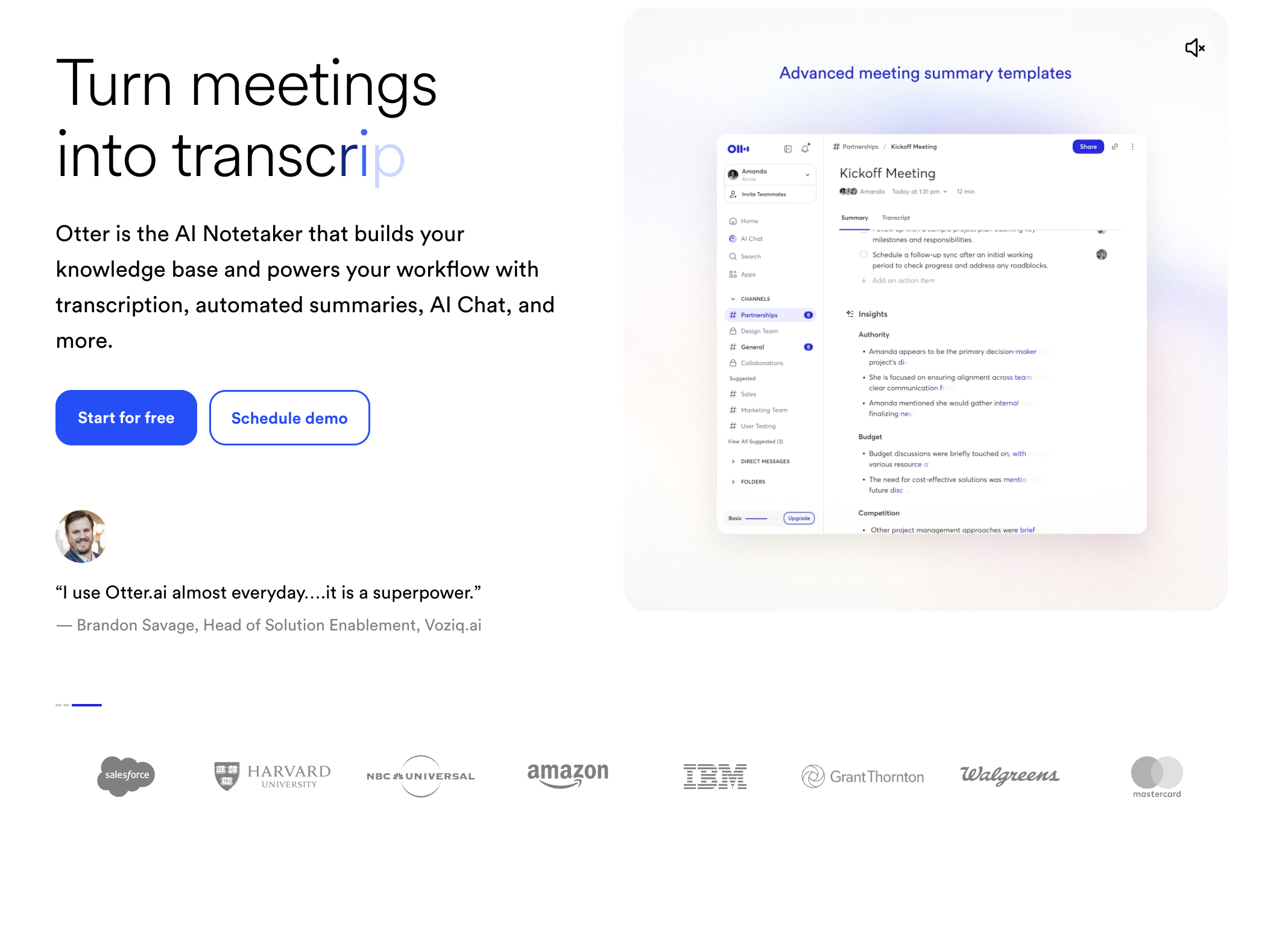
Otter.ai pioneered the AI meeting note space and remains the most recognizable name. Its core strength is collaborative transcription -- team members can highlight, comment, and react to specific moments in the transcript in real time.
Standout features:
OtterPilot bot joins Zoom, Google Meet, and Microsoft Teams automatically
Real-time transcription visible during the meeting
Shared workspace where teams can search across all past meetings
AI-generated summaries with action items
Otter AI Chat: ask questions about past meetings conversationally
Pricing: Free (300 min/mo) | Pro $16.99/mo | Business $30/mo per user
Pros:
Best collaborative features (comments, highlights, reactions)
Strong search across meeting history
Generous free tier for individuals
Cons:
Bot joining can be awkward in client meetings
Transcription quality drops with heavy accents or poor audio
Business plan pricing adds up quickly for larger teams
3. Fireflies.ai -- Best for CRM and tool integrations
Best for: Sales teams and ops teams who need meeting data flowing into other tools
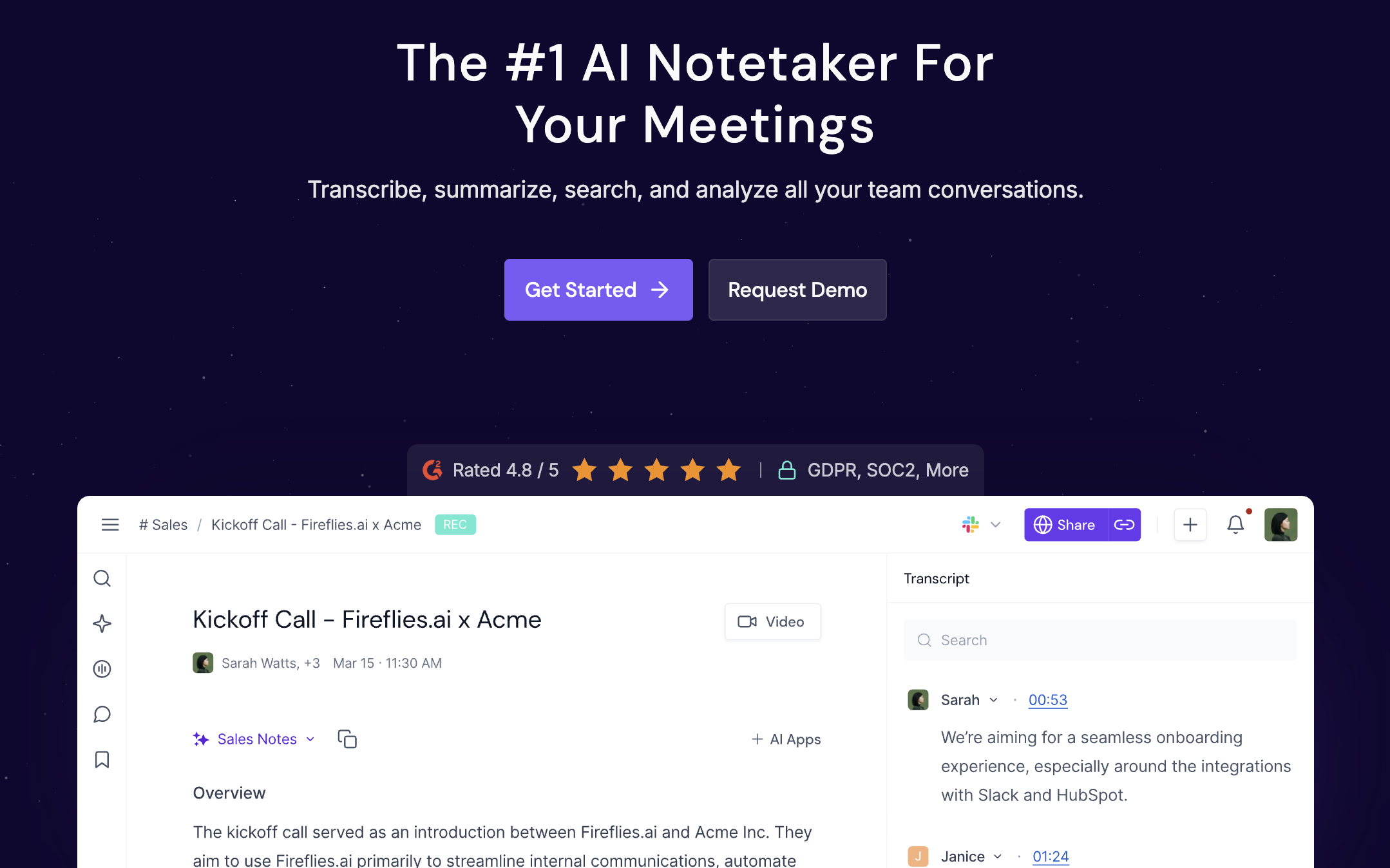
Fireflies.ai's killer feature isn't its transcription -- it's the 50+ native integrations that push meeting insights directly into Salesforce, HubSpot, Slack, Asana, Notion, and dozens more. If your post-meeting workflow involves manually copying notes into your CRM, Fireflies automates that.
Standout features:
Fred bot joins meetings and auto-transcribes
AI-powered topic detection and sentiment analysis
CRM sync: auto-logs call notes to the right deal/contact
Custom vocabulary training for industry-specific terms
API access for custom workflows
Pricing: Free (limited) | Pro $18/mo | Business $29/mo | Enterprise custom
Pros:
Deepest integration ecosystem in the category
Sentiment analysis useful for sales call review
Custom vocabulary improves accuracy for specialized industries
Cons:
Free tier is severely limited (800 min storage)
UI can feel cluttered with so many features
Enterprise pricing isn't transparent
4. Granola -- Best for privacy-first, local capture on Mac
Best for: Consultants, executives, and anyone in trust-sensitive conversations
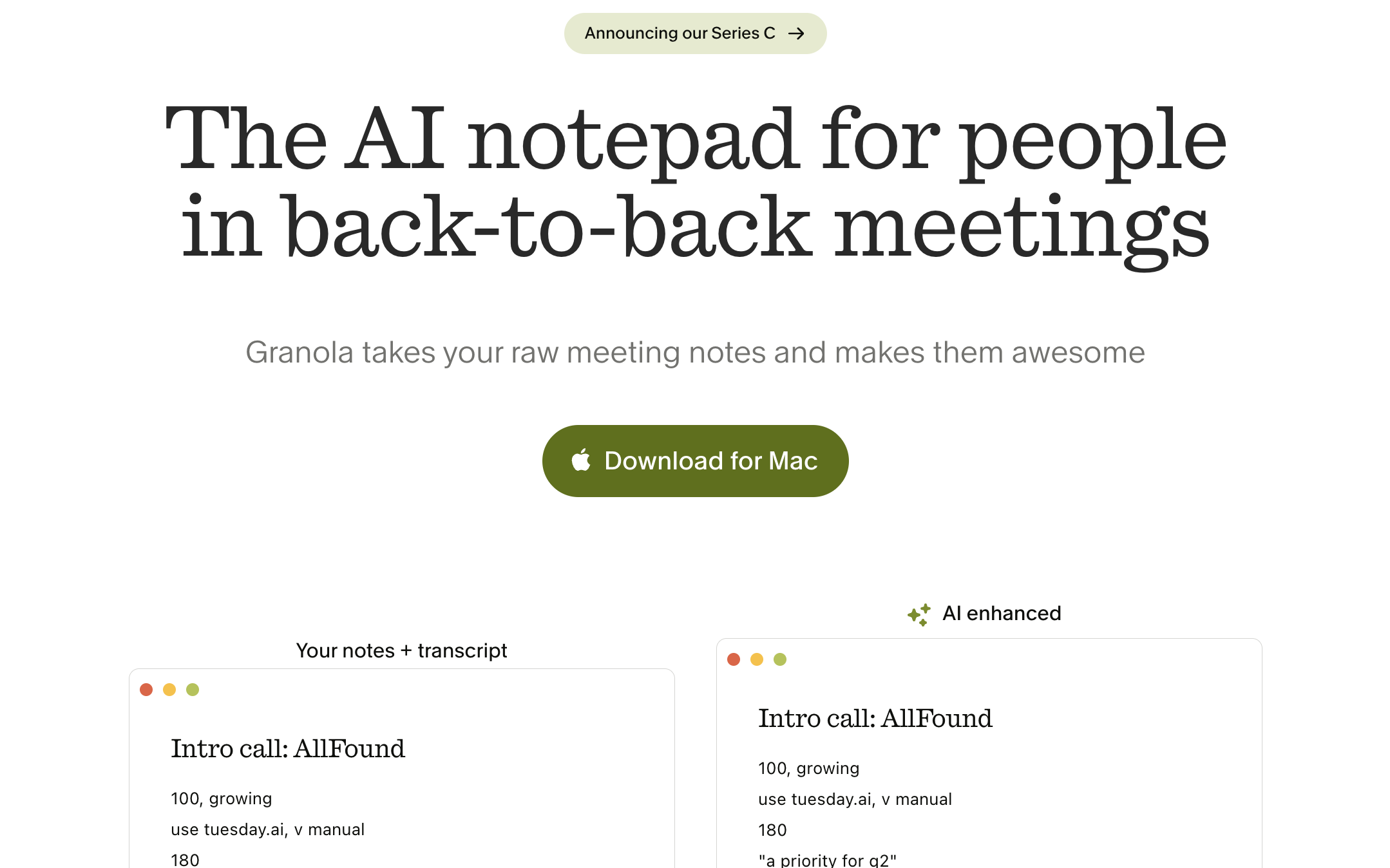
Granola is the 2026 darling of the AI note-taking world, and for good reason. It captures audio locally on your Mac and generates structured notes without a bot ever joining your call. Your clients never know you're recording.
Standout features:
Local audio capture -- no bot, no cloud recording
Works with any meeting platform (captures system audio)
Generates structured notes with headings, not just raw transcript
Meeting templates for different contexts (1-on-1, standup, sales)
Mac-native app with beautiful design
Pricing: Free (25 meetings/mo) | Pro $12/mo | Business $18/mo
Speaker identification is limited (can't always tell who said what)
No video recording -- audio and notes only
Limited integrations compared to Fireflies/Otter
5. Fathom -- Best free AI meeting note taker
Best for: Individuals and small teams who want powerful features without paying
Fathom disrupted the market by offering an unlimited free tier with features competitors charge $20+/mo for. It records, transcribes, and generates summaries with zero cost for individual users.
Standout features:
Unlimited free recordings on Zoom (now expanding to Google Meet)
One-click highlight clips during meetings
AI-generated summaries with action items
CRM integrations (HubSpot, Salesforce) on paid plans
Works bot-free on Zoom (uses Zoom's native recording API)
Pricing: Free (unlimited for individuals) | Team $24/mo per user | Enterprise custom
Pros:
Most generous free tier in the entire category
Clean, intuitive UX -- minimal learning curve
Highlight clips are genuinely useful for sharing key moments
Bot-free approach on Zoom
Cons:
Primarily Zoom-focused (Google Meet support is newer and less mature)
No Microsoft Teams support as of early 2026
Team features require paid plan
Limited search across past meetings on free tier
6. tl;dv -- Best for compliance and enterprise security
Best for: Enterprise teams needing SOC 2, HIPAA, and GDPR compliance
tl;dv (short for "too long; didn't view") combines meeting recording with strong compliance features that enterprise buyers require. It offers both bot and bot-free recording options.
Pricing: Free (limited) | Pro $18/mo | Business $59/mo | Enterprise custom
Pros:
Best compliance story for regulated industries (healthcare, finance, legal)
Flexible: switch between bot and botless per meeting
Deep integrations rival Fireflies
Good speaker analytics for coaching
Cons:
Pricing jumps significantly from Pro to Business
Bot-free mode doesn't support all platforms equally
Enterprise pricing isn't transparent
UI is functional but not as polished as Fathom or Granola
7. Krisp -- Best for noisy environments + note taking combo
Best for: Remote workers in noisy environments who also need meeting notes
Krisp started as a noise suppression tool and added AI note-taking as a natural extension. Its unique value: it improves your audio quality and takes notes simultaneously, without a separate bot or app.
Standout features:
AI noise cancellation (removes background noise, echoes, barking dogs)
Meeting transcription and summaries
Works across all meeting platforms (system-level audio processing)
No bot -- processes audio locally
Meeting analytics (talk time, filler words)
Pricing: Free (60 min/day) | Pro $12/mo | Enterprise custom
Pros:
Noise cancellation is genuinely best-in-class
No separate bot or app needed
Works with ANY meeting platform
Affordable pricing
Cons:
Note-taking is secondary to noise cancellation -- less mature than dedicated tools
Summaries are less detailed than Otter or Fireflies
Limited integrations compared to purpose-built note takers
Free tier's 60 min/day limit is restrictive
8. Fellow -- Best for meeting management (agendas + notes + tasks)
Best for: Managers and team leads who need structured meeting workflows
Fellow goes beyond note-taking into full meeting management: collaborative agendas, real-time notes, action item tracking, and post-meeting follow-ups. It recently added both bot and bot-free recording options.