
Oops! Something went wrong while submitting the form.

Brief it once on what matters and how you write — then it runs the same routine every morning, without a handover.
You brief it once. Sai does the other three steps, every morning, without asking again.

Describe what matters, how you write, and what it must never touch.

Sai sorts, drafts, and chases what's overdue — in one pass, unattended.

Sai hands back a summary, flagging anything unusual instead of acting on it.

Skim it, send the drafts you like, and get your morning back.
One briefing, one routine, and permissions you hand over one at a time.

Sorting, drafting and chasing overdue threads run as a single saved routine. You explain what matters once — not again every time someone new takes over the inbox.
Every run ends with a summary of what was done and what was skipped. Anything urgent or unusual goes to the top of the report rather than being handled on a guess.
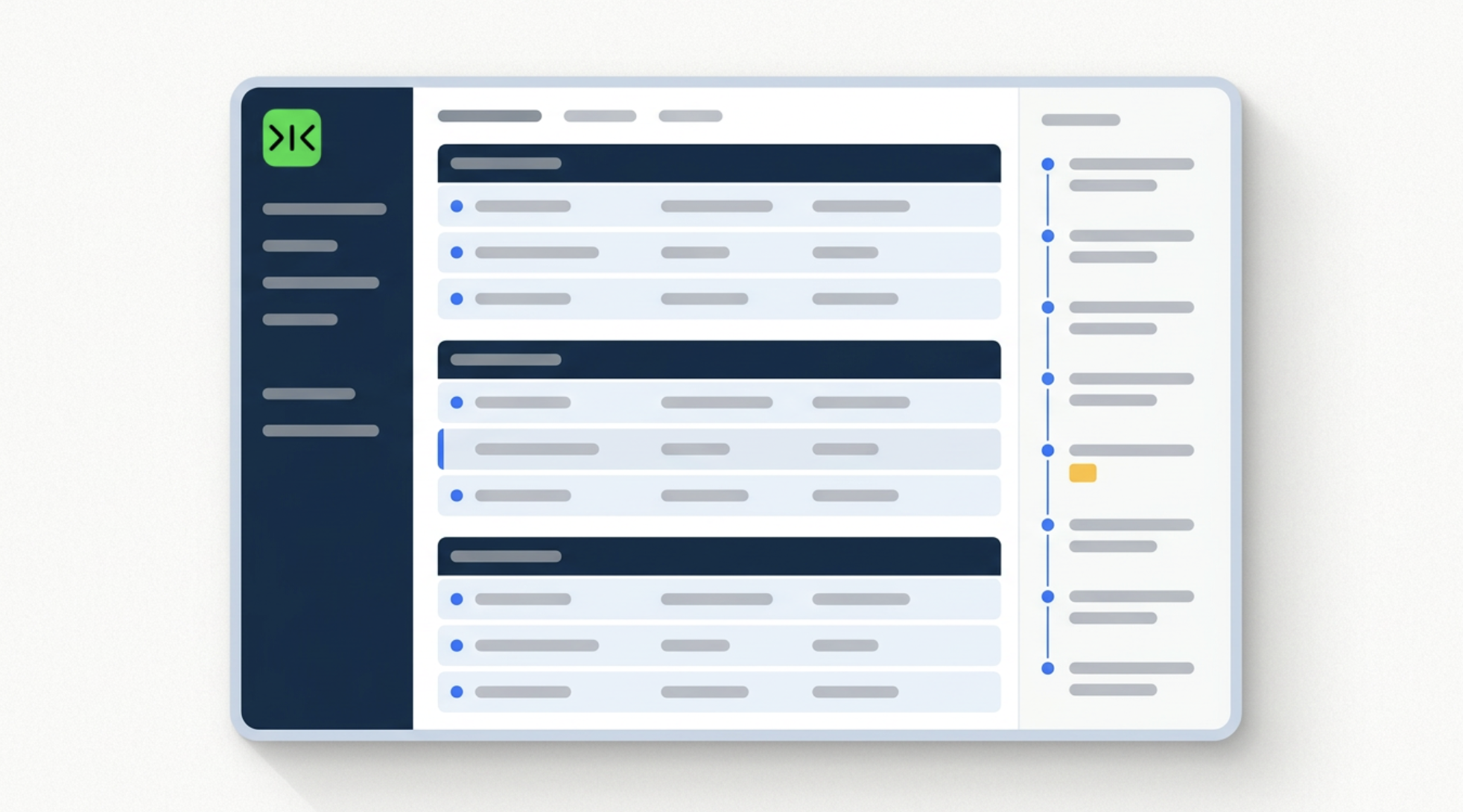

The hundredth morning runs exactly like the first, with no retraining and no handover — and every repetition makes it cheaper and more reliable.
Sai starts read-only: no sending, no archiving, no deleting. You extend what it may do once you have watched a week of runs, and you can narrow it again at any point.

A virtual email assistant is either of two quite different things. Historically
it meant a remote person hired to organise, prioritise and reply to mail on
someone's behalf. More recently it means software that performs the same
routine. Both genuinely work. The reason people hesitate between them is
rarely the monthly cost — a good assistant earns it — but the part nobody
quotes for: the briefing. Explaining what matters, how you write, which
senders are exceptions and what must never be touched takes weeks, and it has
to be repeated every time the person changes.
Sai is briefed the way a new assistant would be, but only once. You describe
what makes a message worth your attention, how you write to different people,
what is overdue if you haven't answered in five days, and the things it must
never do. That becomes a single saved routine: each morning Sai reads
everything that arrived, sorts it, drafts replies to the requests you have
answered before, chases the threads you promised to follow up on, and hands
back one summary. The briefing does not expire, and it does not need repeating
next quarter.
An assistant is only useful if they can reach the mail. Much business
correspondence sits in shared support inboxes, webmail on a company domain,
client portals with internal messaging, and older systems used across finance
and operations — none of which expose a public API. Software that relies on
integrations simply cannot go there, which is one reason people fall back on
hiring a person. Sai operates a real browser inside your own logged-in
sessions instead. If a person can click it, Sai can run it.
The value of an assistant is not in any single morning; it is in the routine
happening every working day without anyone starting it. Sai saves the whole
sequence as a scheduled workflow that runs unattended and delivers its summary
to the same place before you sit down. There is no retraining, no notice
period and no second handover. Sai also starts read-only, and only does more
once you decide to extend it — which is the part of delegation people
underestimate, whether they delegate to software or to a person.
Free your hands from the computer.
Try Sai

