Oops! Something went wrong while submitting the form.
Not another set of folders. A short list every morning of the messages that actually need you — and why each one is on it.
You define what matters once. Sai does the other three steps, every morning.

Describe what a message must contain to be worth your attention.

Sai goes through the whole overnight inbox, not a sample of it.

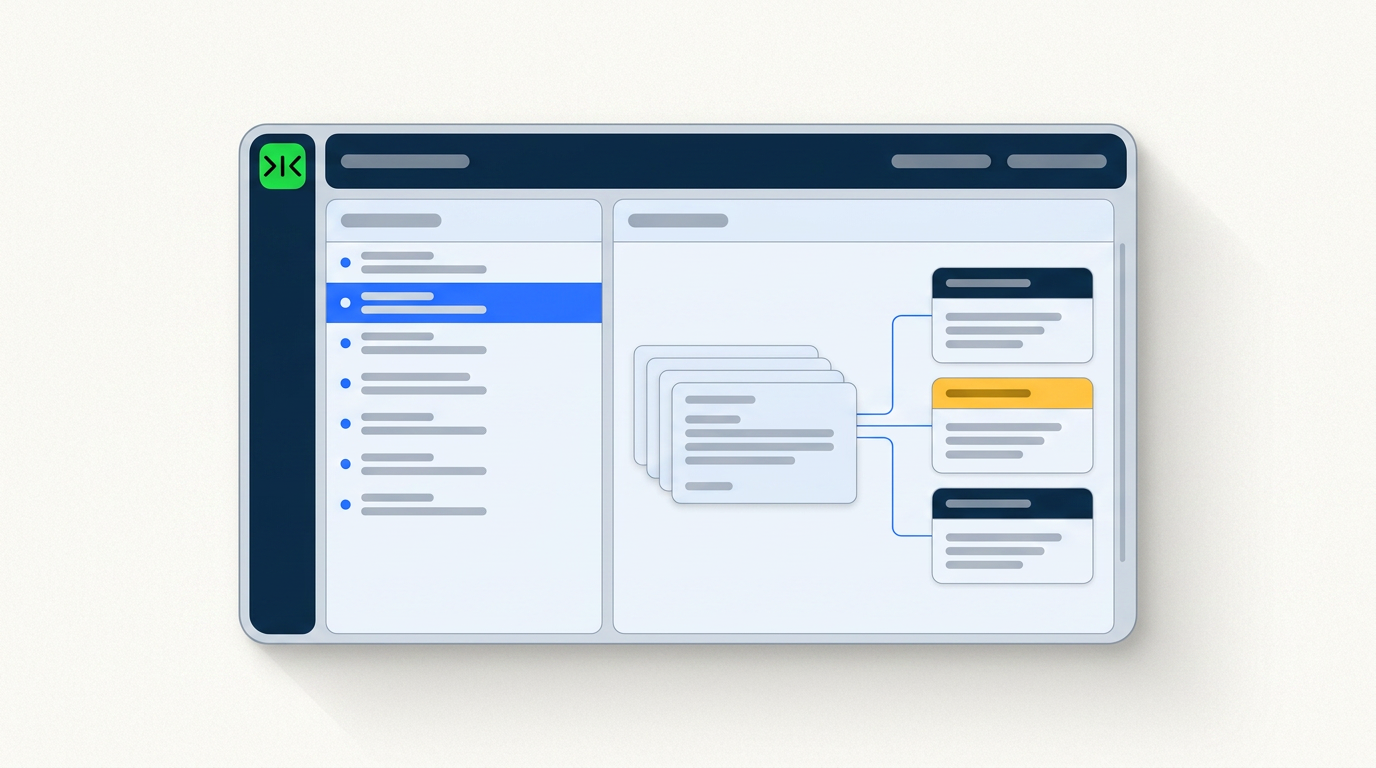
Sai groups what it found and explains why each message made the list.

Skim the reasons, disagree where you want, and work the ones that matter.
A sorted inbox is only useful if you trust the sorting. Sai shows its reasoning and touches nothing without you.
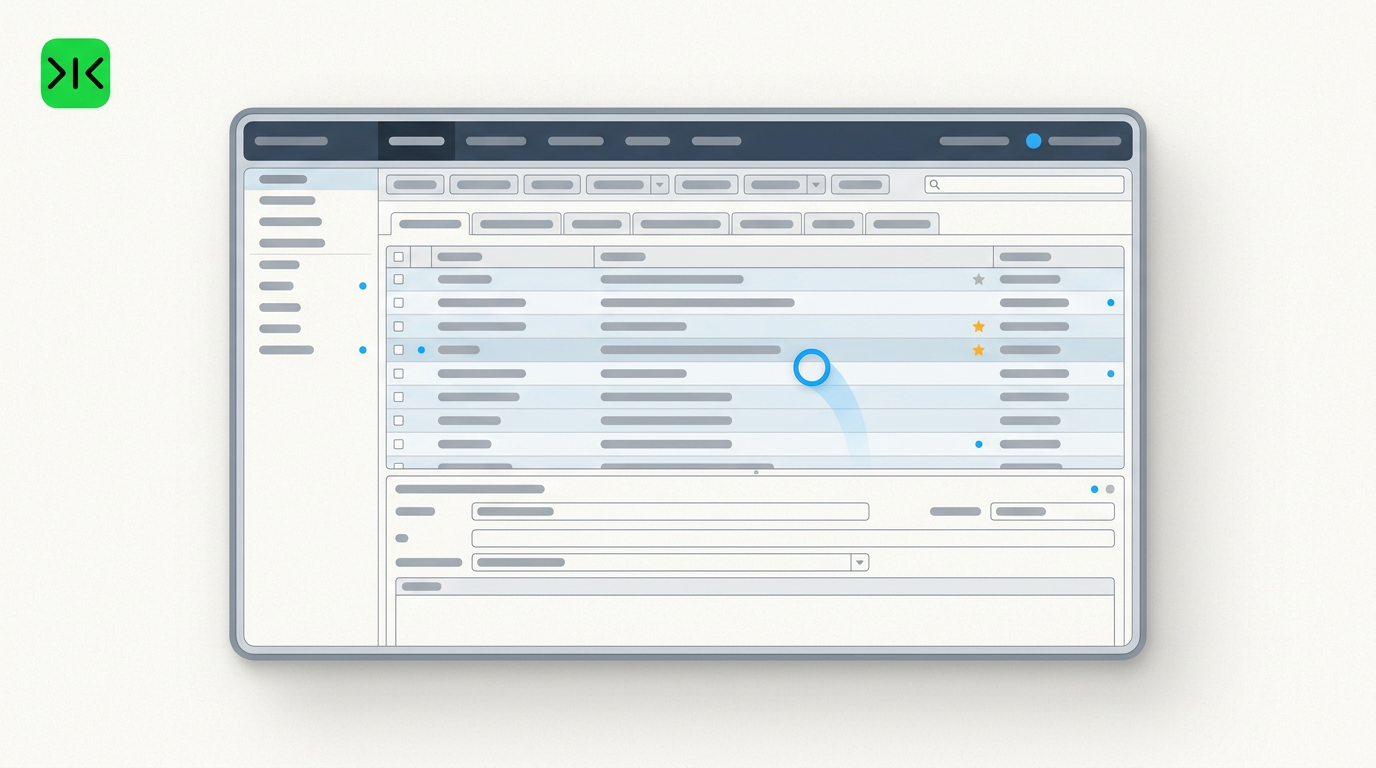
Summaries don't help if you still have to open everything. Sai reads the whole inbox and hands back only the messages where a specific person is waiting on you.
Every message comes with one line explaining who is waiting and what for. When a message is ambiguous, Sai surfaces it rather than quietly filing it away.
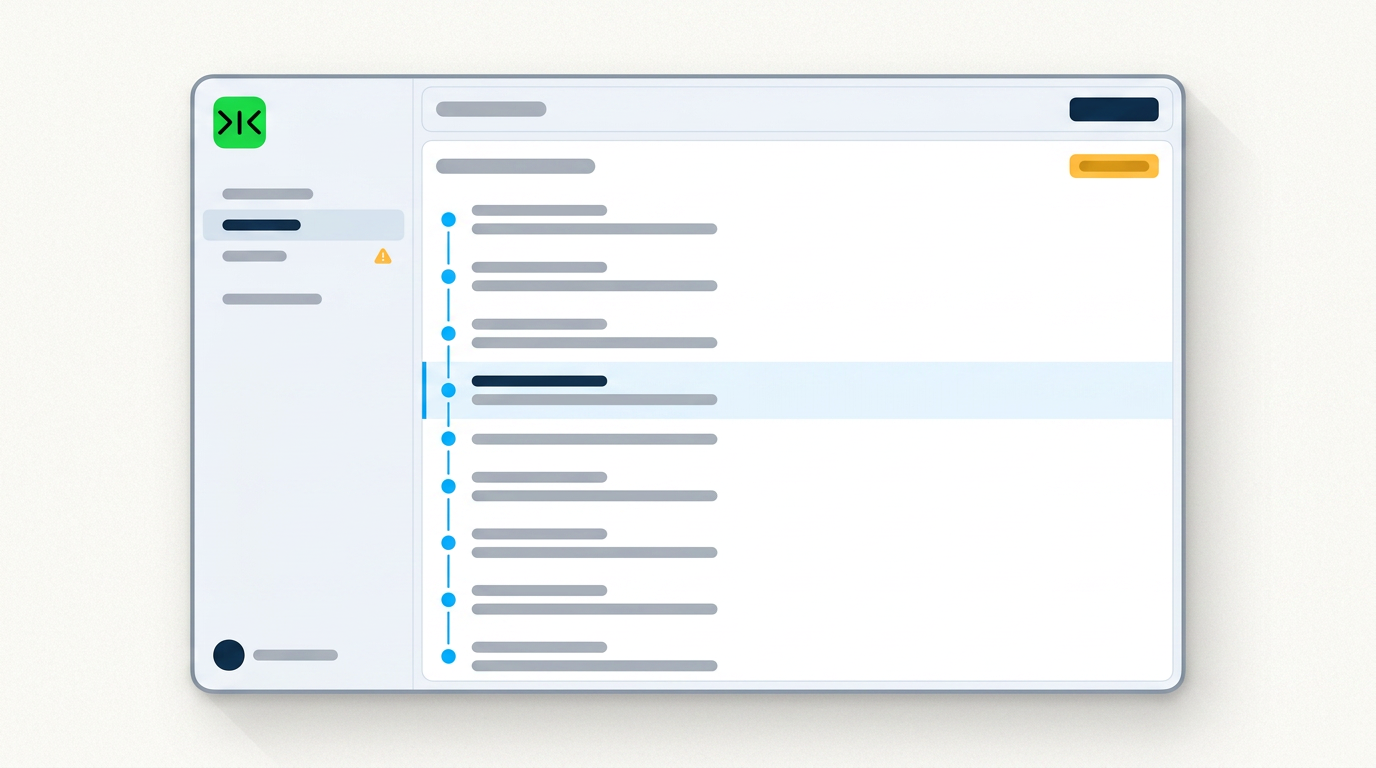
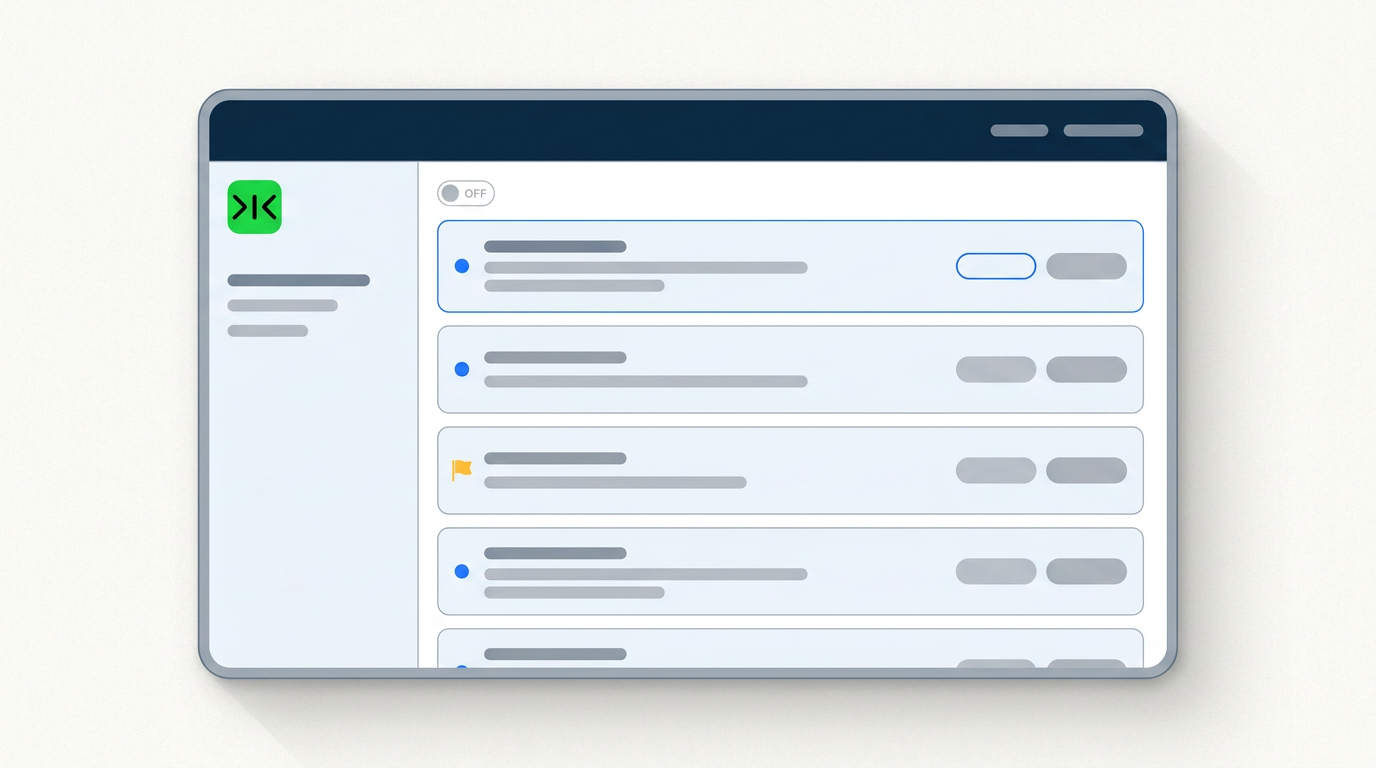
Sai works in a real browser inside your own logged-in sessions, so it can work through the webmail, shared inbox or internal system that has no public API.
Sai runs the same review every morning, unattended, for months — and every repetition makes it cheaper and more reliable.
An AI email organizer is a tool that reads an inbox and decides what deserves attention — sorting messages into categories, surfacing the ones that need a response, and pushing the rest out of the way. Most of them are built around classification accuracy: better folders, better labels, better summaries. That solves a problem most people don't have. As one widely upvoted thread put it, summarising doesn't help if you still have to look at four hundred emails to find the twenty that matter.
Sai approaches the inbox as a triage job rather than a filing job. Each morning it reads everything that arrived overnight and sorts it by a single test: is a specific person waiting on a specific decision from you? Messages that pass go on a short list, each with one line naming who is waiting and what for. Messages that are genuinely ambiguous are surfaced rather than filed, because the cost of reviewing three extra emails is far lower than the cost of missing one. You open twenty messages instead of four hundred, and you can see the reasoning behind every one.
Plenty of important mail never reaches a mailbox with a modern API. Shared support inboxes, webmail on a company domain, supplier portals with internal messaging, and older systems used across finance and operations all expose their messages only through a browser. Sai works there without an integration, operating a real browser inside your own logged-in sessions. If a person can click it, Sai can run it — which means the same daily triage applies to the inbox your other tools cannot reach.
Inbox triage is worth almost nothing as a one-off. Its value comes from happening every single working day, before you sit down, without anyone remembering to start it. Sai saves the whole routine as a scheduled workflow that runs unattended on your cadence and delivers the short list to the same place each morning. The hundredth run costs less and breaks less than the first — and throughout, Sai stays read-only unless you explicitly grant more.
Free your hands from the computer.
Try Sai