
Oops! Something went wrong while submitting the form.
The average professional spends 11.5 hours per week in meetings and another 3-4 hours scheduling them. That is nearly two full workdays lost every week to calendar logistics — finding mutual availability, sending back-and-forth emails, rescheduling conflicts, and following up on no-shows.
AI scheduling assistants promise to eliminate this overhead. But the category has fractured. Some tools generate booking links. Others auto-schedule tasks into empty calendar slots. A few negotiate meeting times through email on your behalf. And one new category — AI workflow agents — handles the entire loop: scheduling, pre-meeting research, and post-meeting follow-up without you touching your inbox.
This guide covers 10 AI scheduling assistants across all four categories. Each review includes current pricing, standout features, limitations, and the specific workflow it fits best.
If you are looking for AI tools for other productivity workflows, see our guides on AI coding assistants and AI travel planners.
Before evaluating individual tools, understand what "AI scheduling" actually means — because the category covers four fundamentally different approaches:
You create a scheduling page with your available times, share a link, and the other person picks a slot. The AI is minimal — it reads your calendar and removes booked slots. Examples: Calendly, Cal.com. Best for: sales teams, consultants, and anyone who schedules meetings with external contacts.
The tool analyzes your existing calendar and rearranges it for productivity — grouping meetings, protecting focus time, scheduling tasks into gaps. You define rules; the AI enforces them. Examples: Motion, Reclaim.ai, Clockwise. Best for: individual productivity and team calendar management.
The AI handles the back-and-forth scheduling conversation via email. You CC the AI or forward a thread, and it negotiates a time with the other person in natural language. Examples: Clara, Scheduler AI. Best for: executives and busy professionals who want human-like scheduling without a booking link.
The AI does not just schedule — it handles the entire meeting lifecycle. Before the meeting: researches attendees, prepares briefs. After the meeting: sends follow-up emails, creates action items. Between meetings: detects stale email threads and drafts re-engagement messages. Example: Sai. Best for: sales professionals, founders, and anyone who wants to automate the work around meetings, not just the scheduling itself.
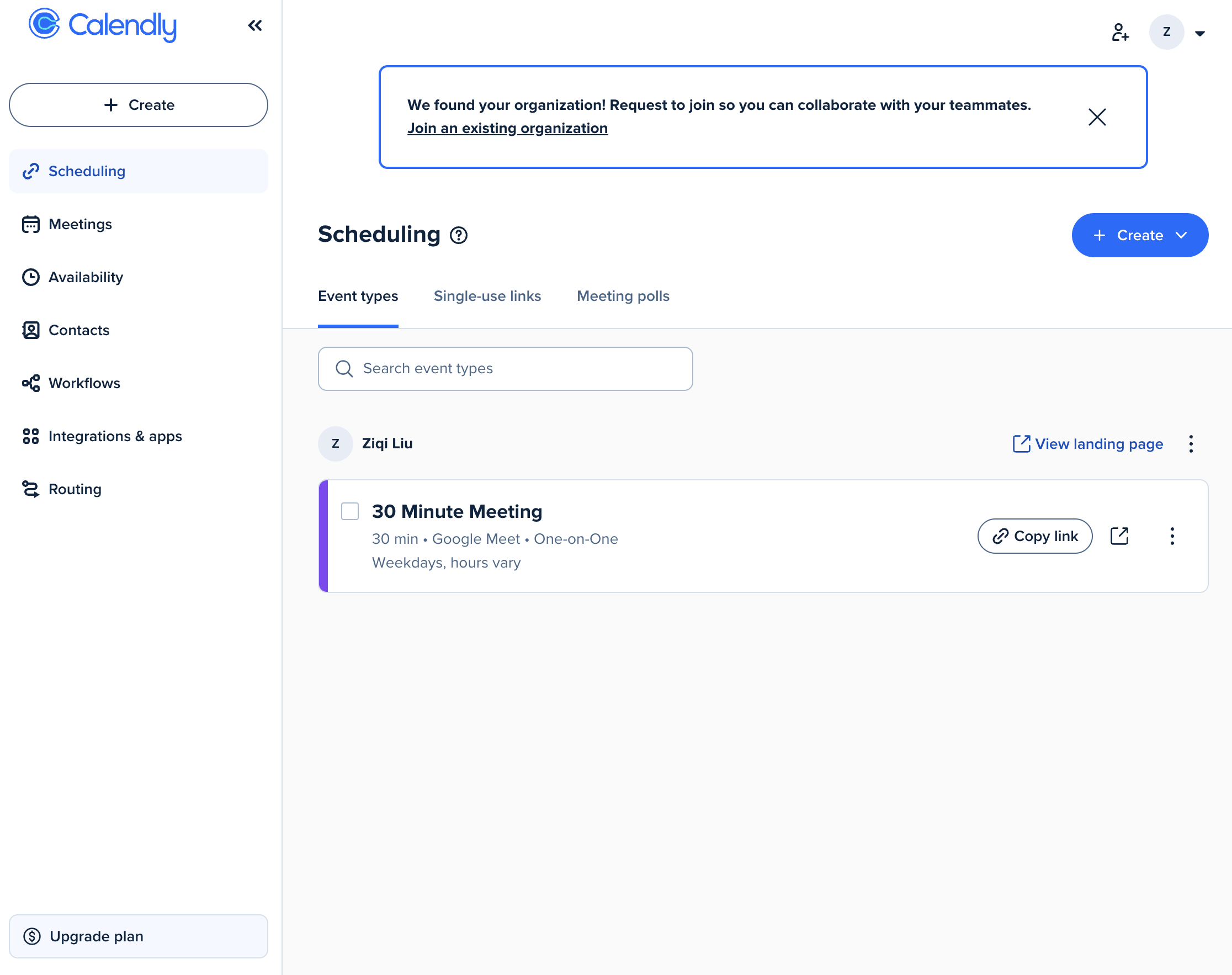
Type: Booking link platform Pricing: Free / Standard $10/seat/mo / Teams $16/seat/mo / Enterprise from $15K/yr Platforms: Web, iOS, Android, browser extension Source: calendly.com/pricing
Calendly is the default scheduling link tool with over 20 million users worldwide. If you have ever received a "Pick a time that works" link, it was probably Calendly.
What it does well. Booking pages eliminate the email back-and-forth entirely. Round-robin scheduling distributes meetings across team members automatically. The Salesforce, HubSpot, and Stripe integrations mean booking a meeting can trigger CRM updates and payment collection in one step. Routing forms qualify leads before they reach your calendar — asking questions, then routing them to the right team member based on answers.
Where it falls short. Calendly is not AI-native. It does not optimize your existing calendar, protect focus time, or auto-schedule tasks. There is no pre-meeting research or post-meeting follow-up. The free tier is limited to one event type. And at $10-16/seat/month, costs scale quickly for larger teams.
Best for: Sales teams and consultants who need professional booking pages with CRM integration.
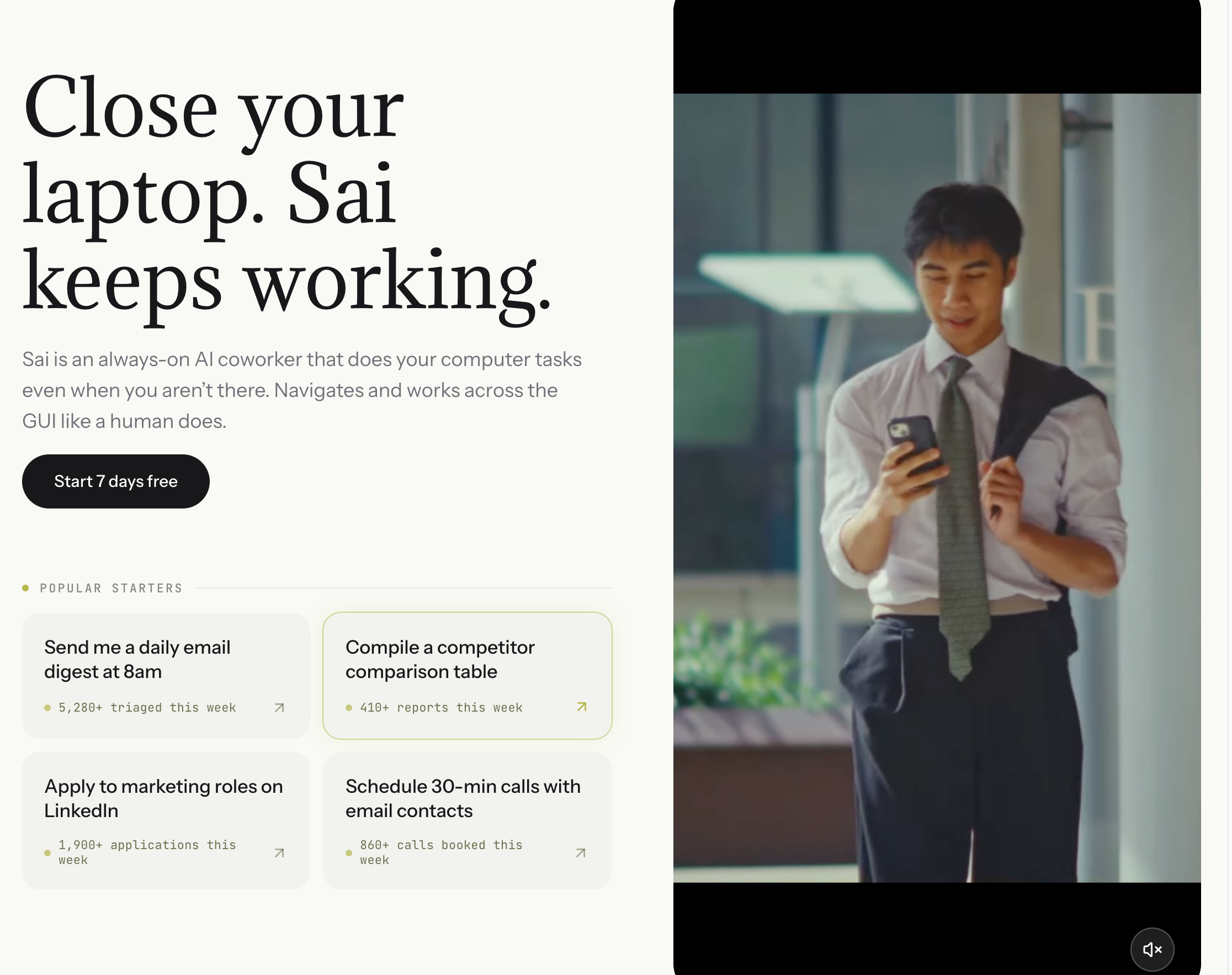
Type: AI workflow automation agent Pricing: Free / Pro $20/mo Platforms: macOS, Windows (cloud desktop) Source: simular.ai
Sai takes a fundamentally different approach. Instead of optimizing one piece of the scheduling puzzle, it automates the entire meeting lifecycle — from finding a time, to preparing for the conversation, to sending the follow-up.
What it does well. Sai is the only tool in this list that handles all three phases of a meeting:
Phase 1 — Smart Scheduling. Tell Sai "Schedule a 30-minute intro with Sarah Chen next Tuesday or Wednesday." Sai checks your Google Calendar for available slots, applies scheduling rules (business hours only, 15-minute buffer between meetings, prefer Tue-Thu 10am-4pm), generates three best time options, and drafts a scheduling email with all three options and timezone. You approve; Sai sends the email and creates the calendar event when Sarah confirms.
Phase 2 — Pre-Meeting Intelligence Brief. Before each meeting, Sai automatically generates a preparation brief: researches the attendee on LinkedIn via browser automation, pulls your most recent email thread history with them from Gmail, scans Google News for recent company updates, and compiles everything into a structured document with talking points and potential conversation risks.
Phase 3 — Post-Meeting Follow-Up. After the meeting, provide brief notes (or let Sai infer from context), and it drafts a follow-up email summarizing key discussion points, action items with owners and deadlines, and proposed next steps. You review and approve; Sai sends.
Bonus — Stale Email Detection. Between meetings, Sai scans your sent folder for emails that never received a reply. It categorizes threads by urgency (HOT: 3-5 days, WARM: 5-10 days, COOL: 10-21 days, COLD: 21-45 days), cross-references your calendar for relevant meeting context, and drafts personalized follow-ups matching the tone of your original message. This is not a generic "just checking in" — Sai reads the original thread and writes a contextual nudge.
Where it falls short. Sai is not a dedicated calendar tool. It does not generate booking links (use Calendly for that), optimize team calendars (use Clockwise), or auto-schedule tasks into gaps (use Motion). Its strength is the workflow around scheduling, not the calendar UI itself.
Best for: Sales professionals, founders, and executives who want AI to handle not just scheduling but the research, preparation, and follow-up that makes meetings productive. Pairs well with a booking link tool like Calendly or Cal.com.
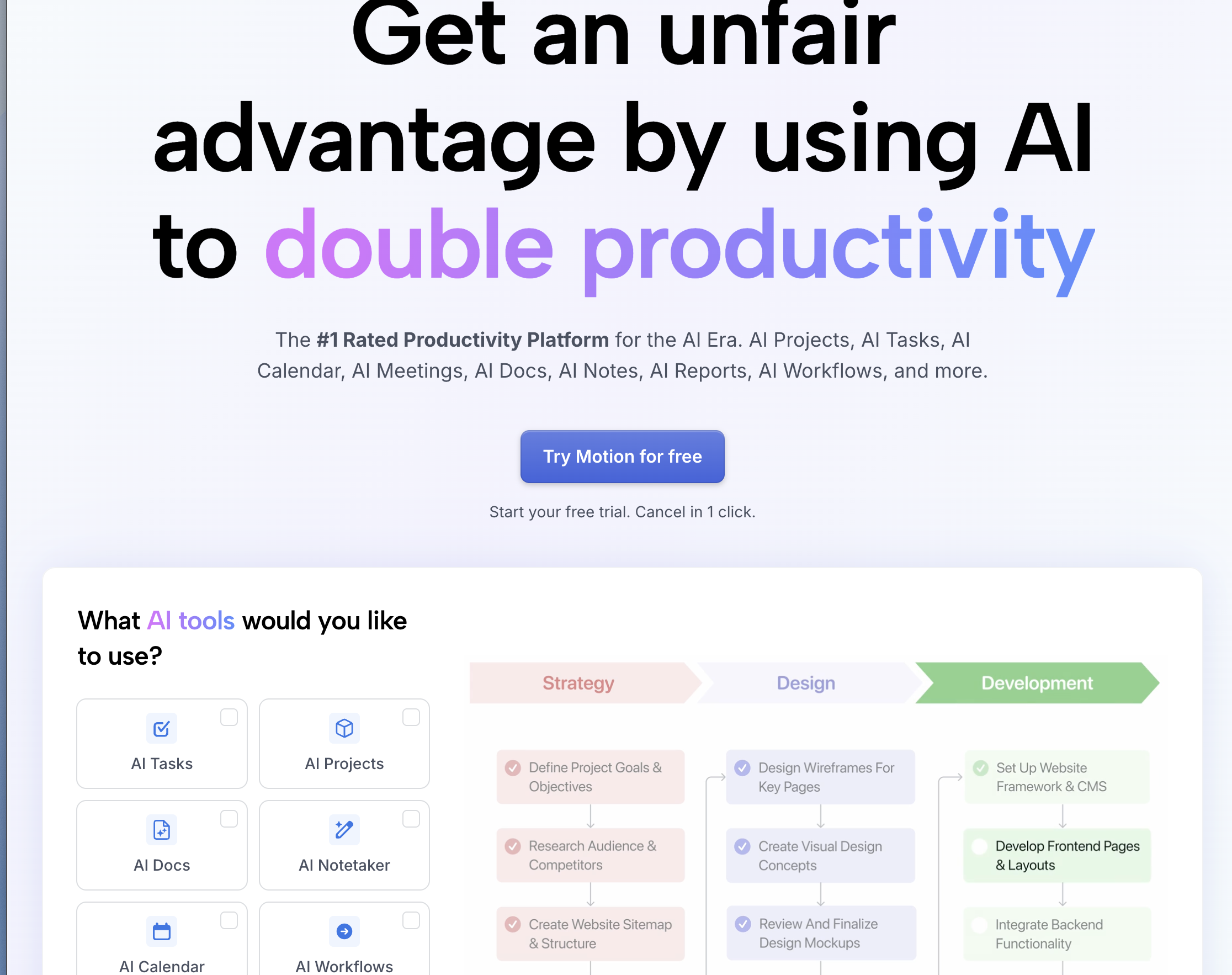
Type: Calendar optimizer + task manager Pricing: Individual $19/mo / Team $12/user/mo (annual billing) Platforms: Web, macOS, iOS Source: usemotion.com/pricing
Motion combines your calendar, task list, and project manager into a single AI-driven workspace. The core promise: tell Motion what you need to do and when it is due, and the AI schedules it into your calendar automatically.
What it does well. The AI scheduling engine is the standout feature. Add a task with a deadline, and Motion finds the optimal time slot based on your priorities, energy patterns, and existing commitments. If a meeting gets rescheduled, Motion automatically adjusts your task schedule around it. The project management features (Kanban boards, team assignments, deadlines) mean you can replace Asana or Linear for basic project tracking. For a detailed guide on building Kanban workflows, see: How to Create a Kanban Board.
Where it falls short. $19/month for individuals is expensive for a calendar tool. The learning curve is steep — you need to fully commit to Motion as your calendar, task manager, and project tracker to get value. No email integration means you still handle scheduling emails manually.
Best for: Productivity-focused individuals and small teams who want a single tool for calendar, tasks, and projects with AI auto-scheduling.
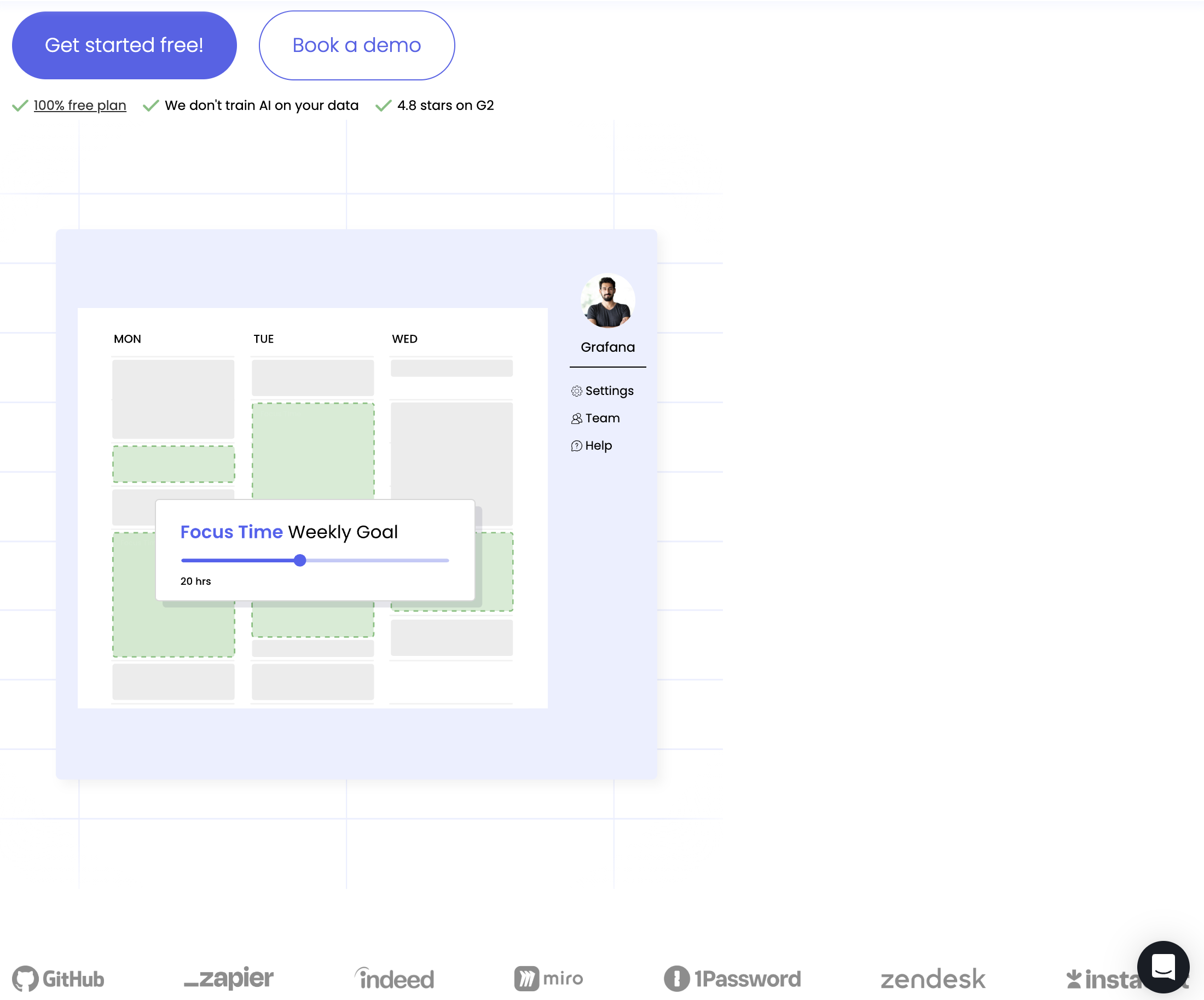
Type: Smart calendar assistant Pricing: Free / Starter $8/user/mo / Business $12/user/mo / Enterprise $18/user/mo Platforms: Google Calendar (primary), Outlook (beta) Source: reclaim.ai/pricing
Reclaim.ai focuses on protecting your time rather than scheduling more of it. The tool analyzes your calendar patterns and automatically blocks focus time, lunch breaks, and personal habits.
What it does well. Smart Habits let you define recurring activities (gym, deep work, weekly review) and Reclaim finds consistent time slots for them, adjusting around meeting changes. The Slack integration automatically updates your status based on calendar events. Focus time protection holds blocks on your calendar that flex or release based on meeting demand — if someone needs to book, Reclaim gives up the least-important focus block. Task scheduling pulls from Todoist, Asana, Linear, or ClickUp and schedules tasks into available time.
Where it falls short. Google Calendar only (Outlook support is in beta and limited). No booking link features — you still need Calendly for external scheduling. The free tier is functional but limited to 3 habits and basic scheduling.
Best for: Knowledge workers who struggle with meeting overload and want AI to protect their focus time and personal habits.
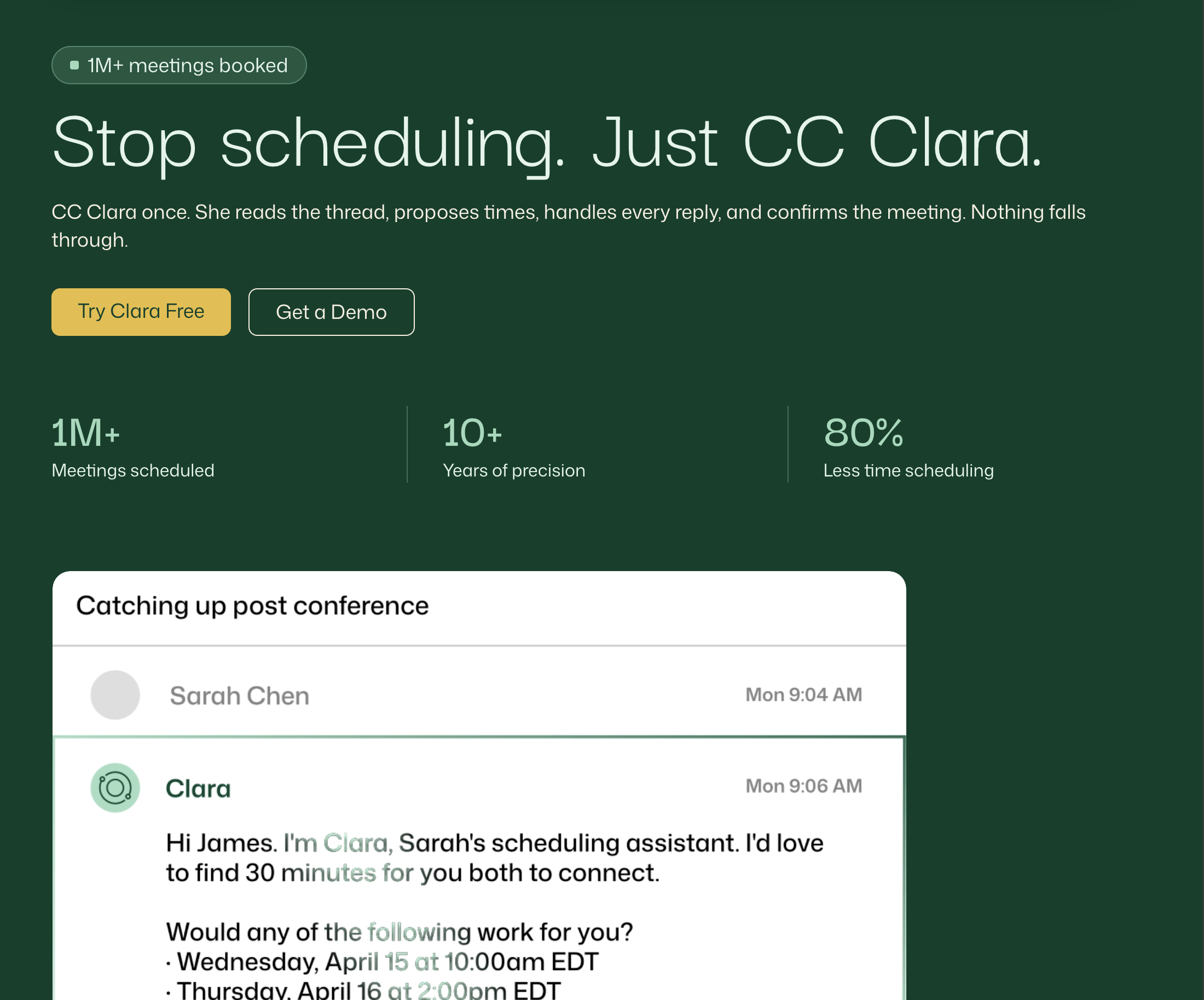
Type: AI email scheduling assistant Pricing: Enterprise custom (previously $99-$399/mo for individuals) Platforms: Email-based (works with any calendar) Source: claralabs.com
Clara handles scheduling through email, mimicking the experience of having a human executive assistant. CC Clara on an email thread, and it negotiates meeting times with the other person in natural language — handling timezone conversions, back-and-forth preferences, and rescheduling.
What it does well. The email-based approach means the other person never sees a booking link or a scheduling tool. The interaction feels human and professional. Clara handles complex multi-party scheduling, timezone negotiations, and rescheduling without your involvement. For executives who schedule 15+ external meetings per week, this level of automation justifies the premium pricing.
Where it falls short. Enterprise-only pricing puts Clara out of reach for most professionals. The tool is a scheduler, not a calendar optimizer — it does not protect focus time or auto-schedule tasks. No pre-meeting research or post-meeting follow-up capabilities.
Best for: C-suite executives and senior leaders at companies willing to pay enterprise pricing for white-glove AI scheduling.
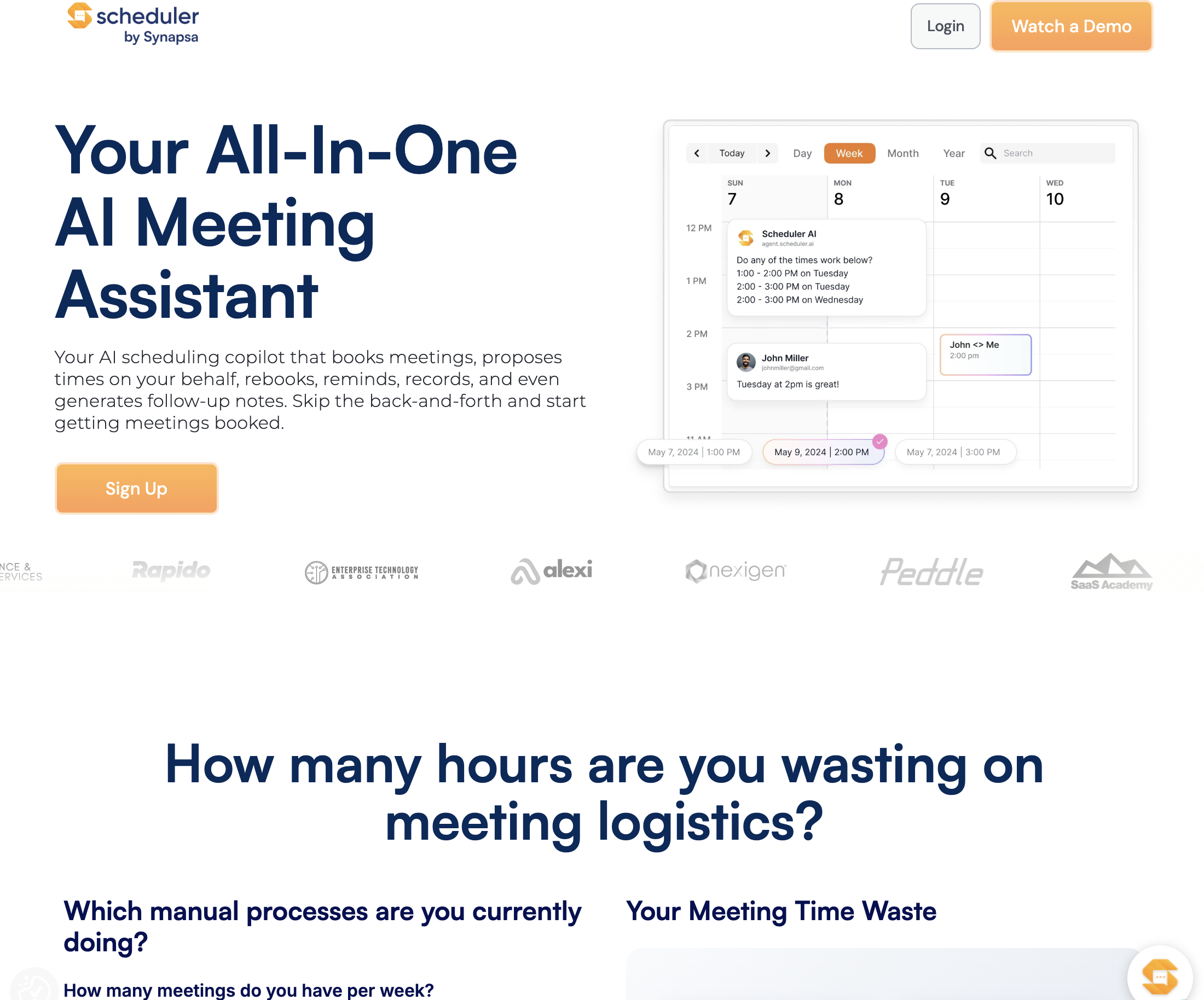
Type: AI meeting scheduler Pricing: Free / Pro $8/mo / Business $16/mo Platforms: Google Calendar, Outlook, iCloud Calendar Source: schedulerai.com
Scheduler AI brings email-based scheduling to non-enterprise users at accessible pricing. Tell it who you want to meet and when, and it sends scheduling emails, negotiates times, and books the meeting.
What it does well. Natural language scheduling works well for straightforward requests ("Schedule a 30-minute call with Sarah next week"). Multi-calendar support covers Google, Outlook, and iCloud — more platforms than most competitors. The $8/month Pro tier is affordable for freelancers and small business owners.
Where it falls short. Newer tool with a smaller user base, which means less polish and fewer integrations than established competitors. Complex multi-party scheduling can require manual intervention. No calendar optimization, task scheduling, or follow-up features.
Best for: Freelancers and solopreneurs who want email-based scheduling without enterprise pricing.
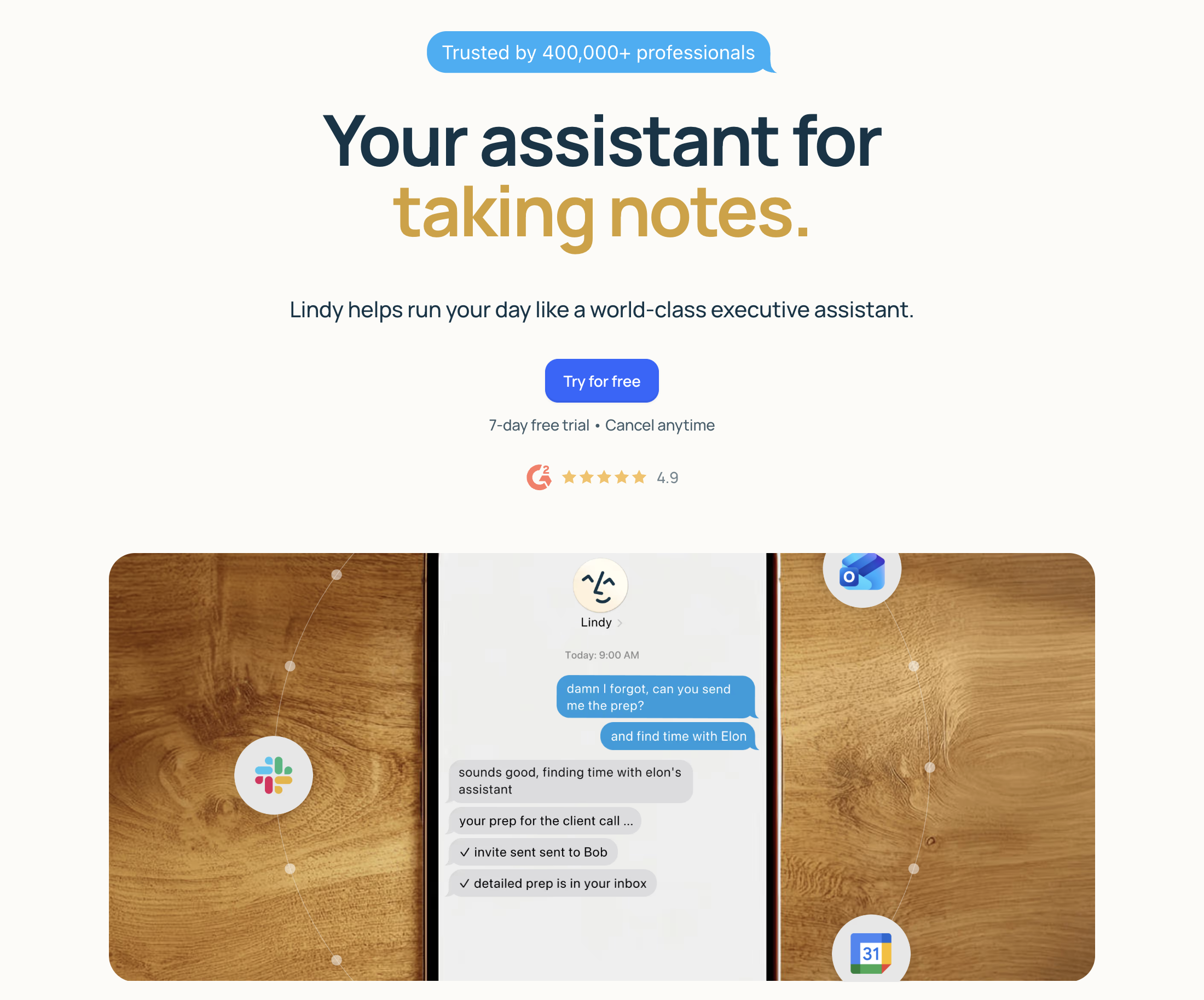
Type: AI executive assistant Pricing: Free / Pro $49.99/mo Platforms: Web, API Source: lindy.ai
Lindy positions itself as a full AI assistant that handles scheduling alongside email drafting, web research, task management, and CRM updates. Think of it as an AI chief of staff.
What it does well. Breadth is the advantage. Lindy can schedule meetings, draft email responses, summarize meeting notes, research companies, and update your CRM — all from a single interface. The workflow builder lets you create custom AI automations without code. For professionals who want one AI tool for everything, Lindy reduces the need to stitch together multiple point solutions.
Where it falls short. $49.99/month is expensive. Jack-of-all-trades tools often sacrifice depth for breadth — Lindy's calendar optimization is less sophisticated than Motion's, and its scheduling emails are less natural than Clara's. The learning curve is steep because the tool tries to do so much.
Best for: Executives and founders who want a single AI assistant for scheduling, email, research, and task management — and are willing to pay $50/month for it.
Type: Revenue scheduling platform Pricing: Custom enterprise pricing Platforms: Salesforce, HubSpot, Marketo, web Source: kronologic.com
Kronologic auto-schedules sales meetings from inbound leads. When a lead fills out a form or triggers a CRM event, Kronologic immediately sends a calendar invite with a proposed time — no SDR outreach required.
What it does well. Speed-to-lead is the core value proposition. When a prospect downloads a whitepaper or requests a demo, Kronologic sends a meeting invite within minutes. The AI selects times based on the prospect's likely timezone and the sales rep's availability. Integration with Salesforce and HubSpot means meeting data flows directly into your pipeline.
Where it falls short. Sales-only focus — no value for general scheduling, team calendar optimization, or personal productivity. Enterprise pricing excludes small sales teams. Requires CRM integration to function, so standalone use is not possible.
Best for: B2B sales teams with high inbound lead volume who need instant meeting booking from CRM triggers.
Type: Booking link platform (open-source) Pricing: Free (self-hosted) / Team $12/user/mo / Enterprise $37/user/mo Platforms: Web (self-hosted or cloud) Source: cal.com/pricing
Cal.com is the open-source alternative to Calendly. You can self-host it for complete control over your data, or use their managed cloud service.
What it does well. Self-hosting means your scheduling data never leaves your infrastructure — critical for healthcare, legal, and government organizations with strict data residency requirements. The feature set matches Calendly: booking pages, round-robin, team scheduling, and integrations with Google Calendar, Outlook, and Zoom. The open-source community contributes plugins and custom integrations. An AI scheduling layer (Cal AI) recently added natural language booking via email and SMS.
Where it falls short. Self-hosting requires technical resources to maintain. The managed cloud service pricing ($12-37/user/month) is higher than Calendly's equivalent tiers. Smaller ecosystem means fewer native integrations than Calendly.
Best for: Privacy-conscious organizations that need scheduling with full data ownership, and development teams who want to customize their scheduling infrastructure.
Type: Team calendar optimizer Pricing: Free / Teams $6.75/user/mo (annual billing) Platforms: Google Calendar, Outlook
Clockwise optimizes calendars across your entire team, not just individual users. The AI analyzes meeting patterns and automatically creates Focus Time blocks, compresses meetings into clusters, and resolves scheduling conflicts.
What it does well. Team-wide optimization is the differentiator. When one person reschedules a meeting, Clockwise can automatically adjust the overlapping team members' calendars to maintain focus time blocks. Flexible meetings (meetings you mark as movable) get automatically rescheduled to minimize calendar fragmentation. The analytics dashboard shows how much focus time your team actually gets, who the biggest meeting culprits are, and where optimization opportunities exist.
Where it falls short. Best value at team scale — individual users get limited benefit. Meeting compression works well for internal meetings but cannot move external meetings. No task scheduling or project management features.
Best for: Engineering and product teams of 10+ people who need team-wide calendar optimization and meeting compression.