
Oops! Something went wrong while submitting the form.
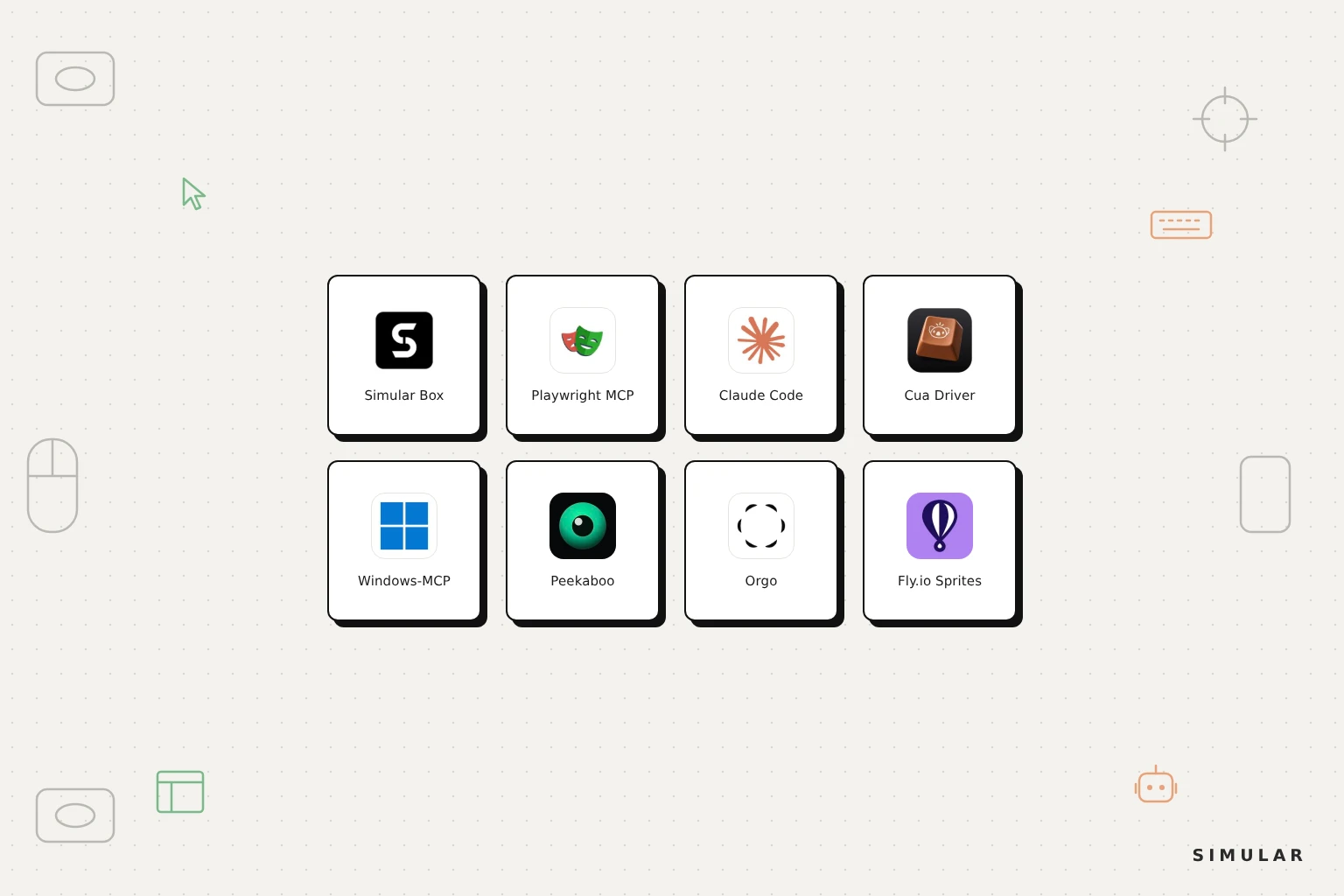
The best computer use MCP server depends on whose computer the agent should drive. To let Claude Code, Codex or Cursor operate your own desktop, use a local server: Claude Code's built-in computer use on a Mac, Cua Driver across macOS, Windows and Linux, Windows-MCP on Windows, or Peekaboo on macOS. If the work happens only in web pages, Playwright MCP is the lightest option. To give the agent a separate computer so your own machine stays free, Simular Box adds a cloud Ubuntu desktop with Chrome and a shell to any MCP client as one remote server, and Orgo and Fly.io Sprites are the other hosted choices.
This guide compares eight computer use MCP servers on what they control, where they run, how you set them up and what they cost. It is written for people who already use an AI coding agent or chat app and want it to click, type and browse, not only edit files. Simular publishes this guide and makes Simular Box; every entry is reviewed on the same criteria.
A computer use MCP server is a Model Context Protocol server that exposes a computer's screen, keyboard, mouse and often its shell as tools an AI model can call. The model asks for a screenshot or an accessibility snapshot, decides what to do, and calls tools such as click, type or run command; the server carries out the action and returns the new state. The server supplies the hands and eyes. The intelligence still comes from the model in your client, whether that is Claude, GPT or Gemini. If you are new to the idea, our explainer on what computer use is covers the basics, and our guide to computer use agents covers the agents that sit on top.
Because MCP is a shared standard, one server works in many clients. The same computer use MCP server can be added to Claude Code, Codex, Cursor, VS Code or a chat app that supports custom MCP servers, and each of them gains the same abilities without a custom integration. Claude Code's own documentation describes the order it tries tools in: a dedicated MCP server for the service first, then the shell, then a browser extension, and full-screen computer use only when nothing else reaches the app.
Most comparisons list computer use MCP servers by feature. The more useful question is which computer gets driven.
A local server drives the machine you are sitting at. It reaches your own files and logged-in apps and is quick to set up. The agent works with your user's permissions, needs OS-level grants such as Accessibility and Screen Recording, and your laptop has to stay awake until the task finishes.
A cloud server drives a separate computer. The agent gets its own desktop in a data centre, so your machine stays free, a mistake stays inside that box, and long tasks keep running after you close the lid. Files and logins the task needs live on that machine.
A browser-only server drives a browser, not a computer. It is the most reliable option for web work because it reads the page structure instead of pixels, and it stops at the edge of the browser.
We compared eight computer use MCP servers on six criteria. Where it runs: on your own machine or on a hosted computer. What the agent controls: a browser, native desktop apps, a shell, or all three. Operating systems supported. Clients: which AI apps and coding agents can connect, and whether setup is one command, a JSON config or a custom connector. Pricing: open source, included in a plan, or usage-billed. Safety: whether a person can watch and take over for logins and sensitive steps.
Every feature, licence and star count was read from each project's own website, documentation or GitHub repository in November 2026. Simular, which publishes this guide, makes Simular Box and lists it first; the other servers are ordered by how broadly useful they are.
| MCP server | Where it runs | What the agent controls | OS | Works in | Pricing | Best for |
|---|---|---|---|---|---|---|
| Simular Box | Cloud micro-VM (remote MCP, OAuth) | Full desktop, Chrome, shell, files | Ubuntu Linux | Claude, ChatGPT, Gemini, Claude Code, Codex, Cursor, VS Code, OpenCode, DeepSeek Harness and other MCP clients | Freemium; pay as you go | Giving the AI you already use its own computer |
| Playwright MCP | Local or self-hosted | Browser only | Any | Any MCP client | Free, Apache-2.0 | Reliable web automation and testing |
| Claude Code computer use | Local, built in | Your Mac desktop | macOS (CLI) | Claude Code | Included in Pro, Max and Ultra plans | Claude Code users on a Mac |
| Cua Driver | Local, in the background | Native apps and browser, own cursor | macOS, Linux, Windows (preview) | Any MCP client, CLI | Free, MIT | Cross-platform local control without losing your cursor |
| Windows-MCP | Local | Windows apps via UI Automation | Windows 10 and 11 | Any MCP client | Free, MIT | Windows desktop automation |
| Peekaboo | Local | Mac apps, screenshots, accessibility tree | macOS 15+ | Any MCP client, CLI | Free, MIT | Native macOS automation |
| Orgo | Cloud VMs | Always-on cloud desktops | Linux, Windows, Mac | MCP, REST, SDKs, CLI | Free to start; paid plans per computer | Fleets of always-on agent desktops |
| Fly.io Sprites | Cloud microVMs | Shell and files (no screen) | Linux | MCP, CLI, REST, SDKs | Usage-based; no compute charge while asleep | Terminal-only agents that need a persistent box |
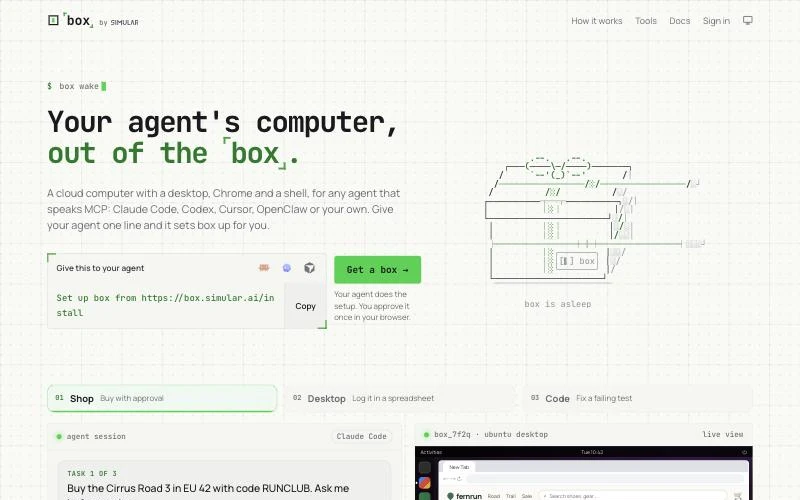
Simular Box is a cloud Linux desktop for your AI, added to the app you already use as one remote MCP server at https://mcp.box.simular.ai/mcp. Your AI gets an Ubuntu desktop with Chrome and a persistent shell, drives it over MCP, and your own computer stays free. You can watch the screen live and take over whenever a step needs a person.
How it is built. Every box is a Linux micro-VM with strict CPU and memory isolation, and the platform is GPU-ready. Boxes come from a pre-warmed pool, which is how Simular Box delivers a sub-1.2-second p95 spin-up; when a session ends, the VM is torn down and its memory reclaimed automatically. Behind the pool sit auto-scaling pipelines, multi-region failover, health-check telemetry and error watchdogs, and the stack has been stress-tested at 1,000 concurrent VMs. The core virtualization, micro-VM pooling and MCP routing are running in production today. A box sleeps when idle and wakes in about a second when your AI connects, with files and state kept.
Where it works. Simular Box is a universal MCP server (JSON-RPC over Streamable HTTP with SSE streaming for remote clients, and stdio through local adapters), so it reaches both chat apps and coding agents. In Claude you add it as a custom connector; in ChatGPT as a custom MCP server plugin; in the Gemini app as a custom app. Turnkey adapters cover Claude Code, Codex, Cursor, VS Code, OpenCode, Hermes, OpenClaw, DeepSeek Harness and T3Code, and one command sets up every coding agent it finds on your machine:
npx @simular-ai/box connectSign-in is OAuth, so there is no key to paste; every connected app is listed and revocable at box.simular.ai/keys. You can also paste Set up box from https://box.simular.ai/install into a coding agent and let it do the setup. Full per-client steps are in the Simular Box MCP docs.
What your AI can do on it. The tool set covers three ways of working. Shell and file tools (shell, read_file, write_file, edit_file, list_dir) handle anything that does not need a screen. Browser tools (browser_navigate, browser_snapshot, browser_click, browser_fill, browser_tabs) act on page elements from a snapshot, the same approach Playwright MCP uses. For desktop apps, gui_plan takes a whole GUI plan in one call, desk runs a single accessibility-tree action, and computer_act handles raw pointer and keyboard input.
Watching and sharing. A real-time streaming canvas (low-latency noVNC and WebRTC) lets you watch the box and take control for a sign-in, a 2FA code or a captcha; the agent is instructed to hand those steps to you rather than ask for passwords in chat. Zero-friction share links let you send someone a web link to inspect what the agent produced, for example a page ChatGPT just built, and a web dashboard handles one-click box provisioning and session replay history.
Pricing. Simular Box has a freemium version to start, and pay as you go after that.
Best for: anyone who wants Claude, ChatGPT, Gemini or a coding agent to do real computer work on a machine of its own, without building infrastructure. For a wider look at hosted options, see our comparison of cloud computers for AI agents.
Add Simular Box to your AI app
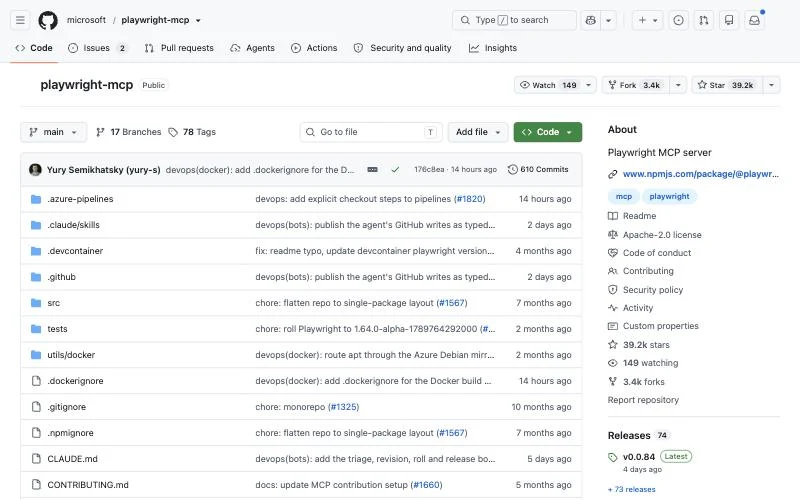
Playwright MCP is Microsoft's MCP server for the Playwright browser automation library, and with about 39,000 GitHub stars it is the most widely adopted browser server in the MCP ecosystem. Instead of sending screenshots, it gives the model a structured accessibility snapshot of the page, so the model clicks elements by reference rather than guessing coordinates. The project describes three consequences: it is fast and lightweight, it needs no vision model, and tool calls are deterministic rather than ambiguous.
Setup is the standard MCP config in almost every client, and the README lists ready-made instructions for Claude Code, Claude Desktop, Codex, Cursor, VS Code, Windsurf, Gemini CLI, Cline, Goose, Warp and more:
{
  "mcpServers": {
    "playwright": { "command": "npx", "args": ["@playwright/mcp@latest"] }
  }
}
It needs Node.js 18 or newer and is licensed Apache-2.0. Configuration flags control allowed hosts, headless mode, browser choice and persistent profiles. The Playwright team now also suggests its CLI with Skills for high-throughput coding agents, because shell commands load less into the model's context than MCP tool schemas and accessibility trees; MCP remains their recommendation for long-running, exploratory or self-healing browser loops.
Best for: giving a coding agent a dependable browser for testing, form filling and data collection. When the job leaves the browser, pair it with a full computer. If you are comparing hosted browser platforms rather than MCP servers, see our Browserbase alternatives guide.
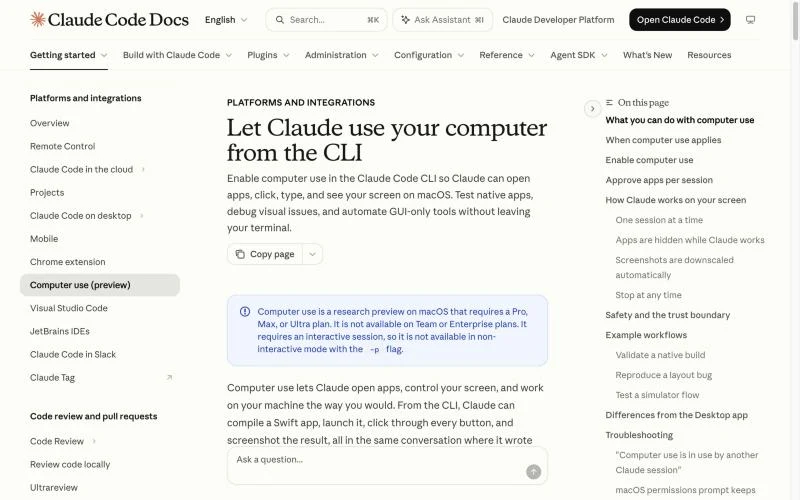
Claude Code computer use is a built-in MCP server called computer-use. It is off by default; you enable it from /mcp once per project and grant macOS Accessibility and Screen Recording permissions. Claude can then open apps, click, type and see your screen from the same terminal session where it wrote the code.
Anthropic's documentation gives four core uses: building and validating native apps (write a Swift menu bar app, compile it, launch it and click every control), end-to-end UI testing of local Electron apps without a Playwright harness, reproducing and fixing visual layout bugs, and driving GUI-only tools such as design apps, hardware panels or the iOS Simulator. Apps you have not approved are hidden while Claude works, screenshots are downscaled automatically, and only one session can use the screen at a time.
It is a research preview on macOS in the CLI, available on Pro, Max and Ultra plans but not on Team or Enterprise, and it needs an interactive session, so it does not run with claude -p. The Claude desktop app has its own computer use on macOS and Windows.
Best for: Claude Code users on a Mac who want visual checks of native or local apps without installing anything.
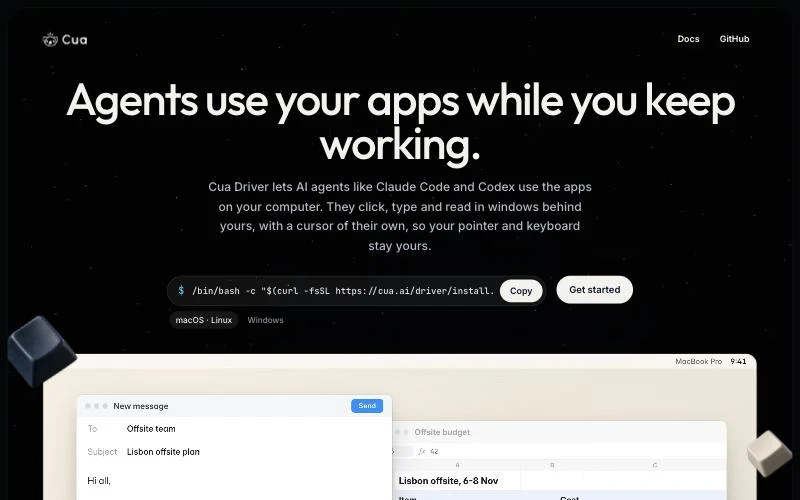
Cua Driver is the open-source driver behind Cua's shared computers. Its distinguishing feature is background computer use: agents such as Claude Code and Codex click, type and read in windows behind yours with a cursor of their own, so your pointer and keyboard stay yours while the agent works. It can also give the agent its own browser window, so it can search and fill forms while your tab keeps focus.
The driver reads each operating system's accessibility tree, which lets agents work in native apps such as spreadsheets and settings panels as well as web pages, with the same tools on macOS, Linux and Windows (preview). You connect it to Claude Code, Codex, Cursor or any MCP client, or call it from the command line. It installs with one script from cua.ai, is MIT licensed, and is used in projects including Hermes Agent, Qwen Code and DeepSeek Harness. Cua also packages the driver into Cua Spaces, desktops that you and your agents share and can watch live.
Best for: developers who want one local computer use server across three operating systems and do not want the agent taking over their screen.
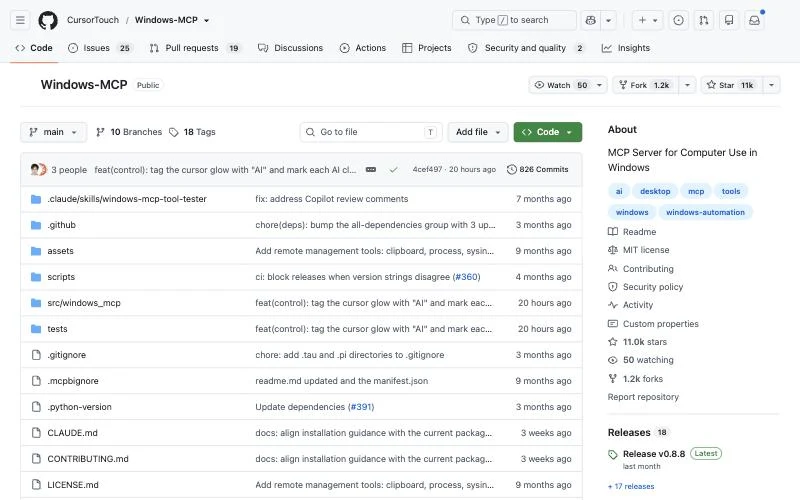
Windows-MCP is an open-source MCP server from CursorTouch that connects AI agents to Windows 10 and 11. It can open and control apps, navigate files, interact with UI elements and run QA flows, and it has about 11,000 GitHub stars. It reads the interface through Windows UI Automation, so it works with any model and does not depend on computer vision or a fine-tuned model; screenshots are optional.
The project reports a typical gap of 0.2 to 0.5 seconds between actions, depending on system load and model speed. A DOM mode focuses its state tool on web page content in Chrome, Edge and Firefox, filtering out browser chrome for cleaner web automation. It is MIT licensed, published on PyPI (uvx windows-mcp), listed in the official MCP Registry, and distributed as a Claude Desktop extension, where the maintainers report more than two million users. The current package requires Python 3.14 or later.
Best for: automating Windows-only business software on your own Windows PC from Claude Desktop, Claude Code or another MCP client.
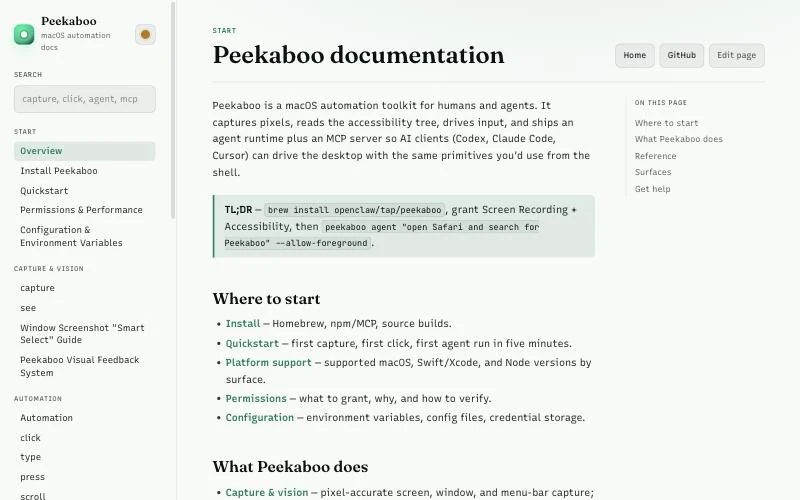
Peekaboo is a macOS automation toolkit for people and agents. It captures pixel-accurate screen, window and menu-bar images, reads the accessibility tree, drives input, and ships an agent runtime plus an MCP server so Codex, Claude Code or Cursor can operate the desktop with the same primitives. Its core loop is simple: observe the screen with see, pick an element from the structured result, and act on it.
It comes as a CLI (brew install openclaw/tap/peekaboo), an npm package with the MCP launcher (npx -y @steipete/peekaboo, Node.js 22+), and a signed menu-bar app that handles permission onboarding and shows visual feedback while an agent works. It requires macOS 15 or later, is MIT licensed, and lives under the OpenClaw organisation on GitHub with about 5,400 stars.
Best for: agents that must work inside Mac apps, such as Finder, Xcode or Safari, and visual QA of macOS software.
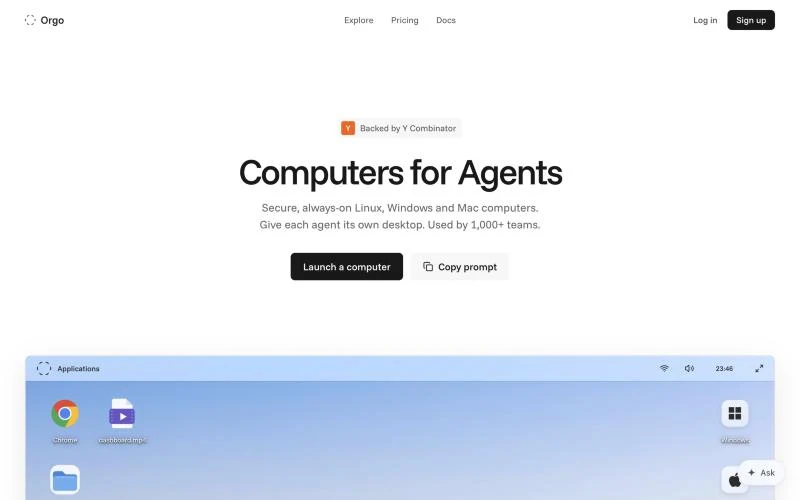
Orgo, backed by Y Combinator, rents secure, always-on Linux, Windows and Mac computers so each agent gets its own desktop with a browser and terminal. Computers run until you stop them and keep their files, apps and identity through restarts, and you can resize CPU, memory and storage in place, clone a configured agent in one click or start from a template.
Orgo leans into managed agents: you can set up Hermes, OpenClaw, Claude Code or Codex in a click, connect Gmail, Slack and more than 100 other apps, and run computer use with models from OpenAI, Anthropic or xAI. A dashboard lets you launch computers, watch agents live and share the view with your team, while REST, SDKs, a CLI and an MCP server let a product create and control thousands of computers. It is free to start, with paid plans priced per computer for machines that stay on; Windows is on the Scale plan or as an add-on.
Best for: teams that want a fleet of persistent agent workstations, including Windows and Mac. Our cloud computers for AI agents comparison covers Orgo alongside E2B, Daytona and others.
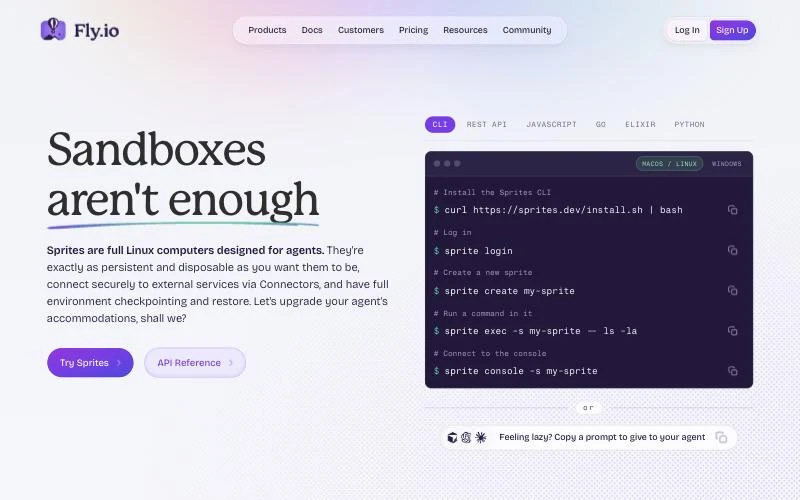
Sprites are Fly.io's full Linux computers for agents, pitched with the line "sandboxes aren't enough". Each Sprite keeps a real disk that survives sleep, with a 100 GB volume billed on what you actually use, so you install tools once and find them there every run. You can checkpoint the whole filesystem in about a second and restore it when something goes wrong.
Every Sprite answers on its own HTTPS URL and a request wakes it, and Connectors let it reach GitHub, Slack or any API without the credential ever entering the machine. You control Sprites through a CLI (sprite create, sprite exec), a REST API, SDKs for JavaScript, Go, Elixir and Python, and Fly.io's MCP server. Pricing is usage-based, with no compute charge while a Sprite sleeps. There is no desktop, so this is computer use in the terminal sense.
Best for: coding agents that need a persistent, cheap home for long shell jobs. For sandbox-style alternatives, see our E2B alternatives guide.
It depends on whether machines are kept warm. Simular Box serves boxes from a pre-warmed micro-VM pool with a sub-1.2-second p95 spin-up, and a sleeping box wakes in about a second when your AI connects.
The open-source local servers (Playwright MCP, Cua Driver, Windows-MCP, Peekaboo) are free; you pay only for the model. Claude Code computer use is included in eligible Claude plans. Hosted computers charge for the machine or its usage: Simular Box is freemium with pay as you go, Orgo is free to start with per-computer plans, and Sprites bill by usage.
Give your AI a computer of its own with Simular Box
Features, licences and star counts were checked against each project's official page on 3 November 2026.