
Oops! Something went wrong while submitting the form.
A computer use agent is an AI system that operates a computer the way a person does — it looks at the screen, moves the pointer, clicks, types, scrolls, switches windows, and reads the result before deciding what to do next. Instead of calling an API that a vendor happened to expose, it drives the interface that already exists.
That distinction matters because most real work still lives behind interfaces with no API: an internal admin console, a supplier portal, a desktop ERP client, a legacy CRM, a spreadsheet that three teams edit by hand. A computer use agent is the only category of automation that reaches those systems without an integration project.
This guide covers what the category actually is, how it differs from RPA and from browser agents, what the benchmarks measure (and where they mislead), and 22 tools worth knowing in 2026 — each with its underlying approach, capability boundary, licensing, pricing, best-fit user, and honest limitations.
Every computer use agent runs the same loop:
The interesting engineering is almost entirely in steps 2 and 4. Grounding is what separates an agent that clicks the right cell in a spreadsheet from one that clicks 40 pixels to the left. Verification is what separates an agent you can leave running from a demo that looks great once.
Sai, built by Simular, is a computer use agent that operates a real computer the way a person does — it sees the screen, moves the cursor, types, and clicks across desktop applications, websites, and files, instead of calling APIs. Sai runs either on the user's own machine or in a Simular-provided virtual machine, so it can reach local files, installed desktop software, and internal tools that have no public API. Simular is the research company behind Sai; its agent work is the origin of the OSWorld-style evaluation approach used throughout this guide. Sai is available on macOS and Windows, with a free tier and paid plans, and it can be extended with skills, MCP servers, and scheduled or event-triggered workflows.
Three benchmarks dominate the conversation. None of them is your workload, but together they tell you which systems can actually close a loop.
A computer use agent that runs on your own machine and works across every application on it, not just the browser.
How it works. Sai combines OS-level accessibility data with vision grounding, so it can address a button by its accessibility node when one exists and fall back to pixels when it does not. It runs on a real machine — your laptop or a cloud workspace — which means it inherits your logged-in sessions, your local files, and your network, instead of asking you to re-authenticate inside a sandbox.
Capability boundary. Cross-application workflows are the design center: pull records from a CRM, reconcile them against a spreadsheet, file the exceptions in a ticketing tool, email the summary. It handles desktop applications and file dialogs, not only web pages, and can be given a task in plain language or run unattended on a schedule or a trigger.
Licensing. Closed-source product. The team also publishes open research in this category (see Agent S, below).
Pricing. Free tier with a metered allowance of computer time; paid plans for heavier and unattended use. Check the current pricing page before budgeting.
Best for. Operations, finance, and GTM teams whose work spans several tools — at least one of which has no usable API — and who want the agent to act as their own logged-in user rather than through a service account.
Limitations. It needs a machine to drive, so it is not a zero-footprint cloud API. Like every agent in this category it is slower and costlier per step than a hard-coded script, and a task that runs 10,000 times a day against a stable UI is still better served by RPA or a direct integration.
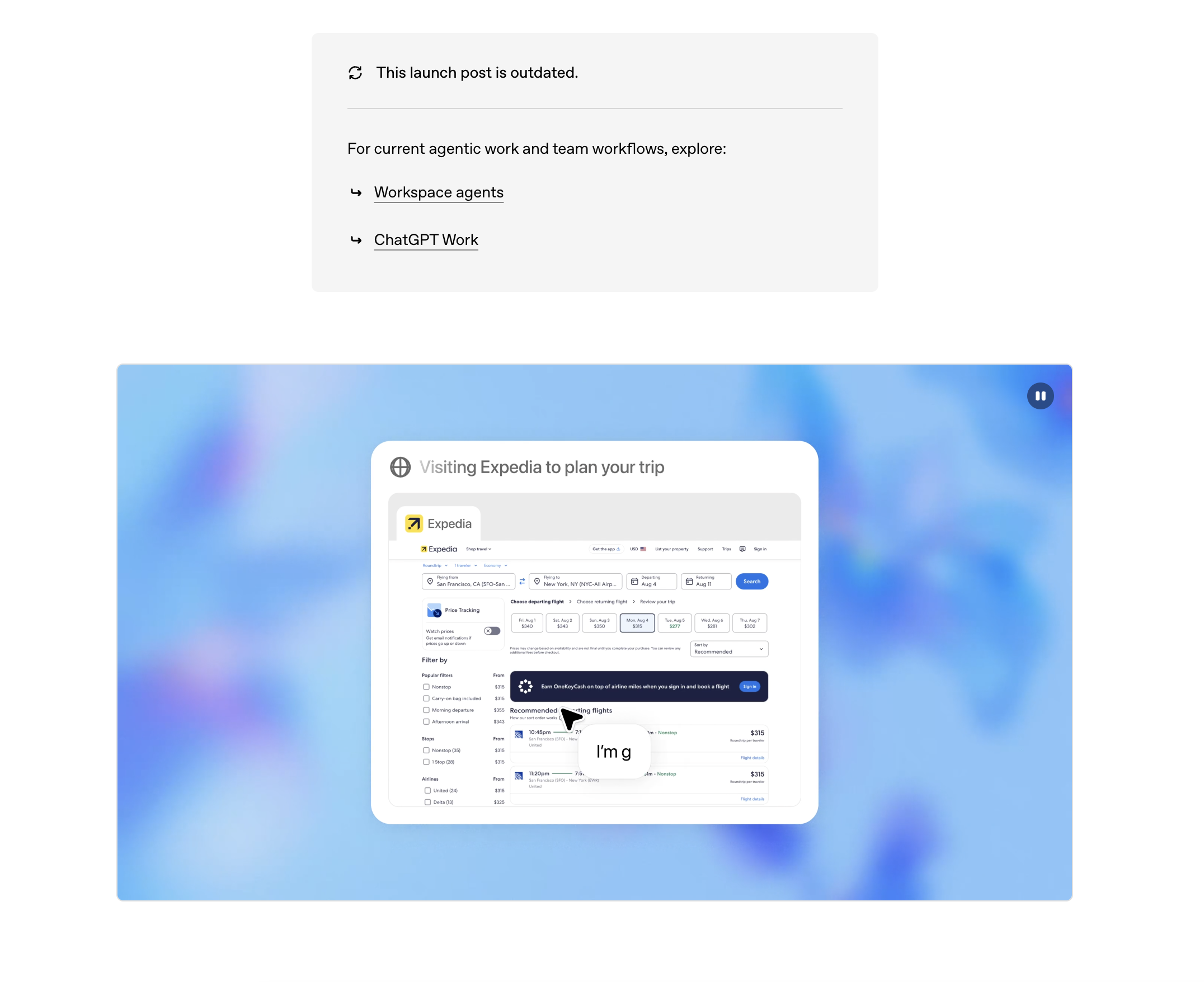
OpenAI’s hosted agent that browses and operates a virtual computer inside ChatGPT.
How it works. A cloud-hosted virtual machine with a browser, a terminal, and file handling. The agent reasons over screenshots and page structure and can switch between a visual browser and a text browser depending on the task. Operator, the earlier browser-only research preview, was folded into this unified agent.
Capability boundary. Strong at research, form-filling, and producing artifacts (slides, spreadsheets) from web work. It runs in OpenAI’s sandbox, so it does not see your desktop, your local files, or your internal network unless you upload or connect them. Sensitive actions pause for confirmation.
Licensing. Closed-source, hosted only. Pricing. Included in ChatGPT Plus / Pro / Business tiers with per-tier usage allowances.
Best for. Individuals and teams already standardized on ChatGPT who need web-scoped agentic work without managing infrastructure.
Limitations. No access to local or on-premise systems; sites that block datacenter IPs or require your own logged-in session are a recurring friction; it cannot be self-hosted.
The API capability that made "computer use" a product category — a model that returns mouse and keyboard actions from screenshots.
How it works. A tool-use loop: you send Claude a screenshot plus the tool definition, it returns an action (click at coordinates, type, key, scroll), your harness executes it and sends back the next screenshot. Anthropic ships reference container images; the loop itself is yours to run. Claude for Chrome applies the same idea inside a browser extension.
Capability boundary. Whatever your harness exposes — a container, a VM, or a real desktop. Anthropic’s models currently top the OSWorld-Verified leaderboard, so raw grounding quality is state of the art.
Licensing. Closed model, open reference harness. Pricing. Standard API token pricing; computer use is token-hungry because every step ships an image.
Best for. Engineering teams building their own agent product or internal harness on the strongest available grounding model.
Limitations. It is a capability, not a finished product — you own the sandboxing, retries, verification, credentials, and audit trail. Cost per completed task is high next to browser-scoped tools.
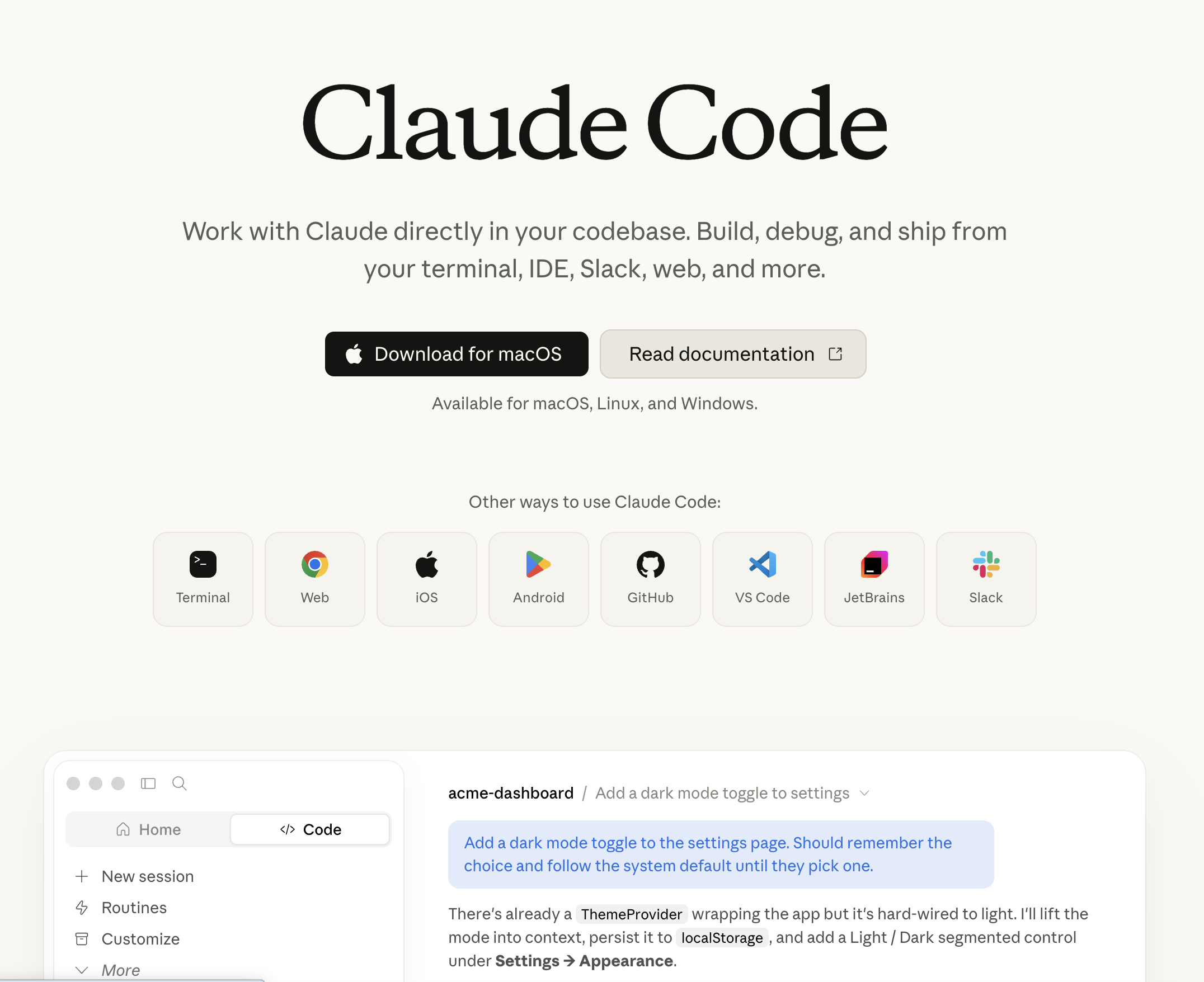
A terminal-native coding agent that operates a repository, a shell, and increasingly a browser.
How it works. Runs in your terminal (or IDE), reads and edits files, runs commands, and iterates against test output. Not a GUI agent in the strict sense, but it belongs on this list because for developer workflows it replaces what a computer use agent would otherwise do slowly through a UI.
Capability boundary. Excellent on code, build systems, migrations, and anything expressible as files plus commands. It can drive a browser for testing via MCP servers, but it is not built to click through an ERP.
Licensing. Closed-source; ships with Claude subscriptions and API keys. Pricing. Included in Claude Pro/Max tiers or billed as API usage.
Best for. Engineers. Limitations. Developer-shaped work only; non-technical operators will not get value from a terminal-first interface.
Google’s browser-controlling agent capability, exposed both as a model tool and a research prototype.
How it works. A model variant trained to emit browser actions (click, type, scroll, navigate) from screenshots and page context, with Mariner as the Chrome-side experience that executes multi-tab tasks on the user’s behalf.
Capability boundary. Browser-first. Strong on web navigation and forms; not positioned for desktop applications.
Licensing. Closed. Pricing. Model access billed per token via the Gemini API; Mariner access has been gated to higher AI subscription tiers.
Best for. Teams already on Google Cloud / Gemini who want browser control inside the same billing envelope.
Limitations. Availability and naming have shifted repeatedly — verify current status before designing around it. No desktop scope.
A hosted general agent that plans long tasks and executes them on a cloud virtual machine.
How it works. Task decomposition plus a sandboxed VM with a browser, shell, and file system. It works asynchronously — you give it a goal and come back to a deliverable (a report, a site, a spreadsheet).
Capability boundary. Broad web research and artifact production; the sandbox has no line to your internal systems.
Licensing. Closed, hosted. Pricing. Credit-based subscription tiers; long runs consume credits quickly.
Best for. Research-and-deliverable work where the output is a document, not a change inside your systems.
Limitations. Credit burn is hard to predict; no access to local or on-prem software; you are trusting a third-party VM with any credential you type into it.
The most widely adopted open-source library for letting an LLM drive a browser.
How it works. Playwright under the hood, with the page distilled into an indexed list of interactive elements that the model selects by number — far cheaper and more reliable than raw pixel grounding.
Capability boundary. Anything inside Chromium. A hosted cloud option exists for teams that do not want to run it themselves.
Licensing. Open source (MIT). Pricing. Free self-hosted; cloud tier priced per usage. Model tokens are your own cost.
Best for. Developers building web automation who want full control and a large community.
Limitations. Browser-only by definition; you supply the reliability layer (retries, verification, secrets); quality depends heavily on the model you plug in.
An open-source agent that writes and runs code locally to accomplish tasks, with an OS mode for GUI control.
How it works. The model emits Python, shell, or JavaScript, your machine executes it, and output returns to the loop. An optional OS mode adds screenshot-driven mouse and keyboard control.
Capability boundary. Very wide on anything scriptable — file wrangling, data conversion, system administration. GUI control exists but is less mature than purpose-built grounding stacks.
Licensing. Open source (AGPL-3.0). Pricing. Free; you pay model costs.
Best for. Technical users who want a local, model-agnostic agent with real machine access.
Limitations. Executing model-written code on your own machine is a genuine risk surface — sandbox it. GUI-mode accuracy trails the leaders.
A compact open-source framework that lets multimodal models operate a computer via screenshots.
How it works. Screenshot → model → mouse/keyboard action, with pluggable backends (GPT-class, Gemini, Claude, or local vision models).
Capability boundary. A reference implementation and teaching tool more than a production system.
Licensing. Open source (MIT). Pricing. Free; model costs are yours.
Best for. Learning how the loop works, or bootstrapping a prototype. Limitations. Coordinate-based clicking is fragile; little in the way of verification, recovery, or credential handling.
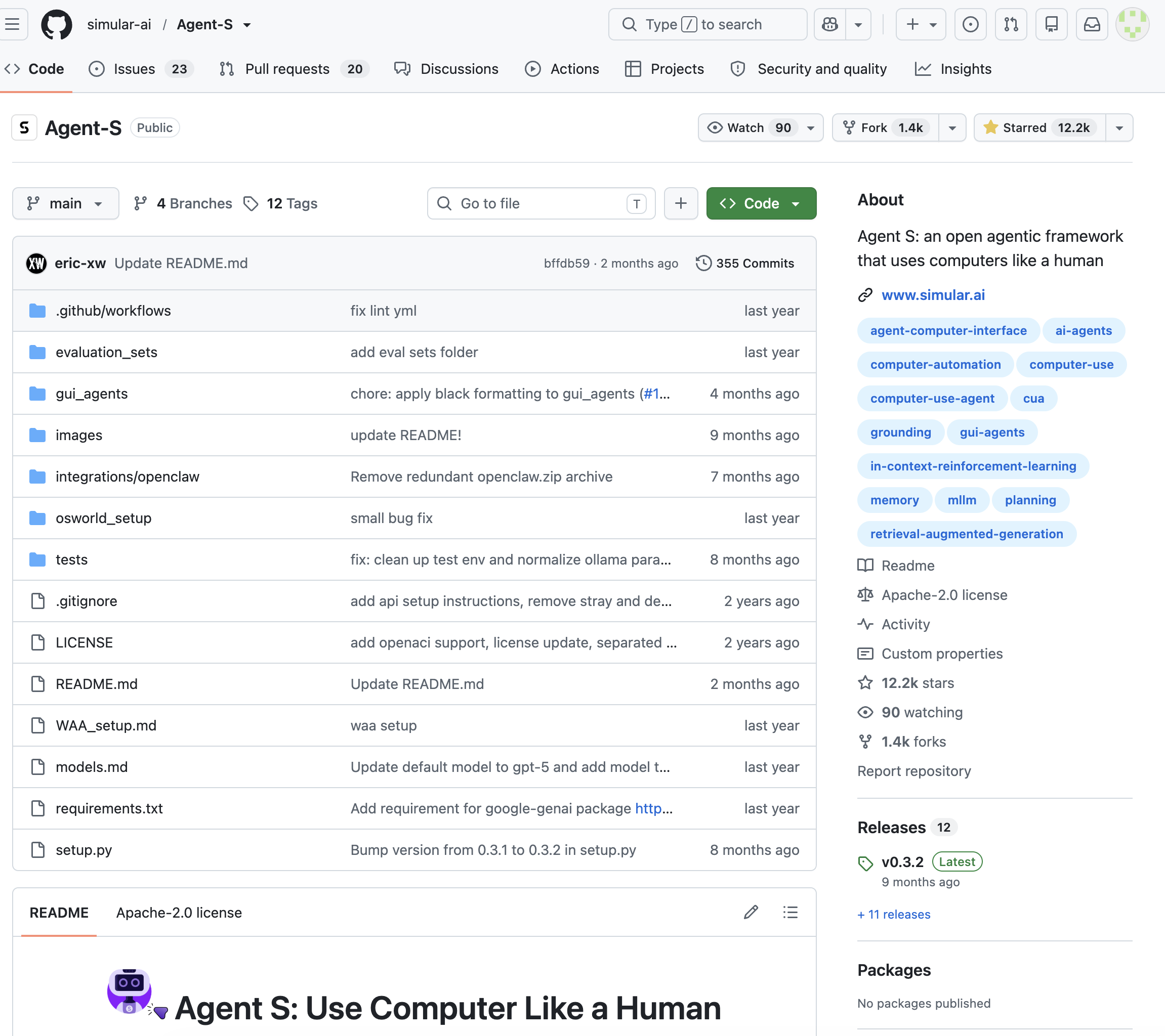
An open-source agentic framework for computer use, and one of the reference architectures in the research literature.
How it works. Modular by design: a planner, experience-augmented memory that reuses lessons from earlier runs, and a grounding module that turns intents into precise coordinates. Later versions decompose the problem across specialist modules rather than asking one model to do everything.
Capability boundary. Full desktop, benchmarked on OSWorld, WindowsAgentArena, and AndroidWorld.
Licensing. Open source. Pricing. Free; model costs are yours.
Best for. Researchers and engineers who want a strong published baseline to build on rather than a black box.
Limitations. A framework, not a product — no UI, no support contract, and you assemble the operational scaffolding yourself.
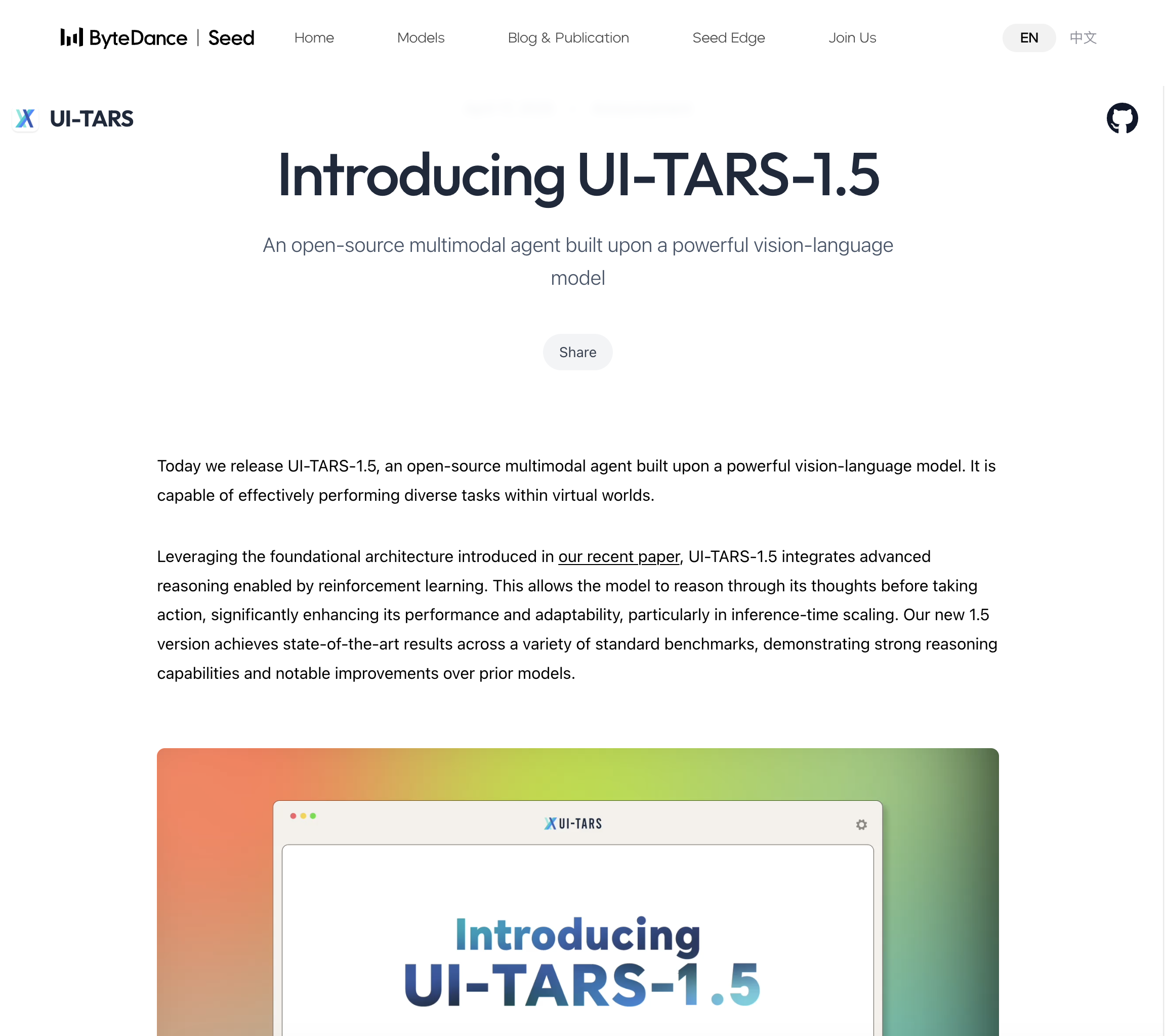
An open-weight native GUI agent model — the leading open alternative to closed grounding models.
How it works. A single vision-language model trained end-to-end on GUI perception, grounding, and action, rather than a prompt-orchestrated pipeline. Shipped alongside UI-TARS-desktop, an application that runs it against your screen.
Capability boundary. Desktop and mobile GUI control; the strongest open-weight results on OSWorld-class benchmarks (UI-TARS-2 is reported around 53% on OSWorld-Verified).
Licensing. Open weights (Apache-2.0 for released checkpoints — verify per checkpoint). Pricing. Free weights; you pay for GPUs or a hosted endpoint.
Best for. Organizations that need on-premise computer use with no data leaving the building.
Limitations. Self-hosting a multimodal model at usable latency is real infrastructure work, and it remains meaningfully behind the frontier closed models on success rate.
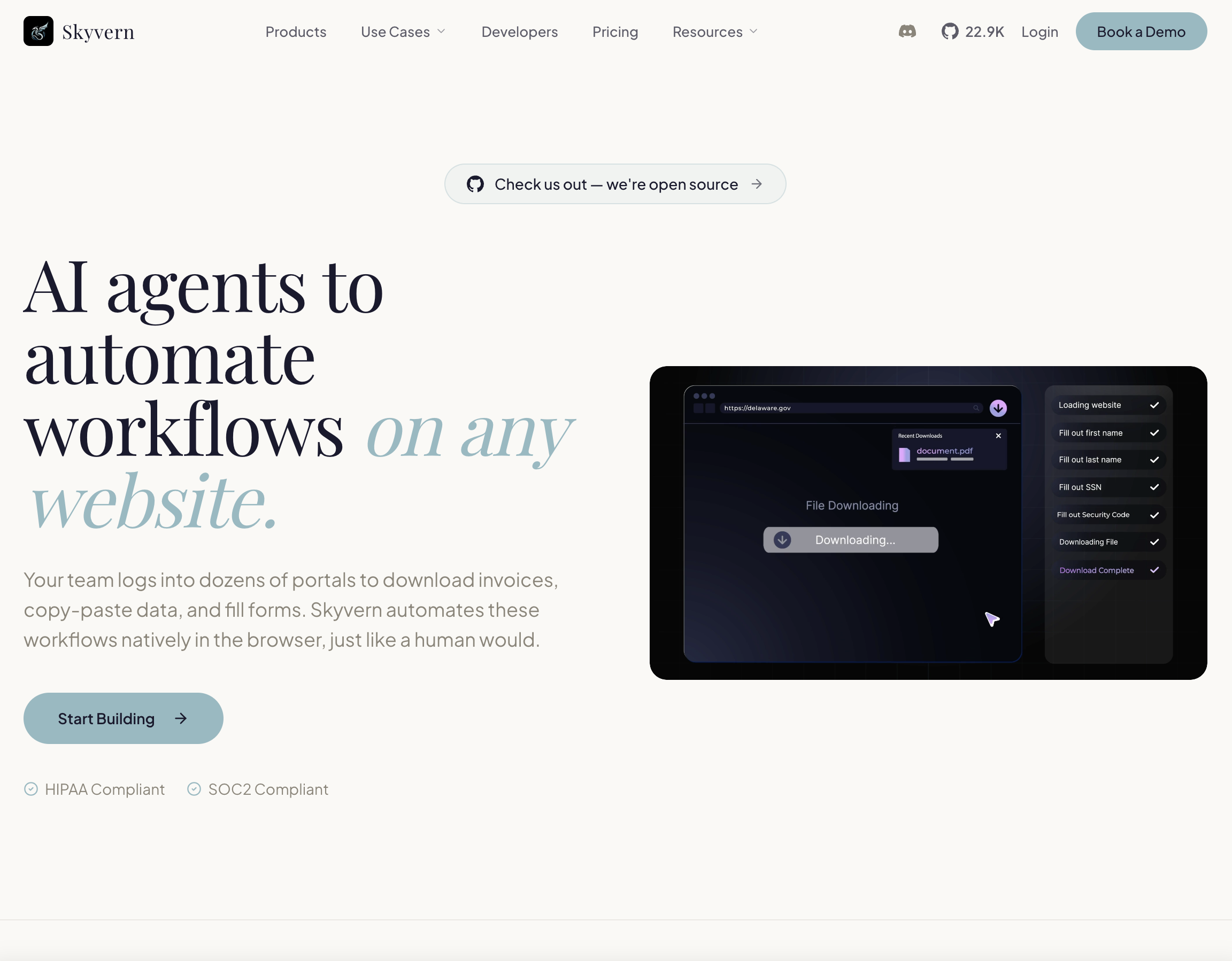
Open-source browser automation for workflows, aimed at repeatable business processes rather than chat.
How it works. Combines vision models with DOM parsing to complete web workflows, and exposes them as parameterized, re-runnable workflow objects with an API — the closest thing in the open ecosystem to "RPA, but adaptive".
Capability boundary. Web only, with good support for forms, logins, 2FA hand-offs, and downloads. A strong fit for insurance, procurement, and government-portal flows.
Licensing. Open source core (AGPL-3.0) with a paid managed cloud. Pricing. Free self-hosted; cloud billed per run/step.
Best for. Teams replacing brittle Selenium suites on high-volume web processes.
Limitations. Browser-scoped; AGPL has implications if you embed it in a commercial product.
A phone-and-web agent that executes tasks in real apps, with strong Chinese-ecosystem coverage.
How it works. A GLM-based multimodal agent that operates Android apps and web pages through GUI actions, offered as an assistant experience and via API.
Capability boundary. Mobile apps and web, including deep coverage of Chinese super-apps that Western agents cannot touch.
Licensing. Closed product; parts of the GLM model family are open-weight. Pricing. Consumer tiers plus API pricing.
Best for. Teams operating in the Chinese market. Limitations. Limited relevance to Western desktop stacks; documentation is largely Chinese-first.
A research framework for general computer control, best known for operating complex software from pixels alone.
How it works. A six-module loop — information gathering, self-reflection, task inference, skill curation, action planning, and memory — over screenshots, with the agent building a reusable skill library as it goes.
Capability boundary. Games and complex software as a research target; the skill-curation idea is the transferable part.
Licensing. Open source (MIT). Pricing. Free; model costs are yours.
Best for. Researchers studying long-horizon control and skill reuse. Limitations. Not a business automation product — expect papers, not docs.
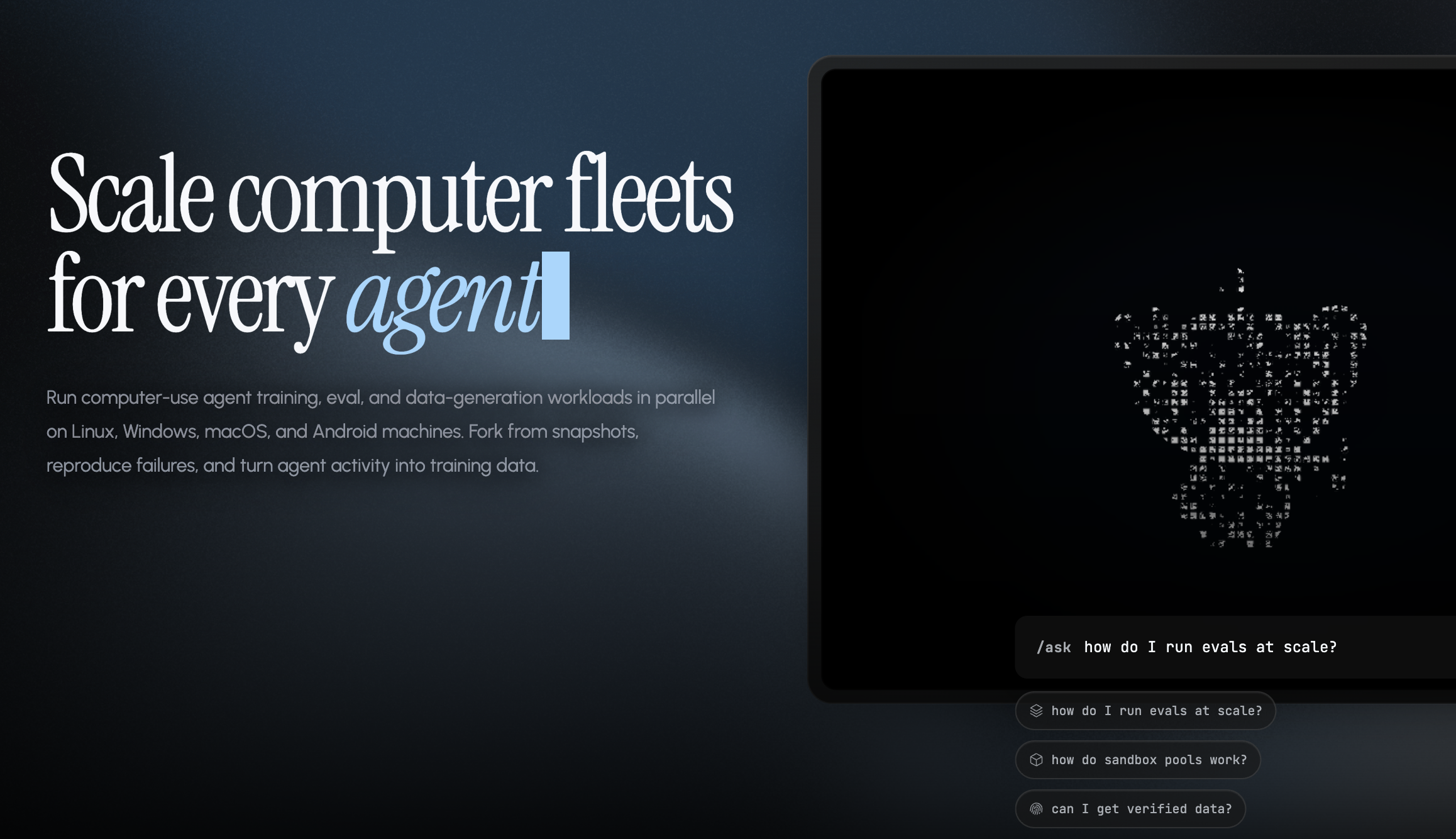
An open-source infrastructure layer that gives agents a sandboxed macOS or Linux virtual machine to operate.
How it works. Lightweight VMs (using Apple’s Virtualization framework on Apple silicon) plus an agent SDK, so any model can be pointed at a disposable computer with clean, reproducible state.
Capability boundary. It is the substrate, not the brain — bring your own model and policy.
Licensing. Open source (MIT). Pricing. Free self-hosted; a cloud container option is offered.
Best for. Builders who need isolation and reproducibility for agent runs, or who want to test agents safely.
Limitations. You still have to build the agent; macOS VM features are Apple-silicon dependent.
Open-source process automation that learns from recorded human demonstrations of GUI work.
How it works. Records screen, mouse, and keyboard while a person performs a task, then uses large multimodal models to generalize the recording into a replayable, adaptive process.
Capability boundary. Desktop GUI work that a human can demonstrate once; explicitly privacy-oriented, with local scrubbing of sensitive data.
Licensing. Open source (MIT). Pricing. Free.
Best for. Teams that prefer "show, don’t prompt" and want everything to stay local.
Limitations. Demonstration-based generalization is still fragile on heavily branching flows; a smaller community than Browser Use or Skyvern.
An autonomous software engineer that works in its own cloud environment with an editor, shell, and browser.
How it works. Given a ticket, it plans, writes code, runs tests, browses documentation, and opens a pull request, working asynchronously in a persistent workspace you can inspect and take over.
Capability boundary. Software engineering tasks plus supporting web use. Not a general office automation agent.
Licensing. Closed, hosted. Pricing. Usage-based (ACU) billing on top of a team plan; historically among the more expensive agents per unit of work.
Best for. Engineering orgs offloading well-scoped backlog work. Limitations. Cost, and the familiar pattern of strong performance on scoped tasks and weak performance on ambiguous ones.
An AI browser whose assistant can act on the pages you are viewing.
How it works. A Chromium-based browser with a built-in agentic sidebar that reads current page and tab context and carries out multi-step actions inside the browser using your existing logged-in sessions.
Capability boundary. Browser-scoped and consumer-shaped: comparison shopping, booking, inbox triage, summarizing what is open.
Licensing. Closed. Pricing. Free tier, with heavier agentic use tied to paid Perplexity plans.
Best for. Individuals who want agentic help inside everyday browsing. Limitations. Not built for unattended, auditable business processes; nothing outside the browser.
An open-source agent runtime built around open-weight models, popular with self-hosting teams.
How it works. A tool-calling agent loop over the Hermes model family, with browser and shell tools available depending on configuration.
Capability boundary. Broad but developer-assembled; strongest as a fully self-hosted, no-vendor-dependency option.
Licensing. Open source (MIT). Pricing. Free; infrastructure and model serving are your costs.
Best for. Teams with a hard requirement that nothing leaves their infrastructure.
Limitations. No managed UI, no support SLA, and GUI grounding quality depends on whichever vision model you attach.
A no-code platform for building AI assistants that handle recurring business workflows.
How it works. Trigger-based agents wired to hundreds of SaaS integrations, with a visual builder and a large template library; limited browser-acting capability sits on top of the integration layer.
Capability boundary. Integration-first — excellent where a connector exists, limited where one does not.
Licensing. Closed, hosted. Pricing. Free tier with monthly task credits; paid plans scale credits.
Best for. Non-technical operators automating email, scheduling, CRM hygiene, and lead follow-up.
Limitations. Not a true computer use agent: no desktop, and coverage stops at the connector catalog.
An open-source workflow automation platform with first-class AI agent nodes.
How it works. A node graph you build visually or in code; AI agent nodes call models and tools, and community nodes add browser control (Playwright, Browser Use) when needed.
Capability boundary. Deterministic orchestration with optional agentic steps — the reverse emphasis of a computer use agent.
Licensing. Source-available under the Sustainable Use License (self-hostable, with restrictions on reselling). Pricing. Free self-hosted; cloud plans billed per execution.
Best for. Technical teams who want auditable, versioned pipelines and only occasional model judgment.
Limitations. You author every step; nothing adapts to a UI change unless you make it.
Agentic automation layered on the largest integration catalog in the industry.
How it works. Agents that use Zapier’s app connections as tools, triggered by events or run on a schedule, with behavior described in natural language.
Capability boundary. Anything with a Zapier connector. No screen, no desktop, no GUI reasoning.
Licensing. Closed, hosted. Pricing. Free tier with limited agent activity; paid plans priced by task/activity volume.
Best for. Organizations already on Zapier that want a smarter router between apps.
Limitations. Strictly API-mediated — the exact opposite of the coverage a computer use agent buys you. Costs climb quickly at volume.