
Oops! Something went wrong while submitting the form.
The best Browserbase alternative depends on why you are leaving. If the problem is that your agent's work does not stop at the browser tab, because the vendor portal leads to a desktop application, a file download or a terminal, the alternative is a computer-use agent such as Sai by Simular, which operates a whole Windows or Linux computer rather than a headless Chromium session. If you want the same thing as Browserbase but open source and self-hostable, Steel is the closest match. If you want to pay per minute with no plan, Browser Use Cloud charges $0.02 per browser-hour. If your agent has to get through enterprise SSO, MFA and VPNs, Anchor Browser is built for that. And if you want the cheapest raw browser at scale, Kernel bills memory-seconds and charges nothing for idle time.
This guide compares ten Browserbase alternatives on scope (browser only or full computer), open-source status, pricing, session limits, concurrency, stealth and CAPTCHA handling, and MCP support, then maps each to the reason you might be switching. Every price and limit was read from the vendor's own pricing or documentation page on 11 October 2026; where a vendor does not publish a figure we say so.
Browserbase is managed headless browser infrastructure for AI agents: you open a session over the Chrome DevTools Protocol with Playwright, Puppeteer or Selenium, and Browserbase runs the Chromium instance, proxies, stealth settings and CAPTCHA solving on paid plans. Around that core it has built Stagehand, an MIT-licensed SDK (now at v4, with TypeScript, Python and Go clients and about 25,500 GitHub stars) that lets an agent act on pages in natural language; Director, a no-code builder that exports Stagehand code; Search and Fetch APIs; and, since September 2026, its own Jev model family that it says cut Stagehand's median action latency from 1.97 to 0.46 seconds.
Pricing in October 2026 runs from a free plan (3 concurrent browsers, one browser-hour, a 15-minute session cap, no CAPTCHA solving) through Developer at $20 per month (25 concurrent, 100 hours, then $0.12 per hour; 1 GB of proxy then $12 per GB) and Startup at $99 (100 concurrent, 500 hours, $0.10 per hour; 5 GB then $10 per GB) to a custom Scale tier that is the only place you get advanced stealth and "Verified Agents". Sessions run a maximum of six hours.
Where it stops is the browser. Browserbase's own September 2026 post on computer use scopes the capability to the web, and Stagehand v4 is architected as a Chrome extension. That is a deliberate product choice and a fine one, but it means a Browserbase agent cannot open the desktop ERP client the portal exports to, cannot run the installer the vendor emails you, and cannot touch the file system except through downloads. A growing share of "Browserbase alternatives" searches are from teams who hit that wall.
Reading the competitor comparisons and Browserbase's own docs, the reasons cluster into seven. The task leaves the browser (desktop apps, files, terminals). Billing is hard to forecast because browser-hours, proxies per GB, Search and Fetch calls and model tokens are each metered separately. Stealth and CAPTCHA solving start on paid plans and the strongest anti-bot protection is reserved for the sales-led Scale tier. The six-hour session cap gets in the way of long human-in-the-loop flows. Idle time is billable. The platform is closed, which matters for audits and data residency. And some teams simply want to pay per minute without a monthly plan, or to self-host.
Each alternative below solves some of these and not others, which is why the ranking is by fit rather than by a single score.
We compared ten products on scope (browser only, or full computer), whether the agent is included or you bring your own, open-source status and licence, entry price and per-hour rate, free tier, maximum session length, concurrency on the entry plan, stealth, proxies and CAPTCHA handling, session persistence for logins, and MCP support. Figures come from vendor pricing and documentation pages on 11 October 2026; GitHub star counts are from the same day. Simular publishes this guide and lists Sai first because it is the only full-computer option; the remaining nine are ordered by how directly they replace Browserbase's core, then by price. Nothing here is sponsored.

Scope: Full computer: desktop applications, web browsers, file systems and terminals. Runs on: A Windows or Linux cloud computer Simular hosts, or your own Mac or Windows machine. Pricing: Explore free (pooled Windows cloud computer, credits refreshed daily); Pay as you go $50/month for 50,000 credits with up to five cloud computers at once; Sai Unlimited $500/month with an always-on computer; Enterprise custom. Open source: No; the underlying research framework, Agent S, is Apache-2.0.
Sai is not a headless browser, and that is the point of listing it first. It is a computer-use agent: you describe a task, and it operates a real desktop by looking at the screen and clicking and typing, across whatever applications the job touches. For the browser part of a workflow it behaves like any browser agent, in a real Chrome session on a real machine, which is also the least detectable kind of session there is. For everything after the browser, the ERP client the portal hands off to, the PDF that needs to be opened and re-saved, the CSV that goes into a desktop tool with no import, the terminal command, it keeps going where a Browserbase session would have to stop and return control to your code.
Developers reach it through the Sai API (one POST /v1/agents/message starts a task, GET /v1/agents/events streams progress and the result) or through an MCP server, @simular-ai/sai-mcp, for Claude Code, Codex and Cursor. Logins, passwords and phone verifications are never handled by the agent; they are routed to a human as an approval link, and commands and sensitive actions raise approval events you answer over the API. That is a different security posture from stealth-and-proxy products: instead of trying to look human to a bot detector, Sai is a human's computer doing the human's work, with the human in the loop at the moments that matter.
Reliability is published. On OSWorld 2.1, Simular reports Sai at a 77.3% partial score at $14.34 per task, with trajectories public; these are vendor figures, but no browser-infrastructure vendor in this list reports a task completion rate at all, because they do not ship the agent. Billing is per task in credits that include the model and the computer, which replaces Browserbase's four meters with one number, usage.costUsd, in every events response.
Teams whose "browser automation" keeps turning into desktop automation, and agent builders who want a finished computer-use tool rather than browser infrastructure.
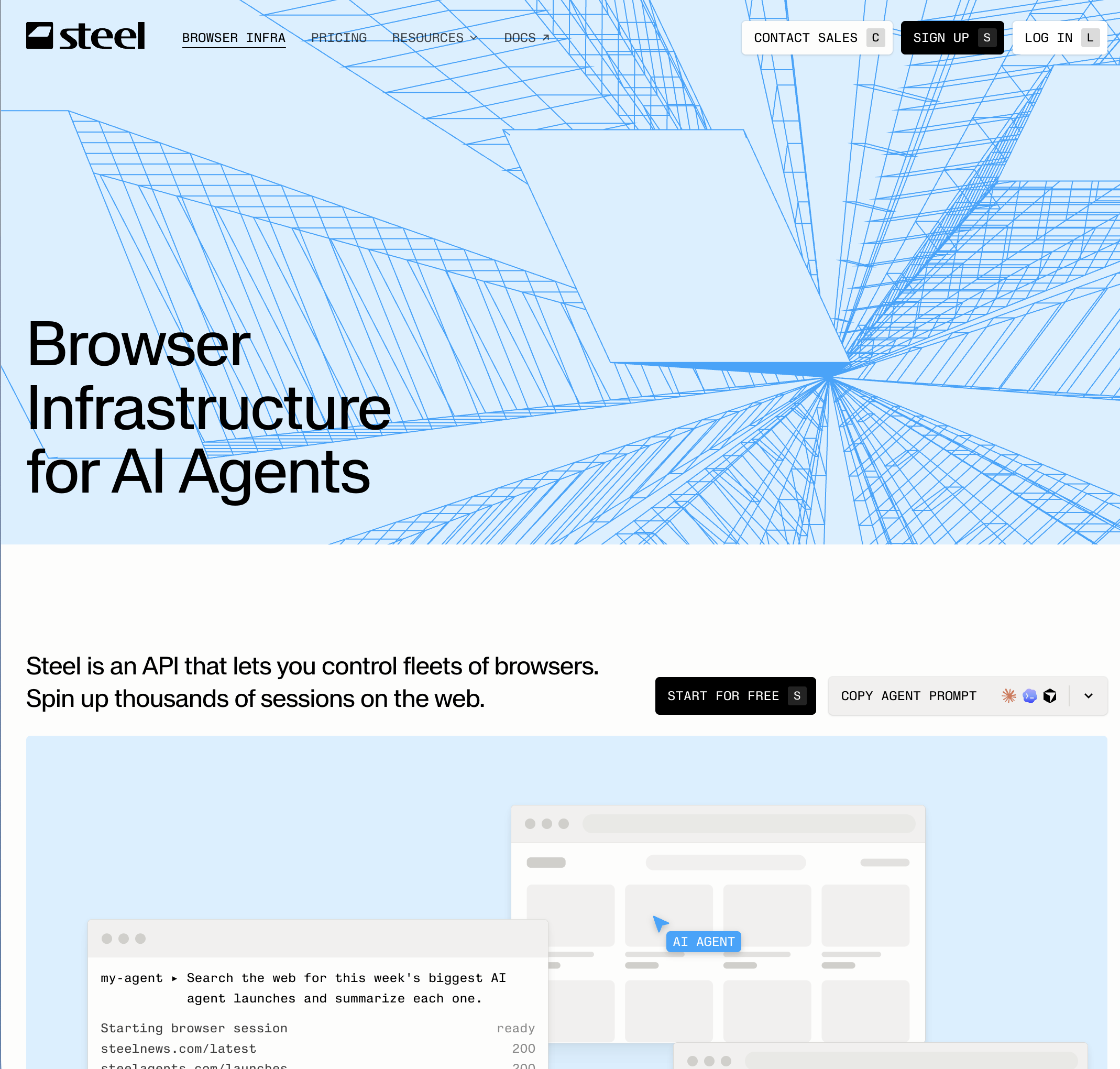
Scope: Browser. Pricing: Launch $0 plus usage with a $30 one-time credit, $0.10 per browser-hour, proxies $10 per GB, CAPTCHA $3 per 1,000, 10 concurrent sessions, 15-minute maximum session; Scale $250 per month plus usage with $100 monthly credits, $0.08 per hour, $6 per GB, $1 per 1,000 CAPTCHAs, 100 concurrent, one-hour sessions; Enterprise with 24-hour sessions and reserved pools. Open source: Yes, Apache-2.0, about 7,600 stars, one docker run to self-host.
Steel is the alternative most people mean when they say "Browserbase but open". The hosted API gives you remote browser sessions for Playwright, Puppeteer, Selenium and raw CDP, with stealth configurations, CAPTCHA solving, rotating proxies, persistent cookies, live session viewers and replays. The open-source repository runs the same session management, proxy chains, extension loading and anti-detection on your own hardware, which is the answer to data-residency and audit questions that Browserbase cannot give. June 2026's "Launch Week" added a custom Chromium stealth fork, dedicated IPs and Rust and Go SDKs alongside Python and Node.
The constraints are session length and the usual open-source caveat. Fifteen-minute sessions on the free tier and one hour on Scale are tighter than Browserbase's six hours unless you go Enterprise, and self-hosting means you own the fleet, the updates and the proxy contracts. Steel gives you the browser; the agent is still yours to write.
Engineering teams that want Browserbase's model with the option to run it themselves.
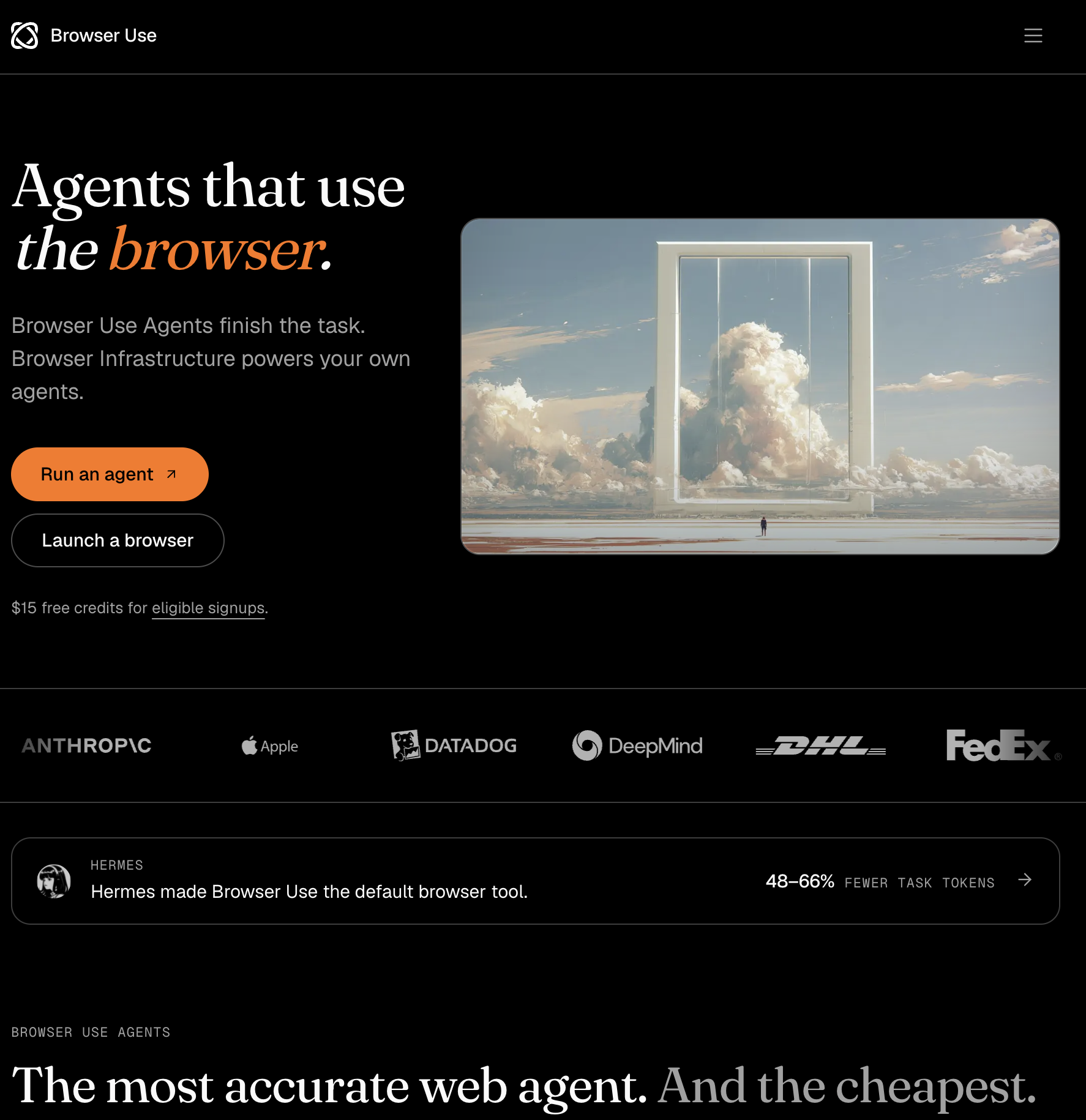
Scope: Browser. Pricing: No subscription; $0.02 per browser-hour billed by the minute, residential proxies $5 per GB, your own proxy $0.20 per GB, hosted browser agents at model cost plus 20%, $5 minimum top-up, $1 free credit on sign-up; concurrency rises with lifetime spend from 10 to 1,000 sessions. Open source: The browser-use library is MIT with about 116,700 stars; the cloud is not.
Browser Use started as the most popular open-source browser agent and has turned its cloud into the cheapest managed browser on this list by an order of magnitude. Sessions run a hardened Chromium fork with fingerprint randomisation and residential proxies on by default and CAPTCHAs solved automatically; you get a CDP URL for Playwright or Puppeteer, or you hand the whole task to its hosted agent API and poll for the result. There are no plans to pick, which is either the best or the worst thing about it depending on how your finance team likes to budget.
Read the pricing carefully: the browser is $0.02 an hour, but the agent is a 20% markup on model tokens, which is where real spend goes, and proxy bandwidth is separate. Browser Use's own docs also say access to every site is not guaranteed. Like Browserbase, it is browser only; its BUX product is a remote VM with a browser harness, not desktop-app control.
Developers who want the cheapest managed browser and are comfortable with usage billing.
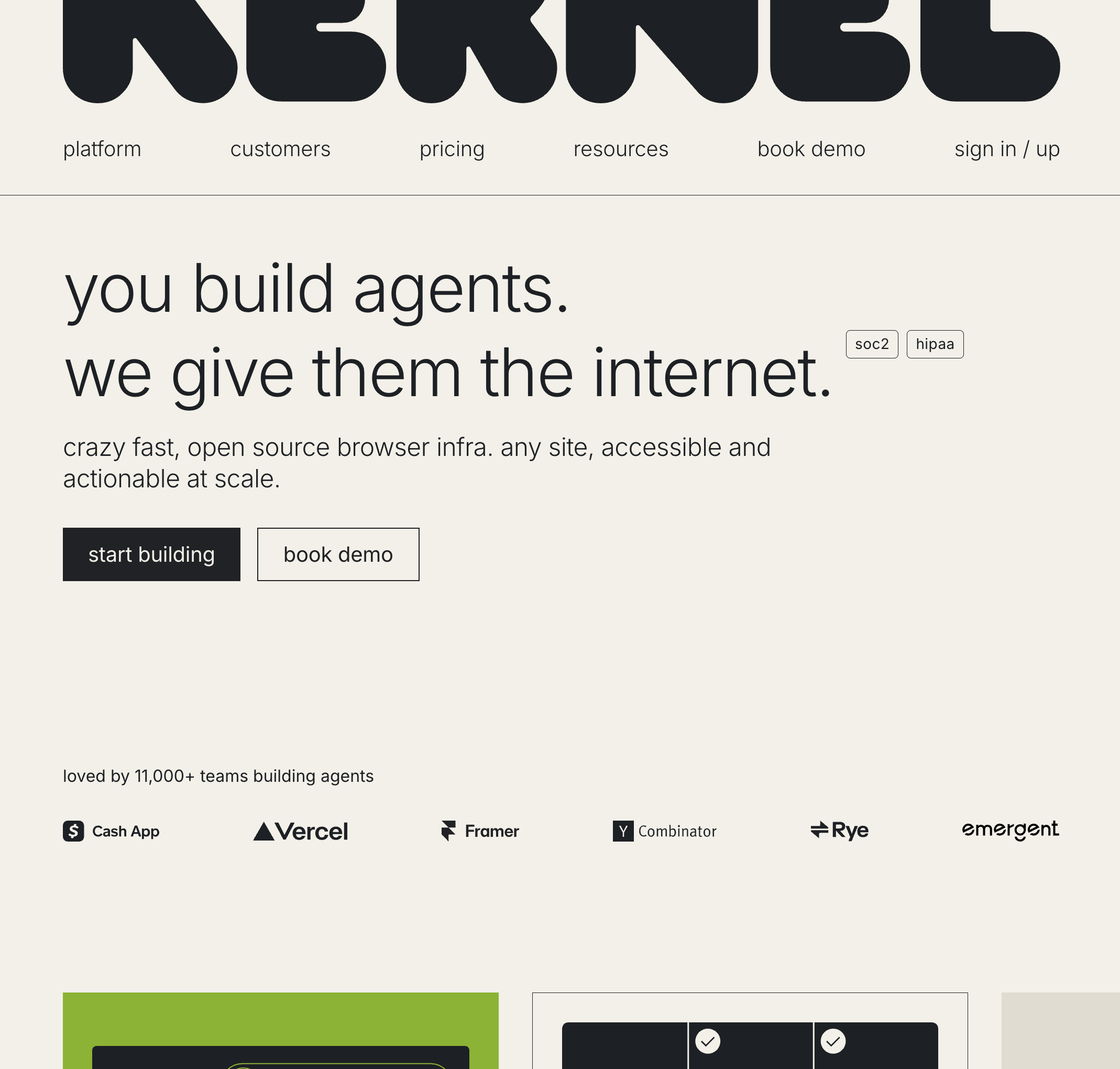
Scope: Browser, plus generic VM sandboxes. Pricing: Free $0 plus usage with $5 of monthly credits and 5 concurrent browsers; Hobbyist $30 per month with $10 credits and 10 concurrent; Start-up $200 with $50 credits, 150 concurrent, GPU and regional browsers; Enterprise custom. Usage is $0.0000166667 per GB-second of memory, roughly $0.06 per GB-hour, with no charge for idle time or proxies. Open source: The browser images (kernel-images, Apache-2.0, about 1,100 stars) and the hypeman VM runtime; the control plane is not.
Kernel runs each Chromium instance inside its own unikernel VM, which is how it gets browser creation around 30 ms and a standby mode that keeps session state five seconds after you disconnect without billing you. Memory-time billing with free idle is the opposite of Browserbase's browser-hour model and tends to win for fleets that sit between actions. It supports CDP and WebDriver BiDi, managed authentication, payments for agents, live view, replays and MCP, and in 2026 added GPU acceleration, Cloudflare Web Bot Auth and browser telemetry.
The trade-off is legibility: there is no published per-browser-hour price, so you have to model memory use to compare it, and the free tier's five concurrent browsers is small. It is also, like everything in this list except entry 1, a browser.
Teams running many long-lived agent browsers who are tired of paying for idle hours.
Scope: Browser. Pricing: Free with 5 credits a month and 5 concurrent sessions; Starter $50 per month with 50 credits, 25 concurrent, authenticated browsers and CAPTCHA bypass; Team $500 with 50 concurrent and Cloudflare-verified agents; Growth $2,000 with 200 concurrent and "Anchor Chromium full stealth"; Enterprise with BYO cloud. The calculator rates are $0.09 per browser-hour, $8 per GB of proxy, $0.01 per AI step and 0.1 credit per completed task. Open source: No.
Anchor's bet is that the hard part of agent browsing inside a company is not bot detection but identity: SSO, MFA, VPN routing and credentials that must never reach the model. Its OmniConnect and 1Password integrations keep logins persistent across sessions, it offers dedicated sticky IPs and VPN routing for internal apps, and it ships an MCP server, Node and Python SDKs and versioned automation tasks. If your agent lives in HR, payroll, ERP and procurement portals, this is the browser vendor that has thought hardest about the login wall.
Costs stack: hours, bandwidth, AI steps and per-task credits, with full stealth only at $2,000 a month. Independent browser benchmarks have also measured Anchor as the slowest to create a session among the major vendors. And a browser that handles MFA beautifully is still a browser once the portal exports to a desktop application.
Enterprise automation behind SSO and VPN where auth, not scraping, is the problem.
Scope: Browser, plus code sandboxes. Pricing: Credit-based at $0.001 per credit: browsers $0.10 per hour, proxies $10 per GB, HyperAgent and Browser Use agents $0.02 per step, sandboxes $0.045 per vCPU-hour plus $0.015 per GiB-hour. Subscription tier prices and the free tier's size. Open source: HyperAgent SDK (about 1,600 stars); the platform is closed.
Hyperbrowser packages stealth sessions (standard, with an "ultra stealth" mode on enterprise plans), proxy geo-targeting, live view, sessions up to 720 minutes, Playwright and Puppeteer connections, and three hosted agent options: its own HyperAgent, Browser Use, and computer-use models billed per token. The 12-hour session ceiling and the agent menu are the differentiators; the per-step agent pricing is unusually transparent.
Its weakness for a comparison like this one is that the official pricing page does not expose tier prices in a readable form, so we can only cite the credit rates, and the strongest stealth is enterprise-only.
Teams that want long sessions and a choice of hosted agents on one bill.
Scope: Browser, with no graphical rendering. Pricing: Explorer $0 with 10 browser-hours a month and 5 concurrent; Builder $19 per month with 300 hours, 30 concurrent, then $0.08 per hour; Enterprise on-prem. Open source: Yes, AGPL-3.0, about 33,600 stars; Linux and macOS binaries.
Lightpanda is a different kind of alternative: a headless browser written from scratch in Zig rather than a hosted Chromium, speaking CDP so Playwright and Puppeteer connect to it unchanged, with a native MCP server and, since October 2026, WebDriver support. The vendor's benchmark claims about 16 times less memory and 9 times faster page loads than headless Chrome, and version 1.0 left beta on 2 October 2026. For agents that mostly read pages, that efficiency is real money.
It does not render pixels, so it is useless for vision-based agents; it ships no stealth, proxy or CAPTCHA features (bring your own); Web API coverage is incomplete by the project's own admission; and the AGPL licence matters if you embed it in a product.
High-volume fetch-and-extract agents where Chromium's weight is the cost.
Scope: Browser. Pricing (annual billing): Free with 1,000 units a month, 2 concurrent and 2-minute sessions; Prototyping $25 per month with 20,000 units, 10 concurrent, 15-minute sessions; Starter $140 with 40 concurrent and 30-minute sessions; Scale $350 with 500,000 units, 100 concurrent and 60-minute sessions. One unit is up to 30 seconds of browser time; residential proxy 6 units per MB; CAPTCHA 10 units per solve. Open source: Source-available under SSPL-1.0 or a commercial licence, about 13,700 stars, Docker image for self-hosting.
Browserless predates the agent wave and it shows in the right ways: a stable WebSocket CDP endpoint, REST endpoints for screenshots, PDFs and content, Chrome, Firefox and WebKit, and BrowserQL for anti-detection flows. If your team already runs Puppeteer or Playwright, it is the lowest-friction remote browser, and the Docker image lets you keep it in your VPC. The unit model (30-second blocks) is predictable for short jobs and expensive for long or frequently reconnecting sessions, the licence is not permissive, and the quoted prices are annual.
Teams migrating existing Puppeteer or Playwright automation to a managed or private cloud.
Scope: Browser. Pricing: Free tier of about 1 GB a month; pay as you go at $8 per GB with unlimited concurrent sessions; Scale $499 per month for 71 GB; Enterprise custom. Open source: No.
Bright Data's Browser API (formerly Scraping Browser) is a hosted Chromium with the company's proxy network, fingerprinting and CAPTCHA solving built in, driven over Puppeteer, Playwright or Selenium. For public sites that block everything else, it is the heavy artillery, priced by bandwidth rather than time, which favours short, data-dense sessions.
Two documented constraints make it a poor fit for agent workflows: each session is limited to a single domain, so an agent that hops between sites must open new sessions, and password entry is disabled by default and unlocked only after KYC and compliance review. The pricing page itself is inconsistent, showing "from $5/GB" in navigation and $8 per GB on the plan card.
Scraping hardened public sites, not operating logged-in applications.
Scope: Browser, via serverless Actors. Pricing: Free with $5 of monthly usage at $0.20 per compute unit, 5 concurrent runs and residential proxy at $8 per GB; Starter $19 per month with 32 runs; Scale $199 with 128 runs at $0.16 per unit; Business $999. Open source: Crawlee (the library) is; the platform is not.
Apify is the alternative when you would rather not write the automation at all: more than 20,000 Actors in its store cover common sites and tasks, and since June 2026 they are exposed to agents through MCP connectors and x402 payments. Under the hood each Actor is a Playwright, Puppeteer or Crawlee program on Apify's infrastructure with its proxies and unblocker. Billing by compute unit and prepaid usage that expires monthly make it less transparent than per-hour browsers, and it is a scraping platform first, an agent runtime second.
Teams that want results from known sites without building the automation.
The task leaves the browser: Sai. Nothing else here opens a desktop app. You want Browserbase but open and self-hostable: Steel. You want the cheapest managed browser, no plan: Browser Use Cloud at $0.02 an hour. Idle time is your biggest bill: Kernel. SSO, MFA and VPN-only apps: Anchor Browser. Twelve-hour sessions and a choice of hosted agents: Hyperbrowser. Fetch-heavy agents that never need pixels: Lightpanda. Existing Puppeteer code and a VPC requirement: Browserless. Hardened public sites, short sessions: Bright Data. You would rather not write the automation: Apify.
If you cannot tell which of these you are, look at the last three tasks your agent failed. If they failed on bot detection, you need a better browser. If they failed because the next step was not in the browser, you need a computer.
Sai runs the whole task, in the browser and beyond it, on a Windows or Linux cloud computer or your own machine, with approvals where they matter. Start on the free plan, or run five computers in parallel on the $50 Pay-as-you-go plan. Developers can call it from the Sai API or add the MCP server to a coding agent.