
Oops! Something went wrong while submitting the form.
Computer use is an AI capability that lets an agent operate software through its graphical interface: it reads the screen, then moves the mouse, clicks, types and scrolls to complete a task, the way a person would. Because it works through the interface rather than an API, computer use can automate software that was never built to be automated, including desktop apps, internal portals and legacy systems.
The term entered mainstream AI vocabulary when Anthropic introduced computer use for Claude in October 2024. Today every major model lab ships a version, and automation platforms such as Microsoft Copilot Studio and UiPath ScreenPlay build it into their products. If you want to build with it, read our guide to computer use for developers; if you want to put it to work in a lean business, read computer use for small teams.
Every computer use agent runs the same loop until the task is done:
The computer itself is usually a sandboxed virtual machine or container, not a person's laptop. Model providers such as Anthropic, OpenAI and Google return actions and leave the machine to you; managed platforms run the machine and the loop for you.
OSWorld, from the XLANG Lab at the University of Hong Kong, tests agents on 369 real tasks in real operating systems; people complete 72.36% of them. The newer OSWorld 2.0 contains 108 long-horizon tasks that take a person a median of about 1.6 hours and average 318 tool calls.
Computer use tools fall into five groups: managed agents that run the computer and return finished work, model-level tools that return actions for you to execute, enterprise automation platforms adding computer use to existing suites, browser-only agents and infrastructure, and open-source frameworks and models. The right pick depends less on raw accuracy than on who runs the machine, whether you need desktop apps or only a browser, and how much of the loop you want to own.
We compared each tool on five criteria: environment coverage (desktop, browser, mobile), benchmark evidence on long tasks, who owns the infrastructure, total cost including repeated runs, and safety controls such as approvals and isolation. Benchmark claims are only as useful as the benchmark behind them:
How it works: Sai is a computer-use agent that orchestrates a mixture of frontier and specialist models, with dedicated models for locating UI elements and judges that verify the screen before a step counts. It plans longer subtasks in Simulang code instead of paying for a model call per click, then compiles solved procedures into code that replays and self-heals when screens change. People use it through the Sai app; developers send tasks over HTTPS and SSE, or through the @simular-ai/sai-mcp server, via the Simular Platform API.
Capability boundary: Desktop apps, browsers, file systems and terminals, on Simular's Windows or Linux cloud computers or your own Mac or Windows machine, per the Sai pricing FAQ. On the long-horizon OSWorld 2.0, Simular reports a 73.0% partial score at $15.70 per task, ahead of Claude Opus 5 at 70.6% and GPT-5.6 Sol at 62.6%; full-task success is 28.25% (Simular).
Licensing: Closed product built on Simular's open-source Agent S research; model-agnostic, including your own key or an on-prem model.
Pricing: Free plan with a pooled Windows cloud computer; $50/month pay-as-you-go; $500/month unlimited; enterprise custom.
Best for: Teams and developers who want finished tasks on real desktops, especially recurring work that should get cheaper with each run.
Limitations: A managed agent, so you don't script every low-level action; the API defaults to 60 messages per hour per user; long tasks still need review while trust builds.
How it works: Your app sends screenshots and the computer_toolset_20260801 tool definition to Claude, which returns one of 17 actions such as left_click, type or zoom. Your code executes it in a sandbox and returns the next screenshot. Anthropic provides a Docker-based reference implementation.
Capability boundary: Whatever environment your harness exposes. Supported on Claude Opus 4.8, 5 and 5.5, Sonnet 5 and 5.5, and the Fable and Mythos families, via the Claude API, Vertex AI and Bedrock (Anthropic docs).
Licensing: Closed model, open reference harness.
Pricing: Standard per-token API rates; every step sends an image, so long tasks add up.
Best for: Engineers building their own agent product who want strong grounding and full control.
Limitations: Not a finished product: you build sandboxing, recovery, credential handling, approvals and audit.
How it works: The computer use API either returns structured mouse and keyboard actions through the computer tool or lets the model write Playwright or PyAutoGUI code; GPT-6 Astra is recommended for the code path. In the app, ChatGPT Work, launched July 9, 2026, handles longer tasks with documents, connected apps and a browser.
Capability boundary: API: browser or desktop environments you provide. Work: inside ChatGPT, oriented to research and documents. Operator, OpenAI's earlier agent, shut down on August 31, 2025.
Licensing: Closed.
Pricing: API per token; Work included in paid ChatGPT plans.
Best for: Developers who like code-driven automation; ChatGPT users who want an agent for research-heavy work.
Limitations: The API leaves the runtime to you; Work is not built to operate legacy desktop software.
How it works: Gemini returns actions on a normalized 0–999 coordinate grid for browser, mobile and desktop environments; Gemini 3.8 Flash is the recommended model, and computer use became a built-in tool with Gemini 3.5 Flash in June 2026.
Capability boundary: Whatever client environment you implement; Google ships a Docker-based reference (Gemini docs).
Licensing: Closed model.
Pricing: Per-token Gemini API rates.
Best for: Teams that need Android automation alongside web tasks.
Limitations: Still in preview; Google warns it may contain errors and security vulnerabilities. Built-in confirmation covers purchases, sensitive data, communications, account creation and legal agreements.
How it works: Copilot Studio computer use lets low-code agents operate websites and desktop apps; computer-using agents became generally available in May 2026 with secure credential management. For developers, the Foundry computer use tool proposes actions that your code executes.
Capability boundary: Browser and desktop apps; Foundry's tool uses the computer-use-preview model in three Azure regions.
Licensing: Closed.
Pricing: Microsoft licensing; Foundry by usage.
Best for: Organizations standardized on Microsoft 365, Entra and Azure.
Limitations: The Foundry tool is in preview without an SLA and requires you to acknowledge safety checks before acting.
How it works: ScreenPlay turns natural-language instructions into UI automations that read the live screen and adapt to changes, using third-party or UiPath models. Its Screen Agent ranked #1 on OSWorld-Verified at 67.1% with Claude Opus 4.5 in January 2026.
Capability boundary: Windows, Linux and macOS apps, governed by UiPath Orchestrator and the AI Trust Layer.
Licensing: Closed; SaaS or self-hosted.
Pricing: Enterprise contracts.
Best for: Companies with an existing UiPath estate.
Limitations: Built for enterprise RPA teams; heavier to adopt for small teams.
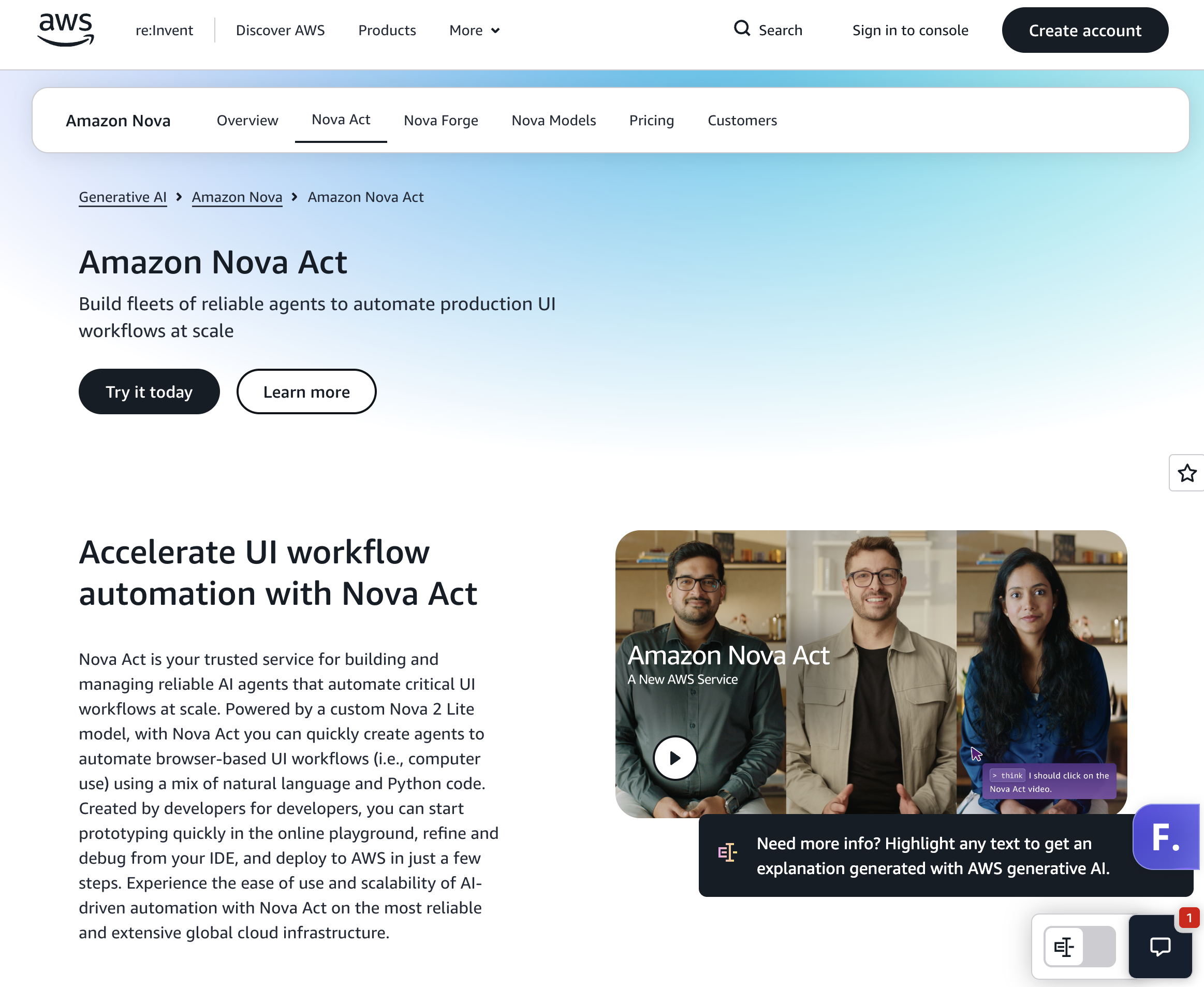
How it works: Define workflows in natural language and Python, test in the playground, then deploy to Bedrock AgentCore Runtime; Nova Act became generally available on December 2, 2025.
Capability boundary: Browser workflows such as QA testing, form filling and data extraction.
Licensing: Closed service; open-source SDK.
Pricing: $4.75 per agent hour of active work, per Classmethod's GA review.
Best for: AWS-native teams automating web workflows.
Limitations: Browser-focused; launched in US East only.
How it works: An orchestrator splits your goal into subtasks for specialized sub-agents that run in a cloud sandbox, so work continues after you close your device; sessions are replayable (Security Boulevard).
Capability boundary: Research, data extraction, spreadsheets, forms and web app generation inside its own cloud environment.
Licensing: Closed. Meta's announced acquisition was blocked by China's regulator in April 2026; Manus operates independently.
Pricing: Free daily credits; Pro from $20/month; up to $200/month.
Best for: Individuals delegating research-heavy, browser-based tasks.
Limitations: Works in its own sandbox, not your desktop apps or internal systems.
How it works: An MIT-licensed library connects any LLM to a browser; Browser Use Cloud adds hosted agents and remote browsers. The project reports 117k GitHub stars (Browser Use).
Capability boundary: Browser only. On its BU Bench V1, Claude Fable 5 with the library scored 80.0% and Browser Use Cloud 78.0%.
Licensing: MIT.
Pricing: Library free; cloud agents cost model price +20% plus browser time.
Best for: Developers building web agents on any model.
Limitations: No desktop apps or OS-level tasks.
How it works: Browserbase runs headless browsers in the cloud for Playwright, Puppeteer, Selenium and its open-source Stagehand framework, with session recording and observability (Browserbase pricing).
Capability boundary: Cloud browsers; you bring the agent logic or use Stagehand.
Licensing: Closed infrastructure; open-source Stagehand.
Pricing: Free; Developer $20/month; Startup $99/month; Scale custom.
Best for: Teams running many parallel browser sessions.
Limitations: Browser only; agent quality depends on what you build.
How it works: Skyvern automates browser workflows with AI, including CAPTCHA solving and two-factor authentication support, aiming to replace brittle scrapers; its GitHub repository has 23.1k stars (Skyvern pricing).
Capability boundary: Websites and web portals.
Licensing: Open-source core plus cloud.
Pricing: Free 5,000 credits; Hobby $29/month; Pro $149/month; Enterprise custom with SOC 2 and HIPAA.
Best for: Operations teams automating form-heavy portals.
Limitations: Browser only.
How it works: Orgo provisions persistent cloud computers with a desktop, terminal and file system, controlled through REST, SDKs, CLI or MCP (Orgo).
Capability boundary: Linux on all plans, Windows on Scale, Mac in closed beta. You supply the model and agent.
Licensing: Closed.
Pricing: Hacker $29/month (1 computer); Startup $99/month (4); Scale $399/month (16).
Best for: Developers who want hosted desktops without building VM infrastructure.
Limitations: Infrastructure, not an agent: reliability is up to your stack.
How it works: Cua provides open-source sandboxes, SDKs and benchmarks to train and evaluate agents that control full desktops.
Capability boundary: macOS, Linux and Windows sandboxes.
Licensing: Open source.
Pricing: Free to self-host.
Best for: Researchers and builders who want local, inspectable infrastructure.
Limitations: You assemble and operate the full stack.
How it works: Agent S pairs a main model (OpenAI, Anthropic, Gemini and others) with a grounding model such as UI-TARS; install with pip install gui-agents.
Capability boundary: Linux, macOS and Windows desktops. Agent S3 reported 72.6% on OSWorld 1.0 with best-of-N, above the 72.36% human baseline, and 66% standalone (Simular).
Licensing: Apache-2.0.
Pricing: Free; you pay model costs.
Best for: Research and self-hosted experiments.
Limitations: A framework, not managed infrastructure; use the Simular Platform API for production.
How it works: Vision-language models trained for GUI interaction; UI-TARS-2 reports 47.5% on OSWorld, 50.6% on WindowsAgentArena and 73.3% on AndroidWorld.
Capability boundary: Desktop, browser, Android and games, wherever you host the model.
Licensing: Apache-2.0 (GitHub).
Pricing: Free weights; GPU hosting costs.
Best for: On-premise or air-gapped deployments.
Limitations: You build the environment, loop and recovery.
Ready to try computer use on your own workflows? Get a free Simular Platform API key or start with Sai.