
Oops! Something went wrong while submitting the form.
The best cloud computer for AI agents depends on one question most comparisons skip: do you want to rent a machine and bring your own agent, or do you want a finished agent that already comes with a machine? If it is the latter, Sai by Simular is the only platform on this list that ships both: a Windows or Linux cloud computer plus the agent that operates it, exposed through an API and an MCP server, with a free tier that includes a cloud computer. If you are building your own agent, Windows 365 for Agents is the enterprise choice for Windows desktops, E2B and Daytona are the strongest sandbox platforms with optional GUI desktops, and Orgo is the simplest persistent Linux desktop you can rent by the month.
This guide compares nine platforms on what they actually give an agent (a headless VM, a GUI desktop, or a managed agent with a computer), how they isolate it, what persists when it stops, what a 2 vCPU / 4 GB machine costs per hour, and how many can run at once. Every figure was read from the vendor's own pricing or documentation page on 10 October 2026; where a vendor does not publish a number, we say so rather than estimate.
A cloud computer for AI agents is an isolated virtual machine or desktop, hosted by a provider, that an AI agent can use as its own workspace: it can run commands, open applications, browse the web, read and write files, and keep working after the person who assigned the task has closed their laptop. Unlike a code sandbox, which is created per task and discarded in minutes, a cloud computer is meant to persist, so the agent's logins, installed tools and intermediate files are still there the next time it picks up work.
The category exists because agents outgrew chat. A model that can only return text has to ask a human to do everything else; a model with a computer can download the bank statement, reconcile it in a spreadsheet, and file the result. Giving every agent its own machine also solves the isolation problem: a mistake, a malicious web page or a runaway script stays inside that machine, not on your production laptop.
Three questions separate the products that use the term. First, is it a GUI desktop the agent can see and click, or a headless Linux box it drives over a shell? Second, does the agent come included, or do you bring your own? Third, does it persist, and at what cost while it is idle?
Most "cloud computers for AI agents" articles are written for coding agents and compare headless Linux VMs. That is one layer of a three-layer stack, and the layer you need depends on the work your agent has to do.
Layer 1: Headless VMs and sandboxes. A Linux machine with a shell, a filesystem and a port. The agent runs commands in it, typically through an SDK or MCP. Perfect for coding agents, data processing and anything that can be done from a terminal. machine0, Fly.io Sprites, Modal and the base tiers of E2B and Daytona live here. There is no screen, so there is no clicking.
Layer 2: Desktop infrastructure. A full graphical desktop (Linux, Windows, occasionally macOS) streamed over VNC or a browser, with APIs for screenshots, mouse and keyboard. You still write or configure the agent that operates it. E2B Desktop, Orgo, Cua Fleet, Daytona Computer Use and Microsoft's Windows 365 for Agents are the main options. This is what you need when the task involves a desktop application, a legacy portal or anything without an API.
Layer 3: A managed agent with its own computer. You send a task; the platform provisions the computer, runs an agent that already knows how to operate a desktop, handles approvals for logins, and returns the result. You do not write the agent loop at all. Sai is the example in this list. The trade-off is control: you cannot SSH into the machine or run your own model on it, because the computer belongs to the agent.
A useful rule: if your agent's job can be finished entirely in a terminal, start at layer 1. If it needs to click, go to layer 2. If you would rather delegate the whole task than build and babysit an agent, layer 3 is the shortest path, and it is also the one most of the sandbox roundups never mention.
We ranked the nine platforms on six criteria. Scope: headless VM, GUI desktop, or managed agent with a computer, and which operating systems. Agent included: whether you get a working agent or bring your own. Isolation: VM, microVM or container. Persistence: what survives a stop, whether memory is preserved on pause, and any maximum lifetime or auto-stop. Price: the hourly rate for roughly 2 vCPU / 4 GB where the vendor publishes per-resource pricing, or the monthly plan where it does not, plus any free tier. Concurrency: how many machines you can run at once on an entry plan.
All prices and limits come from the vendors' own pricing and documentation pages on 10 October 2026. Hourly figures marked "derived" are computed from published per-vCPU and per-GB rates. Nothing here is sponsored, and Simular, which publishes this guide, is listed first because it is the only layer-3 platform; the other eight are ordered by how complete their desktop support is, then by price.
Layer: Managed agent + computer. OS: Windows or Linux cloud computer; your own Mac or Windows in BYOD mode. Pricing: Explore free (pooled Windows cloud computer, credits refreshed daily); Pay as you go $50/month for 50,000 credits with a dedicated cloud computer billed only while it runs; Sai Unlimited $500/month with an always-on computer; Enterprise custom.
Sai takes the opposite approach to everything else in this list. Instead of renting you a machine and leaving the hard part, the agent, to you, it provisions a Windows or Linux computer and runs its own agent on it. You describe the job in plain language, and Sai works through it by operating the screen like a person: opening desktop applications, logging into web portals (with your approval), moving files, running terminal commands. The computer and the model are both included in the plan, so there is no separate model bill and no agent loop to maintain.
For developers, the entry point is the Sai API: one POST /v1/agents/message starts a task, you poll /events until the agent is idle, and approvals for logins or sensitive steps come back as events you can answer with a single call. The same surface is available as an MCP server, so a coding agent can hand off GUI work in one line:
claude mcp add sai -e SAI_API_KEY=sapi_... -- npx -y @simular-ai/sai-mcp
That makes Sai the natural layer-3 complement to a coding agent: Claude Code, Codex or Cursor writes the code, and delegates the parts that need a real desktop to Sai. On the $50 plan you can run up to five cloud computers at the same time, which turns batch work (one portal per customer, one form per row) into parallel runs. Cloud computers hibernate when idle and wake on the next message; the Unlimited plan keeps one always on through the billing cycle. Sai also learns a procedure once and replays it on a schedule until the interface changes, which is how a one-off task becomes an unattended job.
Reliability is the reason to pick a managed agent over assembling one. On OSWorld 2.1, Simular reports Sai at a 77.3% partial score at $14.34 per task, on par with Claude Opus 5 and at a lower cost, with trajectories published. These are vendor-reported figures, but no infrastructure vendor in this list publishes any completion rate at all, because they do not ship the agent. Simular is also one of the named pilot partners for Microsoft's Windows 365 for Agents, which matters if your company standardises on Cloud PCs (see entry 2).
Teams that want GUI work done rather than GUI infrastructure to build on, and coding agents that need a reliable computer-use tool.
Layer: Desktop infrastructure. OS: Windows Cloud PC; Linux Cloud PCs for Researcher Computer Use. Pricing (US): Pay-as-you-go $0.40 per hour, rounded up to the next full hour; always-available Cloud PCs $5 per Cloud PC per month in addition to usage.
Windows 365 for Agents is a new class of Cloud PC built on the Windows 365 platform specifically for agent workloads. Announced in preview at Ignite in November 2025 and generally available from June 2026, it gives an agent a full, Intune-managed Windows desktop under its own Entra ID identity. The pool model is the interesting part: when an agent needs to perform a task it checks out a Cloud PC, works, and checks it back in, so a department can run many agents against a shared pool without provisioning a PC per agent.
It is not a standalone agent product. The desktops are consumed through Copilot Studio's computer use, Microsoft Agent 365, Researcher and partner platforms (Simular, Manus, Genspark and others were named pilot partners). If you are already in the Microsoft 365 ecosystem and your compliance team wants agents governed like users, with conditional access, device policy and audit logs, this is the only option on this list that delivers that out of the box.
Enterprises running agents on Windows line-of-business apps under IT governance.
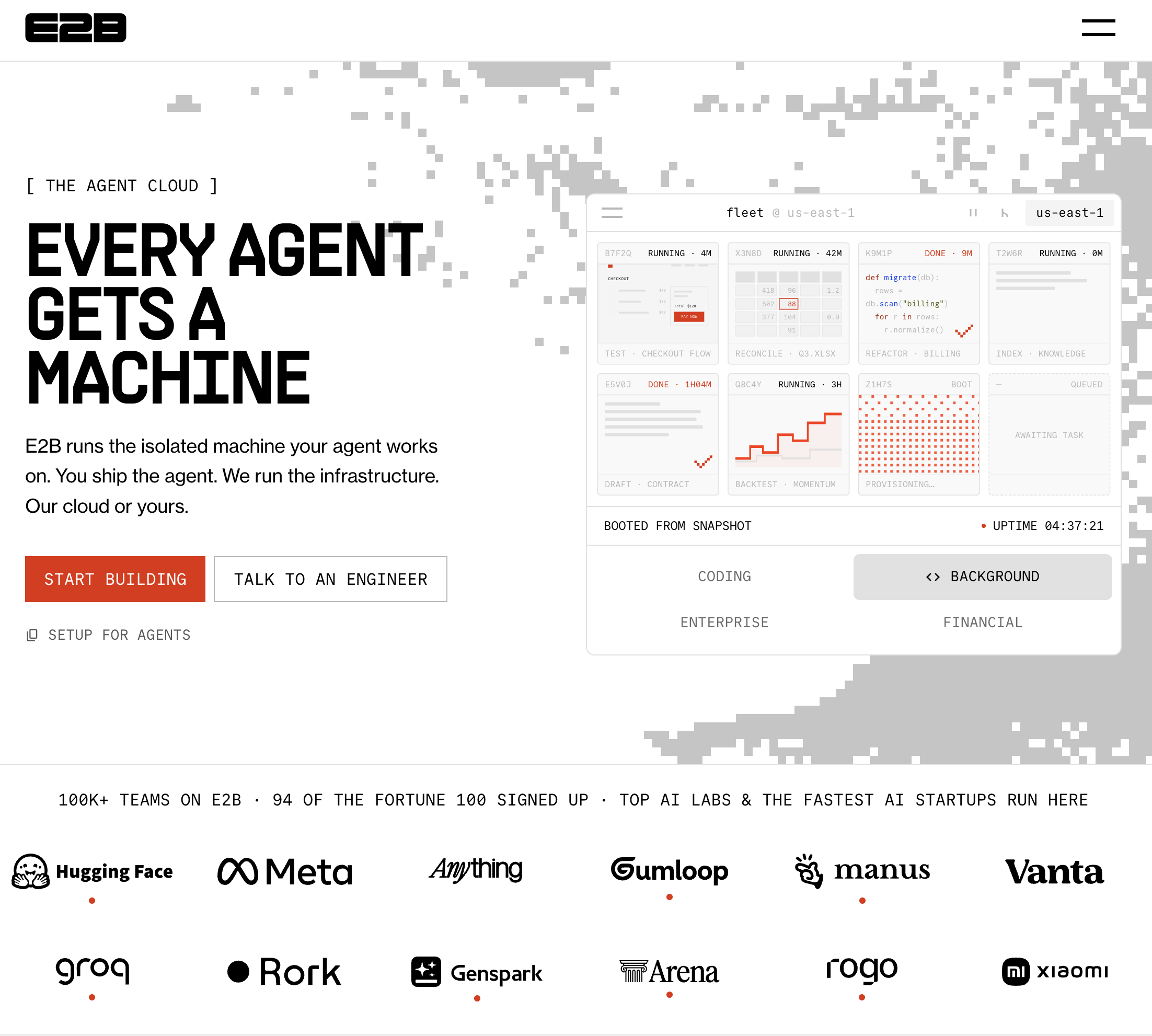
Layer: Sandbox, with a desktop add-on. OS: Linux; E2B Desktop is Linux with Xfce. Pricing: Hobby $0 plus usage with a one-time $100 credit; Pro $150/month plus usage. Compute is $0.0504 per vCPU-hour and $0.0162 per GiB-hour (derived from per-second rates), so a 2 vCPU / 4 GiB sandbox is about $0.166/hour.
E2B is the most widely used agent sandbox and the platform most "cloud computer" roundups build around. Every sandbox runs in its own Firecracker microVM with its own kernel, starts in roughly 150 ms, and can be paused with memory preserved (about 4 seconds per GiB to pause, about 1 second to resume) and kept paused indefinitely. The open-source E2B Desktop SDK adds a streamed graphical desktop with screenshot, mouse and keyboard primitives, which turns the sandbox into a layer-2 computer-use environment.
The constraints are session length and scope. Continuous runtime is capped at one hour on Hobby and 24 hours on Pro (pausing resets the window; multi-day sessions are enterprise-only), and the desktop is Linux only, so a Windows application is out of reach. You also bring the agent: E2B gives you the machine and the input primitives, and your code decides what to click.
Developers embedding disposable, isolated Linux environments (with or without a screen) into their own agent product.
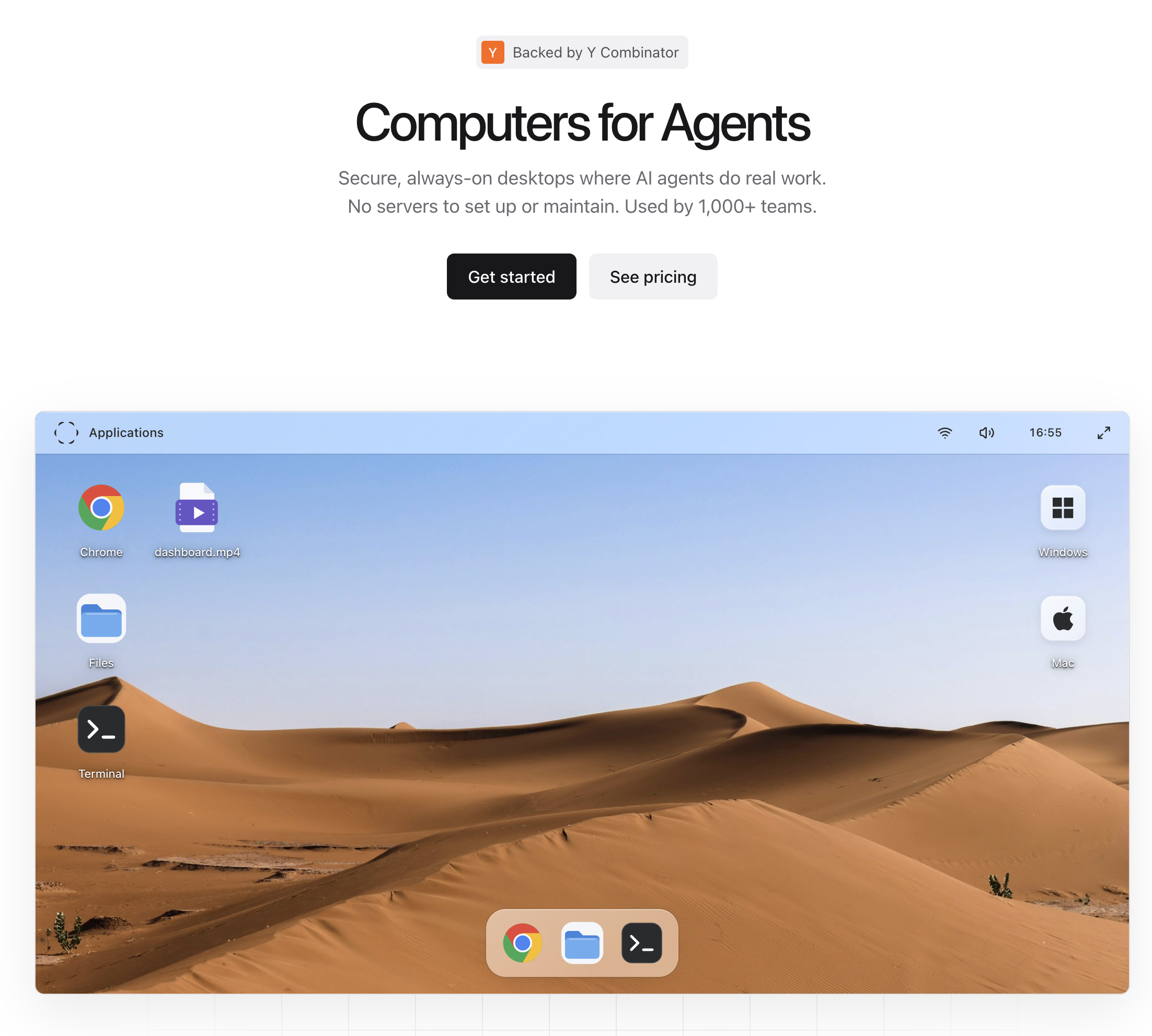
Layer: Desktop infrastructure. OS: Linux on all plans; Windows on Scale or as an add-on; Mac on Enterprise. Pricing: Starter $29/month for one computer (8 GB RAM, 40 GB disk, $5 monthly AI credit); Growth $99/month for four; Scale $399/month for sixteen with Windows; extra computers $25 each.
Orgo is the "give my agent its own PC" option. Every computer is a full desktop with a browser and the standard userland, reachable over HTTP and VNC, running on its own virtual machine until you stop it; files, installed software and configuration survive stops and restarts, and you can resize CPU, RAM and disk in place. It is priced per computer per month rather than per second, which makes it the easiest to budget and the least suited to short bursty tasks.
Unlike the pure infrastructure platforms, Orgo offers one-click installs of agents such as Hermes, OpenClaw, Claude Code and Codex, plus computer use with OpenAI, Anthropic and xAI models, and exposes the machines through REST, Python and TypeScript SDKs, a CLI and an MCP server. You still own the agent's behaviour, but you do not have to assemble the environment.
Individuals and small teams who want one or a few always-on agent desktops without usage billing.
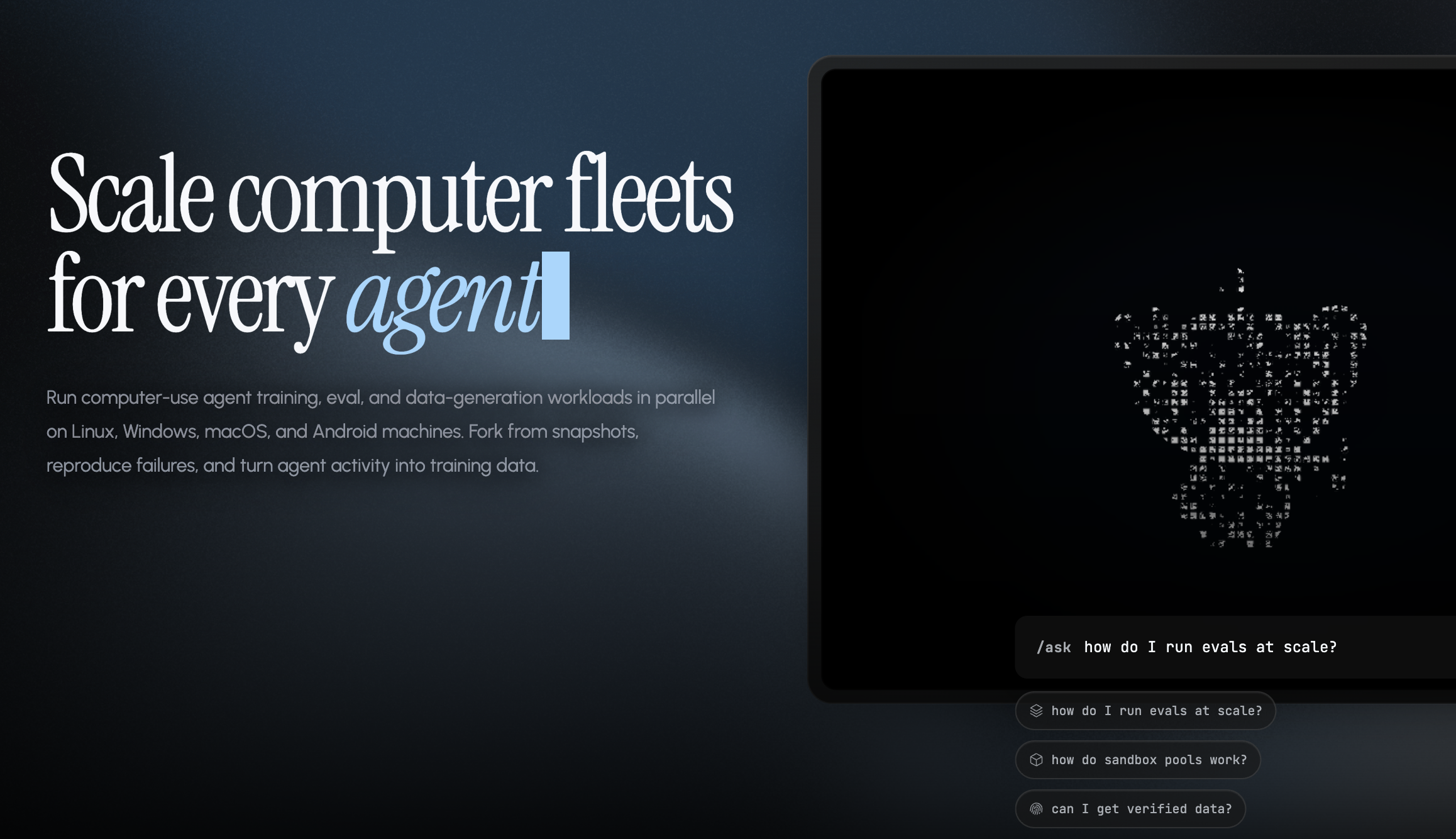
Layer: Desktop infrastructure. OS: Linux in the cloud (amd64); Windows, macOS (via Lume) and Android self-hosted. Pricing: Usage-based at $0.044625 per vCPU-hour plus $0.0223125 per GiB-hour, about $0.178/hour for 2 vCPU / 4 GiB; local sandboxes are free and open source.
Cua started as "Docker for computer-use agents" and has grown into a full stack: an MIT-licensed SDK in Python, TypeScript, Swift and Kotlin, a Rust CLI, a driver that works as an MCP server for coding agents, local sandbox images for Linux, Windows and macOS, and a cloud tier, Cua Fleet, that runs sandboxes as gVisor containers or KubeVirt VMs. With 29k GitHub stars it is the most popular open-source project in this category, and the ability to develop against a local desktop and then scale the same code to the cloud is its strongest argument.
Two caveats for anyone reading older coverage. The cloud tier currently documents Linux only (no macOS, and Windows is not in the current cloud docs), and the original cua-agent package is deprecated in favour of bringing your own agent through the SDK or a coding agent. Persistence is also minimal: sandboxes lapse 15 minutes after your process stops renewing them and there is no suspend.
Engineering teams building their own computer-use agent who want open tooling and cross-OS testing.
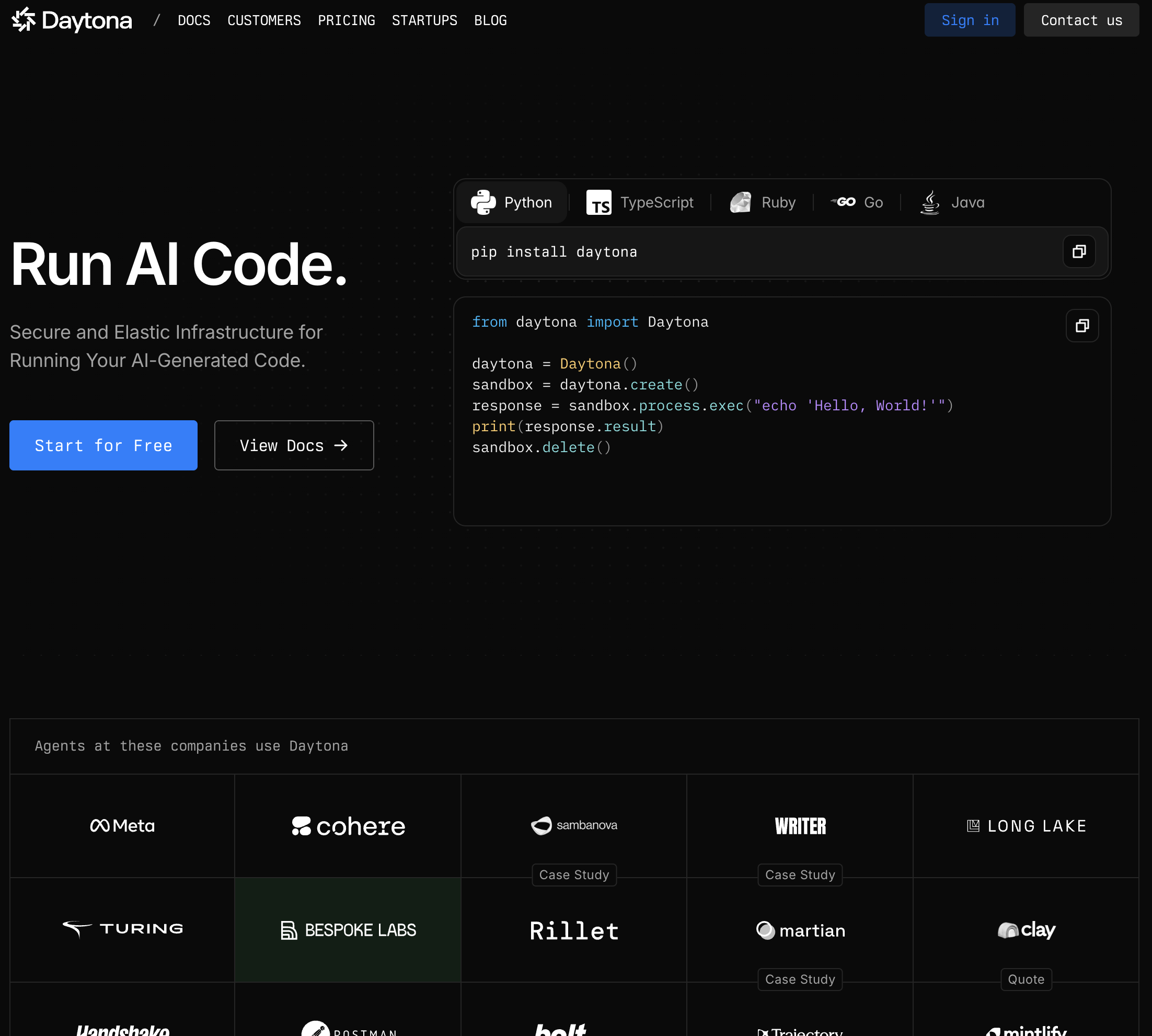
Layer: Sandbox, with Computer Use desktops. OS: Linux and Windows desktops (Xvfb, xfce4, noVNC); macOS sandboxes documented separately. Pricing: $0.0504 per vCPU-hour, $0.0162 per GiB-hour, Windows $0.0858 per vCPU-hour; about $0.166/hour for 2 vCPU / 4 GiB Linux; $200 in free compute; per-second billing.
Daytona is the sandbox platform that took desktop support furthest. Its Computer Use API adds mouse, keyboard, screenshot, screen recording and VNC to Linux containers, Linux VMs and Windows VMs, with resolution configurable on Linux containers. Persistence is granular: containers keep their filesystem on stop, VMs keep filesystem and memory on pause, snapshots are filesystem-only for containers and full for VMs, and the 15-minute inactivity auto-stop can be set to never. SDKs cover Python, TypeScript, Ruby, Go and Java.
The important change in 2026 is governance. Daytona's GitHub README now states that as of June 2026 core development has moved to a private codebase and the repository, which still shows 72k stars, will receive no further updates. The hosted platform is unaffected, but if open source was part of why you chose Daytona, that reason no longer applies. Concurrency is tiered by top-up rather than fixed: 10 vCPU pooled on a verified email, 100 vCPU after a $25 top-up with a card.
Developers who need Windows desktops on a usage-billed sandbox API.
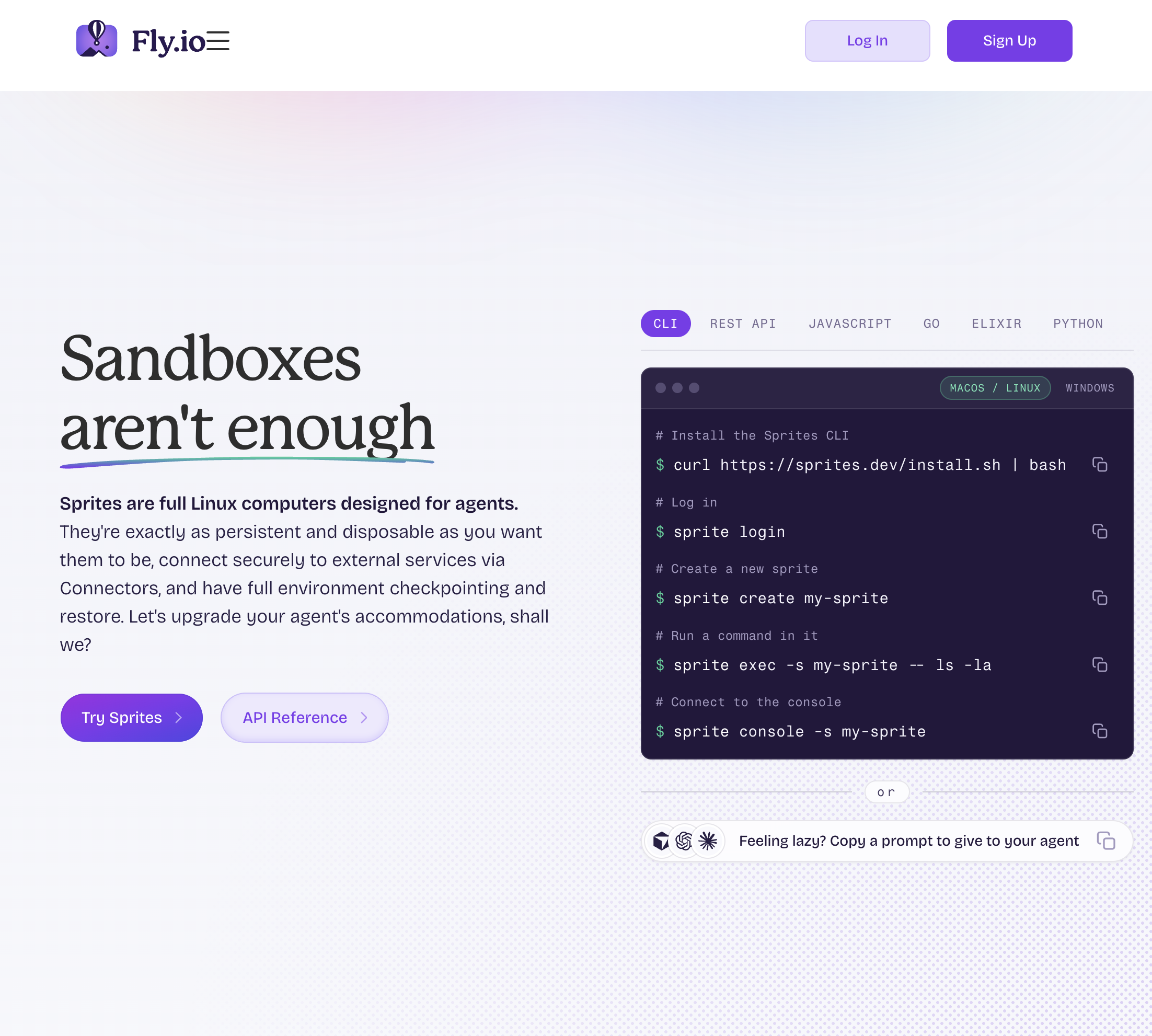
Layer: Headless VM. OS: Ubuntu 25.10; no desktop. Pricing: $0.0385 per CPU-hour, $0.021875 per GB-hour, hot storage about $0.50 per GB-month; compute is free while idle; $30 trial credit.
Sprites are Fly.io's answer to the agent that needs a machine it can come back to. Each Sprite is a dedicated microVM with a 100 GB persistent disk and a long list of pre-installed runtimes and coding agents (Claude CLI, Gemini CLI, Codex, Cursor). After about 30 seconds idle it goes warm, with everything in memory frozen and a 100 to 500 ms wake; eventually it goes cold, drops memory, and wakes in one to two seconds. You pay nothing for compute while it sleeps.
Access is through a CLI, a REST API, SDKs in JavaScript, Go, Elixir and Python, and a remote MCP endpoint, which makes it easy to give a coding agent its own box. There is no screen: Sprites are for shell work, not clicking.
Coding agents and long-running terminal workloads that need a cheap, persistent home.
Layer: Headless VM. OS: Ubuntu or NixOS with tools pre-installed; no desktop. Pricing: Per-minute billing from $0.013/hour (1 vCPU / 1 GB) to $0.052/hour for 2 vCPU / 4 GB; GPUs from $0.836/hour; $5 minimum top-up.
machine0 is the plainest product on the list, and that is its appeal: a real VM with a static public IP, an HTTPS URL, SSH, a CLI where every command has a --json flag, and a remote MCP server that lets an agent create, resize, suspend and destroy machines itself. It runs until you stop it, like a VPS, and suspending snapshots the VM to storage at $0.078 per GB-month. At $0.052/hour for 2 vCPU / 4 GB it is roughly a third of the price of the usage-billed sandboxes for a machine that stays on.
It is also the newest platform here (public release March 2026) and the least featured: no desktop, no SDK, no published concurrency limits beyond "one machine until your first top-up", and the hypervisor is not stated. Treat it as a cheap, scriptable VPS for agents rather than a computer-use environment.
Developers who want a cheap, persistent Linux box their agent can manage over MCP.
Layer: Headless sandbox. OS: Linux; no desktop. Pricing: Sandbox CPU about $0.142 per physical core-hour and memory about $0.024 per GiB-hour (derived from per-second rates); Starter $0 plus compute with $30/month free credits; Team $250/month with $100/month credits.
Modal's Sandboxes run untrusted agent code inside the same platform that runs its serverless functions, which means GPUs from T4 to B300, 100 concurrent containers on the free Starter plan and 5,000 on Team. The default runtime is gVisor; in October 2026 Modal made VM Sandboxes generally available, built on Cloud Hypervisor, for workloads that need Docker, FUSE or their own kernel. Lifetimes run from a five-minute default up to 24 hours, with filesystem snapshots for persistence.
Modal is the right choice when an agent's work is compute-heavy (model inference, data pipelines) rather than interactive. It has no desktop, no memory-preserving pause, and sandbox rates are higher than Modal's standard function rates, so it is not the budget choice for a long-lived idle machine.
Agents that run heavy compute jobs and already live in a serverless stack.