
Oops! Something went wrong while submitting the form.
LinkedIn has 67 million job listings at any given time. Over 140 job applications are submitted per second. And according to LinkedIn's own data, 8 people are hired through the platform every minute.
Those numbers sound encouraging until you are the one submitting 200 applications without a single interview. The problem is not LinkedIn — it is how most job seekers use it.
The typical LinkedIn job search workflow looks like this: scroll through the "Jobs" tab, click "Easy Apply" on anything that looks relevant, upload the same resume to every application, and wait. According to Jobscan, 75% of resumes are rejected by applicant tracking systems before a human ever sees them — often because the resume keywords do not match the job description.
The tools on this list fix that broken workflow. Each one addresses a specific stage of the LinkedIn job search funnel:
We evaluated each tool using a consistent test scenario: a mid-career marketing professional with 5 years of experience, targeting Senior Marketing Manager roles at B2B SaaS companies through LinkedIn.
Test profile: A real LinkedIn profile with generic content (no keyword optimization, no custom headline), a standard resume in PDF format, and 10 target job postings across different ATS platforms (Greenhouse, Lever, Workday, Taleo, iCIMS).
What we measured:
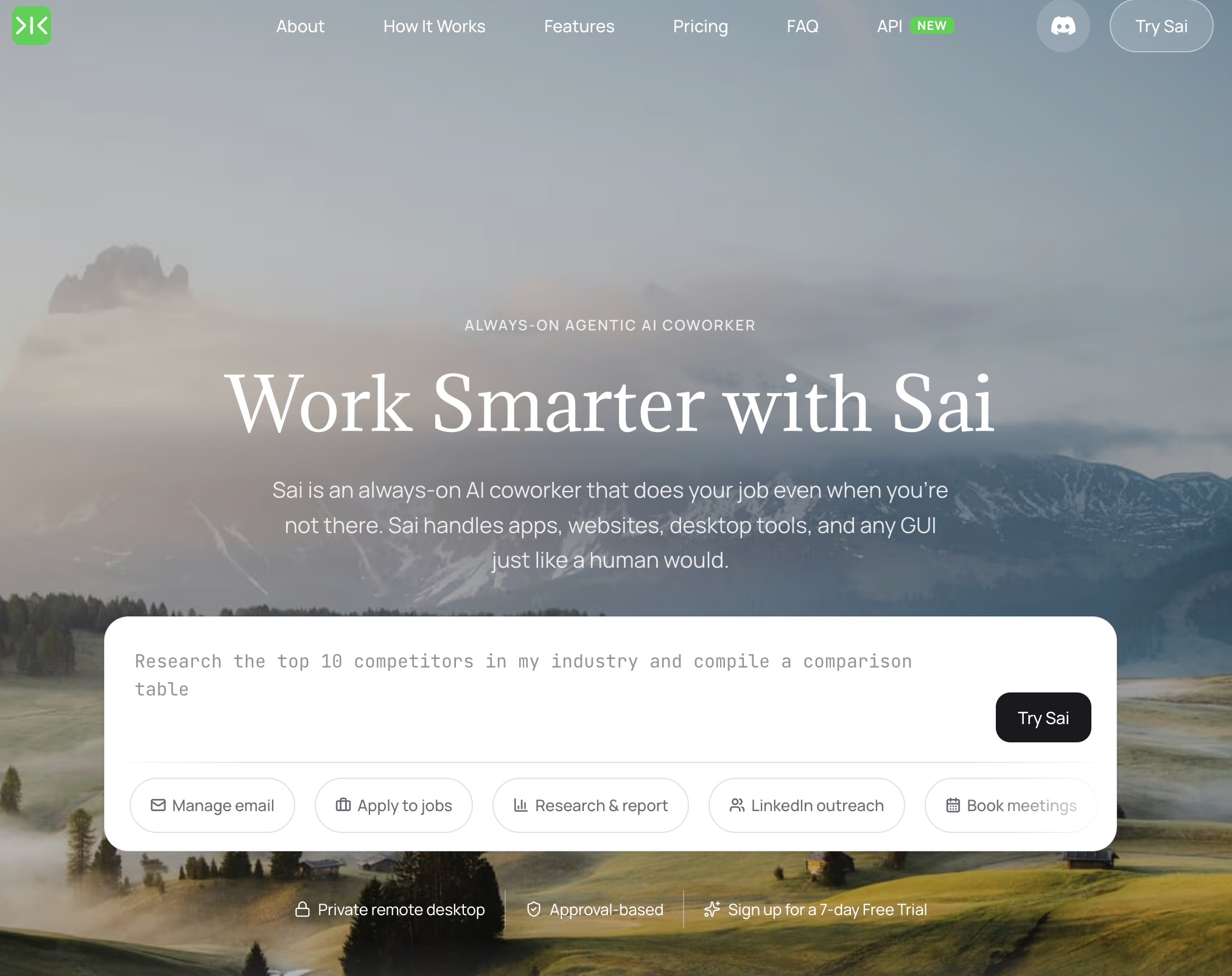
Pricing: Free tier available; Pro from $20/month Platform: Desktop AI agent (Windows/Mac) Best for: Job seekers who want one tool to handle profile optimization, job discovery, applications, networking, and interview prep
Sai is the only tool on this list that covers every stage of the LinkedIn job search funnel from a single interface. While other tools specialize in one function — Jobscan for keywords, Simplify for autofill, Huntr for tracking — Sai handles the complete workflow because it operates as an AI agent that controls your computer.
What Sai does differently:
Limitations: Requires your computer to be running during automated sessions. The AI agent approach means Sai takes 2-3 minutes per application (faster than manual, slower than one-click autofill tools). Best results require providing a detailed resume as input — vague instructions produce generic output.
Who should use Sai: Job seekers running a serious, structured search who want every step — from profile optimization to application to follow-up — handled by one tool instead of juggling 4-5 separate subscriptions.
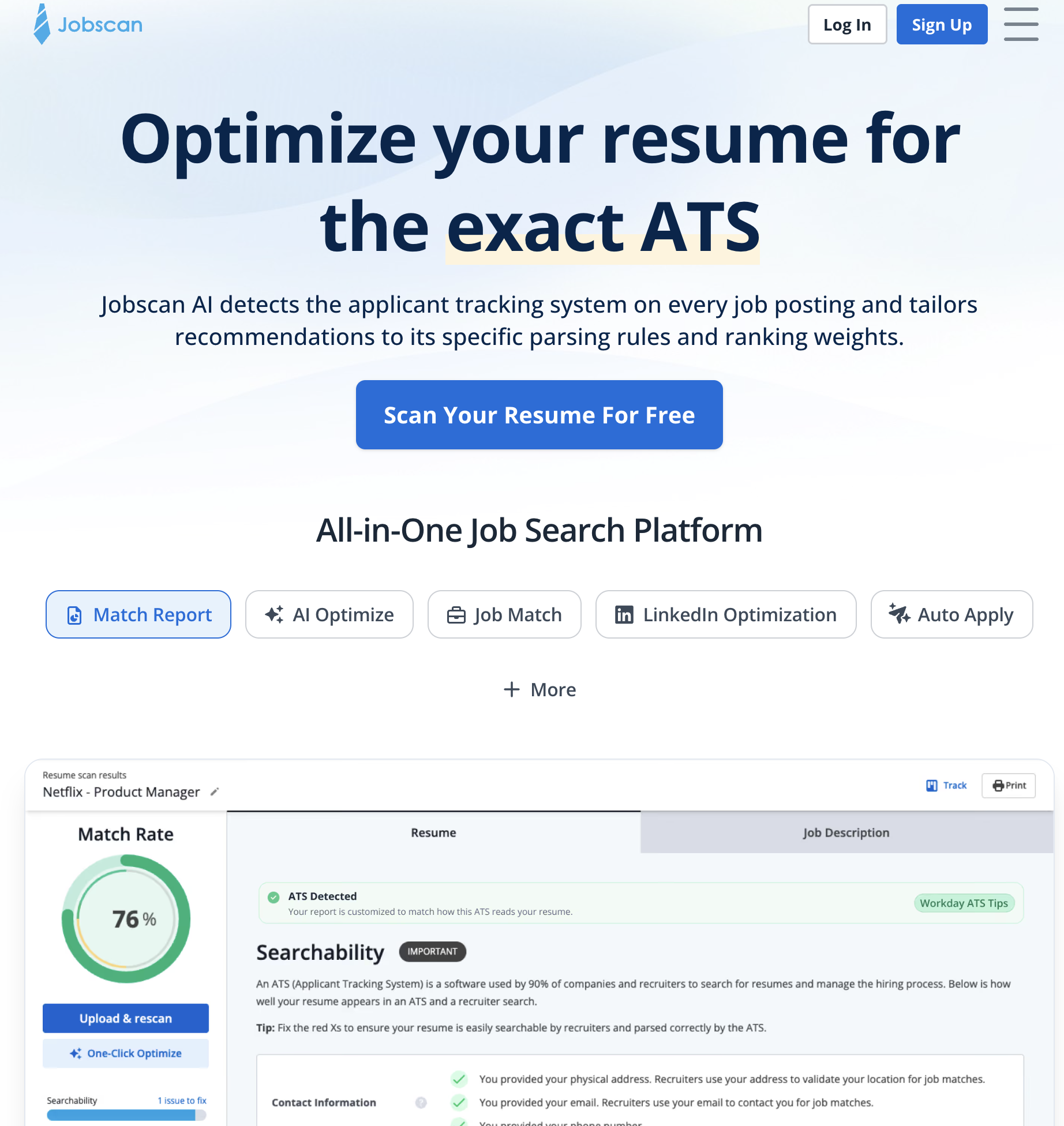
Pricing: Free (5 scans/month); Premium from $49.95/month Platform: Web Best for: Job seekers who want to maximize their resume's ATS pass-through rate
Jobscan solves the single biggest reason LinkedIn applications fail: keyword mismatch. It compares your resume and LinkedIn profile against specific job descriptions and shows exactly which keywords, skills, and phrases are missing.
Key features:
Limitations: Purely a keyword optimization tool. It tells you what words to add but not how to position your career narrative or structure your job search. The $49.95/month price point is steep for a single-function tool — but the 5 free scans per month are enough for a focused search targeting 5 specific roles.
Who should use Jobscan: Active job seekers who know which roles they want and need to ensure their resume passes ATS screening. Pair with Sai (for profile rewriting and full workflow) or use standalone for keyword gap analysis.
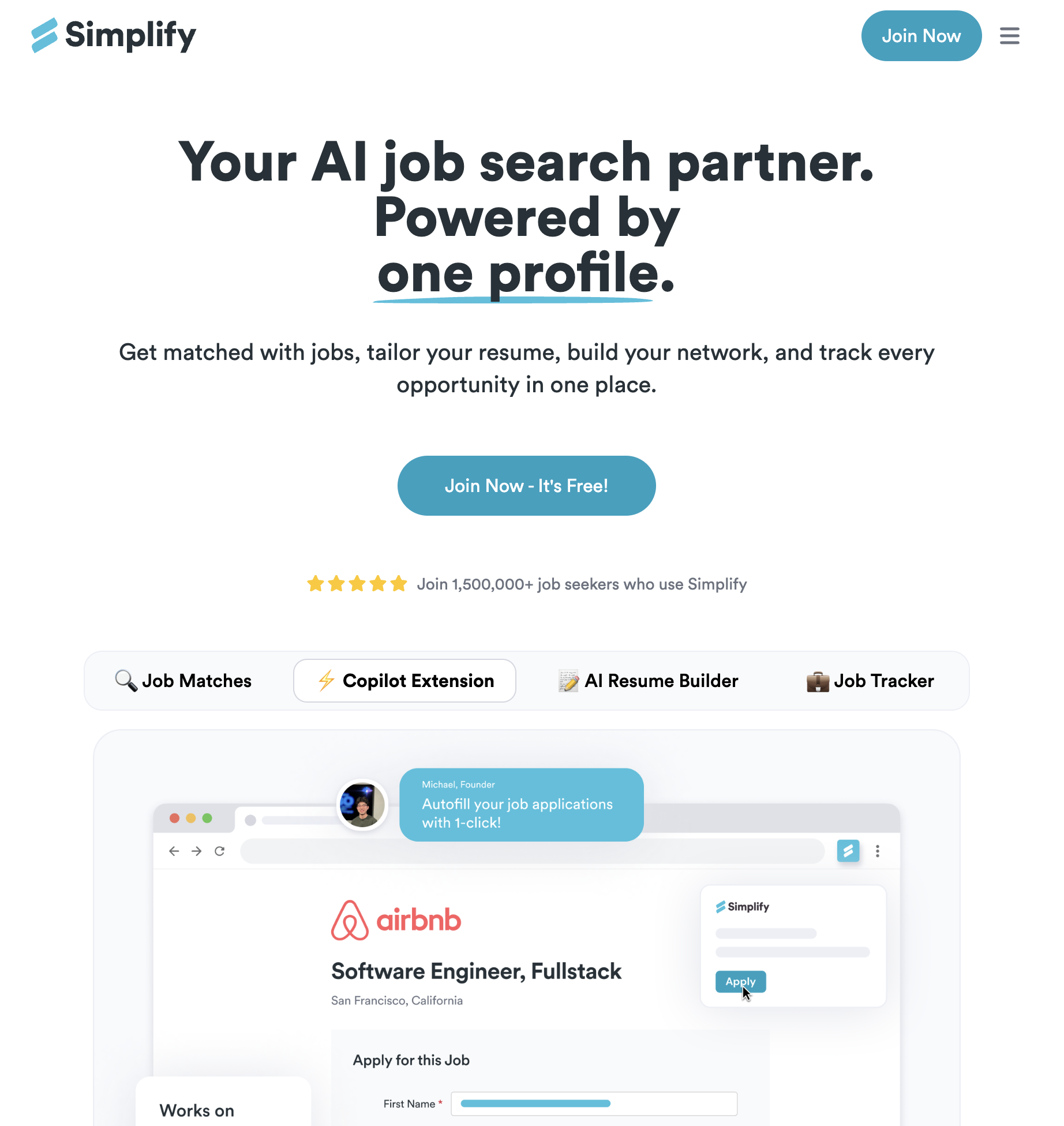
Pricing: Free (unlimited basic autofill); Premium $40/month Platform: Chrome extension Best for: Job seekers applying to high volumes of roles who want to eliminate repetitive form-filling
Simplify is a Chrome extension that auto-fills job application forms across 100+ ATS platforms. Click "Simplify" on any application page, and it populates your name, email, work history, education, and standard questions — reducing a 12-minute application to under 2 minutes.
Key features:
Limitations: Autofill is inherently a quantity tool, not a quality tool. It makes it easy to apply to 50 jobs in a day, but does not help you decide which 50 are worth applying to. Premium at $40/month adds AI features that overlap with standalone tools like Sai. The Chrome extension occasionally fails on non-standard application forms.
Who should use Simplify: Job seekers running a high-volume application strategy — particularly in competitive markets (tech, consulting, finance) where applying to 100+ roles is normal. The free tier is genuinely useful — no paywall on basic autofill.
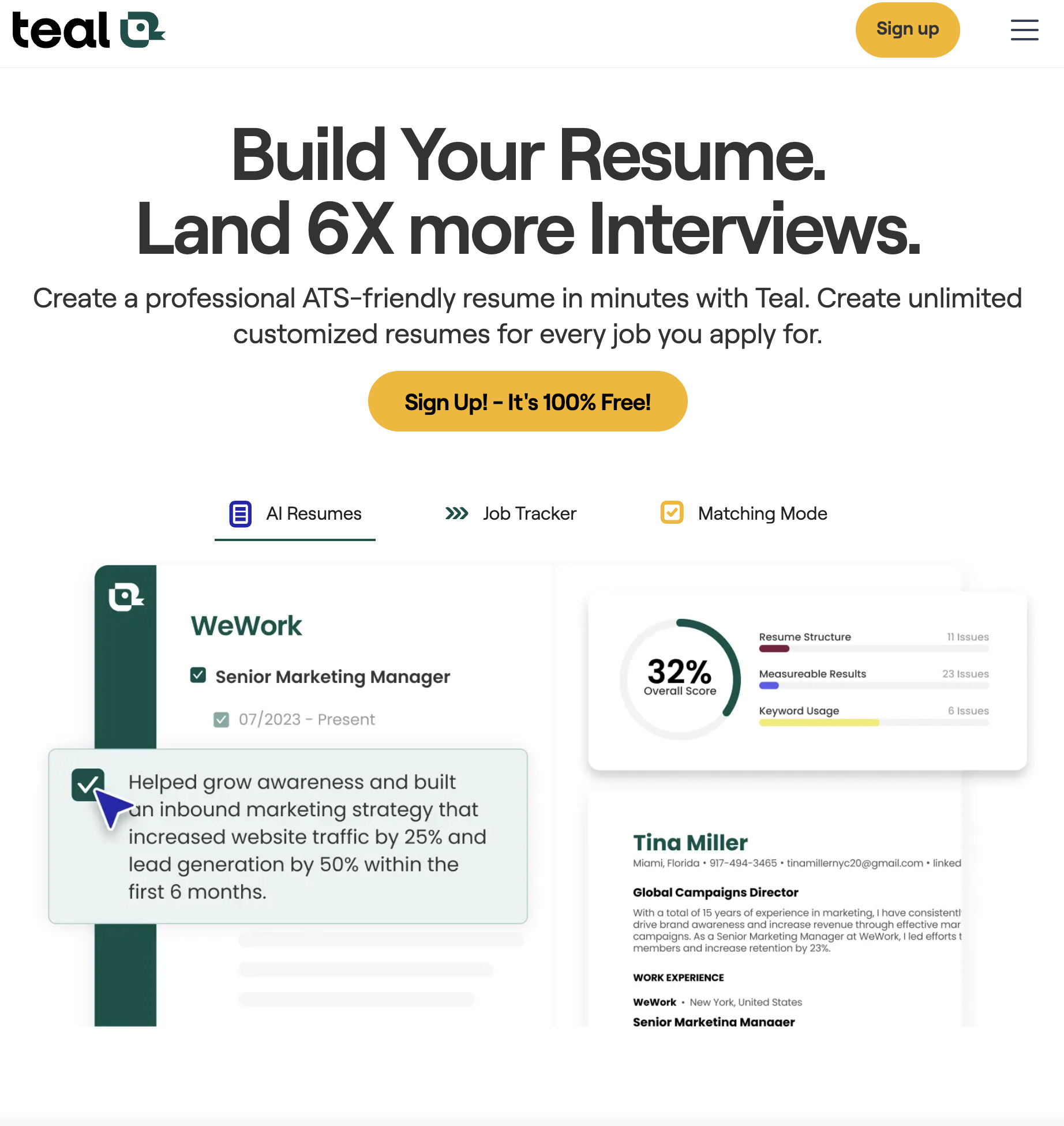
Pricing: Free (unlimited job tracking); Teal+ from $29/month Platform: Web, Chrome extension Best for: Job seekers who need a centralized dashboard to manage applications, contacts, and documents across dozens of companies
Teal is a job search management platform that replaces the spreadsheet most job seekers use to track applications. It provides a visual pipeline, resume builder, and LinkedIn integration — all in one dashboard.
Key features:
Limitations: The resume builder is competent but not best-in-class — dedicated tools like Sai or Jobscan provide deeper keyword analysis. The free tier is strong for tracking but limits AI features. Contact management is basic compared to a dedicated CRM.
Who should use Teal: Organized job seekers managing 20+ active applications who need a single place to track everything. Teal's free tier is the best free job tracker available — unlimited saved jobs, unlimited pipeline tracking, no paywall on the core workflow.
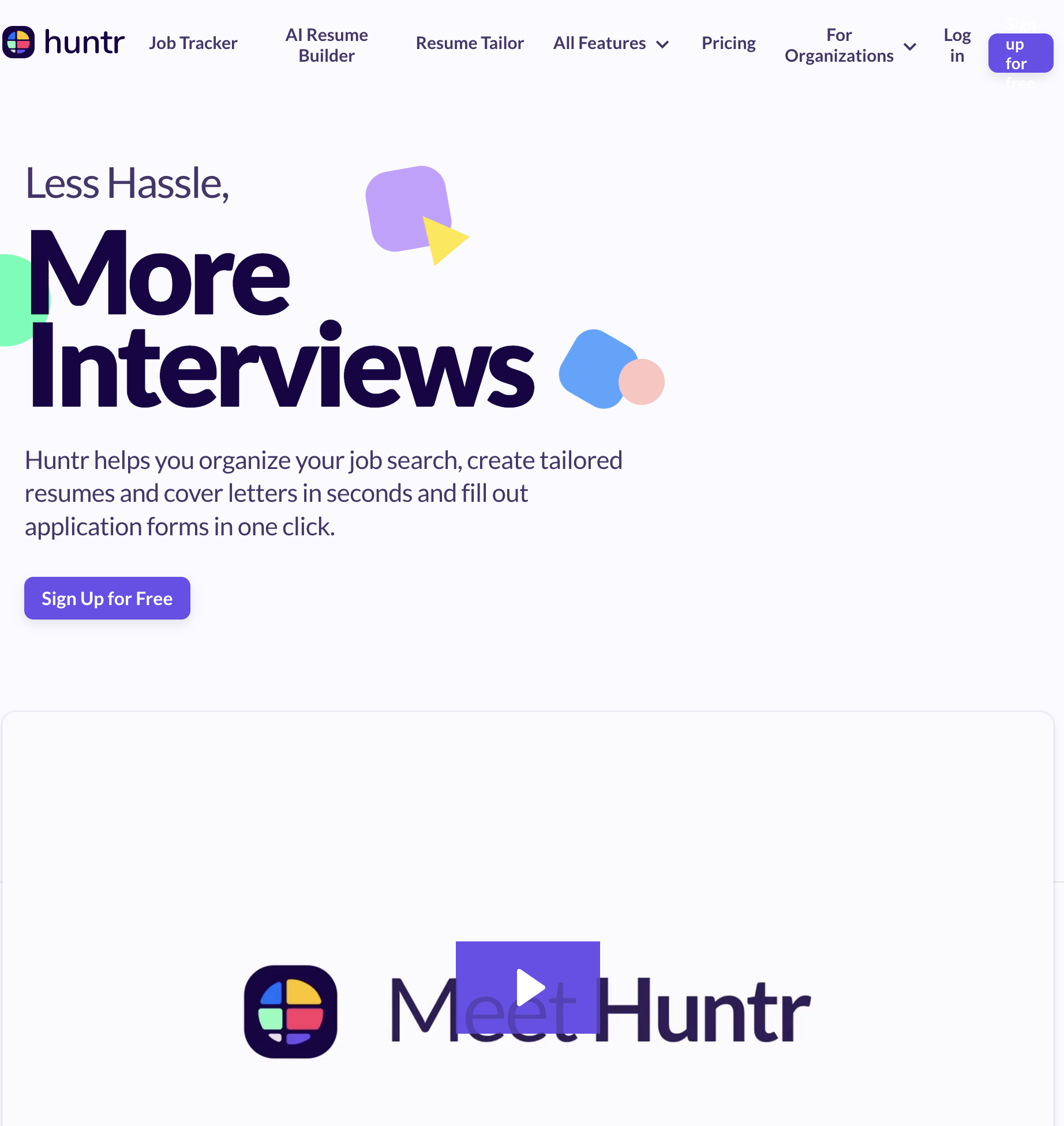
Pricing: Free (limited); Premium $40/month Platform: Web Best for: Job seekers who think in Kanban boards and want detailed contact relationship management alongside application tracking
Huntr is a job search CRM that combines application tracking with contact management and activity logging. It is more relationship-focused than Teal — designed for job seekers who understand that networking drives more hires than cold applications.
Key features:
Limitations: The free tier is restrictive — limited to 40 tracked jobs and 2 Kanban boards. Premium at $40/month is expensive for what is essentially a specialized project management tool. No AI features for resume or cover letter optimization. The interface can feel heavyweight for job seekers managing fewer than 20 applications.
Who should use Huntr: Relationship-driven job seekers who network actively and need to track interactions with multiple people at each target company. If your strategy is "apply to 100 jobs and hope," Huntr is overkill. If your strategy is "build relationships at 15 target companies," Huntr is the best tool for it.
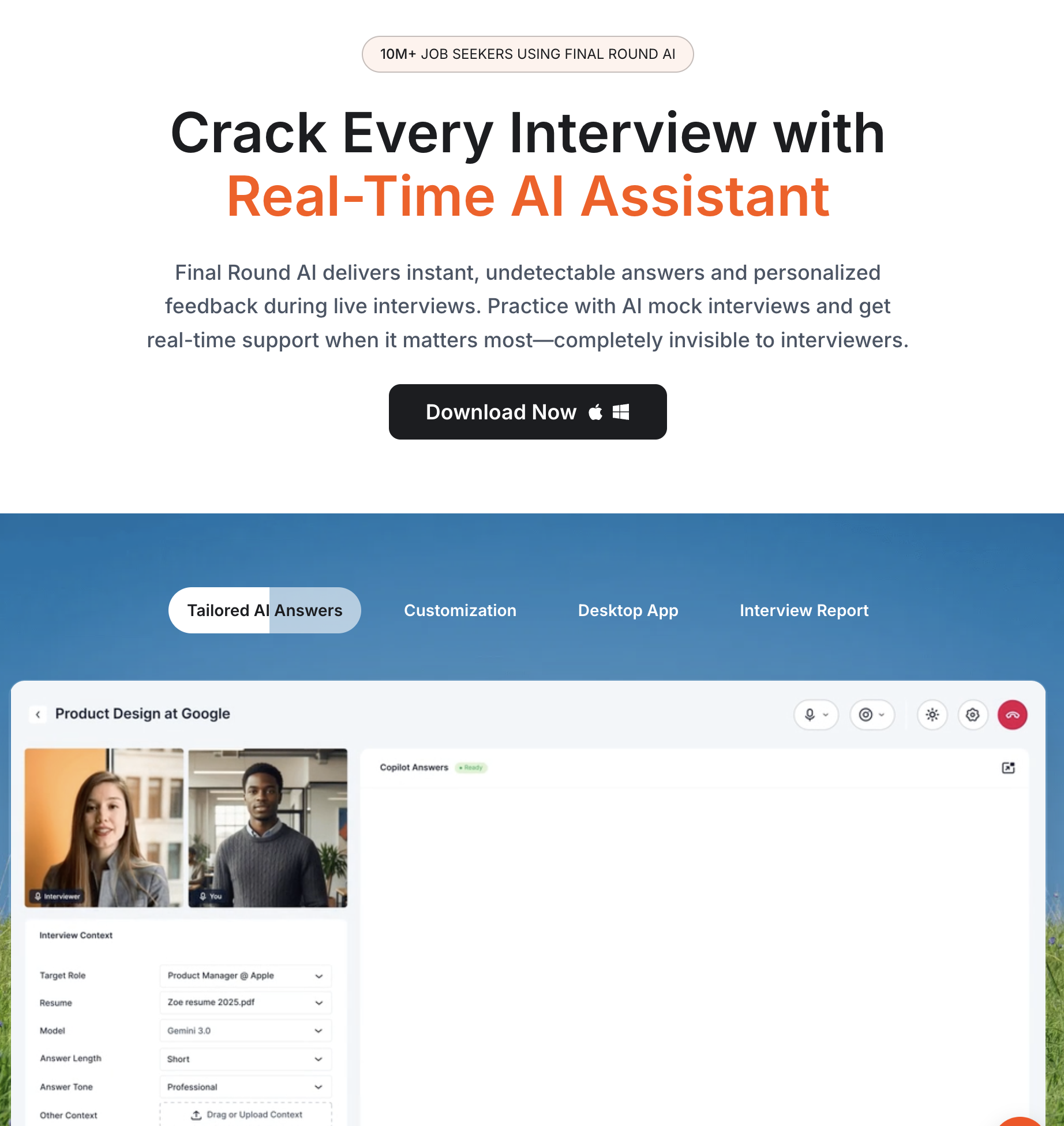
Pricing: Free (limited mock interviews); Pro from $96/month Platform: Web Best for: Job seekers who have interviews scheduled and want structured preparation with AI-powered feedback
Final Round AI provides AI-powered mock interviews, real-time answer coaching, and interview question prediction. It is the only tool on this list focused entirely on the interview stage — the point where most job seekers have the least support.
Key features:
Limitations: The Interview Copilot (live coaching) feature raises ethical concerns — some employers explicitly prohibit AI assistance during interviews, and detection is becoming more sophisticated. The $96/month price is the highest on this list. Mock interviews, while useful for practice, cannot replicate the pressure of a real conversation. Quality of AI feedback depends heavily on how detailed your job description input is.
Who should use Final Round AI: Job seekers with interviews scheduled who want structured practice and response templates. Use the mock interview feature for preparation (universally acceptable). Evaluate the live Copilot feature against your own ethical standards and the employer's interview policy before using it.
Pricing: $29.99/month (Career); free 1-month trial available Platform: LinkedIn native Best for: Active job seekers who want applicant insights, InMail credits, and salary data that free LinkedIn does not provide
LinkedIn Premium Career is the platform's own paid tier — and despite the mixed reputation, it provides three data advantages that no third-party tool can replicate.
Key features:
Limitations: Premium does not optimize your profile or resume — it gives you data, but you still need to act on it. The $29.99/month cost adds up if your search extends beyond 2-3 months. Many features (applicant insights, InMail) are only valuable during active job searches — cancel when you are not actively looking. The "Top Applicant" badge's actual impact on recruiter behavior has limited independent verification.
Who should use LinkedIn Premium: Job seekers in active search mode (applying weekly, networking regularly) who want competitive intelligence about other applicants and direct access to recruiters via InMail. Use the free 1-month trial during your peak search period — cancel before renewal if the data does not change your approach.
Sai is an AI agent that runs on your computer and automates LinkedIn job search workflows end-to-end. Three capabilities set it apart from every other tool on this list:
Tell Sai "find Senior Marketing Manager roles at B2B SaaS companies and apply to the top 10 matches," and it executes the entire pipeline: searches LinkedIn Jobs with your criteria, reads each full job description, scores fit against your resume, tailors your resume keywords per JD, navigates to each application page, fills in your information, and pauses for your approval before submitting. One command replaces the workflow that normally requires Jobscan + Simplify + Teal working together.
Before reaching out to a hiring manager or asking for a referral, Sai researches the person: their recent LinkedIn posts, shared connections, company news, and role history. It drafts a personalized connection request or message that references specific details — not a generic template. After you approve the message, Sai sends it and logs the interaction in your tracking spreadsheet. When a follow-up is due, Sai drafts that too.
Set a recurring schedule and Sai runs your job search every morning: checks for new postings matching your criteria, flags roles worth applying to, follows up on pending applications, identifies new people to network with at target companies, and delivers a daily briefing to your inbox summarizing what happened and what needs your attention. You review and approve — Sai handles the research, drafting, and execution.