
Oops! Something went wrong while submitting the form.
Hermes Agent is an open-source, MIT-licensed personal agent from Nous Research that you install and run yourself. If that ownership model fits you, it is hard to beat on control and price. People look for Hermes Agent alternatives for three recurring reasons: they do not want to operate a runtime, they need the agent to act inside applications that never exposed an API, or they need repeatability they can defend to someone else. Those needs point at three different categories of tool — and only one of them, the computer-use agent, answers the second.
A personal AI agent is a persistent process that accepts a goal in natural language, plans the steps itself, executes those steps against real systems, and keeps state between runs. It differs from a chatbot in that it acts rather than answers, and it differs from a workflow automation in that the sequence of steps is decided at runtime rather than drawn in advance. The practical consequence: an agent can attempt work nobody has mapped, and a workflow cannot — while a workflow will do a mapped job identically ten thousand times, and an agent will not, unless it is built for it.
Every tool below is one of five things: a self-hosted open-source agent, a managed vertical assistant, a node-based workflow platform, a coding agent, or a computer-use agent. Category determines outcome far more than feature lists do.
Hermes Agent runs as a desktop app on macOS, Windows and Linux, or from a CLI, and can be reached from chat surfaces including Telegram, Discord, Slack and email. It keeps persistent memory, writes its own reusable skills, schedules work in plain language, spawns subagents, and drives a browser inside a sandbox. It is MIT-licensed, and Nous Portal plans supply model credits plus access to a large model catalogue. For a technical individual, that is a genuinely strong package.
The reasons people still shop around are structural rather than a matter of missing features:

Category: Computer-use agent (autonomous computer) | Pricing: Subscription; free tier available | Platform: macOS, Windows, cloud workspace | Our rating: 4.7 / 5
Sai is an autonomous computer: an agent that operates a real machine the way a person does — mouse, keyboard, browser, desktop applications, files — rather than through a connector catalogue. It is the only tool in this set that passed all five test tasks, and the reason is structural rather than clever prompting: when an agent can see and click the screen, the presence or absence of an API stops being a constraint.
T3, the no-API vendor portal, is where the categories separated. Every browser-bound and connector-bound tool in this comparison failed it — the portal required a desktop client login, a date-range filter and a per-invoice download, and no connector exists for any of it. Sai logged in, filtered, downloaded each invoice, renamed them to the vendor-date pattern and filed them, in one pass. That is the same mechanism behind our file organizer use case, and it is the capability people are usually reaching for when they say they want a "personal agent" at all.
On T1, inbox triage, Sai labelled all 40 threads correctly and drafted the six replies without sending anything — the approval gate is a product behaviour, not a prompt instruction, which matters when you run this unattended. The pre-built AI for email management workflow template covers this scenario without any configuration; the broader pattern is documented as a virtual email assistant. On T2 it produced 25 rows with every field traceable to a source page — the same shape as the buyer persona research template and the AI for sales prospecting workflow.
T5 is the one that tends to embarrass agents. Run the same job five mornings running and most tools drift: a changed layout, an expired session, a silently truncated output. Sai's differentiator here is that it learns the process on the first run and reuses it, rather than re-planning from scratch every time — fewer decisions per run means fewer places to diverge. It also underpins the reliability claim that is actually checkable: Simular's agent ranks first on OSWorld, the public benchmark for agents operating a full desktop environment, and the research behind it is published as Agent S3.
The cost argument is worth stating precisely, because it is easy to misread. Sai is not cheaper per token. It is cheaper per finished task, because a higher first-pass success rate means fewer reruns and less human review — the two costs that credit-metered agents quietly generate.
Key strengths
Limitations
Best for: Anyone leaving Hermes Agent because they do not want to operate a runtime, or because the work lives in applications that never had an API.

Category: General autonomous agent | Pricing: Credit-based | Platform: Web (vendor sandbox) | Our rating: 4.1 / 5
Manus takes the same philosophical position as Hermes Agent — give it a goal, let it plan, come back to a finished artifact — and removes the part people find painful, which is running it. Everything happens in the vendor's sandbox, so there is no install, no model key and no machine to keep awake.
It was the strongest non-Sai performer on T2. Given the directory research task it worked steadily for a long stretch, produced a clean 25-row sheet and cited its sources; the depth of its research runs is genuinely impressive and it is the tool we would reach for if research were the only job. T1 was partial: it handled webmail well enough but its notion of "draft, do not send" depended on how firmly the prompt was worded, which is not a property you want to depend on. T3 failed outright — the sandbox has a browser, and the portal needed a desktop client. On T5 the results were inconsistent between mornings, mostly because long autonomous runs take different paths each time.
The recurring complaint in practice is cost predictability. Credits drain on retries exactly as they do on results, and a run that goes exploring can consume a meaningful share of a monthly allowance without producing anything.
Key strengths
Limitations
Best for: Research-heavy, browser-bound work where you want autonomy without operating anything.
Category: Coding agent | Pricing: Subscription or API usage | Platform: Terminal (macOS, Linux, Windows via WSL) | Our rating: 4.5 / 5 within scope
A large share of people evaluating Hermes Agent are really trying to automate software work. If that is the case, a coding agent will beat a general agent by a wide margin, because the repository gives it ground truth and the test suite gives it a correctness signal that no browser task has.
We ran the standard set anyway, and the result is instructive: Claude Code failed T1, T3 and T4 completely — it has no GUI, no desktop and no portal logins — and was partial on T2 only because it could script an HTTP fetch. On repository work outside this set it is excellent and stable enough to schedule. The scoring above should be read as "wrong instrument", not "poor tool". Our comparison of the best AI coding agents covers that category properly.
Key strengths
Limitations
Best for: Engineers whose Hermes use case was really development work.
Category: Browser agent inside a chat product | Pricing: Included with paid ChatGPT plans | Platform: Web, desktop app | Our rating: 3.9 / 5
Agent mode is bundled into a product most teams already pay for, which makes it the natural first stop for anyone who wanted Hermes Agent for convenience rather than sovereignty. There is nothing to set up at all.
It was strong on T2, competent-but-supervised on T1 and T4, and failed T3 and T5. The failures are the interesting part. T3 is category-level: it is a browser agent, and the task was not in a browser. T5 failed for a different reason — agent sessions are interactive by design, they pause for confirmation on anything consequential, and an unattended morning run that stops to ask a question at 06:00 has not run. That caution is correct behaviour for a general consumer product; it just is not automation.
Key strengths
Limitations
Best for: Individuals doing occasional web tasks who want no configuration whatsoever.
Category: Managed vertical assistant | Pricing: Per-task tiers | Platform: Web | Our rating: 4.0 / 5
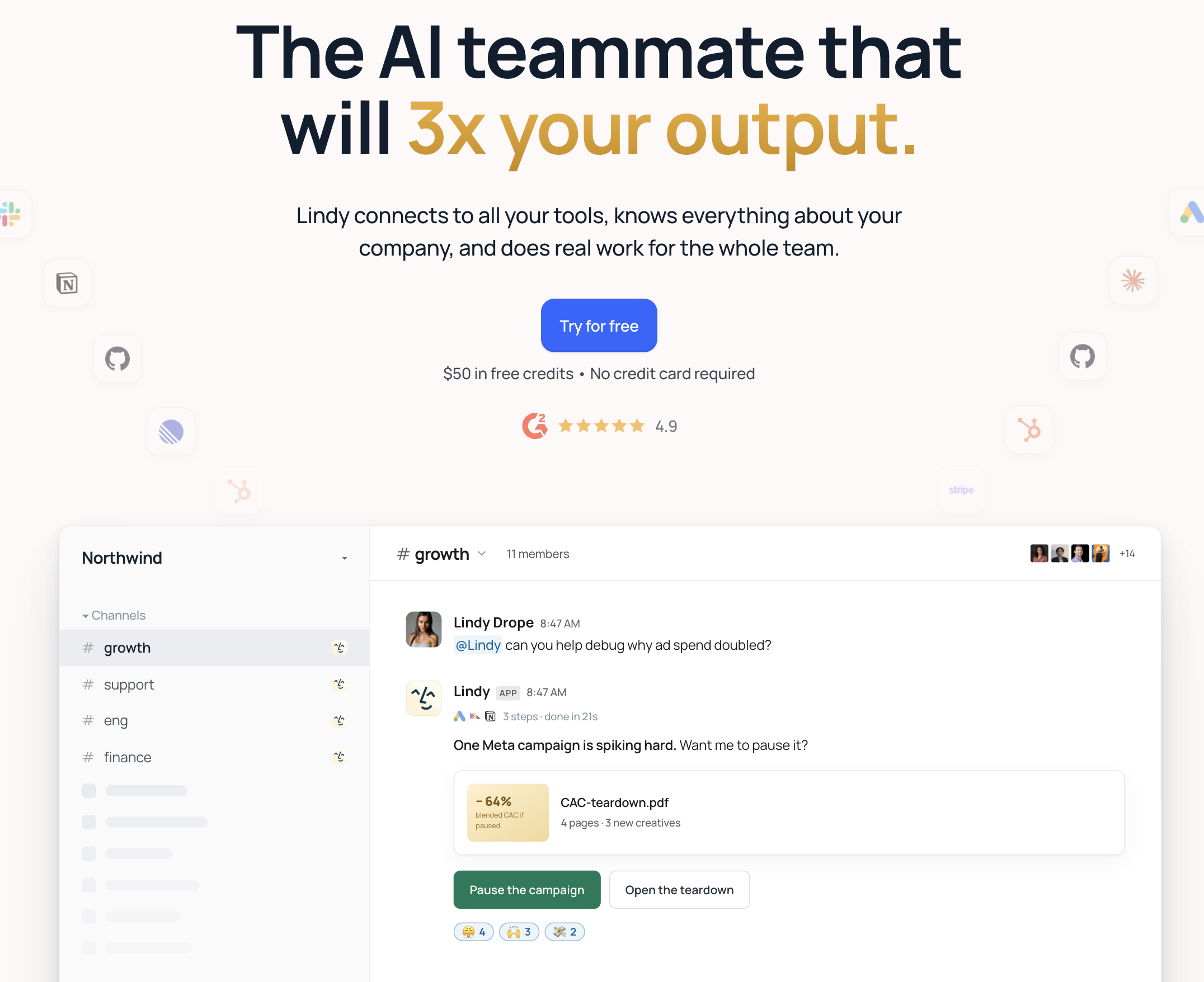
Lindy is narrow where Hermes Agent is general: meetings, inbox, CRM hygiene and follow-up, assembled from templates and hosted for you. For a team whose real need was "keep the CRM current after every call", narrowness is the feature.
It was one of only three tools to pass T1 cleanly, and it passed T5 as well — managed vertical products are built for repetition, and it showed. T2 and T3 failed for the same reason: both needed the agent to go somewhere no connector exists. T4 was partial; it assembled the calendar and email portions and could not reach the external company-news step.
The trade is a hard ceiling. Inside the catalogue it is reliable and requires almost no thought; at the edge of it there is no escape hatch, which is precisely the gap a computer-use agent fills.
Key strengths
Limitations
Best for: Teams with one repetitive inbox, meeting or CRM process and no appetite to build.
Category: Node-based workflow platform | Pricing: Free self-hosted; paid cloud tiers | Platform: Self-hosted or n8n Cloud | Our rating: 4.2 / 5
If what you liked about Hermes Agent was the self-hosting rather than the autonomy, n8n is the more honest tool for the job: an explicit graph of triggers, connectors and branches that runs identically every time and can be version-controlled and reviewed.
It passed T1 and T5 — after a build. That caveat is the whole character of the category: the tasks that pass do so perfectly and forever, and getting there took materially longer than describing the same job to an agent in a sentence. T2 was partial (the reasoning steps needed an LLM node and the output quality varied), T3 failed (no API, no node), and T4 was partial for the same reason as Lindy.
Our comparison of n8n alternatives goes deeper into where that category ends.
Key strengths
Limitations
Best for: Engineering-capable teams automating known, API-complete processes at volume.
Category: Hosted connector platform | Pricing: Per-task tiers | Platform: Web | Our rating: 3.8 / 5
Zapier is the same deterministic model as n8n with the operations handed to someone else. Its value is the sheer size of the integration catalogue; its ceiling is that the integration has to exist before you can use it.
It passed T1 and T5 after a build and failed everything requiring judgment or reach: T2 (no research capability), T3 (no API), T4 (no synthesis). Read that as scope, not as weakness — Zapier is a very good event mover and was never an agent.
In practice it complements rather than competes: let Zapier move the events between systems that expose APIs, and let a computer-use agent handle the part nobody wrote a connector for.
Key strengths
Limitations
Best for: Non-technical teams wiring together SaaS tools that all have APIs.

Category: Agentic browser | Pricing: Bundled with Perplexity plans | Platform: Desktop browser | Our rating: 3.7 / 5
Comet puts the agent inside the browser you are already authenticated in, which quietly solves the login problem that stops most hosted browser agents. That single design decision makes it markedly more useful than its feature list suggests.
It was strong on T2 — research is Perplexity's home ground and the sourcing was good — partial on T1 and T4, and failed T3 and T5. There is no scheduler, so unattended runs are not a concept it has; the agent works while you watch. See our Perplexity alternatives comparison for how it sits against other research tools.
Key strengths
Limitations
Best for: Individuals who want an agent for interactive research and light form-filling.