Oops! Something went wrong while submitting the form.

A sourced account brief before every call — what they're doing now, why it's relevant, and the line worth opening with.
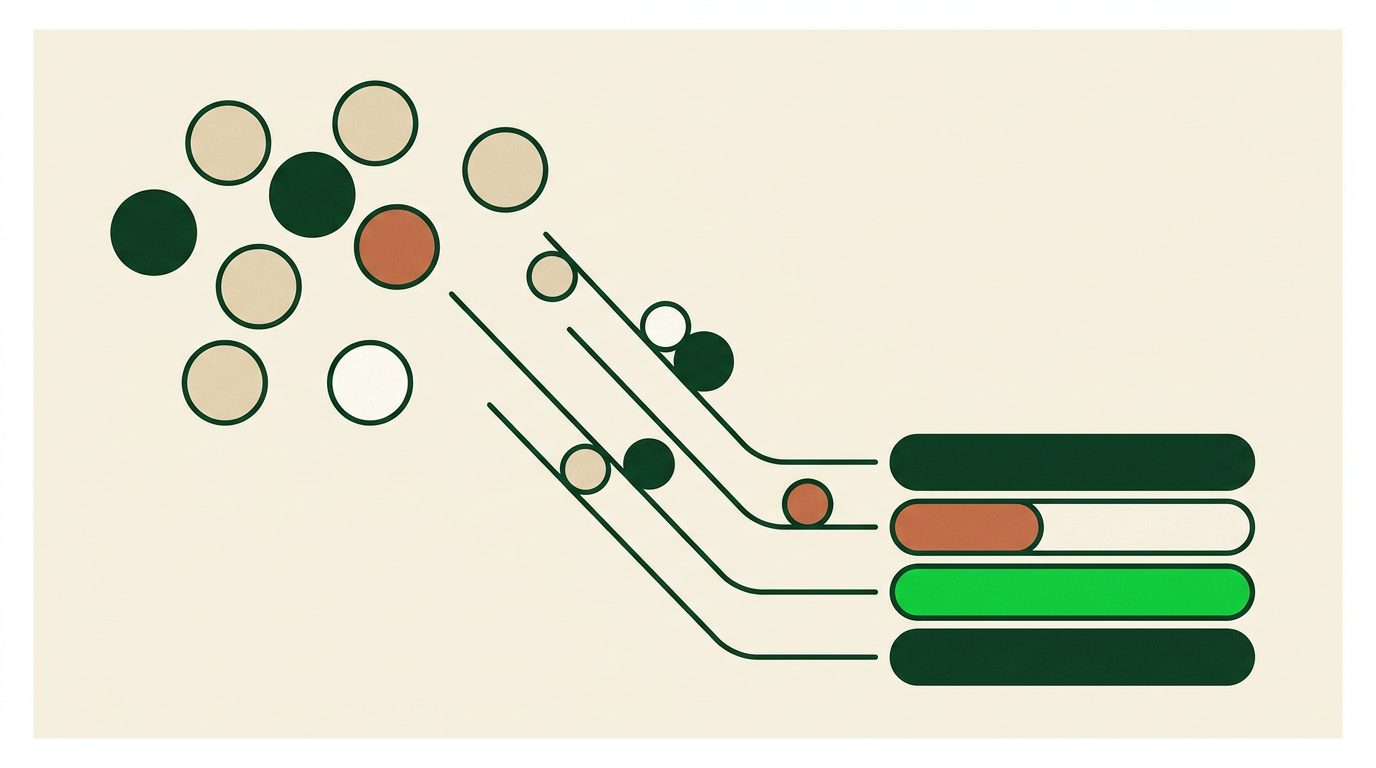
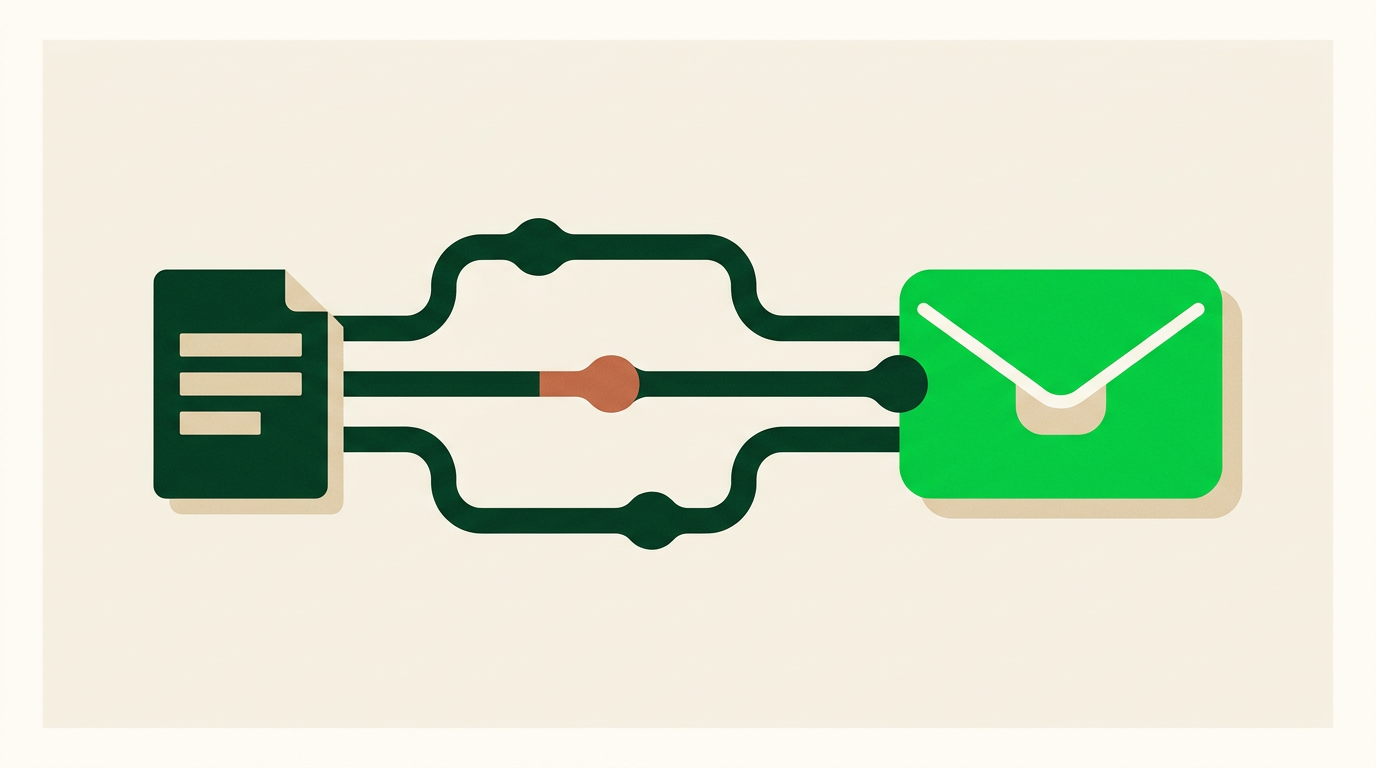
You name the accounts once. Sai does the other three steps.

Point Sai at your list and say what you need to know before the call.

Sai opens the site, the profiles, the job posts and the recent news.

Sai assembles the findings, links every source, and drafts an opening line.

Skim the brief, check a source or two, and make the call your own.
Research a rep would recognise as research — sourced, specific, and repeated every week as accounts change.
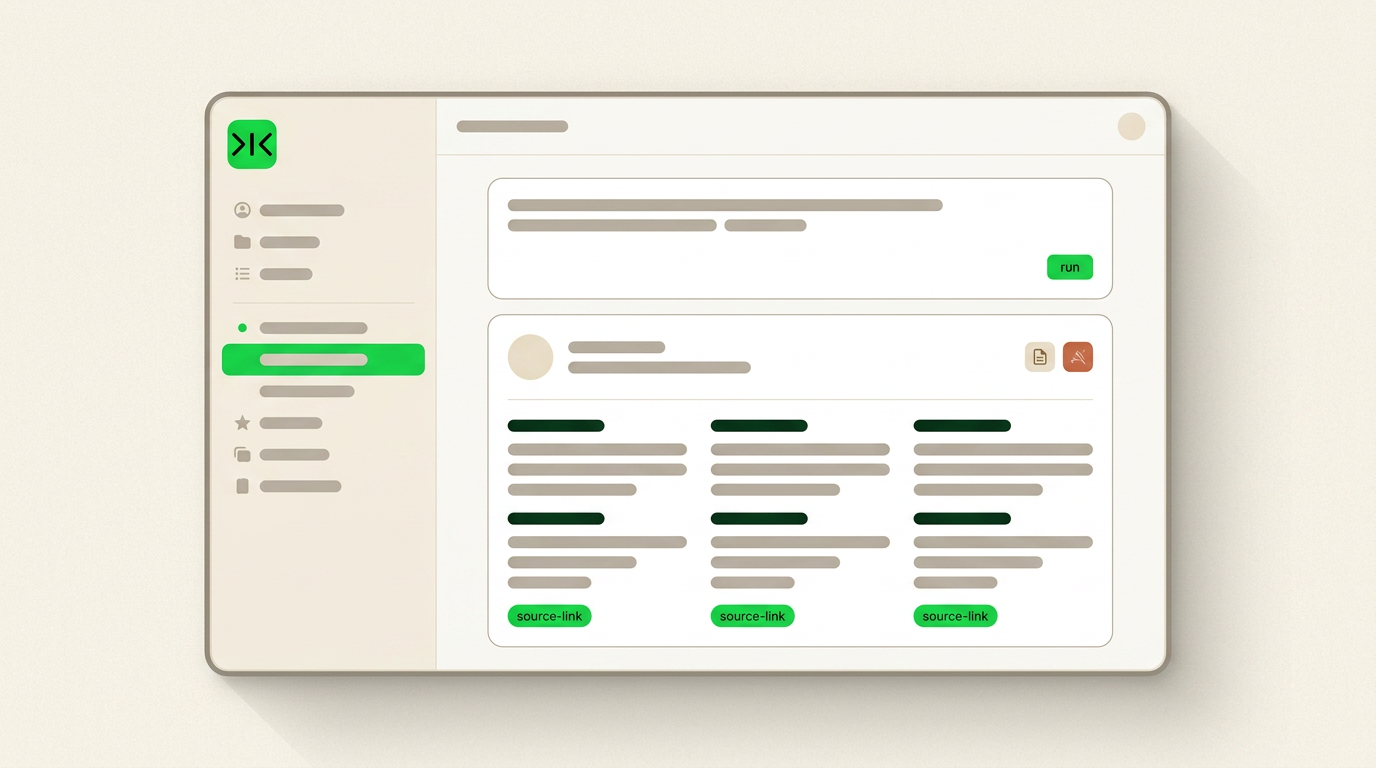
Sai doesn't hand back a company description. It returns what the account is doing now, which of your pain points shows up in their own words, and an opening line specific enough to use.
Each finding carries the page it came from, so a rep can check the detail before repeating it on a call. Unverifiable claims are marked, not filled in.
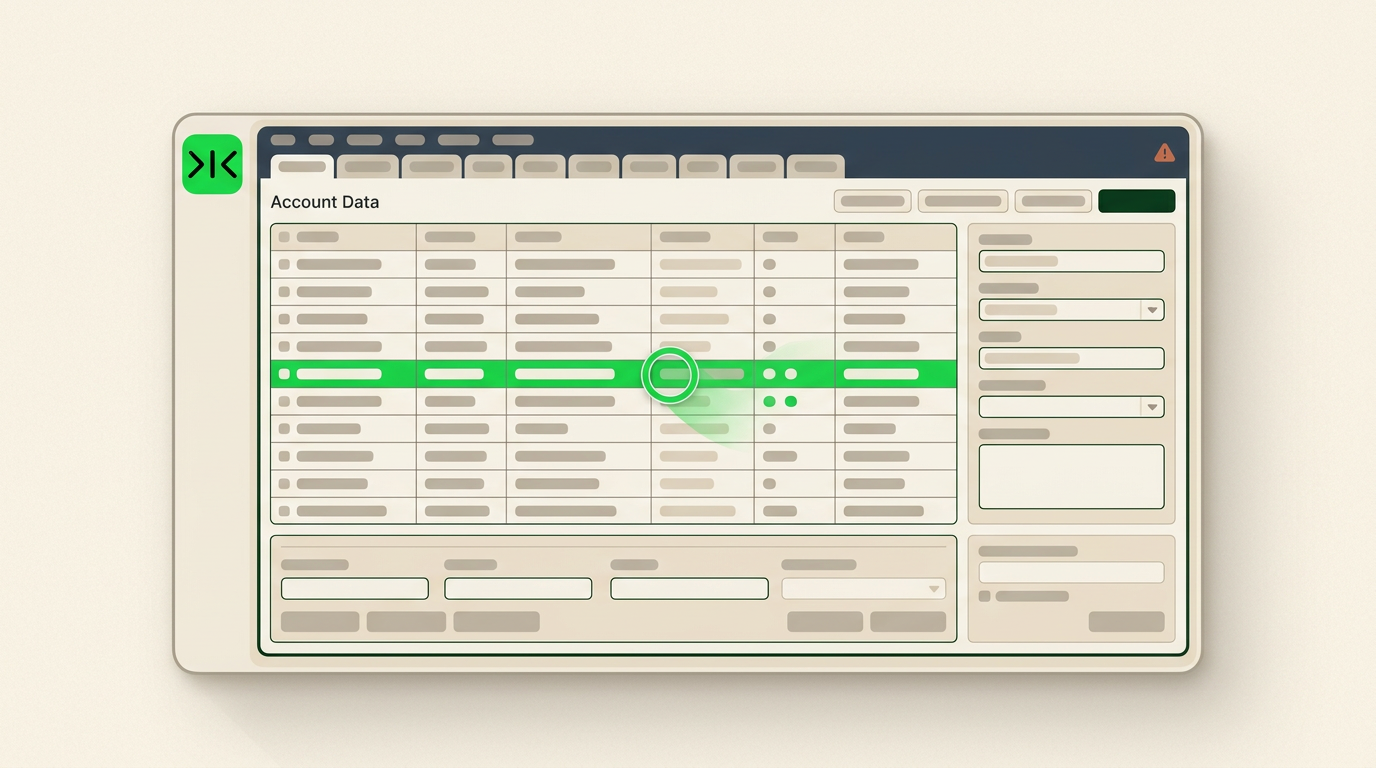
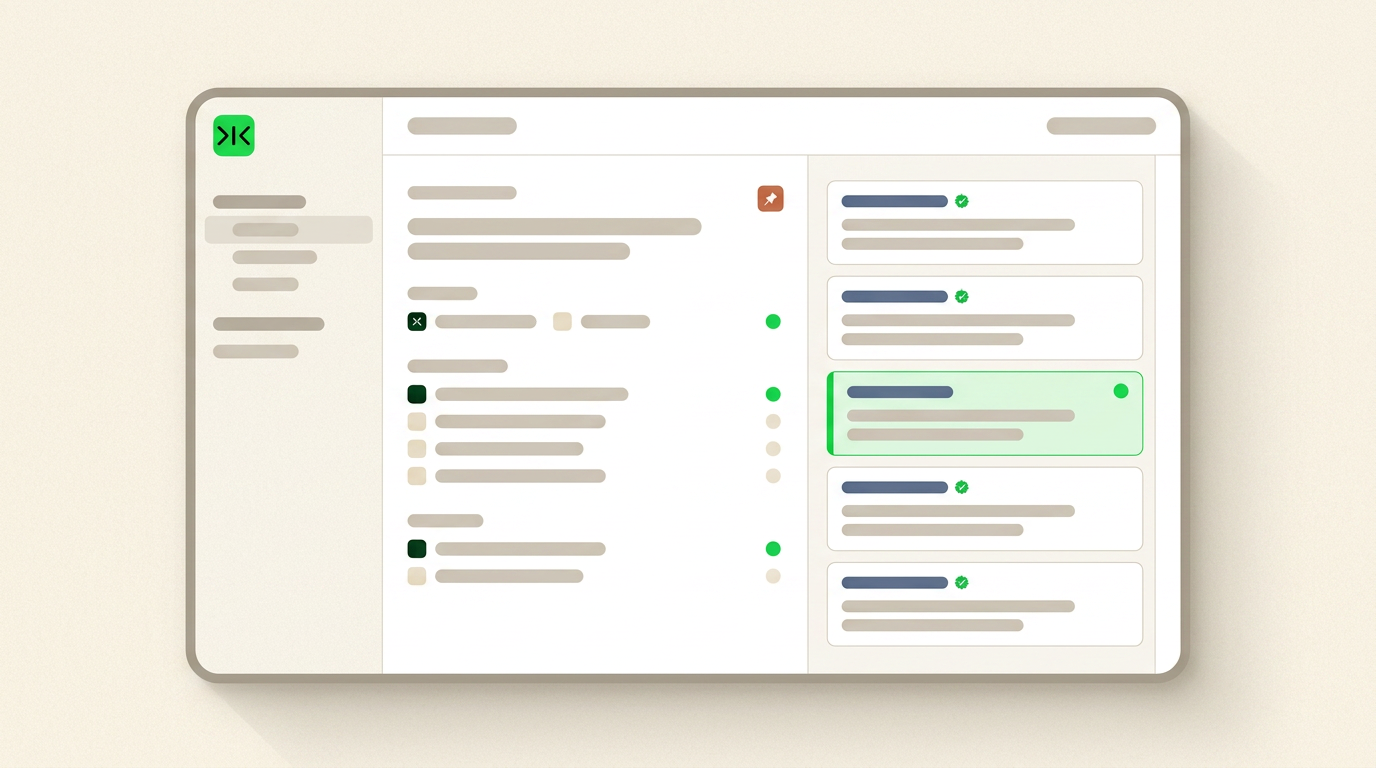
Sai works in a real browser inside your own logged-in sessions, so it can read the profiles, portals and CRM records that have no public API.
Accounts move. Sai refreshes your briefs on a schedule, unattended, and flags what changed since last time — and every repetition makes it cheaper and more reliable.

AI for sales prospecting is the use of AI to find, research and prioritise potential customers before a rep makes contact — the preparation work that decides whether an outreach is worth sending. Most tools in this category have made that preparation faster without making it deeper. They return a company description, a headcount figure and a funding headline, which is a summary rather than research. The gap reps complain about is not speed. It is that the output is surface level: nothing in it tells you what to open the call with.
Sai works the way a rep would if they had the afternoon free. It opens the website, the leadership profiles, the careers page and recent coverage, then writes up what the account is actually doing: where headcount is moving, which roles they are hiring, what changed at the top, and which of your ICP pain points appears in the company's own language. Every claim carries the link it came from, and anything that cannot be confirmed is marked unverified rather than smoothed over. The brief ends with one opening line specific to that account — a starting point for the rep, not a script.
Good prospecting research lives in places that were never built to be queried: professional profiles, association directories, regional registries, review sites, and the CRM notes your own team wrote last quarter. Tools that depend on integrations can only see the sources they have built a connector for, which is why so many briefs read alike. Sai operates a real browser inside your own logged-in sessions instead. If a person can click it, Sai can run it — so the research can include the sources your competitors' tools cannot reach.
An account brief written in March is misleading by June: the champion moved on, the hiring plan changed, the product shipped. Sai saves the research as a recurring workflow, refreshes each brief on your cadence without supervision, and flags what changed since the previous run so a rep reads the delta rather than the whole document again. The hundredth run costs less and breaks less than the first.
Free your hands from the computer.
Try Sai