
Oops! Something went wrong while submitting the form.
The term "AI coding agent" gets thrown around loosely. GitHub Copilot autocompletes a line and calls itself an agent. Devin spins up a full VM and works autonomously for hours. These are fundamentally different tools solving fundamentally different problems -- but they all claim the same label.
Here is the distinction that matters:
The key distinction: an assistant waits for you to tell it what to do. An agent figures out what needs to happen and does it.
The "best" coding agent depends entirely on how you work. Here's a decision framework:
"I want AI embedded in my editor, all day." --> Cursor (if you can afford Pro+) or Windsurf (if you want a strong free tier)
"I live in the terminal and work on complex, large codebases." --> Claude Code -- unmatched codebase understanding and terminal-native autonomy
"My team is all-in on GitHub. Issues, PRs, Actions -- everything." --> GitHub Copilot -- nothing else has this depth of GitHub integration
"I want to delegate entire tasks and come back to finished code." --> Devin (for full autonomy) or OpenAI Codex (for parallel tasks in the cloud)
"I build on AWS and need AI that understands my infrastructure." --> Amazon Q Developer -- the only agent that speaks CloudFormation and CDK natively
"I'm drowning in PR reviews, standups, Slack messages, and CI/CD alerts -- not in coding itself." --> Sai -- automates the developer workflow around code, not the code itself
Most developers in 2026 aren't using a single coding agent -- they're building a stack:
This "layered agent" approach lets each tool do what it's best at, rather than forcing one tool to do everything.
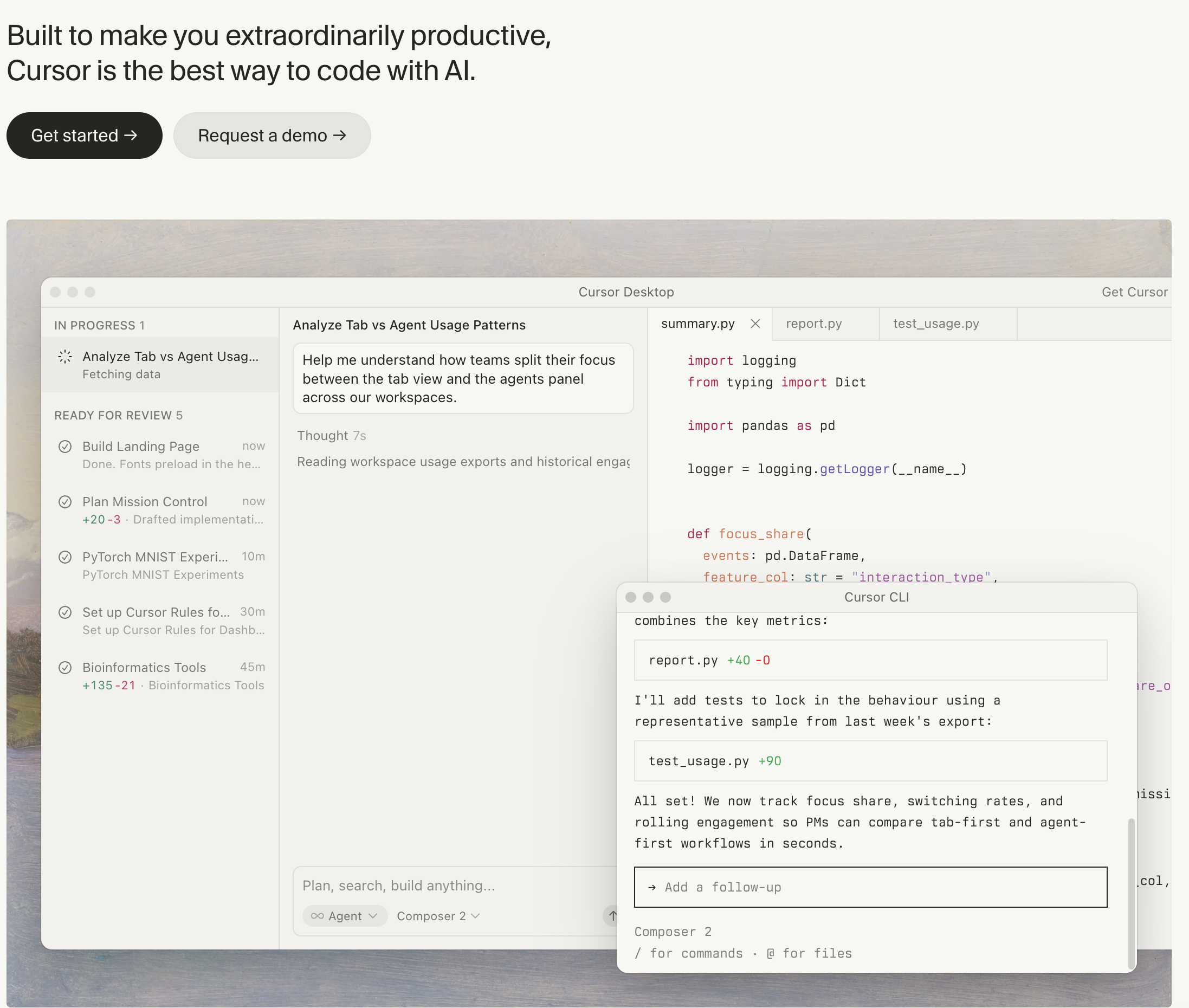
Pricing: Free / $20 Pro / $60 Pro+ / $200 Ultra (cursor.com/pricing) Platform: Desktop app (VS Code fork) Agent type: IDE-embedded agent with background execution
Cursor is the AI-first IDE that replaced VS Code for a large portion of professional developers. It is built on VS Code's foundation but rebuilt around AI -- every feature assumes you want AI involved in your workflow.
Key agentic features:
Limitations: The free tier is limited to 50 slow premium completions per month -- not enough for serious use. The real power starts at Pro ($20/mo). Context window limits can cause the agent to lose track of large codebases, though Cursor's codebase indexing mitigates this. Some developers report agent mode making unnecessary changes when given vague prompts.
Best for: Developers who want the most polished, integrated AI coding experience and are willing to pay $20-60/mo for it.
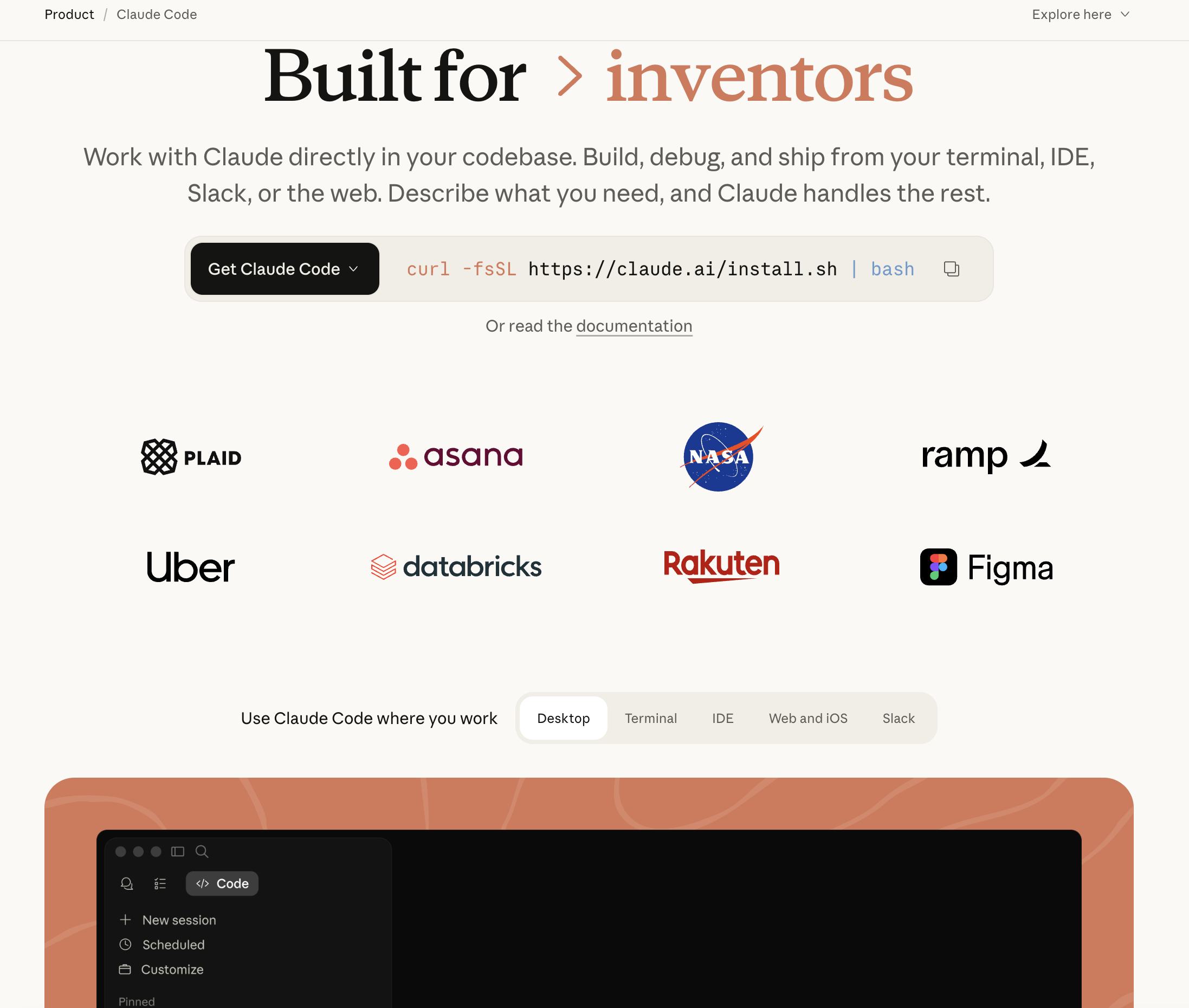
Pricing: Usage-based via Anthropic API or included in Claude Max ($100/mo) and Claude Team ($30/user/mo) (claude.ai/pricing) Platform: Terminal (CLI tool) Agent type: Terminal-native agent with deep codebase understanding
Claude Code is Anthropic's agentic coding tool that runs directly in your terminal. Unlike IDE-embedded tools, Claude Code works at the project level -- it understands your entire codebase structure, reads files, edits code, runs tests, and manages git operations, all from the command line.
Key agentic features:
Limitations: Usage-based pricing can get expensive on large projects -- heavy users report $50-100+/month in API costs. The terminal-first interface has a learning curve for developers used to GUI-based tools. Some agentic loops (where Claude Code tries multiple approaches) can consume tokens quickly without clear progress.
Best for: Senior developers and power users who work in the terminal, manage complex codebases, and want an agent that can reason deeply about architecture and cross-file dependencies.
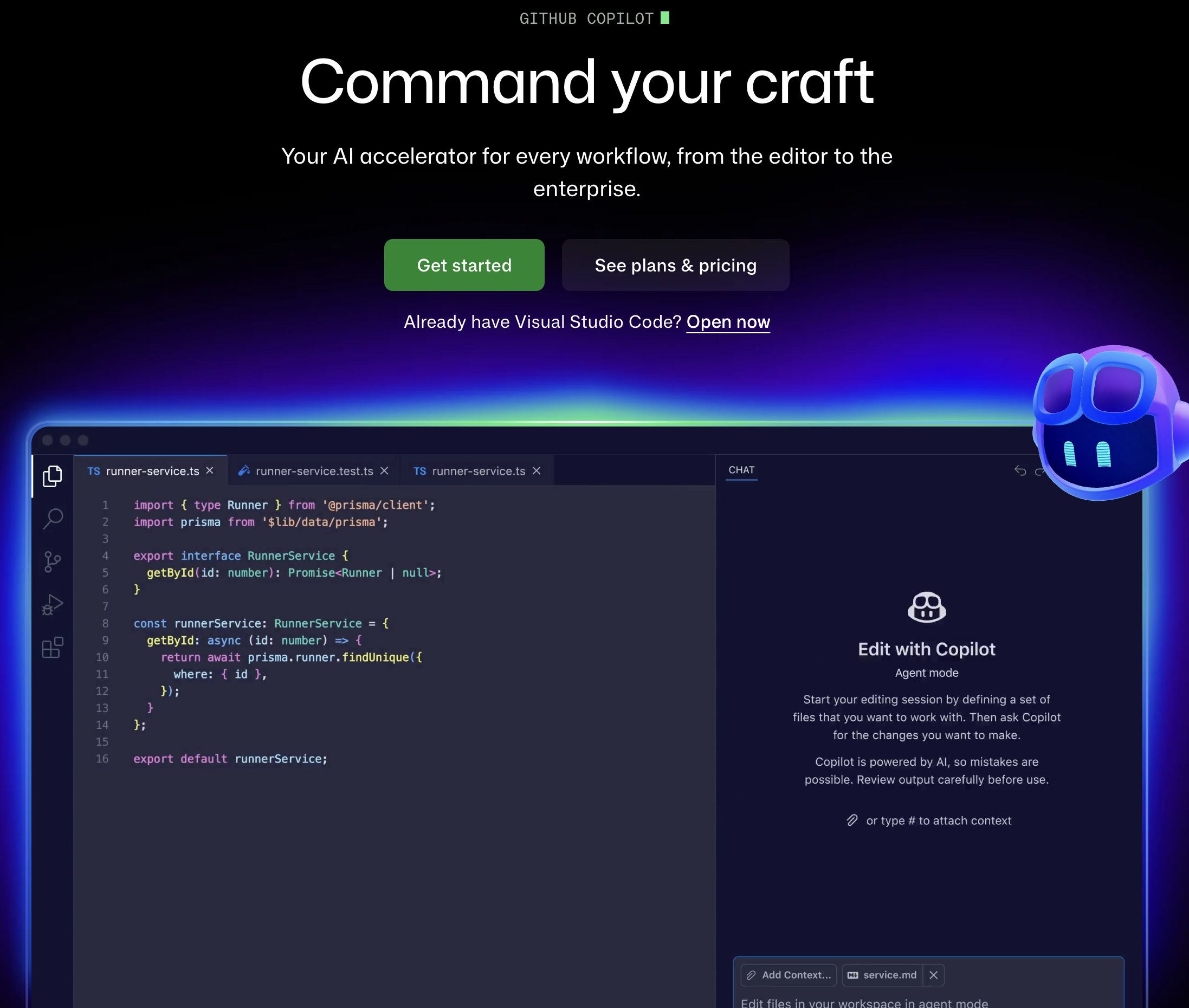
Pricing: Free tier / $10 Pro / $19 Pro+ / $39 Business / $75 Enterprise (github.com/features/copilot/plans) Platform: VS Code, JetBrains, Neovim, Xcode, and github.com Agent type: IDE + cloud agent with GitHub-native integration
GitHub Copilot has evolved far beyond autocomplete. The latest version includes Copilot Workspace (a cloud-based agent that can plan and implement changes across repos), coding agent (which can be assigned GitHub issues and works autonomously), and deep integration with GitHub's entire platform -- Issues, PRs, Actions, and code review.
Key agentic features:
Limitations: The free tier is generous (2,000 completions + 50 chat messages/month) but the agentic features (Workspace, coding agent) require Pro+ ($39/mo) or higher. The coding agent is still in preview and can struggle with complex, multi-step tasks. Copilot's suggestions occasionally conflict with project-specific conventions.
Best for: Teams already deep in the GitHub ecosystem who want AI that understands their issues, PRs, and CI/CD pipelines natively.
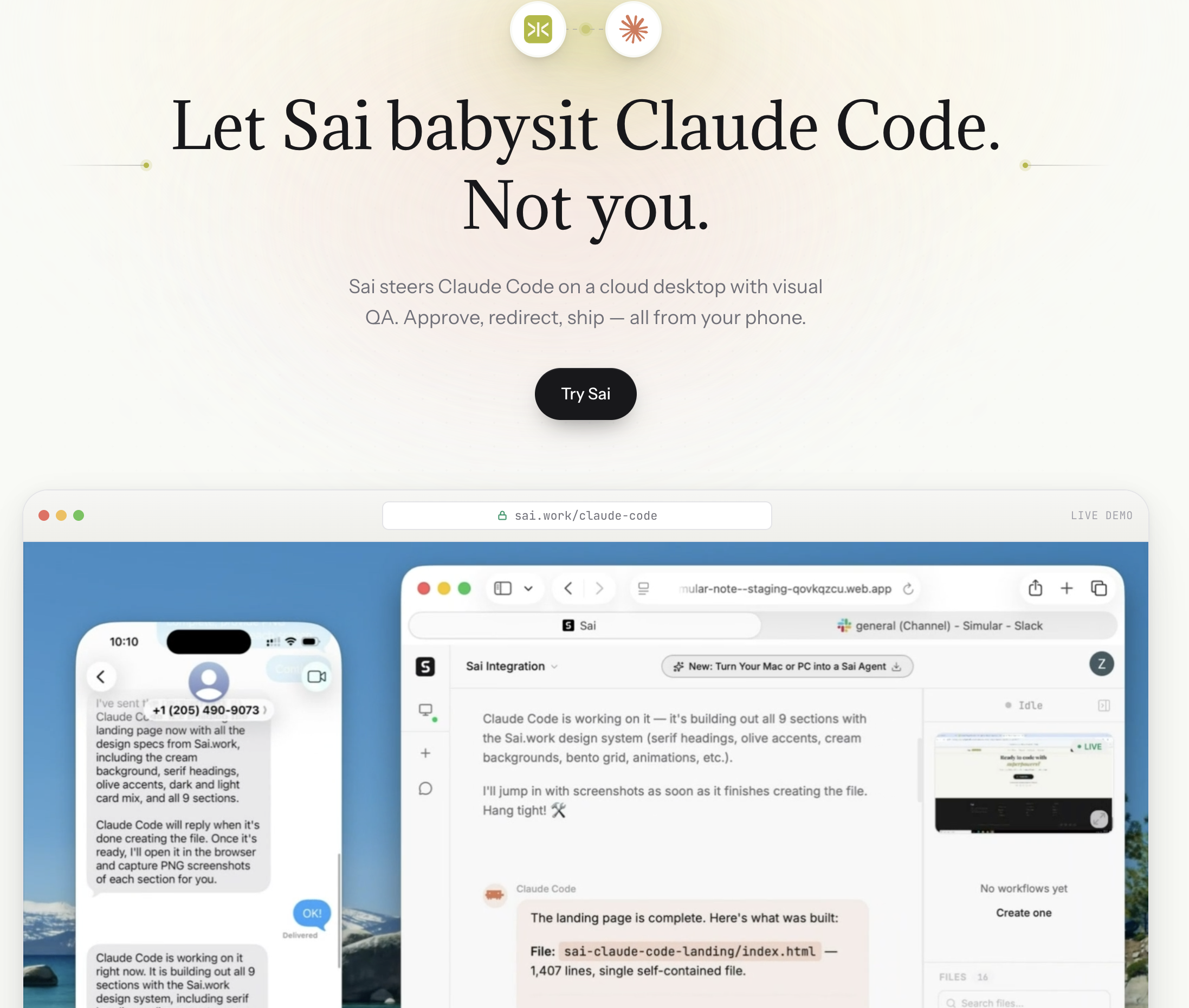
Pricing: Free tier / $20 Pro Platform: Cloud desktop agent (macOS, Windows) Agent type: Autonomous desktop agent for developer workflow automation
Sai is not a code-writing tool. It is a developer workflow agent -- it automates everything around the coding process that slows engineering teams down.
Most developers spend only 30-40% of their time writing code. The rest goes to PR reviews, Slack messages, standup reports, CI/CD monitoring, Jira ticket management, documentation updates, and cross-tool communication. Sai automates this operational overhead.
What makes it different from every other tool on this list:
Limitations: Sai does not write code. If you need an AI to implement features, write functions, or debug logic, use Cursor, Claude Code, or any other coding agent on this list. Sai handles the workflow layer -- the 60-70% of developer time that is not coding but is necessary to ship.
How Sai fits in the stack:
Best for: Developers and engineering leads who want to automate the non-coding overhead: PR management, CI/CD monitoring, standup reports, cross-tool communication, and project tracking.
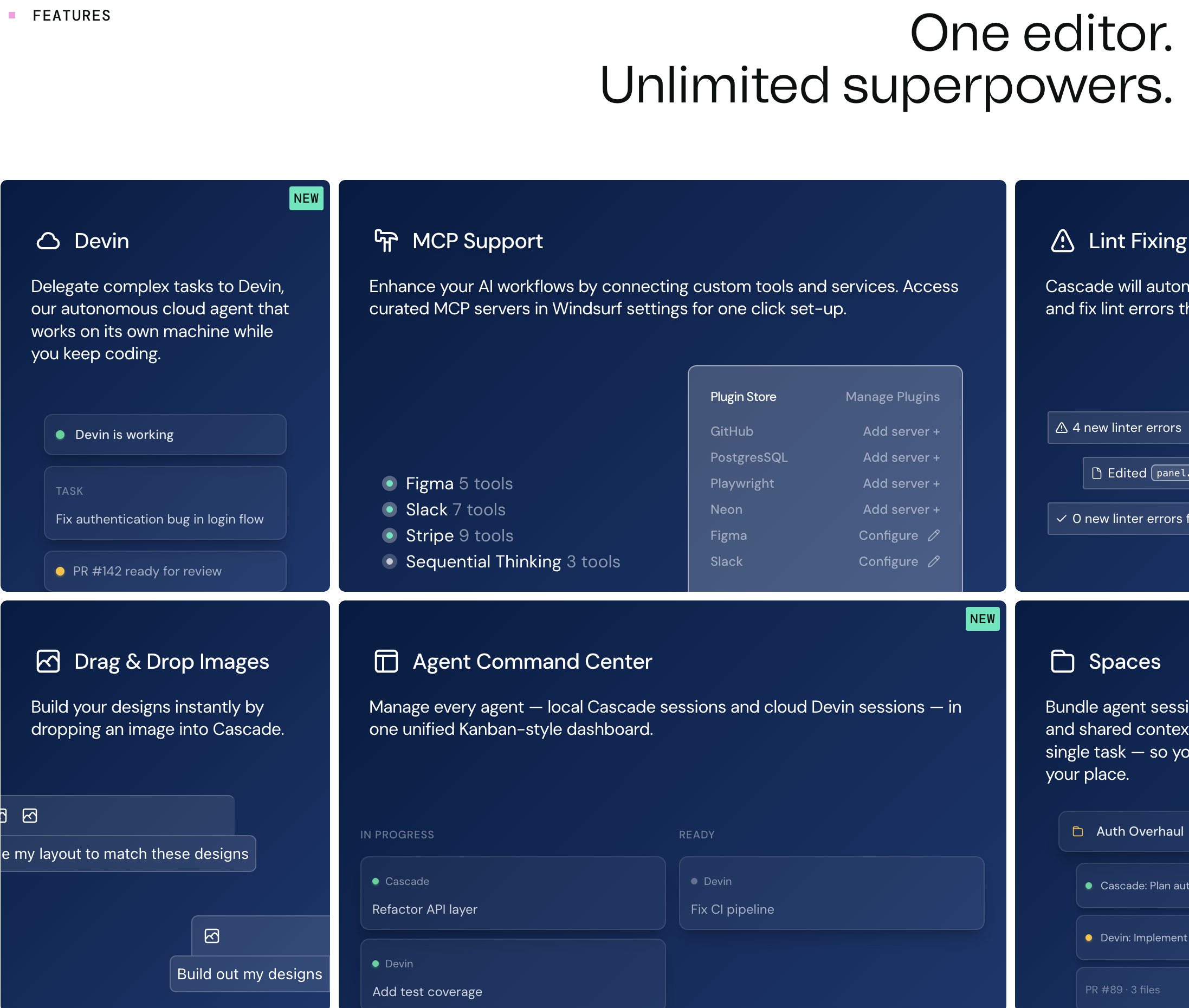
Pricing: Free tier / $15 Pro / $60 Teams (windsurf.com/pricing) Platform: Desktop app (VS Code fork) Agent type: IDE-embedded agent with Cascade multi-step reasoning
Windsurf, formerly known as Codeium, rebranded to position its AI IDE against Cursor. The key differentiator is its Cascade system -- a multi-step agentic flow engine that plans, executes, and iterates on coding tasks with more structured reasoning than simple chat-based agents.
Key agentic features:
Limitations: Cascade can be slower than Cursor's agent mode for simple tasks because of its multi-step planning overhead. The ecosystem of extensions and plugins is smaller than Cursor's. Model selection is more limited compared to Cursor's model picker.
Best for: Developers who want an agentic IDE experience without the $20/mo entry price -- or teams evaluating Cursor alternatives.
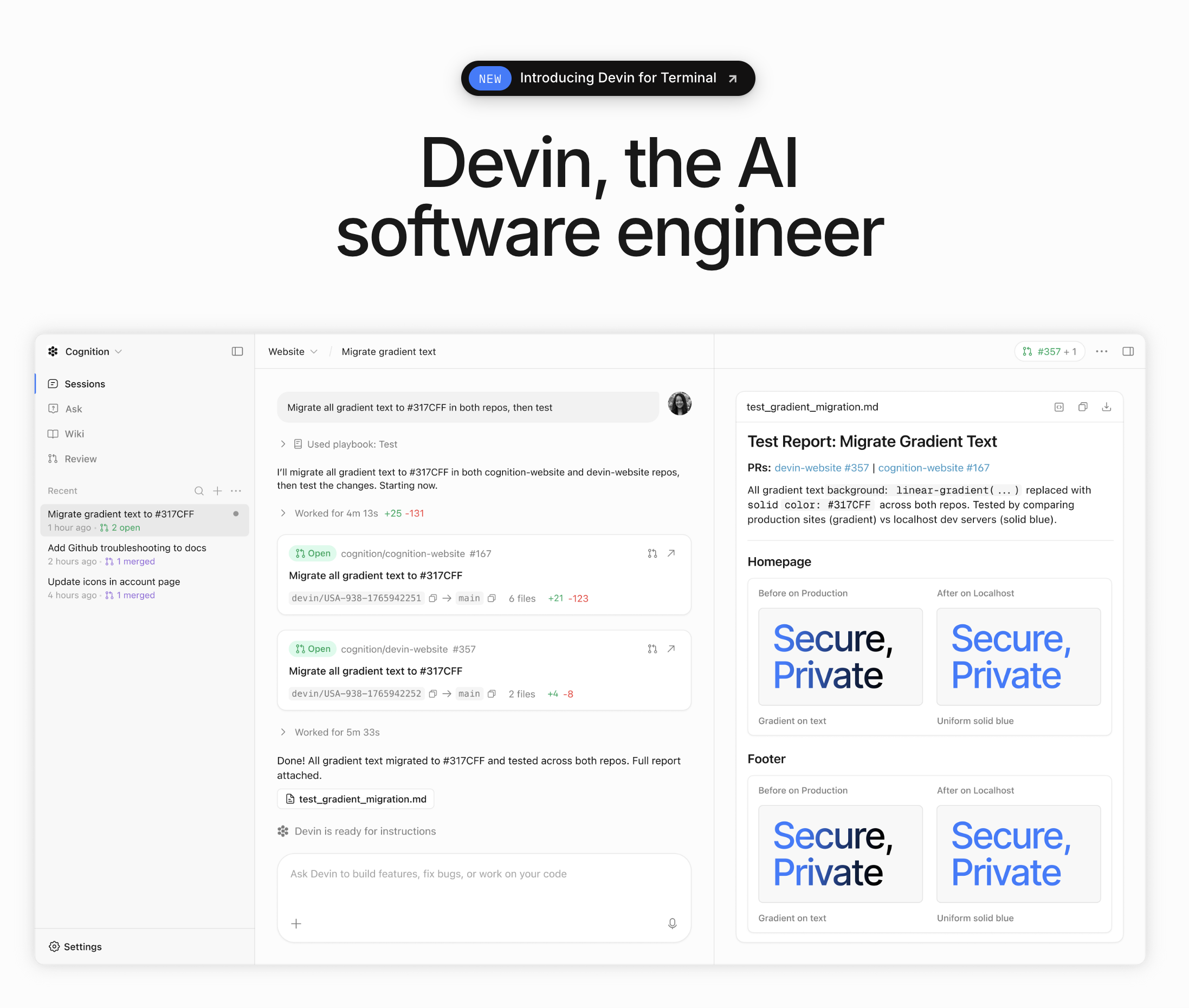
Pricing: Core from $20/mo + ACU (Agent Compute Unit) usage (devin.ai/pricing) Platform: Cloud-based (browser interface) Agent type: Fully autonomous software engineering agent
Devin is the most autonomous coding agent available. It operates in its own cloud environment -- a full VM with a code editor, terminal, and browser. You assign a task (via chat, Slack, or a linked GitHub issue), and Devin plans, codes, debugs, and deploys independently. It's designed to work like a remote junior developer, not a copilot.
Key agentic features:
Limitations: Devin is impressive for well-defined, isolated tasks but struggles with ambiguous requirements, large codebase refactors, and tasks that require deep domain knowledge. ACU-based pricing can be unpredictable -- complex tasks consume more compute units. The output often needs human review before merging, which reduces the "autonomous" advantage.
Best for: Teams that want to delegate well-scoped coding tasks (bug fixes, small features, migration scripts) to an autonomous agent and review the output.
Pricing: Free tier / $19/user/month Pro (aws.amazon.com/q/developer) Platform: VS Code, JetBrains, CLI, AWS Console, and GitLab Agent type: IDE-embedded agent + cloud agent with deep AWS integration
Amazon Q Developer is AWS's AI coding assistant, and its primary advantage is deep integration with AWS services. It understands CloudFormation, CDK, Lambda, S3, DynamoDB, and the full AWS ecosystem at a level no other coding agent matches.
Key agentic features:
Limitations: Outside the AWS ecosystem, Q Developer is significantly less capable than Cursor, Claude Code, or Copilot. The AI model quality (based on Amazon's Bedrock models) trails Claude and GPT-4 for general coding tasks. The agent mode (/dev) is less polished than Cursor's implementation.
Best for: Teams building on AWS who want an AI agent that understands their infrastructure, not just their application code.
Pricing: Included with ChatGPT Pro ($200/mo), Plus ($20/mo), and Team ($25/user/mo) (openai.com/chatgpt/pricing) Platform: Cloud-based (ChatGPT interface + GitHub integration) Agent type: Cloud-based autonomous agent with parallel execution
OpenAI's Codex -- available through ChatGPT as a coding agent -- runs in a cloud-sandboxed environment connected to your GitHub repositories. Its distinctive feature is parallel execution: you can assign multiple tasks simultaneously, and each runs in its own isolated environment.
Key agentic features:
Limitations: Codex is cloud-only -- no local execution, which means your code leaves your machine. The ChatGPT Pro tier ($200/mo) is expensive. And while parallel execution is powerful, the results often need more human review than IDE-based agents that work interactively.
Best for: OpenAI-invested teams who want to delegate multiple coding tasks in parallel and review the results asynchronously.
The trajectory is clear: coding agents are moving from "assist" to "delegate." Three trends to watch:
1. Background agents become default. Cursor's background agents -- where you assign a task and the agent works autonomously while you do something else -- will become standard across all tools. Expect GitHub Copilot and Windsurf to ship similar features by mid-2026.
2. Multi-agent orchestration. Instead of one agent doing everything, we'll see specialized agents collaborating -- a planning agent, a coding agent, a testing agent, and a review agent working in sequence. OpenAI's Codex already hints at this with parallel task execution.
3. The "full-stack AI developer" stack. The most effective setup won't be a single tool but an orchestrated stack: coding agent (Cursor/Claude Code) + workflow agent (Sai) + code review agent (Copilot) + deployment agent (Q Developer/custom). The developer becomes the orchestrator, not the typist.