
Oops! Something went wrong while submitting the form.
The best AI productivity tools for work in 2026 are the ones matched to a job: an AI assistant (ChatGPT, Claude, Gemini, Microsoft 365 Copilot, or Sai when you want the task carried out on a computer rather than described) for thinking, writing and doing, Perplexity or Gemini Notebook (formerly NotebookLM) for research, Granola, Fireflies or Otter for meetings, Motion or Reclaim for your calendar, Notion AI for team knowledge, Gamma for slides, Grammarly for writing polish, Zapier, n8n or Make to connect apps, and Simular Box to give the assistant you already use a computer of its own. Pick one tool per job you do every week, not one of everything.
An AI productivity tool is software that uses AI to take work off your plate: answering, drafting, summarizing, scheduling or carrying out tasks. They differ in one important way, which is how much of a job they finish. Some only answer, some draft for you to finish, some act inside one app, and a newer group finishes the whole task across several apps and websites.
A useful way to sort any tool you're considering:
Most teams already have enough level 1 and 2 tools. The time savings that show up on a calendar usually come from levels 3 and 4.
We built this list the way a team lead would shortlist tools for a quarter, not by collecting every AI app we could find.
1. Start from the jobs. We listed the jobs that fill a knowledge worker's week: thinking and writing, research, meetings, the calendar, team docs, slides, polishing writing, moving data between apps, and multi-step tasks across apps. Every tool had to do one of those jobs well.
2. Collect the candidates. We read the pages that rank for "ai productivity tools" and "best ai tools for work" (from Zapier, Gumloop, Lindy and others) and listed every tool they recommend, then removed creative tools (image, video, music), coding tools and one-off utilities like resume builders.
3. Score each tool on six questions:
4. Check the facts on the official pages. Features, free plans and prices come from each company's own product and pricing pages, read on the date in the Sources line. Prices are the lowest individual or per-seat paid plan shown, with the billing period the page states. We didn't run our own benchmark tests, so we describe what each product offers rather than score it.
For a ranking of general assistants only, see our best AI assistants guide.
| Tool | Job | Best for | How much of the job it finishes | Free plan | Paid from | Works with |
|---|---|---|---|---|---|---|
| ChatGPT | AI assistant | Everyday writing, analysis and research | Drafts; ChatGPT Work runs multi-step jobs | Yes | Go $8/mo, Plus $20/mo | Web, desktop, mobile, plugins |
| Claude | AI assistant | Long documents, careful writing, delegated tasks | Drafts; Cowork carries out tasks on paid plans | Yes | Pro $20/mo ($17/mo billed annually) | Web, desktop, mobile, Chrome, Microsoft 365, Google Workspace |
| Gemini | AI assistant | Teams on Google Workspace | Drafts inside Gmail, Docs, Sheets | Yes | Google AI Pro $19.99/mo; Workspace from $14/seat | Google apps, Chrome |
| Microsoft 365 Copilot | AI assistant | Teams on Microsoft 365 | Drafts inside Word, Excel, PowerPoint, Outlook, Teams | Limited free Copilot | Copilot Business $18/user/mo billed yearly | Microsoft 365 apps |
| Sai | AI assistant that does the task | Recurring work across apps and websites | Finishes the task on its own computer | Yes, daily credits | $50/mo pay as you go | Any app or site a person can use, Mac or Windows (BYOD) |
| Perplexity | Research | Questions about the live web, with citations | Answers with sources | Yes | Enterprise Pro $34/seat/mo billed annually | Web, desktop, mobile |
| Gemini Notebook (NotebookLM) | Research | Questions about your own documents | Answers grounded in your sources | Yes | Higher limits in Google AI plans | Google account, Workspace |
| Granola | Meetings | Notes without a bot in the call | Notes and summaries | Yes | Business $14/user/mo | Zoom, Meet, Teams; Mac, Windows, iOS, Android |
| Fireflies | Meetings | A searchable team meeting archive | Transcripts, summaries, CRM updates | Yes | Pro $10/seat/mo billed annually | Zoom, Meet, Teams, Webex, CRMs |
| Otter | Meetings | Live transcripts and summaries | Transcripts and action items | Yes, 300 min/mo | Pro $8.33/user/mo billed annually | Zoom, Meet, Teams, Salesforce, HubSpot |
| Motion | Calendar and tasks | Planning a full week of tasks | Builds and re-plans your schedule | No (free trial) | Pro AI $19/seat/mo | Google, Outlook, Zoom, Slack |
| Reclaim | Calendar and tasks | Protecting focus time and habits | Defends time on your calendar | Yes | Starter $10/seat/mo billed yearly | Google Calendar, Outlook, Slack, Asana, Jira |
| Notion AI | Team knowledge | Answers from your team's pages | Drafts pages, runs Notion agents | AI trial only | Business $20/seat/mo | Notion, Slack, Google Drive, GitHub, Jira |
| Gamma | Slides | First-draft decks and docs | Designed first draft | Yes, 400 credits | Plus $9/mo billed annually | Export to PowerPoint, PDF, Google Slides |
| Grammarly | Writing polish | Clean, on-tone writing everywhere you type | Edits in place | Yes, 100 AI prompts/mo | Pro $12/member/mo billed annually | Browsers, desktop, Office, Google Docs, mobile |
| Zapier | Connect apps | No-code automations between business apps | Runs steps between apps on a trigger | Yes, 100 tasks/mo | Professional from $19.99/mo | 9,000+ apps, MCP |
| n8n | Connect apps | Technical teams that want control or self-hosting | Runs workflows and AI agents | Free self-hosted Community Edition | Cloud Starter €20/mo billed annually | 500+ integrations, any API, MCP |
| Make | Connect apps | Visual workflows with branching | Runs scenarios between apps | Yes, 1,000 credits/mo | Core, Pro and Teams plans | Thousands of apps, MCP |
| Simular Box | Give your assistant a computer | ChatGPT, Claude or Codex users who need web and desktop actions | Lets your assistant act on a real desktop | Yes, one-time 5,000 credit ($5) | Small $19/mo | ChatGPT plugin, Claude, Codex, any MCP client |
An AI assistant for productivity is the tool you'll open most. The first four below are chat-first: they answer, draft and analyze, and each now has an agent mode for longer jobs. Sai starts from the other end: you describe a task and it carries it out on a computer.
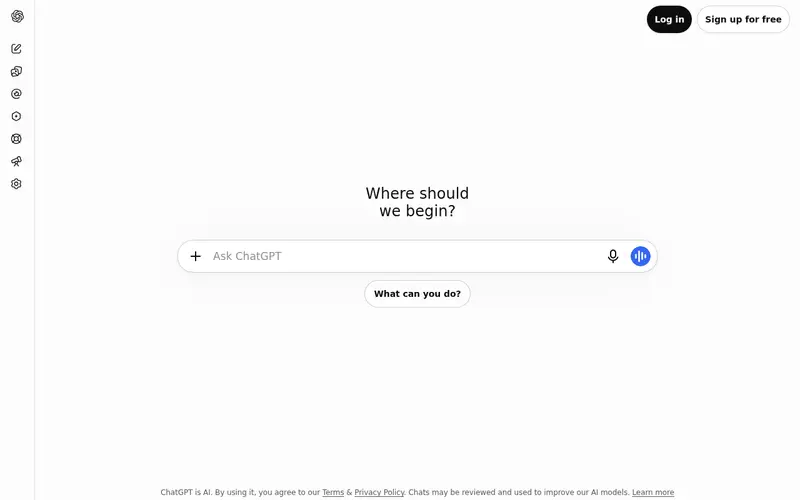
OpenAI's assistant is the generalist most teams start with.
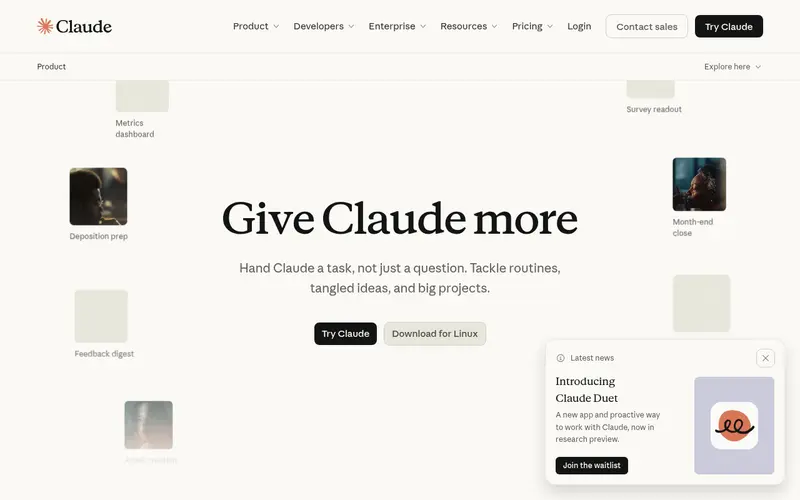
Anthropic's assistant is a favorite for long documents and careful writing.
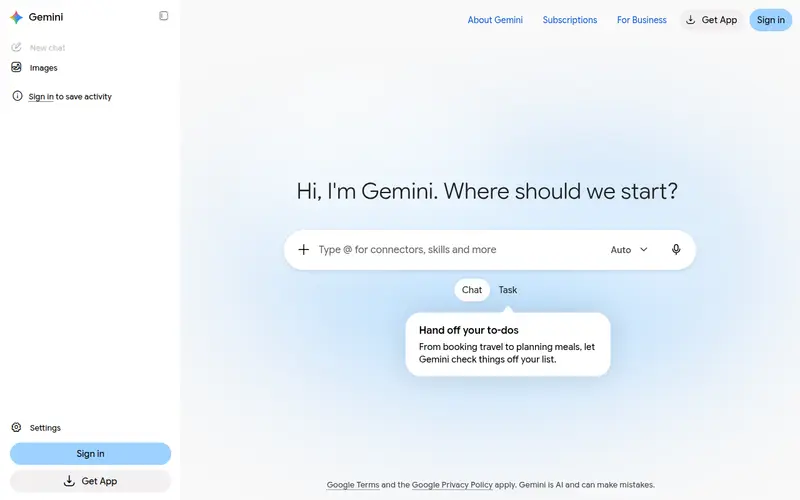
Google's assistant is the natural pick for teams on Google Workspace.

Microsoft's assistant lives inside the Office apps.

Sai is an AI assistant from Simular that does the task instead of describing it. It works on its own cloud computer, or on your Mac or Windows machine, and uses apps and websites through the screen the way a person does.
Choose by where your work lives and what you want back: the assistant built into your suite for drafts, Sai for finished tasks.

An answer engine that searches the live web and cites every source.

Google's research notebook answers only from the sources you give it.
Choose Perplexity for questions about the world and Gemini Notebook for questions about your documents.


Choose Granola if bots bother your clients; Fireflies or Otter if you want a searchable record for the whole team.


These three are the right choice when the apps involved have integrations. They stop where the work lives in software with no API or behind a login with no connector; that's where Sai comes in. For more, see AI agents for automation.
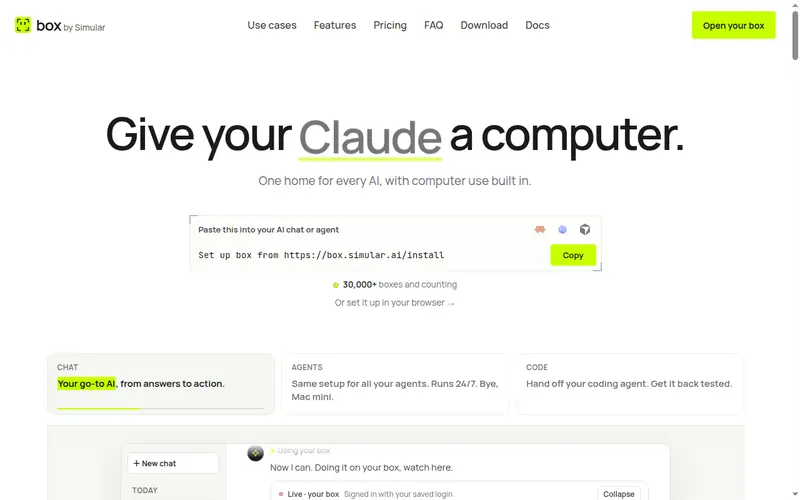
If you already have an assistant you like, the missing piece is often a computer for it to act on.
Simular Box (box by Simular) is a cloud computer for AI agents: a Linux desktop with Chrome, a terminal and files. Connect it to ChatGPT, Claude, Codex or another agent, and your assistant can open real websites, click and type, stay signed in, keep files between chats and run commands. Every agent you connect shares the same box, so a job one starts another can pick up (agents take turns). In ChatGPT, search box by Simular in Plugins and install it in one click; for other apps, see the box docs.
The built-in alternatives are ChatGPT Work and Claude Cowork inside those assistants, and dots on ChatGPT Pro. For a step-by-step look, read how to give Claude and ChatGPT a computer.
They can finish more of it than a year ago. Agents like Sai and ChatGPT Work can complete multi-step tasks across apps, but you still decide what to do, approve important steps and review the result.
Use business plans with admin controls where you can, check each tool's data-retention and training settings, and keep sign-ins, 2FA and payments in your own hands.
Checked Nov 27, 2026: product pages of ChatGPT, Claude, Gemini, Microsoft 365 Copilot, Perplexity, NotebookLM, Granola, Fireflies, Otter, Motion, Reclaim, Notion AI, Gamma, Grammarly, Zapier, n8n, Make, Sai, Simular Box.