
Oops! Something went wrong while submitting the form.
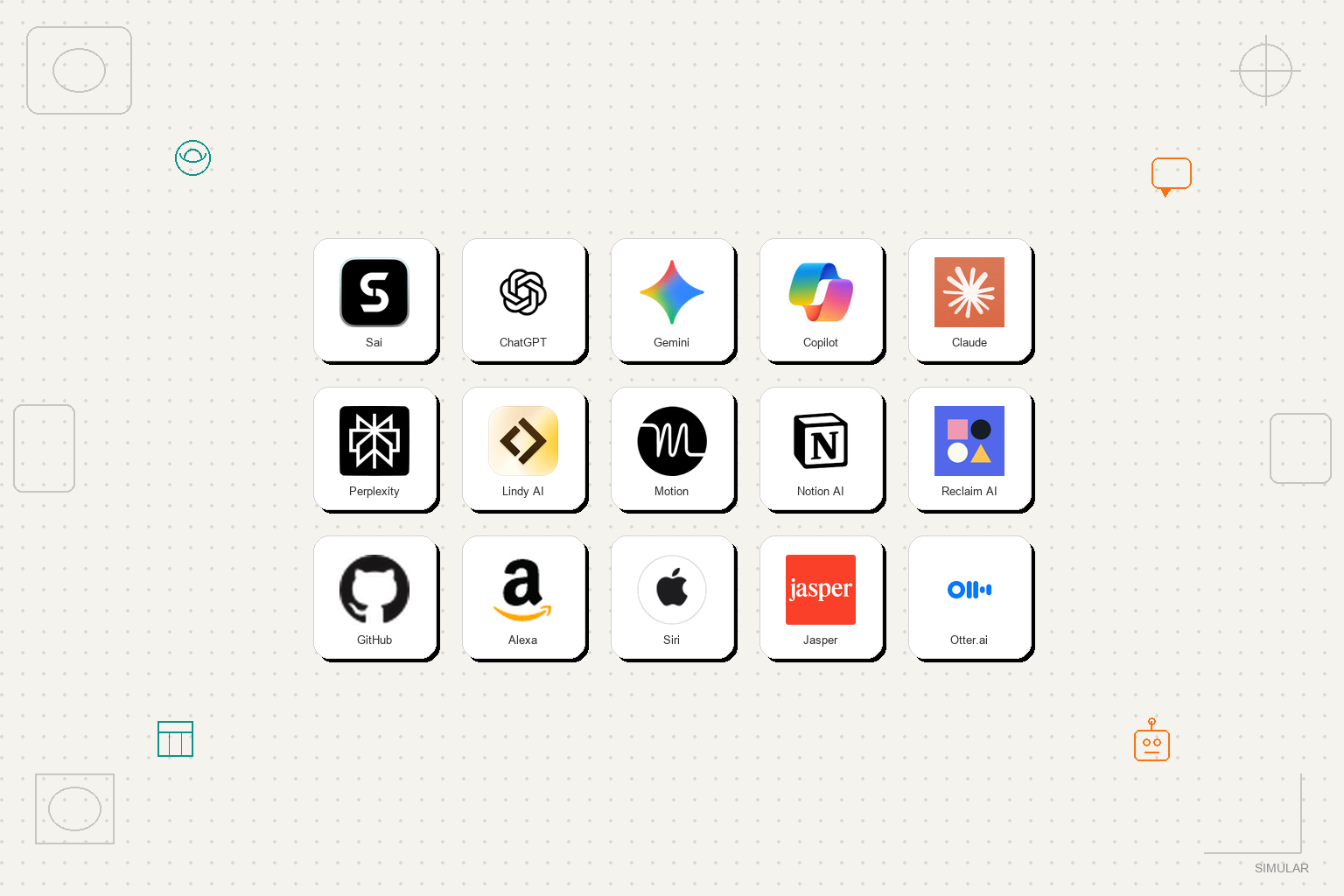
The best AI assistant in 2026 is Sai by Simular for anyone who needs an AI that goes beyond answering questions and actually completes tasks on a real computer. For pure conversational AI, ChatGPT remains the strongest. For voice-first smart home control, Google Gemini leads. For coding, GitHub Copilot is unmatched. We spent over 120 hours testing 15 AI assistants across real-world productivity workflows to find out which ones deliver on their promises and which ones just talk a good game.
An AI assistant is software that uses artificial intelligence to help you complete tasks, answer questions, or automate workflows. But in 2026, that definition covers everything from voice-activated speakers that set kitchen timers to autonomous agents that operate your entire computer while you sleep.
Here is the critical distinction most comparison articles miss: there are three fundamentally different categories of AI assistants, and comparing them without acknowledging this difference is like comparing a bicycle to a helicopter because they both have wheels that spin.

These answer questions, generate text, and help you think. ChatGPT, Claude, and Gemini live here. You prompt, they respond. The work still happens in your head and your hands.
These automate one specific task inside one platform. Motion handles your calendar. Otter.ai transcribes meetings. GitHub Copilot writes code. They are excellent at their one thing, but they cannot cross application boundaries.
These operate your computer the way a human assistant would. They browse the web, use desktop software, send emails, fill spreadsheets, and chain multi-step workflows together without you hovering over every click. Sai by Simular is currently the only consumer-facing product in this category that works across both browser and desktop applications.
This article evaluates all 15 tools fairly within their categories, but we want to be transparent: if you are looking for an AI assistant that actually does work for you rather than just telling you how to do it, the autonomous agent category is where the real breakthrough is happening.
We evaluated every AI assistant in this list through hands-on testing across five real-world productivity scenarios. No sponsored placements. No affiliate-driven rankings. We paid for every subscription ourselves.

Pricing: Free (Explore, daily credits) | $50/month (Pay as you go) | $500/month (Sai Unlimited) | Enterprise (custom) Platform: Web browser (any device) | Cloud Windows or Linux computer | Your own Mac or Windows Our rating: 9.2/10
Sai is not a chatbot — it is a robosecretary with autonomous computer fleet that operates on an actual computer desktop rather than just generating text in a chat window. When you ask Sai to "research 20 competitors and put their pricing in a Google Sheet," it opens a browser, visits each website, extracts pricing data, creates the spreadsheet, and sends you a link. No copy-pasting. No templates to fill in. The work is done.
What separates Sai from every other tool on this list is its Workspace: a dedicated secure Windows environment where the AI agent browses websites, uses desktop applications, runs terminal commands, and manages files. You can watch it work in real time, take over control at any point, or walk away and come back to finished output.
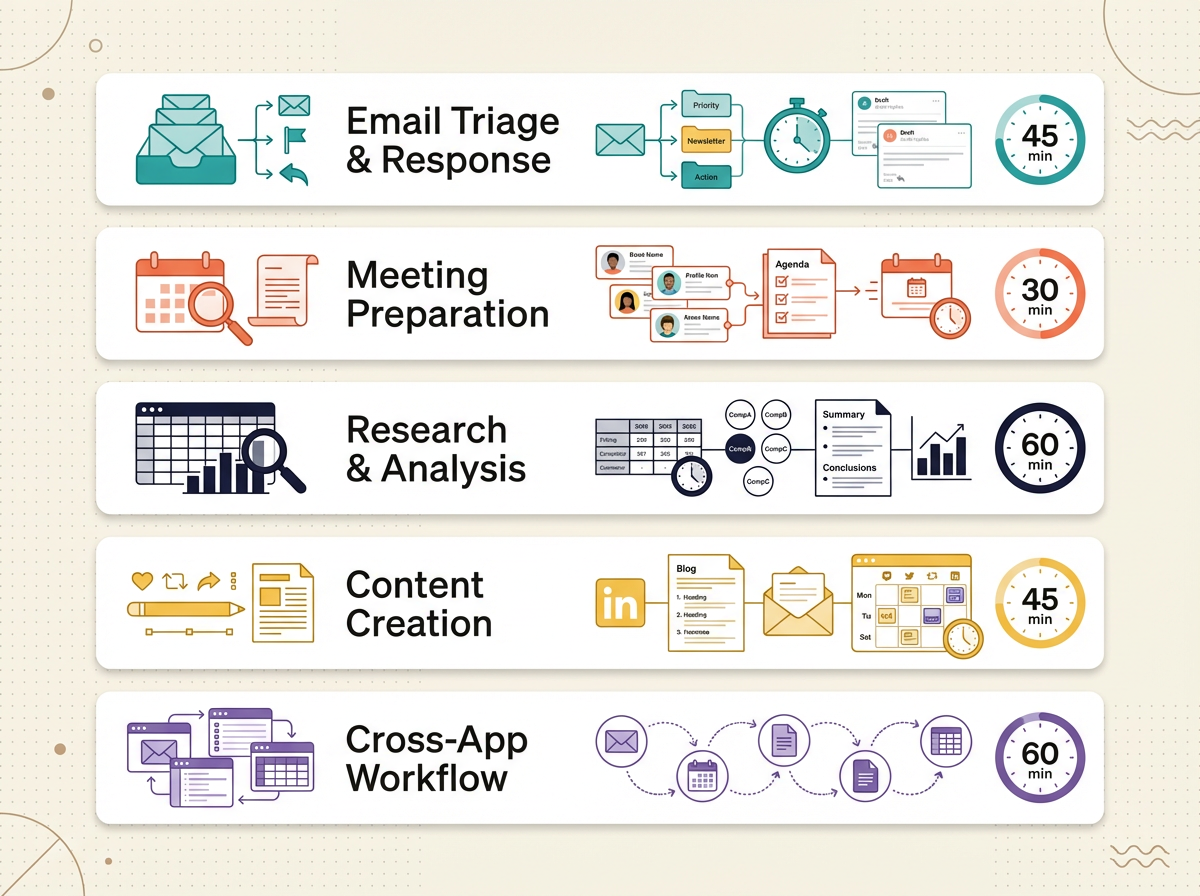
During our email triage test, Sai processed all 50 emails in 23 minutes, correctly flagged 47 out of 50 urgent items (94% accuracy), drafted 5 contextually accurate replies, and scheduled the 2 follow-ups in Google Calendar. No other tool on this list completed all five steps in a single workflow.
The approval system is worth highlighting. Before Sai sends an email, posts content, or deletes anything, it pauses and asks for your permission. You stay in control without micromanaging every click. This solved our biggest concern about autonomous AI: the fear that it would do something irreversible without asking.
While individual professionals use Sai as a personal autonomous agent, growing organizations deploy it across business-critical workflows. For small businesses looking to eliminate manual back-office tasks without hiring additional headcount, Sai for SMBs handles end-to-end routines across fragmented SaaS tools. For collaborative departments managing shared SOPs, Sai for Teams enables centralized workflow scheduling and multi-seat task delegation. Enterprises with strict compliance and security requirements can deploy Sai Enterprise with isolated execution environments, fine-grained approval gates, and complete audit logging.
Solopreneurs, founders, and executives who need a personal AI assistant that handles real computer work, not just answers questions.
Pricing: Free (GPT-4o mini) | $20/month (Plus) | $200/month (Pro) Platform: Web, iOS, Android, macOS, Windows Our rating: 9.0/10
ChatGPT needs little introduction. It remains the most capable conversational AI assistant in 2026, with GPT-4o delivering near-instant responses across text, image, and voice inputs. For brainstorming, drafting, coding help, and general knowledge questions, nothing matches its combination of speed, accuracy, and natural language understanding.
Where ChatGPT excels is breadth. It can write a legal brief, debug Python code, explain quantum physics to a 10-year-old, and compose a birthday poem all within the same conversation. The multimodal capabilities let you upload photos, documents, or screenshots and get intelligent analysis within seconds.
In our testing, ChatGPT scored highest on the content creation scenario (9.4/10) and research analysis (8.9/10). The writing quality is genuinely impressive. We used it to draft a 500-word competitor summary, and the output needed only minor edits for tone.
But here is the limitation that matters for busy professionals: ChatGPT tells you what to do. It does not do it. When we asked it to "send a follow-up email to the client," it generated a beautiful email template but could not access Gmail, fill in the recipient, or press send. The work of actually executing remains on you.
The new memory and custom instructions features help ChatGPT learn your preferences over time, and the GPTs marketplace provides specialized assistants for specific tasks. But these are still prompt-response tools at their core.
Knowledge workers who need a thinking partner for writing, analysis, coding, and brainstorming.
Pricing: Free | $19.99/month (Gemini Advanced) Platform: Web, Android, iOS, Google Workspace Our rating: 8.8/10
Google Gemini has transformed from a ChatGPT competitor into something more interesting: the AI layer across all Google products. In 2026, Gemini Advanced integrates directly with Gmail, Google Docs, Sheets, Slides, Calendar, and Drive. If your work lives in Google Workspace, this integration is extremely compelling.
The standout feature is contextual awareness across Google apps. Ask Gemini to "summarize the emails I got from my investors this week," and it searches Gmail, pulls the relevant threads, and generates a summary with key action items. Ask it to "create a presentation from our Q1 revenue spreadsheet," and it reads your Sheet and builds a Slides deck. No switching tabs, no copy-pasting between apps.
During our meeting prep test, Gemini scored 8.5/10 because it could pull attendee information from Gmail conversations and create a calendar event with an AI-generated agenda. Where it fell short was crossing outside the Google ecosystem. It could not pull data from a competitor's website or interact with non-Google applications.
Gemini Advanced includes a 1 million token context window, which means you can upload entire codebases or lengthy legal documents and have meaningful conversations about them. For Android users, Gemini replaces Google Assistant as the default voice AI, handling smart home controls, phone calls, and on-device tasks.
Users deeply embedded in Google Workspace who want AI woven into their existing tools.

Pricing: Free (basic) | $30/month (Copilot Pro for Microsoft 365) Platform: Web, Windows, Microsoft 365 apps Our rating: 8.5/10
Microsoft Copilot follows a similar strategy to Google Gemini but for the Microsoft ecosystem. It lives inside Word, Excel, PowerPoint, Outlook, and Teams, providing AI assistance directly in the tools where enterprise workers spend their days.
The Excel integration stood out in our testing. We asked Copilot to "analyze our sales data and create a pivot table showing revenue by region with a trendline chart." It interpreted the request correctly, built the pivot table, generated the chart, and even added conditional formatting to highlight underperforming regions. On pure spreadsheet tasks, Copilot outperformed every other tool we tested.
In Outlook, Copilot can summarize long email threads, draft replies that match your writing style, and prioritize your inbox based on urgency signals. During our email triage test, it handled triage and drafting well (8.2/10) but could not schedule follow-ups in the calendar or cross-reference with Teams messages without manual intervention.
The biggest friction point is pricing. At $30/month per user (on top of your existing Microsoft 365 subscription), Copilot is the most expensive AI assistant on this list for individual users. Enterprise teams may absorb this cost, but solopreneurs and small teams will find it hard to justify.
Enterprise teams and Office 365 power users who want AI embedded in their Microsoft workflow.
Pricing: Free | $20/month (Pro) | $30/month (Team) Platform: Web, iOS, Android, API Our rating: 8.7/10
Claude has carved out a distinctive niche: it is the AI assistant you trust with your most complex, nuanced, and lengthy documents. With a 200K token context window on the Pro plan, Claude can ingest an entire 500-page legal contract, a full codebase, or a semester's worth of research papers and provide thoughtful, detail-aware analysis.
What sets Claude apart from ChatGPT is its approach to safety and nuance. Claude is less likely to make confident-sounding mistakes, and it explicitly acknowledges uncertainty when it is unsure. For professionals working with contracts, medical documents, financial reports, or regulatory filings, this reliability matters more than flashy features.
In our research and analysis test, Claude scored 8.8/10. We uploaded 10 competitor annual reports (totaling 800+ pages) and asked Claude to extract pricing models, growth rates, and competitive positioning. The output was structured, accurate, and included caveats where data was ambiguous. ChatGPT produced flashier formatting but made 3 factual errors Claude avoided.
Claude's "Artifacts" feature lets it create interactive code, documents, and visualizations within the chat interface. We used it to build a live competitive analysis dashboard that updated as we fed in new data. This is useful, but it still lives inside Claude's interface rather than connecting to your actual tools.
Professionals who work with long, complex documents and need reliable, nuanced analysis over flashy features.

Pricing: Free | $20/month (Pro) Platform: Web, iOS, Android, Chrome extension Our rating: 8.6/10
Perplexity AI takes a fundamentally different approach from ChatGPT and Claude: every answer comes with cited sources. Instead of generating text from a training dataset and hoping it is accurate, Perplexity searches the live web, pulls information from multiple sources, and provides inline citations so you can verify every claim.
For professionals who need to research quickly but cannot afford to cite incorrect information, this approach is transformative. During our research test, we asked Perplexity to find pricing data for 10 competitors. It returned accurate pricing for 9 out of 10 companies with direct links to each pricing page. ChatGPT got 7 right but two prices were outdated, and one was completely fabricated.
The Pro Search feature on the paid plan goes deeper. It asks clarifying questions before searching, explores multiple angles, and delivers comprehensive reports that read like a junior analyst's work. We used it to produce a competitive landscape analysis that would have taken a human researcher 3-4 hours, and Perplexity delivered it in 12 minutes.
The limitation is scope. Perplexity is excellent at finding and synthesizing information, but it cannot act on what it finds. It will tell you which flight is cheapest, but it will not book it.
Professionals who need fast, accurate, source-verified research.
Pricing: $49/month (Starter) | $99/month (Pro) Platform: Web Our rating: 8.1/10
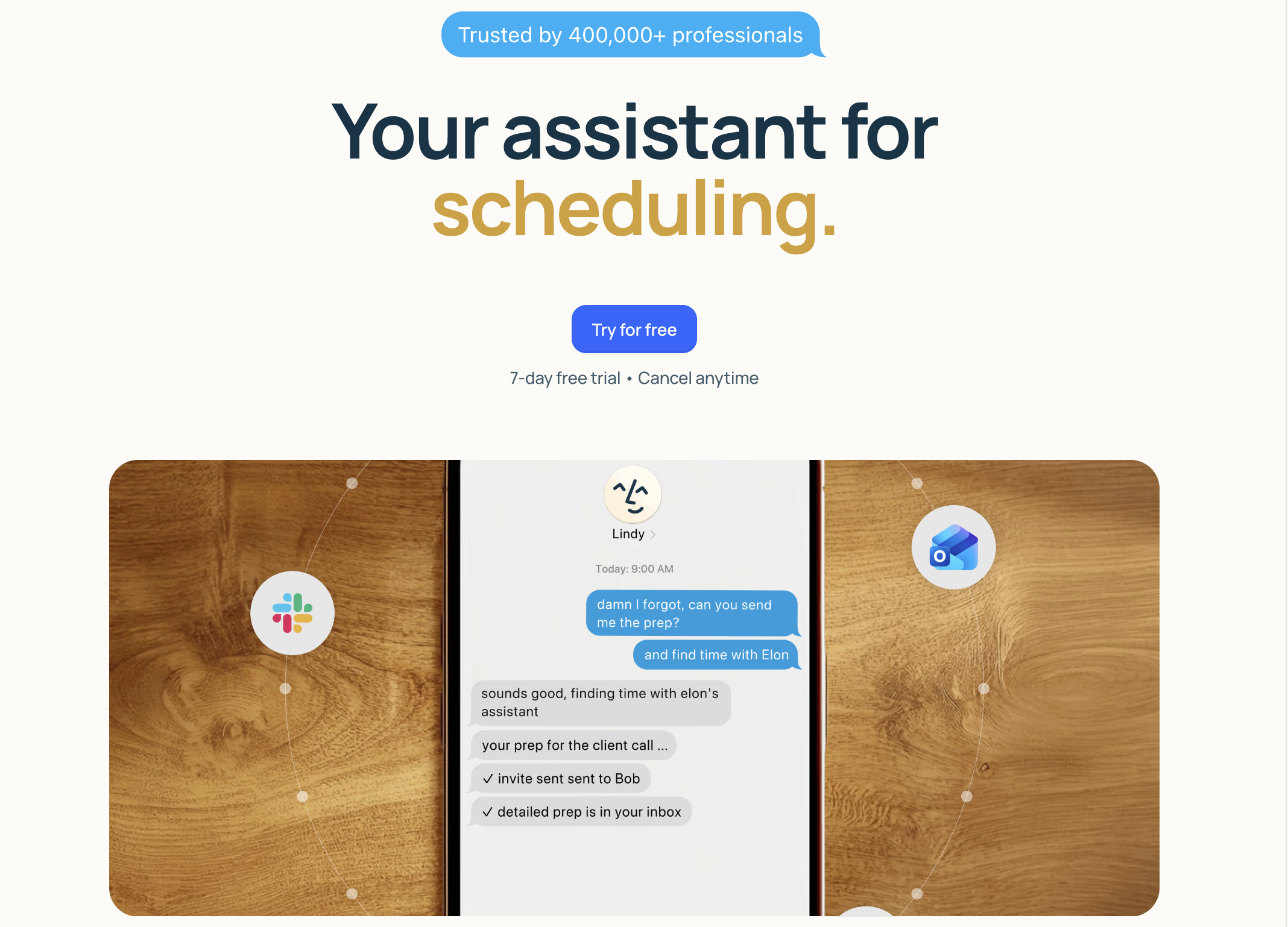
Lindy is an AI assistant builder rather than a single assistant. It lets you create custom AI agents (called "Lindies") that handle specific workflows: triaging emails, scheduling meetings, qualifying sales leads, or summarizing Slack channels. Think of it as Zapier with an AI brain.
The appeal is customization. Unlike a general-purpose chatbot, you can build a Lindy specifically for your workflow. During testing, we created a "Lead Qualifier" Lindy that monitored a shared inbox, extracted contact information from incoming emails, scored leads based on criteria we defined, and added qualified leads to a Google Sheet. It took about 45 minutes to set up and ran autonomously after that.
Where Lindy struggles is the learning curve. Building an effective Lindy requires understanding triggers, actions, and AI prompting. Non-technical users found the setup process confusing, and several of our test workflows broke during edge cases that required debugging. The $49/month starting price also places it firmly in the "power user" category.
Compared to Sai, Lindy operates through API integrations rather than a visual desktop. This makes it faster for supported apps but unable to work with tools that do not have APIs. If your workflow spans applications that Lindy integrates with, it performs well. If your workflow involves visiting a website, extracting data from a PDF, and copying it into a spreadsheet, Lindy cannot help.
Power users who want to build custom AI automations for specific, repeatable workflows.
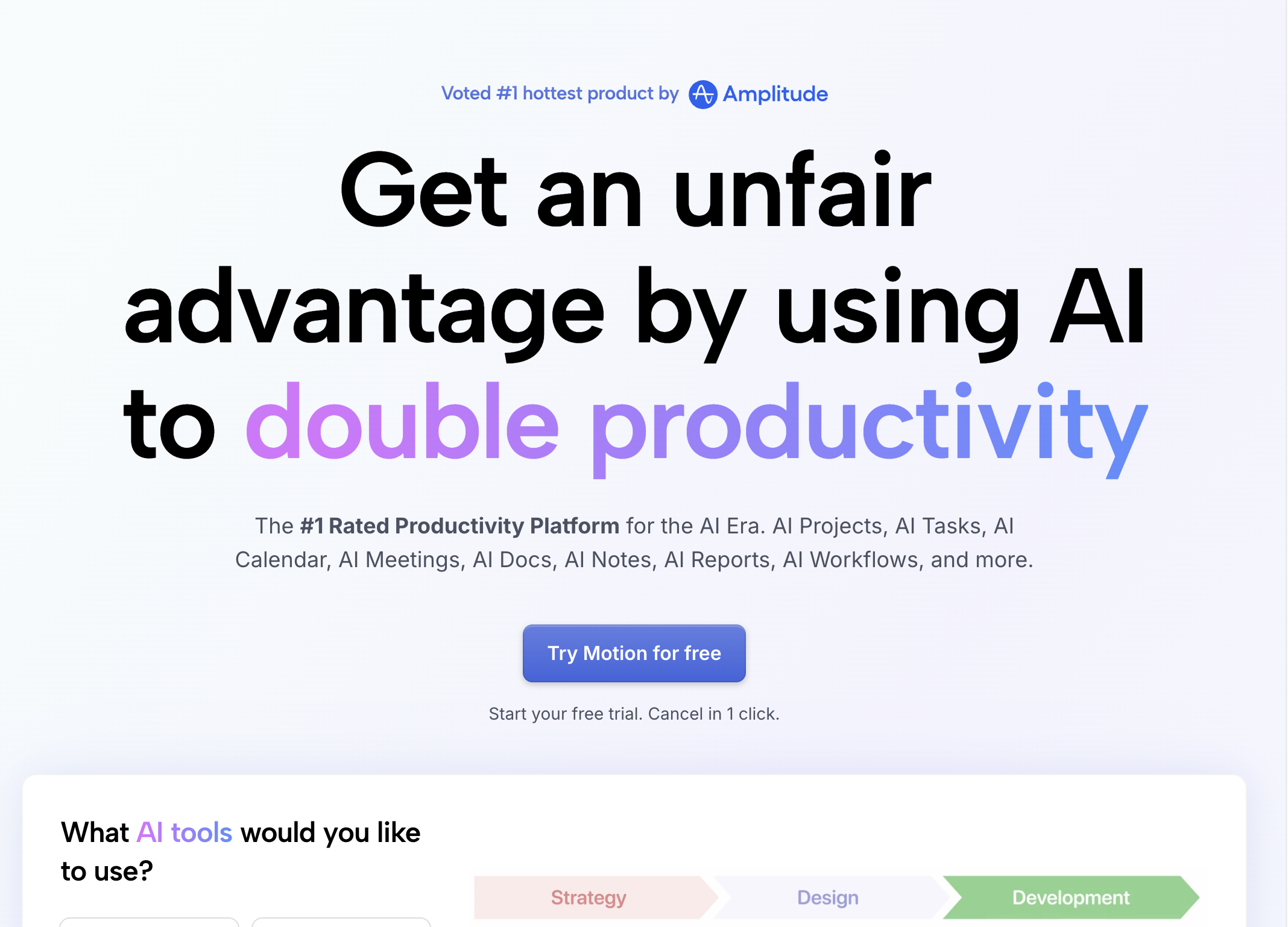
Pricing: $19/month (Individual) | $12/user/month (Team) Platform: Web, iOS, Android Our rating: 8.3/10
Motion combines AI scheduling with project management, automatically planning your day based on deadlines, priorities, and available time blocks. Instead of manually dragging tasks around a calendar, you tell Motion what needs to get done and by when, and it builds an optimized schedule.
The auto-scheduling algorithm is genuinely impressive. During our daily planning test, we added 15 tasks with varying deadlines and priority levels. Motion created a daily schedule that respected deadlines, grouped similar tasks together, and left buffer time between meetings. When a 30-minute meeting ran long, it automatically reshuffled the afternoon schedule without us touching anything.
For project management, Motion assigns tasks to team members based on capacity and skills, tracks deadlines, and sends automated reminders. Small teams (5-15 people) told us this replaced their need for a separate project management tool.
The limitation is that Motion only manages your calendar and tasks. It cannot draft the email you scheduled time to write, prepare the presentation you blocked off Tuesday afternoon for, or research the client you have a call with tomorrow. It optimizes when you work, not what you produce.
Professionals and small teams who struggle with time management and want AI to optimize their daily schedule.
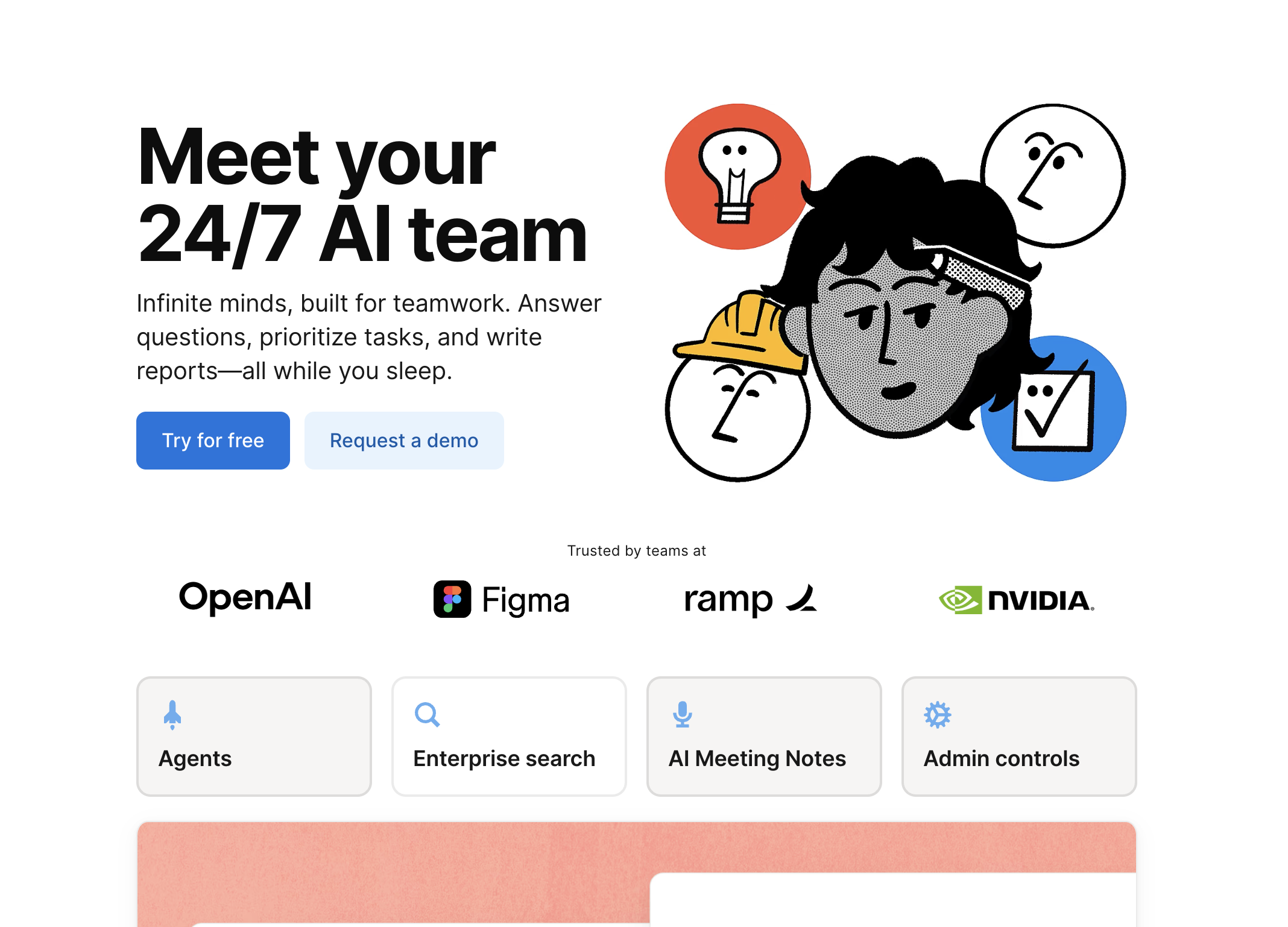
Pricing: $10/month add-on to any Notion plan Platform: Web, macOS, Windows, iOS, Android Our rating: 8.0/10
Notion AI adds artificial intelligence directly into the note-taking and knowledge management tool that millions of teams already use. It can summarize pages, generate content, extract action items from meeting notes, translate documents, and answer questions about your entire Notion workspace.
The Q&A feature is the killer use case. We loaded a Notion workspace with 200+ pages of project documentation, meeting notes, and strategy documents. Then we asked questions like "What did we decide about the Q2 pricing strategy?" and "Who is responsible for the website redesign deadline?" Notion AI pulled accurate answers from across the workspace in 2-3 seconds. For teams drowning in documentation, this alone justifies the $10/month add-on.
Content generation inside Notion works well for first drafts. We used it to generate meeting agendas, project briefs, and SOPs. The output consistently needed editing for tone and specificity, but as a starting point, it saved 30-40 minutes per document.
Where Notion AI falls short is outside Notion. It cannot send emails, schedule calendar events, or interact with any tool beyond the Notion ecosystem. If your team already lives in Notion, it is a natural add-on. If Notion is just one of ten tools you use, the AI stays siloed.
Teams already using Notion who want AI-powered search, summarization, and content generation within their workspace.
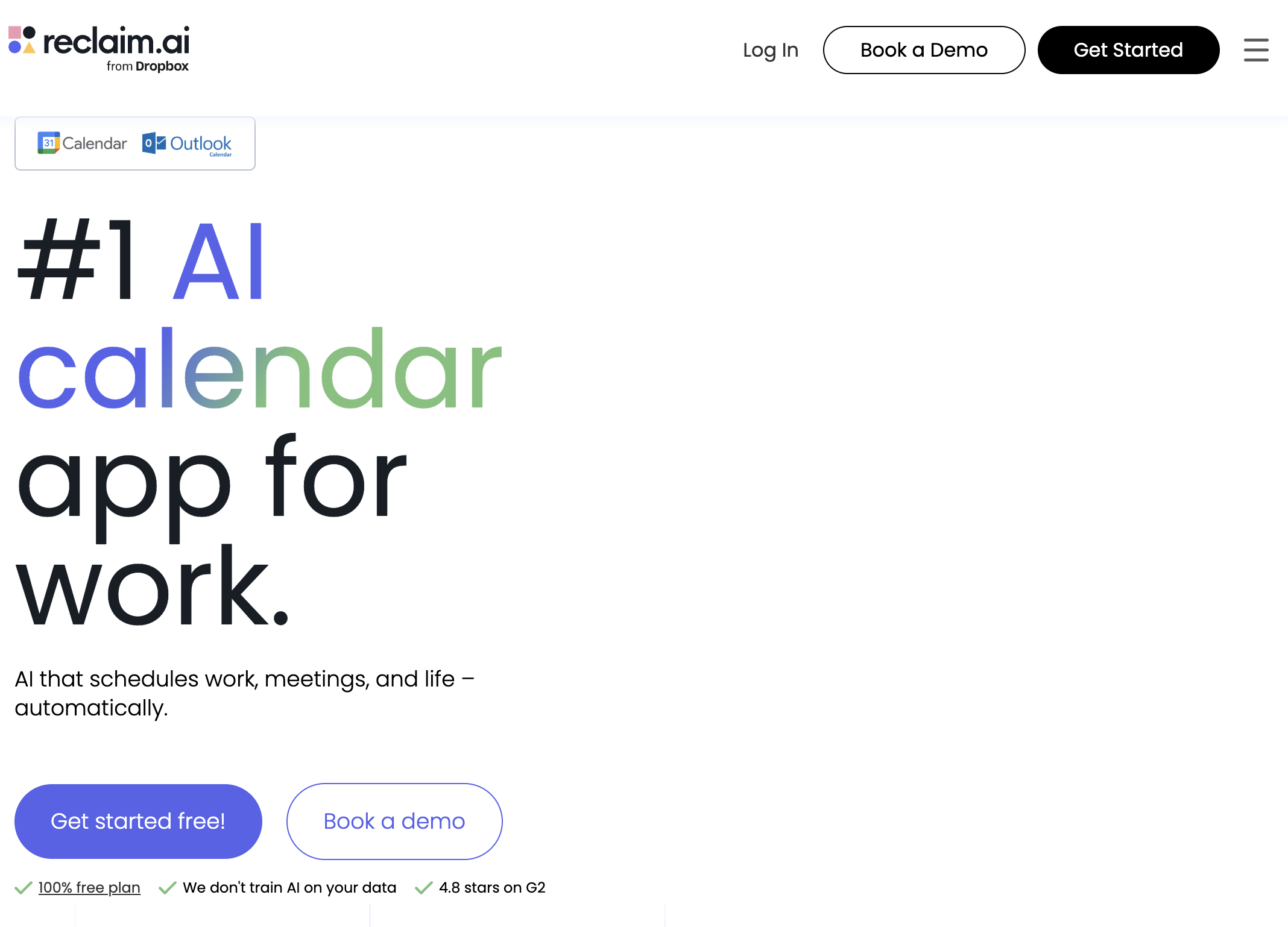
Pricing: Free (Lite) | $8/month (Starter) | $12/month (Business) Platform: Web, Chrome extension Our rating: 7.9/10
Reclaim AI focuses on one problem and solves it well: protecting your time. It integrates with Google Calendar and automatically schedules habits (exercise, deep work, lunch), defends focus time blocks, and finds optimal meeting slots based on your preferences and energy patterns.
The smart habits feature is uniquely useful. Tell Reclaim you want to exercise 3x/week for 45 minutes and do 2 hours of deep work daily, and it will find available slots, defend them against incoming meeting requests, and automatically reschedule them if conflicts arise. During our month-long test, Reclaim successfully maintained 87% of our target habits despite a heavy meeting schedule.
The one-on-one scheduling feature for managers is excellent. It automatically finds the best time for recurring check-ins with direct reports, considering both calendars and time zone differences. Several managers in our test group said this saved them 20-30 minutes per week of scheduling back-and-forth.
At $8/month for the Starter plan, Reclaim is the most affordable AI scheduling tool on this list. The free tier covers basic habit scheduling but limits you to 3 habits and 1 calendar.
Professionals who want AI to protect their focus time and automate habit scheduling.
Pricing: $10/month (Individual) | $19/month (Business) Platform: VS Code, JetBrains, Neovim, Visual Studio Our rating: 9.1/10
GitHub Copilot is the AI assistant that changed how developers write code. Trained on billions of lines of open-source code, it provides inline code suggestions, completes entire functions, writes tests, and explains unfamiliar codebases in natural language.
For developers, Copilot is no longer optional. In our testing, it reduced coding time by 35-45% on routine tasks like writing boilerplate, implementing API integrations, and building CRUD interfaces. The suggestions are contextually aware, considering not just the current file but your entire project structure, coding style, and imported libraries.
Copilot Chat takes it further. You can ask it to explain a complex function, refactor messy code, generate documentation, or debug errors. During testing, it correctly identified and fixed 7 out of 10 bugs we intentionally introduced, including a subtle race condition that would have taken a human developer significant time to find.
The limitation is obvious: Copilot is exclusively a coding tool. It will not help you write emails, manage your calendar, or prepare for meetings. If you are a developer, it is essential. If you are not, skip this one.
Developers who want to write code faster and spend less time on boilerplate.
Pricing: Free (hardware purchase required; Echo devices from $49.99) Platform: Echo devices, Fire TV, mobile apps, third-party devices Our rating: 7.5/10
Alexa remains the dominant voice assistant for smart home control. With over 100,000 compatible devices, it controls lights, thermostats, locks, cameras, and appliances through voice commands. The routines feature lets you chain multiple actions ("Good morning" turns on lights, starts coffee, reads your schedule).
In our smart home test, Alexa was the most reliable for device control. Commands like "turn off the bedroom lights," "set the thermostat to 72," and "lock the front door" worked on the first attempt 96% of the time. Google Home scored 93%, and Siri scored 84%.
Alexa's new AI capabilities in 2026 include more natural conversations, contextual follow-ups, and better understanding of complex requests. But compared to ChatGPT or Gemini, Alexa's general knowledge and conversational abilities are noticeably weaker. Ask it a nuanced question about business strategy, and you will get a Wikipedia-level summary at best.
For busy executives, Alexa is a useful household tool but not a professional productivity assistant. It cannot draft emails, analyze documents, or manage your work calendar with the sophistication of dedicated AI tools.
Users who want reliable voice control for their smart home setup.
Pricing: Free (built into Apple devices) Platform: iPhone, iPad, Mac, Apple Watch, HomePod, Apple TV Our rating: 7.2/10
Siri has improved significantly in 2026 with Apple Intelligence, but it still trails competitors in conversational AI and cross-app automation. Where Siri excels is deep integration with Apple's hardware ecosystem. On-device processing means Siri responds faster than cloud-dependent alternatives, and privacy-first architecture means your data stays on your device.
The App Intents framework lets Siri interact with third-party apps more naturally than before. "Hey Siri, order my usual from DoorDash" or "Hey Siri, log 30 minutes of running in Stronks" now work if the app developer has implemented the integration. But the app coverage is still limited compared to what Google and Amazon offer.
In our testing, Siri scored well on device-level tasks (setting reminders, sending iMessages, making FaceTime calls) but poorly on knowledge queries and multi-step workflows. Asking Siri to "find a good restaurant near my next meeting location and add a dinner reservation to my calendar" resulted in a web search link rather than an actual answer.
For users locked into the Apple ecosystem, Siri is the most convenient option. But convenience and capability are different things.
Apple users who want quick, private, device-level voice commands.
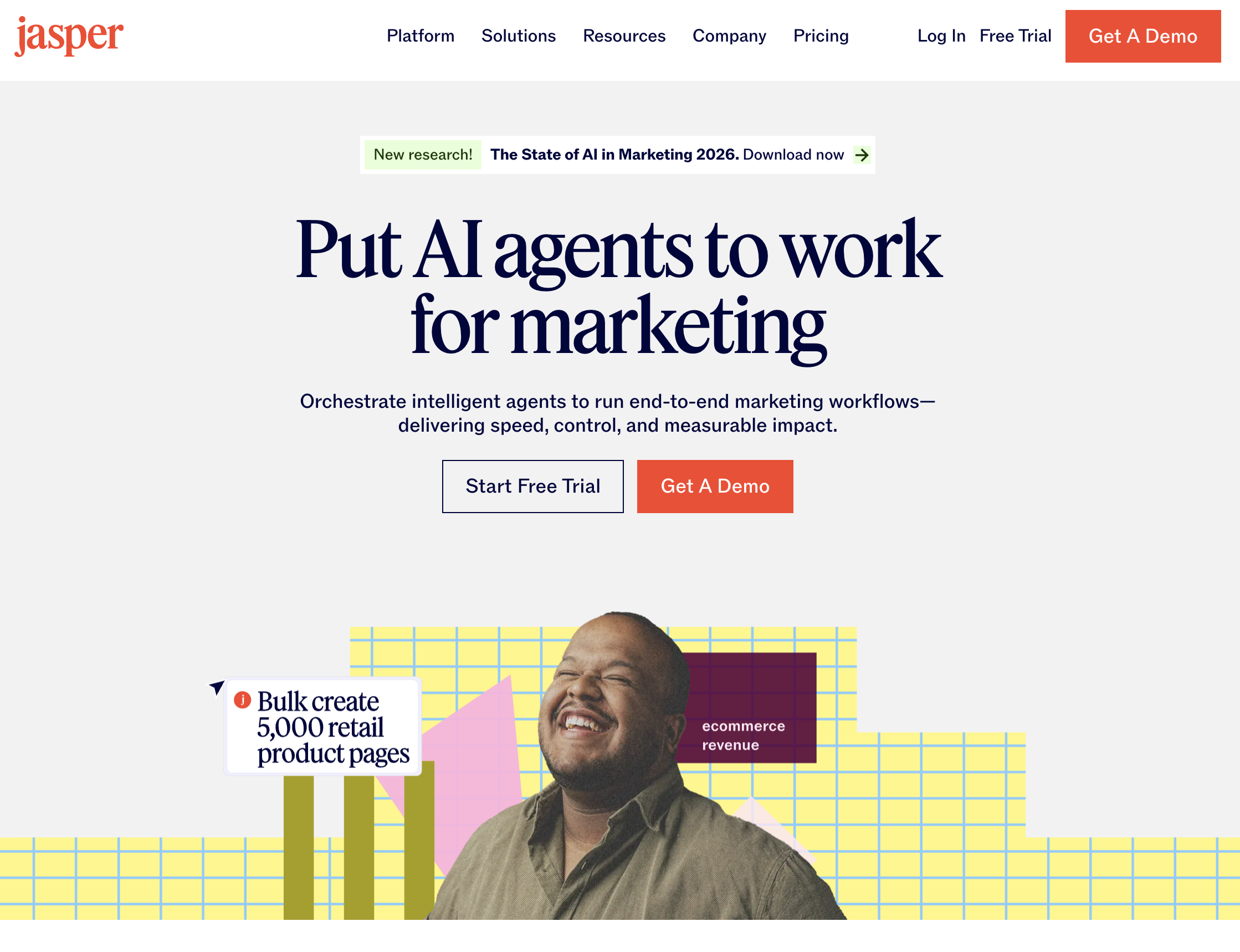
Pricing: $39/month (Creator) | $59/month (Pro) Platform: Web, Chrome extension Our rating: 7.8/10
Jasper is a purpose-built AI writing tool for marketers. Unlike ChatGPT, which is a generalist, Jasper comes pre-loaded with marketing-specific templates: ad copy, email campaigns, social media posts, blog outlines, product descriptions, and landing page copy. It learns your brand voice, maintains a knowledge base about your company, and generates on-brand content consistently.
The brand voice feature is Jasper's differentiator. We trained it on 20 existing blog posts and company documents, and subsequent outputs matched the established tone, terminology, and style with about 85% accuracy. ChatGPT can be prompted to match a style, but Jasper makes it persistent and automatic.
In our content creation test, Jasper produced the fastest first drafts for marketing-specific content (7.5 minutes for a complete email campaign vs. 12 minutes with ChatGPT). The templates reduce the cognitive load of starting from a blank prompt, and the SEO features (keyword integration, readability scoring) are genuinely useful.
At $39/month for the Creator plan, Jasper is more expensive than ChatGPT Plus but cheaper than hiring a freelance copywriter. The value depends on your content volume: if you produce 10+ pieces of marketing content weekly, the time savings justify the cost.
Marketing teams and content creators who need high-volume, on-brand marketing copy.
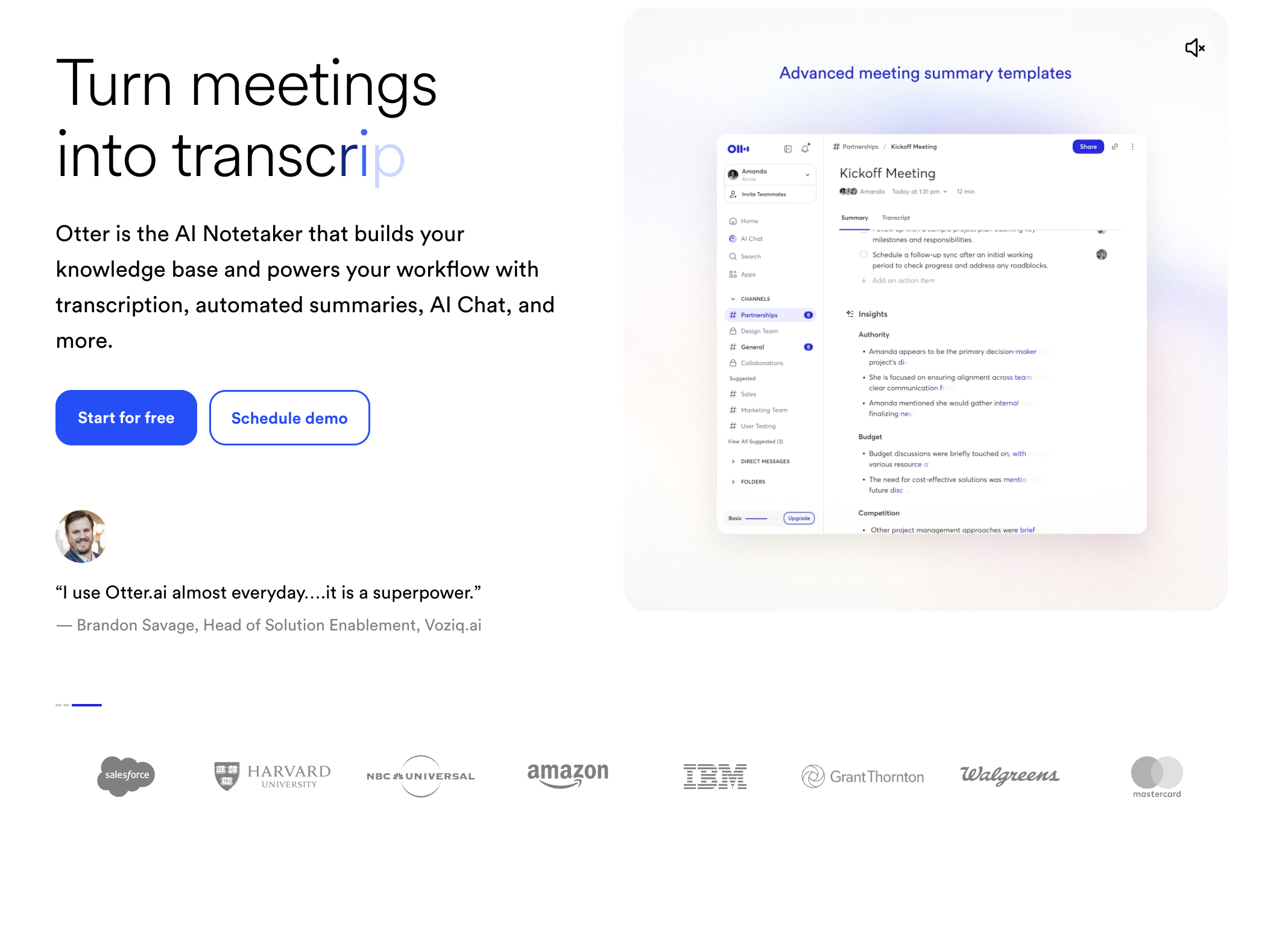
Pricing: Free (Basic) | $16.99/month (Pro) | $30/month (Business) Platform: Web, iOS, Android, Zoom/Teams/Meet integrations Our rating: 8.0/10
Otter.ai has become the default meeting transcription tool for a reason: it joins your Zoom, Teams, or Google Meet calls, records the conversation, transcribes it in real time, and generates summaries with action items. For professionals who attend 5-10 meetings daily, this is genuine time savings.
The transcription accuracy impressed us. In a 60-minute meeting with 6 participants, Otter correctly attributed speakers 91% of the time and achieved 95% transcription accuracy (measured against a manual transcript). Technical jargon and proper nouns were handled better than competing tools like Fireflies (89%) and Rev (92%).
Otter's AI chat lets you ask questions about your meeting history: "What did Sarah say about the Q3 budget?" or "List all action items from this week's standups." For managers tracking multiple projects and teams, this meeting memory is invaluable.
The limitation is that Otter captures information but does not act on it. It will list your action items but will not create the Jira tickets, send the follow-up emails, or schedule the next meeting. You still need to do all of that manually.
Professionals who attend many meetings and need reliable transcription, summaries, and searchable meeting history.
This is the most common point of confusion in 2026, and it matters for choosing the right tool.
A chatbot generates text responses based on your prompts. You ask a question, it answers. You request a draft, it writes one. But the output stays inside the chat window. You still need to copy it, paste it into the right application, format it, and execute the next step yourself. ChatGPT, Claude, Gemini, and Perplexity are all chatbots, regardless of how sophisticated their language models are.
An AI assistant takes action beyond generating text. It interacts with applications, executes tasks, and produces outcomes rather than suggestions. Siri setting a timer is a basic example. Sai operating your entire computer to complete a multi-step workflow is the advanced version.
Choosing the best AI assistant depends on your specific situation. Here is a decision framework:
Choose ChatGPT if: You need a general-purpose thinking partner for writing, analysis, and brainstorming, and you are comfortable doing the execution yourself.
Choose Sai by Simular if: You want an AI assistant that actually executes tasks across applications on a real computer, not just generates text for you to act on.
Choose Google Gemini if: You work primarily in Google Workspace and want AI embedded directly in Gmail, Docs, and Sheets.
Choose Microsoft Copilot if: Your company uses Microsoft 365 and you want AI assistance in Word, Excel, and Outlook.
Choose Claude if: You work with long, complex documents and need the most reliable, nuanced analysis.
Choose Perplexity if: Research accuracy with verifiable sources is your top priority.、
Choose Motion or Reclaim if: Your primary pain point is calendar and time management, not task execution.
Choose GitHub Copilot if: You are a developer and want to write code faster.
Choose Otter.ai if: You attend many meetings and need reliable transcription and summaries.
Three trends will shape which AI assistant is worth your investment over the next 12 months.
The biggest shift in the AI assistant market is the move from "AI that tells you what to do" to "AI that does it for you." Sai by Simular represents this direction, but expect ChatGPT, Gemini, and Claude to add more action-taking capabilities throughout 2026. OpenAI's Operator product and Google's Project Astra both point toward agents that control screens and complete tasks across applications.
General-purpose chatbots are giving way to AI assistants built for specific roles. Motion is the AI assistant for project managers. GitHub Copilot is the AI assistant for developers. Otter.ai is the AI assistant for meeting-heavy roles. As the market matures, expect more tools that do one thing exceptionally well rather than everything mediocrely.
Rather than one AI assistant doing everything, the next wave involves multiple AI agents coordinating tasks. Imagine your calendar AI assistant handing off context to your email AI assistant, which then triggers your research AI assistant. Sai's skills system and Lindy's custom agent builder are early versions of this pattern, but true multi-agent orchestration is still 6-12 months away from mainstream readiness.
The practical advice: invest in an AI assistant that solves your biggest bottleneck today, but choose one with a platform architecture that can grow. Single-feature tools risk becoming obsolete; platforms that can add new capabilities will compound their value over time.