
Oops! Something went wrong while submitting the form.
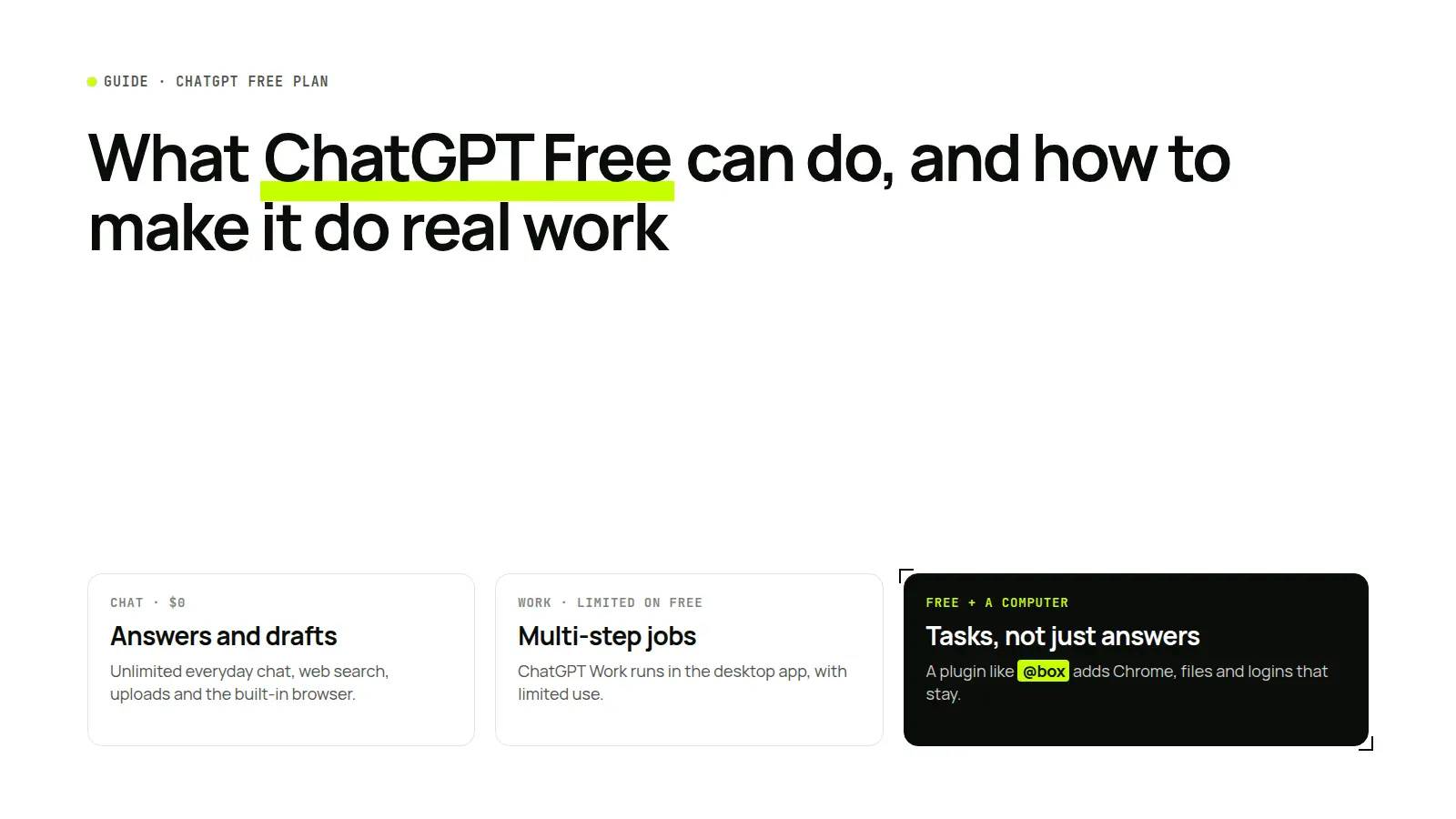
Yes, ChatGPT is free. The ChatGPT Free plan costs $0 and includes unlimited everyday text chats, web search, file and image uploads, image creation, projects and a built-in browser, with usage limits on most tools. It doesn't include scheduled tasks, developer mode or dots, and ChatGPT Work, OpenAI's agent for multi-step jobs, is limited to the desktop app on Free. If you want the free version of ChatGPT to carry out tasks on websites and apps rather than only answer, you have three routes: the built-in browser, limited ChatGPT Work on desktop, or a plugin that gives ChatGPT its own computer, such as Simular Box.
The ChatGPT Free plan is OpenAI's no-cost tier of ChatGPT. Anyone who signs up gets it, with no time limit and no card on file. It gives you OpenAI's default chat model for everyday questions, writing and planning, plus a set of tools (search, uploads, image creation, data analysis, voice, deep research) that each have their own usage limit. When a tool's limit runs out, ChatGPT shows when it resets; the chat itself keeps working.
OpenAI changes the free model and the limits often. The help center and the pricing page don't always name the same free model at the same moment, so check the pricing page for the current one rather than trusting a model name in an older article.
Every plan detail comes from OpenAI's own pricing page and help center, read on the date in the Sources line; where the help center and the pricing page differ, we say so. The task comparison maps seven everyday jobs to what each free option can reach according to those pages and the box docs. It isn't a timed benchmark.
We looked at ChatGPT Free through:
| Free | Go | Plus | |
|---|---|---|---|
| Price | $0 | $8/month | $20/month |
| Everyday text chat | Unlimited (fair use) | Unlimited (fair use) | Unlimited (fair use) |
| Context for the Instant model | 27K tokens (about 12 pages in) | 54K (about 40 pages) | 54K (about 40 pages) |
| Web search | Yes | Yes | Yes |
| Built-in browser | Yes | Yes | Yes |
| Discover and use plugins | Yes | Yes | Yes |
| Create and share plugins | No | Yes | Yes |
| ChatGPT Work | Limited, desktop app | Limited, desktop app | Desktop, web and mobile |
| Codex | Limited | Limited | Yes |
| Scheduled tasks | No | Yes | Yes |
| Developer mode (beta) | No | No | Yes |
| File uploads, image creation, data analysis | Limited | Yes | Yes |
| Deep research | Limited | Limited | Yes |
| Ads | May appear in some countries | May appear | Not listed |
Pro starts at $100 a month and adds dots, OpenAI's always-on agents, plus monthly API credit.
Here is everything OpenAI's pricing page lists for the Free plan, what each feature lets you do, and an example of when you'd use it.
| Feature | On Free | What you can do with it | Example |
|---|---|---|---|
| Everyday text chat | Unlimited (fair use) | Ask, write, rewrite, translate, brainstorm, explain | Turn meeting notes into a follow-up email |
| Chat history | Unlimited | Search and reopen past chats | Find last month's prompt for a weekly update |
| Web search | Yes | Answers with current sources | Today's exchange rate or a product's latest release |
| File and image uploads | Limited | Ask questions about PDFs, spreadsheets, screenshots and photos | Summarize a 10-page contract; read a chart from a screenshot |
| Data analysis | Limited | Run calculations and charts on a CSV or spreadsheet | Total last quarter's expenses by category |
| Image creation | Limited | Generate and edit images | A header image for a blog post |
| Voice | Limited | Talk to ChatGPT hands-free | Practice an interview on a walk |
| Projects | Yes | Keep related chats, files and instructions together | A "job search" project with your resume and target roles |
| Memory | Limited | ChatGPT remembers preferences across chats | Your writing style or the tools you use at work |
| Skills | Yes | Reusable instructions for tasks you repeat | A skill that formats every weekly report the same way |
| Study mode | Yes | Step-by-step tutoring instead of straight answers | Learn statistics for an exam |
| Health and finance | Yes | Organize health questions and personal finance in dedicated spaces | Prepare questions for a doctor's visit |
| Built-in browser | Yes | ChatGPT opens and reads web pages for you | Check a store's return policy page |
| Plugins | Discover and use: yes (limited) | Connect ChatGPT to other apps from its plugin directory | Add a plugin that gives ChatGPT a computer (see below) |
| Deep research | Limited | Multi-step research reports with sources | A briefing on a competitor before a call |
| Office extensions | Limited | ChatGPT inside Excel, Word, PowerPoint and Google Sheets | Draft formulas in a spreadsheet |
| ChatGPT Work | Limited, desktop app | An agent for multi-step jobs that ends in a file | Turn a folder of notes into a report |
| Codex | Limited | Write and edit code; code editing on macOS | Fix a bug in a small script |
What's not on Free: scheduled tasks, Sites, creating and sharing plugins, developer mode, interactive tables and charts, image generation with thinking, voice with video, dots, and monthly API credit.
What this adds up to: Free is a capable assistant for reading, writing, searching and analyzing. It can open pages and run a limited number of agent jobs on the desktop app. What it can't do on its own is keep a signed-in browser, keep files between tasks, or run anything on a schedule.
What runs out. Everyday text chat is unlimited, subject to OpenAI's abuse safeguards. Uploads, image creation, data analysis, voice, deep research and memory each have a separate limit that resets on its own clock. OpenAI doesn't publish fixed numbers for most of them, so per-day figures you see quoted elsewhere are often out of date.
How much it reads at once. The free context window for the Instant model is 27K tokens, about 12 pages of input, half of what Go and Plus get. In a long chat you'll eventually see "Context window full"; start a new chat and paste in the part you're still working on.
Speed. OpenAI lists response time on Free as limited by bandwidth and availability, so it can be slower at busy times.
What Free doesn't include: scheduled tasks, developer mode, creating or sharing plugins, creating new GPTs, interactive tables and charts, Sites, voice with video, and dots.
ChatGPT now has two modes. Chat is the fast, conversational mode you know. Work is an agent built for longer, multi-step jobs: research a topic, analyze files, and produce a document, spreadsheet, presentation or report.
On the Free plan, Work is limited and only in the ChatGPT desktop app. In the desktop app, Work can use local files and desktop apps with your permission. Work on the web and on mobile, which runs in OpenAI's cloud, is for eligible paid plans. Event-triggered tasks (start a job when a new email arrives, for example) aren't available on Free or Go, and scheduled tasks need Go or above. ChatGPT agent mode, the older name for this kind of feature, has been folded into Work; see ChatGPT agent alternatives for the full story.
So the honest answer to "is ChatGPT Work free?" is: a limited version is, on desktop only.
To see where each free option stops, we took seven tasks people ask an assistant to do and checked each against what that option can reach: Chat (with search and the built-in browser), ChatGPT Work in the desktop app (limited on Free), and free ChatGPT with the Simular Box plugin. The ratings are based on OpenAI's plan pages and help center and the box docs, checked on the date in Sources; they aren't a timed benchmark.
| Task | Free Chat (search + built-in browser) | Free ChatGPT Work (desktop, limited) | Free ChatGPT + Simular Box |
|---|---|---|---|
| 1. Summarize a long PDF | Partly: works within upload limits; a 27K context holds about 12 pages at once | Yes: can read the file from a local folder | Not needed: Chat or Work is enough |
| 2. Compare a product's price on three stores | Partly: answers from search; prices can be out of date | Yes, within its limited uses | Yes: opens each store in Chrome on the box and saves a table as a CSV |
| 3. Fill in a web form on a site you have to sign in to | No: Chat doesn't keep your sign-ins | Possible on your own computer, with your permission | Yes: you sign in once on the box; ChatGPT fills the form and stops before Submit |
| 4. Download this month's invoices from a supplier portal | No | Possible on your own computer, within its limited uses | Yes: the files stay on the box for the next chat |
| 5. Turn a spreadsheet into a slide deck | Partly: outlines the slides; data analysis is limited | Yes: Work produces presentations | Yes: can build the file with a script on the box |
| 6. Run the same report every Monday | No: scheduled tasks need Go or above | No: same reason | No on its own: you ask each week (a scheduler such as Sai or a paid plan handles this) |
| 7. Keep the work off your laptop | Yes, but there's no computer to act on | No: desktop Work runs on your computer | Yes: the work runs on the box in the cloud, and you can watch it live |
What the comparison shows:
| Route | Where it runs | What it can act on | Good for | Watch out for |
|---|---|---|---|---|
| Built-in browser | Inside ChatGPT | Web pages it opens | Reading and checking pages | Not a full computer: no desktop apps or files you keep |
| ChatGPT Work (limited) | ChatGPT desktop app, on your computer | Local files and desktop apps you allow | A few multi-step jobs a week | Limited use on Free; your computer has to be on |
| Simular Box plugin | A cloud computer | Chrome, a Linux desktop, a terminal and files on that computer | Web tasks behind a login, multi-step jobs, work you want to keep running off your laptop | Its own account and credits; you do sign-ins yourself |
If none of these is enough, the next step is a paid plan: Go adds scheduled tasks, Plus adds Work on the web and mobile, and Pro adds dots.
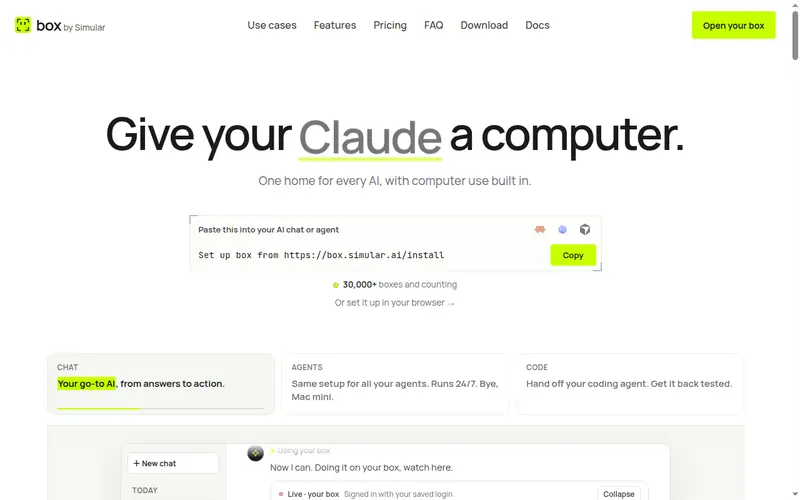
box by Simular (Simular Box) is a cloud computer for AI agents: a Linux desktop with Chrome, a terminal and files. It is listed as an official plugin in ChatGPT, and plugins are one of the things the Free plan can use. In ChatGPT, search box by Simular in Plugins and install it in one click.
With box connected, a chat stops being only a conversation. ChatGPT can:
Example requests for a free ChatGPT with box:
The same box also works with Claude, Codex and other agents you connect, so a job ChatGPT starts can be picked up by another agent later (agents take turns on a box). For setup in each app, see the box docs. For more on the idea, read how to give Claude and ChatGPT a computer.
What it costs. ChatGPT Free stays $0. box has its own plans: a free start with a one-time 5,000 credit ($5), Small at $19 a month and Medium at $39 a month, or pay as you go from $5.
Stay on Free if you mostly chat, write and search, and only hit a tool limit now and then. Consider Go ($8) if you want twice the context, more uploads and image creation, and scheduled tasks, and don't mind ads. Consider Plus ($20) if you need Work on the web and mobile, developer mode, fuller deep research and the newer models in Work. For a line-by-line look at the $20 tier against Claude's, see Claude Pro vs ChatGPT Plus.
It can open and read pages with the built-in browser. To click, type and stay signed in on websites, use ChatGPT Work on desktop or a plugin that gives ChatGPT a computer, such as Simular Box.
Yes. OpenAI's pricing page lists discovering and using plugins as included on Free. Creating and sharing plugins needs Go or above.
Plus ($20/month) doubles the context, removes most tool limits, and adds scheduled tasks, developer mode and ChatGPT Work on the web and mobile.
Ads may appear on the Free plan in some countries, according to OpenAI's help center.
Checked Nov 27, 2026: ChatGPT pricing, ChatGPT Free Tier FAQ, ChatGPT Work and Codex, box by Simular docs, box pricing.