
Oops! Something went wrong while submitting the form.
The best free AI tools in 2026 cover almost every everyday job: chatting and writing, research, meeting notes, slides, automation, coding and even doing tasks on a computer. "Free" means different things, though. Some tools are free forever with limits that reset, some give you a pile of credits once, and some are free only until a trial ends. Each entry below says exactly what the free plan includes, what you can realistically do with it, where the limits bite, and what the first paid step costs.
We built this list for people who use AI every day but don't want another subscription. We started from the tools people search for most alongside "free AI tools", added the tools that AI assistants themselves recommend for each job, and then applied six rules.
What we didn't do: we didn't run our own benchmark tests or score the tools against each other, and nobody paid to be included. Free limits change often, so treat the numbers as a snapshot and check the vendor's page before you commit.
| # | Tool | Job | What's free | First paid step |
|---|---|---|---|---|
| 1 | ChatGPT | All-round assistant | Unlimited everyday text chats; limited uploads, images, voice, deep research, Codex | Go $8/mo |
| 2 | Claude | Writing, long documents | 5-hour and weekly budget; web search, files, artifacts, memory, connectors | Pro $20/mo |
| 3 | Gemini | Google users | Gemini 4 Hydrogen, Deep Research, Live, Canvas, Notebook, 15 GB | AI Plus $4.99/mo |
| 4 | Microsoft Copilot | Windows and Office users | Free Copilot app with lower usage limits | Microsoft 365 Personal $9.99/mo |
| 5 | DeepSeek | Long context, reasoning | Free web and app, DeepThink, Search, V4-Pro via Expert Mode | API pay per token |
| 6 | Grok | Chat with live web and X | Free to try on web and apps | SuperGrok |
| 7 | Simular Box | AI that does tasks on a computer | 5,000 credits (90 days), your own box | Pay as you go from $5 |
| 8 | Perplexity | Research with sources | Basic search, 3 Pro searches/day, 1 Research query/month | Pro $20/mo |
| 9 | Gemini Notebook | Studying your own sources | Included with Gemini Free | Google AI Plus $4.99/mo |
| 10 | Gemini Deep Research | Research reports | Included with Gemini Free | Google AI Plus $4.99/mo |
| 11 | Grammarly | Writing polish | Spelling, grammar, tone, 100 AI prompts/month | Pro $12/mo |
| 12 | Otter | Meeting notes | 300 minutes/month, 30 min per meeting | Pro $8.33/mo (annual) |
| 13 | Gamma | Slides, docs, sites | 400 credits at signup, 10 slides per prompt | Plus $9/mo (annual) |
| 14 | Canva | Design | Free plan with AI design tools | Paid Canva plans |
| 15 | Zapier | App-to-app automation | 100 tasks/month; Zapier MCP tool calls free through Jan 5, 2027 | Professional from $19.99/mo |
| 16 | Codex, Claude Code, Antigravity | Coding | Codex limited on ChatGPT Free; Antigravity at no charge | ChatGPT Plus or Claude Pro $20/mo |
An AI assistant is a chat app you can ask anything: write an email, explain a bill, plan a trip, summarize a PDF, tutor you through a topic. These six have the most useful free plans.
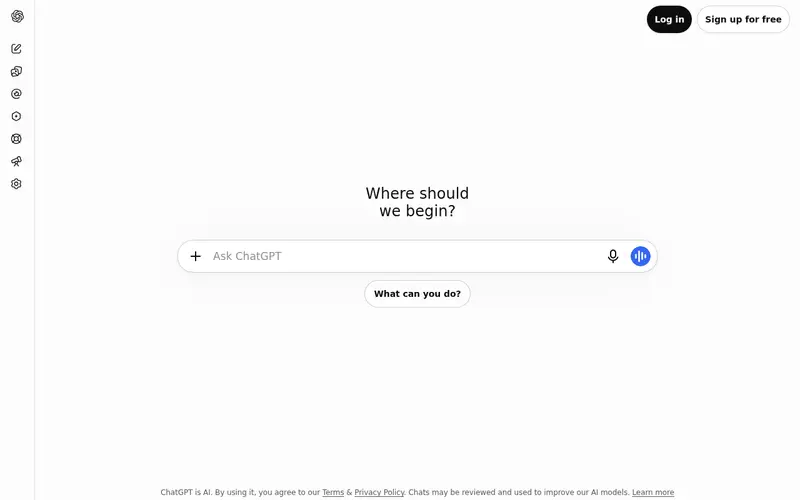
What it is. OpenAI's assistant on the web, Windows, Mac, iPhone and Android, and the most complete free AI app.
What's free. Unlimited everyday text chats, plus limited file uploads, image creation, voice chats, deep research, memory and context, Codex and ChatGPT Work on desktop. OpenAI's help center says Free runs on GPT-5.6 Luna, its fastest model, with a "Think" option for harder questions.
What you can do on free. Draft and rewrite emails, get a step-by-step explanation of a document, practice a language by voice, make an image for a post, plan a trip, or use Study mode to work through a topic.
Where the limits bite. Uploads, images, voice and deep research run out quickly with daily use; the free context is 27K tokens, so very long files get cut; and ads may appear on Free.
Upgrade. Go is $8 a month (more messages, uploads, images, longer memory); Plus is $20 a month (GPT-6.2 reasoning, projects, custom GPTs, Codex, ChatGPT Work, no ads).
Best for: anyone who wants one free app for most AI jobs.
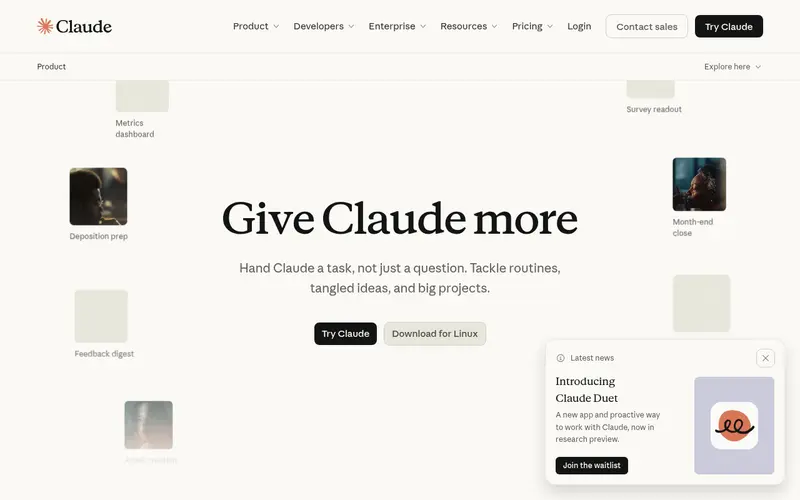
What it is. Anthropic's assistant on the web, desktop and mobile, known for careful writing and reasoning over long material.
What's free. A usage budget that resets every 5 hours and every week, the Sonnet and Haiku models (context up to 1M tokens, varying by model), web search, file creation and code execution, memory, connectors to your other apps, artifacts (documents and small apps built in the chat), Claude Design, Slides and Docs, voice mode, skills and up to five projects.
What you can do on free. Paste in a long report or contract and ask for a summary and a list of risks; rewrite a draft in your own voice; turn notes into a document or slide outline; compare two PDFs side by side.
Where the limits bite. Long files use the budget fast. Free has no Opus, no Research mode, no Claude Code and no Claude in Chrome. Claude has no image-generation model.
Trust note. Claude's pricing page lists model training as opt-out on every consumer plan, and Claude shows no ads.
Upgrade. Pro is $20 a month, or $17 a month billed yearly. See Claude vs ChatGPT.
Best for: writers, students and analysts working with long documents.
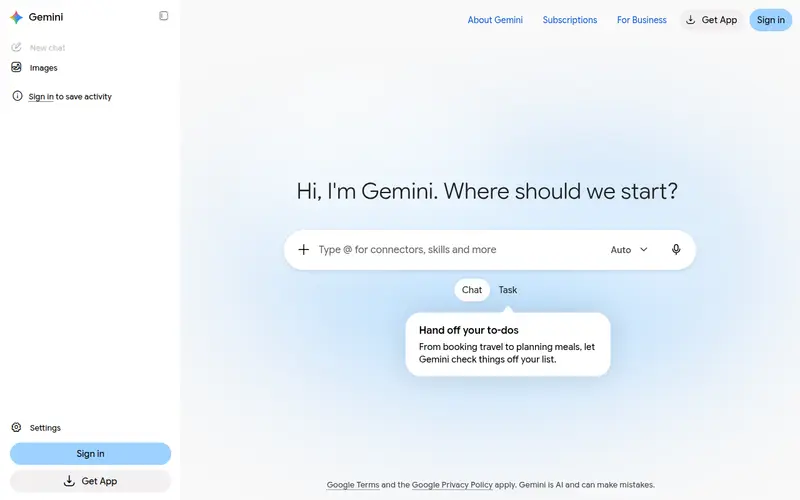
What it is. Google's assistant, as its own app and built into Android, Chrome and Google's apps.
What's free. Gemini 4 Hydrogen with auto model selection, image generation and editing, Deep Research, Gemini Live voice conversations, Canvas, skills, Gemini Notebook, limited Google Flow (including limited Nano Banana Pro) and 15 GB of Google storage.
What you can do on free. Run a multi-page research report on any topic, talk through a problem out loud with Gemini Live, generate and edit images, and draft longer pieces in Canvas.
Where the limits bite. Google meters usage by compute: limits depend on your prompt, features and chat length, and refresh every 5 hours up to a weekly cap. Gemini in Gmail and Docs, video generation and Chrome auto browse need a paid plan.
Upgrade. Google AI Plus is $4.99 a month (2x usage, video generation, Gemini in Gmail, 400 GB); AI Pro is $19.99 (Gemini 4 Neon, 5 TB). See Gemini vs ChatGPT.
Best for: people whose day runs on Gmail, Docs and Android.

What it is. Microsoft's AI assistant, as a free app on the web, Windows and mobile, and inside Word, Excel, PowerPoint and Outlook on paid Microsoft 365 plans.
What's free. The Copilot app: chat, image creation, visual help from your screen or camera, and AI-generated audio, at lower usage limits than paid plans (Microsoft describes each paid plan as "higher usage than free").
What you can do on free. Ask questions while you work in Windows, get help with what's on your screen, and create images.
Where the limits bite. Copilot inside Word, Excel, PowerPoint and Outlook needs Microsoft 365. Agent-style features such as Researcher, Analyst and Cowork in Microsoft Copilot sit in the Premium and Pro plans.
Upgrade. Microsoft 365 Personal $9.99 a month (1 TB, desktop Office apps with Copilot); Family $12.99; Premium $19.99 (extensive usage, Researcher, Analyst, Cowork); Pro $99.99 (highest limits).
Best for: Windows users and anyone who lives in Office files.
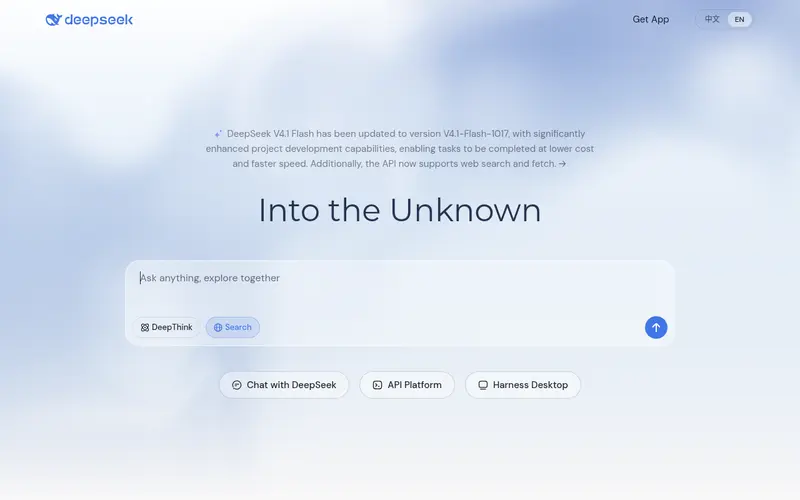
What it is. An AI lab's free chat app on the web and mobile, plus one of the cheapest strong APIs and an open-source agent harness.
What's free. The web and mobile app, with a DeepThink (reasoning) toggle, a Search toggle, and V4-Pro through Expert Mode. DeepSeek's current models take up to 1M tokens of context.
What you can do on free. Paste in very long material, work through math and logic step by step, and get structured, detailed answers.
Where the limits bite. The app is text-first and doesn't create images, and it isn't built around voice, plugins or projects.
Upgrade. There's no consumer subscription to buy; developers pay per token on the API (deepseek-flash output from $0.60 per 1M tokens off-peak). See DeepSeek vs ChatGPT.
Best for: students and analysts who want free, long-context reasoning.

What it is. An AI assistant on the web, iPhone and Android that searches the web and X live.
What's free. Free to try: chat with step-by-step reasoning, real-time web and X search with citations, image generation with Grok Imagine, short video generation, voice conversations, file and PDF analysis, image understanding, Canvas for long-form writing and memory across chats.
What you can do on free. Catch up on breaking news and what people are posting, turn a prompt into an image, or summarize a PDF.
Where the limits bite. Free usage is capped; multi-agent mode and higher limits are part of SuperGrok.
Upgrade. SuperGrok, for higher limits, priority access and multi-agent reasoning.
Best for: people who follow news and trends as they happen.
Chatbots answer. The next step is an AI that does the task: opens the website, fills the form, downloads the files, updates the spreadsheet. That needs a computer.
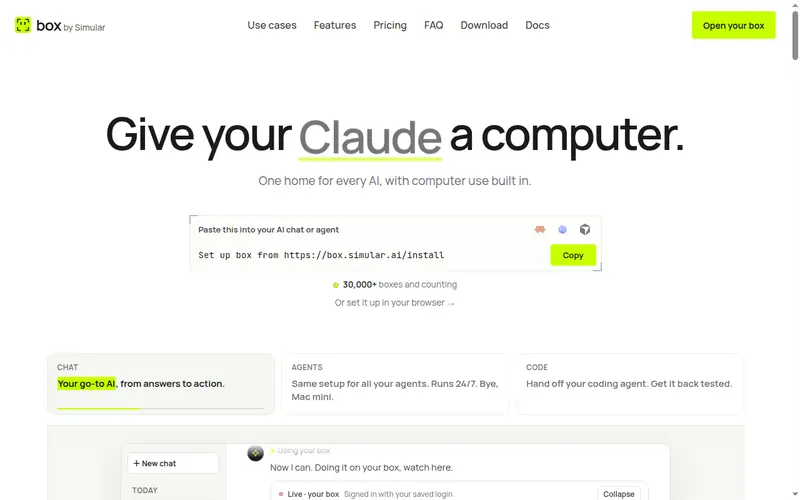
What it is. Simular Box gives the AI you already use its own computer, so it can actually get things done instead of just answering. You don't switch apps: ChatGPT, Claude or Gemini stays your assistant, and box is the cloud desktop it works on, with Chrome, desktop apps, files and a terminal.
What's free. 5,000 credits to start (valid 90 days) and your own box with 4 vCPU and 8 GB of memory.
How quick it is to connect. In ChatGPT, search box by Simular in Plugins and install it in one click. It also works in Claude, Claude Code, Codex, Cursor, VS Code, Gemini CLI, the Gemini app (personal US accounts), OpenCode, Hermes, Pi and DeepSeek Harness; OpenClaw is coming soon. No code or SDK; setup steps are in the box docs.
What you can do on free.
Why it stands out.
Upgrade. Pay as you go from $5 (200 credits per box-hour, $0.20 an hour); S $19 a month (one box that sleeps when idle, 5,000 credits); M $39 a month (never sleeps, 10,000 credits).
Best for: anyone who wants what a pricey agent app does, for a few dollars, inside the AI they already use.

What it is. An answer engine: every reply searches the web and cites the pages it used, with numbered links you can check.
What's free. Basic search, plus 3 Pro searches a day and 1 Research query a month. The app also now includes Computer ("get work done" projects), Teammates (persistent agents), Automations, Artifacts and Plugins; how much of each you get depends on your plan.
What you can do on free. Fact-check a claim, compare products on current specs, and catch up on a topic with sources you can open.
Where the limits bite. Pro searches and Research queries run out fast if research is your main job.
Upgrade. Pro is about $20 a month (per third-party pricing guides; Perplexity's own plan page doesn't list the consumer price), Max is $200 a month, and Education Pro is $10.
Best for: quick, cited research.

What it is. Formerly NotebookLM: a research and writing assistant that answers only from the sources you add.
What's free. Included with Gemini Free: add documents, notes and links, then ask questions, generate summaries, Audio Overviews (a spoken summary), Mind Maps and slide decks.
What you can do on free. Turn a stack of lecture notes into a study guide, listen to a summary on your commute, or map out how the ideas in a set of papers connect.
Where the limits bite. Paid Google AI plans add more Audio Overviews and notebooks (AI Pro gives five times more).
Trust note. Google says an individual's Gemini Notebook data isn't used for training unless they share feedback.
Best for: students and anyone working from their own sources.

What it is. An agent inside Gemini that plans research, browses up to hundreds of websites (and your Gmail, Drive and Chat if you choose), reasons over what it finds and writes a multi-page report.
What's free. Included in Gemini Free. Reports can be turned into an Audio Overview or interactive content in Canvas.
What you can do on free. Get a first-pass report on a market, a career move you're weighing, a product category or a travel destination in minutes.
Where the limits bite. Free usage is limited; paid plans raise it. Google also offers college students more Deep Research access with a free AI Pro plan for a year.
Best for: a fast, structured first draft of research.

What it is. A writing assistant that works where you type: browsers, Google Docs, Microsoft Office, desktop apps and mobile keyboards.
What's free. Spelling and grammar corrections, tone detection, and 100 AI prompts a month to generate or rewrite text.
What you can do on free. Clean up emails, posts and essays before you send them, and check how your tone comes across.
Where the limits bite. Full-sentence rewrites, tone adjustment, fluency help, plagiarism and AI-text detection, and 2,000 prompts a month are Pro features.
Upgrade. Pro is $12 a month.
Best for: anyone who writes for work or school.

What it is. An AI notetaker that joins Zoom, Microsoft Teams and Google Meet, transcribes the call and writes summaries.
What's free. 300 transcription minutes a month (up to 30 minutes per conversation), live transcription, speaker identification, automated summaries with action items, AI Chat (20 questions a month), 3 lifetime file imports, your 25 most recent conversations, an MCP server for AI assistants, and iOS and Android apps.
What you can do on free. Record short meetings, lectures or interviews and get searchable notes with action items.
Where the limits bite. The 30-minute cap per conversation and 300 monthly minutes; longer meetings need Pro.
Upgrade. Pro is $8.33 per user a month billed annually (1,200 minutes, 90 minutes per meeting); students and teachers with a .edu email get 20% off Pro.
Best for: short meetings, classes and interviews.

What it is. An AI tool that turns a prompt or a file into presentations, documents, simple websites, social posts and images.
What's free. 400 credits at signup, up to 10 slides per prompt, import from PDF and PowerPoint, and export to PDF, PowerPoint, PNG and Google Slides.
What you can do on free. Turn notes into a short deck for class or a meeting, then export it to PowerPoint or Google Slides to finish by hand.
Where the limits bite. Credits are one-time on Free, decks show Gamma branding, and longer decks need a paid plan.
Upgrade. Plus $9 a month billed annually (1,500 monthly credits, up to 100 slides per prompt, no branding); Pro $18; Ultra $90.
Best for: quick first drafts of presentations.

What it is. A design tool for social posts, presentations, videos and print, with AI features built in.
What's free. Canva's free plan includes its editor and templates. Its homepage highlights AI features such as Magic Write, Magic Eraser, Background Remover, Magic Layers, Image Upscaler and Magic Resize; some of these are limited to paid plans. Canva's pricing page didn't load for us, so check canva.com/pricing for current free limits.
What you can do on free. Design a social post or a flyer from a template and write the copy with Magic Write.
Best for: quick, good-looking visuals without design skills.

What it is. An automation platform that connects your apps so actions happen on their own, such as a new form entry becoming a row in a sheet and a message to your team.
What's free. Free forever: 100 tasks a month, unlimited Zaps, Tables and Forms, two-step Zaps and Zapier Copilot. Zapier MCP, which lets an AI assistant take actions in 10,000+ apps, has free tool calls through Jan 5, 2027.
What you can do on free. Automate a few simple two-step workflows, or let your AI assistant act in your apps through Zapier MCP.
Where the limits bite. Multi-step Zaps, premium apps and webhooks need a paid plan, and 100 tasks go quickly.
Upgrade. Professional from $19.99 a month.
Zapier vs Simular Box: Zapier moves data between apps that have integrations. box gives your AI a whole computer, so it can work in any website or desktop app, even ones with no integration. Many people use both.
Best for: connecting the apps you already use.
Codex is OpenAI's coding agent, included in ChatGPT plans: limited on Free (on GPT-5.6 Terra), with weekly coding sessions on Plus ($20) and higher limits on Pro ($100). OpenAI says it runs several agents in parallel, uses computer and browser tools to check its work, and keeps going in the cloud after you close your laptop.
Claude Code is Anthropic's coding agent for your terminal and editor. It's included with every paid Claude plan (from $20 a month) and shares the plan's usage, but it isn't on Claude Free.

Google Antigravity is Google's agent development platform, with an app, a CLI, an IDE and an SDK, and Google lists it as available at no charge for developers. It replaced Gemini CLI for unpaid and Google One users on June 18, 2026. AI Pro and Ultra plans include higher rate limits for its agent model.
All three can connect to Simular Box when a task needs a real browser or desktop, for example to test a web app on a phone-sized screen. See Claude Code visual QA.
Best for: developers who want an agent that writes, runs and checks code.
Free chatbots have usage caps and smaller context windows. Most can't act on a computer, and those that browse do it only while your session runs. One-time credits (Simular Box, Gamma) run out; free-forever plans (ChatGPT, Gemini, Claude) cap daily use. For heavy work, the cheapest upgrade is often a low tier plus a usage-based add-on rather than a $100+ plan.
Claude Free for drafting and long documents, Grammarly Free for polishing what you've written.
Gemini (Deep Research and Gemini Notebook are free), Claude for long readings, Otter for lectures, and Gamma for class presentations.
Some do. ChatGPT may show ads on Free and Go. Check each tool's plan page.
For light use, yes. Combining a free assistant with a low-cost tool like Simular Box covers much of what pricey agent apps do.
Checked Nov 24, 2026: ChatGPT pricing, GPT-6 and other models in ChatGPT, Claude pricing, Gemini subscriptions, Gemini Deep Research, Gemini Notebook, Microsoft Copilot for individuals, DeepSeek, DeepSeek API pricing, Grok, Simular Box, Perplexity plans, Perplexity Max, Grammarly plans, Otter pricing, Gamma pricing, Canva, Zapier pricing, Codex, Google Antigravity, Gemini CLI to Antigravity CLI.