
Oops! Something went wrong while submitting the form.
Short answer: If you already use Claude, ChatGPT, Codex or Cursor, the simplest AI browser agent is that same assistant working in Simular Box. It gets its own cloud Chrome that stays signed in, and you watch live and take over for a password or a payment. Developers building their own agent should look at Browser Use, Stagehand or agent-browser. Skyvern suits form-heavy portal work. Claude in Chrome and Perplexity Comet put an agent inside the browser on your own computer.
Definition. An AI browser agent is an AI model that uses a web browser to finish a task: it opens pages, clicks, types, fills forms and pulls out data, instead of only answering in text. There are three kinds: an agent inside your own browser, a framework you use to build an agent, and the assistant you already use working in a separate cloud browser.
We looked at each tool the way you would use it for real work: where the browser runs, whether it keeps you signed in, whether a person can watch and step in, who it is built for, and the published price. Facts and prices come from each vendor's site, checked on November 15, 2026. We did not run a shared benchmark across the tools.
| Tool | Type | Where the browser runs | Keeps you signed in | Watch and take over | Built for | Starting price |
|---|---|---|---|---|---|---|
| Simular Box | Your existing AI plus its own cloud computer | Cloud (Chrome on the box) | Yes, on the box | Live view in the chat; take control | People and teams on Claude, ChatGPT, Codex, Cursor | $5 free credit; $19/mo |
| Browser Use | Open-source agent library and cloud | Your machine or Browser Use Cloud | — | — | Developers | Free (MIT); cloud $0.06 per browser hour |
| Stagehand | SDK for browser agents | Your machine or Browserbase | Via Browserbase | Via Browserbase | Developers (TypeScript, Python, Go) | Free SDK; Browserbase from $0 |
| Skyvern | Workflow automation agent | Skyvern cloud or self-hosted | Stored credentials, 2FA | Human-in-the-loop on Enterprise | Operations teams | $29/mo; 14-day trial |
| Claude in Chrome | Browser extension | Your own Chrome | Uses your sessions | In your own window | Claude paid plans | Included on paid plans |
| Perplexity Comet | AI browser | Your own device | Uses your sessions | In your own window | Individuals | Free to download |
| agent-browser | CLI for coding agents | Your machine | Saved sessions and profiles | — | Coding agents | Free (open source) |
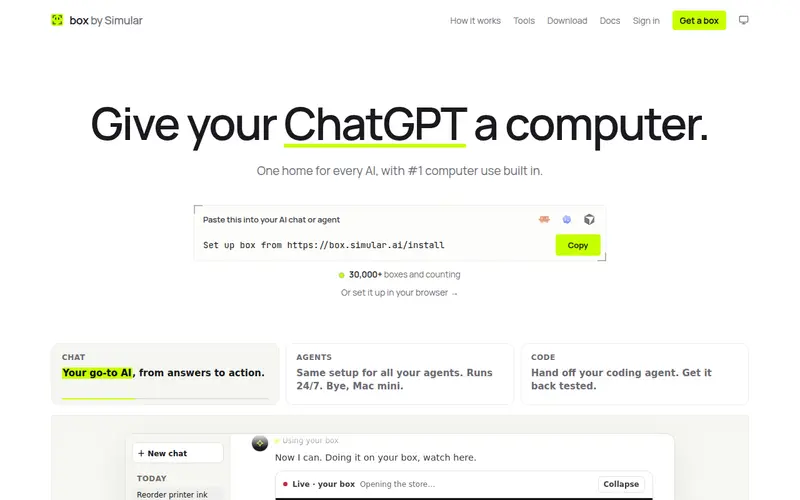
Simular Box (box by Simular) does not ship yet another agent. It gives Claude, ChatGPT, Claude Code, Codex, Cursor or any MCP client a computer of its own: an Ubuntu desktop in the cloud with Chrome, files and a terminal, reached through one remote MCP server. The assistant you already pay for becomes a browser agent, and it works in a browser that is not yours.
What it is good at
Watch out for: box runs Linux only, and it is one computer per seat rather than an API for hundreds of parallel browsers. The agent itself is whichever AI you connect, so its skill depends on that model.
Pricing: $5 of free credit once per account; pay as you go from $0.10 an hour; plans at $19 a month (Small, sleeps when idle) and $39 a month (Medium, never sleeps).
Setup: in ChatGPT, open Plugins, search for box by Simular and install it in one click. Setup for Claude, Claude Code, Codex, Cursor and other apps is in the box docs.
Best for: anyone who already uses Claude, ChatGPT or a coding agent and wants it to do web tasks behind a login, with a person able to watch and step in.
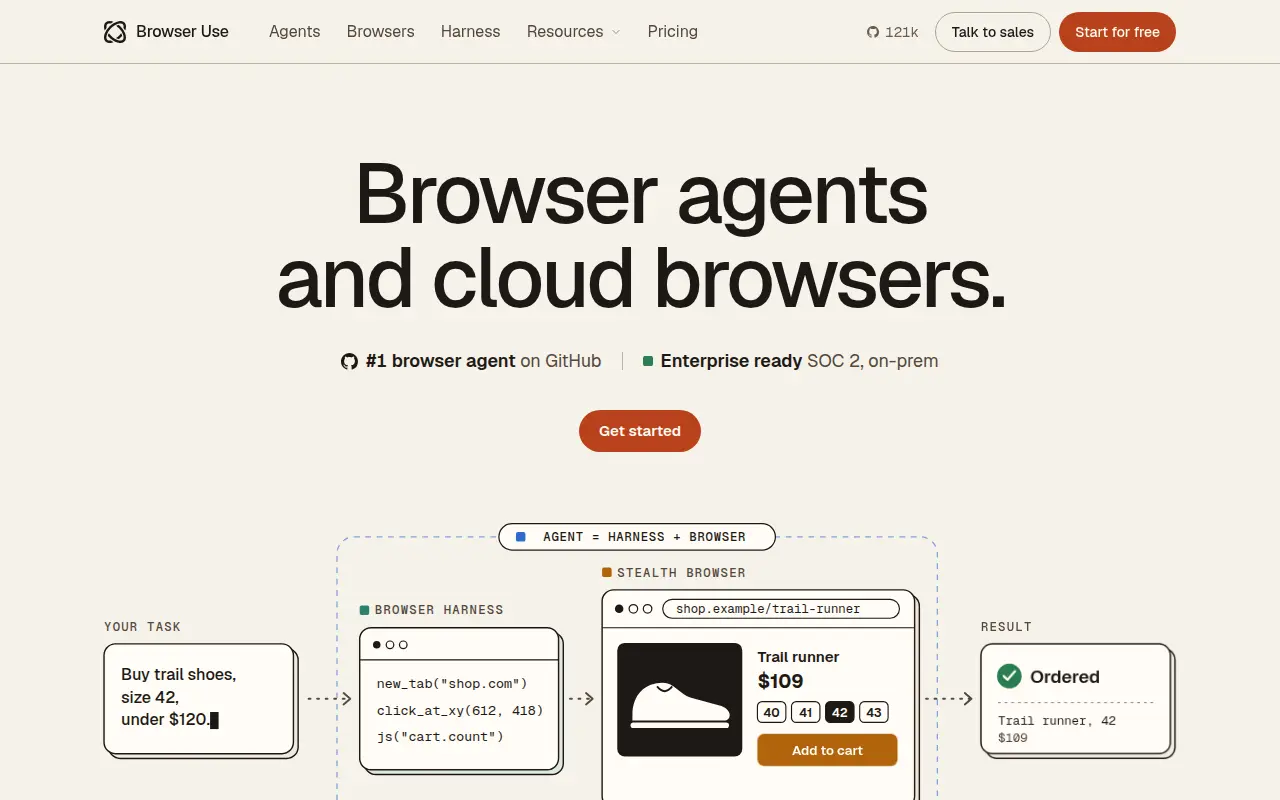
Browser Use is an open-source Python and TypeScript library that lets a model drive a browser, with about 121,000 GitHub stars on November 15, 2026. Its cloud adds a task API (send a task, get JSON back), stealth browsers and the open-source Browser Harness for Claude Code and Codex.

Stagehand is Browserbase's open-source SDK for TypeScript, Python and Go. It mixes Playwright-style calls (goto, click, locator) with natural-language actions (act, observe, extract) that heal themselves when a site changes. It runs locally or on Browserbase cloud browsers.

Skyvern automates workflows on websites with an AI agent: logging in to portals, downloading invoices, filling forms. It handles CAPTCHAs, 2FA and TOTP, proxies and stored credentials, and it is open source (about 23,000 GitHub stars) with a hosted cloud.

Claude in Chrome is Anthropic's Chrome extension. It reads the page you are signed in to, then clicks, types and fills forms while you decide what happens next. It also works with Claude Code for browser tasks.
Comet is Perplexity's AI browser for Mac, Windows, iOS and Android. Its assistant researches, shops, drafts emails and manages tasks in the browser you browse with.
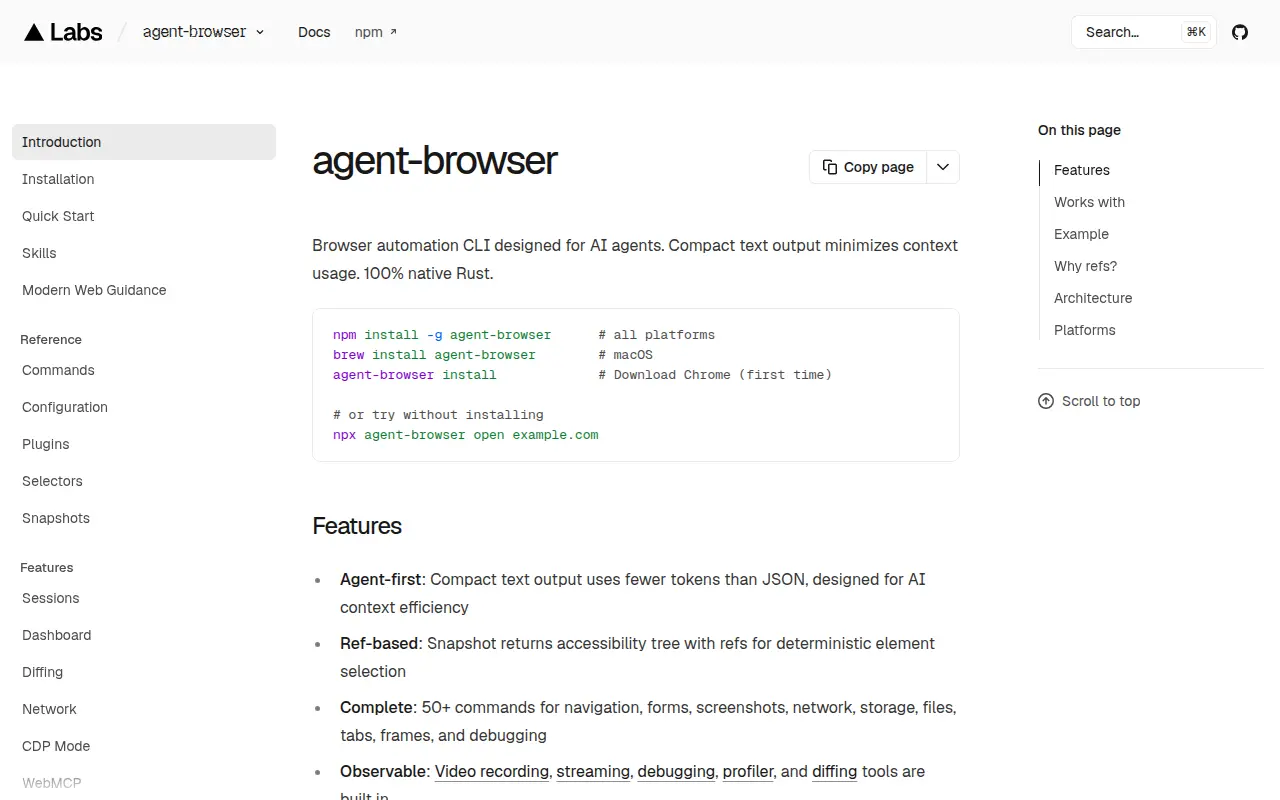
agent-browser is an open-source command-line tool from Vercel, written in Rust, that coding agents call to drive Chrome. It returns a compact accessibility tree with element references, which keeps token use low, and has more than 50 commands for navigation, forms, screenshots, network and storage.
The biggest choice is where the browser runs.
| Agent in your own browser (Claude in Chrome, Comet) | Agent in its own cloud browser (Simular Box) | |
|---|---|---|
| Your logins | Uses your real accounts and sessions | Uses only the sites you sign in to on the box |
| Your computer while it works | Shares your browser | Stays free |
| Mistakes and risky pages | Happen in your browser | Stay on the box |
| Watch and take over | In your own window | Live view in the chat, from any device |
| Several agents | One at a time, in your browser | Claude, ChatGPT and Codex can take turns on one box |
An agent in your own browser is quickest for personal tasks. An agent in its own browser is safer for long or repeated work and for anything you want to share or hand off.
For the browsers underneath these agents, see best cloud browsers for AI agents. For debugging your own front end, read our Chrome DevTools MCP guide. For agents that use a whole desktop, see computer use agents.
All facts and prices were checked on each vendor's site on November 15, 2026.