
Oops! Something went wrong while submitting the form.
Short answer: If you want the AI you already use (Claude, ChatGPT, Codex or Cursor) to work in a real Chrome that stays signed in, and you want to watch it live and take over for a password or a payment, use Simular Box. If you are building your own agent and need many browsers from an API, start with Browserbase or Browser Use. Kernel, Steel and Hyperbrowser are strong alternatives, and Cloudflare Browser Run suits apps that already run on Workers.
Definition. A cloud browser is a web browser that runs on a remote server instead of your own device. An AI agent controls it through an API, Playwright or Puppeteer, or an MCP server. The pages load and run in the cloud, and you watch through a live stream or a recording.
We compared each service on what an AI agent needs from a browser: how the agent connects (MCP, SDK or the Chrome DevTools Protocol), whether logins survive between sessions, whether a person can watch live and take over, and published prices and limits. Prices were read on each vendor's pricing page on November 15, 2026. We did not run a shared speed benchmark, so this guide does not rank the options on speed.
| Option | Best for | How agents connect | Keeps logins | Watch live / take over | Free to start | Paid price |
|---|---|---|---|---|---|---|
| Simular Box | The AI you already use, in a Chrome that stays signed in | One remote MCP server (Claude, ChatGPT, Codex, Cursor) | Yes, Chrome on the box | Live view in the chat; take control | $5 credit once | $0.10/hr; $19 or $39/mo |
| Browserbase | Building browser agents into a product | SDKs, Stagehand, MCP | Agent identity | Live view, recordings | 1 browser hour, 3 concurrent | $20/mo (100 hrs); $99/mo (500 hrs) |
| Browser Use | Cheap stealth browsers and a task API | API, SDKs, CDP, Browser Harness | — | — | $1 credit | $0.06 per browser hour + traffic |
| Kernel | Fast sessions with managed auth | SDKs, CDP | Managed auth | Live view, MP4 replays | $5/mo credit, 5 concurrent | $30 or $200/mo + usage |
| Steel | Open source you can self-host | API, Playwright, Puppeteer | Profiles, credentials | — | $30 one-time credit | $250/mo; $0.08 per browser hour |
| Hyperbrowser | Browsers plus code sandboxes | SDKs, Playwright, Puppeteer, CLI, MCP | Saved profiles | Live view, replays | 5,000 credits | $30 or $100/mo; $0.10 per browser hour |
| Cloudflare Browser Run | Apps on Cloudflare Workers | REST, Puppeteer, Playwright, CDP | — | No | 10 min/day | 10 hrs/mo on Workers Paid, then $0.09/hr |
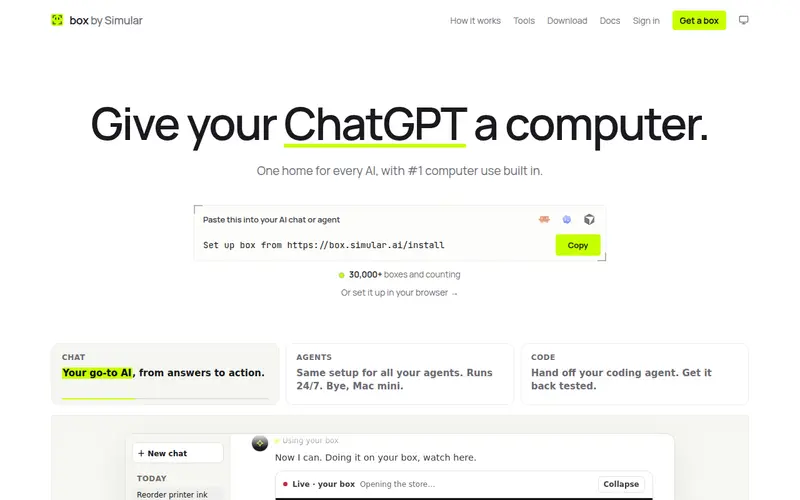
Simular Box (box by Simular) gives your AI its own computer in the cloud: an Ubuntu desktop with Chrome, files and a terminal. Claude, ChatGPT, Claude Code, Codex or Cursor reach it through one remote MCP server, so there is no SDK code to write. It is the only option on this list where the browser belongs to the agent you already pay for, rather than to an agent you build.
Why people pick it
Watch out for: Simular Box is one computer per seat, not an API for starting hundreds of throwaway browsers from your own code. It runs Linux only, and it does not solve CAPTCHAs for you; you solve them in the live view.
Pricing: $5 of free credit once per account. After that, pay as you go from $0.10 an hour, or plans at $19 a month (Small, sleeps when idle) and $39 a month (Medium, never sleeps).
Setup: in ChatGPT, open Plugins, search for box by Simular and install it in one click. Setup for Claude, Claude Code, Codex, Cursor and other apps is in the box docs.
Best for: people and teams who want Claude, ChatGPT or a coding agent to work on websites behind a login, with a person able to watch and step in.
Browserbase runs headless Chrome in the cloud for agents and automation. It pairs the browsers with Stagehand, its open-source SDK for browser agents, plus Fetch and Search APIs, an agent identity product, a runtime for deploying agents, and an MCP server.
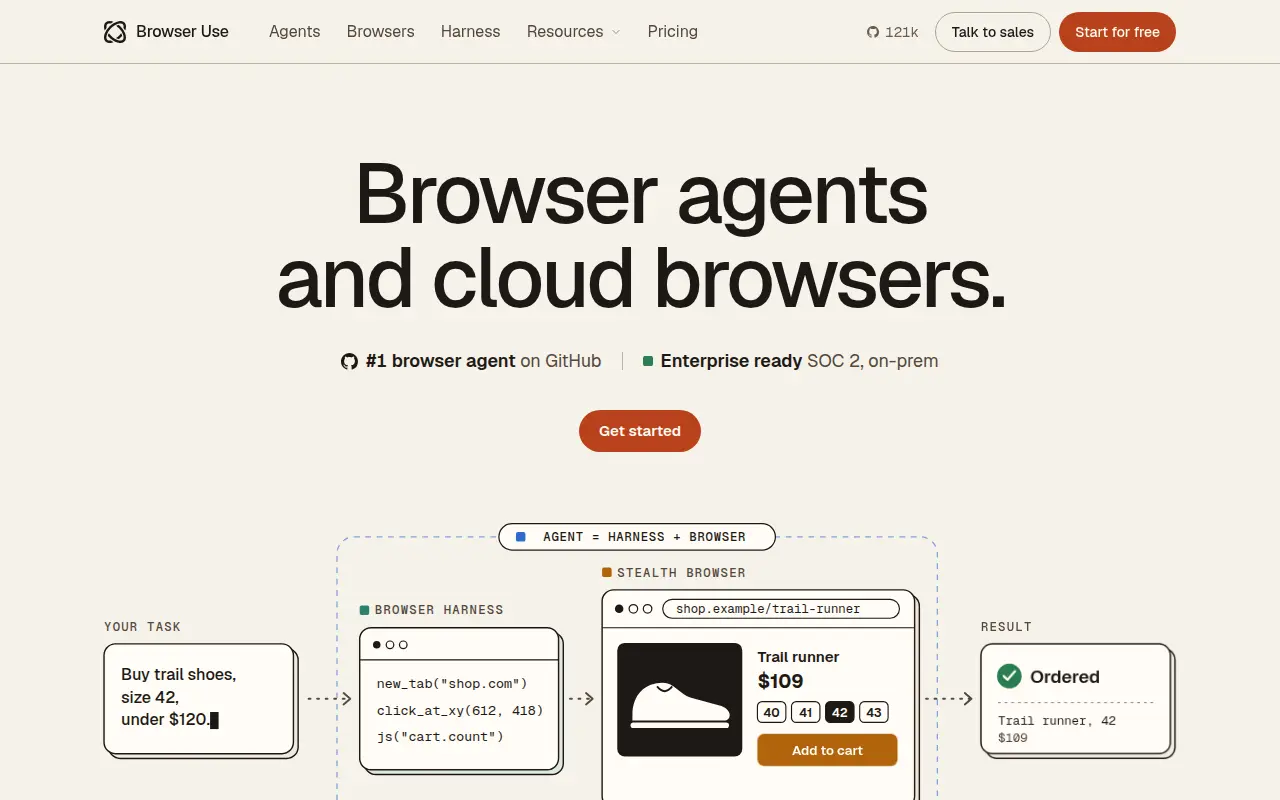
Browser Use started as an open-source browser agent library (about 121,000 GitHub stars on November 15, 2026) and now sells cloud browsers and a task API. You can send a task and get JSON back, or drive its stealth browsers yourself through the open-source Browser Harness.
Kernel runs sandboxed Chromium for agents and says its browsers start in under 30 milliseconds (own claim). It adds stealth mode with CAPTCHA solving and proxies, managed authentication, live view, MP4 session recordings, GPU acceleration and regional browsers. It reports SOC 2 and HIPAA compliance.
Steel is a browser API with an open-source core, Steel Browser, that you can also run yourself. Its cloud adds sessions, profiles, files, extensions and credentials APIs.
Hyperbrowser sells cloud Chrome sessions alongside code sandboxes, a web data API and hosted agents (HyperAgent, Browser Use or computer-use models), all paid from one pool of credits. Browser profiles save cookies and logins between runs, and sessions can be watched live and replayed.
Cloudflare Browser Run gives Workers apps headless browsers on Cloudflare's global network. Quick Actions handle screenshots, PDFs and Markdown or JSON extraction through REST, and Browser Sessions give full control through Puppeteer, Playwright or CDP. Its browsers identify themselves as bots with cryptographic signatures rather than hiding.
The three terms overlap, but they describe different jobs.
| Term | What it means | Typical use |
|---|---|---|
| Cloud browser | A browser hosted by a provider and controlled by code or an agent | AI agents, automation, scraping |
| Remote browser | Any browser that runs on another machine and streams to you; often remote browser isolation (RBI) for security | Opening risky links safely, testing on many browsers |
| Headless browser | A browser without a visible window, local or in the cloud | Tests, screenshots, scripts |
Most products in this guide are cloud browsers that can also run headless. Simular Box is a remote computer with a full desktop browser, which is why a person can watch and take over the same screen the agent sees.
Logins are where most agent tasks break. These options keep browser state between tasks:
If a site needs a one-time code, plan for a person in the loop. On Simular Box, that person signs in once in the live view and the agent carries on.
If your agent also needs desktop apps or a terminal, compare full machines in cloud computers for AI agents. For the tools agents use to drive a browser, see best AI browser agents and our Chrome DevTools MCP guide.
All prices and limits were checked on each vendor's site on November 15, 2026.