Automating QuickBooks Invoicing with Simular: Computer-Use Agent + Virtual Machine
TL;DR
Trevino's Auto Mart automated their QuickBooks invoicing with Sai, reducing human involvement from roughly 11 hours per month to under 1 hour. Per-invoice processing dropped from 8-10 minutes of manual data entry to about 3 minutes of machine time plus a quick exception review. Invoice errors fell from a 6% rework rate to near zero, and the team now handles twice the volume without adding headcount.

The accounting team at Trevino's Auto Mart had a problem that sounds boring until you do the math. Each invoice in QuickBooks took about 8-10 minutes of manual work: pulling up the customer record, entering 3-8 line items, verifying tax rates and payment terms, attaching supporting documents, and hitting send. At roughly 40 invoices per cycle, twice a month, that added up to over 11 hours of repetitive clicking every month just to get bills out the door.
The dealership's controller had been looking for ways to reclaim that time. Trevino's Auto Mart is a multi-department car dealership handling sales, service, and parts. All three departments generate invoices, and every peak period, from end-of-quarter closings to tax season, turned accounting into a bottleneck.
"The work itself isn't hard. It's just the same 15 steps over and over. And when you're rushing through 40 invoices because month-end is tomorrow, that's when you put the wrong customer name on a parts order or forget to attach the work order," the controller said.
Results at a Glance
- 92% reduction in human time spent on invoicing (from ~11 hours/month to under 1 hour)
- Near-zero rework on data entry errors, down from a 6% error rate on manual invoices
- 10+ hours reclaimed per month for collections, dispute handling, and financial reporting
- Zero tool migration required: QuickBooks stayed as the system of record
- Self-serve operation established with no ongoing support needed after initial setup
- 2x invoice capacity without adding accounting headcount
The Challenge: 15 Steps, 40 Times a Cycle
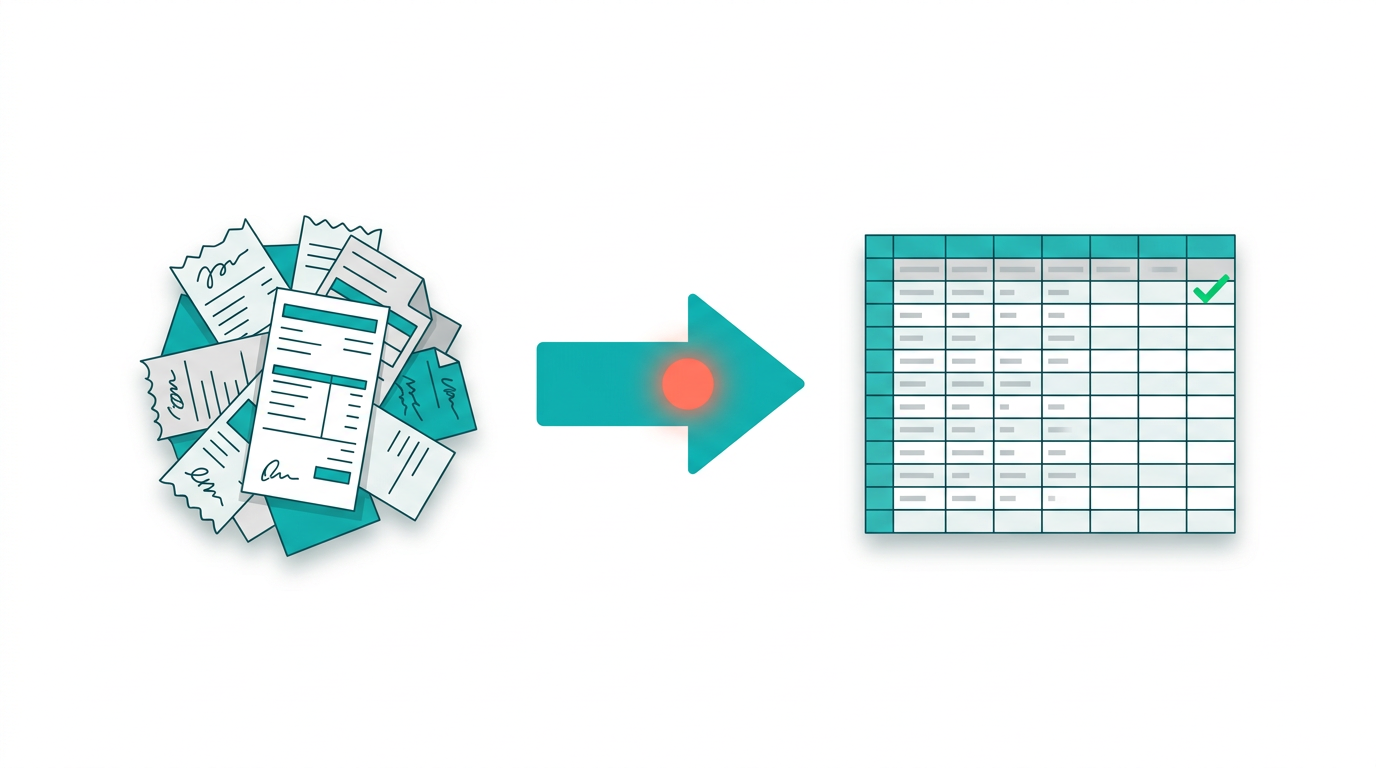
Before Sai, the invoicing workflow looked like this every cycle: open QuickBooks, navigate to the right customer, select the correct invoice template, enter line items from a spreadsheet, verify tax rates and payment terms, attach the supporting document, review the total, and send. Repeat 40 times.
Three problems kept compounding:
Time cost. At 8-10 minutes per invoice, each billing cycle consumed roughly 5.5 hours of the controller's time. Two cycles a month meant 11 hours, or about 30% of a full work week, spent on data entry alone. That time came directly out of work that required judgment: collections follow-ups, dispute resolution, and financial reporting.
Error risk. At volume, small mistakes were inevitable. About 1 in every 16-17 invoices had some kind of error: a wrong customer field, a missed attachment, an inconsistent memo, a tax rate that didn't match the line items. Each correction-and-resend cycle cost another 8 minutes, and the occasional error that slipped through to the customer created a much larger cleanup.
"You catch most of them if you're careful, but careful is hard when you're on invoice number 35 and you still have five more to go before lunch," the controller said.
Scalability ceiling. When invoice volume spiked, the only option was to work longer hours. There was no way to process more invoices without spending proportionally more human time. Hiring a part-time bookkeeper for peak periods didn't pencil out for a workflow that only needed help two days a month.
Why Trevino's Chose Sai
The accounting team had considered API-based integrations and QuickBooks add-ons, but both required engineering resources the dealership didn't have on staff. Most invoice automation software also demanded migrating data into a new platform, which meant learning a new tool and maintaining two systems during the transition.
Sai offered a different approach: instead of building an API integration or replacing the accounting system, Sai operates the QuickBooks interface directly, the same way a human would, inside its own secure Workspace. No data migration. No new software to learn. QuickBooks stays exactly as it is.
"That was the selling point for us. We didn't want to rip out QuickBooks or build some custom integration. We just needed something to do the clicking part while we handle the thinking part," the controller said.
How Trevino's Uses Sai for QuickBooks Invoicing
The team designed a simple but reliable workflow built around a standardized invoice template:
Step 1: Standardized input.
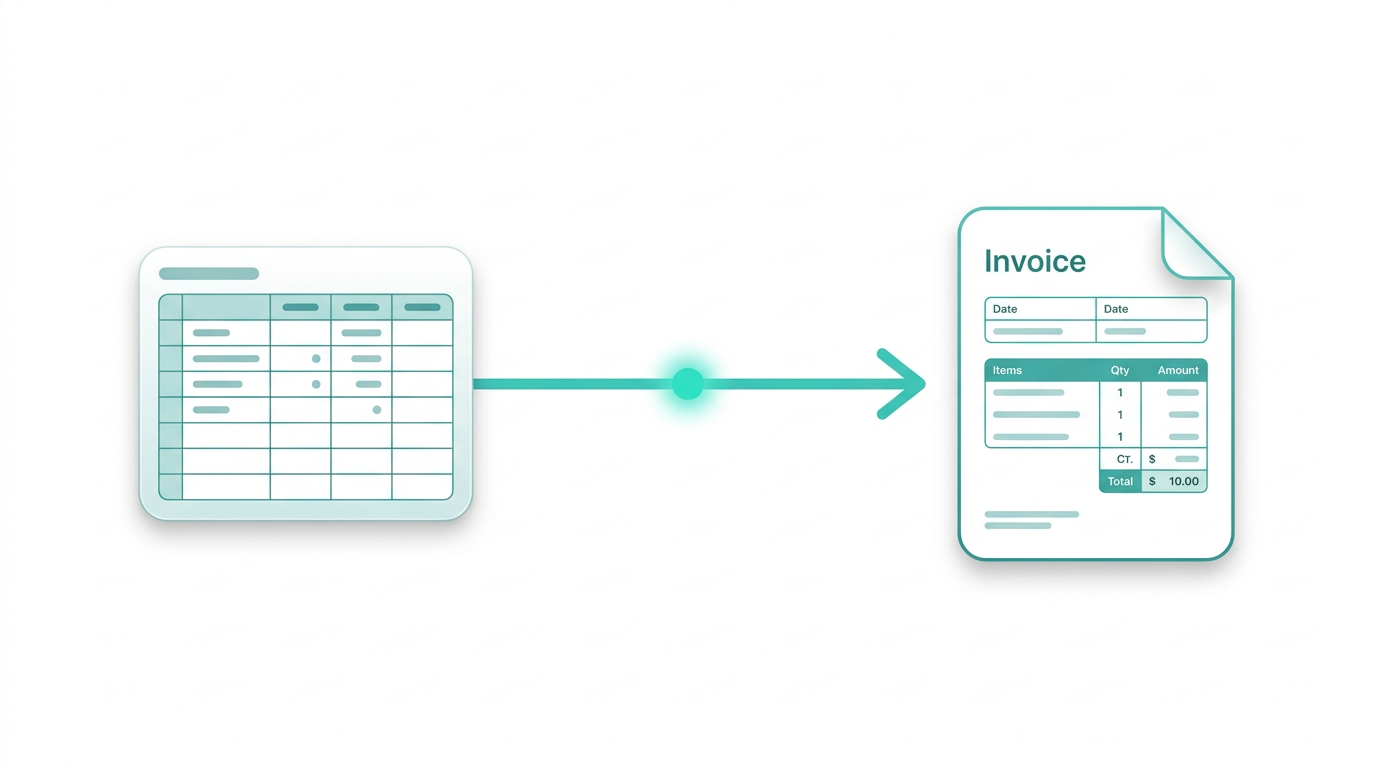
The accounting team prepares a CSV with invoice data: customer name, line items, amounts, tax codes, payment terms, and attachment references. They defined a consistent format during setup that mirrors the QuickBooks fields. This takes about 20 minutes per batch regardless of volume.
Step 2: Sai takes over.
Sai receives the CSV and begins processing each invoice inside QuickBooks. It opens the application in its Workspace, navigates to the correct customer, creates the invoice, enters every line item, applies the right tax rate and payment terms, attaches the supporting document, and sends. The entire form-filling process takes about 3 minutes per invoice with zero human involvement.
Step 3: Built-in verification.
Before finalizing each invoice, Sai checks for mismatches: missing customer records, unusual tax or terms selections, and total discrepancies against the CSV source. If something doesn't line up, it flags the invoice for human review instead of sending it. On a typical batch of 40, only 2-3 invoices get flagged.
Step 4: Exception-based review.
The controller only reviews flagged invoices, not the full batch. Clean invoices go straight through. What used to be a 100%-manual-review process became a review-by-exception process where the human spends about 3 minutes per flagged item.
"The first time I watched it run through a batch, I sat there for a minute. It was doing exactly what I do, navigating the same screens, clicking the same buttons. But it didn't slow down on invoice 30 and it didn't skip any attachments," the controller said.
The Impact: From Data Entry to Actual Accounting
The most immediate change was time. Monthly invoicing went from an 11-hour task to a workflow where the human contribution is about 20 minutes of CSV preparation and 6-10 minutes reviewing a handful of flagged exceptions. Sai handles everything in between.
But the real value showed up in what the team started doing with the recovered 10+ hours each month. Instead of spending two days on invoicing, the controller shifted focus to collections, dispute handling, and financial reporting, work that requires judgment and directly affects cash flow.
"I'm doing actual accounting now instead of data entry. That sounds obvious when you say it out loud, but when you're stuck in the invoicing cycle twice a month, you never get to the analysis work that actually moves the needle," the controller said.
Rework dropped significantly too. Before Sai, roughly 5 out of every 80 monthly invoices had some kind of error that required a correction and resend. With standardized inputs and Sai's pre-send verification, that number dropped to near zero. The errors that used to slip through, wrong customer field, inconsistent memo text, missing attachment, simply stopped happening because Sai checks every field against the source data before sending.
The system is now fully self-serve. A standard operating document is in place, and the team runs the invoicing workflow about twice a month without any ongoing support from Simular. There has been no follow-up needed from the controller since the initial setup was completed.
What's Next
Trevino's Auto Mart is planning to expand Sai into three adjacent workflows:
- Payment reminders and follow-ups. Automating the chase on overdue invoices, which currently requires manual tracking in a spreadsheet and individual reminder emails.
- Reconciliation support. Having Sai pull bank transaction data and match it against outstanding invoices to speed up month-end reconciliation.
- Invoice status updates. Syncing payment status from QuickBooks into the dealership's internal tracker so sales and service teams can check what's been paid without calling accounting.
"Once you see it handle one workflow cleanly, you immediately start thinking about the next three. Reconciliation is probably the biggest time sink we have left," the controller said.
Why It Worked
This case highlights four principles that made the automation successful:
No tool replacement. QuickBooks remained the system of record. Sai automated the execution layer without requiring the team to learn anything new or migrate any data.
UI-native automation. Sai operates directly inside the QuickBooks interface, the same windows, buttons, and forms the team already uses. There's no abstraction layer or separate dashboard to manage.
Controlled environment. Sai runs in its own dedicated Workspace, which provides consistent access, stable sessions, and a clean operating boundary. No interference with the team's own computers.
Human-in-the-loop where it matters. Instead of forcing all-or-nothing automation, the system escalates exceptions for review. The controller stays in control of judgment calls while Sai handles the repetitive execution.
If your accounting team spends hours on repetitive invoicing in QuickBooks, Xero, or any desktop accounting tool, Sai can automate the form-filling while you focus on the work that requires your expertise. Try it free for 7 days at simular.ai/sai.
Ready to use your
computer in a Simular way?
Shares and organize your memory, and personalize your tasks.