Oops! Something went wrong while submitting the form.
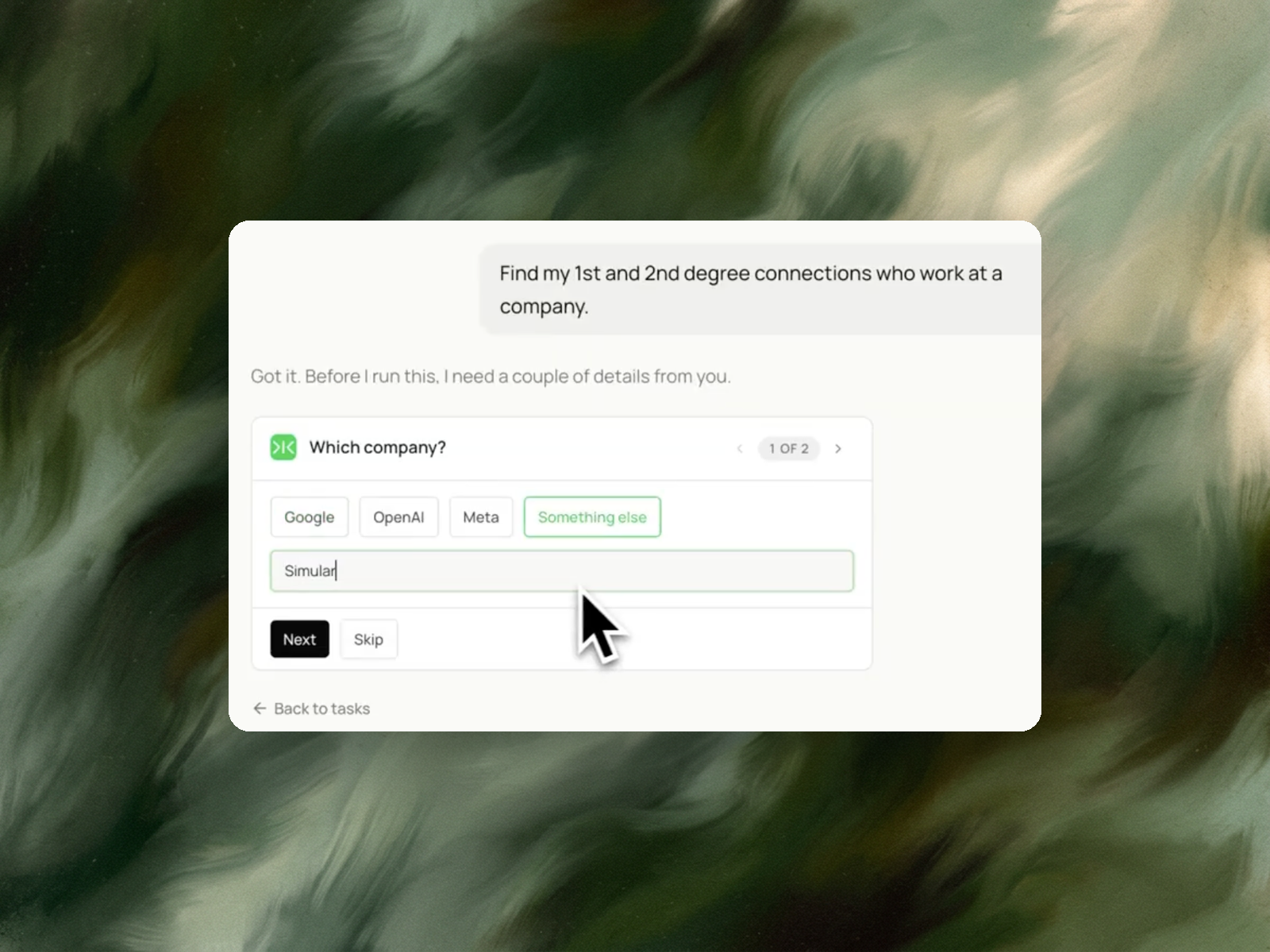
Getting the names is the easy part. Sai searches a company's people, pulls the executives and partners, and marks which ones are already 1st or 2nd degree connections of yours, with the mutual contact who can make the intro.


The recording is a real session. The sheet on the right is what it produced.
Sai opens each profile, pulls the signal, and writes the row, live, in a real browser.
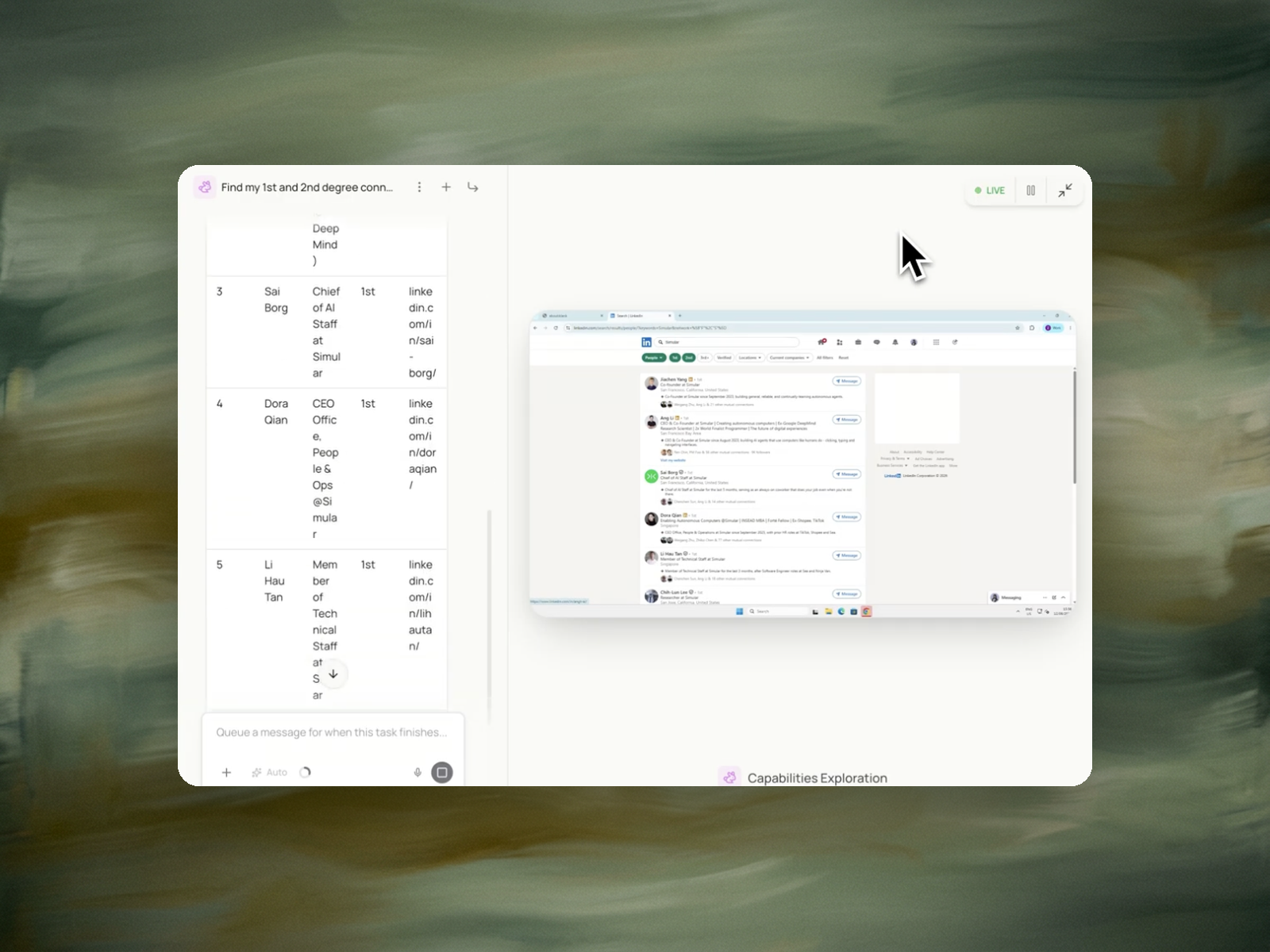
Eight columns, sorted by score, with a source link behind every claim.
A LinkedIn account you're already signed into, and the name of the company you're targeting.
A table of executives and senior people at that company, each with their title, profile link, and connection degree — sorted so the people you can actually reach are at the top, with the mutual connection who can introduce you.
Around 5 minutes for a mid-sized company.
Re-run before each round of outreach, or monthly on your key accounts to catch new hires and departures.
Finding a company's executives on LinkedIn means resolving two separate questions. The first is who holds decision-making authority: the founders, C-level officers, VPs, partners, and heads of function attached to that company page. The second is how a specific person reaches them: whether each of those people is a 1st-degree connection, a 2nd-degree connection through a shared contact, or outside the network entirely.
The manual method is to open the company page, click "People", filter by title or seniority, and open each profile to read its connection degree and mutual connections. LinkedIn's own search is the source of record here — its people filters are attached to the company entity, and connection degree is computed against the signed-in account. Free accounts see a capped set of search results, and commercial-use limits throttle heavy searching; Sales Navigator lifts those caps and adds finer seniority filters.
The distinction that matters in practice: the roster of executives is identical for everyone who looks the company up, while the reachability of that roster is different for every account. A list of twelve names is public information. Which of those twelve a colleague can introduce you to is specific to one network, and it is the part that determines what the first message should be.
Founders and account executives building a route into a named target account; recruiters mapping a hiring team before an approach; partnership and BD leads identifying the right counterpart at a prospective partner; and candidates who want a referral into a company rather than an application through the portal. The shared situation: the company is already chosen, and the open question is who to contact and through whom.
Contact databases remain the stronger option when the requirement is an email address or a phone number at scale. Sales Navigator remains the stronger option for filtering large lists by seniority and geography. Neither reports which specific person in a network can make an introduction to a named executive, because neither operates inside that account's connection graph.
The task runs in a signed-in LinkedIn session on the operator's own account. It searches the named company for people with decision-making authority — founders, C-level, VP, partner, and head-of-function titles — and reads each result the way the account sees it.
The returned table carries, for each person: name, current title, connection degree, profile URL, and, for 2nd-degree contacts, the mutual connection who links the two. Rows are ordered by reachability rather than seniority, so a VP reachable through a colleague ranks above a more senior executive with no path. No connection requests, messages, or follows are sent — the run is read-only.
A list ordered by seniority puts the CEO first regardless of whether any route to the CEO exists. A list ordered by reachability puts the contact who can be reached this week first.
The two orderings produce different first actions. A 2nd-degree VP with a named mutual connection is an introduction request sent to a colleague. A 3rd-degree C-level officer with no shared contact is a cold approach with a materially lower response rate. Treating both as equivalent entries on a target list is the error that ordering by reachability removes.
The roster is the input to an outreach sequence, not the sequence itself. Three continuations follow it.
Warm paths first: the mutual connection column names who to ask, and that request is a message to an existing contact rather than an invitation to a stranger. Where invitations are still needed for the unreachable rows, the LinkedIn connection request template covers doing that within account-safe limits.
Completing the record: the output holds profile URLs, not email addresses or company data. The contact data enrichment template fills in the missing fields, and CRM data management keeps the resulting records current once they are in the system.
Preparing the conversation: once a meeting is booked with one of these executives, the meeting prep template for sales calls assembles the account background beforehand.
Where the target account is not yet chosen, the upstream tasks are account selection rather than contact mapping — prospects with buying signals identifies which companies to run this on.