Oops! Something went wrong while submitting the form.
Most AI prospecting tools make a static list faster. Sai looks at who actually engaged with you this week — viewed, liked, commented, asked a question — and drafts outreach that references the specific thing they did.


The recording is a real session. The sheet on the right is what it produced.
Sai opens each profile, pulls the signal, and writes the row, live, in a real browser.

Eight columns, sorted by score, with a source link behind every claim.
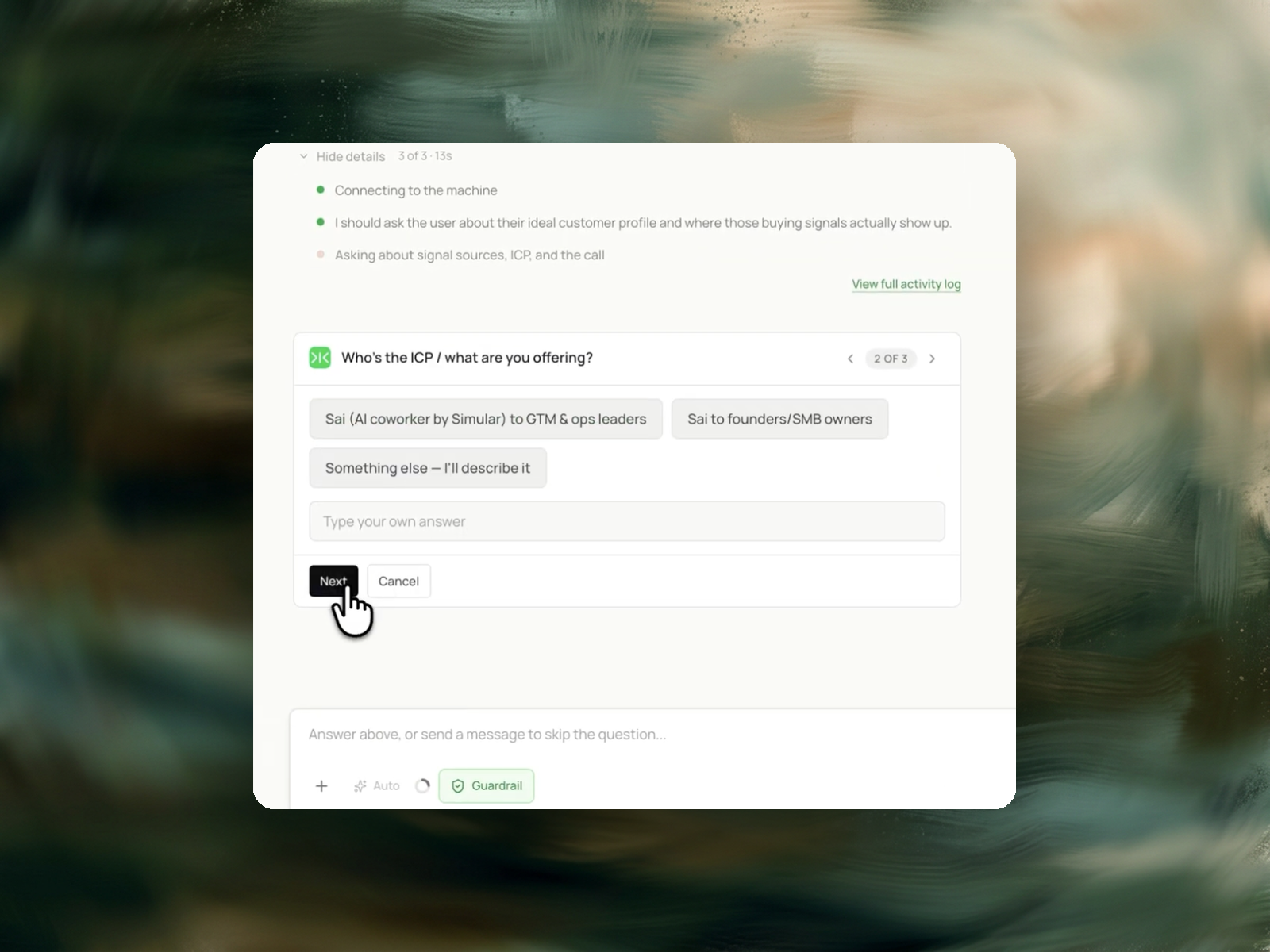
A LinkedIn account you're already signed into, and a rough sense of who your ideal customer is — Sai asks before it starts.
A shortlist of people who engaged with you recently, what each one actually did, whether they fit your ICP, and a drafted message for each that references the specific interaction.
Under 10 minutes.
Run it weekly. Signals decay fast — a comment from three weeks ago isn't a signal anymore.
A buying signal is a public action that indicates a person is currently thinking about the problem a product solves. It is behavioural and time-bound, which distinguishes it from a firmographic attribute. Company size, funding stage and job title describe who someone is and remain true for months. A buying signal describes what someone did this week: commenting with a specific question on a post about the problem, publishing about an initiative that requires the category, joining a discussion about how to evaluate tools in the space, or engaging repeatedly with content from a direct competitor. The value of a signal decays. A comment written three days ago supports an opening line that references it; the same comment three months later does not, because the person has either solved the problem or stopped caring about it. Prospecting from signals therefore means prospecting from a list that has to be rebuilt regularly, not filtered once.
Founders selling their own product, first sales hires without a research team, and single-person GTM operations. The shared constraint is that the list-based motion available to them is the same list everyone else buys, and the differentiator they do have — noticing who is publicly working on the problem right now — costs an hour of scrolling per day to collect manually. The task is repeatable in shape: read a defined set of public activity, judge which reactions are substantive, open those profiles, and record why each person qualifies. Fixed shape and changing inputs is the profile that suits workflow automation.
Personalization changes how a message reads. Timing changes whether the problem is on the recipient's desk at all. A well-written message to someone with no active need is still a message about something they are not working on. The same message to someone who asked a question about the problem four days ago arrives while the topic is open. Signal-based prospecting optimizes the variable that the recipient's own behaviour has already disclosed, which is why a short and plain message sent on a signal outperforms a heavily personalized message sent on a list. Personalization is then the second lever, not the first — drafting the outreach message is a separate task that starts from the signal this one records.
List-based platforms are genuinely stronger where coverage is the requirement. ZoomInfo and Apollo hold contact records at a scale no browsing-based method reaches, and Clay's enrichment and waterfall logic is the better tool for building a large filtered account list with verified emails attached. Their shared limitation is that a firmographic filter cannot express "asked a question about this problem last week", because that fact is not in the database — it exists as activity on a page. Sales Navigator surfaces some activity but presents it as a feed to read rather than a qualified shortlist, and LinkedIn applies commercial-use limits to search on standard accounts.
The inputs are defined first: which posts, which competitors, which keywords count as the signal surface, and what qualifies as a substantive reaction rather than a courtesy one. Sai then runs the task as an autonomous computer — it operates a visible browser inside the existing logged-in session rather than calling an API or buying a database export, so it reads exactly what a person would see, and the run can be watched and stopped mid-way.
In a run, Sai first reads the product or landing page to establish who the audience is, expressed as a description rather than a list of names. It opens recent posts and reads the engagement itself — the text of each comment, not the count — which is what allows it to separate a one-word endorsement from a question about how something works. It opens the profiles of the people whose reactions were substantive. The output is a shortlist in which each row carries the person, the specific thing they did, and the reason that action qualifies as a signal.
Prospect research fails quietly. A run that misreads a comment, attributes a post to the wrong person, or scores a courtesy reply as intent produces a list that looks complete and wastes the outreach that follows it. Reliability here is defined narrowly: every row traces to an action the run actually opened and read, the quoted evidence appears in the row itself, and a person whose signal cannot be evidenced is left off rather than included with a guess. Reading the live page rather than a database snapshot is part of the same property — a comment posted this morning is visible, and a profile that changed last week reads as it is now. The same approach is used in contact data enrichment and finding executive profiles at a company.
Two costs are removed. The first is the hour a day spent reading feeds and comment threads to find the same signals by hand, which does not scale past one person's attention span. The second is the floor cost of a data platform seat, which is charged whether or not that month's list produced anything; sales intelligence platforms are typically sold as annual per-seat contracts running into four figures, while this task is charged per run. The structural difference is that adding a second signal source — a competitor's posts, a second keyword — costs another run rather than another seat or another credit tier.
Signals expire, so a shortlist built once is a shortlist that is wrong within a fortnight. Running this as a recurring task — weekly, or twice a week during a launch — keeps the list made of people who are currently active rather than people who were active at the time of the last build. Each run is independent, so a week that produces three names and a week that produces thirty are both valid outcomes.
Batch processing applies across signal surfaces rather than across time. One run can cover several sources at once: the account's own recent posts, two or three competitors' posts, and a keyword search on the problem statement. People appearing across more than one source are the strongest rows in the output, and that overlap is only visible when the sources are processed in the same run.