
Oops! Something went wrong while submitting the form.

Records don't go stale because reps are careless. They go stale because keeping them current is data entry, assigned to the most expensive people you employ. Sai does that part.
You set the rules once. Sai does the other three steps, every week, without being reminded.

Which fields must be filled, what counts as a duplicate, when a record is stale.

Sai opens the CRM the way a person does and checks every record against those rules.

Merges and updates arrive as a review list. Nothing is written until you accept it.

The same pass repeats on a schedule, so the CRM never drifts back.
The CRM doesn't need another required field. It needs someone to do the upkeep.

Sai finds exact and near-duplicate records, shows you which fields disagree, and merges only the pairs you approve — because a bad merge is the one CRM mistake you cannot undo.
Empty fields are completed only where Sai can verify the value and show the page it came from. Anything it cannot confirm is left blank rather than guessed.

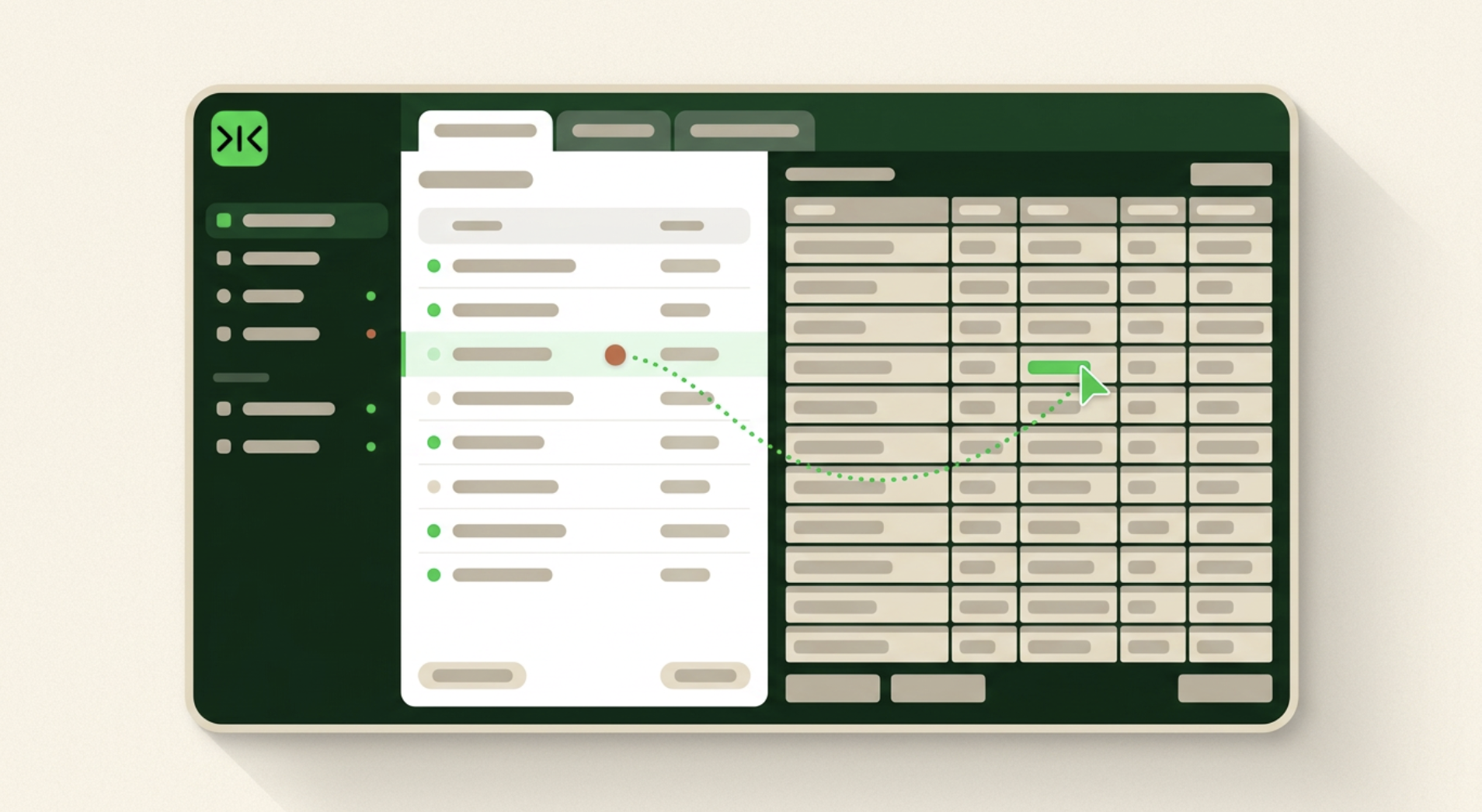
Sai works in a real browser inside your own logged-in sessions, so it can maintain an internal CRM, a heavily customised instance or an older system with no public API.
Every change arrives as a proposal next to the current value. Sai never deletes a record, and never overwrites a field that already has a value — it flags the disagreement instead.

CRM data management is the ongoing work of keeping the records in a CRM accurate, complete and free of duplicates: making sure each company and contact appears once, that the fields your team relies on are filled, that closed or dormant records are archived, and that what happened in the last conversation is written down. It is usually described as a governance problem and treated as a project. The reason it keeps coming back is that it is not a project. It is upkeep, and upkeep only holds if something does it repeatedly.
The standard diagnosis is low adoption, and the standard remedy is training, required fields and dashboards that show who is compliant. All three push the same work back onto the same people. A rep leaving a call that ran over is being asked to spend the next ten minutes on data entry, and that task will lose to the next conversation every single time — not out of carelessness, but because it is the lowest-value use of the most expensive hour in the company. Seen that way, a dirty CRM is a question of who the work is assigned to rather than how disciplined anyone is. The fix is not to make the entry faster. It is to stop asking a person to do it.
Plenty of CRM hygiene stalls on access rather than intent. The instance is an internal build, or a mainstream CRM customised deeply enough that off-the-shelf tools no longer fit it, or a system old enough to have no public API at all — so the automation that was supposed to maintain it cannot reach the records, and the work falls back to whoever will do it by hand. Sai operates a real browser inside your own logged-in sessions, opening records and updating fields the same way a person would. Nothing needs to be exposed through an integration for it to be maintained.
Most teams have run a cleanup at least once. It works, and a month or two later the CRM looks the way it did before, because records decay continuously while cleanup happens occasionally. Running the same pass every week changes the shape of the problem: duplicates are caught while there are still two of them rather than nine, stale records surface before anyone acts on them, and the review list stays short enough that someone actually reads it. That is the difference between a project and maintenance — and it is why the run that matters is the hundredth one, not the first.
Free your hands from the computer.
Try Sai

