Oops! Something went wrong while submitting the form.

Drafting the NDA is the free part. Sai fills your own template, sends it out, chases the signature, files what comes back, and tells you before it auto-renews.
You approve the document. Sai does the other three steps, including the one eleven months from now.

Your own agreement, the one your lawyer already signed off on.

From an email thread, an intake form or a CRM record — blanks only, never the clauses.

Out for signature, then a reminder every few days until it comes back.

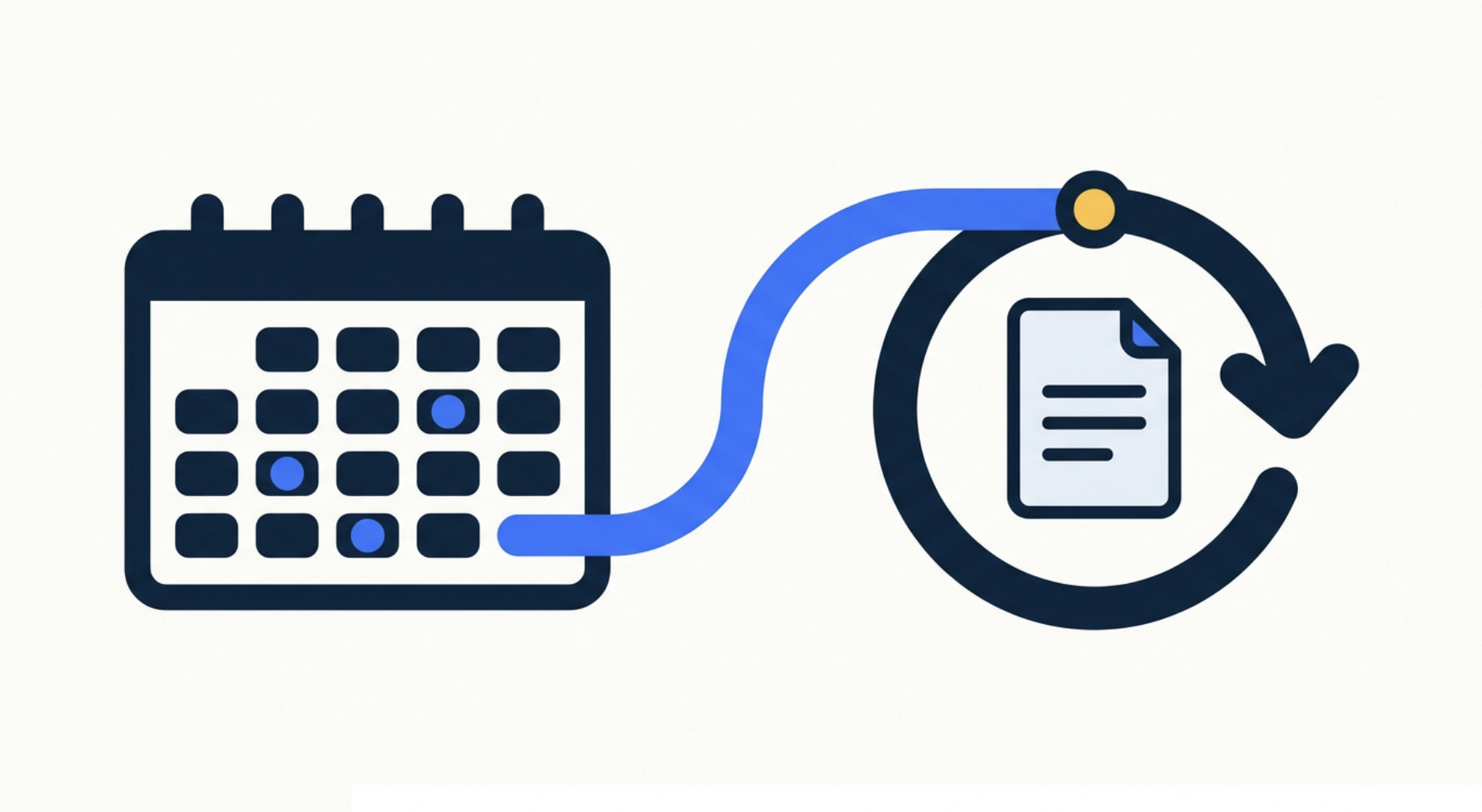
Stored where it belongs, with renewal and notice dates on your calendar.
The document takes two minutes. Everything after it takes the afternoon.

Sai works from the agreement you already use, filling the blanks from an email thread, an intake form or a CRM record. It never edits your clauses, and it shows you every value it entered before anything goes out.
Where Sai has no source for a value — an entity name, a date, a rate — it flags the gap instead of inventing something plausible. A wrong company name in a signed agreement is worse than an empty line.
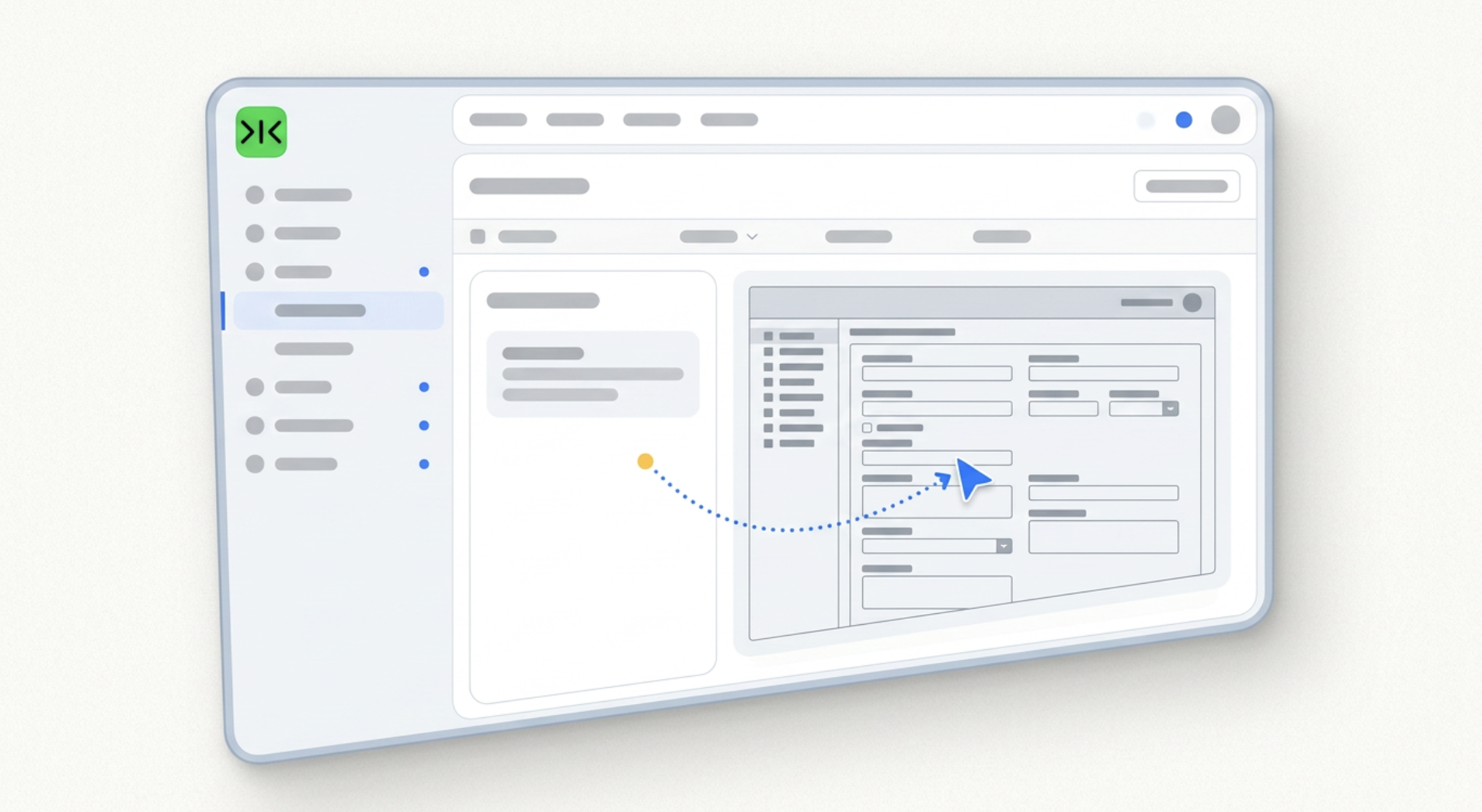

Sai works in a real browser inside your own logged-in sessions, so it can use the signature tool, the client portal or the shared drive you already have — no integration required.
The hundredth agreement goes out exactly like the first, with no retraining — and every repetition makes it cheaper and more reliable.

An AI contract generator turns a few details — the parties, the scope, the dates, the fee — into a finished agreement, usually from a template library or a prompt. For an NDA, a service agreement or a freelance contract, this now takes about a minute and a growing number of tools do it for nothing. It is a genuinely solved problem, and it is worth being clear about that before paying for anything: if all you need is the document itself, a free contract maker will produce it — and if you are still choosing between them, our roundup of AI contract generators compares the main options. What none of them do is the work that starts once the document exists.
Most small teams do not need a new contract to be written. They have one their
lawyer already approved, and they fill in the same handful of fields every time
— the client's legal entity name, the start date, the rate, the term. Sai takes
that template and completes it from wherever the details already live: an email
thread, an intake form, a CRM record. It shows every value it entered, leaves
anything it cannot verify blank rather than guessing, and waits for approval.
After you approve, it sends the agreement for signature, follows up every few
days until it comes back, files the executed copy, and puts the renewal and
notice dates on your calendar — which is the step that actually gets missed.
The obstacle is rarely the drafting. It is that the pieces do not connect: the
template sits in a shared drive, signature runs through one tool, the executed
copy belongs in a folder or a client portal, and the renewal date needs to reach
a calendar. Small teams typically have no integration budget and often no
integration available — a client's own portal will not expose an API to a
supplier. Sai operates a real browser inside your own logged-in sessions and
moves between those tools the way a person does, which is why the chain works
without anything being connected first.
A missed clause is rare. A missed date is routine, because nothing about a
signed agreement announces itself eleven months later. Auto-renewals trigger,
notice windows close, and rate reviews pass unremarked — not through
carelessness but because remembering is unassigned work. Running the same pass
on a schedule changes this: the agreements are re-checked whether or not anyone
thought about them, and a renewal surfaces while there is still time to act on
it. That is also why contract admin suits a workflow rather than a one-off tool
— the run that matters is the hundredth one, not the first.
Free your hands from the computer.
Try Sai