Oops! Something went wrong while submitting the form.
Most generators start from a blank box. Sai starts from the thread, the commitments you already made, and the way you actually write.
You point at the thread once. Sai does the other steps.

Tell Sai which messages need replies and how you like to write.

Sai reads the full thread and your own past replies to that person.

Sai writes each reply and brackets anything it cannot know.

Fill in the brackets, adjust a line, and send it yourself.
A draft is only useful if it knows what you know — and if it admits what it doesn't.
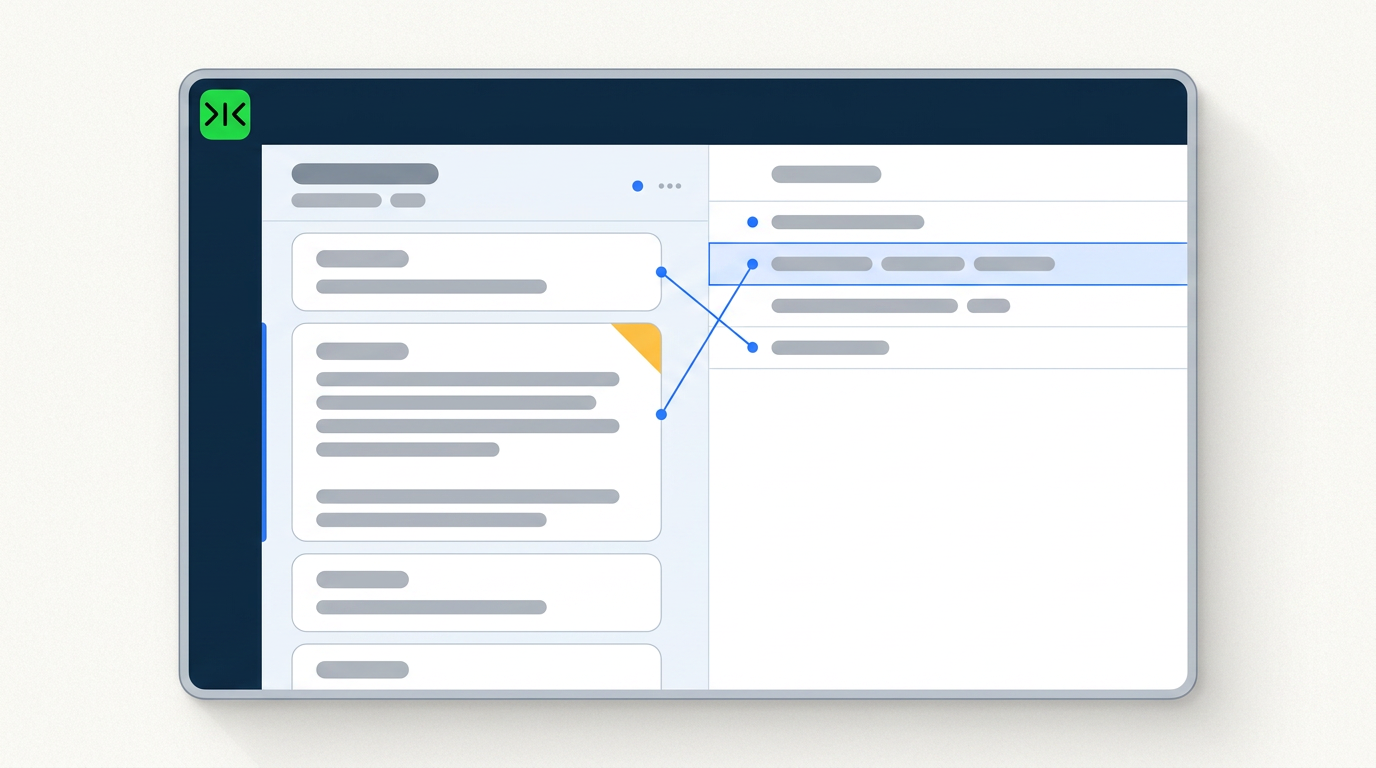
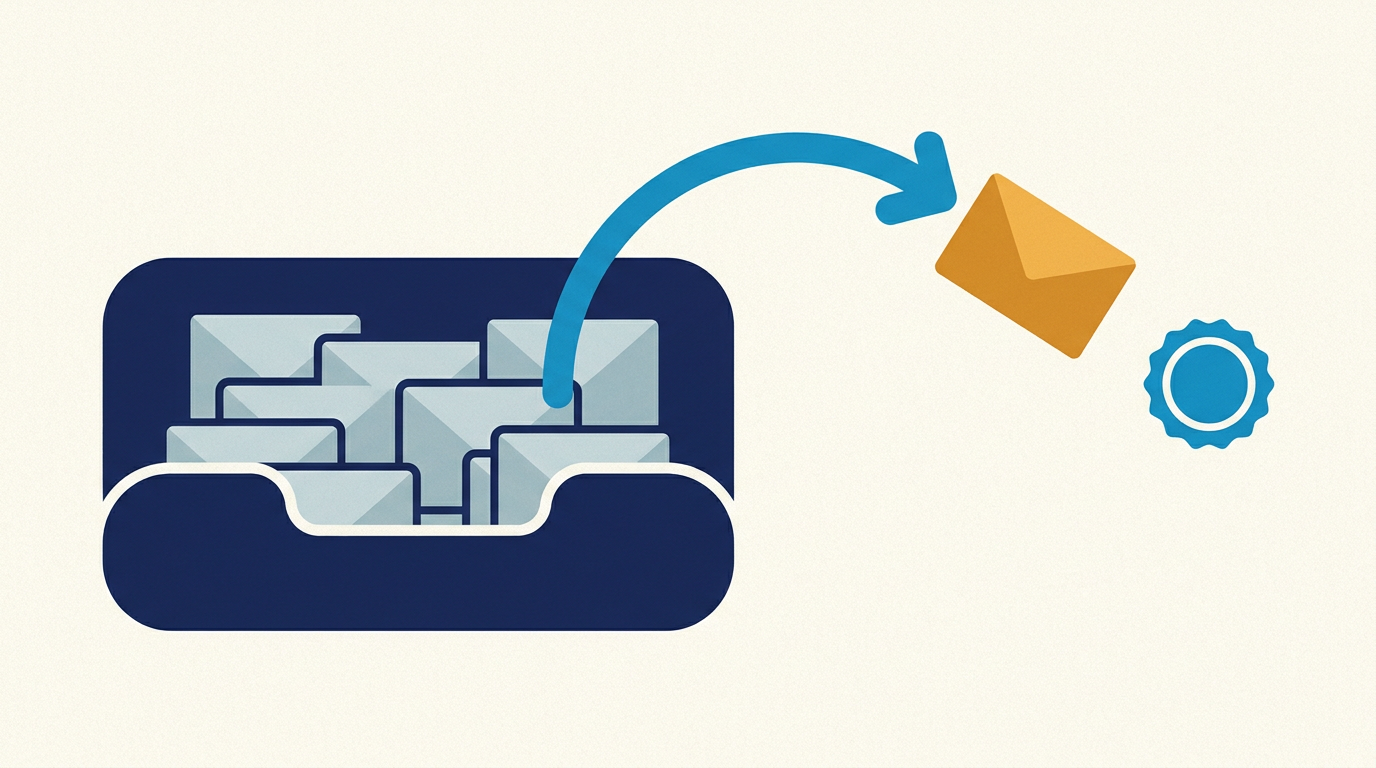
A blank box cannot know what you already promised. Sai reads the full conversation and your past replies to that person before drafting, so the reply picks up where things actually left off.
Sai takes its cues from emails you have already sent — length, structure, how formal you actually are — instead of a tone dropdown. No enthusiasm you didn't express.
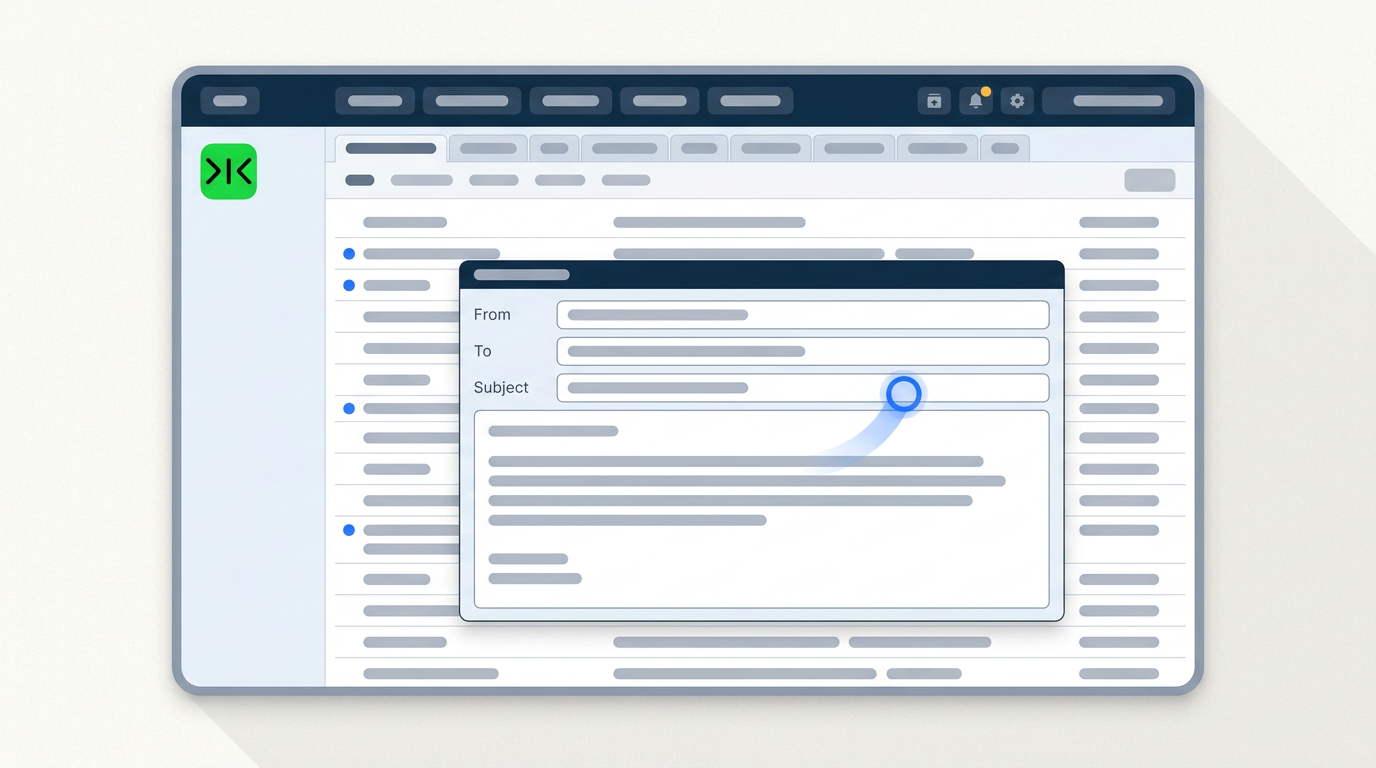
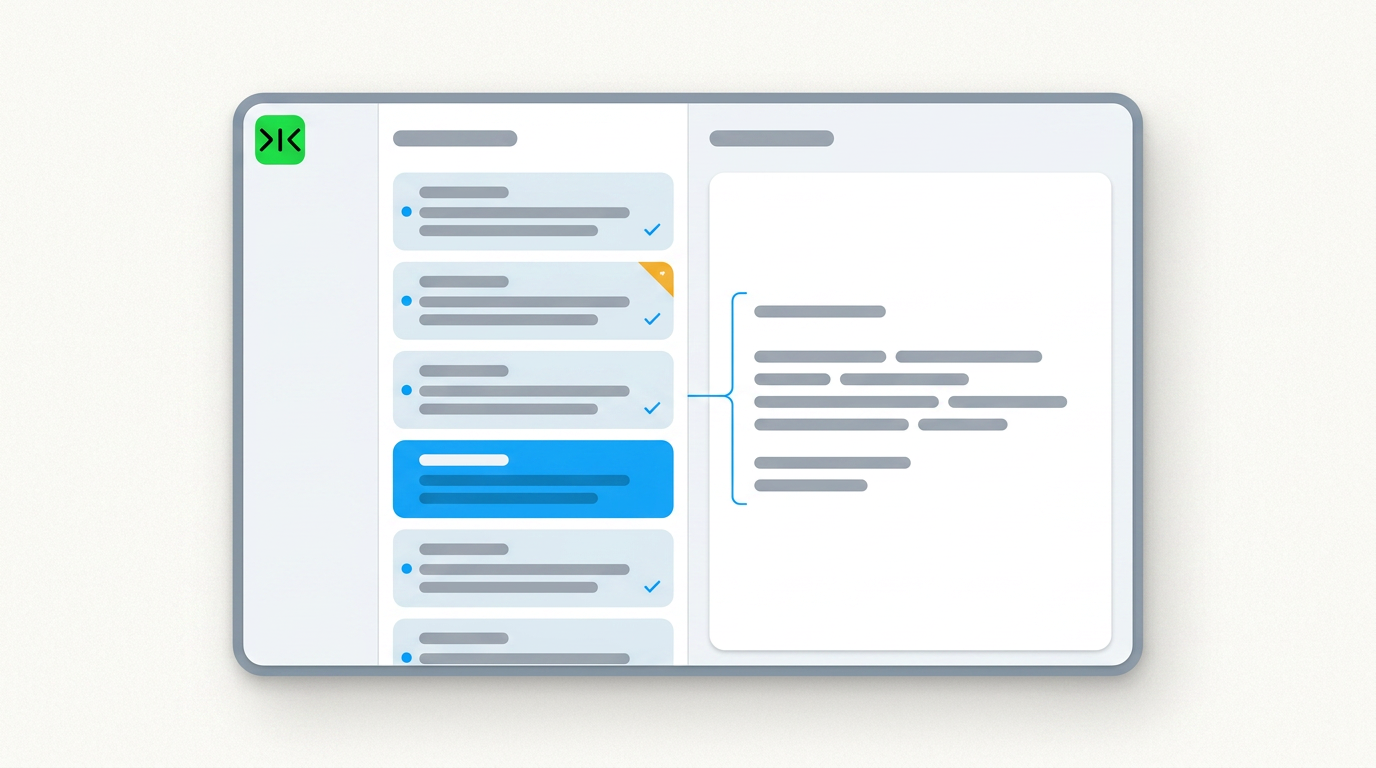
Sai works in a real browser inside your own logged-in sessions, so it can draft directly in the webmail, shared inbox or internal system that has no public API.
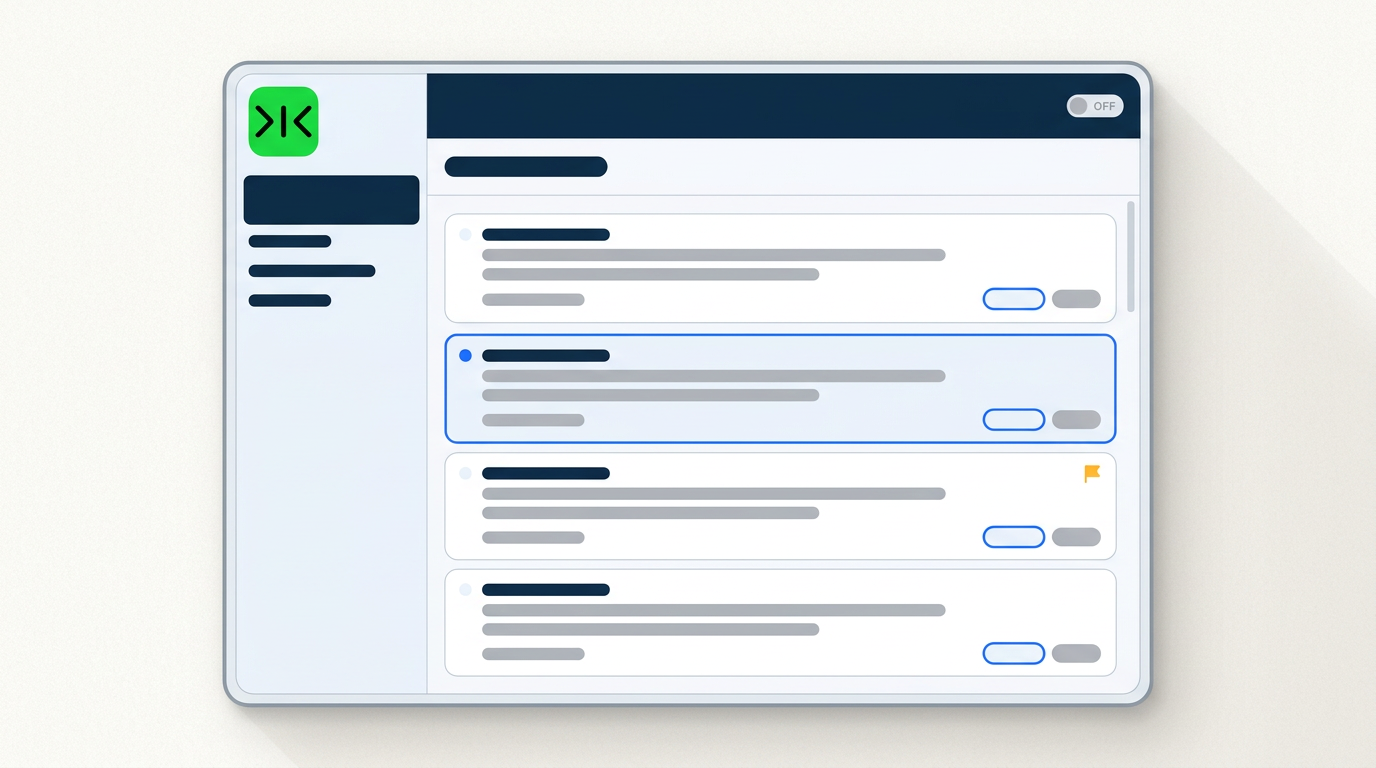
When a reply depends on a number or a decision Sai doesn't have, it leaves a marked gap rather than filling it with something plausible. Nothing is sent without you.
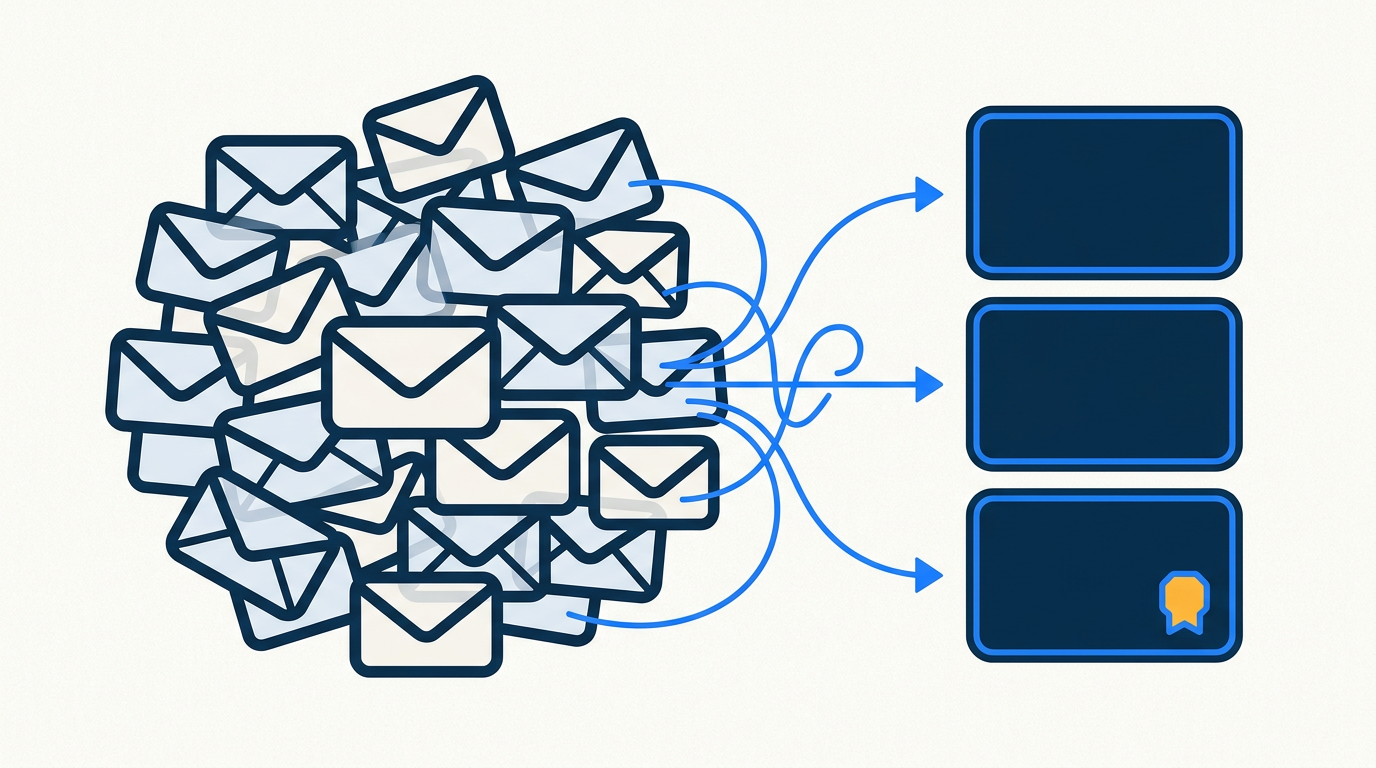
An AI email generator writes email drafts from a short instruction — you describe the message you need, pick a tone, and it produces text you can copy out. The free ones are genuinely good at the sentence level, which is why the common complaint about them is not that the writing is bad. It is that a grammatically perfect email can still read as obviously machine-written. That happens for a structural reason: a generator with a single input box knows nothing about the conversation the email belongs to.
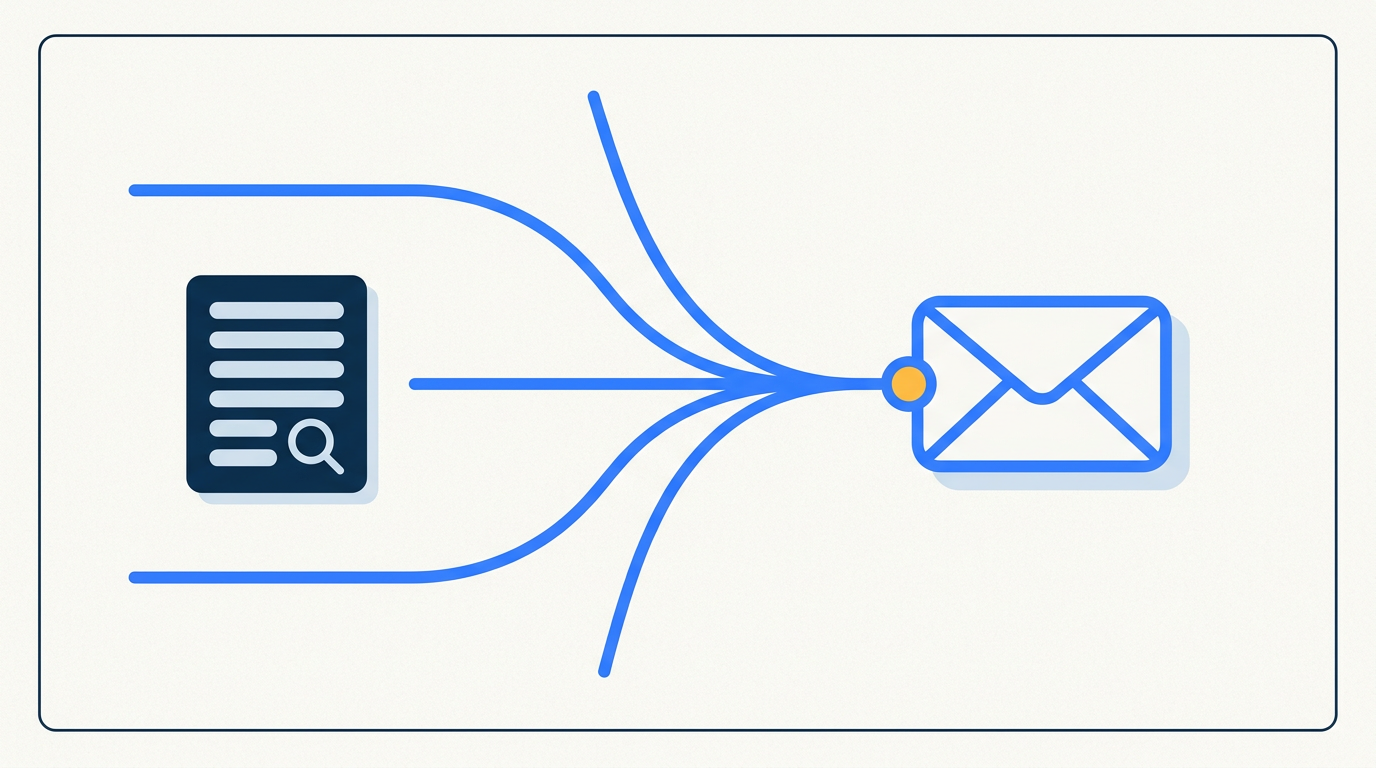
Sai starts one step earlier. Before writing, it reads the full thread, the last few emails you sent to that person, and any commitment you already made further up the chain, then drafts a reply that continues the conversation rather than restarting it. Register comes from your own sent mail — your typical length, how formal you really are, which pleasantries you never use — instead of a tone dropdown. And where a reply depends on something Sai cannot know, such as a date or a decision, it leaves a clearly marked gap rather than inventing a plausible answer.
Much business email lives somewhere a copy-paste generator cannot help you. Shared team inboxes, webmail on a company domain, supplier and client portals with built-in messaging, and older internal systems expose no public API, so tools that depend on integrations cannot draft in place. Sai operates a real browser inside your own logged-in sessions instead, writing the draft into the thread where it belongs. If a person can click it, Sai can run it.
A large share of the email anyone writes is recurring: the weekly update, the status reply, the standard answer to a question that arrives every few days. Sai saves those as scheduled workflows that draft unattended on your cadence and leave the results waiting for review. The hundredth run costs less and breaks less than the first, and nothing is sent until you press send.
Free your hands from the computer.
Try Sai