Oops! Something went wrong while submitting the form.
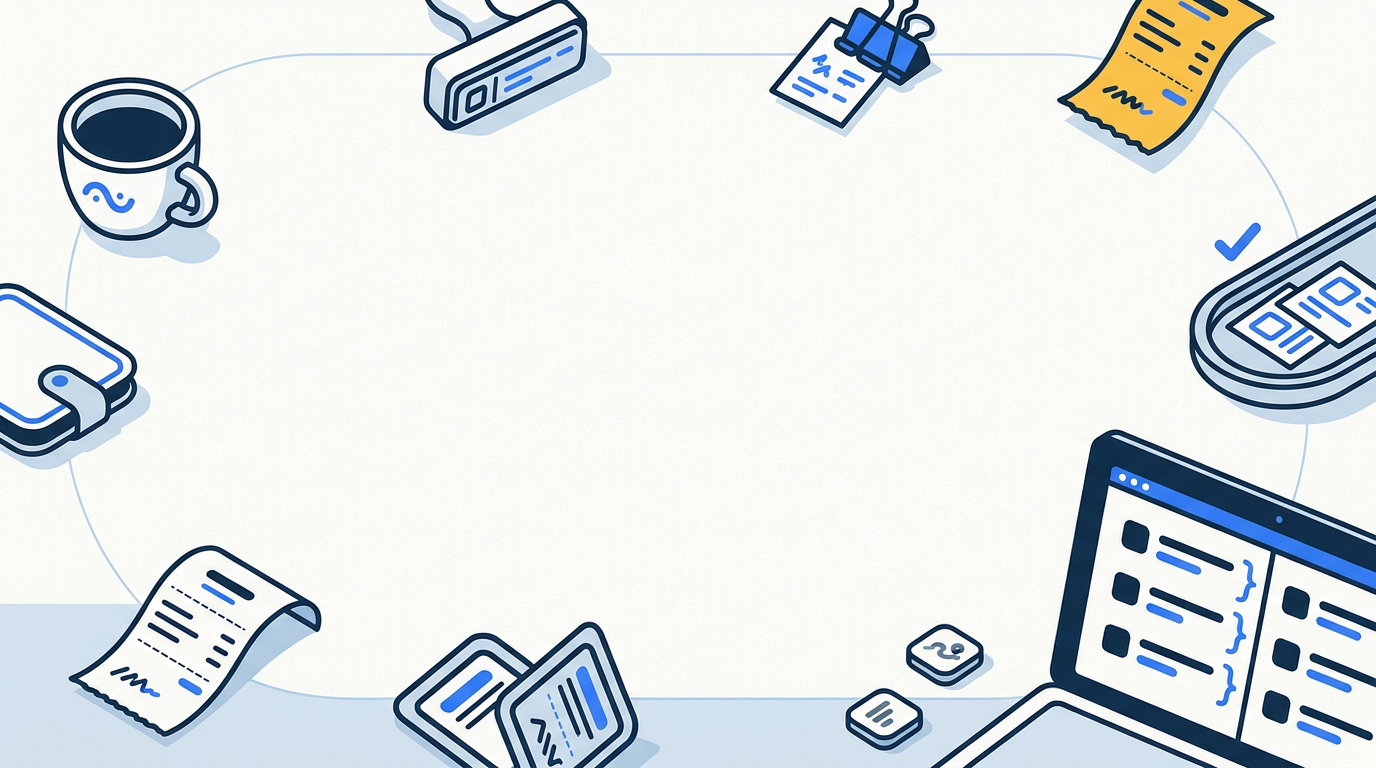
Half your bills are sitting in supplier portals behind a login. Sai signs in, pulls them, and tells you what's due before payroll — every morning, without a spreadsheet you have to keep alive.
You read two lists each morning. Sai does the other three steps, every day.

The supplier portals, the AP inbox, your payroll date. Once.

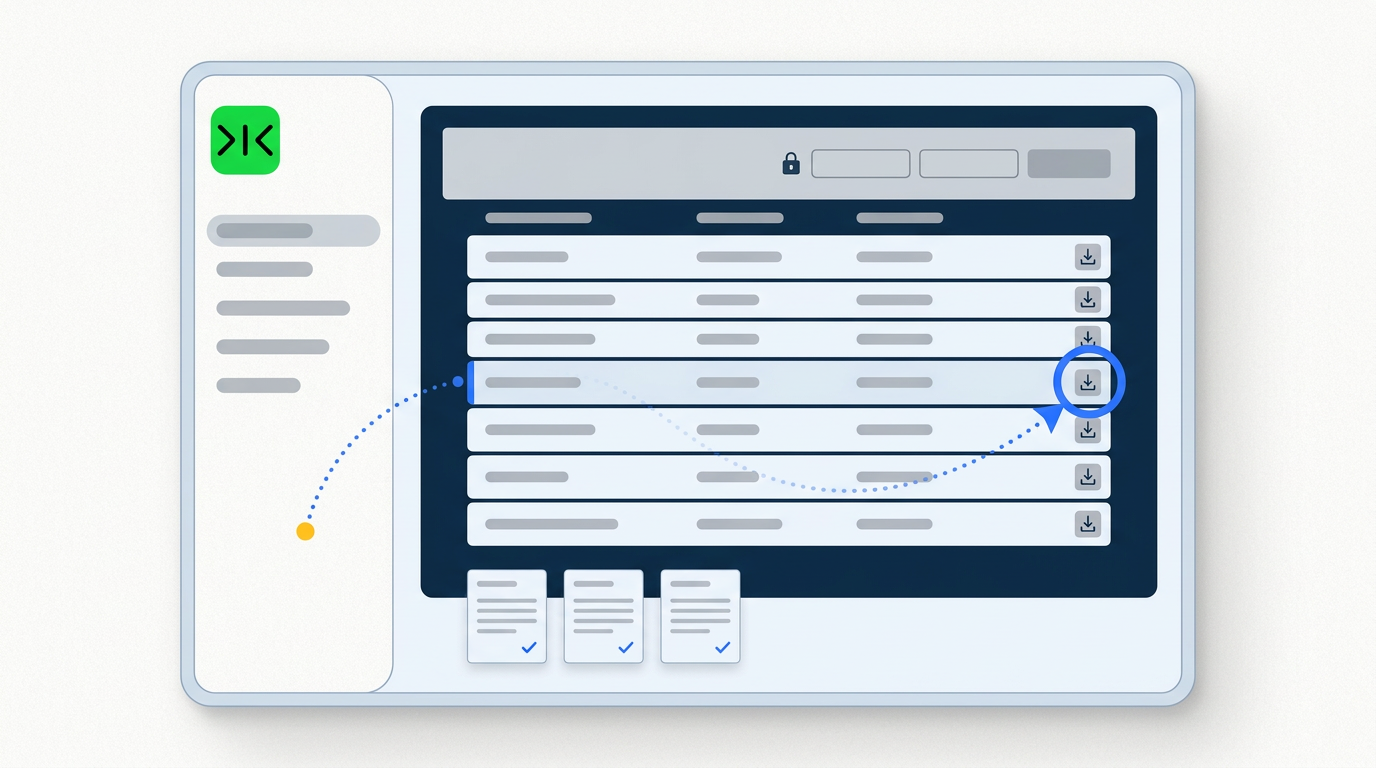
Downloads what's new from each portal and lifts invoices out of your inbox.

What clears before payroll — and which two invoices are the same bill twice.

Same run, same format, on schedule. Nothing is paid or approved without you.
The invoice was never going to email itself.
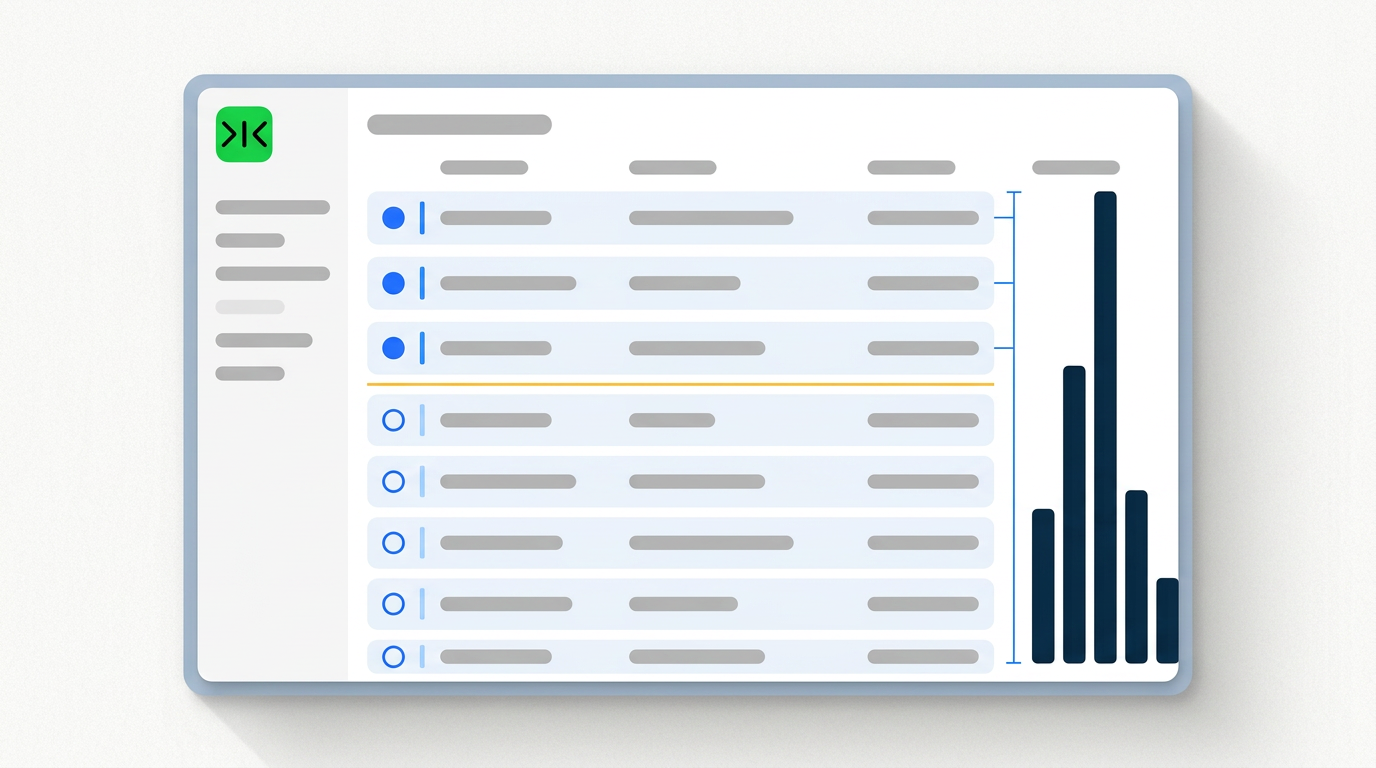
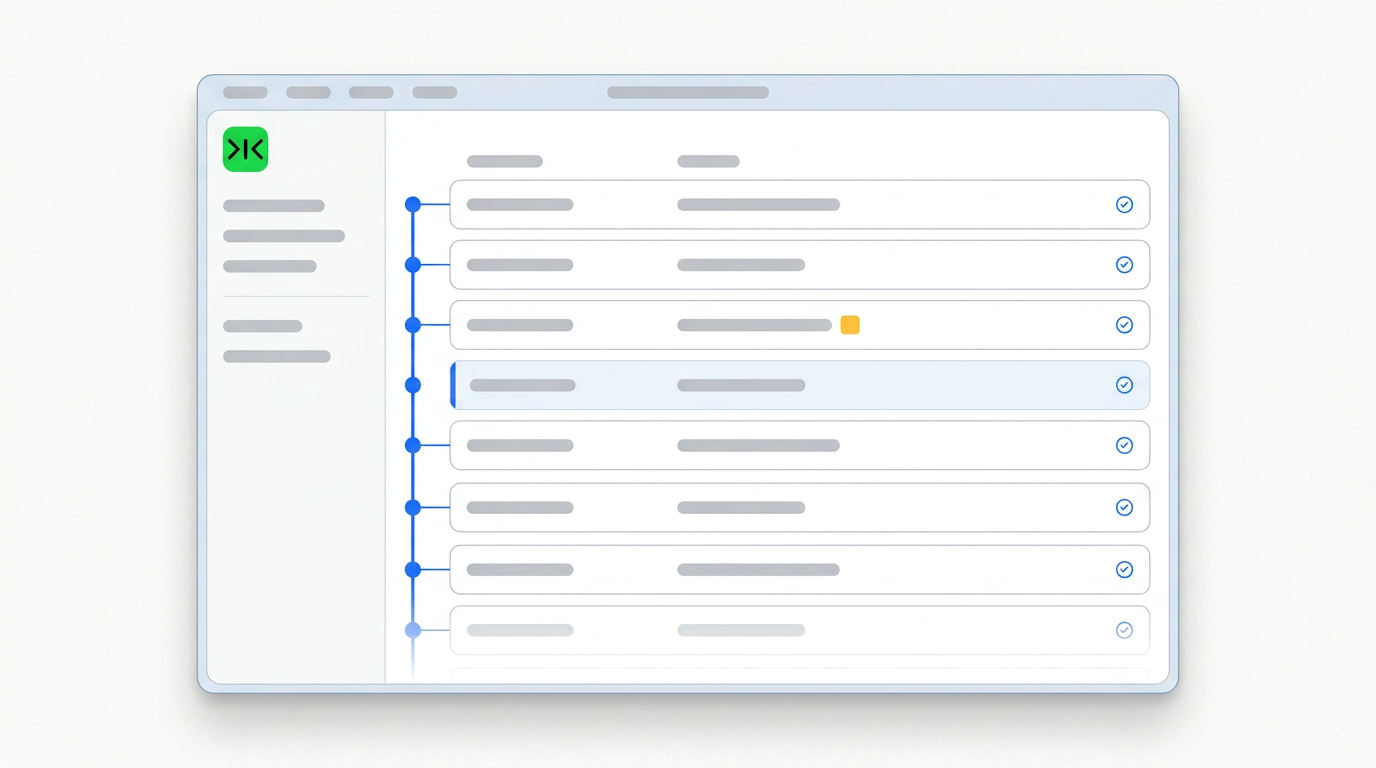
Sai sorts every open invoice by when the money actually has to leave and draws the line at your next payroll date — so "what has to clear this week" has an answer before you go looking for it.
Same vendor, same amount, same period, different invoice number — that is the one that gets paid twice. Sai matches on what the bill is, shows you both records side by side, and names the fields that differ.
The hundredth morning's run works exactly like the first, with no retraining — and every repetition makes it cheaper and more reliable.
Sai does not approve invoices, does not schedule payments and does not move money. It produces the list and the evidence behind it; the payment decision stays where it belongs.
A vendor invoice tracker works the day you build it. It stops working the week nobody updates it.
The spreadsheet has no way of knowing that a supplier issued a new bill last night, that a due date moved, or that the invoice you entered in March came round again in June under a different number. Every one of those facts has to be carried into the sheet by a person who remembered to go and look. That is why the most-watched results for this problem are videos teaching you to build the sheet, and why the same question gets asked again six months later by the same person.
The tracking was never the hard part. Keeping it true was.
Sai starts where the accounting integration stops. It signs in to the supplier portals that issue your bills, downloads what has been issued since its last run, and lifts emailed invoices out of your inbox for the same period.
Then it does the two things a spreadsheet cannot. It sorts everything by when the money actually has to leave, drawing a line at your next payroll date — so the question "what has to clear before Friday" is answered before you ask it. And it compares each new invoice against everything it has already seen, on vendor, amount and period rather than on the invoice number, because when the same bill arrives twice the number is the field most likely to have changed. Both records are shown side by side with the differing fields named; Sai does not decide which one is real.
The same gap shows up one desk over, on the reimbursement is easy and the receipt is the thing that's missing.
The obstacle is rarely the arithmetic. It is that the invoices live in places that were never designed to be automated: a supplier's billing portal with its own login, a contractor payment portal a client insists you use, a PDF attached to an email thread three weeks ago. None of these expose an API, and none of them are going to.
Sai reaches them the way a person does — in a real browser, inside your own logged-in sessions. That is the whole difference between a tool that reports on invoices already in your system and one that goes and gets the invoices that aren't.
Sai does not approve invoices, schedule payments, or move money. It reads, it collects, and it tells you what it found — including what it could not read. An invoice with no printed due date is listed as missing a due date, not assigned one calculated backwards from payment terms. A portal that asked for a second factor is reported as blocked, not worked around.
This matters more here than almost anywhere else, because the cost of a confident wrong answer in accounts payable is a payment. Keeping the record current is the job that repeats; deciding what to pay is the job that shouldn't be automated at all.
Free your hands from the computer.
Try Sai