Oops! Something went wrong while submitting the form.

Card feeds give you the charge. They don't give you the receipt. Sai collects those from supplier portals and your inbox, matches them to each charge, and tells you exactly what's still missing.
You review the finished report. Sai does the other three steps, every month.

The portals, the inbox, the card statement, the policy limits. Once.

Downloads invoices from each supplier portal and pulls them out of your inbox.

Each receipt against each charge — and a clear list of what has no match.

Same run, same format, on schedule. Nothing is submitted without you.
The charge was never the hard part. The receipt was.
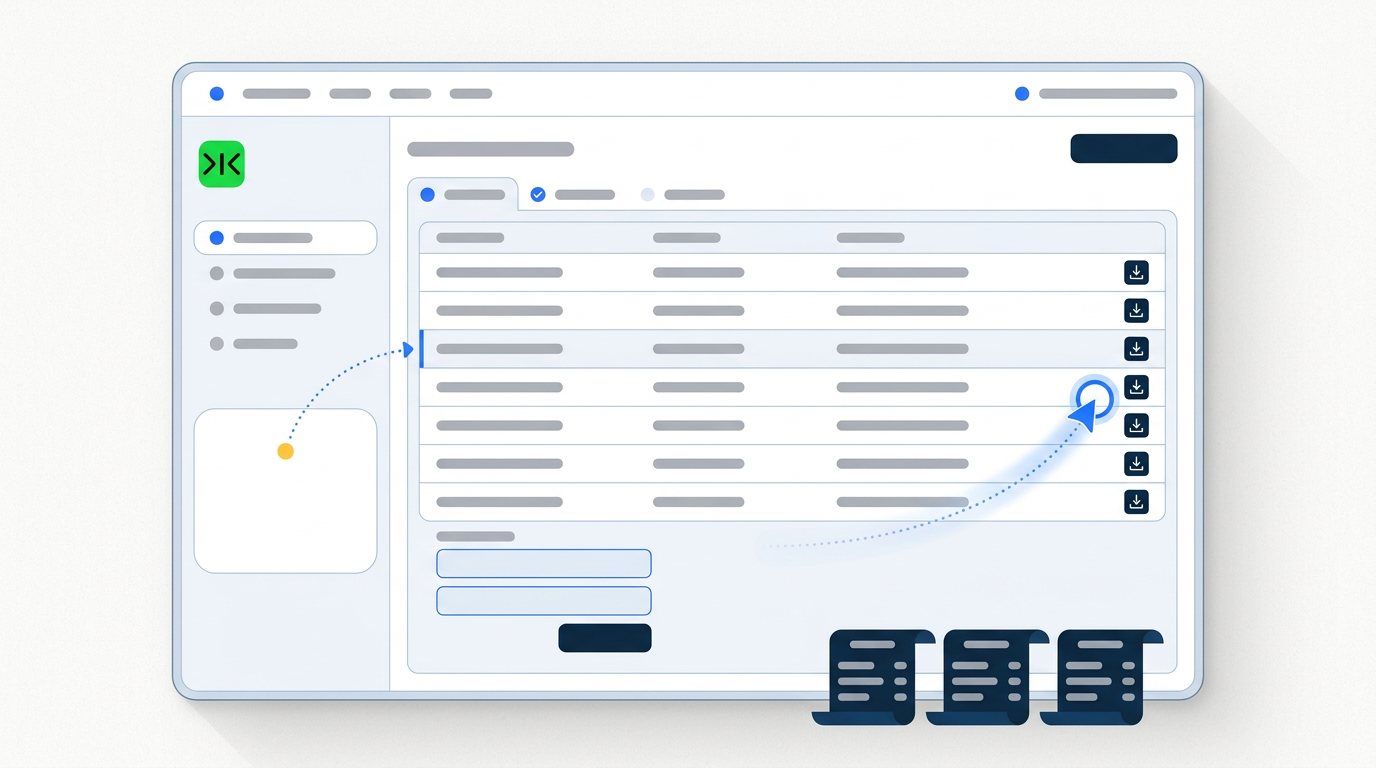
Sai pairs each receipt to its charge by amount, date and merchant — and where nothing matches, it says so. You get the list of what's missing instead of finding out at month end.
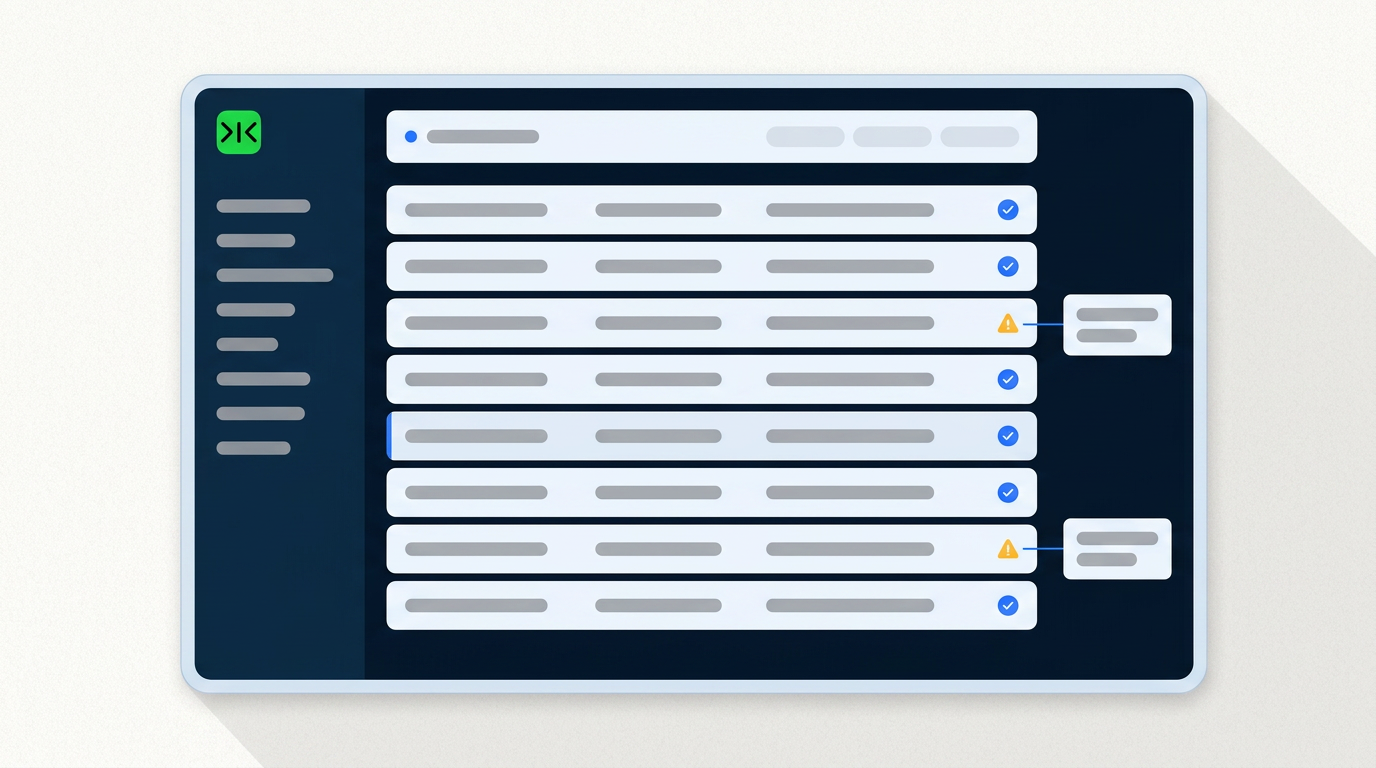
Amounts over your limit, categories you don't reimburse, the same receipt submitted twice — Sai marks them and explains why, and leaves the judgement to you.
Sai works in a real browser inside your own logged-in sessions, so it can sign in to a supplier portal and download the invoice — no integration, no card program, no API required.
Sai compiles the report and stops. It never submits a claim, never approves an expense and never moves money — the finished report waits for your review.
Most guides to automating expense reports open the same way: connect your corporate cards so charges flow in automatically. Where that applies it works well — the merchant, the amount and the date arrive without anyone typing them. But it describes only one half of an expense report, and it assumes a card programme that every employee is on. Plenty of small teams reimburse people who paid on a personal card, and every team, card programme or not, still has to produce the document the charge refers to. The charge is the easy half.
Sai starts where the card feed stops. It signs in to the supplier portals that issue your invoices and downloads the ones for the period, pulls emailed receipts out of your inbox, and matches each document to a charge by amount, date and merchant. Where a receipt matches nothing, or a charge has no receipt, Sai lists it rather than quietly leaving a gap — those two lists are the actual output, because they are what someone would otherwise spend the last week of the month chasing. Anything ambiguous, such as two charges close in amount and date, is shown to you with both options rather than resolved by a guess.
The obstacle is rarely the maths. It is that the invoices live in places that were never designed to be automated: a supplier's billing portal behind a login, a subscription receipt buried in an inbox, a hotel folio only available as a PDF download. Small teams generally have no integration budget, and a supplier will not expose an API to a customer regardless of budget. Sai operates a real browser inside your own logged-in sessions and retrieves those documents the way a person does. Nothing has to be connected first, and nobody has to be issued a new card.
Expense reporting is not a project that gets solved once; it recurs on the same cadence forever, which is exactly what makes it worth automating properly. Run weekly rather than monthly, the missing-receipt list stays short enough to act on while people still remember the purchase, and the month-end close stops being a scramble. The same run also produces the same format every time, which matters more to whoever reviews it than any individual month does — the run that counts is the hundredth one, not the first.
Free your hands from the computer.
Try Sai