Oops! Something went wrong while submitting the form.
Sai reads what was actually said on the call, drafts the follow-up in your words, and keeps track of everything you promised to send.
You finish the call. Sai does the other three steps before you've made coffee.

Point Sai at your notes, transcript or recording — wherever they live.

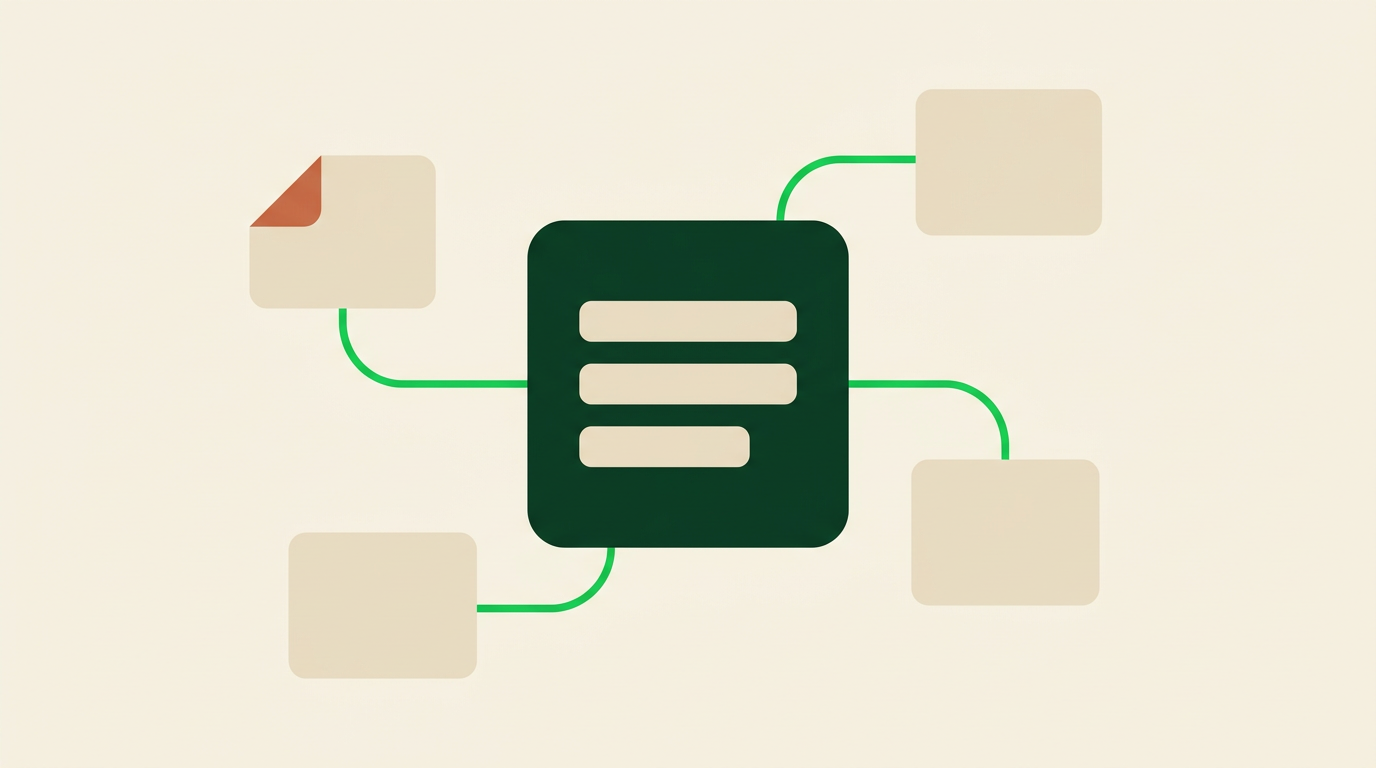
Sai extracts their problem in their words, every commitment, and every date.

Sai writes it in your voice and leaves a gap wherever it isn't sure.

Approve the draft; Sai keeps a running list of what you owe and when.
The follow-up is only as good as what it remembers from the call.
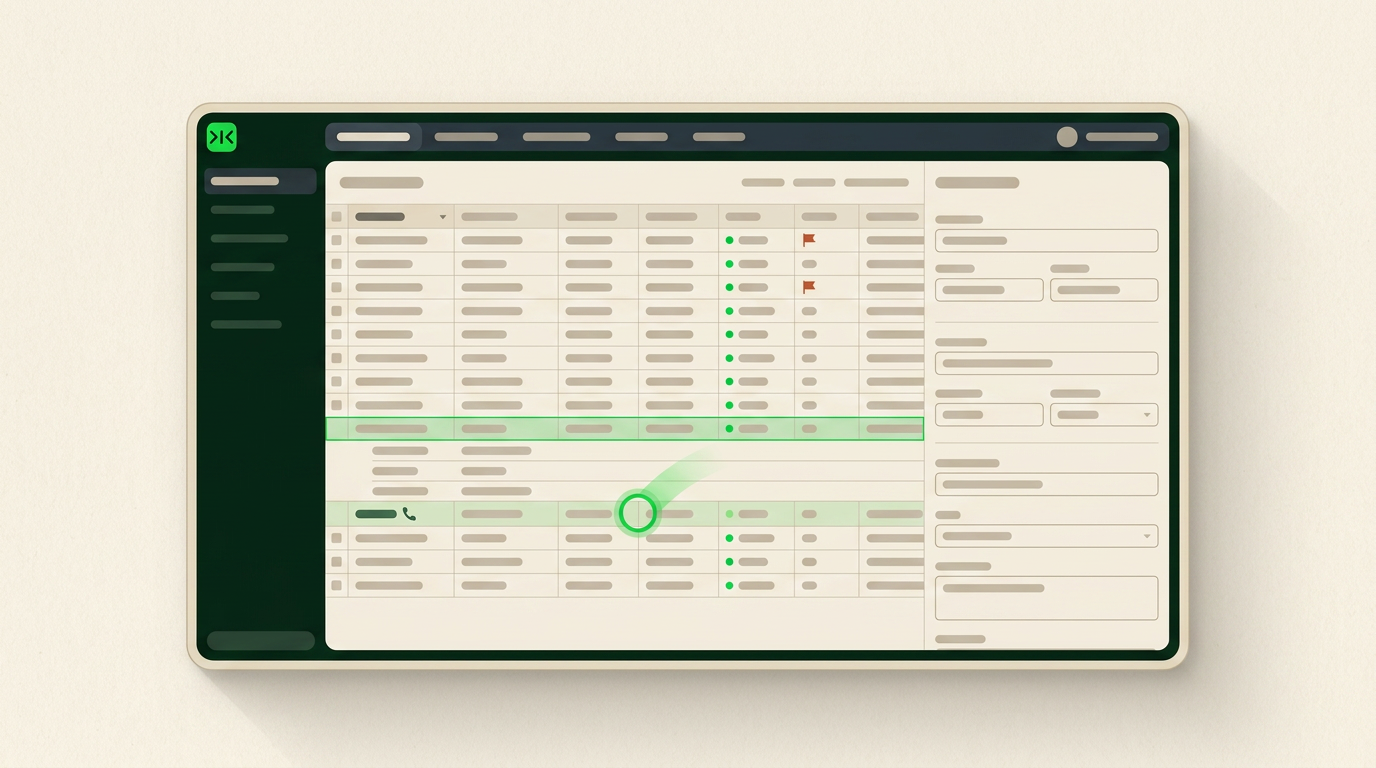
Sai reads your notes, transcript or recording and builds the draft from what was actually said — their problem in their words, and every commitment you made.
Sai keeps a running list of what you said you would send and when, and flags the ones you committed to without naming a date.
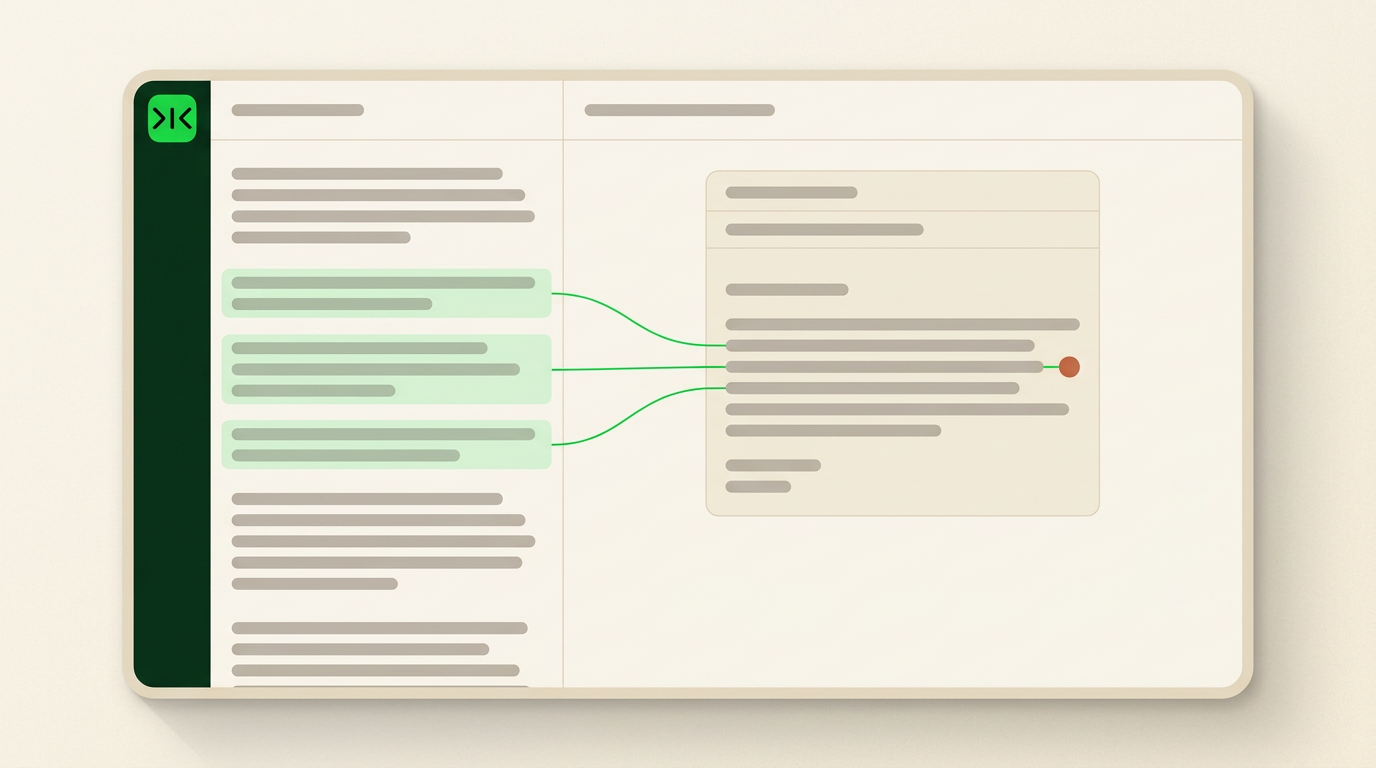
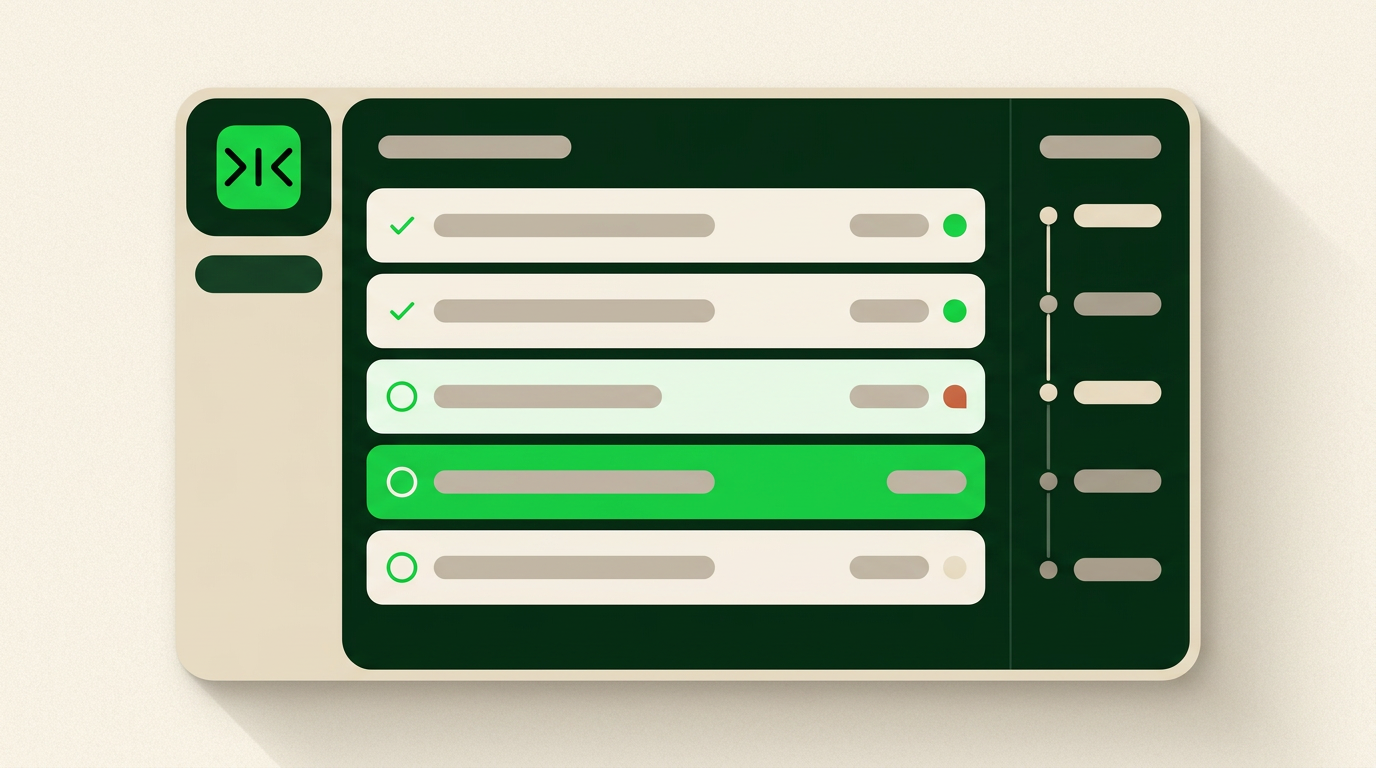
The hundredth call follow-up runs exactly like the first, with no retraining — and every repetition makes it cheaper and more reliable.
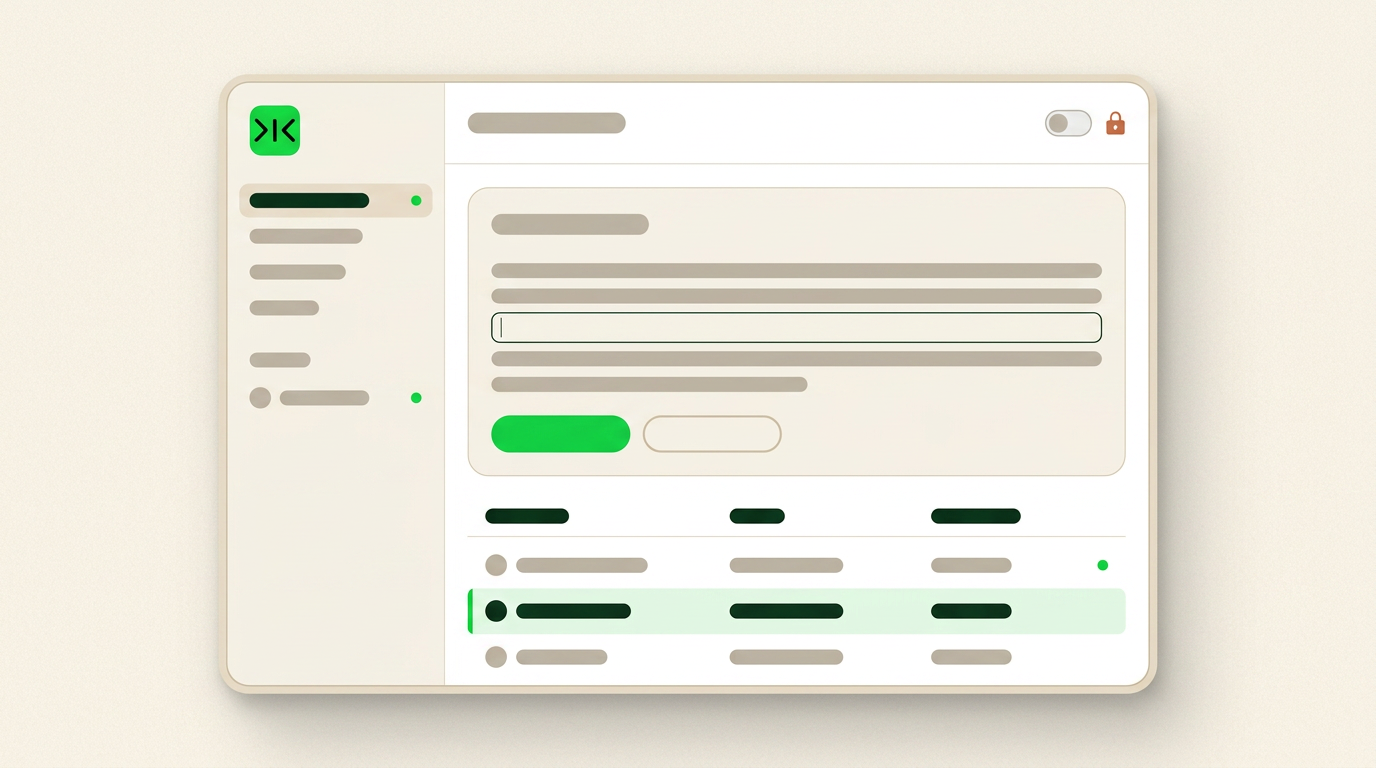
If a number, a date or a name wasn't clearly said on the call, Sai marks the gap and leaves it for you. Nothing sends without your approval.
The follow-up email to a sales call is the message that decides whether a good conversation turns into anything. Most of them fail for the same reason, and it isn't the writing. Three days later the buyer genuinely does not remember the specifics of what you discussed — and the email that lands reads like one that
could have been sent to anyone. Templates make this worse rather than better: the more standard the structure, the more clearly it signals that nothing from the actual conversation made it in.
A follow-up works when the buyer recognises their own words in it. Sai reads the notes you took, the transcript, or the recording, and pulls out three things: the problem the buyer described in their own phrasing, every commitment you made, and every date or figure that came up. The draft opens by restating their problem the way they said it, lists what you owe them with the dates you
gave, and proposes one concrete next step with a real date rather than asking them to suggest one. If something was not clearly said, Sai marks the gap instead of filling it.
The material needed to write a good follow-up is rarely anywhere convenient. Call notes sit in a recording tool, a shared doc or a notebook; the account history sits in a CRM that may be an internal build or an older system; the last few emails sit in a mailbox. Very little of this exposes a public API, so software that depends on integrations either misses the context or asks you to
paste it in by hand. Sai operates a real browser inside your own logged-in sessions instead. If a person can click it, Sai can run it.
Automated email follow up software generally means sequences: a cadence that keeps contacting someone who has not replied. That is a different job from the message you send after a real conversation, and Sai handles it separately. Here, automation means the routine around the email — reading the call, pulling
out commitments, tracking what is owed and when, and having a draft waiting before you have made coffee. The email itself still goes out only when you approve it.
Free your hands from the computer.
Try Sai