Oops! Something went wrong while submitting the form.

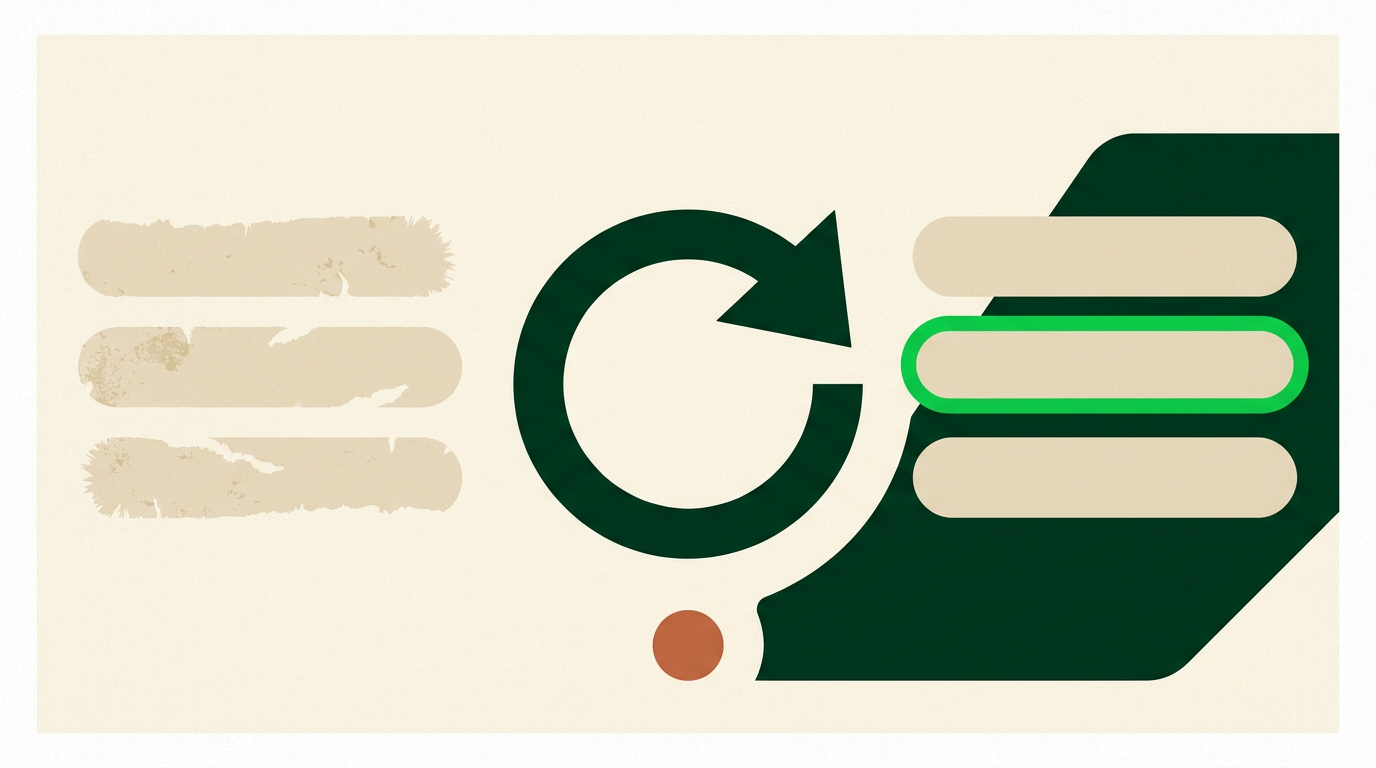
Not another database. Sai checks each field against its source today, shows you where the value came from, and re-checks on a schedule so the record stops decaying.
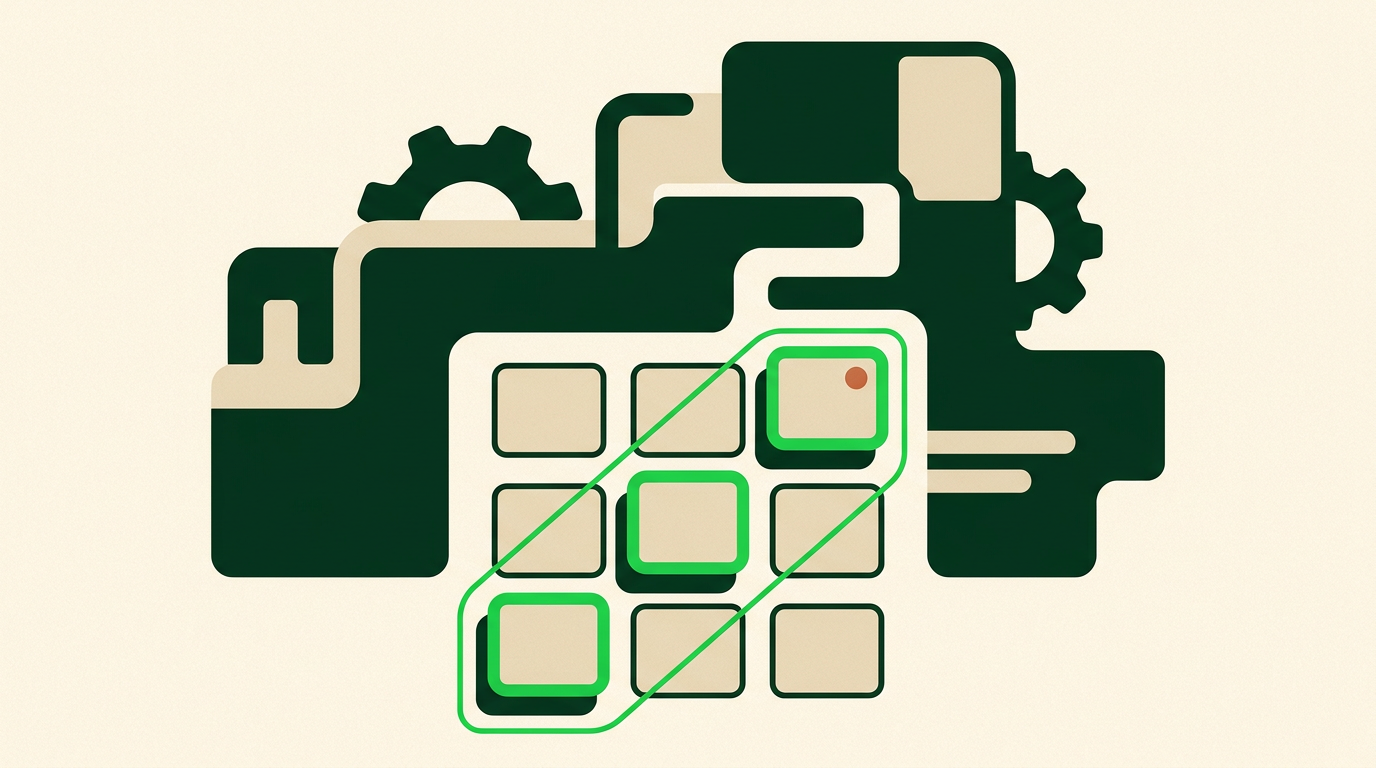
You point at the list. Sai does the other three steps, and does them again next month.

A CRM view, a spreadsheet, or a list — tell Sai which fields matter.

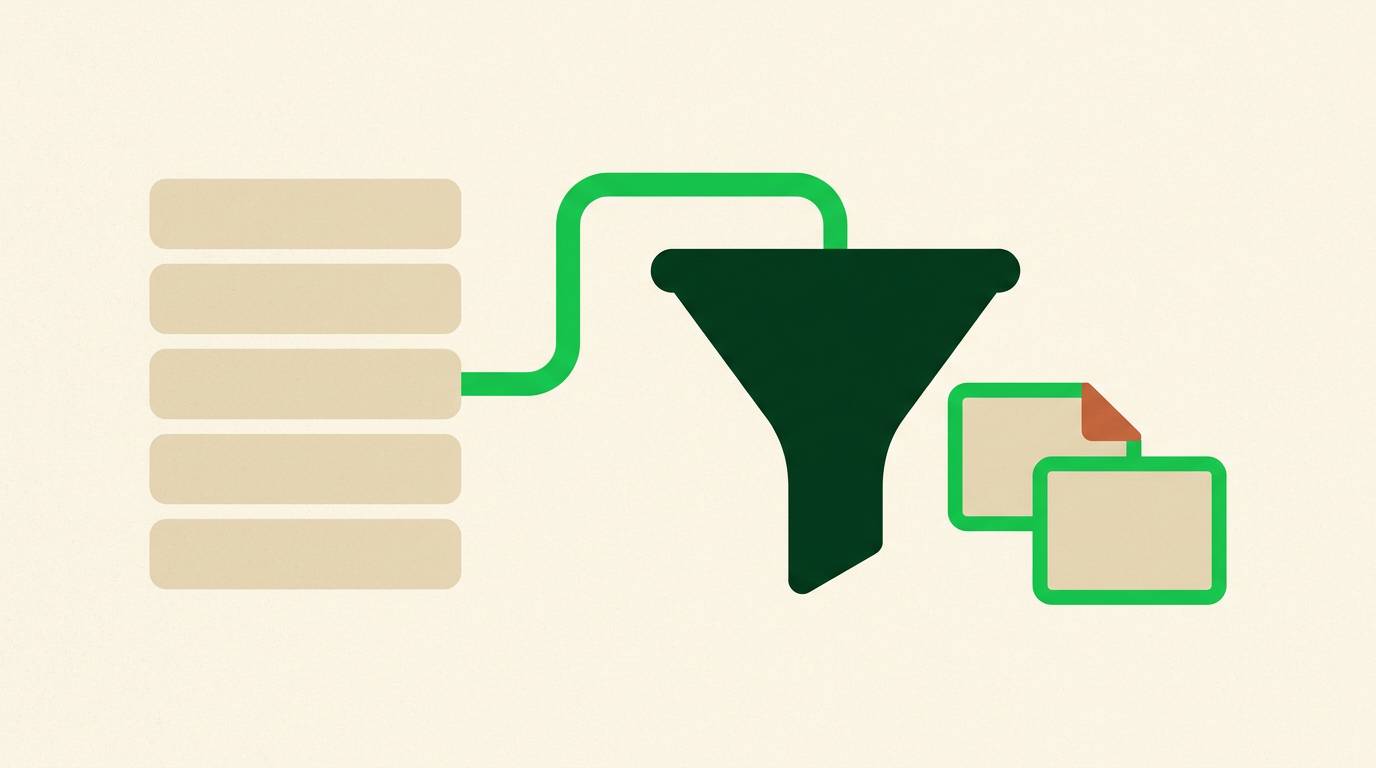
Sai looks it up today rather than reading it out of a stored dataset.

Every value arrives with the page it came from and the date it was checked.

The same run repeats monthly, so the record stays current instead of decaying.
The question isn't how many fields got filled. It's how old each one is.
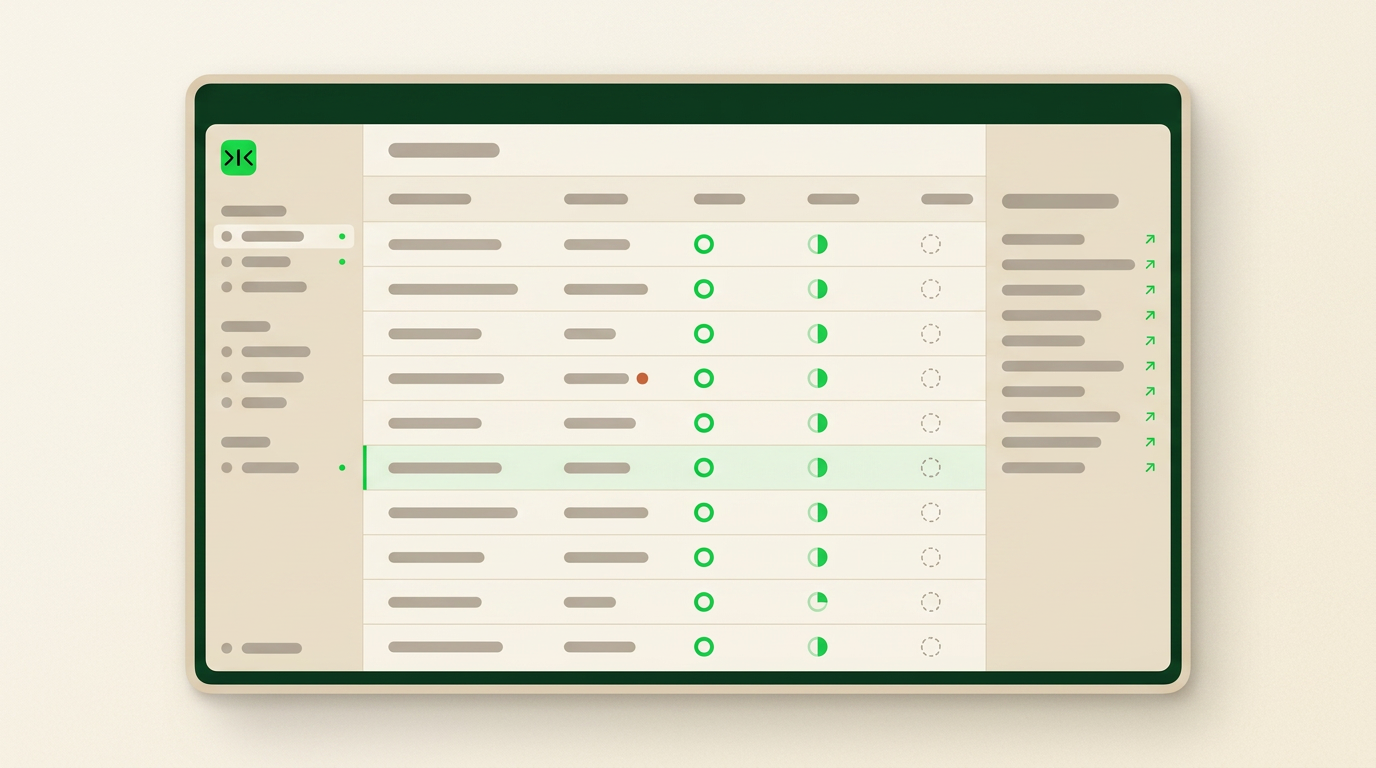
Sai verifies each field against a live source at the moment it runs, and shows how recently every value was confirmed — so a fresh field and a nine-month-old one never look the same.
Each value arrives with the source it came from and the date it was checked. A field Sai could not confirm is left open rather than filled with a plausible guess.
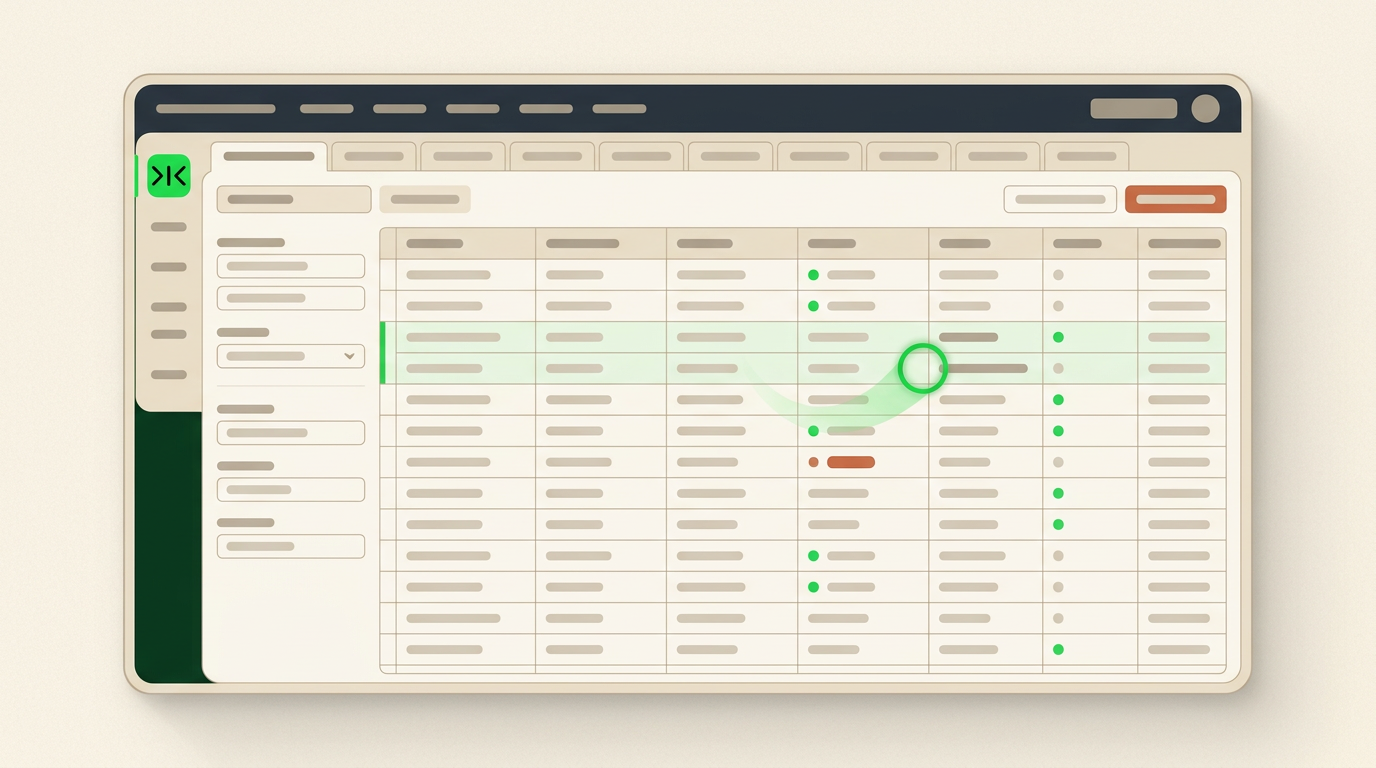
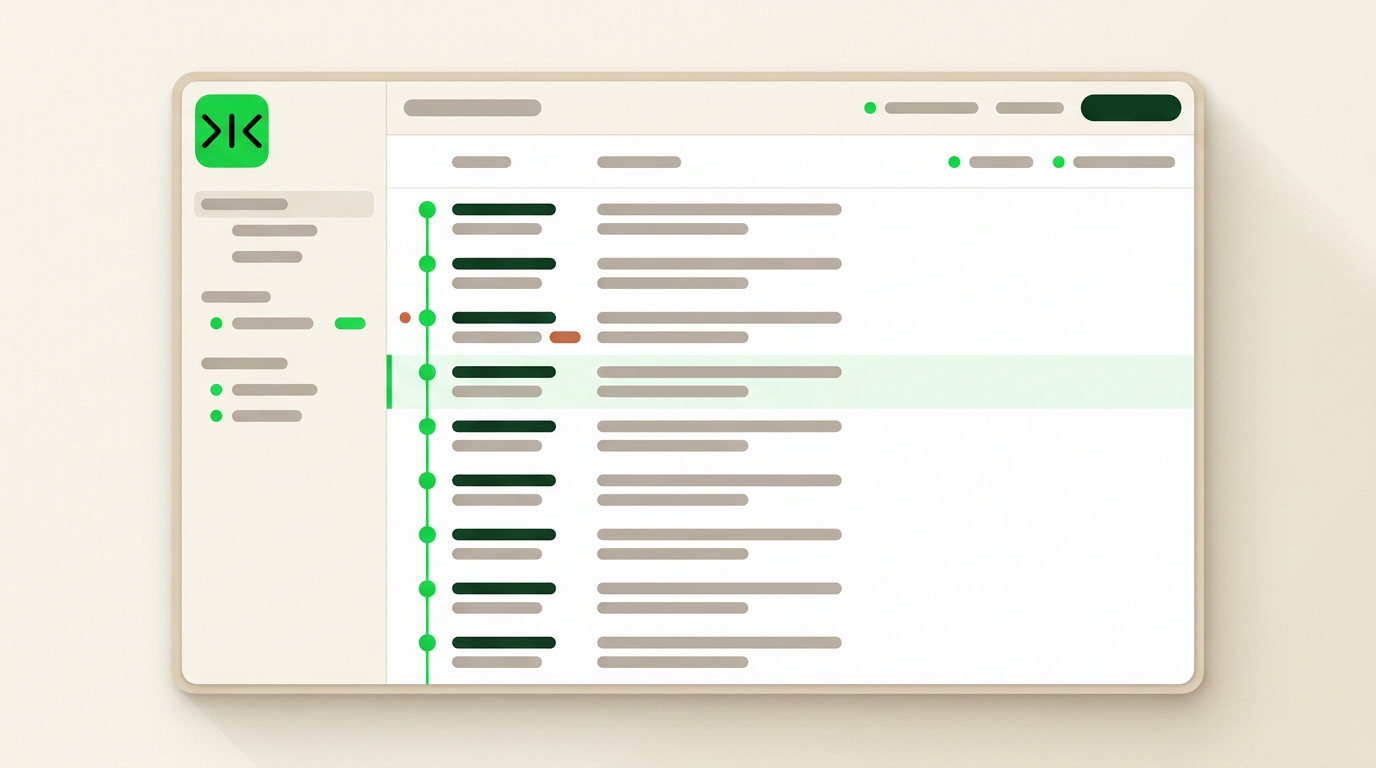
The hundredth enrichment run works exactly like the first, with no retraining — and every repetition makes it cheaper and more reliable.
Sai proposes each change side by side with the current value and writes nothing until you accept. Fields it could not verify stay empty instead of being filled in.
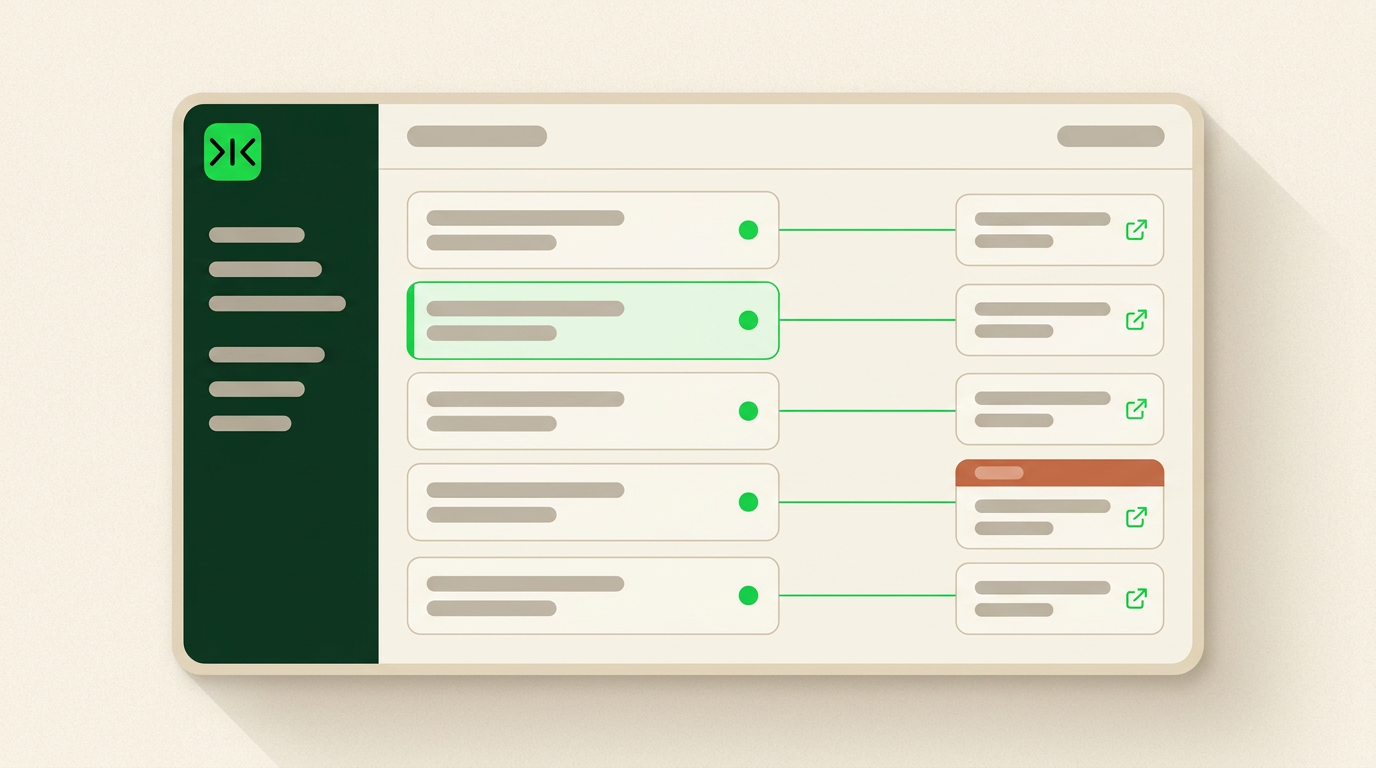
B2B data enrichment fills the fields a record is missing — headcount, industry, funding stage, job title, work email — by matching it against an external database. It fixes incompleteness, and it fixes it well. Every provider competes on the same two numbers: how many fields they can fill, and how accurate those fields are on the day they are supplied.
Both numbers are honest. Neither one is a promise about next quarter. A 95% accurate record is a measurement taken at import, and nothing in the transaction says who is responsible for it ninety days later.
No. Enrichment is a snapshot, not a subscription to the truth. It replaces an empty field with a value that was correct on the day it was captured, which resets the clock rather than stopping it. B2B records decay at roughly 25–30% a year, and an enriched record decays at exactly the same rate as the one it replaced.
This is why teams re-buy the same list every year and describe it as maintenance. The purchase is not fixing decay. It is paying, annually, for one more day of being right.
CRM data enrichment usually stalls on plumbing. The record lives in a CRM that may be an internal build or a heavily customised older system; the truth lives on a company website, a careers page or a portal; and neither end offers a convenient public API. Tools that depend on integrations either skip those sources or ask someone to copy values across by hand — which is where the manual review that teams fall back on comes from. Sai operates a real browser inside your own logged-in sessions instead, reading the source and updating the record the same way a person would. If a person can click it, Sai can run it.
The fields that decide a deal are often the ones no vendor sells. A renewal date in a customer portal, a licence status in a state registry, a headcount on a careers page, a plan tier inside a supplier console — these sit behind logins, and an enrichment API has no route to them. What cannot be reached is not marked unknown. It is quietly left blank.
Sai reaches them the way a person does: it opens the system, navigates it, and reads the screen. If a person can click it, Sai can run it.
A data vendor is the right answer when you need breadth once. Filling twenty thousand blank firmographic fields in an afternoon is exactly what a large database is built for, and no agent will match it on cost or speed. The same is true for a list you will use for one campaign and then discard.
Sai is for the fields that have to stay true — the smaller set your pipeline actually depends on, re-checked on a schedule, with the reason for every change recorded. Enriching a record once is a task. Keeping it correct is the job, and Sai is built for run #100, not run #1.
Free your hands from the computer.
Try Sai