
Oops! Something went wrong while submitting the form.
Short answer: The best Daytona alternatives for AI agents depend on what you use Daytona for. For isolated code execution from an SDK, look at E2B (closest match, pause and resume), Modal (GPUs and Python), Vercel Sandbox (apps on Vercel), Northflank (your own cloud) or Cloudflare Sandboxes (Workers apps). For persistent Linux machines per agent, look at Fly.io Sprites or Upstash Box. If what you really wanted was a computer that Claude Code, Codex, Cursor and ChatGPT can all use, with a desktop, Chrome and your logins, Simular Box fits that job without any SDK code. Stay on Daytona if you need Windows, macOS or many GPU types behind one API.
Which Daytona? This guide covers Daytona.io, the platform that runs sandboxes for AI agents and AI-generated code. Daytona started as an open-source manager for developer environments before it moved to AI agent infrastructure; if that is the Daytona you are replacing, look at GitHub Codespaces, Coder or DevPod, covered in our list of cloud computers for developers.
We read each vendor's docs and pricing pages on November 13, 2026, and compared what an agent builder asks first: how long a run can last, what survives between runs, GPUs, a desktop for computer use, how agents connect (SDK or MCP), and the published price. We did not run a shared benchmark, so this guide does not rank the options on speed or cost per task.
| Option | Built for | Longest run | Keeps state | GPU | Desktop | How agents connect | Published price |
|---|---|---|---|---|---|---|---|
| Simular Box | A computer your existing agents share | No session cap; Small sleeps when idle, Medium never sleeps | Files, apps, Chrome logins | No | Linux desktop, live view | One hosted MCP server | $5 free credit; $0.10/hr; $19 or $39/mo |
| Daytona | Sandboxes for agents, evals, training | Per tier | Persistent; memory on VM classes | Yes | Linux, Windows, macOS | SDKs; local MCP | $0.0504/vCPU-hr + memory; $200 free |
| E2B | Code execution for agents | 1 hr (Hobby), 24 hrs (Pro) | Pause and resume | No | Desktop template | SDKs | $100 one-time credit; Pro $150/mo + usage |
| Modal | Sandboxes, RL rollouts, GPU work | Up to 24 hrs | Filesystem snapshots | Yes | No | SDKs | Per second; sandboxes at non-preemptible rates |
| Vercel Sandbox | Agent code in Firecracker microVMs | 45 min (Hobby), 24 hrs (Pro) | Snapshots, drives | No | No | SDKs | $0.128/active CPU-hr + $0.0212/GB-hr |
| Fly.io Sprites | Persistent Linux computers for agents | Sleeps when idle, keeps disk | Disk and checkpoints | No | No | CLI, API, agent plugins | $0.0385/CPU-hr of use + RAM, storage |
| Northflank | Sandboxes inside a full platform; BYOC | Always on | Volumes | Yes | No | API, Platform SDK | From $0.01667/vCPU-hr + $0.00833/GB-hr |
| Cloudflare Sandboxes | Untrusted code next to Workers apps | Container lifecycle | Backups to R2 (beta) | No | No | Sandbox SDK | Workers Paid + Containers usage |
| Upstash Box | A persistent box with coding agents built in | Idle timeout 1–6 hrs, or always on | 10 GB disk | No | Browser inside the box | API; Upstash MCP server | $0.10/active CPU-hr; $8/mo fixed |
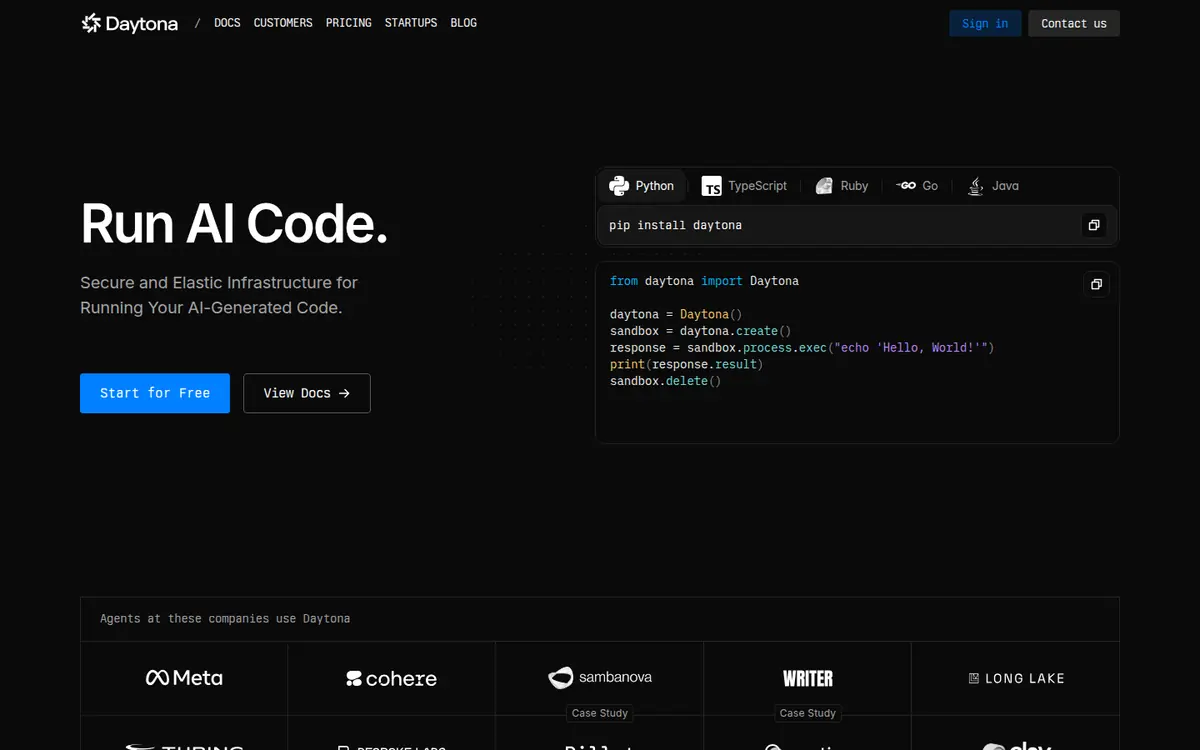
Daytona runs sandboxes for agents, evaluations and training. Its sandboxes run as Linux containers by default, with Linux VM and Windows VM classes that add fork, pause and resume and memory snapshots, GPU sandboxes from NVIDIA and AMD, and macOS sandboxes on dedicated Apple silicon. It ships SDKs for Python, TypeScript, Ruby, Go and Java, and a computer-use API. Daytona raised a $24M Series A led by FirstMark Capital in February 2026.
daytona mcp init for Claude, Cursor or Windsurf; there is no hosted MCP URL to share across agents.None of these make Daytona a poor choice. They matter only if they touch your use case.
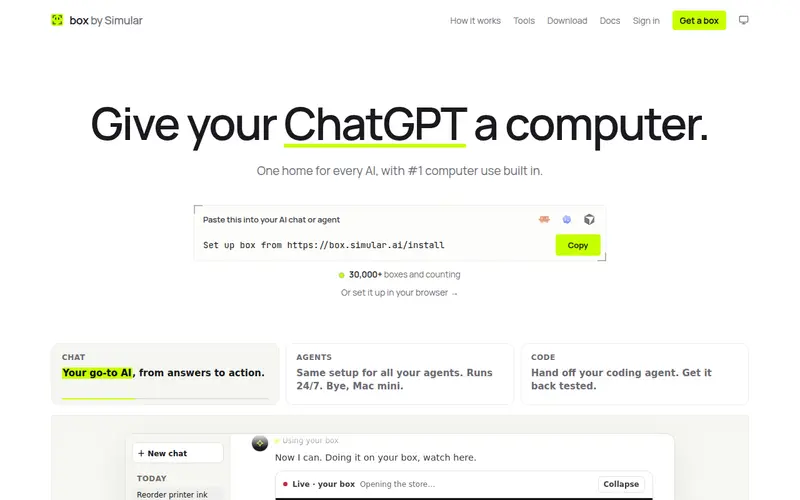
Many teams reach for Daytona to give an agent "a computer." If the agent is one you already use, such as Claude Code, Codex, Cursor or ChatGPT, you may not need an SDK at all. Simular Box (box by Simular) is a cloud computer those agents share through one remote MCP server. Each box is a Linux desktop in the cloud with Chrome, files and a terminal.
Not the right fit when you need thousands of short-lived, isolated runs from code, GPUs, or Windows and macOS. That is what the platforms below are for. For the full trade-off, see sandbox AI vs a cloud computer.
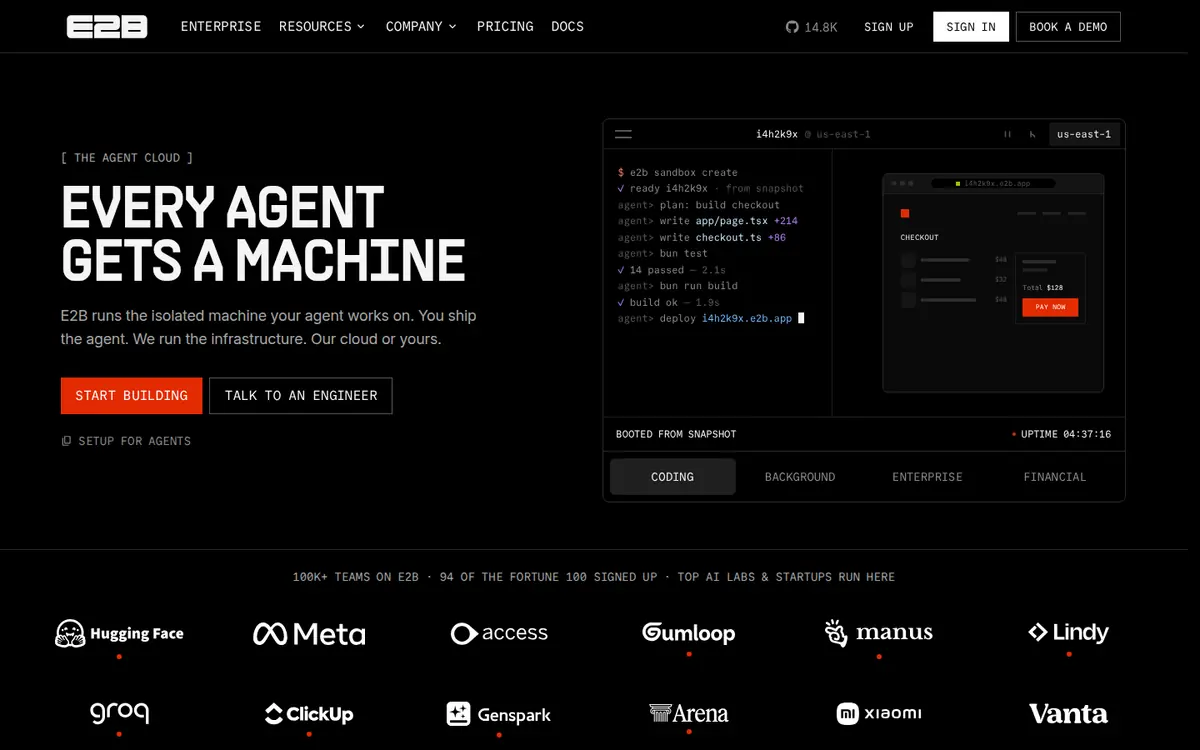
E2B runs isolated sandboxes for agent code, with Python and JavaScript SDKs, a code interpreter, a desktop template for computer use, and pause and resume.
More options in this space: E2B alternatives for AI agents.
Modal Sandboxes run untrusted code, coding agents and RL rollouts on the same platform as Modal's GPU functions, with gVisor or VM runtimes.
Vercel Sandbox runs each sandbox in a Firecracker microVM with its own filesystem and network, with snapshots and drives. It suits agents that install packages, start a dev server and share a preview.
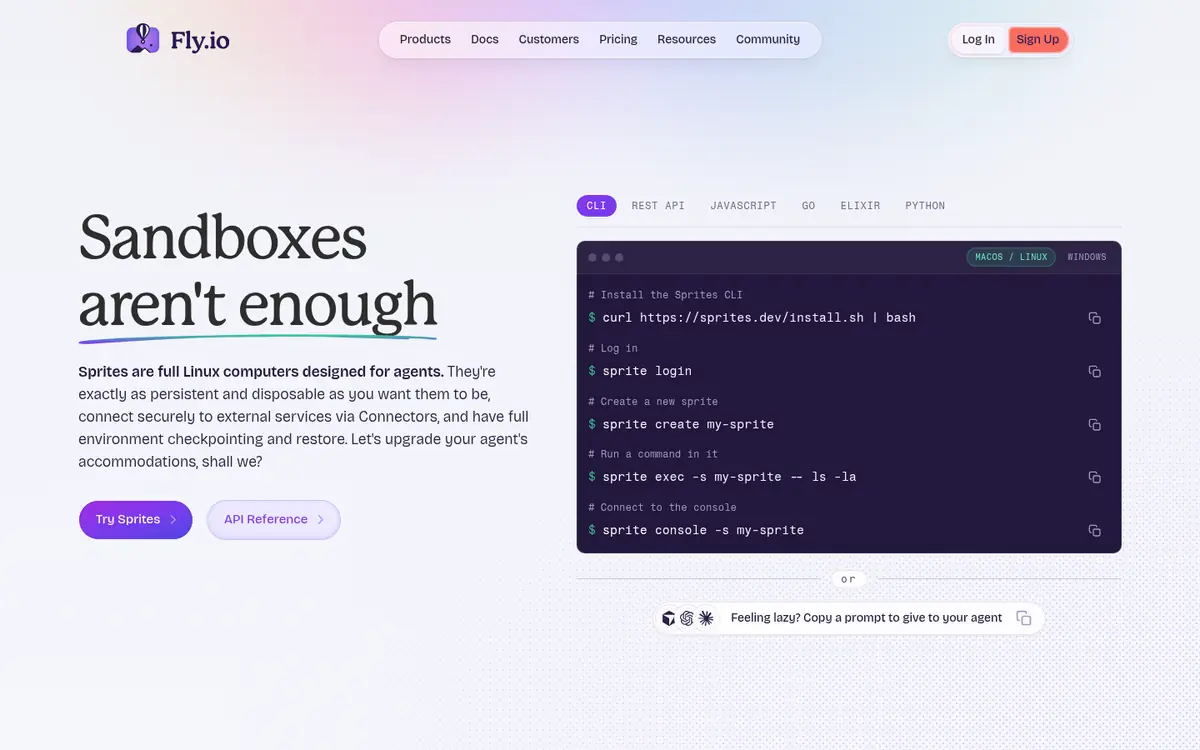
Sprites are full Linux computers from Fly.io that keep their disk, checkpoint and restore, and sleep until needed. Each gets an HTTPS URL, and Fly.io ships plugins for coding agents.
Northflank runs sandboxes alongside services, jobs and databases, on Northflank's cloud or in your own (BYOC).
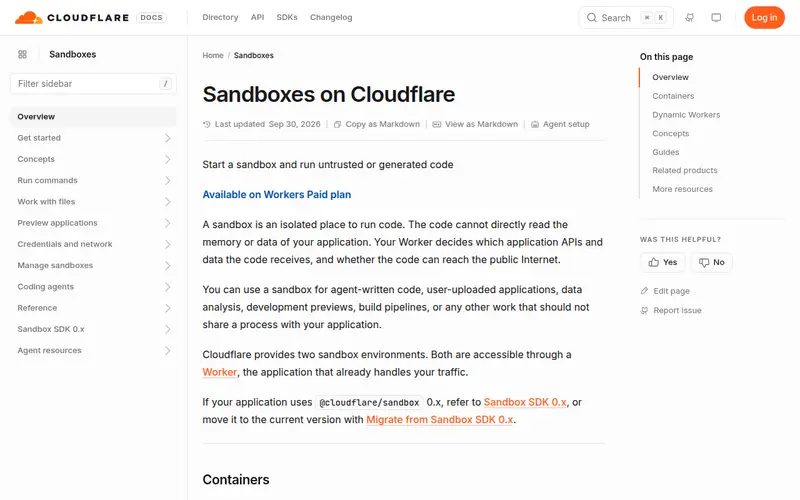
Cloudflare Sandboxes run untrusted or generated code from a Worker, with commands, files, preview URLs, terminals and backups to R2.
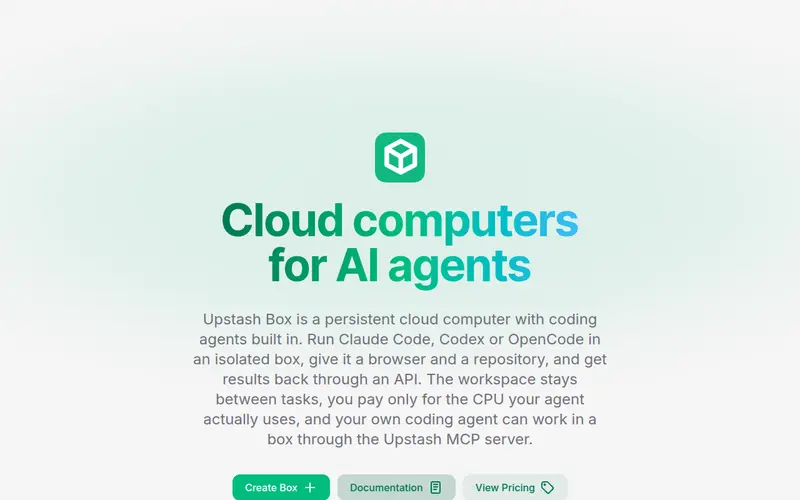
Upstash Box is a persistent cloud computer with coding agents (Claude Code, Codex, OpenCode) built in, a browser and a repository, controlled through an API or the Upstash MCP server.
Sandbox.create() and command APIs in E2B, Modal and Vercel Sandbox.Stay if you need Windows or macOS sandboxes, a range of GPUs from one API, VM forking with memory snapshots, or SDKs in Ruby, Go or Java. Our Orgo vs E2B vs Daytona vs Simular Box comparison covers those strengths in detail.
Can any Daytona alternative run Windows or macOS? Among the options here, no. Daytona remains the choice for Windows and macOS sandboxes.
Daytona vs E2B: what is the difference? Both run agent code from SDKs. Daytona adds VM classes, GPUs, Windows and macOS; E2B focuses on fast code execution with pause and resume.
Prices, limits and features were checked on each vendor's site on November 13, 2026.