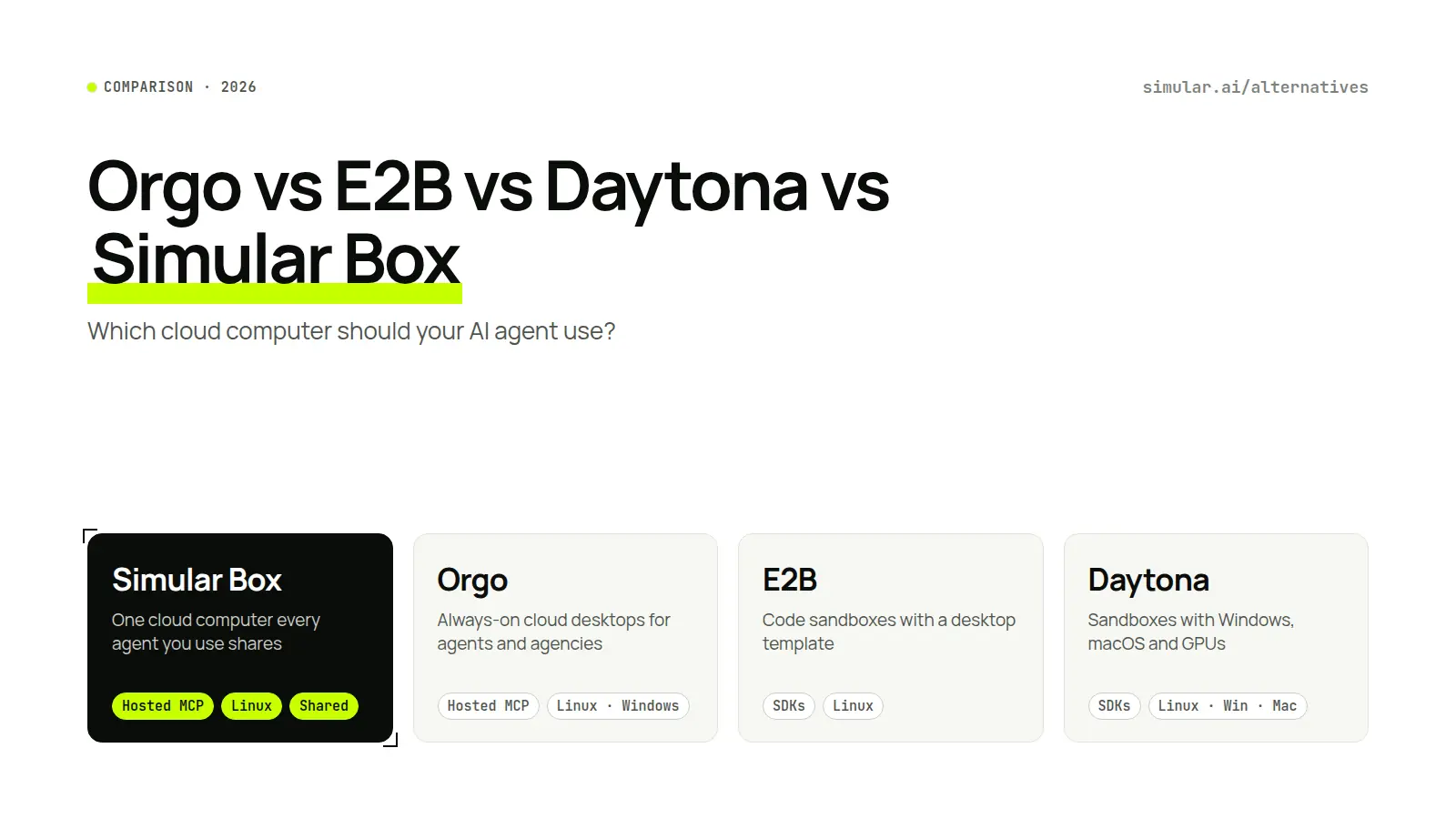
Orgo vs E2B vs Daytona vs Simular Box: Which Cloud Computer Should Your AI Agent Use? (2026)

Orgo vs E2B vs Daytona vs Simular Box: four cloud computers for AI agents compared

Short answer: Choose E2B or Daytona if you are building an agent product and want sandboxes you control from code. Daytona is the pick if you also need Windows, macOS or GPUs. Choose Orgo if you want always-on desktops, one-click agent templates or a computer per client. Choose Simular Box if you want Claude, ChatGPT, Codex and your other agents to share one cloud computer through one MCP link, with the same files and logins.

Definition. A cloud computer for AI agents is a remote machine with a real desktop, browser, file system and shell that a model controls through screenshots, clicks, keystrokes and commands, instead of a person sitting at it.

All four products in this guide give an agent such a computer. They differ in who sets it up, how the agent reaches it, and what happens to its state between tasks.

How we evaluated

We looked at what an agent actually needs to finish a task on a computer: a full desktop, a way to connect the agent you already use, state that survives between tasks, tools that make desktop work reliable, and a way for a person to watch and step in. We did not run a shared benchmark across the four products, so this guide does not rank them on speed or cost per task. Facts were checked against each vendor's docs and pricing pages on 6–11 November 2026. Product features change often, so check the linked sources before you commit.

Comparison Summary

Simular BoxOrgoE2B DesktopDaytona
What it isOne cloud computer that every agent you use sharesAlways-on cloud desktops for agentsCode sandboxes with a desktop templateSandboxes for agents, evals and training
Operating systemsLinux (Ubuntu desktop)Linux; Windows on Scale or as an add-on; Mac and iPhone by requestLinux (Ubuntu + XFCE)Linux; Windows VM on Tier 3+ on request; macOS through a partner
How your agent connectsOne hosted MCP link with sign-in; install line for coding agents; custom connector in Claude, ChatGPT and GeminiHosted MCP, CLI, REST API, Python and TypeScript SDKsPython and JS SDKs; no hosted MCP to drive a sandboxSDKs, REST API, local MCP via the CLI
Several agents on one computerYes. Agents share one box and pick up each other's workMarketed as one agent per computer; up to 4 screens per Linux computerYou wire each agent to a sandbox in codeYou wire each agent to a sandbox in code
State between tasksKeeps programs, files and logins. The Medium plan's box never sleeps; on other plans the box sleeps when idle and wakes with everything keptPaid computers always on; daily backups kept 7 daysPause keeps disk and memory; a run lasts at most 1 h (Hobby) or 24 h (Pro)Persistent by default; stopping keeps the disk
Computer-use toolsShell, files and browser first, screenshots last; GUI plans and scripts; saved tasks replay without model callsScreenshot, click, type, shell commands; hosted orgo-agent modelClick, type, screenshot and window toolsClick, type, screenshot, accessibility tree, screen recording
Watch and take overLive view, take control, hand back; time-limited share linkLive screens, take over, 30-minute guest linksnoVNC stream, interactive by defaultBrowser VNC with takeover; recordings
Price to start$5 free credit; from $0.10/hour; plans $19 and $39/month$5 free credit; Starter $29/month; $0.055/hour hourlyHobby free with one-time $100 credit; Pro $150/month + usagePay as you go; $200 free compute
Best forUsing the agents you already pay for, together, on one computerAlways-on agents, agencies, Windows or Mac desktopsDevelopers building agent products on SDKsAgent infrastructure that needs many sandboxes, Windows, macOS or GPUs

Orgo vs E2B vs Daytona vs Simular Box: the four options

1. Simular Box: one computer for every agent you already use

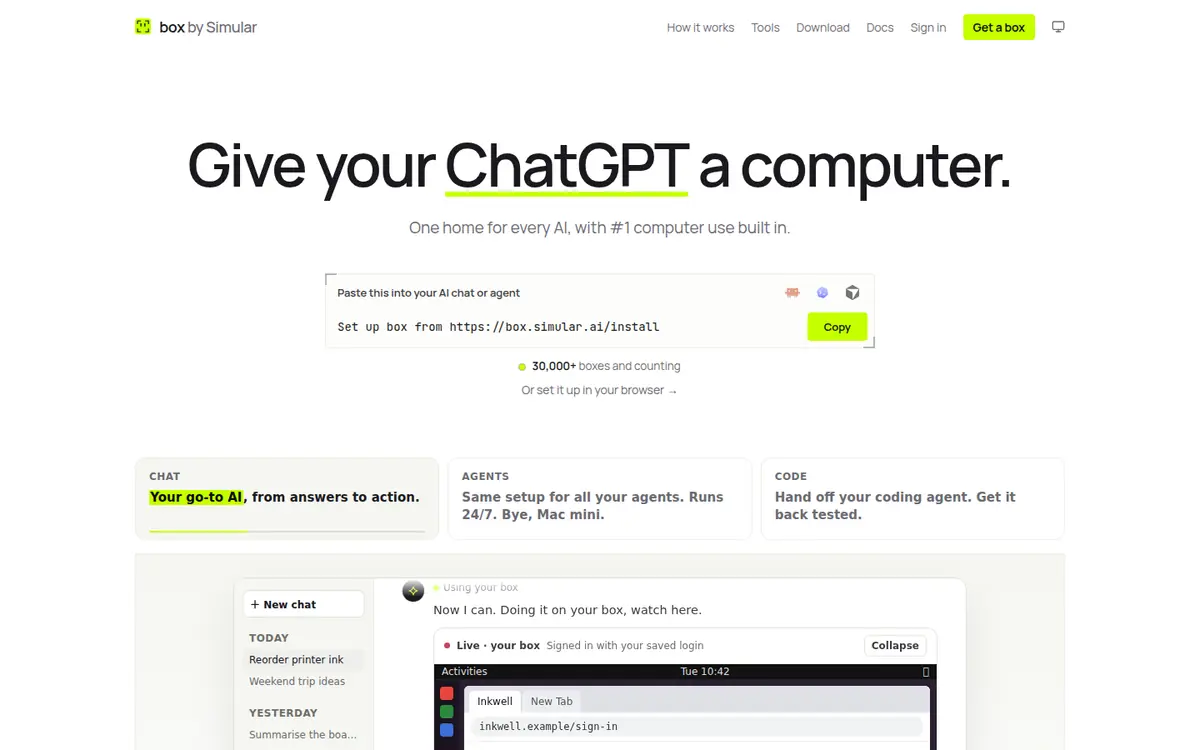
Simular Box homepage: give your AI a computer

Simular Box (box by Simular) is a cloud computer that your existing agents share. It runs a Linux desktop with Chrome, files and a terminal, and every agent reaches it through one remote MCP server at https://mcp.box.simular.ai/mcp. You sign in once with OAuth; there is no key to copy unless your client cannot sign in.

Why people pick it

  • Bring the agents you already use. Coding agents connect with one command, npx @simular-ai/box connect, which works for Claude Code, Codex, Cursor, OpenCode, Hermes and VS Code. Claude, ChatGPT and the Gemini app add Simular Box as a custom connector, and DeepSeek Harness uses the box plugin.
  • Several agents, one computer. Claude Code can start a job and Codex or ChatGPT can pick it up, because the files, open apps and logins stay on the box. Agents take turns; they do not work on the box at the same moment.
  • Full-stack control, screenshots last. Simular Box takes the most direct route first: shell, files and the browser. It sends several GUI steps in one call and uses screenshots only when it needs to look. Saved tasks replay without new model calls.
  • Watch or take over. Open the live view at any time. Take control for a sign-in, a 2FA code or a payment, then hand it back. Simular Box's own agent never enters payment details. It hands that step to you, and agents you connect are told to do the same.
  • Logins stay on the box. Sites you sign in to stay signed in, in Chrome on the box. Your passwords are never sent to the AI you connect.
  • Built by the team behind Agent S, Simular's open-source computer-use agent.

Where it falls short

  • Linux only today. Orgo and Daytona offer Windows; Daytona and Orgo offer macOS options.
  • No one-click agent catalogue or template library like Orgo's.
  • No public SDK for building a product with one computer per end user. E2B, Daytona and Orgo are built for that.
  • An agent cannot create a Simular Box account on its own; a person signs in and approves each agent.

Best for: developers and power users who already run Claude, ChatGPT, Codex or Cursor and want them to share one cloud computer that stays signed in.
2. Orgo: always-on desktops for agents and agencies

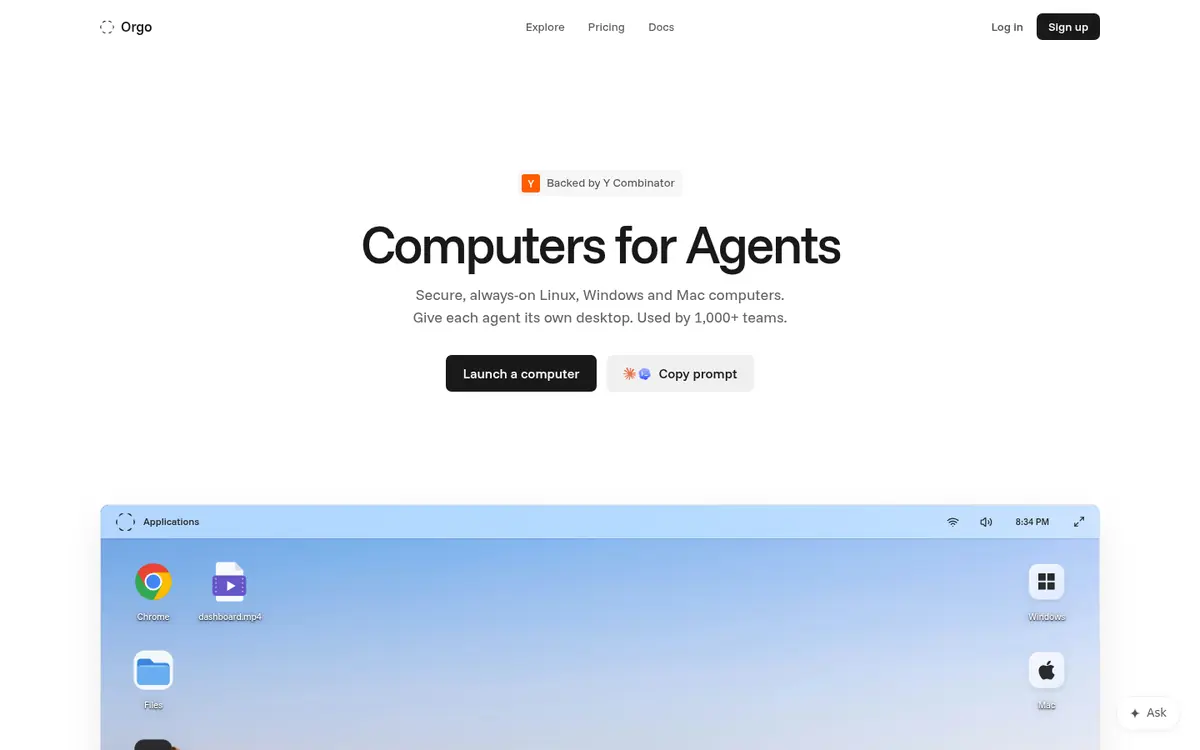
Orgo homepage: computers for agents

Orgo sells cloud desktops that stay on. Each agent gets its own virtual machine with a desktop, browser and terminal. Linux is on every plan, Windows on Scale or as a paid add-on, and Mac and iPhone by request. Orgo says it is used by more than 1,000 teams (own claim).

Why people pick it

  • Always on. Paid computers run until you stop them. Orgo keeps daily backups for 7 days.
  • Templates and one-click agents. You can launch Hermes Agent, OpenClaw, Claude Code or Codex in one click. YAML templates, clone and fork are built in.
  • Many ways in. There is a hosted MCP server, a CLI with device login, a REST API, SDKs and an OpenAI-compatible computer-use endpoint (orgo-agent).
  • Agency tools. A Clients API gives each client its own workspace. White-label payment links let you bill clients.
  • Agent self-sign-up. An agent can create its own account and API key with a $5 credit. Unclaimed accounts expire after 72 hours.
  • App connectors. An in-app catalogue of about 1,400 apps, powered by Composio.

Where it falls short

  • Marketed as one agent per computer. Sharing one desktop across several agents is not its focus.
  • Its computer-use layer is pixel-level: screenshot, click and type, plus a hosted agent model. We did not find element finding or screen-settle waits.
  • We found no recorded GUI replay.
  • Paid plans bill while computers are idle.

Best for: teams that want always-on desktops, Windows or Mac machines, agencies running an agent per client, and anyone who wants a one-click Hermes or OpenClaw setup.
3. E2B Desktop: sandboxes with a desktop, for developers

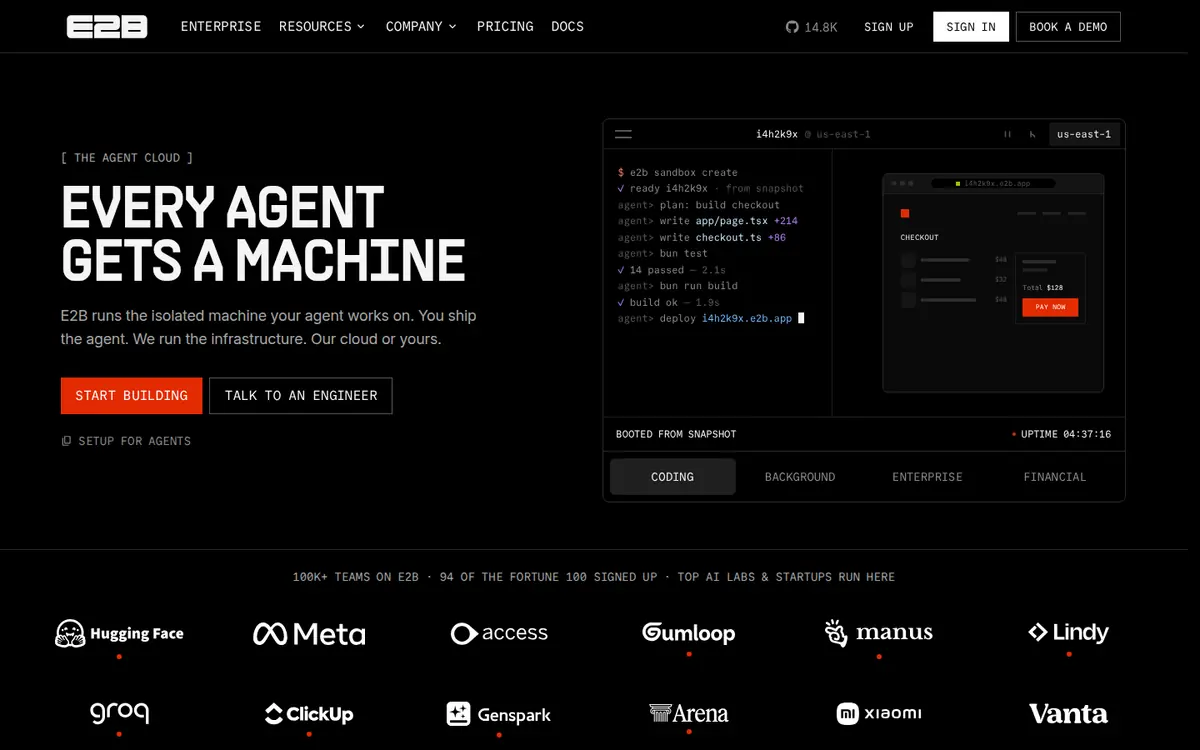
E2B homepage: the enterprise AI agent cloud

E2B is a sandbox platform that developers build on through SDKs. Each sandbox is a Firecracker microVM with its own kernel. The Desktop template adds an Ubuntu XFCE desktop with LibreOffice, a browser and a file manager.

Why people pick it

  • Scale and speed. E2B reports 2 billion sandbox starts by October 2026 and boots from snapshots in under a second (both own claims).
  • Developer control. There are Python and JS desktop SDKs, custom templates, and forks of up to 100 copies from a running sandbox.
  • Enterprise options. E2B has SOC 2 Type II, a HIPAA BAA on Enterprise, and bring-your-own-cloud on AWS, GCP and Azure.
  • Live stream. A noVNC stream URL is interactive by default, so a person can take over.

Where it falls short

  • No hosted MCP link to drive a sandbox. You connect each agent in your own code; its local MCP server was archived in April 2026.
  • Runs have time limits: at most 1 hour on Hobby and 24 hours on Pro. Pausing keeps state.
  • Linux only, CPU only, up to 8 vCPU and 8 GiB RAM per sandbox.
  • The computer-use API is click, type, screenshot and window tools. We found no element finding or screen-settle wait.

Best for: developers building their own agent product who want many short-lived, isolated machines controlled from code.
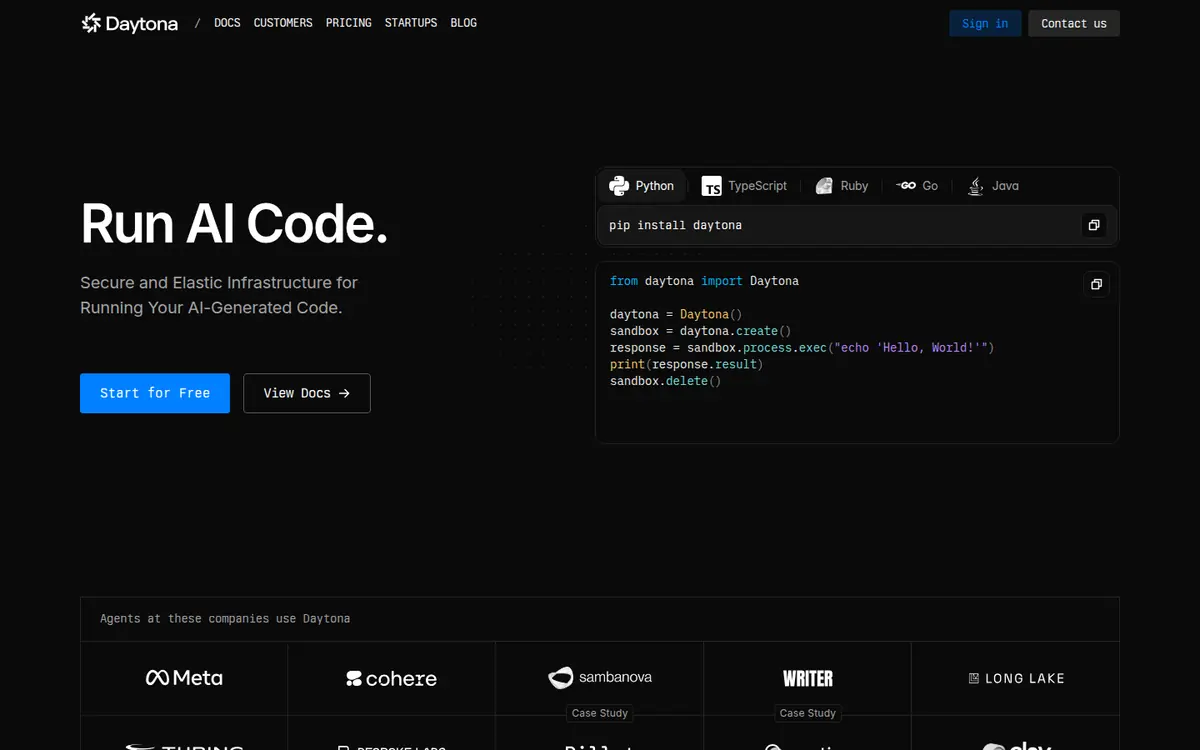
4. Daytona: agent infrastructure with Windows, macOS and GPUs

Daytona homepage: secure infrastructure for running AI-generated code

Daytona runs sandboxes for agents, evals and training. It offers containers and VMs, Linux by default, Windows VMs on higher tiers on request, macOS through a partner, and GPUs from RTX 4090 to B300.

Why people pick it

  • Range of environments. Daytona covers Linux, Windows, macOS and GPU workloads in one API.
  • Persistent by default. Stopping keeps the disk; VMs can pause and resume with memory.
  • Richer desktop API. Its computer-use API has an accessibility tree (find nodes, focus, invoke, set value) and screen recording.
  • Compliance. SOC 2 Type 2, ISO 27001, a HIPAA attestation and GDPR.
  • Developer access. SSH, a web terminal and VS Code in the browser.

Where it falls short

  • No hosted MCP link. There is a local MCP set up through daytona mcp init for Claude, Cursor and Windsurf.
  • You connect agents to sandboxes in your own code.
  • We found no recorded replay; screen recording is for review.

Best for: teams building agent infrastructure that need many sandboxes, Windows or macOS desktops, or GPUs.

Orgo vs E2B vs Daytona vs Simular Box, feature by feature

Desktop and operating systems

All four give the agent a full graphical desktop. Orgo has the widest OS range for a hosted desktop (Linux, Windows, Mac and iPhone). Daytona is close, adding GPUs. E2B Desktop and Simular Box run Linux only.

How your agent connects

This is the biggest practical difference.

  • Simular Box and Orgo give you a hosted MCP server, so Claude Code, Codex or Cursor can use the computer without code.
  • Simular Box also connects chat apps (Claude, ChatGPT, the Gemini app) as a custom connector.
  • E2B and Daytona expect you to drive the sandbox from your own code through SDKs. Daytona's MCP runs locally through its CLI.

Several agents on one computer

Only Simular Box is built around several agents sharing one computer and handing work to each other. On Orgo you can give several agents their own screens on one Linux computer. On E2B and Daytona you build the sharing yourself.

What survives between tasks

  • Orgo: paid computers never sleep.
  • Daytona: persistent by default.
  • E2B: pauses with disk and memory, within run-time limits.
  • Simular Box: keeps programs, files and signed-in Chrome sessions. On the Medium plan the box never sleeps; on Free, pay as you go and Small it sleeps when idle and wakes with everything kept.

Computer-use tooling

  • Orgo and E2B: pixel-level actions (screenshot, click, type). Orgo adds a hosted agent model.
  • Daytona: adds an accessibility tree.
  • Simular Box: starts with the shell, files and browser. It runs multi-step GUI plans in one call and replays saved tasks without model calls.

Fewer screenshots and model calls usually mean fewer steps per task.

Watching and taking over

All four let a person see the screen and take control:

  • Orgo: 30-minute guest links.
  • E2B and Daytona: noVNC or VNC streams.
  • Simular Box: time-limited share links, view-only or letting the other person's AI use the box too.

Pricing

  • Orgo: Starter $29/month, or $23/month billed yearly, for one always-on Medium computer. Hourly computers cost $0.055/hour while running. Free sign-up credit of $5. Orgo pricing
  • E2B: Hobby is free, with a one-time $100 usage credit. Pro is $150/month plus usage. About $0.33/hour at 4 vCPU and 8 GB.
  • Daytona: pay as you go, about $0.33/hour at 4 vCPU and 8 GB, plus disk. $200 of free compute to start.
  • Simular Box: $5 of free credit (5,000 credits) once per account, about 50 box-hours. Pay as you go: top up from $5; a 2 vCPU / 4 GB box costs $0.10/hour and a 4 vCPU / 8 GB box $0.20/hour, billed per second while awake and nothing while asleep. Small is $19/month for one box that sleeps when idle, with 5,000 credits a month; Medium is $39/month for one box that never sleeps, with 10,000 credits a month. Yearly plans get 2 months free ($190 or $390 a year). Model calls made by box's own tools are paid in credits at model cost + 20% (1,000 credits = $1).

Which should you choose?

  • You want Claude, ChatGPT and Codex to share one computer, without code → Simular Box
  • You need an always-on Windows or Mac desktop, or one agent per client → Orgo
  • You are building an agent product and want short-lived, isolated machines from code → E2B
  • You need many sandboxes, GPUs, or Windows and macOS in one API → Daytona
  • Your agent only works in a browser → a browser service such as Browserbase may be enough. See cloud computers for AI agents and Orgo cloud computer alternatives.

More questions

Which keeps an agent's logins between sessions? Orgo's always-on computers and Daytona's persistent sandboxes keep state. E2B keeps state while paused. Simular Box keeps signed-in sessions in Chrome on the box, never sending passwords to the AI.

How much do Orgo, E2B and Daytona cost? Orgo Starter is $29/month ($23/month billed yearly) for one always-on computer, and hourly computers cost $0.055/hour. E2B and Daytona charge for usage, about $0.33/hour at 4 vCPU and 8 GB; E2B Hobby includes a one-time $100 credit and Daytona $200 of free compute. Simular Box gives $5 of free credit, then pay as you go from $0.10/hour for a 2 vCPU / 4 GB box, or plans at $19 and $39 a month.

Sources

Stop doing repetitive tasks. Let Sai handle them for you.

Sai is your AI computer use agent — it operates your apps, automates your workflows, and gets work done while you focus on what matters.

Try Sai

FAQS

Beta Simular Box: A cloud computer for your agent. · Beta Close your laptop. Agent stays on.Cloud computer for your agent Get early accessEarly access