
Oops! Something went wrong while submitting the form.
Short answer: The best cloud computer for developers depends on the job. Pick GitHub Codespaces for a ready-to-code repo in minutes, Coder or Google Cloud Workstations if your company must run dev environments on its own infrastructure, Windows 365 or Amazon WorkSpaces if you need a full managed desktop, and a Hetzner VPS if you want the most compute per euro and will set it up yourself. Pick Simular Box if you want one cloud computer that you and your coding agents (Claude Code, Codex, Cursor) share, with a desktop, Chrome and a terminal that stay put between sessions. Fly.io Sprites suits developers who want many small, persistent Linux machines for agents and pay only for what runs.
Definition. A cloud computer for developers is a machine in a data center that you write, build and test code on, instead of your laptop. You reach it through a browser, an IDE or SSH. It keeps running when you close your laptop, and it can be larger than the laptop: more cores, more memory, or a GPU.
The term covers four different products. Knowing which one you need saves most of the comparison work.
We looked at each option from a working developer's point of view, using each vendor's own docs and pricing pages, checked on November 13, 2026. We compared what you get (IDE workspace, full desktop or raw server), the operating systems offered, agent fit (can Claude Code, Codex or Cursor run there for hours, and can an agent reach it through MCP), what stays between sessions (files, installed tools, browser logins), and the pricing model with the lowest published price. We did not run a shared benchmark, so this guide does not rank the options on speed.
| Option | Type | OS | Agents and MCP | Keeps between sessions | Starting price |
|---|---|---|---|---|---|
| Simular Box | Agent computer | Linux desktop | One remote MCP server for Claude Code, Codex, Cursor, ChatGPT, Gemini and more | Files, apps, Chrome logins | $5 free credit; $19/mo; or $0.10/hr pay as you go |
| GitHub Codespaces | CDE | Linux container | Agents run in the terminal; no hosted MCP | Files until the codespace is deleted | $0.18/hr (2 cores); free hours on personal accounts |
| Coder | CDE (self-hosted) | Linux or Windows, on servers you provide | Runs coding agents in governed workspaces | Defined by your templates | Community edition free; you pay for infrastructure |
| Windows 365 | Cloud PC | Windows | Agents install like on any Windows PC | Everything, like a PC | $36/user/mo (2 vCPU, 8 GB) |
| Amazon WorkSpaces | Cloud desktop | Windows or Linux | Agents install like on any desktop | Everything, like a PC | Monthly or hourly; see AWS calculator |
| Google Cloud Workstations | CDE | Linux container image | Agents run in the terminal | Persistent disk | VM cost + $0.05 per vCPU-hour + $0.20/hr per cluster |
| Hetzner Cloud | VPS | Linux (you install a desktop) | Anything you set up | Everything on the disk | From €5.49/mo excl. VAT |
| Fly.io Sprites | Agent computer | Linux | Plugins for coding agents; API and SDKs | Disk and checkpoints | $0.0385 per CPU-hour of use, plus RAM and storage |
| Type | What you get | Typical use | Examples |
|---|---|---|---|
| Cloud development environment (CDE) | A container or VM built from your repo's config, opened in an IDE | Coding in a reproducible setup; fast onboarding | GitHub Codespaces, Coder, Google Cloud Workstations |
| Cloud PC / desktop as a service | A full managed desktop, usually Windows | Desktop apps, company-managed devices | Windows 365, Amazon WorkSpaces |
| VPS you manage | A raw Linux server with root access | Cheapest compute; you install everything | Hetzner Cloud, DigitalOcean |
| Agent computer | A persistent Linux computer that AI agents can operate through MCP or an API | Long Claude Code or Codex sessions; browser work agents do for you | Simular Box, Fly.io Sprites |
If you are building a product that starts thousands of short-lived sandboxes from code, you want an agent sandbox platform instead; see our comparison of Daytona alternatives for AI agents.
The reason has changed. It used to be heavy builds and onboarding. Now it is coding agents. In the Stack Overflow 2026 Developer Survey, 73% of respondents who use AI coding assistants or agents use them every day.
Agents run for a long time, and a laptop is a poor host for that. Developer Mattias Geniar describes Claude Code working on a feature for twenty minutes, and the session ending when he closed the lid. He moved his agents and code to a server he reaches from his laptop or phone. Within a few weeks, three products pitching Linux VMs as cloud developer environments for agents reached the Hacker News front page, as Lalit Maganti noted.
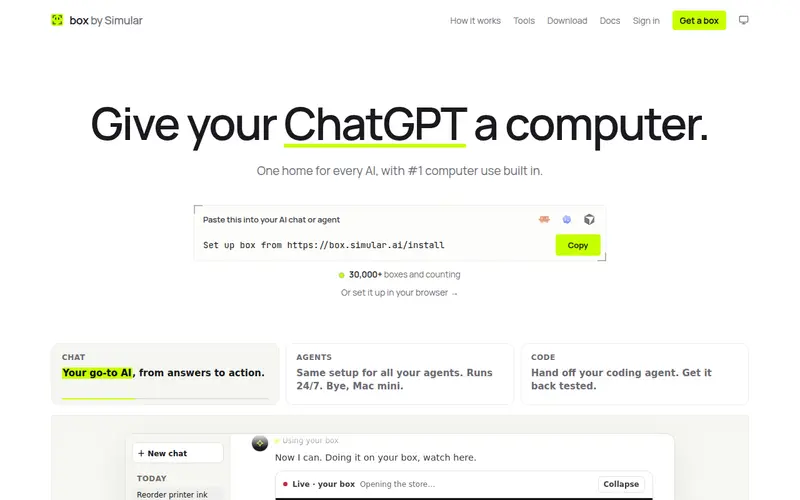
Simular Box (box by Simular) is a cloud computer built for the agents you already use. Each box is a Linux desktop in the cloud with Chrome, files and a terminal. Claude Code, Codex, Cursor, ChatGPT and Gemini connect to it through one remote MCP server, so an agent can run commands, open web pages, click, type and see the screen.
Pricing: $5 of free credit once per account (a 2 vCPU / 4 GB box). Small is $19 a month for a 4 vCPU / 8 GB box that sleeps when idle; Medium is $39 a month for one that never sleeps. Each box has 20 GB of disk. Extra boxes are pay as you go at $0.10 an hour (2 vCPU / 4 GB) or $0.20 an hour (4 vCPU / 8 GB).
Set-up steps for each app are in the box docs.
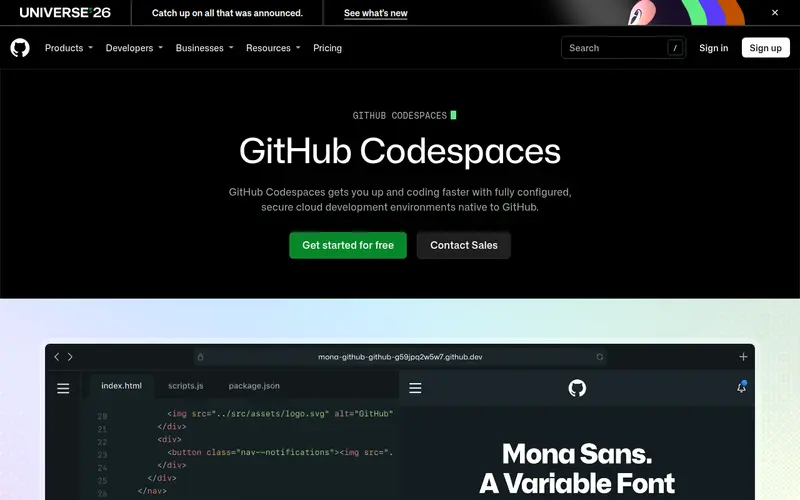
GitHub Codespaces opens a development container for any repository, configured by its devcontainer.json, in VS Code on the web, VS Code desktop or JetBrains IDEs. Machines run from 2 to 32 cores.
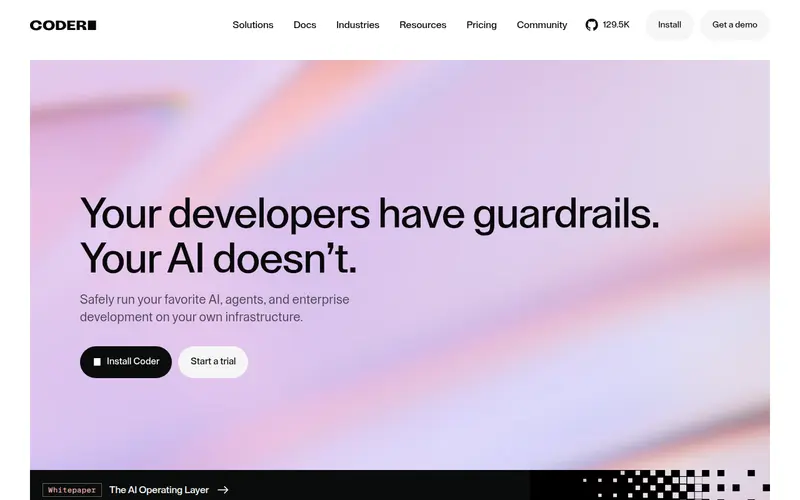
Coder is open-source software that provisions workspaces on infrastructure you already run, defined with Terraform templates. Developers connect with VS Code, JetBrains, Cursor or Jupyter. Coder now also positions itself as the place to run coding agents under company controls.
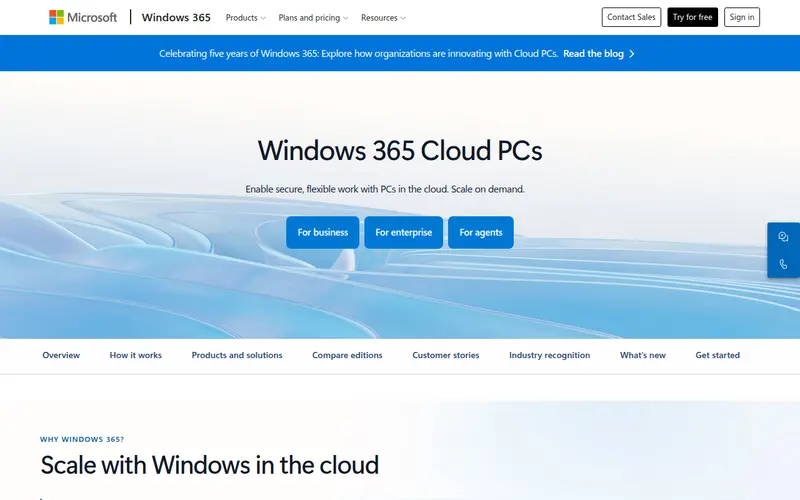
Windows 365 streams a full Windows PC from Microsoft's cloud. It is the right call when your work needs Windows desktop apps, or your company manages devices through Microsoft Intune.
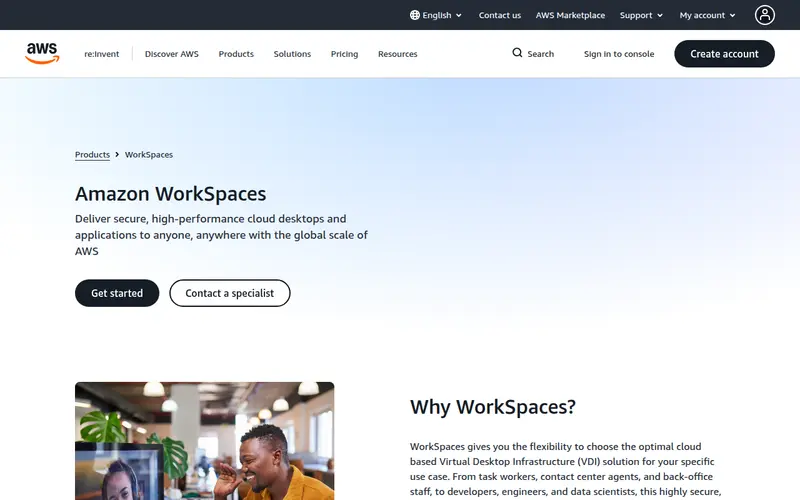
Amazon WorkSpaces provides managed Windows or Linux desktops in AWS regions. It fits teams whose data, VPCs and identity already live in AWS.
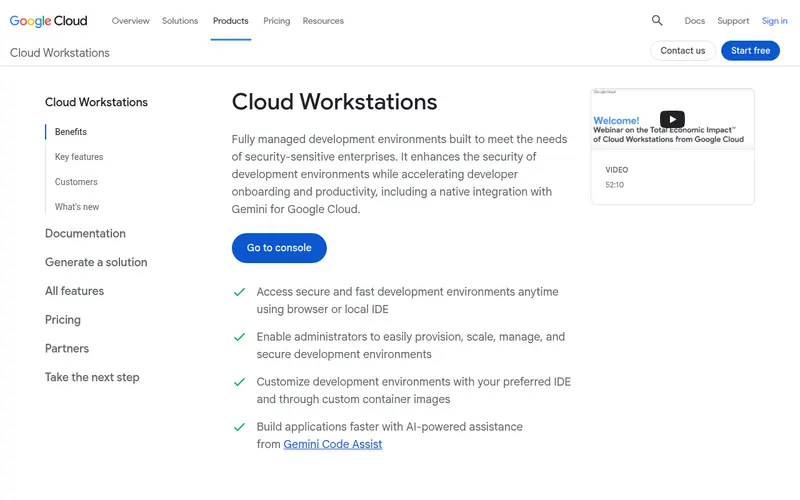
Cloud Workstations runs developer environments from container images you control, opened in a browser IDE or a local IDE, inside your Google Cloud project.
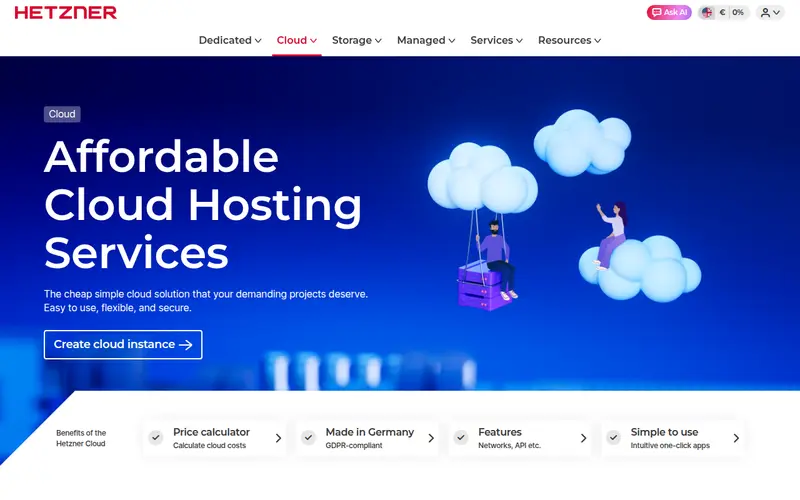
A VPS from Hetzner Cloud gives you a Linux server with root access. Many developers who run agents around the clock start here.
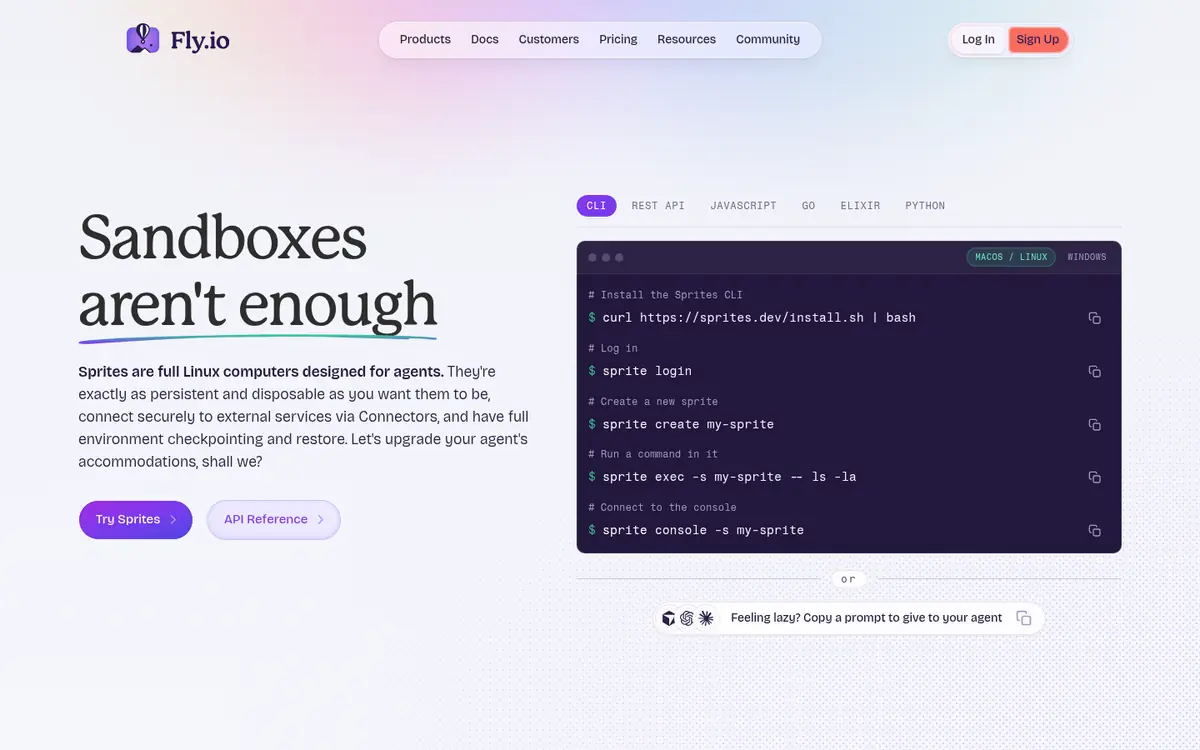
Sprites are Linux computers from Fly.io built for agents. Each one keeps its disk, can checkpoint and restore, sleeps when idle and has its own HTTPS URL. Fly.io ships plugins for common coding agents plus SDKs.
Moving a coding agent off your laptop changes three things.
For a list focused on agent builders rather than developers, see cloud computers for AI agents.
Which cloud computer for developers works with several AI agents? Simular Box is built for this: Claude Code, Codex, Cursor, ChatGPT and Gemini connect to the same box and pick up each other's work.
Do I need Windows or Linux? Most development and agent tooling runs on Linux. Choose Windows only for Windows desktop apps; Windows 365 and Amazon WorkSpaces cover that.
Prices and features were checked on each vendor's site on November 13, 2026.