
Oops! Something went wrong while submitting the form.
A comparative market analysis is only as good as the data behind it and the time it takes to produce. Most real estate agents spend 2-4 hours on a single CMA — pulling comps from the MLS, adjusting for differences in square footage and condition, formatting the report, and packaging it for a client presentation. The tools on this list reduce that to minutes.
We tested each comparative market analysis tool by running the same CMA: a 3-bedroom, 2-bathroom single-family home in Austin, Texas. We evaluated data quality, adjustment accuracy, report presentation, and how much manual editing each tool required before the CMA was client-ready.
For a step-by-step guide on how to get a comparative market analysis done — whether you are an agent or a homeowner — see our guide on how to do a comparative market analysis. For a broader look at how AI is changing real estate workflows, see our AI and real estate overview.
A comparative market analysis (CMA) is a method for estimating a property's market value by comparing it to similar properties that have recently sold in the same area. Real estate agents use CMAs to recommend listing prices for sellers and offer prices for buyers.
A CMA is not the same as a formal appraisal. Appraisals are conducted by licensed appraisers for lending purposes and follow strict Uniform Standards of Professional Appraisal Practice (USPAP) guidelines. A CMA is an agent's professional opinion of value based on market data — it is the foundation for pricing strategy, not a legal valuation.
According to the National Association of Realtors (NAR), 89% of sellers say pricing the home correctly from the start is the most important factor in a successful sale. An accurate CMA directly affects days on market, final sale price, and client satisfaction.
What a CMA typically includes:
We scored each tool across six dimensions:
Best for: Agents who want a complete, client-ready CMA report from a single instruction — without opening multiple tabs
Sai is an AI agent that automates the entire CMA workflow. Give it a property address and say "Run a comparative market analysis," and Sai researches the subject property on Zillow and Redfin, finds 5-8 comparable sales, calculates price adjustments across 10 dimensions, analyzes active competition, and produces a professional PDF report with a pricing recommendation.
What makes Sai different from every other CMA tool on this list: it does the research, analysis, and report creation in one step. You do not pull comps, you do not manually adjust for square footage differences, and you do not format a presentation. You describe the property, and Sai delivers the finished CMA.
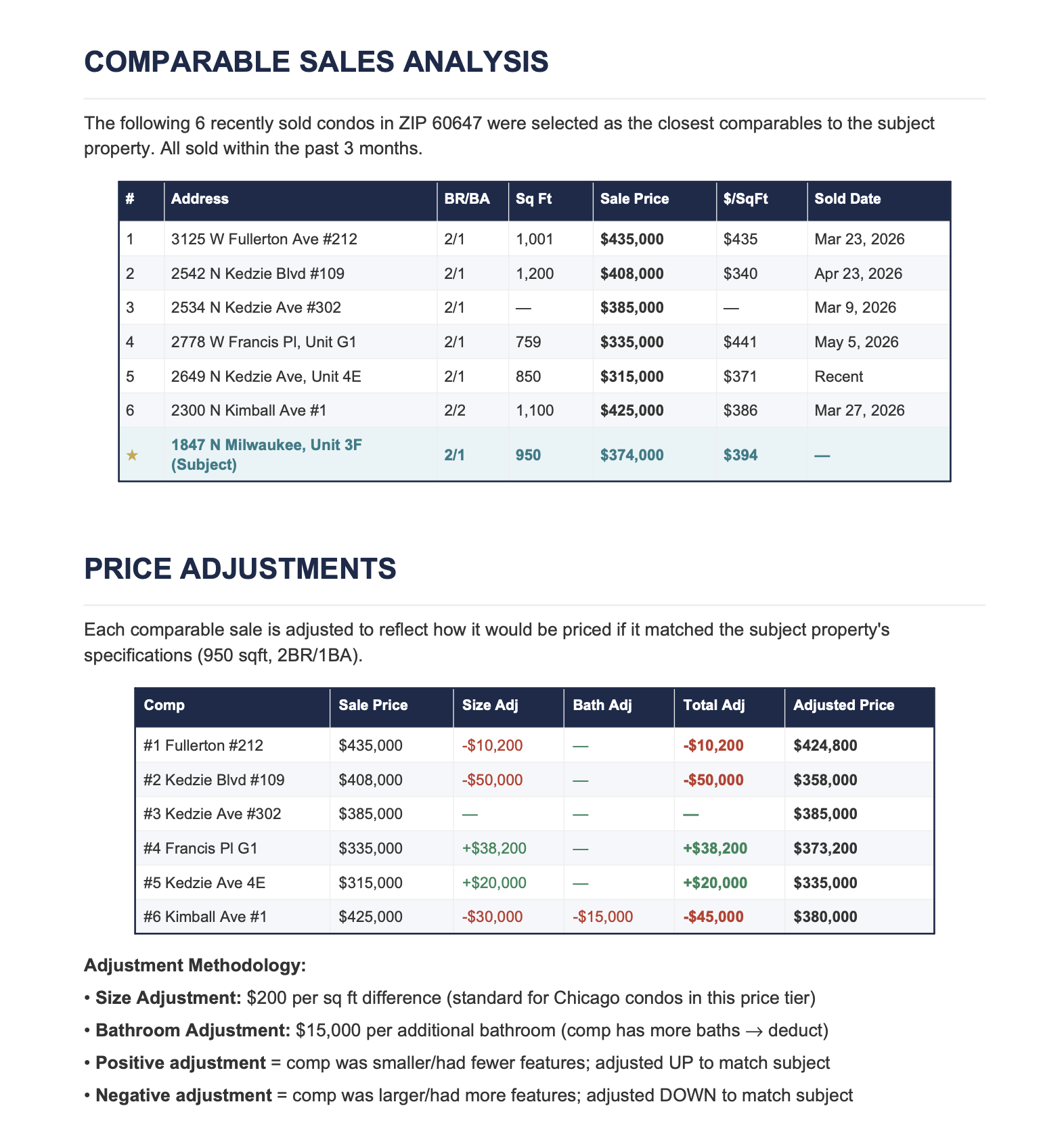
Key features:
Limitations: Uses publicly available data (Zillow, Redfin, public records) rather than MLS data directly. Agents with MLS access may want to verify comps against MLS records. Best for initial CMA preparation — verify key details before client delivery.
Pricing: Free tier available. Premium plans for higher volume.
Best for: Agents who want a polished, branded CMA presentation with MLS data integration
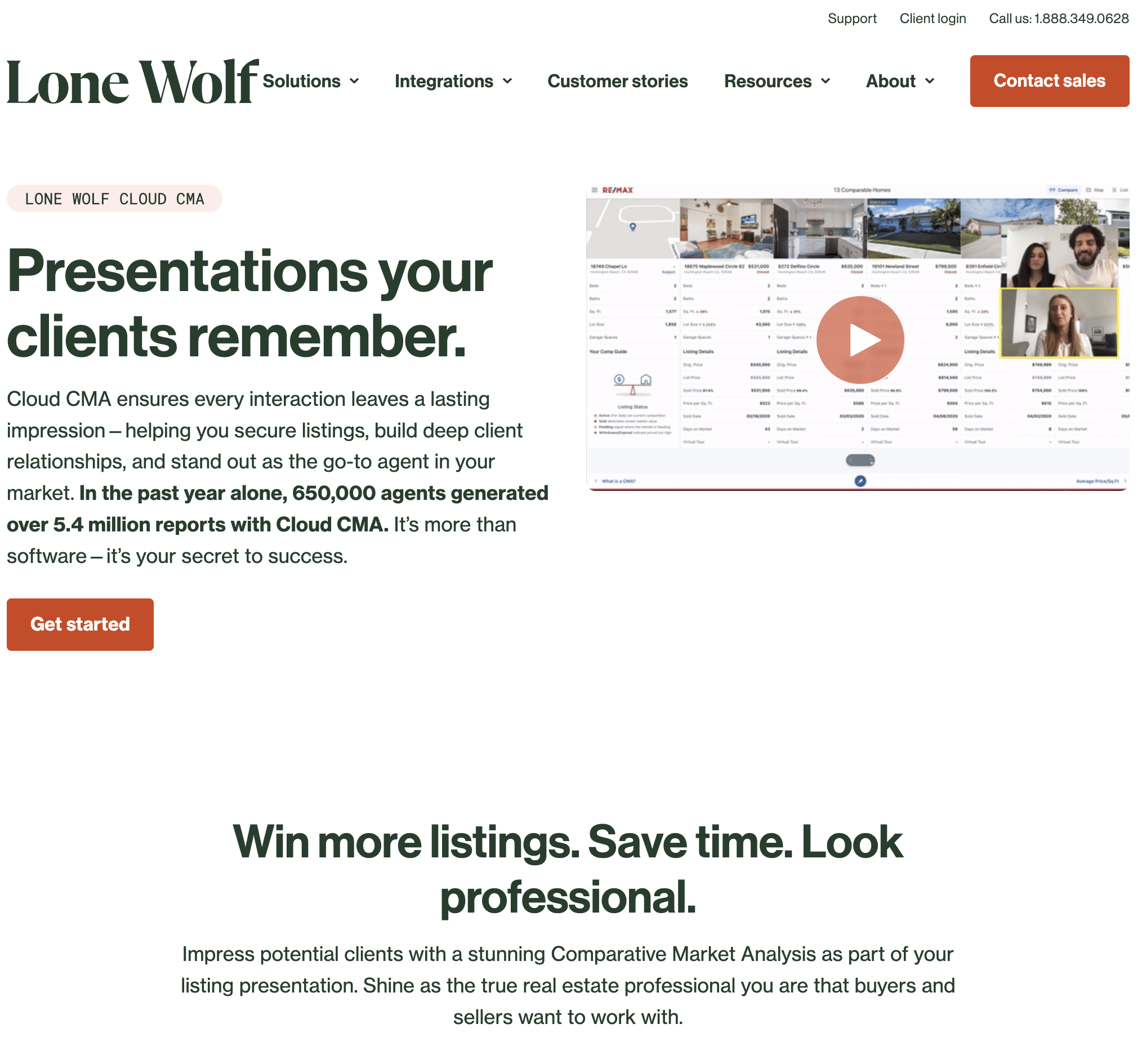
Cloud CMA is the most widely used CMA presentation tool in the real estate industry. It connects directly to your MLS, pulls comp data, and generates a visually appealing report that you can customize with your branding, headshot, and brokerage logo.
Key features:
Limitations: Requires MLS membership and login. Does not calculate price adjustments automatically — you select comps and present the data, but the analysis is manual. The tool is a presentation layer, not an analysis engine.
Pricing: From $33/month for individual agents. Team and brokerage pricing available.

Best for: NAR members who want a free, data-rich CMA tool with no additional cost
RPR is a free benefit for all National Association of Realtors members. It provides property data, market trends, and CMA reports using a combination of MLS data, public records, and proprietary analytics. The RVM (Realtors Valuation Model) provides an automated value estimate.
Key features:
Limitations: Only available to NAR members. RVM estimates can lag behind fast-moving markets. Report formatting is functional but not as polished as Cloud CMA. Limited branding customization.
Pricing: Free for NAR members (included with membership dues).

Best for: Brokerages and lenders who need institutional-grade property valuations at scale
HouseCanary is a property analytics platform that uses machine learning to value properties. Their AVM (Automated Valuation Model) claims a median error rate of under 3% for on-market properties, making it one of the most accurate automated valuation tools available.
Key features:
Limitations: Enterprise-focused pricing. Not designed for individual agents creating client-facing CMA presentations. The value is in bulk analysis and lending applications, not one-at-a-time listing appointments.
Pricing: Enterprise pricing. Requires sales consultation.
Best for: Homeowners who want a free, instant property value estimate without hiring an agent
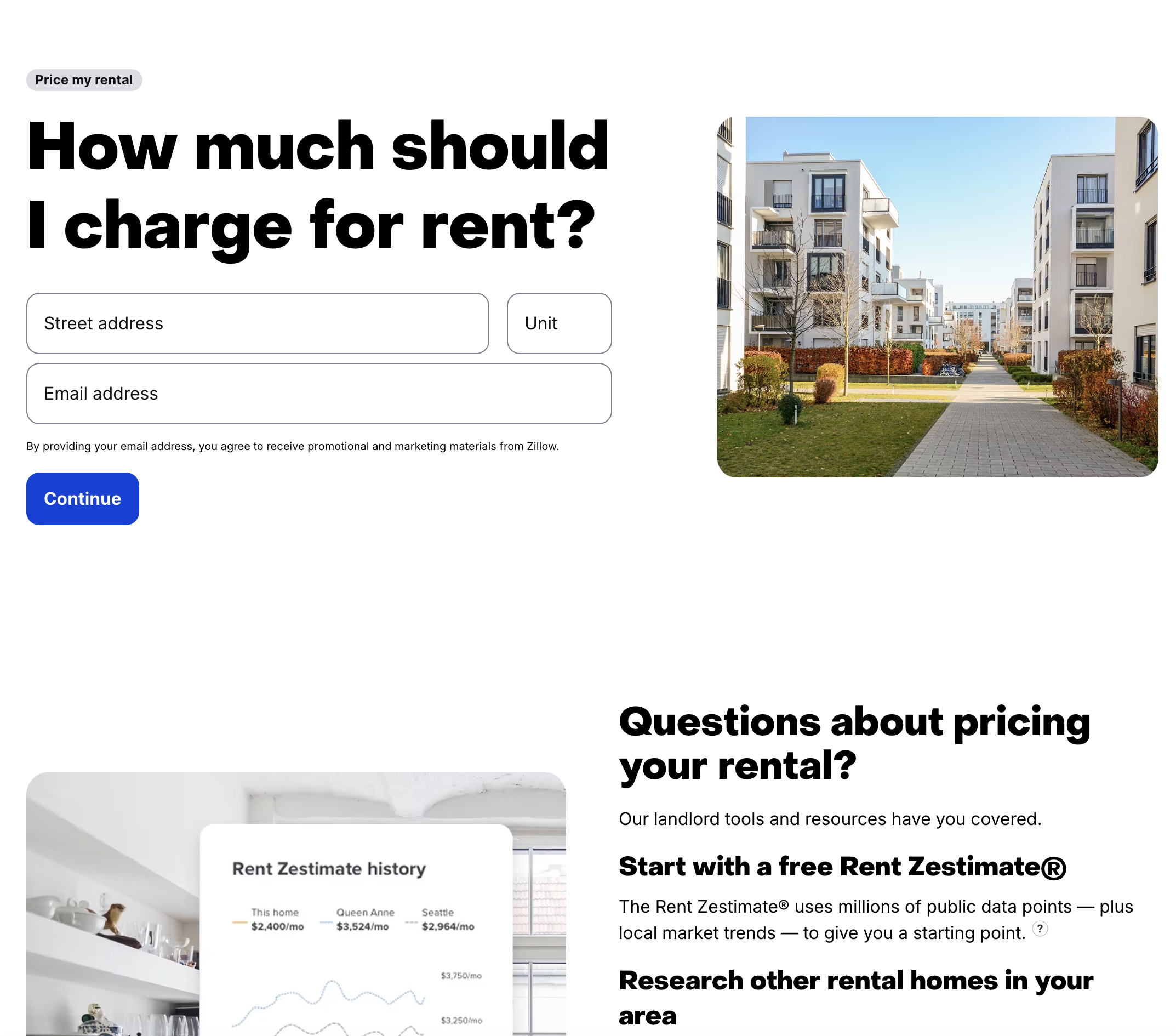
The Zillow Zestimate is the most recognized property valuation tool in the United States, with estimates for over 100 million properties. While not a CMA in the traditional sense, many consumers treat the Zestimate as their baseline understanding of their home's value.
Key features:
Limitations: According to Zillow's own accuracy page, the median error rate for on-market homes is 2.4%, but for off-market homes it rises to 7.49%. The Zestimate does not account for interior condition, renovations, or unique features — factors that significantly affect value. Not suitable as a standalone CMA for listing presentations.
Pricing: Free.
Best for: Consumers and agents who want a second opinion alongside Zillow's Zestimate
Redfin's property estimates compete directly with Zillow's Zestimate. Redfin claims a median error rate of 2.07% for on-market listings and 6.59% for off-market properties, making it slightly more accurate than Zillow on average according to their published metrics.
Key features:
Limitations: Like Zillow, it does not account for property condition or recent renovations. Not a CMA tool — it is an AVM with consumer-facing presentation. Cannot customize adjustments or generate client reports.
Pricing: Free.
Best for: Lenders, appraisers, and large brokerages that need institutional-grade property data
CoreLogic provides property data, analytics, and valuation tools to financial institutions and real estate companies. Their property database covers virtually every US property, and their AVM is used by major mortgage lenders for collateral valuation.
Key features:
Limitations: Enterprise product — not accessible to individual agents. Requires institutional licensing. Data is powerful but requires analytics expertise to interpret.
Pricing: Enterprise pricing only.

Best for: Agents at MoxiWorks-enabled brokerages who want CMA presentations integrated with their CRM
MoxiPresent is the CMA and listing presentation tool within the MoxiWorks real estate technology platform. It creates branded presentations with MLS data, market trends, and pricing analysis — and integrates with the MoxiCRM and MoxiEngage tools for a unified workflow.
Key features:
Limitations: Only available through brokerages that subscribe to MoxiWorks. Individual agents cannot purchase independently. Feature set depends on brokerage's subscription level.
Pricing: Through brokerage subscription. Not available to individual agents directly.

Best for: Agents who want automated monthly home value updates sent to their sphere of influence
HomeBot is not a traditional CMA tool — it is a homeowner engagement platform that sends personalized home value reports to your database automatically. Each homeowner receives monthly updates on their home's estimated value, equity position, and refinancing opportunities — with your name and branding attached.
Key features:
Limitations: Not designed for listing appointment CMAs. The reports are automated and general-purpose, not customized for specific pricing recommendations. Best for nurturing existing relationships, not winning new listings.
Pricing: From $25/month for individual agents.

Best for: Real estate investors who need quick property analysis and deal evaluation
Propelio focuses on investors rather than traditional agents. Its tools include property analysis, driving-for-dollars route tracking, MLS searches (in supported markets), and deal evaluation calculators. The CMA functionality is geared toward evaluating investment properties, not creating seller presentations.
Key features:
Limitations: Investor-focused, not designed for traditional agent CMAs. MLS access is limited to specific markets. Report formatting is functional, not client-presentation quality.
Pricing: From $29/month. Annual plans available.
If you need a free comparative market analysis, here are your options ranked by quality:
What a free CMA lacks vs. paid tools: Professional formatting, brokerage branding, interactive client presentations, and MLS integration for the most current data. For listing appointments with high-value properties, the presentation quality of Cloud CMA or MoxiPresent justifies the subscription cost.
Whether you build your CMA manually or use a tool, every comparative market analysis should include these sections. Use this as your comparative market analysis template: