
Oops! Something went wrong while submitting the form.
Short answer: ChatGPT agent, the "agent mode" OpenAI launched in July 2025, is no longer available. OpenAI's help center now points to ChatGPT Work for longer, multi-step tasks, and to Work's cloud browser for web tasks on sites where you sign in. Eligible plans also get dots, always-on agents with their own cloud computer. If you want ChatGPT to work on a full desktop with Chrome, files and a terminal that you can watch live and share with Claude or Codex, install box by Simular, which is listed in ChatGPT's plugin directory.
"ChatGPT agent" still gets thousands of searches a month, but the product behind the name has changed. This guide explains what happened to agent mode, what does the same job in ChatGPT today, and nine ways to get an AI agent that finishes real work, inside ChatGPT and outside it. OpenAI details are from its help center, checked on November 22, 2026.
/agent, and it worked in a virtual browser.In short, the agent did not disappear. It was split into a mode for multi-step work (Work), a browser that runs in the cloud (cloud browser), and a persistent agent (dots).
| Old agent mode did | Where it lives now |
|---|---|
| Multi-step tasks with a finished deliverable | ChatGPT Work: research, analysis, documents, spreadsheets, slides, reports |
| Browsing and filling forms on websites | Cloud browser in Work, with a secure sign-in form |
| Recurring tasks | Scheduled tasks in Work, including event triggers from Gmail, Slack and GitHub |
| Working on your behalf over time | Dots: an always-on agent with its own cloud computer |
| Operating apps on your machine | Computer Use and local Work in the ChatGPT desktop app |
We compared each option on what you can actually hand it:
| # | Option | Best for | Where it works | Keeps working with laptop closed | Availability |
|---|---|---|---|---|---|
| 1 | ChatGPT Work + cloud browser | The official successor to agent mode | Cloud browser, connected apps | Yes | Paid plans (not Free or Go) |
| 2 | box by Simular in ChatGPT | A full desktop for ChatGPT, shared with other AIs | Cloud Ubuntu desktop with Chrome, files, shell | Yes | ChatGPT plugin; $5 free credit, then from $19/mo |
| 3 | ChatGPT dots | An always-on agent with goals | Its own cloud computer, connected apps | Yes | Pro, selected Plus, Business, Enterprise (rolling out) |
| 4 | Computer Use in the ChatGPT desktop app | Work in apps on your own Mac or PC | Your computer | No | Desktop app, supported plans |
| 5 | Sai by Simular | Delegating multi-app work end to end | Cloud Windows/Linux computer or your own | Yes (cloud) | Free; $50/mo pay as you go |
| 6 | Claude with Claude in Chrome | Tasks in your logged-in browser tabs | Your Chrome | No | Claude paid plans |
| 7 | Perplexity Comet | An AI browser for everyday tasks | Comet browser on your device | No | Free download |
| 8 | Manus | Research, websites and slides from one prompt | Manus cloud | Yes | Free plan; Pro and Max |
| 9 | Gemini in Chrome (auto browse) | Agentic browsing inside Chrome | Your Chrome | No | Preview for Google AI Pro/Ultra in the US |
Availability: paid ChatGPT plans in supported regions, excluding Free and Go | Works in: a cloud browser and your connected apps
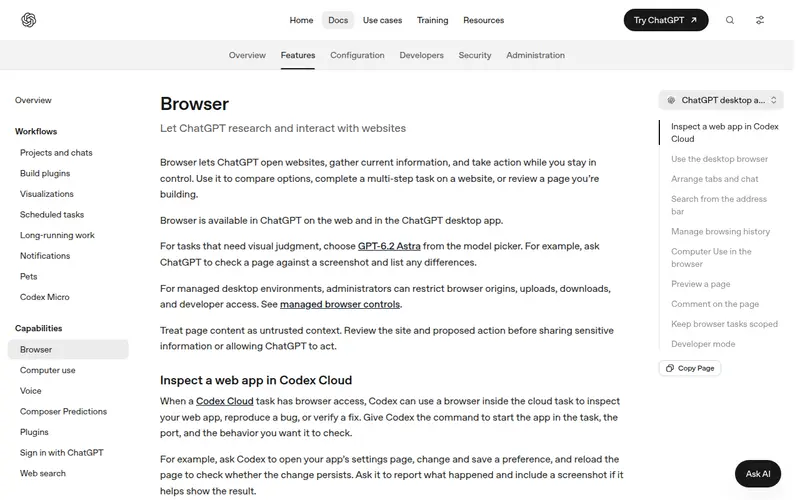
ChatGPT Work is "an agent designed for longer, multi-step work and finished deliverables". You describe an outcome, and Work researches, analyzes and produces a document, spreadsheet, presentation, report or site. On web and mobile it runs in the cloud; in the desktop app it can also use local files and apps with your permission.
For websites, Work uses the cloud browser: "its own browser on a separate computer in the cloud". It reads pages, clicks, fills forms and keeps going after you close the conversation.
Limitations: some sites block automated browsers; the cloud browser keeps its own cookies and does not use your personal browser's logins or extensions; it is a browser, not a full desktop with a terminal and files you manage.
Best for: anyone who used agent mode for research, forms and web errands.
Availability: listed in ChatGPT's plugin directory, on phone and computer | Price: $5 of free credit; Small $19/month; Medium $39/month, which never sleeps
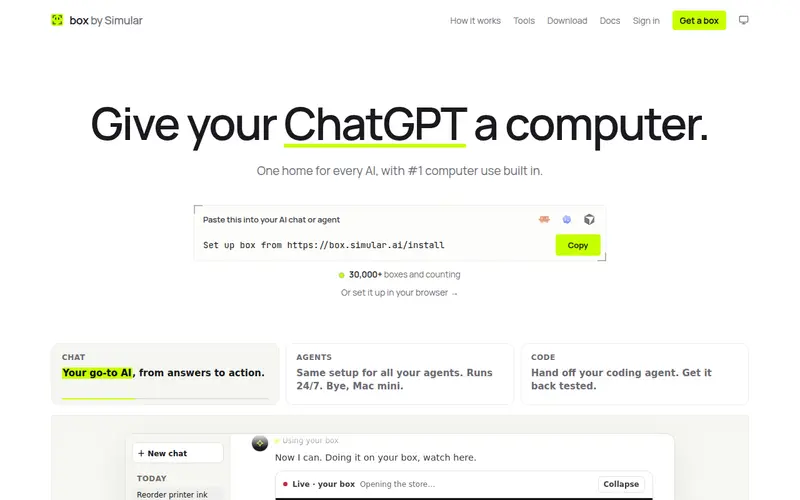
box by Simular gives ChatGPT a computer of its own: a cloud Ubuntu desktop with Chrome, files and a shell. In ChatGPT, search for box by Simular in Plugins and install it in one click; then type @ in a chat, pick box, and ask for a task.
Where the cloud browser is a browser for one assistant, box is a whole desktop that stays yours:
Limitations: usage is paid after the free credit; the box runs Linux, so it is not for Windows- or macOS-only apps; after a box update, ChatGPT may need its tools refreshed (the docs explain how).
Best for: ChatGPT users who want a desktop they can see, logins that persist across tasks, or one computer shared between ChatGPT and a coding agent. Details are in the box docs for ChatGPT; for the bigger picture, see how to give Claude or ChatGPT a computer.
Availability: Pro and selected Plus users outside the EEA, UK and Switzerland; Business Premium; rolling out to Business Standard in the US; Enterprise, Edu and Healthcare by default from November 18, 2026 unless an admin opts out | Works in: its own cloud computer
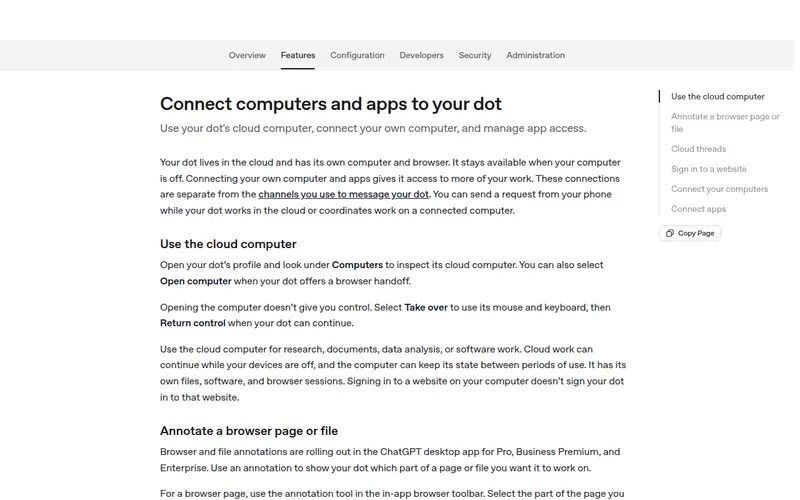
A dot is "an always-on agent in ChatGPT" with "its own cloud computer". It keeps making progress between conversations, runs reminders and recurring checks, and can hand off work to ChatGPT Work or Codex.
Limitations: gradual rollout; one personal dot per member in workspaces; its cloud browser has its own sign-ins.
Best for: people who want a persistent assistant that follows through on projects.
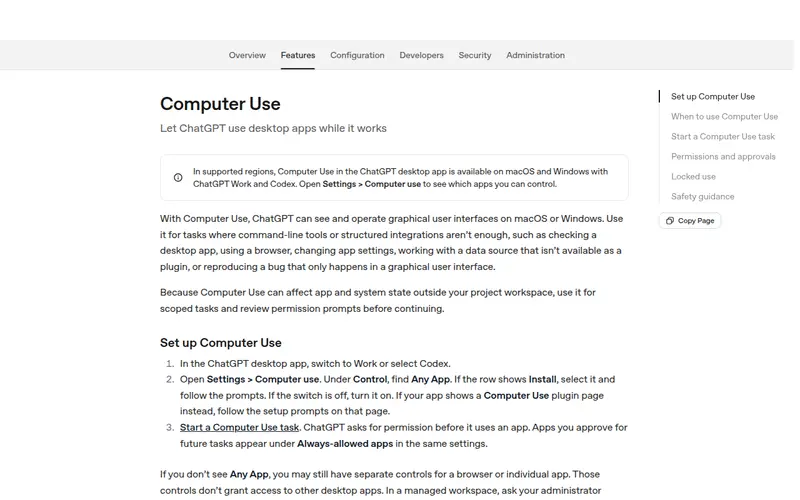
Availability: ChatGPT desktop app with Work or Codex, in supported regions | Works in: your Mac or Windows PC
Computer Use lets ChatGPT Work and Codex see and operate graphical apps on your computer, asking before it uses each app. On macOS it can work in background windows; on Windows it runs in the foreground. We cover it in detail in Codex computer use.
Limitations: your computer has to be on and online; on Windows it takes over the pointer.
Best for: tasks inside desktop apps you already have installed.

Pricing: Free (daily credits) | $50/month pay as you go | $500/month Sai Unlimited | Works in: a cloud Windows or Linux computer, or your own Mac or PC
Sai is an AI agent that operates a real desktop: websites, desktop software, spreadsheets and email in one flow. It asks for approval before it sends, posts or deletes, and repeated tasks become reusable routines.
Limitations: desktop workflows use more credits than chat; macOS-only apps need Sai on your own Mac.
Best for: operators and founders who want work finished, not suggested. See ChatGPT vs Sai.

Availability: Claude paid plans | Works in: your Chrome
Claude in Chrome works across the tabs you drag into Claude's tab group, with the logins you already have: internal tools, admin consoles, invoice systems. Anthropic warns that browser AI faces prompt-injection risk and that its protections "aren't foolproof".
Limitations: runs in your own browser, so your computer must stay on; mind which accounts are signed in.
Best for: Claude users with browser-heavy work.
Availability: free download for Mac, Windows, iOS and Android | Works in: the Comet browser on your device
Comet is Perplexity's AI browser. Its assistant can research across tabs and carry out tasks such as managing an inbox, shopping or planning a trip. Compare it with other options in our best AI browsers guide.
Limitations: you switch browsers; agentic browsing on sensitive accounts carries prompt-injection risk.
Best for: people who want agent features in a browser they use every day.
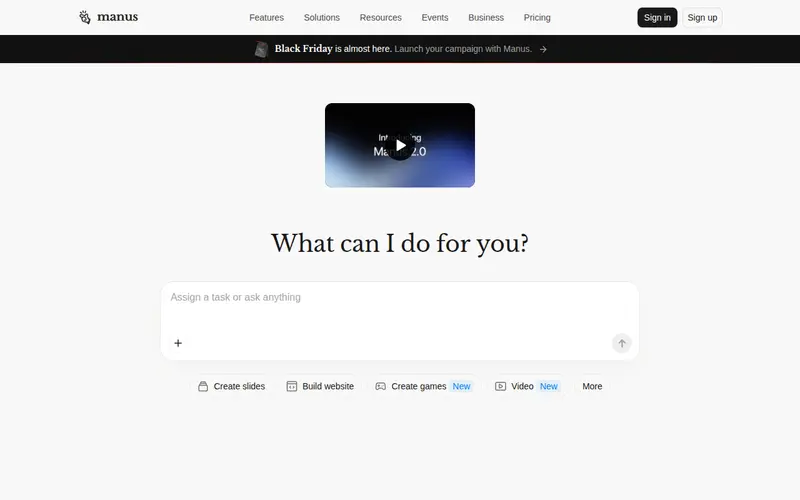
Availability: Free plan (300 credits a day), Pro and Max plans | Works in: Manus's cloud
Manus runs tasks in its own cloud and returns deliverables: cited research, websites, slides and media. Paid plans add more concurrent tasks and automations.
Limitations: credit-based; less suited to tasks in your own signed-in accounts.
Best for: one-shot research and content deliverables. See Sai vs Manus.

Availability: auto browse rolling out in preview to Google AI Pro and Ultra subscribers in the US | Works in: your Chrome
Gemini in Chrome summarizes and compares your open tabs, and auto browse lets it navigate and complete tasks for you.
Limitations: US-first preview on paid Google plans.
Best for: Google AI subscribers who do not want to change browsers.
| ChatGPT cloud browser | box by Simular in ChatGPT | |
|---|---|---|
| What it is | A browser on a separate cloud computer | A full cloud Ubuntu desktop: Chrome, files, terminal |
| How you start it | ChatGPT Work chooses it when needed | Install from ChatGPT's plugin directory; @box in a chat |
| Logins | Secure sign-in form; persists until it expires | Sign in once on the box's Chrome; it stays |
| Watch and take over | Take over the browser when asked | Live view in the chat, Take control any time |
| Files and tools | Browser only | Downloads, files, shell and desktop apps that persist |
| Other AIs | ChatGPT only | Claude, Claude Code, Codex and Cursor can use the same box |
| Price | Included in eligible ChatGPT plans | $5 free credit, then from $19/mo |
They are not either-or. Use the cloud browser for quick web errands inside Work, and box when a task needs a desktop you can see, files that persist, or a machine your other AI tools can share.
OpenAI uses a secure sign-in form, a review model that checks sign-in requests for phishing, site permissions and confirmation before consequential actions, and says these safeguards do not remove every risk. Never paste passwords or payment details into the chat.
Inside ChatGPT, Work with the cloud browser, dots or the box plugin. Outside ChatGPT, Sai for end-to-end work across apps, Claude in Chrome or Comet for browser tasks, and Manus for research and content deliverables.
Agent mode was for paid plans only, and so are its replacements: the cloud browser excludes Free and Go plans.