
Oops! Something went wrong while submitting the form.
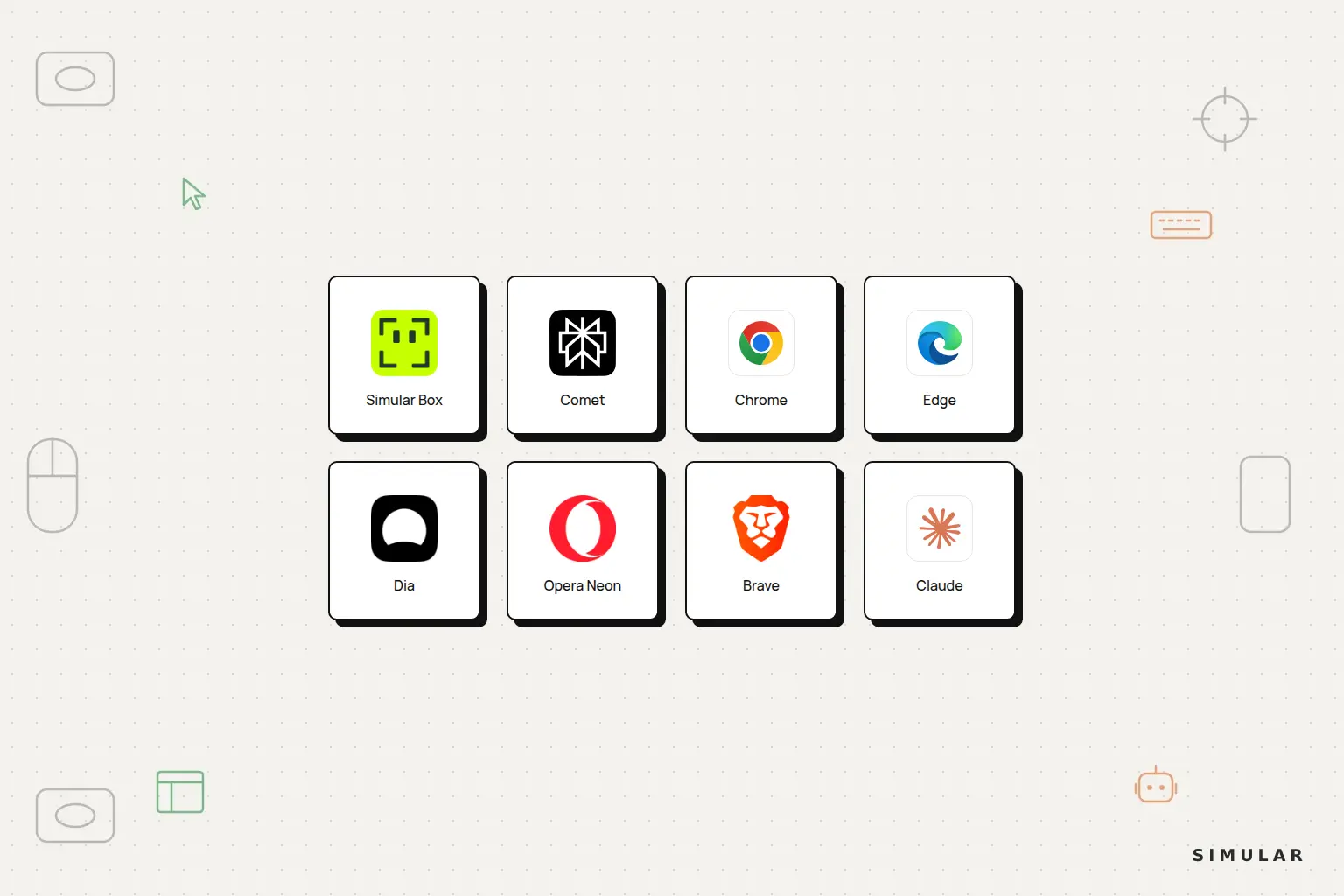
Short answer: The best AI browser for most people in 2026 is Perplexity Comet if you want a dedicated agentic browser, or Chrome with Gemini and Edge with Copilot if you would rather add AI to the browser you already use. Dia is the pick for an assistant-first browser on Mac or Windows, Opera Neon for power users who want several agents for $19.90 a month, and Brave with Leo for privacy. ChatGPT Atlas has been retired. If the browser is meant for your AI rather than for you, a cloud computer with Chrome such as Simular Box keeps the agent off your own machine.
An AI browser is a web browser with a built-in AI assistant that can answer questions about the pages you have open and, in agentic browsers, click, type and complete tasks for you. The category changed a lot in 2026: OpenAI retired Atlas, Google started rolling out auto browse, and Opera turned Neon into a subscription for agents. This guide compares nine options as of November 22, 2026.
There is a third thing people search for under "AI browser": a browser that an AI agent drives on its own, often in the cloud. That is a tool for agents, not a browser for you to browse with. We cover it at #3 and in our separate guide to AI browser agents.
We used each vendor's own pages and help docs, checked on November 22, 2026, and compared:
| # | Browser | Best for | Agent actions | Platforms | Price |
|---|---|---|---|---|---|
| 1 | Perplexity Comet | A dedicated agentic browser | Yes | Mac, Windows, iOS, Android | Free download |
| 2 | Chrome with Gemini | AI in the browser most people already use | Auto browse (preview) | Desktop and mobile | Gemini free; auto browse for Google AI Pro/Ultra (US) |
| 3 | Simular Box | A browser your AI uses on its own cloud computer | Yes, driven by your AI | Cloud (any device to watch) | $5 free credit, then from $19/mo |
| 4 | Edge with Copilot | Windows and Microsoft 365 users | Yes, in Edge | Windows, Mac, mobile | Built into Edge; higher limits with Microsoft 365 |
| 5 | Dia | An assistant-first everyday browser | Chat across tabs and apps | Mac, Windows | Free download |
| 6 | Opera Neon | Power users who want several agents | Yes, multiple agents, MCP and CLI | Desktop | $19.90/month |
| 7 | Brave with Leo | Privacy | Assistant | Mac, Windows, Linux, iOS, Android | Free; Leo Premium |
| 8 | Fellou | Plan-first automation across web and desktop | Yes, plus local computer use | Desktop | See vendor |
| 9 | Claude in Chrome | Claude users working in their own tabs | Yes | Chrome extension | Claude paid plans |
Price: free download | Platforms: Mac, Windows, iOS, Android
Comet is Perplexity's browser, built on Chromium so extensions and habits carry over. Its assistant answers with Perplexity's cited search, works across your open tabs, and delegates tasks such as "wrangling inboxes", ordering groceries, staying on top of finances and planning trips.
Key strengths: the most mature standalone agentic browser; on every major platform; free to start.
Limitations: switching your main browser is a real change; Brave's security team showed in 2025 how indirect prompt injection could manipulate Comet's assistant, so keep agent tasks away from sensitive accounts.
Best for: people who want an AI that does things in the browser, not just summarizes. Teams comparing it with others can read our Comet alternatives for B2B teams.

Price: Gemini in Chrome included; auto browse for Google AI Pro and Ultra subscribers | Platforms: desktop and mobile
Gemini in Chrome summarizes pages, uses the context of your open tabs to compare options, and answers questions without leaving the page. Auto browse lets Gemini navigate and complete tasks for you; it is rolling out first in preview to Google AI Pro and Ultra subscribers in the US.
Key strengths: nothing to install for Chrome users; deep Google integration; tab-aware answers.
Limitations: agent features are US-first and paid; less aggressive as an agent than Comet, which some readers will see as a plus.
Best for: Chrome users who want AI without changing browsers.
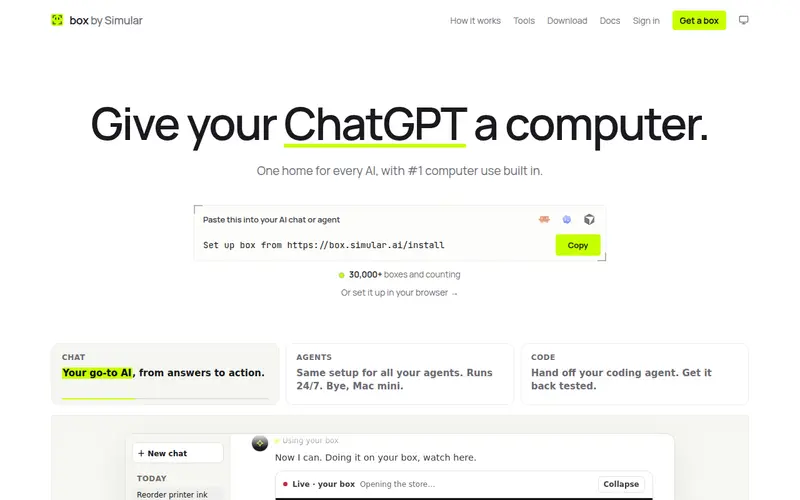
Price: $5 of free credit; Small $19/month; Medium $39/month, which never sleeps | Platforms: cloud; watch from any device
Simular Box is not a browser you browse with. It is a cloud computer with Chrome that the AI you already use (ChatGPT, Claude, Claude Code, Codex or Cursor) drives over MCP, so the agent's browsing happens on its own machine instead of in your personal browser.
Limitations: not an everyday browser for you; paid after the free credit.
Best for: people who want an AI agent to browse for them without touching their own browser. Compare cloud options in our cloud browsers for AI agents guide.
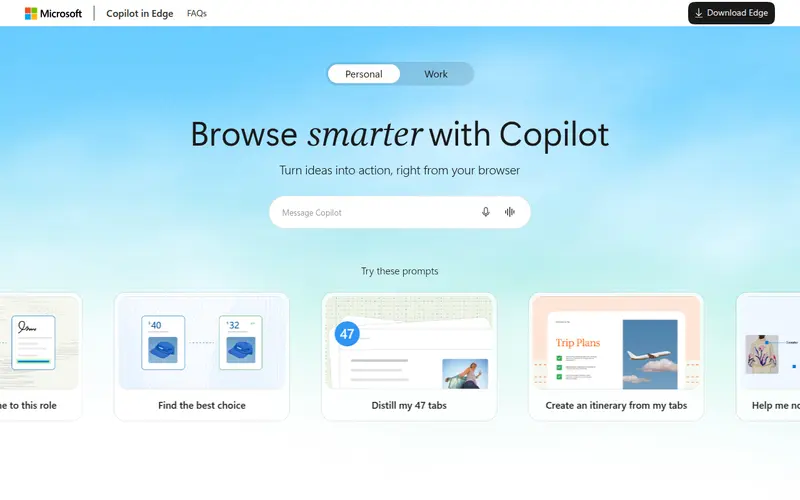
Price: built into Edge; Microsoft 365 subscribers get higher limits | Platforms: Windows, Mac, mobile
Microsoft has folded Copilot Mode into Edge itself: Copilot in Edge compares and summarizes across your tabs, and you can "ask Copilot to help with a task, and it can browse and take actions for you in Microsoft Edge", with the option to take control at any time. Journeys group related pages, searches and chats so you can pick up where you left off.
Key strengths: free to start; you can watch and take over; enterprise controls for Edge for Business.
Limitations: best inside the Microsoft ecosystem; usage limits on the free tier.
Best for: Windows users and companies standardized on Microsoft 365.
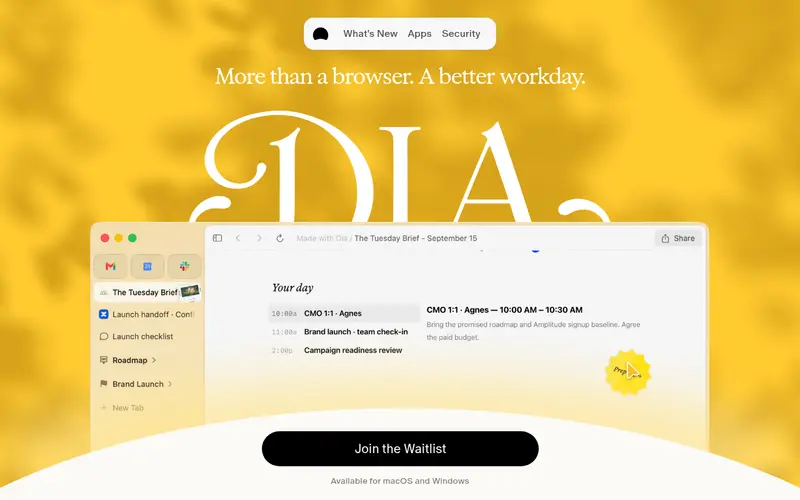
Price: free download | Platforms: macOS and Windows
Dia comes from The Browser Company, the team behind Arc. It "reads between the tabs": ask once and it uses your context across tabs and work apps such as Google Workspace and Teams. It also separates work, freelance and personal profiles, each with its own tabs, logins and AI.
Key strengths: simple, chat-first design; strong tab context; separate profiles.
Limitations: more assistant than autonomous agent; no mobile app listed.
Best for: people who want an everyday browser with a helpful assistant built in.

Price: $19.90/month for agentic features | Platforms: desktop
Opera Neon brings different agents into the browser, "each built for a different kind of outcome": one browses, another prepares deep research or documents. You can also connect your own agents to Neon "through MCP or CLI". It keeps Opera's built-in ad blocker and free VPN.
Key strengths: multiple agents; connects to external agents; Opera's browser features.
Limitations: subscription required for agent features; smaller user base than Chrome or Edge.
Best for: AI power users who want the browser to be a workspace for agents.

Price: free; Leo Premium for more models and faster responses | Platforms: macOS, Windows, Linux, Android, iOS
Leo is Brave's built-in assistant. It needs no account for the free version, and Brave says the Premium account cannot be linked to how you use Leo. It sits on top of Brave's tracker and ad blocking.
Key strengths: privacy by default; on every platform including Linux; free.
Limitations: an assistant more than an autonomous agent.
Best for: privacy-minded users who want AI help without more data collection.

Price: see vendor | Platforms: desktop
Fellou calls itself an agentic browser that "plans first, acts second": it shows a step-by-step plan you can edit and approve before it runs. It can automate browser workflows and, with permission, operate local apps and files.
Key strengths: visible plans; reaches beyond the browser into desktop apps.
Limitations: newer product; giving a browser access to local apps and files needs care.
Best for: users who want to review an agent's plan before it acts.

Price: Claude paid plans | Platforms: Chrome extension
Claude in Chrome is an extension rather than a browser. Claude works on the tab in front of you, or across tabs you drag into its tab group, with the logins you already have. Anthropic notes that its prompt-injection protections "aren't foolproof".
Key strengths: no new browser; works with internal tools and admin consoles you are signed in to; sessions sync to your Claude account.
Limitations: uses your real logins, so scope tasks carefully; your computer must stay on.
Best for: Claude subscribers whose work happens in web apps.
ChatGPT Atlas was OpenAI's AI browser for macOS, launched in October 2025. OpenAI has since retired it: it no longer receives updates, and its help article covers exporting data and removing the app. OpenAI's agentic web features now live in ChatGPT Work's cloud browser and the ChatGPT desktop app. See our guide to ChatGPT agent in 2026.
AI browsers that act for you face prompt injection: hidden text on a web page that the assistant reads as an instruction. Because the agent acts with your logged-in sessions, a malicious page could try to steer it toward your email or accounts. Brave's 2025 research on Comet is the best-known example, and Anthropic and OpenAI both say their own protections reduce but do not eliminate the risk.
Practical rules:
| AI browser | AI browser agent | Cloud browser | |
|---|---|---|---|
| Who uses it | You | An AI, often in your browser | An AI, on a remote machine |
| Examples | Comet, Dia, Edge with Copilot | Claude in Chrome, Browser Use | ChatGPT's cloud browser, Browserbase, Simular Box |
| Runs on | Your device | Your device or the cloud | The cloud |
| Our guide | This page | Best AI browser agents | Cloud browsers for AI agents |
An AI browser is a browser people use, with AI built in. A browser agent is software that controls a browser on an AI's behalf, either in your browser or on a remote machine.
Brave with Leo supports Linux. For an AI that browses on a Linux machine in the cloud, a cloud computer such as Simular Box runs Chrome on Ubuntu.