
Oops! Something went wrong while submitting the form.
Short answer: A browser MCP server lets an AI app such as Claude Code, Cursor, Codex or Claude Desktop open web pages, click, type and read results through the Model Context Protocol. Playwright MCP is the default for reliable automation and tests, Chrome DevTools MCP is best for debugging and performance, and Browser MCP (browsermcp.io) is best when the AI should use your own signed-in Chrome. For browsers in the cloud, Browserbase, Browser Use and Hyperbrowser offer hosted MCP servers. Simular Box goes one step further: a remote MCP server for a whole cloud desktop with Chrome, where logins stay and you can watch live.
"Browser MCP" means two things in searches: the general idea of an MCP server for a browser, and a specific product called Browser MCP. This guide covers both, comparing eight servers as of November 22, 2026, so you can pick by where the browser should run and whose logins it should use.
The Model Context Protocol is an open standard that lets AI apps call tools from outside services. A browser MCP server exposes browser actions as tools: navigate to a URL, click an element, fill a form, read the page, take a screenshot. The AI decides which tool to call; the server drives the browser.
Browser MCP servers differ in three ways that matter more than the tool list:
We read each server's README or docs and checked:
npx package, browser extension, or a hosted URL with OAuth or an API key.| # | Server | Best for | Browser runs | Uses your logins | Setup | Price |
|---|---|---|---|---|---|---|
| 1 | Simular Box | A cloud desktop with Chrome for any AI app | Cloud (Ubuntu desktop) | Logins you add on the box stay | Remote MCP URL, OAuth | $5 free credit, then from $19/mo |
| 2 | Playwright MCP | Reliable automation and end-to-end tests | Your computer | Its own profile; your browser via --extension | npx package | Free, open source |
| 3 | Chrome DevTools MCP | Debugging, network and performance | Your computer | Separate or your Chrome | npx package | Free, open source |
| 4 | Browser MCP | Your own signed-in Chrome | Your computer | Yes | Extension + npx | Free |
| 5 | Claude in Chrome (Claude Code) | Claude Code users in their own browser | Your computer | Yes | Extension + Claude Code's Chrome integration | Claude paid plans |
| 6 | Browserbase MCP | Hosted cloud browsers with Stagehand | Cloud | Cloud sessions | Hosted URL | Browserbase plans |
| 7 | Browser Use MCP | A browser agent as one tool | Cloud or your computer | Cloud profiles | Hosted URL + API key, or open source | Pay as you go (cloud) |
| 8 | Hyperbrowser MCP | Scraping, extraction and crawling | Cloud | Cloud sessions | npx + API key | Hyperbrowser plans |
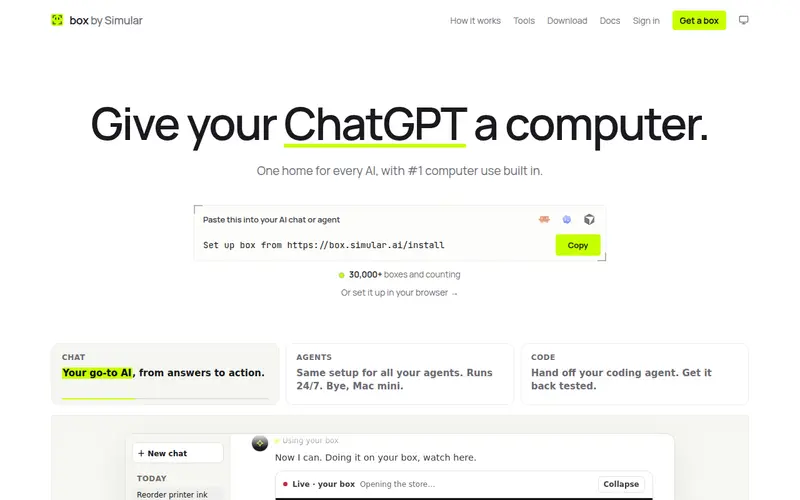
Setup: one remote MCP server, https://mcp.box.simular.ai/mcp, with OAuth sign-in | Runs: in the cloud, on a Ubuntu desktop | Price: $5 of free credit; Small $19/month; Medium $39/month, which never sleeps
Most browser MCP servers give an AI a browser. Simular Box gives it a computer with a browser on it: a cloud Ubuntu desktop with Chrome and a shell, driven over one remote MCP server. The browser is one part of a machine that also has files, downloads, a terminal and desktop apps.
How it works: you add the server URL to your AI app and sign in once in your browser (OAuth, no key to paste). The AI then drives the box's Chrome and desktop, runs commands in its shell, and takes screenshots. You can open the live view at box.simular.ai/box to watch the screen.
What stands out:
claude -p and codex exec can use the box once its tools are allowed for the run (Headless agents).Limitations: more than you need for a quick page check on localhost; paid after the free credit; the desktop is Linux, so Windows- or macOS-only apps are out of scope.
Best for: tasks where the AI needs a browser plus files or a terminal, a login that persists, or a screen you can watch, without using your own computer. Setup for each app is in the box MCP docs.
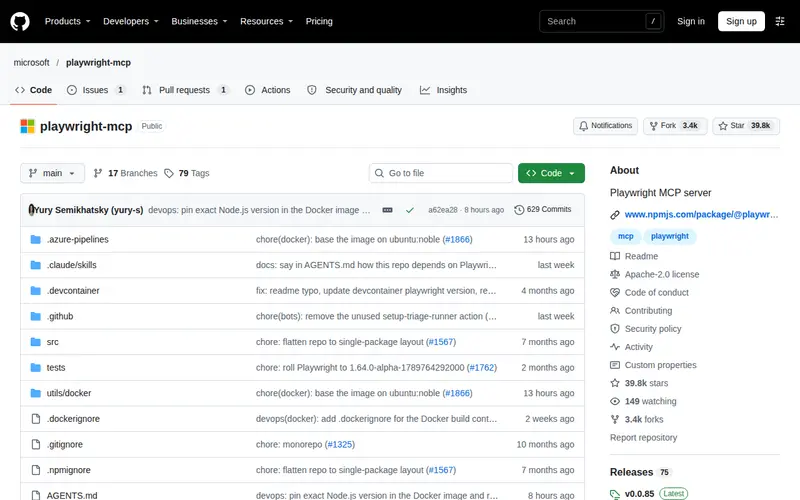
Setup: npx @playwright/mcp@latest, Node.js 20+ | Runs: on your computer, or as a standalone server or Docker image | Price: free, open source (Microsoft) | GitHub: about 40,000 stars
Playwright MCP gives an AI browser automation through Playwright. It uses "Playwright's accessibility tree, not pixel-based input", so it needs no vision model and its actions are deterministic. It works in VS Code, Cursor, Windsurf, Claude Desktop, Goose and other MCP clients, and it is a Claude Code plugin with about 320,000 installs on Claude Marketplace.
How it works: the AI calls browser_snapshot to get an accessibility snapshot of the page, with a reference for each element, then acts on those references with tools such as browser_click, browser_type, browser_fill_form and browser_select_option. Because it targets elements rather than screen coordinates, the same step works at any window size.
Tools: about 25 core tools for navigation, tabs, clicks, typing, forms, file uploads, dialogs, console messages, network requests, screenshots and waiting. Extra groups are opt-in with --caps: coordinate-based actions (vision), PDF export, DevTools, network and storage control, and test assertions.
Profiles and logins: by default it keeps its own persistent profile, so logins made in that browser stay between sessions. --isolated keeps the profile in memory for clean test runs, --storage-state loads saved cookies, and --extension connects to your running Chrome or Edge through the Playwright Extension, using your existing tabs and logins.
Key strengths: the most widely used browser MCP server; deterministic element targeting; Chromium, Firefox and WebKit; headed or headless; flexible profile options.
Limitations: Microsoft notes that coding agents may prefer its Playwright CLI with skills, which loads fewer tool schemas and uses fewer tokens; the README states it is "not a security boundary"; a persistent profile can only be used by one browser at a time.
Best for: end-to-end tests and repeatable automation from a coding agent. Example: Claude Code browser testing.
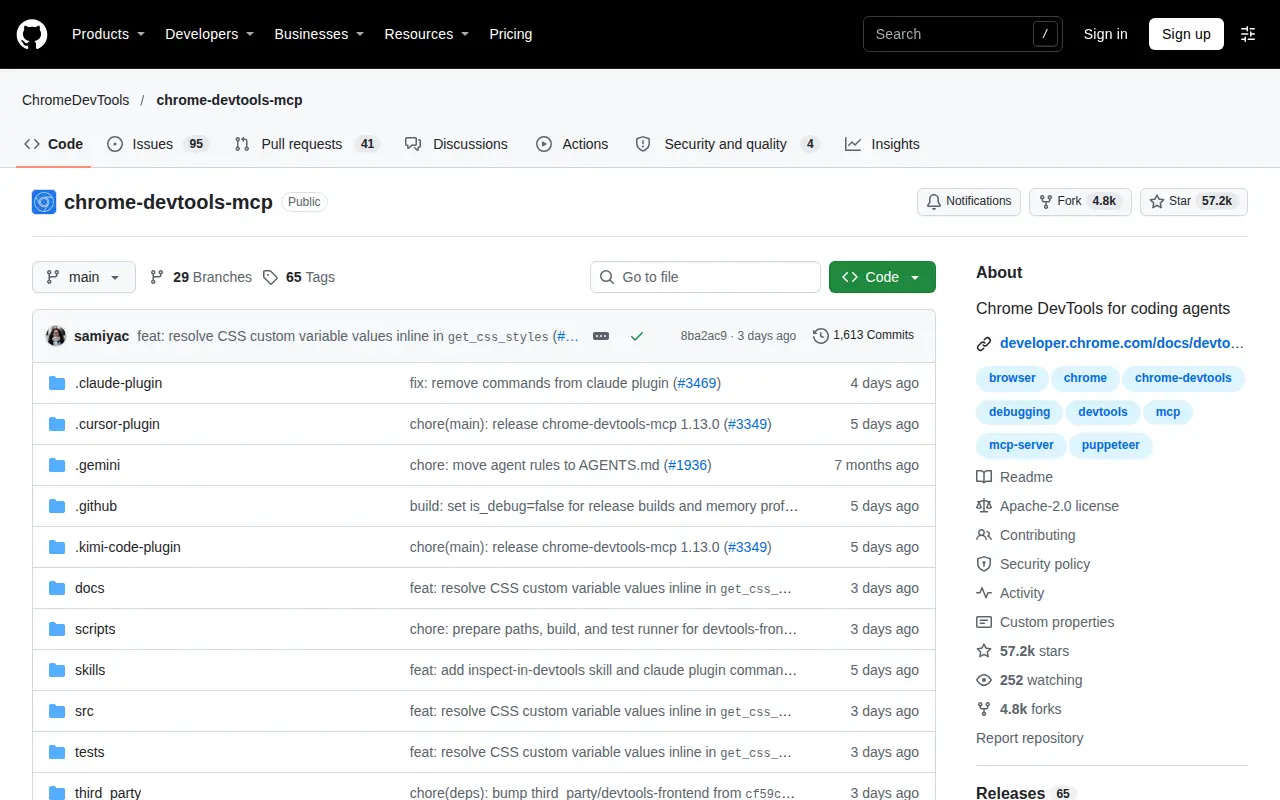
Setup: npx chrome-devtools-mcp@latest | Runs: on your computer, against Chrome | Price: free, open source (Chrome DevTools team, Google) | GitHub: about 58,800 stars
Chrome DevTools MCP, now billed as "Chrome DevTools for agents", lets a coding agent "control and inspect a live Chrome browser". It gives the AI what a developer sees in DevTools, not just what a user sees on the page. It is also available as a CLI and as a Claude Code plugin with about 103,000 installs.
How it works: the server starts Chrome (or connects to one that is running) and drives it with Puppeteer, which waits for each action's result before the next step. Diagnostic tools read DevTools data directly.
Tools: grouped by job in its tool reference: input automation (click, fill, fill forms, drag, upload, type), navigation and pages, emulation, performance traces with insights, network requests, debugging (evaluate scripts, console messages, CSS styles, a Lighthouse audit, screencasts), memory, network mocks, extensions, progressive web apps and WebAuthn. A --slim flag exposes a reduced set for basic browser tasks.
Things to know: performance tools may send trace URLs to Google's CrUX API for real-user data (--no-performance-crux turns that off), and usage statistics are collected by default (--no-usage-statistics opts out).
Key strengths: DevTools data no other server exposes, including performance traces and Lighthouse; maintained by the Chrome team; a slim mode for lighter use.
Limitations: officially supports Google Chrome and Chrome for Testing only; it exposes everything in the browser to the AI, so avoid profiles with sensitive accounts.
Best for: front-end debugging, Core Web Vitals and "why is this page slow or broken" questions. Deep dive: Chrome DevTools MCP guide.

Setup: the Browser MCP Chrome extension plus npx @browsermcp/mcp@latest | Runs: on your computer, in your own Chrome | Price: free, open source | GitHub: about 7,400 stars
Browser MCP "lets AI apps (Claude Code, Cursor, VS Code, Codex, Claude Desktop…) use your own Chrome: your signed-in sites, your profile, in tabs of their own". Version 2.0 is current; upgrading from 1.x means updating both the extension and the server.
How it works: each AI app runs a small MCP process that starts one local daemon per user. The daemon talks to the extension over a loopback connection and drives the browser's tabs with Playwright. The first time, you check that a six-digit code in the extension's popup matches the agent's and click Allow; after that, agents use the browser without asking.
Tools: a single browser tool that takes command lines. Targets can be Playwright locators, CSS selectors or references from a snapshot, so most steps need no snapshot first, and a whole task often fits in one call. Each action answers in one line rather than a full page snapshot, which keeps token use down. With --caps cdp, the AI can use the Chrome DevTools Protocol for breakpoints, response mocking, profiling and emulation.
What stands out:
Limitations: your computer and browser must be open; the AI acts with your real accounts, so scope tasks carefully; Chromium browsers only (no Firefox).
Best for: quick tasks on sites you are already signed in to, such as internal dashboards and admin pages.
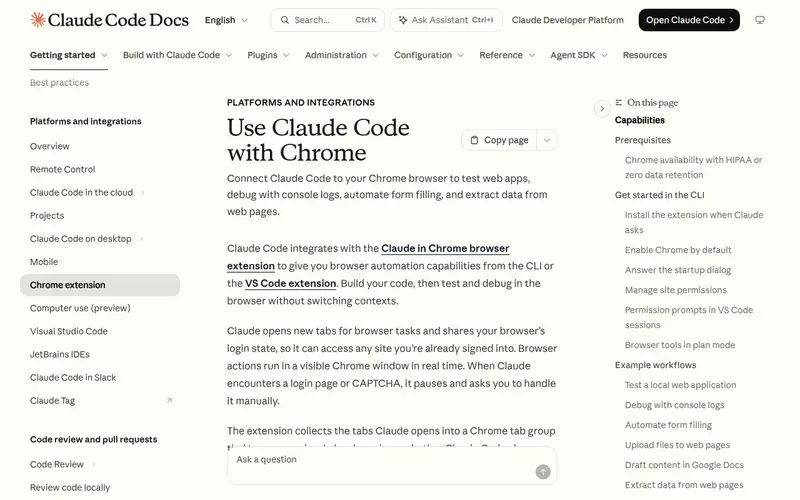
Setup: the Claude in Chrome extension, then Claude Code's Chrome integration | Runs: in your Chrome, Edge or another Chromium browser | Price: a direct Anthropic plan (Pro, Max, Ultra, Team or Enterprise)
Claude Code's Chrome integration connects the CLI or the VS Code extension to the Claude in Chrome extension. It is not a separate MCP server you install, but it does the same job for Claude Code users.
How it works: Claude opens new tabs for browser tasks, collects them into a Chrome tab group tied to the session, and shares your browser's login state. Actions run in a visible window in real time, and Claude pauses on login pages or CAPTCHAs for you to handle.
What it can do: live debugging from console errors and DOM state, design checks against a Figma mock, form and user-flow testing, work in signed-in apps such as Google Docs, Gmail or Notion, data extraction, form filling, file uploads, and GIF recordings of what it did.
Key strengths: built into Claude Code; works in Chrome, Edge, Brave, Arc, Vivaldi and Opera; tabs are cleaned up with the session.
Limitations: Claude Code only; requires signing in with a claude.ai plan rather than an API key; uses your real logins.
Best for: Claude Code users testing web apps they are signed in to.
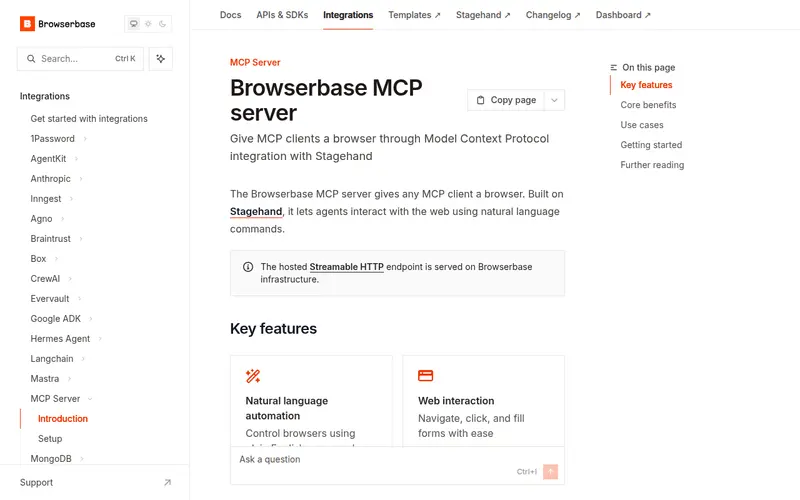
Setup: hosted Streamable HTTP endpoint at https://mcp.browserbase.com/mcp | Runs: in the cloud on Browserbase | Price: Browserbase plans
The Browserbase MCP server "gives any MCP client a browser". It is built on Stagehand, Browserbase's SDK for natural-language browser actions.
How it works: instead of selectors, the AI describes actions in plain English, such as "click the login button" or "fill out the contact form", and Stagehand works out which elements to use. Sessions run on Browserbase's infrastructure, so no browser runs on your machine.
Tools: six: start and end for the session, navigate, act for natural-language actions, observe to list actionable elements, and extract for structured data. Browserbase recommends the hosted endpoint; the self-hostable repository is archived as a reference.
Key strengths: no local browser; selector-free actions that adapt to layout changes; explicit session lifecycle; scales with Browserbase.
Limitations: browser only, with no files or terminal around it; usage billed by Browserbase; a second model interprets your instructions, which adds a layer between the AI and the page.
Best for: developers who already use Browserbase, or who want cloud browsers without running Chrome locally. See Browserbase alternatives.
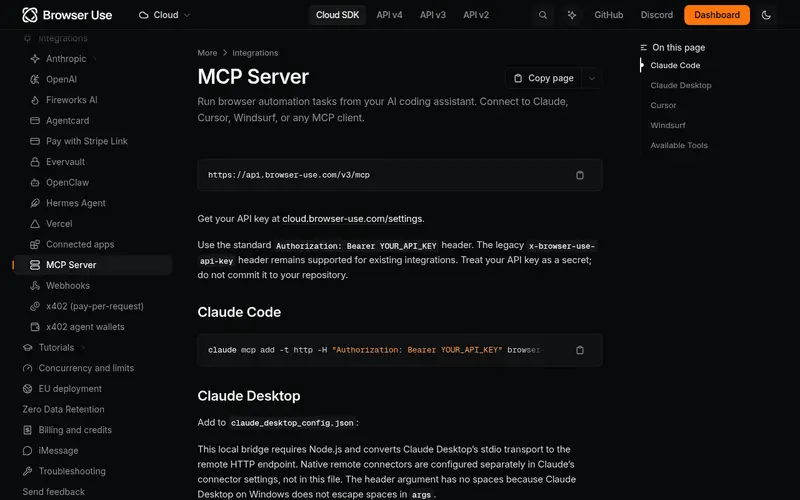
Setup: hosted at https://api.browser-use.com/v3/mcp with an API key, or open source with browser-use --cli-mcp | Runs: in Browser Use's cloud, or locally | Price: cloud is pay as you go
Browser Use offers an MCP server that runs whole browser tasks. Instead of calling click and type step by step, your AI hands a task to Browser Use's own agent and gets the result back.
How it works: run_session creates a cloud session and runs a task, with options for the model, an output schema and keeping the session alive. get_session polls status, step count, cost and a live URL; send_task sends a follow-up to a kept-alive session; stop_session ends the task or the whole session; get_session_messages returns the agent's actions and reasoning; list_sessions and list_browser_profiles round it out. Browser profiles let tasks run signed in.
Key strengths: one call can finish a multi-step web task; live URL to watch; profiles for authenticated tasks; an open-source path for local use.
Limitations: another agent sits between your AI and the page, so your AI sees less of each step; an API key to manage; the MCP server runs Browser Use's V3 sessions, not its newest V4 runs.
Best for: delegating web tasks from a coding assistant without scripting each step.
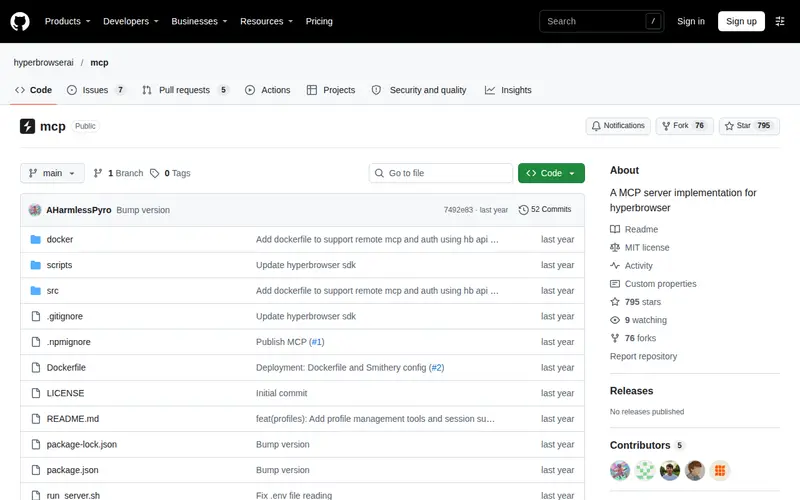
Setup: npx hyperbrowser-mcp with an API key | Runs: in Hyperbrowser's cloud | Price: Hyperbrowser plans
The Hyperbrowser MCP server is built for getting data off the web rather than driving a page click by click.
Tools: scrape_webpage (markdown, screenshots and other formats), crawl_webpages across linked pages, extract_structured_data into JSON, search_with_bing, three agent tools (browser_use_agent, openai_computer_use_agent, claude_computer_use_agent), and tools to create, list and delete persistent browser profiles. Hyperbrowser's API supports more features than the MCP server.
Key strengths: strong for data extraction at scale; a choice of browser agents behind one server; persistent profiles.
Limitations: the MCP repository has had little activity since November 2025; an API key is required; less suited to step-by-step testing.
Best for: pulling structured data from many pages. Compare cloud options in cloud browsers for AI agents.
| You need | Use | Why |
|---|---|---|
| Tests and repeatable automation | Playwright MCP | Deterministic, accessibility-tree actions |
| Debugging, network, performance | Chrome DevTools MCP | Real DevTools data |
| Sites you are already signed in to | Browser MCP or Claude in Chrome | Uses your existing sessions |
| No local browser, many sessions | Browserbase, Browser Use or Hyperbrowser | Hosted cloud browsers |
| Browser plus files, terminal and a live view | Simular Box | A whole cloud desktop, shared across AI apps |
A simple rule: local servers are best when you are at your desk and the browser is part of development. Cloud servers are best when the task should run without your computer, at scale, or away from your personal accounts.
| Playwright MCP | Chrome DevTools MCP | Browser MCP | |
|---|---|---|---|
| Maintainer | Microsoft | Chrome DevTools team | Browser MCP project |
| How it sees pages | Accessibility tree | DevTools and Puppeteer | Playwright through an extension |
| Tools | About 25 core tools, more with --caps | Dozens across 13 groups; --slim for fewer | One browser tool that takes command lines |
| Your logins | Its own persistent profile; your browser with --extension | Depends on the Chrome you connect | Yes, your profile |
| Unique strength | Reliable test automation | Traces, network, console | No re-login |
| Browsers | Chromium, Firefox, WebKit | Google Chrome | Chrome and Chromium browsers |
Yes, if it is a remote server. In ChatGPT, box by Simular installs from the plugin directory; other remote MCP servers can be added as custom servers where your plan allows.
They let an AI act in a browser, so the risks are prompt injection from page content and actions on accounts you are signed in to. Use separate profiles or cloud browsers for unattended work, scope tasks narrowly, and keep payment details out of agent sessions.