
Oops! Something went wrong while submitting the form.
Browser automation is software controlling a web browser to do what a person would do: open pages, click, type, fill forms, download files and read the results. In 2026 there are four layers to choose from. Scripted libraries such as Playwright, Puppeteer and Selenium follow code you write. AI frameworks such as Browser Use, Stagehand and Skyvern let a model decide the steps. Hosted browser platforms such as Browserbase and Steel run the browsers for you at scale. And when a task leaves the browser, a full computer such as Simular Box gives an AI agent Chrome plus a desktop and a shell over MCP.
This guide explains each layer, compares ten tools on what they are good at, what they cost and how to set them up, and shows how to combine them. Simular publishes this guide and makes Simular Box. Every number below was read from the tool's own site or repository in November 2026.
Browser automation is the use of software to operate a web browser without a person at the keyboard. Classic browser automation drives the browser through a protocol such as W3C WebDriver or the Chrome DevTools Protocol (CDP), following a script that names each element to click. It is used for end-to-end testing, data collection, form filling and repetitive web work.
AI browser automation adds a model to the loop. Instead of a fixed script, the model reads the page, usually as an accessibility snapshot rather than a screenshot, decides the next action and adapts when the layout changes. That makes automation possible for tasks that were too variable to script, at the cost of speed, predictability and model usage.
These layers stack. A common setup is Stagehand running on Browserbase, Playwright scripts connecting to Steel or Browser Use cloud browsers over CDP, or Playwright MCP inside a coding agent, with a full computer added for the steps a browser cannot do.
We compared ten browser automation tools on six criteria. Layer: scripted library, AI agent framework, MCP browser server, hosted browser infrastructure, or a full computer. How actions are decided: your code, a model, or a mix. Open source status and licence. Pricing: free, usage-billed, or plan-based. Setup: install command and supported languages. Scope: what happens when a task leaves the browser, such as downloads, files or desktop apps.
Star counts, versions and prices were read from each tool's official homepage, pricing page or repository on 4 November 2026; benchmark figures quoted are the vendors' own and are labelled as such. Simular, which publishes this guide, makes Simular Box.
| Tool | Layer | How it decides actions | Open source | Pricing | Best for | Main trade-off |
|---|---|---|---|---|---|---|
| Playwright | Scripted library | Your code | Yes (Apache-2.0) | Free | Testing and stable flows | Selectors break when sites change |
| Browser Use | AI agent framework + cloud | Model, from a goal | Yes (MIT) | Free library; cloud browsers $0.02/hour plus traffic | Goal-driven web agents | More autonomy to evaluate and constrain |
| Simular Box | Full computer over MCP | Your AI client's model | Installer and plugin are public | Freemium version; pay as you go | Tasks that leave the browser | Linux desktop; not built for hundreds of parallel headless browsers |
| Stagehand | AI agent SDK | Code plus model steps (act, observe, extract) | Yes (MIT) | Free SDK; hosting optional | Mixing deterministic code with AI steps | You still design the workflow |
| Playwright MCP | MCP browser server | Your AI client's model | Yes (Apache-2.0) | Free | Giving a coding agent a browser | Browser only; runs where you host it |
| Browserbase | Hosted browsers + web APIs | Whatever you run on it | Platform no (Stagehand yes) | Free; $20, $99/mo; custom | Managed browser fleets for agents | Infrastructure, not an agent |
| Skyvern | AI workflow app + framework | Model with vision | Yes | $29, $149/mo; custom; 14-day trial | Business portals, forms, invoices | Heavier runs per task |
| Selenium | Scripted library + Grid | Your code | Yes (Apache-2.0) | Free | WebDriver suites, many languages | More boilerplate |
| Puppeteer | Scripted library | Your code | Yes (Apache-2.0) | Free | Chrome-focused Node.js scripts | JavaScript only |
| Steel | Hosted browsers (open source) | Whatever you run on it | Yes | $0 + usage ($30 credits); $250/mo; custom | Remote Chrome via API, self-hostable | Browser only |
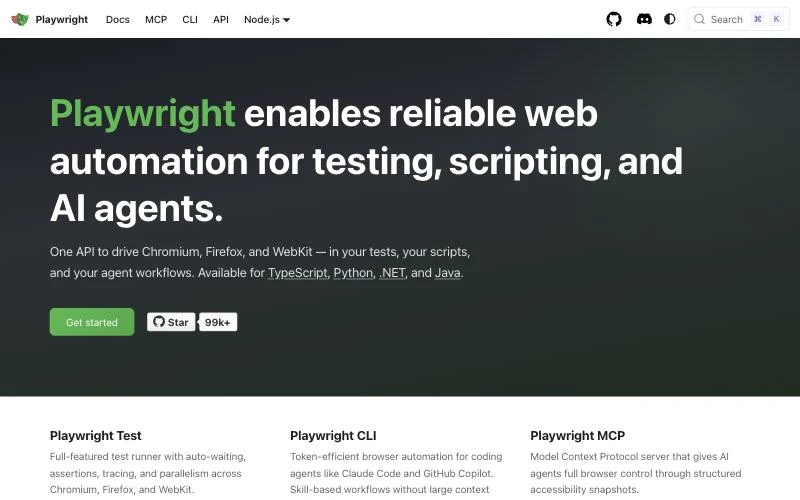
Playwright is Microsoft's open-source browser automation framework and, with more than 99,000 GitHub stars, the default choice for new automation projects. Its homepage now describes it as reliable web automation "for testing, scripting, and AI agents": one API drives Chromium, Firefox and WebKit, with official bindings for TypeScript, Python, .NET and Java.
Three things make Playwright scripts hold up better than older tools. Actions auto-wait for elements to be visible and stable before clicking, so you write fewer sleeps and retries. Locators such as getByRole and getByLabel target elements the way a user or screen reader sees them, which survives CSS refactors. And every test runs in its own browser context, a fresh profile that starts in milliseconds, so tests stay isolated without relaunching the browser.
Playwright is now three products. Playwright Test is the full test runner with assertions, tracing, parallelism and an HTML report. Playwright CLI (npm i -g @playwright/cli@latest) is a token-efficient command-line interface for coding agents such as Claude Code and GitHub Copilot, using skills instead of loading large tool schemas into context. Playwright MCP (covered at number 5) exposes the browser to any MCP client.
npm init playwright@latestPricing: free and open source (Apache-2.0).
Best for: end-to-end tests and any flow you can describe step by step. It is the cheapest and most predictable way to automate a browser, and the base layer that most AI tools in this list build on or connect to.
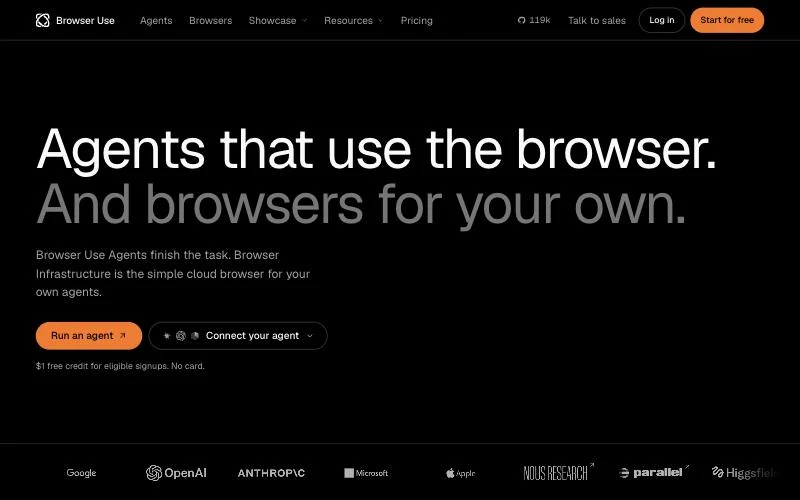
Browser Use is the most-starred AI browser agent project, with about 119,000 stars on GitHub under the MIT licence. You give the agent a goal in plain language, such as "find the cheapest flight from SFO to JFK next Friday", and it reads each page, decides the next click or keystroke and keeps going until the task is done. You choose the model.
The company now sells two products on top of the open-source library. Browser Use Agents is a hosted agent that finishes tasks for you; on the company's own Browser Use Bench v2.1 its fast model, bu-fast, scores 72.9 at about $0.11 per task. Browser Infrastructure is a cloud browser for your own agents, Playwright or Puppeteer scripts, which you connect to over CDP. In the company's benchmark of 200 visits to 100 bot-protected sites, headless Chrome got through 3.0% of the time and Browser Use's browser 90.5%.
Browser Use also ships Browser Harness, an open-source project that gives Claude Code, Codex or Cursor your real Chrome, plus an MCP server and integrations for most coding agents. The company lists SOC 2 Type II, HIPAA and zero data retention for enterprise use.
Pricing: the library is free. Cloud browsers cost $0.02 per hour plus proxy traffic; hosted web agents cost model usage plus 20%, plus browser time. New eligible sign-ups get $1 of free credit with no card.
Best for: open-ended tasks whose steps you cannot list in advance, across sites you have not seen before. Budget time for evaluation, because an autonomous agent can take a different path on each run.
Many "browser" tasks are not only browser tasks. A report is downloaded and has to be opened, renamed or converted. A file must be uploaded from disk. A step needs a command-line tool or a desktop app. Browser-only tools stop at that edge.
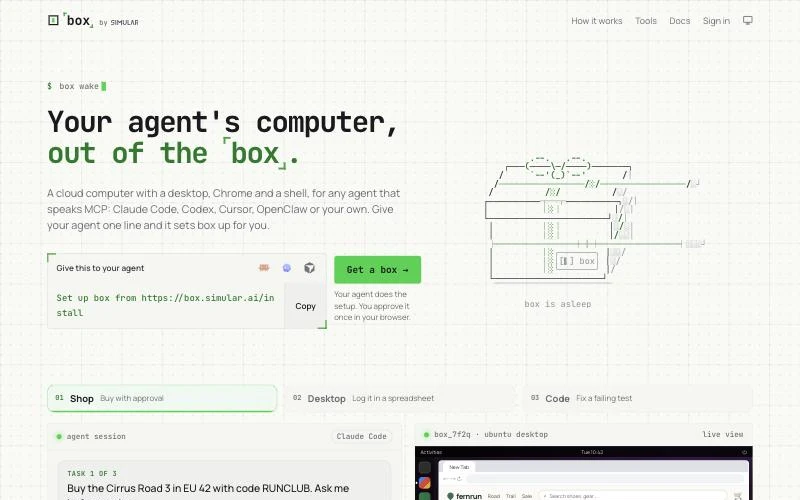
Simular Box is a cloud Linux desktop for your AI, added to Claude, ChatGPT, Gemini, Claude Code, Codex, Cursor or any MCP client as one remote MCP server at https://mcp.box.simular.ai/mcp. The agent gets Chrome on a full Ubuntu desktop plus a persistent shell, and drives them with the model you already use.
Browser tools. For web pages, the agent uses element-level tools: browser_navigate, browser_snapshot, browser_click, browser_type, browser_fill, browser_read, browser_fetch and browser_tabs. Like Playwright MCP, it acts on elements from a page snapshot rather than guessing pixel coordinates. When the task leaves the page, the same agent switches to shell and file tools (read_file, write_file, edit_file, list_dir), or to gui_plan, desk and computer_act for desktop apps, without changing servers.
How it is built. Every box is a Linux micro-VM with strict CPU and memory isolation, on a GPU-ready platform. Boxes come from a pre-warmed pool, which gives a sub-1.2-second p95 spin-up, and are torn down with memory reclaimed when a session ends. Auto-scaling, multi-region failover and health watchdogs sit behind the pool, and the stack has been stress-tested at 1,000 concurrent VMs. A box sleeps when idle and wakes in about a second, with files kept, so the browser session runs off your laptop and your laptop can sleep while the task finishes.
Humans in the loop. You can watch the box live through a low-latency streaming canvas and take control. When a site asks for a password, a 2FA code or a CAPTCHA, you complete that step yourself and the agent continues; the agent is instructed never to ask for passwords in chat. Share links let a teammate see what the agent produced, and the dashboard keeps session replays.
Setup. One command configures every coding agent it finds on your machine; in chat apps you add it as a custom connector. Sign-in is OAuth with Google or GitHub, and connected apps are listed and revocable at box.simular.ai/keys. Per-client steps are in the Simular Box MCP docs, and our MCP server for computer use setup guide walks through it.
npx @simular-ai/box connectPricing: Simular Box has a freemium version to start, and pay as you go after that.
Best for: AI clients that should handle a whole workflow, browser plus files plus apps, on a machine of their own. For hundreds of parallel headless browsers, pair it with a hosted browser platform; for a fully scripted test suite, use Playwright. For other desktop-capable options, see our list of the best computer use MCP servers.
Try Simular Box with your AI app
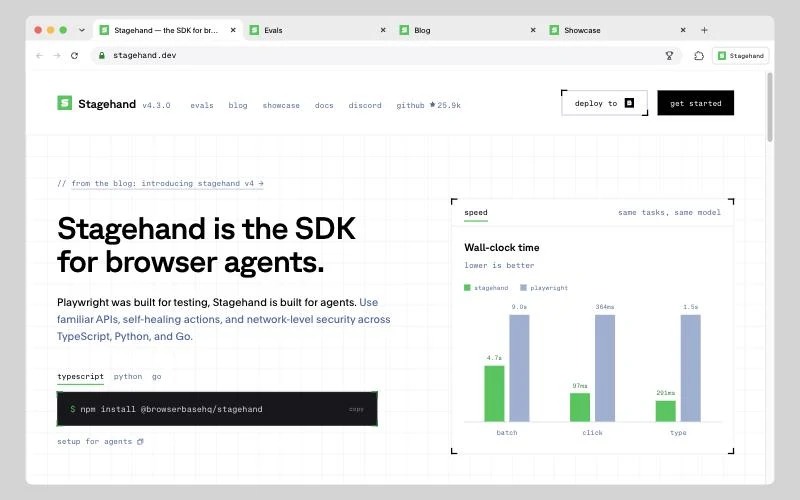
Stagehand is Browserbase's open-source SDK for browser agents, now at version 4.3 with about 25,900 stars on GitHub. Its pitch is direct: "Playwright was built for testing, Stagehand is built for agents." It keeps Playwright-style methods such as goto, click, locator and screenshot, and adds three natural-language primitives: act ("upvote the top story"), extract (pull structured data into a schema) and observe (list the actions available on a page).
The design lets you choose which steps are deterministic code and which are handed to the model, which keeps runs predictable. When a site changes, Stagehand's self-healing actions detect it and refresh how the action is performed. Version 4 runs as a browser extension next to the page to cut round-trip latency; on Stagehand's own speed chart, batch, click and type steps finish several times faster than the equivalent Playwright calls driven by the same model. It also trims the accessibility tree before sending it to the model to save tokens, and supports WebMCP, clipboard access, nested-iframe locators and OpenTelemetry. SDKs cover TypeScript, Python and Go.
npm install @browserbasehq/stagehandPricing: the SDK is free and open source. It runs against a local browser or, for scale, on Browserbase.
Best for: developers building a product on browser automation who want AI where pages are unpredictable and plain code everywhere else.
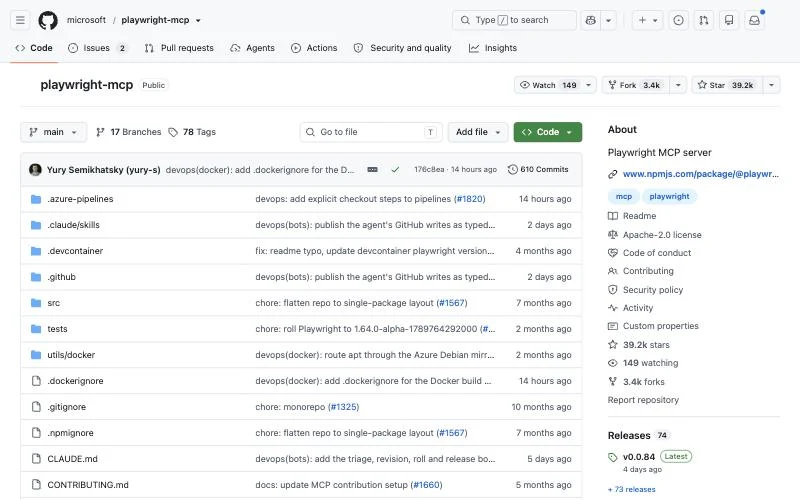
Playwright MCP is Microsoft's Model Context Protocol server for Playwright, with about 39,000 GitHub stars. A coding agent such as Claude Code, Codex, Cursor or VS Code gets tools to navigate, click, type and fill forms, and reads the page as a structured accessibility snapshot instead of screenshots. The model clicks elements by reference, so it needs no vision model and tool calls are deterministic rather than guesses.
Setup is the standard MCP config, and the README has ready-made instructions for Claude Code, Claude Desktop, Codex, Cursor, VS Code, Windsurf, Gemini CLI, Cline, Goose and others:
{
  "mcpServers": {
    "playwright": { "command": "npx", "args": ["@playwright/mcp@latest"] }
  }
}
It needs Node.js 18 or newer. Flags control allowed hosts, headless mode, browser choice and persistent profiles, so you can keep logins between sessions. For high-throughput coding agents the Playwright team now also suggests the Playwright CLI with skills, which loads less into the model's context; MCP remains their recommendation for long-running, exploratory or self-healing loops.
Pricing: free and open source (Apache-2.0).
Best for: the fastest way to give an existing AI client a dependable browser. It runs on the machine where you start it and stays inside the browser; when a job needs files or desktop apps, pair it with a full computer.
Browserbase runs browsers in the cloud for AI agents and says more than 10,000 companies build on it. You create a session through the API, connect Playwright, Puppeteer, Selenium or Stagehand to it, and Browserbase handles the fleet: concurrency, proxies, CAPTCHA solving, session recordings and live debugging.
The platform has grown beyond Browser-as-a-Service. A Search API finds relevant pages for an agent from a single query, a Fetch API turns any URL into HTML, JSON or markdown, and an Agent API runs tasks end to end. Around those sit Observability, Identity (including verified agents on higher plans), Functions for deploying code next to the browser, and Sandboxes. Browserbase also maintains Stagehand.
Pricing: Free ($0: 3 concurrent browsers, 1 browser hour); Developer ($20 per month: 25 concurrent, 100 browser hours, then $0.12 per hour); Startup ($99 per month: 100 concurrent, 500 hours, then $0.10 per hour); Scale (custom, 250+ concurrent, HIPAA BAA and SSO).
Best for: teams that need many concurrent, reliable browser sessions and do not want to run Chrome fleets. It is infrastructure, not an agent, so you bring the logic. If you are comparing hosts, see our Browserbase alternatives.
Skyvern is a Y Combinator-backed, open-source AI browser automation platform with about 23,300 stars on GitHub. It targets operations work rather than developer tooling: logging into dozens of vendor portals to download invoices, copying data between systems and filling forms. You describe the workflow and Skyvern runs it in a browser, using a model with computer vision to cope with portals it has not seen before.
Skyvern handles the parts that usually break automations. It solves CAPTCHAs natively, logs into accounts with 2FA and TOTP codes, stores credentials (with 1Password, Bitwarden and Azure Key Vault integrations on higher plans), and routes traffic through residential or datacenter proxies down to zip-code level. Each run comes with an explanation of every action and why the AI took it, and extracted data comes back as JSON or CSV in a schema you choose. Common uses include accounts payable, document processing, job applications and government forms. Skyvern lists SOC 2 and HIPAA compliance and more than 30,000 users and customers.
Pricing: every self-serve plan starts with a 14-day free trial. Hobby is $29 per month (30,000 credits, 10 concurrent runs), Pro $149 per month (150,000 credits, 25 concurrent runs, 2FA and residential proxies), and Enterprise is custom. You can also self-host the open-source version.
Best for: finance and operations teams replacing manual portal work, and developers replacing brittle Selenium scripts on forms that change often.
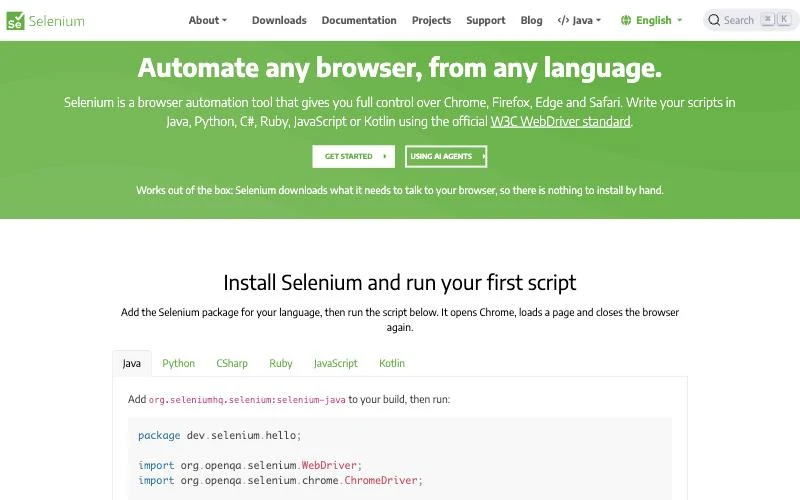
Selenium is the original open-source browser automation project, with about 34,600 GitHub stars and version 4.52 released at the end of October 2026. It drives Chrome, Firefox, Edge and Safari through the official W3C WebDriver standard, and you can write scripts in Java, Python, C#, Ruby, JavaScript or Kotlin, the widest choice in this list.
Two pieces matter. Selenium WebDriver is the set of language bindings that control a real browser the way a user would. Selenium Grid runs those scripts across many machines, browsers and operating systems in parallel from one hub. Setup is simpler than its reputation: Selenium Manager now downloads the right browser driver automatically, so there is nothing to install by hand. The site also publishes an llms.txt and a guide for using Selenium with AI agents.
Pricing: free and open source (Apache-2.0).
Best for: large existing test suites, teams working in Java, C#, Ruby or Kotlin, and organisations standardised on WebDriver and Grid. For new projects, most teams now start with Playwright.
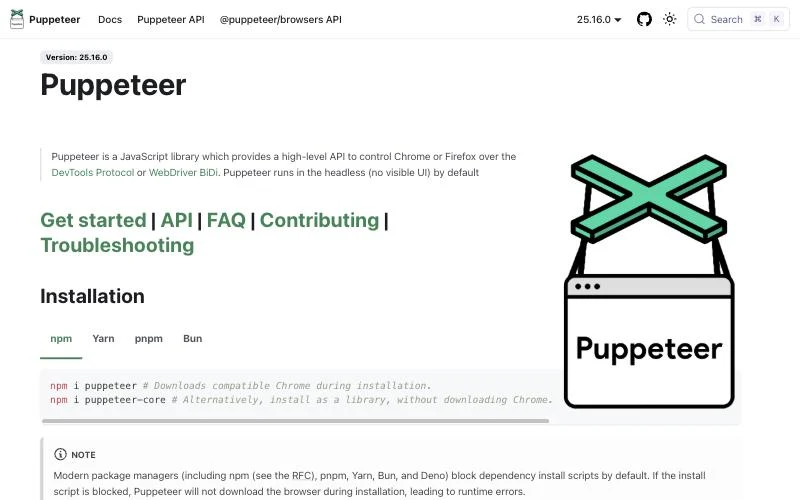
Puppeteer is the Chrome team's JavaScript library for controlling Chrome or Firefox over the DevTools Protocol or WebDriver BiDi, now at version 25.16. It runs headless by default, downloads a compatible Chrome on install (or use puppeteer-core to bring your own), and remains a common choice for scraping, screenshots, PDF generation and performance tracing.
Puppeteer is also the base of Google's chrome-devtools-mcp, an MCP server that lets coding agents automate and debug Chrome, and it has experimental support for the WebMCP API. One practical note from the docs: modern package managers block install scripts by default, so you may need npx puppeteer browsers install after installing.
npm i puppeteerPricing: free and open source (Apache-2.0).
Best for: Node.js developers who mainly target Chrome and want low-level DevTools access. If you need WebKit, other languages or a full test runner, Playwright covers more ground.
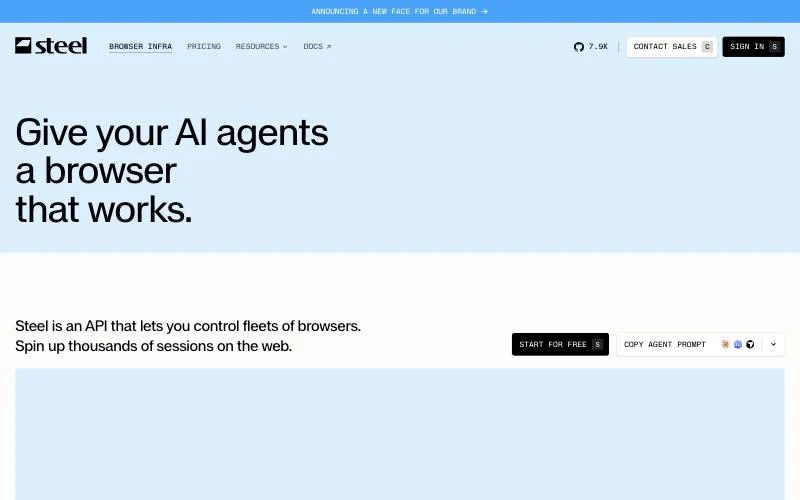
Steel is browser infrastructure for AI agents: an API that starts a real browser session in under a second and lets you control fleets of them. Its core, Steel Browser, is open source with about 7,900 GitHub stars, so you can self-host it or use the managed cloud. Steel reports more than 35 million sessions and 1.5 million browser hours served.
You connect existing Playwright, Puppeteer or Selenium code, or an agent framework, to a Steel session. The platform adds proxies, CAPTCHA solving, dedicated IPs, a stealth browser on Enterprise, and a /scrape endpoint for quick page fetches. Teams use it for agents, scraping, QA, price monitoring, form filling and travel booking.
Pricing: Launch is $0 per month plus usage, starting with $30 of one-time credits (10 concurrent sessions, sessions up to 15 minutes, browser hours at $0.10). Scale is $250 per month plus usage with $100 of monthly credits (100 concurrent sessions, sessions up to an hour, browser hours at $0.08). Enterprise is custom.
Best for: teams that want hosted browsers today with the option to self-host the same stack later. Also consider: Browserless and Kernel offer remote Chrome sessions through an API in a similar way.
Take a common request: "Every Monday, download last week's invoices from our billing portal, rename them by customer, and put a summary in a spreadsheet." It looks like browser automation. In practice it crosses three layers.
Teams usually solve this with a browser tool plus a separate script plus a server to run both. An AI agent with a full computer can do all three steps in one place: the browser tools for step 1, with the person completing the 2FA in a live view, and the shell and file tools for steps 2 and 3. Whether that is the right trade-off depends on volume. For one portal a week, one agent on one computer is simpler. For a thousand portals a day, a scripted pipeline on hosted browsers is cheaper and more predictable.
If you add a browser-capable MCP server to an AI app, the prompt becomes the program. A few patterns make runs more reliable:
Yes. Add a browser-capable MCP server such as Playwright MCP or Simular Box to an AI app and describe the task in plain language; the model drives the browser. Skyvern also offers no-code workflows.
Automating your own accounts and public pages is generally allowed, but each site's terms of service and data-protection law still apply. This is not legal advice; check the terms of the sites you automate.
Use a full computer the agent can drive: a desktop with a browser, file system and terminal. Simular Box provides one over MCP to the AI app you already use.
Tool descriptions, star counts and prices were checked against each project's website, documentation or repository on 4 November 2026.