
Oops! Something went wrong while submitting the form.
n8n is the strongest self-hosted workflow canvas available under a fair-code licence, and for teams whose systems all expose clean APIs it is hard to beat at $20/mo. The reason people look for n8n alternatives is almost never the canvas. It is that the work they need automated does not live behind an API — it lives inside a vendor portal, a desktop ERP client, a supplier extranet, a browser session behind SSO. No amount of node-graph elegance solves that. This guide ranks nine alternatives by what they actually do, with every price and licence term taken from the vendor's own site.
Workflow automation platforms fall into four architecturally distinct families, and they are not substitutes for each other:
The distinction matters because the failure modes differ. An API orchestrator fails loudly, on a status code you can catch. An RPA script fails silently, clicking the wrong thing after a UI redesign. A computer-use agent fails the way a new hire does — and, like a new hire, it can be corrected once rather than rebuilt. We applied the same lens when we compared the best AI coding assistants and Grok bot alternatives: category first, feature list second.
Three reasons come up repeatedly, and only one of them is about n8n's quality.
The licence is not what people assume. n8n is distributed under the Sustainable Use License, which the project describes as fair-code, not OSI open source. Source files containing .ee. in their filename or .ee in their directory path are excluded and require a valid n8n Enterprise License. Teams who self-host expecting Apache-2.0 freedoms discover this at procurement review, not at install. Activepieces, Windmill and Temporal are the direct answers to that objection.
Execution-based pricing rewards the wrong shape of work. n8n bills a full workflow run as one execution — genuinely generous compared with Zapier's per-action tasks. But the Starter plan includes 2,500 executions per month with 5 concurrent executions and 7-day log retention. Teams running high-frequency polling loops hit the ceiling long before they hit the value.
The API assumption. This is the real one. n8n's model presupposes every system you touch has an endpoint. In most operations teams, the systems that consume the most human hours are precisely the ones that do not.
n8n is the benchmark this article measures against, so it does not appear as one of the nine alternatives below. It appears instead as a reference row in each table, so you can see exactly what you would be trading away.
Comparison articles in this category are usually assembled from vendor marketing pages and each other. This one follows a fixed method, stated up front so the conclusions can be checked.

Sai is an autonomous computer built by Simular. Instead of connecting to a system's API, it operates the computer itself: it reads the screen, decides what to click, types, navigates, and completes the task the way a person would. That makes the addressable surface every application you can open, not the subset that ships an integration.
The relevant claim is reliability, and it is the one thing in this category that has been independently measured. Sai holds the #1 position on OSWorld, the benchmark for agents operating real desktop environments. No other tool in this comparison publishes a third-party benchmark result at all — which is itself the finding. In a market where every vendor claims agentic capability, the differentiator is not who scores highest but who agrees to be scored.
The economic argument follows from that. Simular's internal figures put Sai at $1.99 per task versus $15.70 per task for a comparable agent baseline. The saving does not come from cheaper models; it comes from fewer failed attempts. An agent that gets a task right the first time consumes one task's worth of compute and zero of your afternoon.
Sai also learns. Rather than being configured node by node, it is shown a workflow once and improves at it over subsequent runs — the difference between building an automation and training a colleague. For recurring back-office work that spans several applications, that removes the maintenance burden that eventually kills most node graphs.
Pricing: Starter $50/mo (early access pricing, normally $200), Premium $200/mo, Pro $500/mo, Enterprise custom. See Sai pricing.
Limitations: Sai is cloud-hosted and not self-hostable, so air-gapped environments are out of scope. Where a clean, well-documented API already exists and the workflow is high-volume and stable, an API orchestrator will be cheaper per run — GUI operation is the right tool for the systems that lack that option, not a replacement for a working webhook.
Zapier remains the widest integration catalogue in the category, at 9,000+ connected apps, and the least intimidating builder. For a marketer wiring a form to a CRM to a Slack channel, nothing is faster to a working automation.
The Free plan is $0 with 100 tasks per month and two-step Zaps. Professional starts at $19.99/mo, Team at $69/mo, and Enterprise is quoted; annual billing saves 33%, and task volume is chosen in tiers starting at 100 tasks/mo (source).
The catch is the metering unit. Zapier counts a task per action step, so a single business process with a dozen actions burns a dozen tasks per run — where n8n would count one execution. At scale, that difference is the entire cost conversation, and it is why teams that grow past a few thousand runs a month start pricing alternatives.
Best for: non-technical teams, breadth of SaaS coverage, and simple linear automations.
Limitations: no self-hosting, limited branching logic compared with Make, and per-action pricing that punishes complexity. Zapier is also strictly API-bound — a step that requires operating an interface is simply not expressible.
Make's scenario canvas is the most expressive visual builder here. Routers, iterators, aggregators, and error handlers are first-class citizens, so a genuinely branching process — one that fans out, transforms, retries, and rejoins — can be built visually without dropping to code.
Coverage is 3,000+ apps plus 350+ AI apps and 300+ Make API endpoints. Plans run Free, Core, Pro, Teams, and Enterprise, metered in operations; code execution is billed at 2 credits per second of execution time, and an on-premises agent is available on Enterprise (source).
Make sits between Zapier and n8n on both power and learning curve. It is more capable than Zapier and easier than a code-first tool, which makes it the common landing spot for ops teams who outgrew Zapier but do not want to run infrastructure.
Best for: operations teams building multi-branch data workflows without wanting to self-host.
Limitations: operation-based billing has the same shape problem as Zapier's tasks — complex scenarios cost proportionally more. Self-hosting is Enterprise-only via the on-prem agent, so it is not a practical answer for a small team with data-residency requirements. Like the rest of this group, it needs an API to work.
Activepieces is the closest thing to n8n-without-the-licence-caveat. The node-based builder will be immediately familiar, and the core is released under the MIT Expat licence, with only the packages/ee directory carved out. For teams whose objection to n8n is legal rather than technical, that single fact is the whole reason to switch.
The hosted Free plan is $0 forever with 100 credits per day, one user, unlimited flows, and API access. Plus is $16/mo billed yearly with 10,000 credits per month, five users, unlimited flows, API access, and team analytics (source).
The project's pieces are written in TypeScript and contributed openly, which makes adding a missing integration a pull request rather than a support ticket — a meaningful difference when you depend on a niche vendor.
Best for: teams that want an n8n-shaped tool under an unambiguous open-source licence, and small teams who can live inside a daily credit allowance.
Limitations: the integration catalogue is materially smaller than n8n's, Zapier's, or Make's, and the ecosystem is younger, so edge-case pieces are thinner. The daily rather than monthly credit cadence on the free plan makes bursty workloads awkward. API-bound, like the rest.
Windmill inverts the model: scripts are primary, flows are the composition layer. Write TypeScript, Python, Go, Bash, or SQL, and Windmill turns each script into a versioned, permissioned, auto-UI'd job that can be chained into a flow. For an engineering team, this is far closer to how they already work than dragging boxes.
The open-source edition is AGPLv3 and free, with unlimited executions, up to 3 workspaces, 50 users, and 10 GiB of storage. The commercial Enterprise edition starts around $120/mo on cloud, with developer seats at $20/mo, operator seats at $10/mo, and additional workers at $50/mo (source).
Because it meters compute time and workers rather than steps, cost tracks actual work performed. A 200-step flow that runs in two seconds costs approximately what a two-step flow that runs in two seconds costs — the opposite of the Zapier model.
Best for: engineering teams who want self-hosted internal tooling and job orchestration with strong permissions.
Limitations: this is not a tool for non-technical staff — the builder assumes you can write and debug code. AGPLv3 requires legal review if you plan to embed it in a product you distribute. The prebuilt integration library is small relative to the iPaaS tools, and it does not touch GUI-only systems.
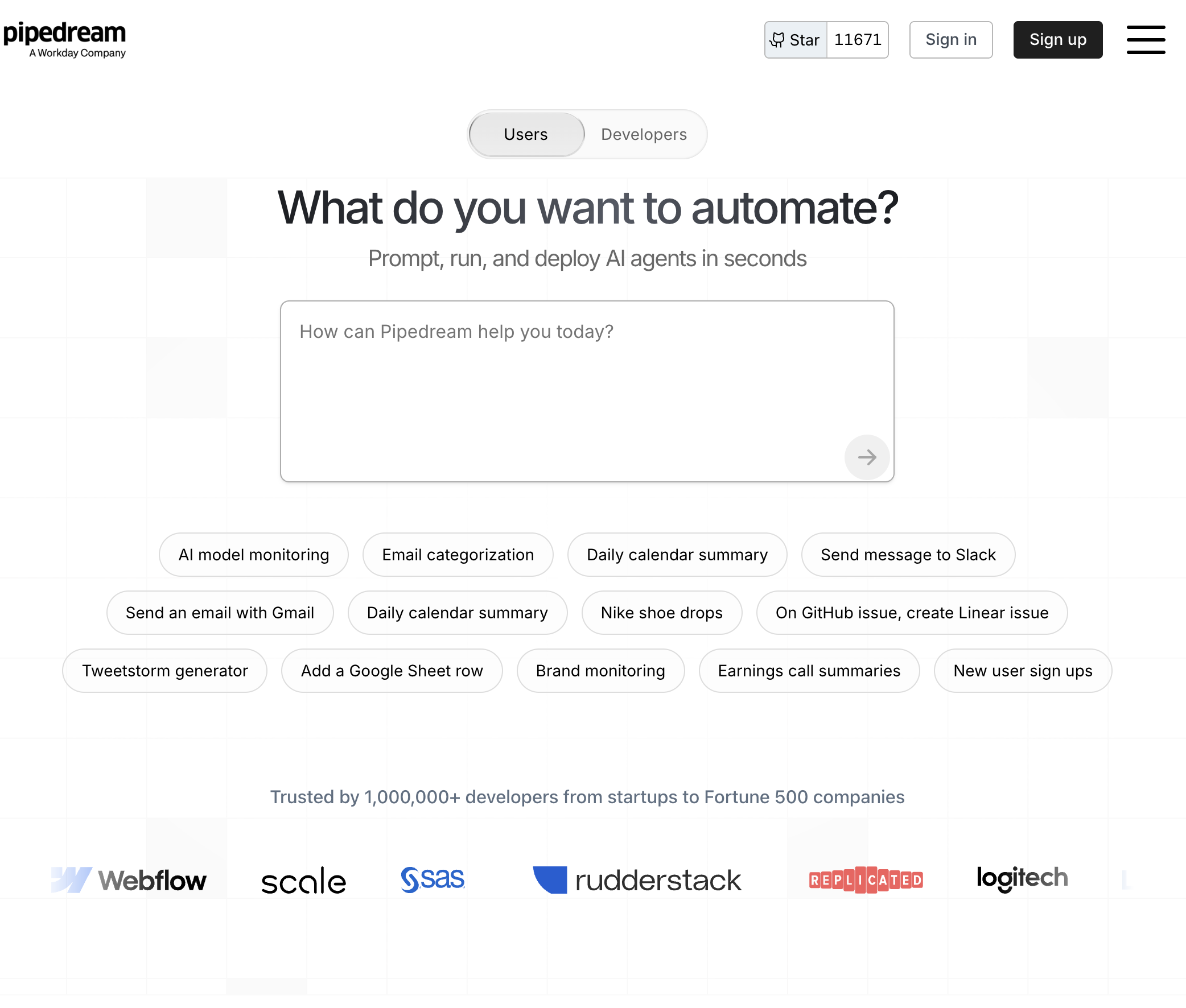
Pipedream is a code-first integration platform: each workflow step is either a prebuilt action or a block of Node.js, Python, Go, or Bash, with 3,000+ apps and managed OAuth handled for you. Its connected-account layer is the standout feature — authentication to third-party APIs stops being your problem.
The Free plan is $0 with 100 credits per month, 3 active workflows, and 3 connected accounts. Paid tiers are Basic $29/mo, Advanced $49/mo, and Connect $99/mo, with Business quoted; retention and queue limits scale with tier — 30-day retention and a 10,000 max queue size on Advanced and Connect, against 100 on Free and Basic (source).
Best for: developers building event-driven integrations who want managed auth and no infrastructure to run.
Limitations: no self-hosting, so data-residency requirements rule it out. The free and Basic tiers' small queue ceilings and short retention make production debugging harder than it should be. Credit metering scales with steps, and — again — it is API-only.
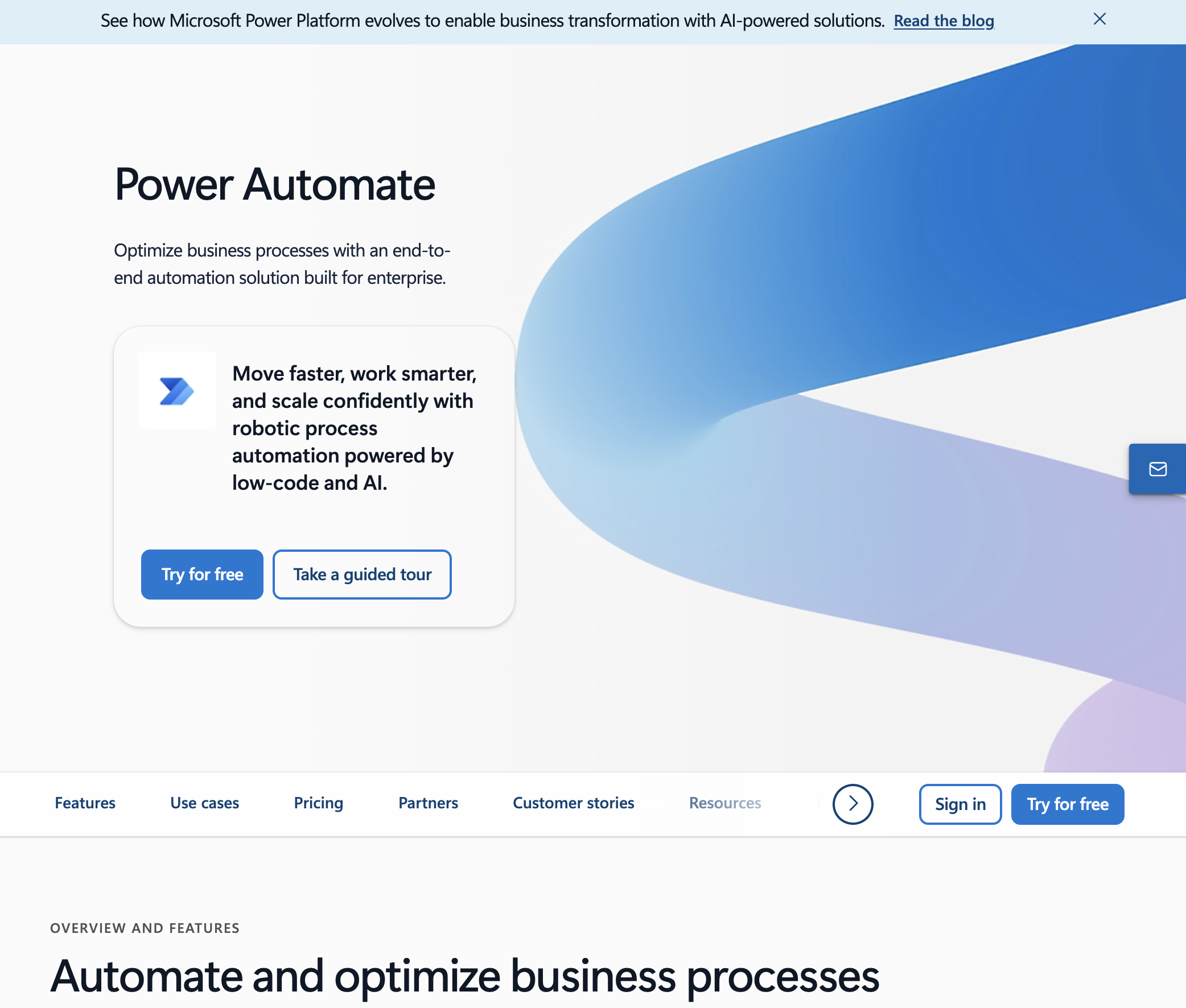
Power Automate is the only mainstream tool here besides Sai that can act on software with no API, via attended desktop flows. For an enterprise running a decades-old Windows client alongside Microsoft 365, that combination is genuinely hard to replicate elsewhere.
Power Automate Premium is $15 per user per month billed yearly and covers cloud flows, attended desktop flows, and process and task mining. A 30-day free trial is available, and unattended RPA and hosted RPA capacity are sold as separate add-ons (source) — which is where the real cost lands for anyone automating at scale.
Best for: organisations standardised on Microsoft 365 and Dynamics, with existing licences and governance already in place.
Limitations: the desktop RPA model is selector- and coordinate-based, so flows break when a vendor ships a UI update — the maintenance tax that has defined RPA for a decade. This is the specific problem a computer-use agent solves by deciding what to click from what is actually on screen. Licensing is also famously intricate: the per-user price is the beginning of the quote, not the end, and the tool is materially less pleasant outside the Microsoft estate.
Temporal is not an n8n competitor in the ordinary sense; it is durable execution infrastructure. You write workflows as ordinary code in Go, Java, TypeScript, Python, or .NET, and Temporal guarantees they survive process crashes, deploys, and multi-day waits with exactly-once semantics.
The core is MIT-licensed and self-hostable, including the service, SDKs, CLI, and UI. Temporal Cloud is metered in Actions: Essentials at $100/mo including 1M Actions, Business at $500/mo, and Enterprise quoted, with provisioned capacity sold in TRUs (1 TRU = 360,000 Actions/hr) and SAML SSO included (source).
Best for: engineering teams building order pipelines, payment flows, or provisioning processes where losing state mid-run is unacceptable.
Limitations: there is no visual builder and no business-user story at all — everything is code, and the conceptual model (workflows, activities, determinism constraints) takes real time to learn. It has no integration catalogue; connecting to a SaaS product is something you write yourself. Choose it when correctness under failure is the requirement, not when convenience is.
Workato is the enterprise iPaaS of the group. Its recipe builder is approachable enough for business analysts while the platform underneath carries the environment management, audit trails, and access controls that a regulated organisation's security review will ask about.
Workato does not publish list pricing; editions are quoted through sales (source). Budget accordingly — this is the most expensive tier of the market, and pricing conversations start well above the self-serve tools in this comparison.
Best for: large organisations that need centralised governance over hundreds of integrations across many business units.
Limitations: no public pricing means no way to evaluate fit before engaging sales, and no free tier means no way to prototype. There is no self-hosting option. For a team of ten, it is the wrong shape of product entirely. And as with every iPaaS here, it stops at the API boundary.
Most teams end up with two tools, not one: an API orchestrator for the systems that expose endpoints, and a computer-use agent for the ones that never will. That is a healthier architecture than forcing every process through a single model and writing off the work that does not fit. If your evaluation is broader than workflow tooling, the same reasoning is applied to adjacent categories in our guides to the best AI coding assistants and Grok bot alternatives.