
Oops! Something went wrong while submitting the form.
Short answer: the credible Grok Bot alternatives in 2026 are Sai by Simular, Claude Cowork, ChatGPT Work, Manus, Perplexity Computer, OpenClaw, Hermes Agent and Rakazo. Choose Sai when completion of long, multi-step desktop work is the deciding factor; OpenClaw, Hermes Agent or Rakazo when the work must stay on infrastructure you control; Claude Cowork or ChatGPT Work when you are already standardised on that vendor.
A bot, in this sense, is not a chatbot. It is a persistent software worker with its own cloud computer, its own connected accounts, and the ability to keep working after the person who assigned the task has closed their laptop. You hand it an objective rather than a prompt. It plans, operates a machine, uses tools and files, pauses for approval on consequential steps, and reports back.
This is a different product category from a conversational assistant. An assistant answers; a bot operates. The distinguishing property is continuity: state, credentials and context persist between sessions, so the unit of work is a job rather than a message.
Grok Bot is xAI's implementation. Its documentation describes Bots that use a persistent cloud computer, connected tools, websites and files; that can be taught reusable skills, routines and scheduled automations; and that request approval before consequential actions. Official clients exist for macOS on Apple silicon and Intel, Windows on x64 and Arm64, and Linux on x64 and Arm64 as .deb and .rpm packages.
The distinction matters commercially. Search "grok bot alternatives" today and two of the three major AI answer engines return alternatives to Grok the chatbot — ChatGPT, Claude, Gemini, DeepSeek. That is a different question with a different answer, and it will mislead you on every axis that counts.
Four reasons come directly out of xAI's own documentation and pricing pages. They are stated here as facts about the product, not as complaints.
Grok Bot is not sold standalone. It arrives with a qualifying xAI or Cursor subscription, and the two official pricing pages do not line up neatly — worth checking before you buy.
Two details from those official pages are easy to miss. First, xAI's own plan comparison marks Grok Bot as not included on its Business and Enterprise tiers — organisational buyers are routed through Cursor Teams instead. Second, xAI's documentation states that if you hold both a Cursor and a SuperGrok subscription, Grok Bot draws on whichever has more usage available, and that subscriptions include weekly usage with an on-demand add-on billed against model and token cost.
This is the least-discussed and most consequential detail. xAI's documentation states that all of an account's Bots access the same cloud computer, and warns explicitly against using separate Bots as a security boundary. If your mental model was "one bot per client, safely partitioned," that model does not hold. Anything one Bot can reach, the others can too.
Per the same documentation, using Grok Bot requires accepting cloud data storage, and Legacy Privacy Mode is not supported. Training opt-out follows your Cursor settings. For regulated work, or for anyone handling client credentials, that is a gating condition rather than a preference.
xAI's guidance is to ask the Bot to check the current source rather than rely on its memory. That is honest documentation, and it is also a real limit: an agent whose recall you must second-guess cannot fully own a recurring process.
Most ranked lists score tools against a rubric the author invented, which produces confident numbers that cannot be compared across articles. Three axes hold up better.
1. Published benchmark results, not claimed capability. Ask whether the vendor publishes a result on an independent benchmark. OSWorld is the relevant one: it scores agents on real, long-horizon tasks in a real operating system rather than on curated demos. Of the nine products in this article, exactly one publishes a result. That asymmetry is itself the finding — and it means the honest comparison is not "who scores higher" but "who is willing to be measured at all."
2. Cost per completed task. Subscription price is the visible cost and rarely the dominant one.
3. Isolation and data handling. Ask where the computer lives, who else's work shares it, and whether a no-retention mode exists. Note how few vendors document this: Grok Bot does, and its answer is one shared computer per account. Most of the others publish nothing on the subject, which is why the comparison table below records "not published" rather than a guess.
Sai is an autonomous computer: rather than a chat surface with tools attached, it is a machine an AI operator drives on your behalf — desktop applications, browser, files and shell, in one workspace with persistent state.
Its distinguishing claim is that it is measured. On OSWorld 2.0, across 108 long-horizon desktop tasks, Sai reached a 73.0% partial score at $15.70 per task, ahead of frontier general models evaluated on the same set and at lower cost per task. Note the pairing: higher completion and lower cost per task, which is what happens when fewer attempts are needed rather than when a cheaper model is substituted.
Where it fits: recurring desktop routines that cross applications and must run to completion unattended — reconciling records between a CRM and a spreadsheet, compiling recurring reports from several systems, processing an inbox against a rulebook, driving legacy software that has no API.
Compared to Grok Bot: Sai publishes an independent benchmark result and gives each user their own workspace rather than one computer shared across bots. Grok Bot, in exchange, coordinates multiple bots in parallel and is bundled into subscriptions many people already hold.
Weaknesses: no self-hosted deployment; not the right choice when parallel fleets of agents are the core requirement.
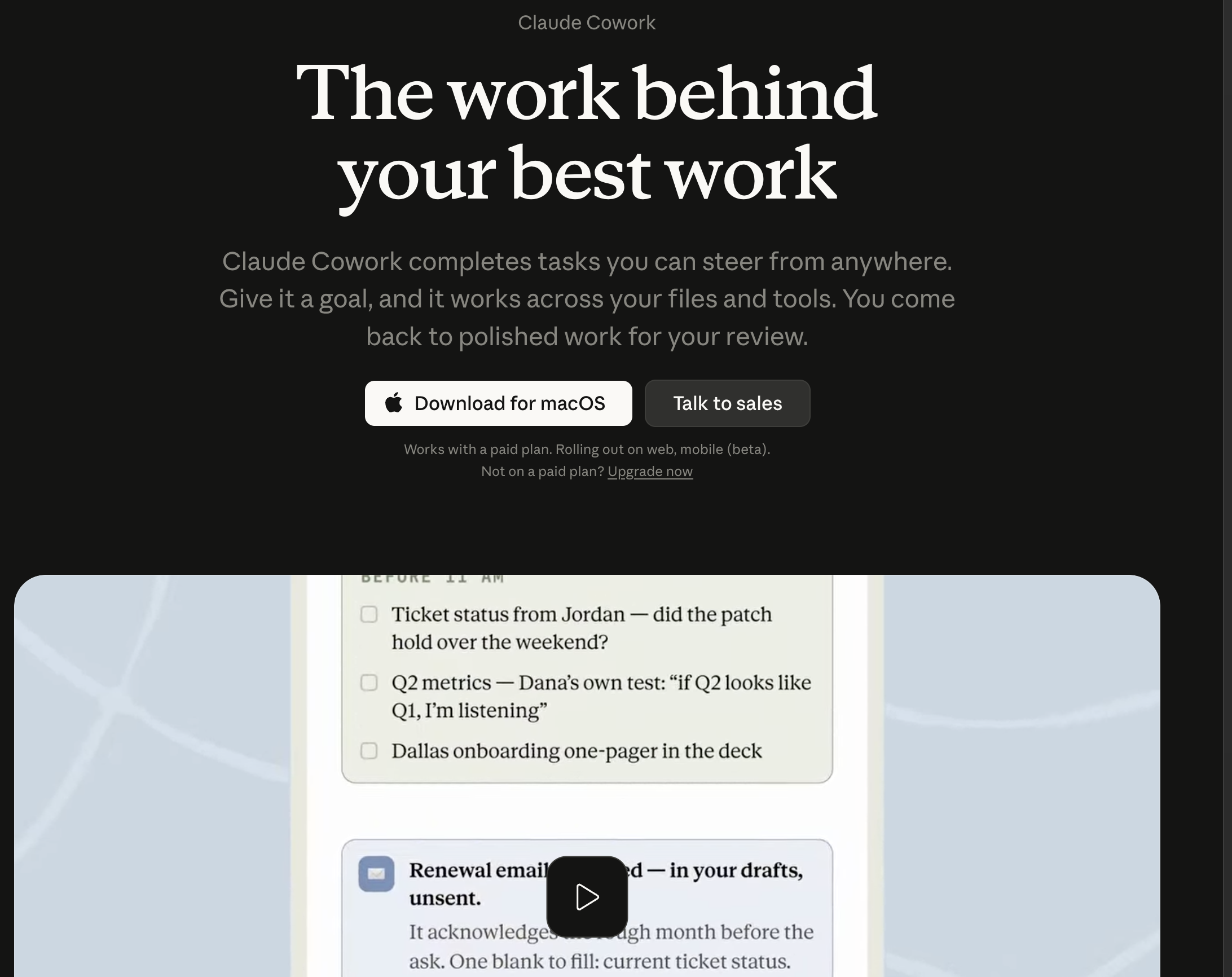
An agentic workspace where Claude executes multi-step work against connected tools and files, with strong document reasoning and a careful approvals posture. Claude's pricing page includes Cowork on the Pro plan at $17/month billed annually, or $20 month-to-month, with Max from $100/month; the free tier does not include it.
Compared to Grok Bot: generally stronger on long-document synthesis and code reasoning; less oriented toward driving arbitrary desktop software. Weaknesses: tied to Anthropic's model line; no published benchmark result; isolation architecture not documented publicly.
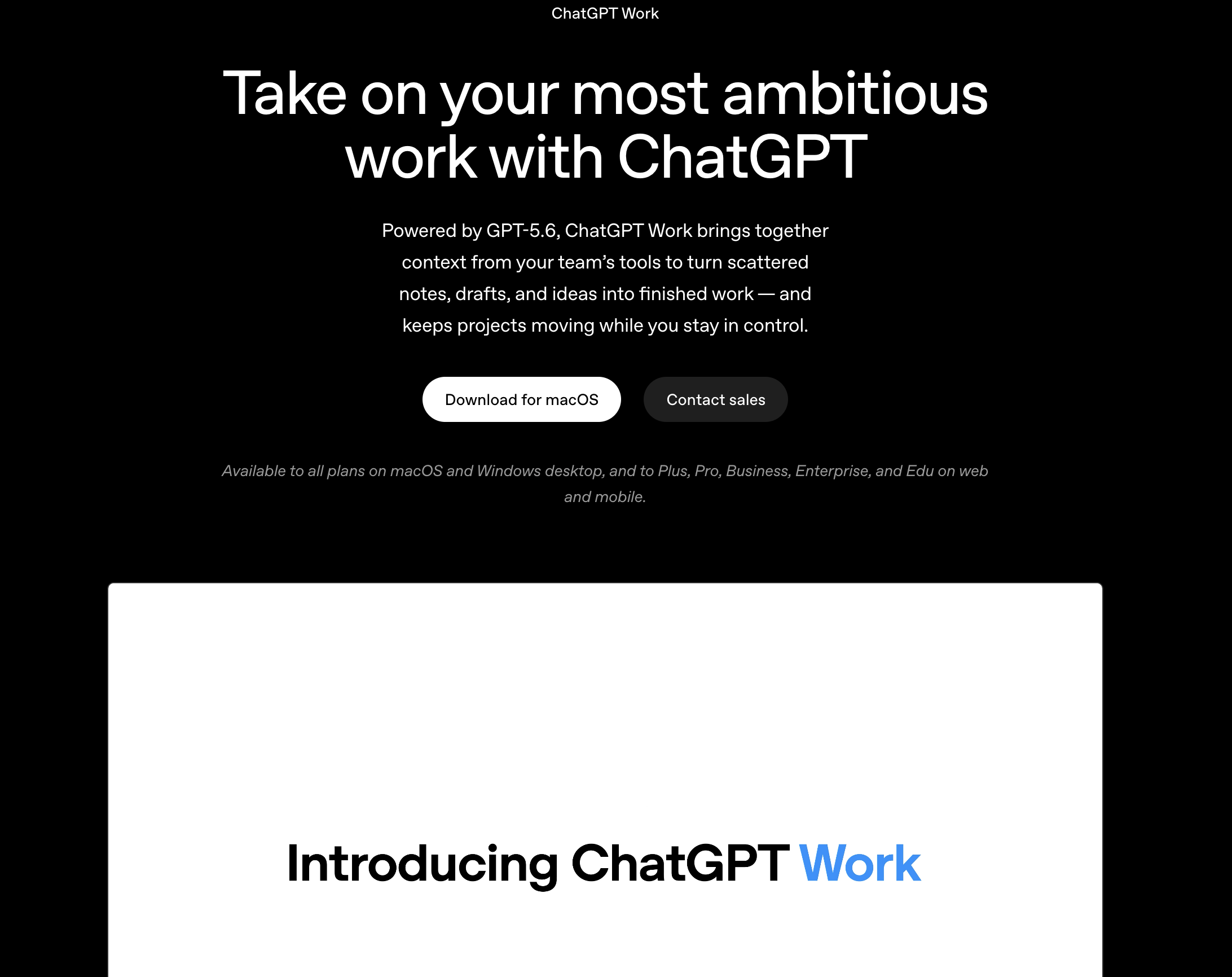
Scheduled tasks, connectors and agentic execution inside the surface most teams already use, with the shortest adoption curve here. ChatGPT's pricing page lists limited ChatGPT Work access on desktop at the free tier, and expanded access across desktop, web and mobile on Plus at $20/month, with Pro from $100/month.
Compared to Grok Bot: the broadest integration ecosystem and the easiest rollout; a weaker persistent-machine model. Weaknesses: no published benchmark result; isolation architecture not documented publicly.
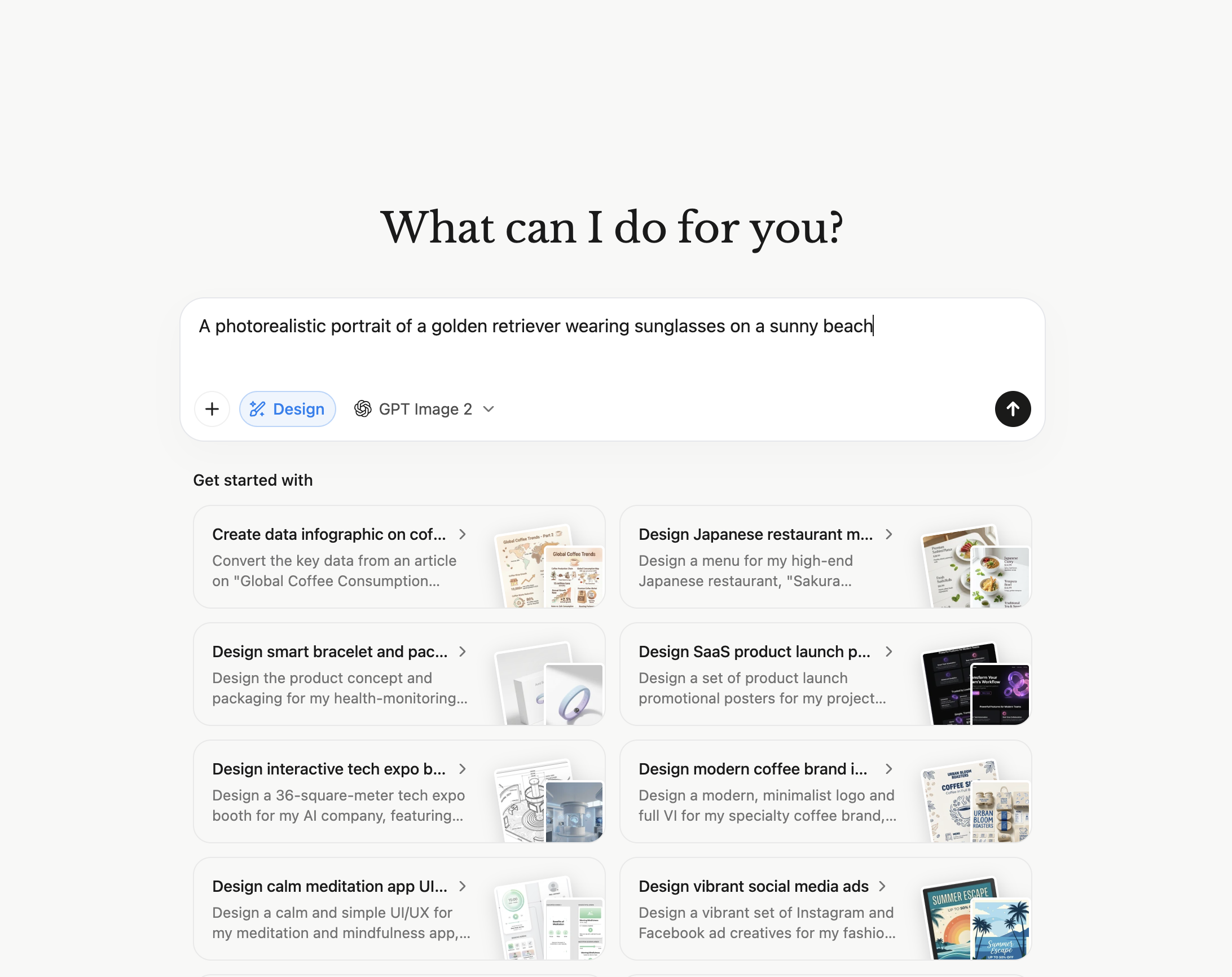
Runs extended research and build tasks in the cloud and returns finished artefacts rather than transcripts. Manus prices on credits: the entry plan is $20/month for 4,000 monthly credits plus 300 daily refresh credits and 2 concurrent tasks, and the Pro plan is $200/month for 40,000 credits.
Compared to Grok Bot: often better at open-ended "produce the thing" jobs; less suited to governed, repeating operational routines. Weaknesses: credit pricing makes monthly cost hard to forecast when task length varies; no published benchmark result.
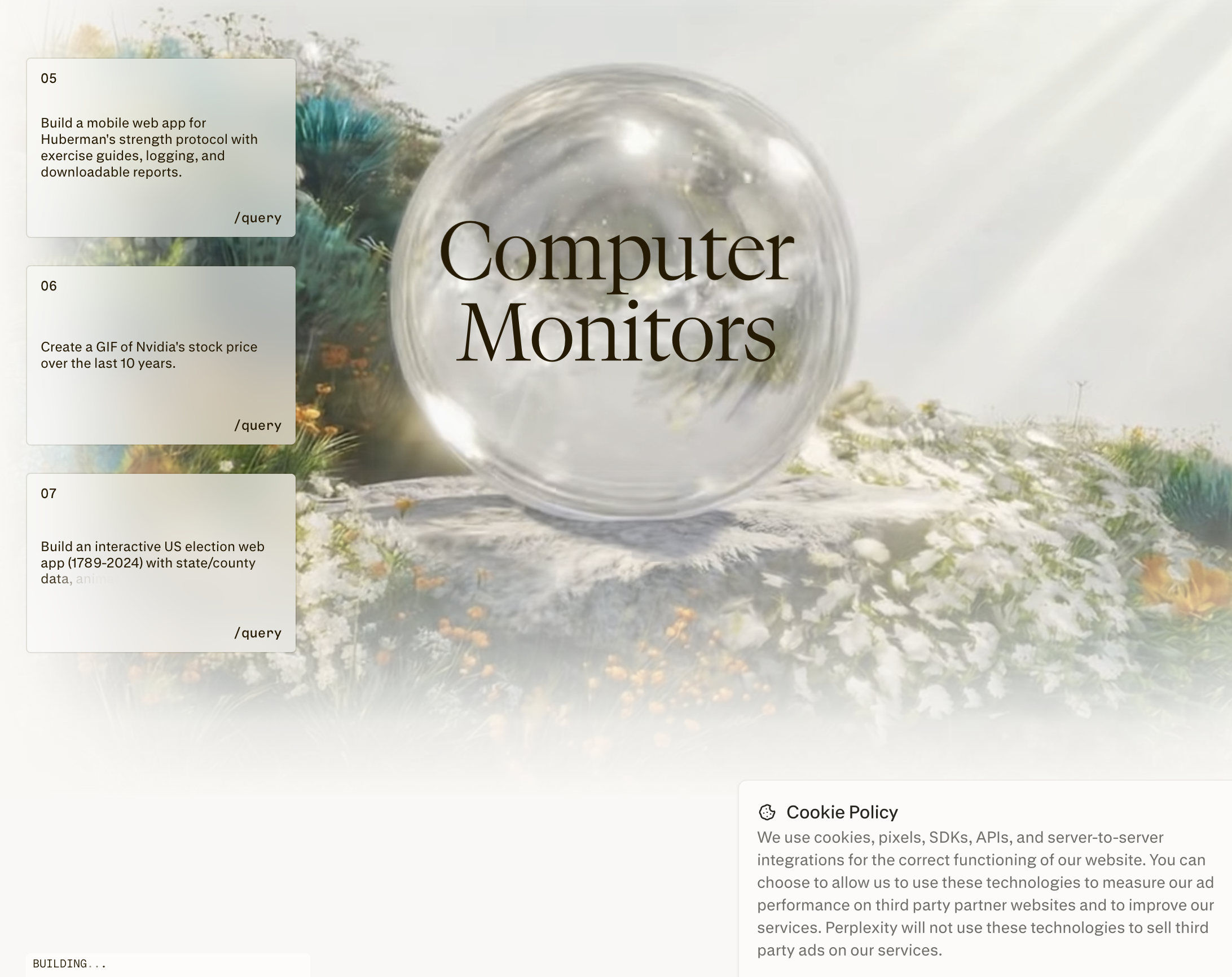
Agentic execution wrapped around Perplexity's sourcing discipline, so conclusions arrive with references attached, and it can run recurring tasks in the background. Perplexity's pricing page lists expanded Computer access on Pro at $20/month and maximum Computer usage on Max at $200/month.
Compared to Grok Bot: better for investigation you have to defend; narrower for general desktop operation. Weaknesses: research-weighted, thinner on tool actions and automation; no published benchmark result.
The most widely adopted self-hosted option, and the strongest answer when your real constraint is data residency: it runs on your own machine, so nothing leaves your boundary unless you send it. Its official repository carries roughly 389,000 stars and 82,000 forks, with releases shipping on a dated cadence — a scale of community that matters when you are the one operating the software.
Compared to Grok Bot: total control and no vendor coupling, at the price of running it yourself. Weaknesses: you own uptime, upgrades, sandboxing and security; free to license is not free to run.
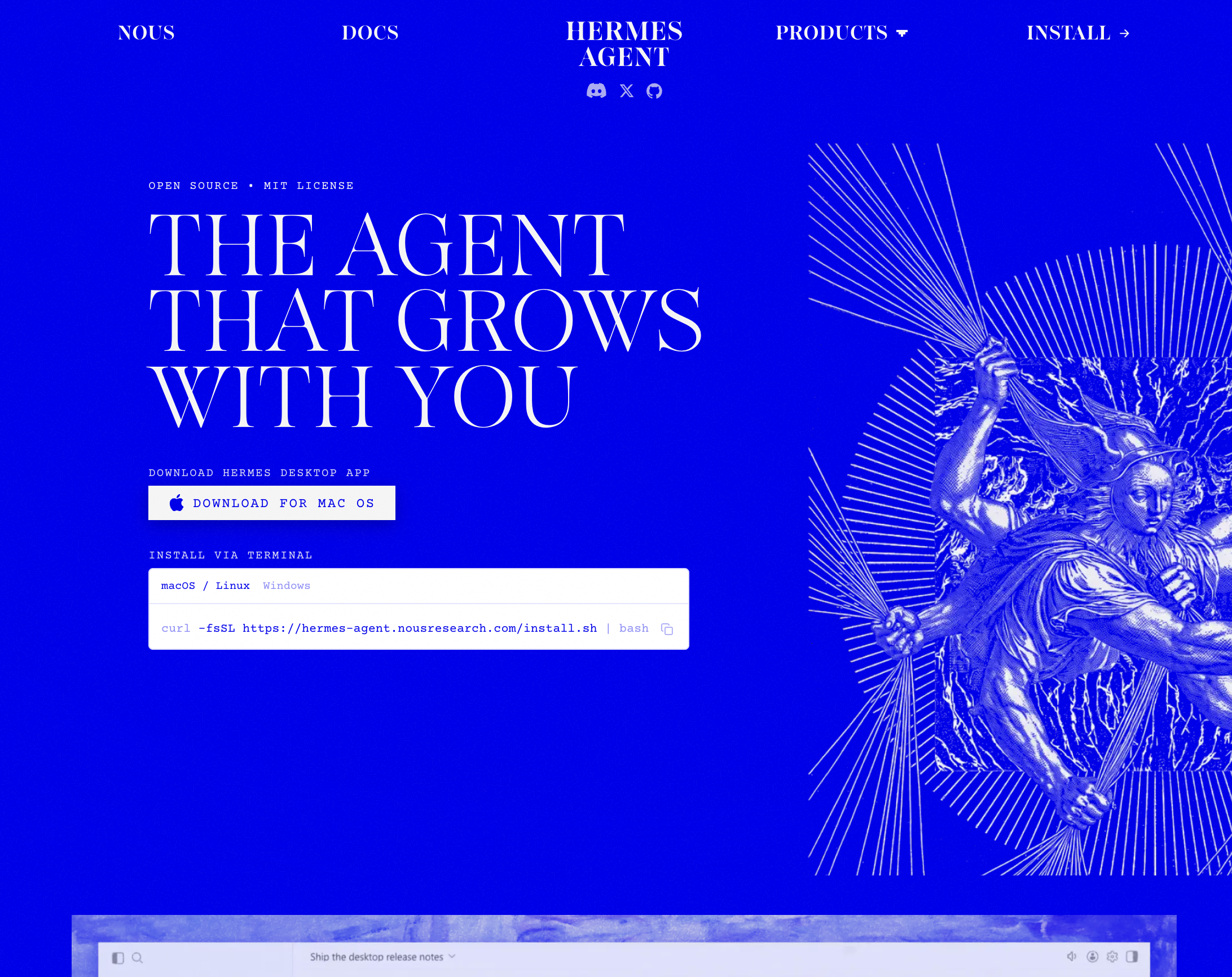
An open-source agent from Nous Research, published under the MIT License and free to run on your own infrastructure. It sits between the managed suites and a from-scratch build: more configurable than a subscription product, more finished than a bare framework.
Compared to Grok Bot: no subscription coupling and a permissive licence; a smaller ecosystem and no managed support. Weaknesses: you carry the operational burden; no published benchmark result.
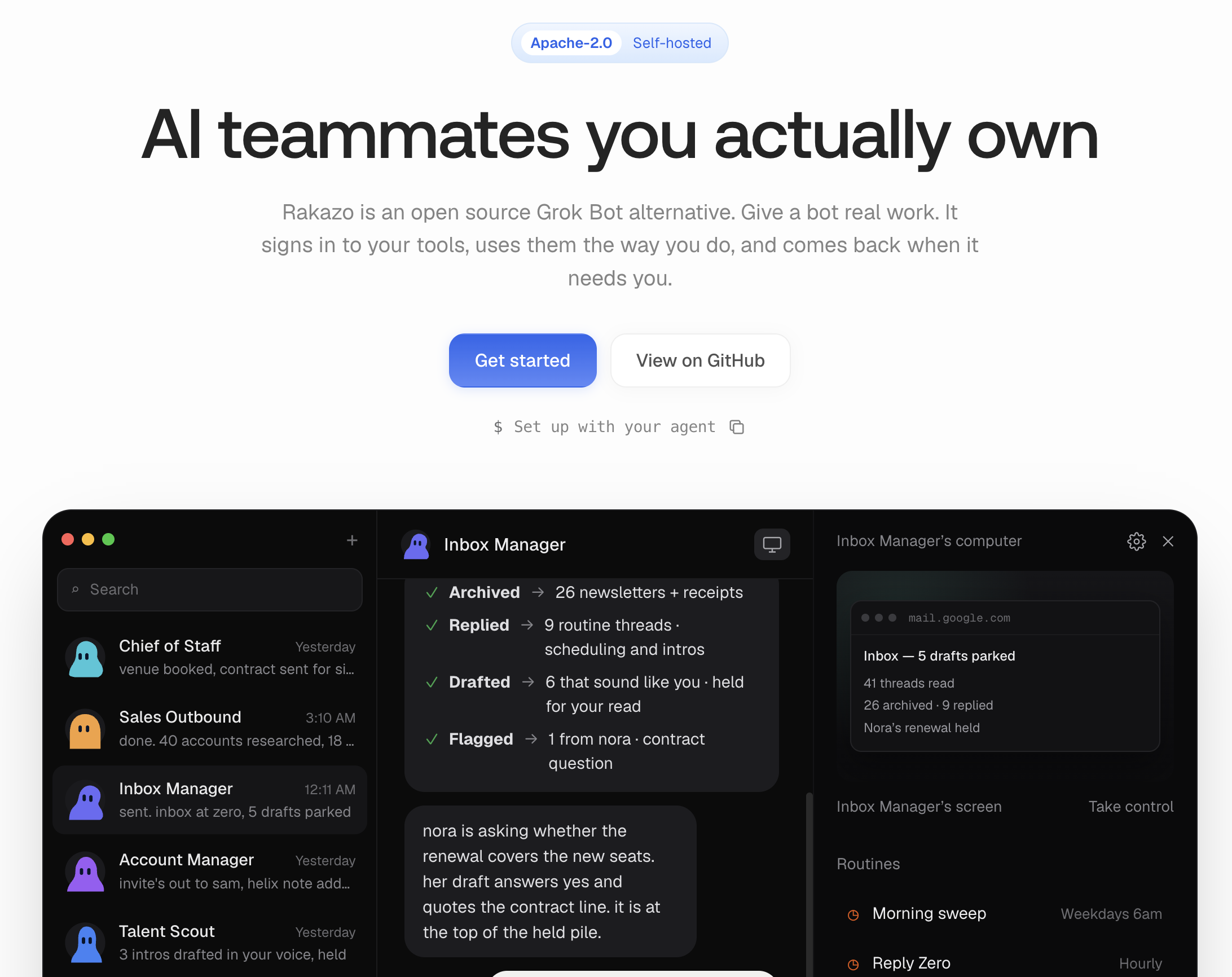
An Apache-2.0 licensed agent that positions itself directly as an open-source Grok Bot alternative, letting you choose your own model and sandbox. At roughly 1,900 stars, 316 forks and 53 contributors, with releases still in the 0.1.x series, it is early — which is the honest way to describe it.
Compared to Grok Bot: fully inspectable and modifiable, with no lock-in to a model vendor; markedly less finished. Weaknesses: engineering effort required; no managed support; young release history.
Sai is built for people whose best work is buried under desktop routine, and who want to stop holding the process in their head rather than merely get some hours back. Three claims, each stated so you can check it.
Reliability you can verify. OSWorld 2.0, 108 long-horizon desktop tasks, 73.0% partial score at $15.70 per task. Every other product here asks to be judged on demos.
Work delivered at better unit cost. Not a cheaper model — a higher first-attempt success rate. Retries are where agent budgets actually go, and the OSWorld result shows completion and cost per task moving in the right directions together.
Self-learning, so it needs no babysitting. Sai retains the routine across sessions and improves it with repetition, rather than being re-specified each month. That is the direct counterpoint to guidance telling you not to trust the agent's memory.
In practice that means workflows running on a schedule or a trigger while you are away, native integrations with the systems the work already lives in — Gmail, Calendar, Drive, Sheets, Slack, GitHub, Linear, Asana, HubSpot, Shopify — approval gates before anything consequential, and credential entry the model never sees.