
Oops! Something went wrong while submitting the form.
The Stack Overflow 2024 Developer Survey found that 76% of developers are using or planning to use AI tools in their workflow, up from 70% the year before. By 2026, the question is no longer whether to use an AI coding assistant — it is which one fits how you actually work.
The landscape has fractured. Some tools complete the line you are typing. Others rewrite entire files. A few will clone your repo, plan a multi-step implementation, and open a pull request without you touching your keyboard.
This guide covers 11 AI coding assistants across the full spectrum — from lightweight autocomplete plugins to fully autonomous coding agents. Each review includes current pricing, standout features, limitations, and the specific workflow it fits best.
If you are specifically looking for tools that operate autonomously (plan, execute, iterate without prompting), see our companion article: Best AI Coding Agents in 2026: 8 Agentic Tools That Write, Debug, and Ship Code for You
Before diving into individual tools, it helps to understand what you are choosing between. AI coding tools in 2026 fall into three distinct tiers:
Tier 1 — Autocomplete. The tool predicts the next line or block as you type. You accept, reject, or modify. Examples: GitHub Copilot (inline suggestions), Tabnine, Amazon Q inline completions. These tools speed up typing but do not understand your broader task.
Tier 2 — AI Assistant. The tool understands context beyond the current line. You can chat, ask it to explain code, refactor a function, or generate a test file. It works within your IDE but waits for your instructions at each step. Examples: Cursor (Composer mode), Sourcegraph Cody, JetBrains AI Assistant.
Tier 3 — Autonomous Agent. The tool accepts a goal and works independently across multiple steps — reading files, writing code, running tests, interpreting errors, and iterating. You review the result, not each individual action. Examples: Claude Code, Devin, Cursor (Background Agents), Aider.
Most tools in this guide span more than one tier. Cursor starts as an autocomplete tool but its Background Agents feature operates at Tier 3. GitHub Copilot recently added a coding agent that works from GitHub Issues. The boundaries are blurring — which is exactly why a side-by-side comparison matters.
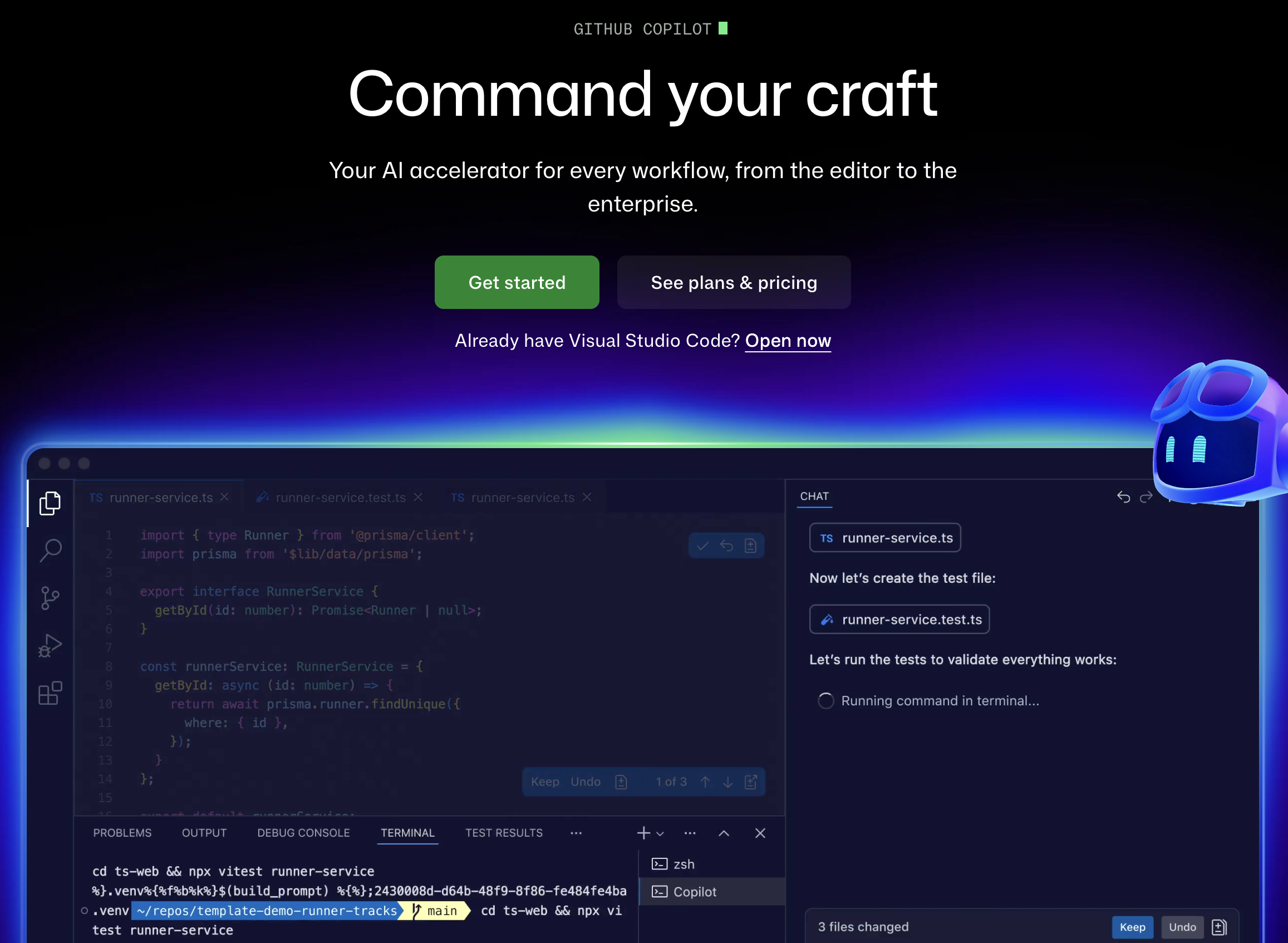
Type: Autocomplete + Assistant + Agent Pricing: Free (2,000 completions/mo) | Pro $10/mo | Pro+ $39/mo | Business $19/user/mo | Enterprise $39/user/mo Platforms: VS Code, JetBrains, Visual Studio, Neovim, Xcode, GitHub.com
GitHub Copilot remains the default choice for teams already embedded in the GitHub ecosystem. The 2026 version is dramatically different from the autocomplete-only tool that launched in 2022.
What it does well. Copilot's coding agent can now be assigned directly from GitHub Issues — it reads the issue, creates a branch, writes the code, runs tests, and opens a pull request. For teams using GitHub Projects for task management, this creates a near-seamless workflow where junior tasks go to the agent and senior engineers review the output. The Pro+ tier includes access to Claude Sonnet 4, GPT-4.1, and Gemini 2.5 Pro with extended thinking.
Where it falls short. The free tier is restrictive (50 chat messages per month). The coding agent only works within the GitHub ecosystem — if your CI runs on GitLab or your project management is in Linear, the integration breaks down. Multi-file refactoring in large monorepos still lags behind Cursor and Claude Code.
Best for: Teams of 5+ developers on GitHub who want one tool for completions, chat, and autonomous task execution without switching platforms.
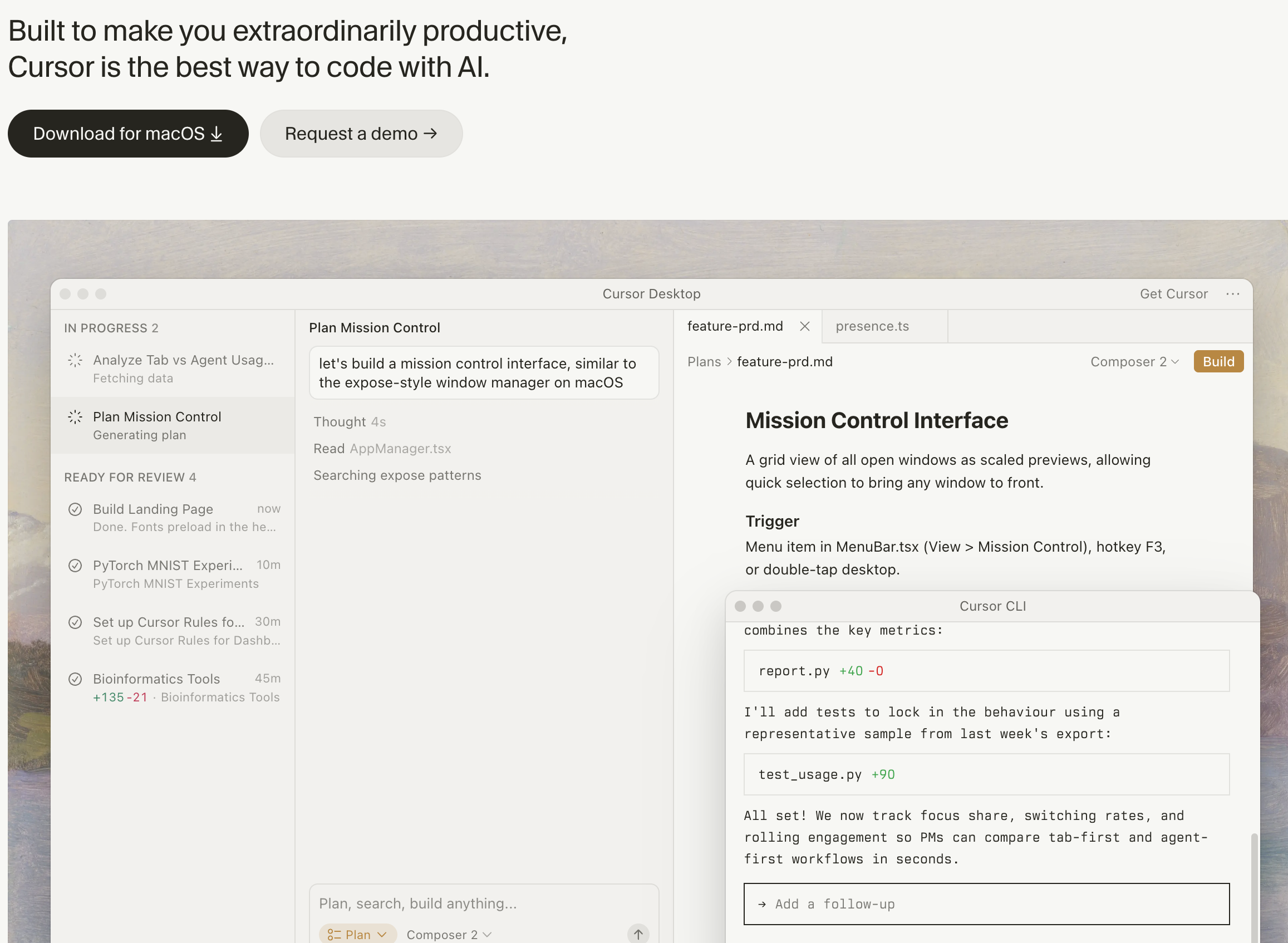
Type: Autocomplete + Assistant + Agent Pricing: Free (2,000 completions) | Pro $20/mo | Ultra $200/mo | Business $40/user/mo Platforms: macOS, Windows, Linux (VS Code fork)
Cursor rewrote the rules for what an IDE can do with AI. Instead of bolting AI features onto an existing editor, it built the editor around AI from the start.
What it does well. Tab completion in Cursor is noticeably smarter than competitors — it predicts multi-line edits, not just the next token. Composer mode lets you describe changes in natural language and applies them across multiple files simultaneously. The Background Agents feature (Pro and above) runs tasks asynchronously in cloud sandboxes, so you can assign a refactoring job and continue working on something else.
Where it falls short. The $200/month Ultra tier is expensive for individual developers. Because it is a VS Code fork, you lose access to some proprietary VS Code extensions. Teams already invested in JetBrains IDEs face a hard migration choice.
Best for: Individual developers and small teams who want the most capable AI-integrated IDE available and are willing to switch from VS Code or JetBrains.
See also: Claude Code vs Cursor: Which AI Coding Tool Should You Use in 2026?
Type: Terminal Agent (Tier 3) Pricing: Usage-based (API) | $100/mo via Claude Max | $200/mo Max (5x usage) Platforms: Terminal (macOS, Linux, Windows via WSL)
Claude Code is Anthropic's terminal-native coding agent. Unlike IDE-based tools, it operates directly in your terminal — reading your file system, running commands, and making changes across your entire codebase without a GUI layer in between.
What it does well. The sub-agent architecture is the standout feature. When you give Claude Code a complex task, it spawns specialized sub-agents — a Router that plans the approach, a Coder that writes the implementation, a Reviewer that checks the output, and a Tester that validates the result. For large-scale refactoring (renaming a pattern across 200 files, migrating an API version, converting a codebase from JavaScript to TypeScript), this architecture produces better results than any single-pass tool.
Where it falls short. No GUI means no visual feedback. It cannot see what a UI change looks like, catch a CSS regression, or verify that a button actually works in the browser. The usage-based pricing can spike unexpectedly on complex tasks. Terminal-only workflow has a learning curve for developers used to IDE-based AI tools.
Best for: Senior developers working on complex codebases who are comfortable in the terminal and need deep reasoning for refactoring, debugging, and architectural changes.
See also: Codex vs Claude Code | How to Automate Code Review with Claude Code

Type: Workflow Agent Pricing: Starter: $20/mo (Plus tier) | Pro: $500/mo Platforms: macOS, Windows (cloud desktop)
Sai takes a different approach. Instead of writing code for you, it automates everything around the code — the 60-70% of a developer's day that is not typing in an IDE.
What it does well. Sai connects your developer tools (GitHub, Slack, Google Calendar, Jira, email) and automates the coordination work between them. Set up a workflow to scan open pull requests every morning, generate a standup summary from your GitHub commits and Slack messages, monitor CI/CD pipelines and alert you when builds fail, or draft release notes from merged PRs. Because Sai operates a full cloud desktop with a browser, it can interact with authenticated tools — checking Sentry for errors, pulling metrics from Datadog, or updating Linear tickets — tasks that API-only tools cannot handle.
Where it falls short. Sai does not write code. It is not a replacement for Cursor, Claude Code, or GitHub Copilot in the code authoring phase. It is a complement — the layer that handles developer operations while you focus on development.
Best for: Developers who already have a coding assistant and want to automate the operational overhead: standups, PR reviews, CI monitoring, Slack triage, and cross-tool coordination.
See also: Sai Now Runs Claude Code — So You Don't Have to Babysit It

Type: Autocomplete + Assistant + Agent Pricing: Free (unlimited basic) | Pro $15/mo | Teams $30/user/mo | Enterprise $60/user/mo Platforms: macOS, Windows, Linux (VS Code fork)
Windsurf (formerly Codeium) offers the most generous free tier among AI-first IDEs and a pro tier at $15/month — $5 less than Cursor.
What it does well. The Cascade feature uses multi-step reasoning to handle complex requests. You describe a feature, and Cascade plans the implementation, identifies which files to modify, and applies changes in sequence. The free tier includes unlimited autocomplete with no monthly cap, making it the best option for developers who want AI assistance without paying anything. Windsurf also includes a built-in terminal AI that can explain and fix command errors.
Where it falls short. The agentic capabilities lag behind Cursor's Background Agents and Claude Code's sub-agent architecture. The model selection is more limited than Cursor. Community and ecosystem are smaller, meaning fewer tutorials, extensions, and troubleshooting resources.
Best for: Budget-conscious developers who want a capable AI IDE without the $20+/month price tag. Particularly good for students, freelancers, and open-source contributors.

Type: Assistant + Agent Pricing: Indie $20/mo | Standard $60/user/mo | Max $200/user/mo | Enterprise custom Platforms: VS Code, JetBrains, CLI
Augment Code is built specifically for engineering teams working on large, complex codebases. Its Context Engine indexes your entire codebase, documentation, and dependencies to provide suggestions that actually understand your architecture.
What it does well. The Context Engine is the core differentiator. While most AI assistants process only the files you have open, Augment indexes your full repository — including internal APIs, naming conventions, and architectural patterns. This means suggestions follow your team's existing patterns rather than generic best practices. SOC 2 Type II compliance and the enterprise deployment options (VPC, on-premises) make it one of the few tools that clears security review at large organizations. Customers include MongoDB, Spotify, Snyk, and Webflow.
Where it falls short. The $60/user/month Standard tier is expensive for small teams. The tool is relatively new compared to GitHub Copilot and Cursor, so the ecosystem of integrations is still developing. The free Indie tier (40K credits) can run out quickly on active projects.
Best for: Engineering teams at mid-to-large companies with complex proprietary codebases where codebase-aware suggestions matter more than raw speed.

Type: Assistant Pricing: Free | Enterprise $19/user/mo (self-hosted available) Platforms: VS Code, JetBrains, Visual Studio (experimental), Web, CLI
Sourcegraph Cody combines Sourcegraph's code search engine with AI assistance. The result is the only coding assistant that can search across all your repositories — local and remote — when answering questions or generating code.
What it does well. Cross-repository context is the feature no other tool matches. Ask Cody how a specific API endpoint works, and it searches across every repository in your organization to find implementations, usage patterns, and documentation. For large engineering organizations with hundreds of repositories, this eliminates the "which repo is that in?" problem. Context Filters give administrators control over which files and repositories the AI can access, which matters for compliance.
Where it falls short. Cody's code generation and autocomplete quality lag behind Cursor and GitHub Copilot. It is primarily a context and search tool with AI layered on top, not an AI-first coding experience. The agentic capabilities (autonomous multi-step execution) are minimal compared to Claude Code or Devin.
Best for: Large engineering organizations with many repositories where finding and understanding existing code matters as much as writing new code.

Type: Autocomplete + Assistant Pricing: Included with JetBrains All Products Pack ($24.90/mo first year) or standalone $8.33/mo Platforms: IntelliJ IDEA, PyCharm, WebStorm, GoLand, all JetBrains IDEs
For the millions of developers who use JetBrains IDEs, the built-in AI Assistant provides AI capabilities without switching editors.
What it does well. Deep integration with JetBrains features is the advantage. AI-powered code completion works alongside IntelliJ's existing inspections, refactoring tools, and debugger. You can ask the AI to explain a stack trace, generate unit tests for a class, or refactor a method — all within the IDE workflows JetBrains users already know. The tool supports multiple LLM providers, including Google Gemini and OpenAI models.
Where it falls short. The AI capabilities are noticeably less advanced than Cursor or GitHub Copilot. Multi-file editing support is limited. There are no autonomous agent features — it cannot plan and execute multi-step tasks independently. If you are choosing an IDE primarily for AI capabilities, JetBrains is not the leader.
Best for: Developers already committed to JetBrains IDEs (IntelliJ, PyCharm, WebStorm) who want AI features without leaving their preferred editor.
Type: Autocomplete + Assistant + Agent Pricing: Code Assistant $39/user/mo | Agentic Platform $59/user/mo (annual billing) Platforms: VS Code, JetBrains, Visual Studio, Eclipse
Tabnine has repositioned from a general AI coding assistant to the enterprise security leader. Its selling point is not that it writes better code than competitors — it is that your code never touches a third-party server.
What it does well. Security and deployment flexibility are unmatched. Tabnine offers SaaS, VPC, on-premises, and fully air-gapped deployment options. It holds SOC 2 and ISO 27001 certifications, provides zero code retention guarantees, and includes IP indemnification. For organizations in regulated industries (finance, healthcare, defense, government), Tabnine is often the only AI coding tool that passes security review.
Where it falls short. Code generation quality does not match Cursor, Claude Code, or GitHub Copilot. The $39/user/month starting price is high for the base features when competitors offer more capable tools for less. The focus on enterprise security means consumer-facing features and UX innovation lag behind.
Best for: Enterprise teams in regulated industries where code privacy, on-premises deployment, and compliance certifications are non-negotiable requirements.
Type: Autocomplete + Assistant + Agent Pricing: Free (generous individual limits) | Pro $19/user/mo Platforms: VS Code, JetBrains, Visual Studio, AWS Console, CLI
Amazon Q Developer is AWS's AI coding assistant, tightly integrated with the AWS ecosystem. The free tier is one of the most generous available — no monthly cap on inline suggestions for individual users.
What it does well. AWS infrastructure understanding is the differentiator. Amazon Q can generate CloudFormation templates, explain IAM policies, debug Lambda functions, and optimize S3 configurations with knowledge that general-purpose coding assistants lack. The /transform agent automates Java version upgrades (e.g., Java 8 to Java 17), handling dependency updates, API changes, and testing in a single operation. The free tier's unlimited inline suggestions make it the best no-cost option for individual AWS developers.
Where it falls short. Outside the AWS ecosystem, Amazon Q is a below-average coding assistant. Its general code generation, multi-file editing, and reasoning capabilities lag behind Cursor, Claude Code, and GitHub Copilot. The tool is clearly designed to keep developers within AWS rather than to be the best general-purpose assistant.
Best for: Teams building primarily on AWS infrastructure who want AI assistance that understands their cloud architecture without additional context setup.
Type: Terminal Agent (Tier 3) Pricing: Free (Apache 2.0 license) — you pay only for LLM API costs Platforms: Terminal (macOS, Linux, Windows)
Aider is an open-source AI pair programming tool with 44,500+ GitHub stars and 169 contributors. It runs in your terminal and connects to any LLM provider — cloud or local.
What it does well. Complete model freedom is the advantage. You can use Claude, GPT-4, Gemini, DeepSeek, Llama, or any model available through an API or running locally. Aider maps your entire codebase to give the LLM repository-level context. Git integration is built in — every change is automatically committed with a descriptive message, making it easy to review, diff, or revert AI-generated code. The tool supports 100+ programming languages, voice-to-code input, and automatic linting and testing after changes.
Where it falls short. Terminal-only interface means no visual IDE features. Setup requires configuring API keys and model endpoints manually. No built-in billing — you manage API costs directly with each provider, which can be unpredictable. Documentation and support depend on the open-source community rather than a dedicated support team.
Best for: Developers who want full control over their AI coding stack — choice of model, no vendor lock-in, transparent pricing, and the ability to inspect and modify the tool itself.