Oops! Something went wrong while submitting the form.
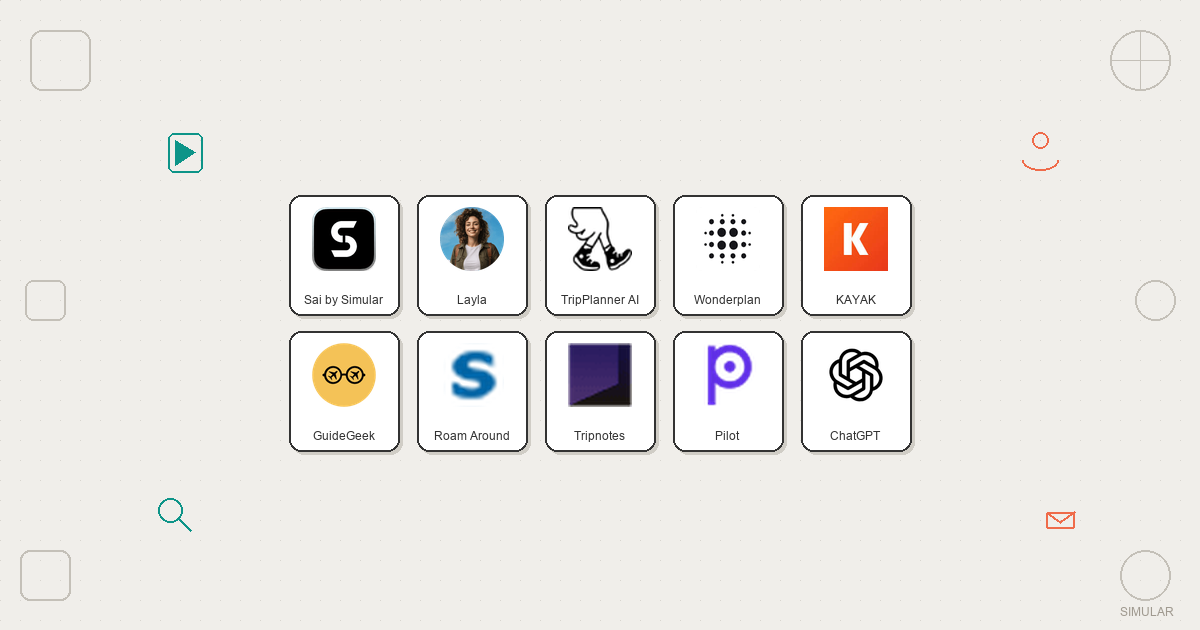
10 Best AI Travel Planners Alternatives for Teams & SMBs in 2026
AI travel planners promise to replace hours of tab-switching with a single conversation. Describe your trip, get a full itinerary. In practice, most of them generate the same generic suggestions you could find on any travel blog.
We tested 10 AI travel planners by giving each one the same prompt: a 7-day trip to Japan for two people, mid-range budget, mix of culture and food, flying from San Francisco. We evaluated each tool on itinerary quality, booking integration, customization, and whether it actually saved time compared to planning manually.
Here is what we found.
Tool
Best For
Pricing
Books Trips
Standout Feature
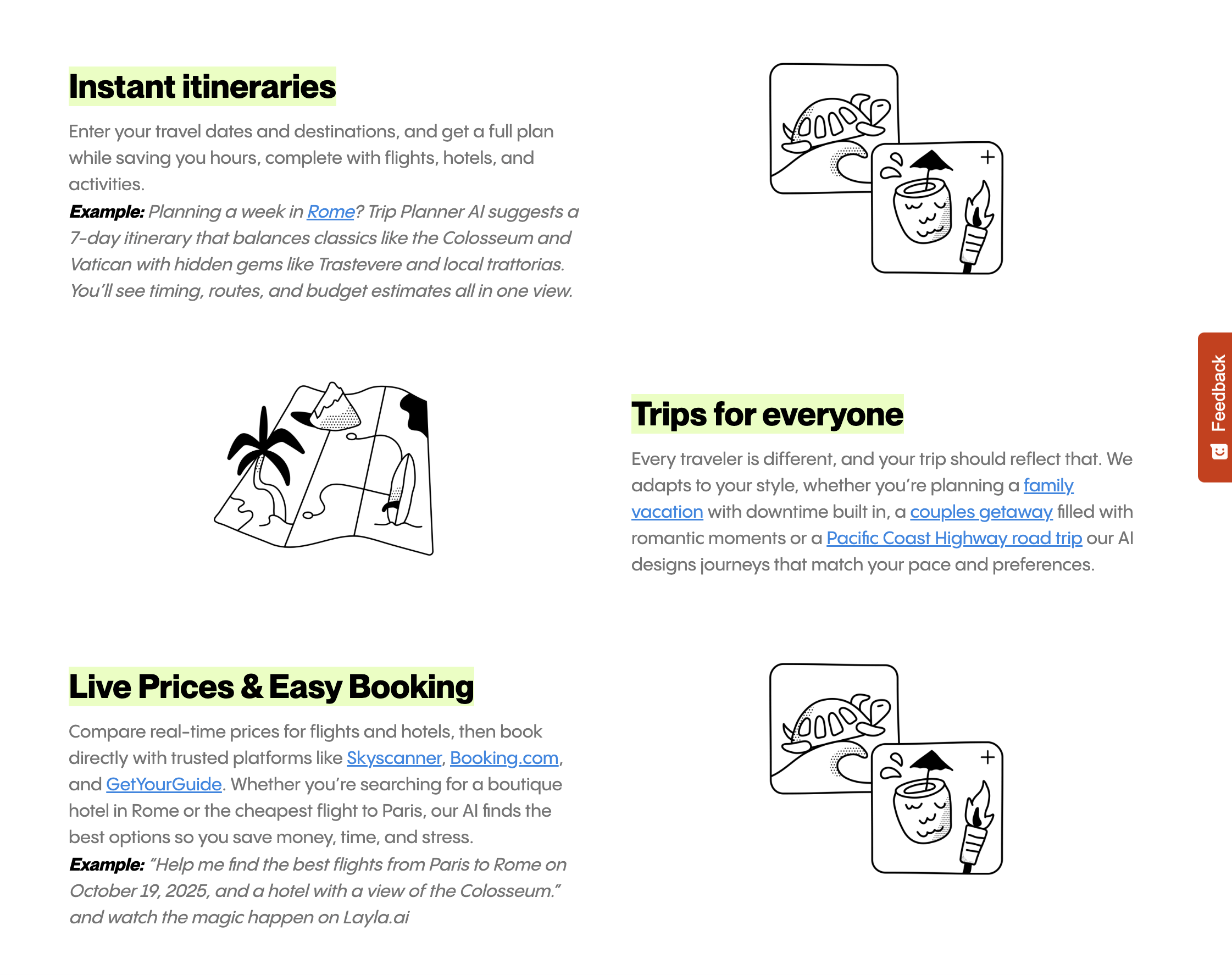
Layla
Conversational planning
Free / $9.99/mo
No
Natural chat-based refinement
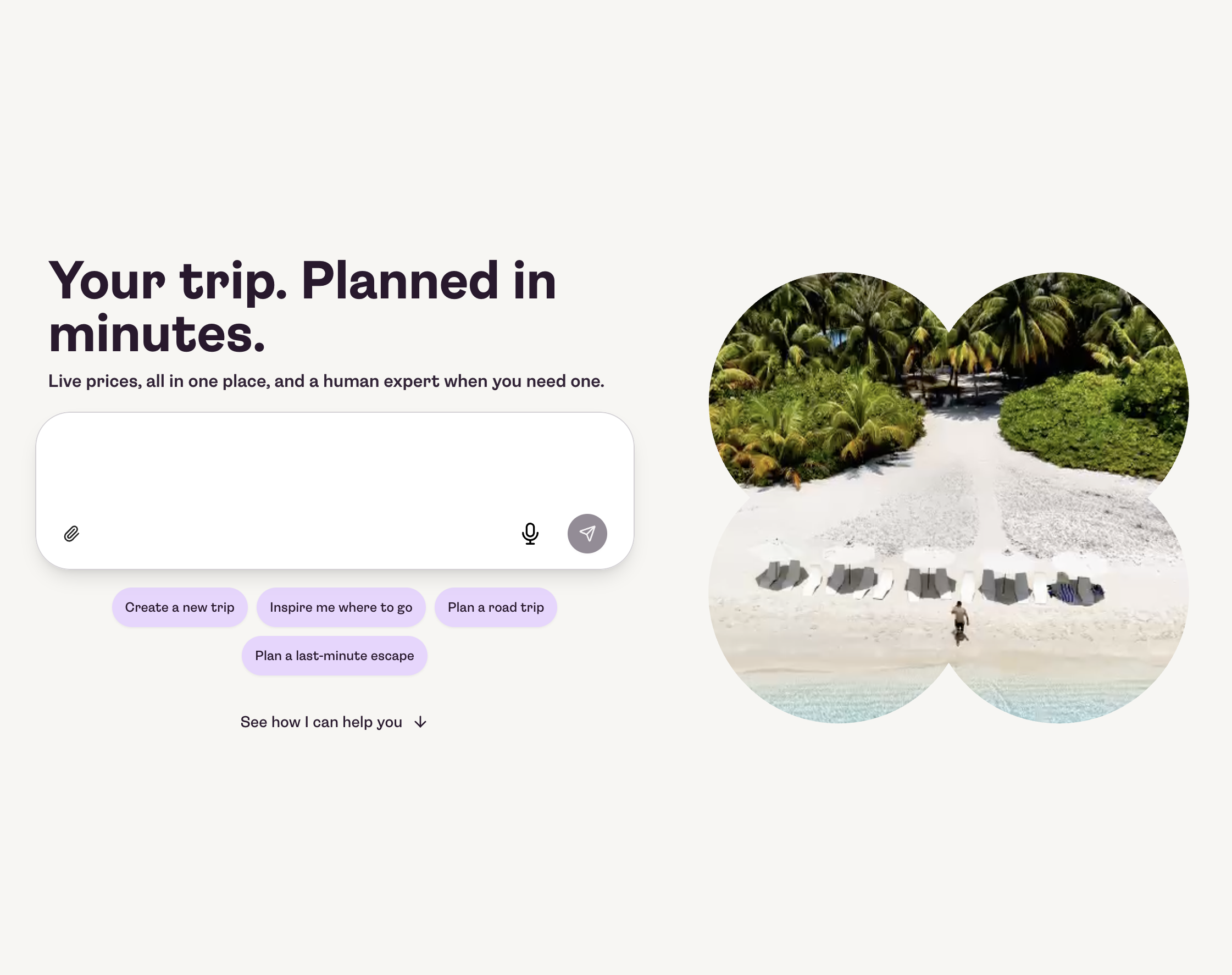
TripPlanner AI
Detailed itineraries
Free / $7.99/mo
No
Time-blocked schedules with transit
Wonderplan
Budget travelers
Free
No
Real-time budget tracking
KAYAK
Booking integration
Free
Yes (flights/hotels)
Real-time prices in itinerary
GuideGeek
On-the-go answers
Free
No
Works via WhatsApp
Roam Around
Visual map planning
Free / $4.99/mo
No
Map-first itinerary view
Tripnotes
Fast drafts
Free / $4.99/trip
No
30-second itinerary generation
Pilot
Personalized recs
Free / $10/mo
No
Learns your travel preferences
ChatGPT / Perplexity
Custom freeform planning
Free / $20/mo
No
Handles complex multi-constraint requests
Sai
End-to-end planning + booking
Free / $20/mo
Yes (all sites)
Books, compares, and organizes across real websites
How we evaluated
We tested each tool with the same trip request and scored them across five dimensions:
Itinerary quality — How detailed, accurate, and useful is the generated plan?
Booking integration — Can it actually book flights, hotels, and activities, or just recommend them?
Customization — How easily can you refine and adjust the plan after generation?
Speed — How quickly does it generate a usable itinerary?
Value — What do you get relative to the price?
Tool
Itinerary Quality
Booking
Customization
Speed
Value
Layla
8/10
2/10
9/10
7/10
8/10
TripPlanner AI
9/10
2/10
7/10
6/10
7/10
Wonderplan
7/10
1/10
5/10
8/10
9/10
KAYAK
5/10
8/10
4/10
7/10
8/10
GuideGeek
4/10
1/10
6/10
10/10
9/10
Roam Around
6/10
1/10
5/10
7/10
7/10
Tripnotes
6/10
1/10
3/10
10/10
7/10
Pilot
7/10
1/10
8/10
6/10
6/10
ChatGPT / Perplexity
7/10
2/10
10/10
6/10
7/10
Sai
9/10
10/10
9/10
5/10
9/10
Comparison Summary
Feature
Layla
TripPlanner AI
Wonderplan
KAYAK
GuideGeek
Roam Around
Tripnotes
Pilot
ChatGPT / Perplexity
Sai
Best For
Conversational planning
Detailed itineraries
Budget travelers
Flight and hotel deals
On-the-go answers
Map-based planning
Fast first drafts
Personalized recs
Freeform custom planning
End-to-end planning and booking
Pricing
Free / $9.99/mo
Free / $7.99/mo
Free
Free
Free
Free / $4.99/mo
Free / $4.99/trip
Free / $10/mo
Free / $20/mo
Free / $20/mo
Platforms
Web, iOS, Android
Web, iOS, Android
Web only
Web, iOS, Android
WhatsApp, IG, Web
Web only
Web only
Web, iOS
Web, iOS, Android
Desktop, Mobile control
Itinerary Generation
Chat-based, iterative
Form-based, structured
Budget-first, visual
Booking-first, basic itinerary
Q&A only, no full itinerary
Map-based, geographic clusters
Form-based, instant
Preference-based, adaptive
Prompt-based, freeform
Agent-based, multi-source research
Generation Speed
1-2 minutes
1-3 minutes
Under 1 minute
1-2 minutes
Under 10 seconds
Under 1 minute
Under 30 seconds
1-3 minutes
1-3 minutes
10-30 minutes (full workflow)
Day-by-Day Schedule
Yes
Yes, with time blocks
Yes
Basic
No
Yes
Yes
Yes
Yes (text only)
Yes, with time blocks and transit
Transit and Logistics
Basic
Detailed, with real schedules
No
Flights only
On request
Walking distances only
No
Basic
On request (text)
Full: flights, trains, local transit, visa
Budget Tracking
No
Estimated daily costs
Real-time running total
Real-time flight/hotel prices
No
No
No
No
Estimated on request
Live prices, full cost breakdown in Google Sheet
Map View
Google Maps links
Map pins per day
Destination photos
Hotel map only
Google Maps links
Interactive route map
No
Basic
No
Opens Google Maps to verify locations
Flight Booking
No
No
No
Yes, direct
No
No
No
No
Links only
Yes, cross-site comparison and booking
Hotel Booking
No
No
No
Yes, direct
No
No
No
No
Links only
Yes, cross-site comparison and booking
Restaurant Booking
No
No
No
No
No
No
No
No
No
Yes, via OpenTable and Google Maps
Price Monitoring
No
No
No
Price alerts
No
No
No
No
No
Auto-monitors and rebooks on price drops
Calendar Sync
No
Google Calendar export
No
No
No
No
No
No
No
Auto-adds each day with locations and times
Spreadsheet Export
No
No
No
No
No
No
No
No
No
Google Sheet with confirmations, costs, contacts
Multi-City Trips
Basic
Yes
No
Multi-stop flights
No
Basic
No
Basic
Yes (text only)
Full: intercity transport, per-city bookings
Collaboration
Shareable link
Invite co-planners to edit
No
Shared trips
No
No
No
Share and save
Share conversation
Shared Google Sheet for group input
Customization Depth
High, conversational refinement
Medium, edit individual days
Low
Low
Medium, ask follow-ups
Low
Low
High, learns over time
Unlimited, freeform prompts
High, natural language instructions
Personalization
Per-trip only
Per-trip only
Per-trip only
Saved preferences
No memory
Per-trip only
Per-trip only
Learns across trips
Per-conversation
Per-session
Offline Access
Saved itineraries on mobile
No
No
Saved searches
No
No
Printable PDF
No
No
Google Sheet accessible offline
Free Plan Limits
Basic features, limited history
3 trips
No limits
No limits
No limits
5 trips/month
Limited detail
Basic features
Rate limited, no browsing
Limited daily actions
Hallucination Risk
Low
Low
Low
None (real listings)
Medium
Low
Medium
Low
Medium-High
None (verifies on real websites)
Business Travel
No
No
No
Basic
No
No
No
No
On request
Yes, calendar integration and expense tracking
Overall Rating
8/10
7.5/10
7/10
7.5/10
7/10
6.5/10
6.5/10
7/10
7.5/10
9.5/10
1. Layla — Best for Conversational Trip Planning
Pricing: Free (premium features from $9.99/month) Platforms: Web, iOS, Android
Layla works like texting a knowledgeable friend. You describe your trip in natural language — "I want a week in Portugal, mostly beaches but one or two days in Lisbon, budget around $150/day" — and it builds a day-by-day itinerary through a chat interface.
What it does well:
Conversational refinement — say "swap day 3 for something less touristy" and it adjusts
Good restaurant and activity recommendations with Google Maps integration
Generates shareable trip links
Mobile app works offline for saved itineraries
Where it falls short:
No direct booking integration — it recommends hotels and flights but you book separately
Itineraries lean toward popular tourist spots unless you specifically ask for hidden gems
Group trip coordination is limited to sharing links
Layla is the best option for solo travelers or couples who enjoy the planning process and want a tool that feels like a conversation, not a form.
2. TripPlanner AI — Best for Detailed Day-by-Day Itineraries
Pricing: Free basic plan; Pro from $7.99/month Platforms: Web, iOS, Android
TripPlanner AI generates the most structured itineraries of any tool we tested. Each day includes time blocks, travel time between locations, estimated costs, and map pins. For our Japan test, it broke each day into morning, afternoon, and evening segments with realistic transit times using Japan Rail schedules.
What it does well:
Detailed time-blocked schedules with transit logistics
Cost estimates per activity and daily totals
Collaborative planning — invite travel partners to edit the itinerary
Exports to Google Calendar
Where it falls short:
Free plan limits you to 3 trips
AI suggestions can feel formulaic — it tends to follow the same patterns across similar destinations
Hotel recommendations prioritize partners over best value
For travelers who want a structured, minute-by-minute plan they can follow without thinking, TripPlanner AI delivers the most organized output.

3. Sai (by Simular) — Best for End-to-End Trip Planning and Booking
Pricing: 7-day Free Trial, Starter: $20/month (Plus tier), Pro: $500/month Platforms: Desktop (macOS, Windows), Mobile control
Every other tool on this list does one thing: generate an itinerary. Sai does the entire workflow.
Sai is an AI desktop agent — it operates your computer the way you would. For travel planning, this means it does not just suggest a hotel. It opens KAYAK, compares prices across dates, checks reviews on TripAdvisor, cross-references with Google Maps for location, and books the one that fits your criteria. It does not just recommend a restaurant. It checks current ratings, verifies hours for your travel dates, and adds a reservation through OpenTable.
What it does well:
Full booking automation — researches, compares, and books flights, hotels, and activities across real websites
Multi-source research — checks prices across KAYAK, Google Flights, Booking.com, Expedia simultaneously
Calendar integration — syncs your itinerary directly to Google Calendar with correct time zones
Real-time verification — opens actual booking sites to confirm prices and availability, not cached estimates
Spreadsheet export — organizes all trip details (confirmation numbers, addresses, costs) into a Google Sheet
Works while you are away — runs on a cloud desktop, so it can monitor price drops and rebook automatically
Where it falls short:
Not a quick itinerary generator — Sai is built for comprehensive planning, not 30-second drafts
Requires more upfront context to get started compared to simple chat-based tools
Desktop-first experience — though you can steer it from your phone
How it works in practice:
You tell Sai: "Plan a 7-day Japan trip for two, flying from SFO, mid-range budget, focus on food and culture. Book the flights and hotel."
Sai then:
Searches Google Flights and KAYAK for the best fares on your dates
Compares hotel options on Booking.com and Hotels.com near your preferred neighborhoods
Builds a day-by-day itinerary with restaurants, attractions, and logistics
Checks opening hours and availability for specific dates
Books flights and hotels through the actual booking sites
Creates a Google Sheet with all confirmation numbers, addresses, and costs
Adds each day to your Google Calendar with locations and times
No other AI travel planner does steps 4 through 7. Every other tool stops at step 3 — generating the plan. Sai executes it.
4. Wonderplan — Best for Budget-Conscious Travelers
Pricing: Free Platforms: Web
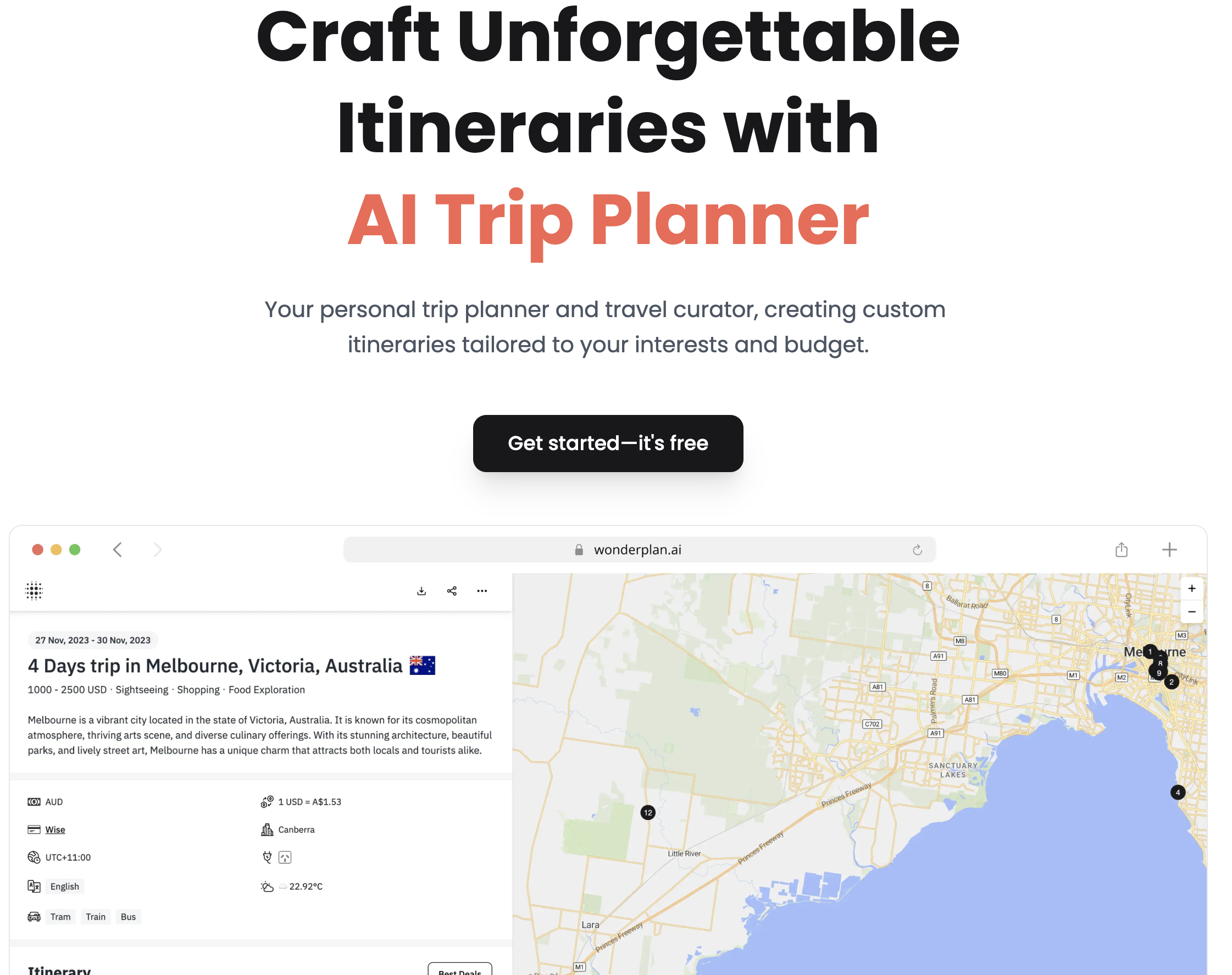
Wonderplan differentiates itself by putting budget at the center of trip planning. You set your total budget, travel dates, and interests, and it generates an itinerary that stays within your spending limit. Every recommendation includes price estimates, and the total running cost updates as you customize.
What it does well:
Budget-first planning with real-time cost tracking
Clean visual layout with photos for each destination
No account required for basic use
Where it falls short:
No booking integration — purely a planning tool
Limited to popular destinations — off-the-beaten-path locations get generic suggestions
No mobile app
Cannot handle multi-city trips with complex logistics
Wonderplan is ideal for travelers who need to stick to a budget and want the itinerary to reflect that constraint from the start.
5. KAYAK — Best for Booking-Integrated Planning
Pricing: Free Platforms: Web, iOS, Android
KAYAK added AI trip planning to its existing flight and hotel search engine. The advantage is obvious: the AI generates an itinerary, and you can book flights, hotels, and car rentals without leaving the app. Prices are real-time, not estimates.
What it does well:
Real-time flight and hotel prices embedded directly in itineraries
Price alerts — get notified when flights to your destination drop
Strong flight search with flexible date options
Integrates with existing KAYAK account and saved trips
Where it falls short:
Itinerary quality is secondary to booking — activity recommendations are basic
AI feels like a booking assistant, not a trip planner
Limited restaurant or experience suggestions
Does not handle complex multi-destination routing well
KAYAK is the best choice when you already know roughly where you want to go and care most about finding the best flight and hotel prices. It is a booking tool with an AI layer, not a planning tool with booking.

6. GuideGeek — Best for Quick On-the-Go Answers
Pricing: Free Platforms: WhatsApp, Instagram, Web
GuideGeek, built by Matador Network, works through WhatsApp and Instagram DMs. You message it like you would a friend: "What should I eat near Shibuya Station?" and it responds with 3-5 recommendations, each with a brief description and a Google Maps link.
What it does well:
Zero friction — works through apps you already use
Fast, specific answers to point questions (restaurants, attractions, neighborhoods)
Good for in-trip decisions — "what should I do this afternoon?"
No signup or download required
Where it falls short:
Not designed for full itinerary generation
No trip saving or organization features
Cannot remember context across conversations well
Limited for pre-trip planning — better as a real-time travel companion
GuideGeek fills a different niche than most tools on this list. It is not a planner — it is a travel concierge you text when you need a quick recommendation on the ground.
7. Roam Around — Best for Visual, Map-Based Planning
Pricing: Free (premium from $4.99/month) Platforms: Web
Roam Around generates itineraries and displays them on an interactive map, making it easy to see how your days flow geographically. Each suggestion includes walking distances, transit options, and a visual route. For our Japan test, it grouped Shinjuku, Shibuya, and Harajuku into one day because they are walkable — something text-only planners often miss.
What it does well:
Map-first interface shows geographic relationships between activities
Clusters nearby attractions into logical daily routes
Clean, visual presentation
Good for walking-heavy city trips
Where it falls short:
Activity descriptions are shallow — you still need to research specifics
Limited customization after the initial generation
No booking integration
Premium required for more than 5 trips per month
Roam Around is the best tool for visual planners who want to see their trip on a map before committing to a schedule.
8. Tripnotes — Best for Fast Itinerary Drafts
Pricing: Free (limited), Pro from $4.99/trip Platforms: Web
Tripnotes generates itineraries in under 30 seconds. Enter your destination, dates, and interests, and it produces a complete day-by-day plan. The speed comes from a more structured approach — less conversational, more form-driven — but the output is surprisingly detailed for how fast it generates.
What it does well:
Fastest itinerary generation we tested (under 30 seconds)
Clean, printable output format
Good for getting a starting framework to customize manually
Includes local tips and cultural notes
Where it falls short:
Limited refinement — you cannot iterate on specific days easily
Tends toward popular tourist attractions
No booking, no maps, no collaboration features
Per-trip pricing adds up for frequent travelers
Tripnotes is best for travelers who want a quick first draft to work from, not a complete planning solution.
9. Pilot (copilot.us) — Best for Personalized Recommendations
Pricing: Free basic; premium from $10/month Platforms: Web, iOS
Pilot learns your preferences over time. Rate a few past trips or tell it what you liked about previous vacations, and it adjusts future recommendations. For our Japan test, after we indicated a preference for local food over fine dining, it shifted from Michelin-starred restaurants to izakayas and ramen shops — a distinction most other tools missed.
What it does well:
Personalization engine that improves with use
Good at matching activity style to traveler personality
Suggests experiences, not just locations (cooking classes, neighborhood walks, market tours)
Clean interface with save and share features
Where it falls short:
Requires multiple uses to unlock full personalization value
Smaller destination database than competitors
No booking integration
Mobile app is limited compared to web version
Pilot rewards repeat users. If you travel frequently and want a tool that gets smarter with each trip, it is worth the investment in training it.
10. ChatGPT / Perplexity — Best for Custom, Freeform Planning
Pricing: Free tiers available; ChatGPT Plus $20/month, Perplexity Pro $20/month Platforms: Web, iOS, Android
General-purpose AI assistants are surprisingly effective travel planners if you know how to prompt them. ChatGPT and Perplexity both handle complex, multi-constraint requests well — "plan 5 days in Tokyo for a family with a 10-year-old who loves anime, budget $200/day, we hate crowds."
What it does well:
Handles highly specific, multi-constraint requests better than any dedicated travel tool
Perplexity includes source citations and links to real booking sites
ChatGPT with browsing can check real-time prices and availability
Unlimited flexibility — ask follow-up questions, adjust any detail
Can be combined with automation tools to research destinations comprehensively
Where it falls short:
No built-in trip organization — you get text output, not an interactive itinerary
Cannot save, share, or export trips natively
Sometimes invents attractions or restaurants that do not exist (hallucinations)
No map view or booking integration
Requires good prompting skills to get useful output
ChatGPT and Perplexity are the most powerful tools on this list for travelers who know exactly what they want and can articulate it. They are the worst for travelers who want structure and visual organization.
Stop doing repetitive tasks. Let Sai handle them for you.
Sai is your AI computer use agent — it operates your apps, automates your workflows, and gets work done while you focus on what matters.