
什么是“机器人秘书”?一种能够操控多个自主运行计算机的计算机代理程序。
November 17, 2026
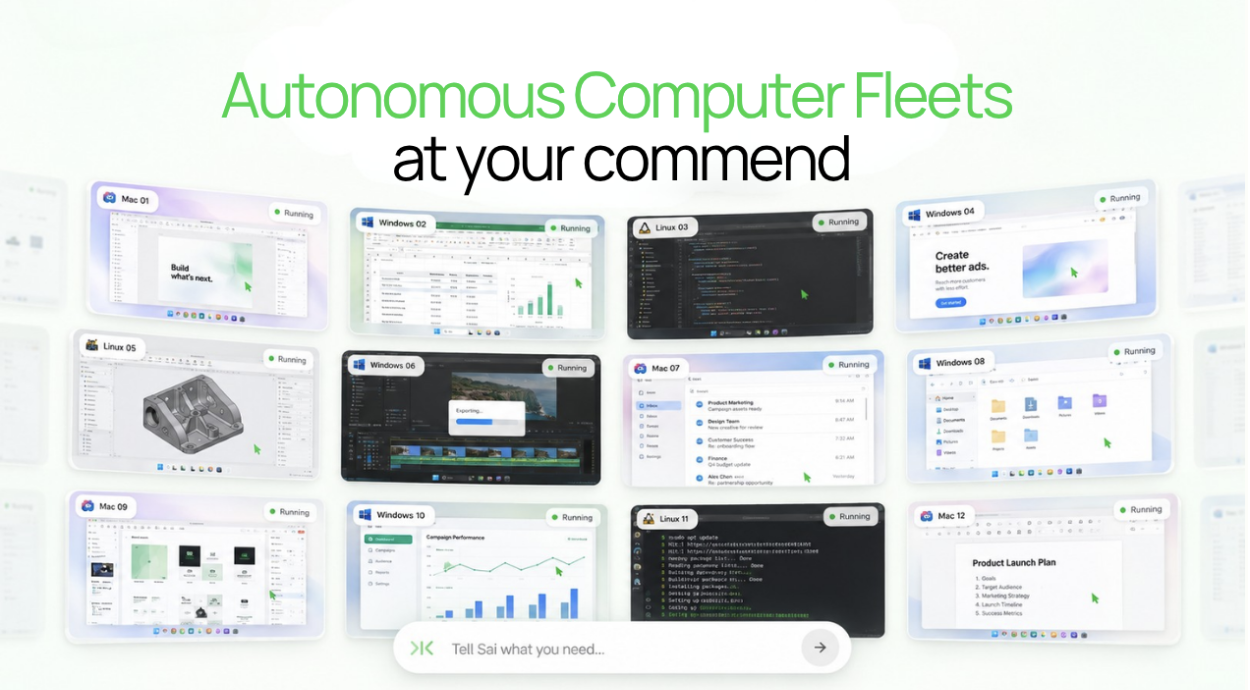
Short answer: If you want several AI apps (ChatGPT, Claude, Codex, Gemini) to work on one computer, connect them all to the same cloud computer, such as Simular Box, through one MCP server; they share the same files, Chrome logins and terminal, and take turns. If several people need a cloud computer, give each person their own: a Windows 365 Cloud PC, a Coder workspace, or their own box. Never share one password, keep API keys in a secrets store, and keep payments with a person.
Definition. A shared cloud computer for AI is one machine in the cloud that more than one AI app works on. The point is continuity: a job one assistant starts can be finished by another on the same files and signed-in sites, instead of being restarted from a chat transcript.
Why share one computer at all
Most households and small teams already use more than one assistant. One person likes ChatGPT on the phone, another uses Claude, a developer uses Codex or Claude Code. Each keeps its own chat history and, at most, its own temporary sandbox. Nothing carries over: files one assistant made are not visible to the next, and each one has to be signed in to the same sites again. A shared computer puts files, downloads, browser sessions and installed tools in one place every assistant can reach.
What to share and what to keep separate
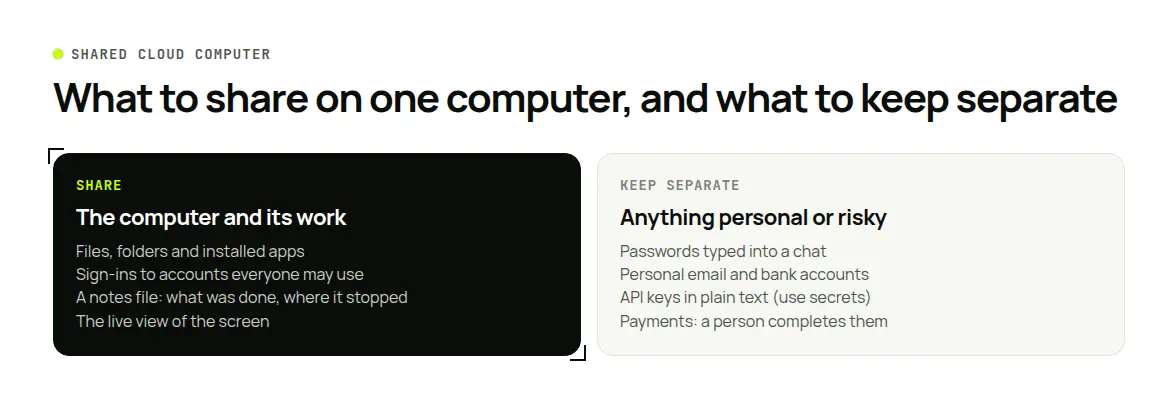
| Share | Keep separate |
|---|---|
| The computer: files, folders, installed apps | Passwords typed into a chat: type them into the computer's browser yourself |
| Sign-ins to accounts everyone may use (a family utility account, a team test account) | Personal accounts such as your own email or bank |
| A notes file that says what was done and where it stopped | API keys in plain text: use a secrets store |
| A live view of the screen | Payment steps: a person completes them |
Four ways to set it up
| Setup | Who it serves | What is shared | Starting price |
|---|---|---|---|
| Simular Box | One person and all their AI apps | One cloud Linux desktop, its files, Chrome logins and terminal | $5 free credit; $19/month |
| Windows 365 | A team, one Cloud PC per person | Each person's own Windows PC; company manages them | From $36 per user per month |
| Coder | Developer teams, one workspace per developer | Workspaces built from shared templates on your own servers | Community edition free, plus your servers |
| A VPS you manage | Technical users | One Linux server you set up yourself | From €5.49/month excl. VAT (Hetzner) |
Prices checked on vendor pages, 13–17 November 2026.
Option 1: Simular Box, one cloud computer for all your AI apps
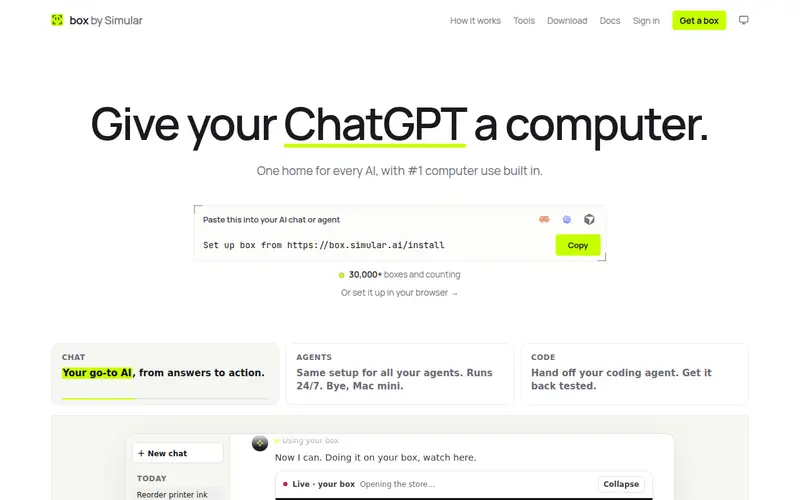
Simular Box (box by Simular) is a cloud Linux desktop with Chrome, files and a terminal, built so the AI apps you already use can work on it. Each account has one box.
How sharing works. You add box to each AI app once, and every app you connect works on the same box. In Claude it is one tap with the Add to Claude link, on a phone too; in ChatGPT, open Plugins, search for box by Simular and install it in one click; Claude Code, Codex, Cursor, Gemini and DeepSeek Harness have their own steps in the box docs.
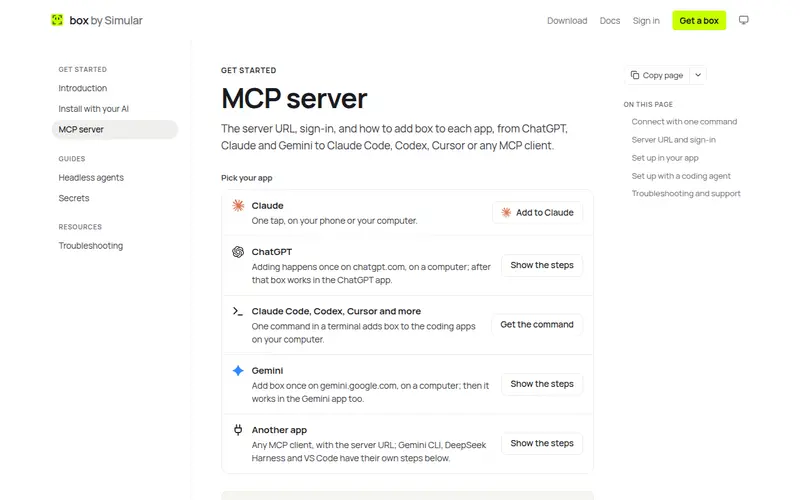
What every connected app shares.
- Same files and logins. A spreadsheet one assistant saves is there for the next, and a site one assistant signed in to stays signed in.
- Take turns. Agents take turns on a box rather than acting at the same moment.
- One list of access. Every app and key connected to your box is listed at box.simular.ai/access, where you can revoke any of them. Access lasts the number of days chosen when you approved it; after that the app signs in again.
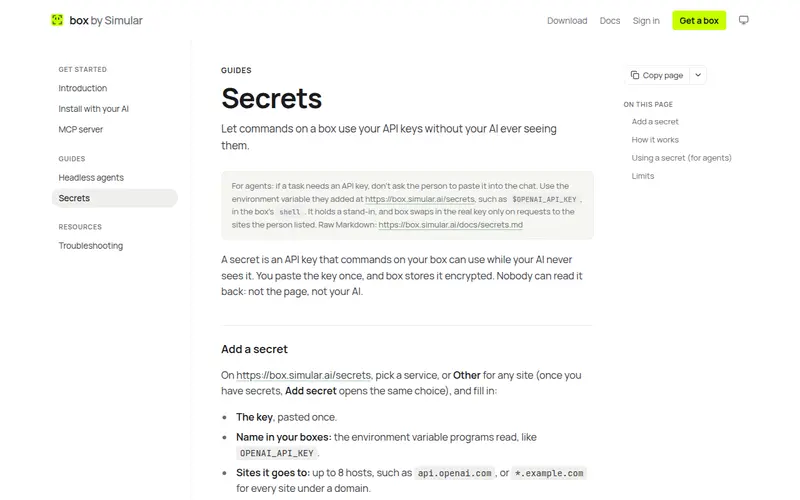
- Keys stay hidden. API keys you add as secrets can be used by commands on the box, while the AI only sees a stand-in. You choose which sites each key may be sent to.
- Watch and step in. The live view works in the browser and in the Claude and ChatGPT phone apps; click Take control for a sign-in, a 2FA code or a payment, then hand back. box's own agent never enters payment details.
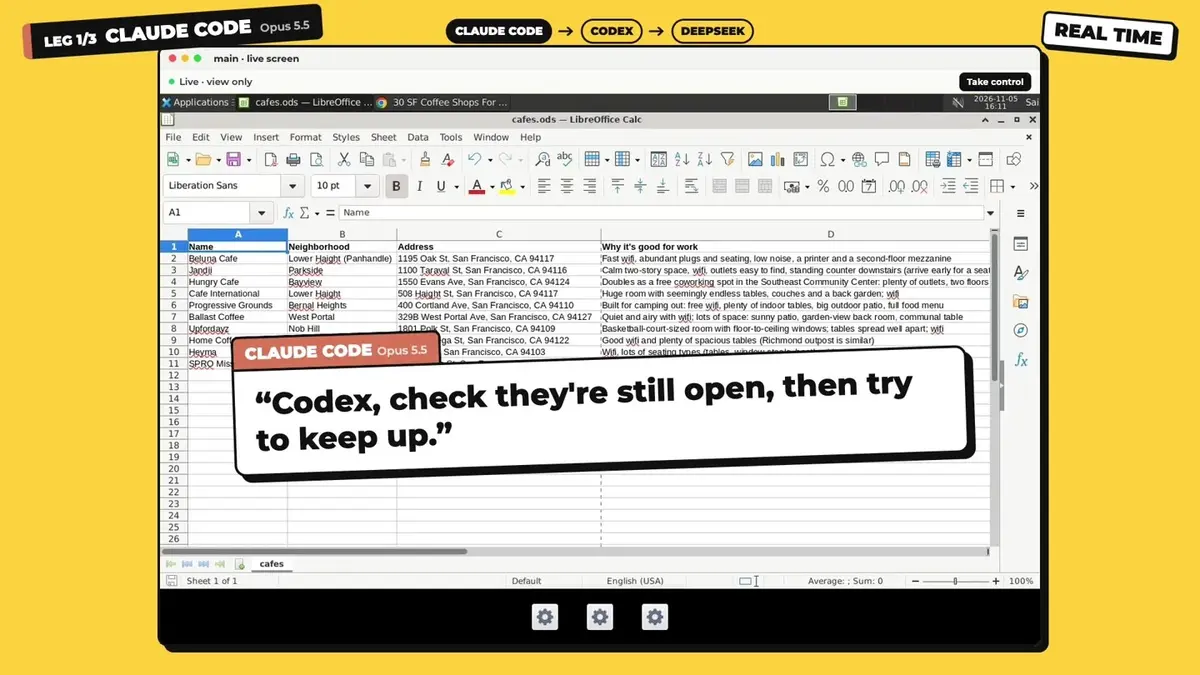
In box's three AIs, one box example, Claude Code finds cafes and saves a spreadsheet on the box, Codex checks their opening hours in the same file, and DeepSeek Harness finishes the job:
Watch out for. Linux only. One account means one owner: if two family members each want their own assistants and logins, each should use their own box account rather than share a password.
Pricing: $5 of free credit once per account; Small $19/month (box sleeps when idle); Medium $39/month (never sleeps).
Option 2: Windows 365, one managed Cloud PC per person
Windows 365 streams a full Windows PC from Microsoft's cloud to each user, managed like company laptops through Microsoft Intune.
How sharing works. Each person gets their own Cloud PC; IT manages them centrally. Assistants with desktop apps install on it like on any Windows PC.
Watch out for. It is built for one person per PC, not for several AI chat apps to work on one machine, and it needs a Microsoft business setup.
Pricing:Windows 365 Business from $36 per user per month (2 vCPU, 8 GB RAM, 128 GB storage).
Option 3: Coder, one workspace per developer on your own servers
Coder is open-source software that creates development workspaces on infrastructure your company runs, defined with Terraform templates. Developers connect with VS Code, JetBrains, Cursor or Jupyter, and Coder positions itself as a place to run coding agents under company controls.
How sharing works. The team shares templates, so every workspace is set up the same way; each developer, and their coding agents, gets their own workspace.
Watch out for. It is a platform your team operates, not a computer you rent, and it targets developers rather than households.
Pricing: the Community edition is free; you pay for the servers.
Option 4: a VPS you set up yourself
A VPS from a provider such as Hetzner Cloud gives you a Linux server with root access for little money.
How sharing works. Whatever you build: you install a desktop, a browser and remote access, and give each person their own user account on the server.
Watch out for. You own security, updates, backups and the remote-desktop setup, and nothing connects your AI chat apps to it unless you set that up. Our guide to getting a Linux desktop in the cloud covers this route.
Pricing: Hetzner Regular Performance plans from €5.49 a month, excluding VAT.
Example: a household errand, two assistants, one box
- In ChatGPT on the phone: "On my box, open the utility site, download the last three bills to
~/bills, and stop at the sign-in." You sign in through the live view. - Later, in Claude on a laptop: "On my box, read the bills in
~/bills, add them to the budget spreadsheet, and flag anything over last month." - Both worked on the same files and the same signed-in site. Nobody pasted a password into a chat.
Safety checklist
- Use a separate computer for AI work, not your personal laptop.
- Review connected apps and keys from time to time and revoke ones you no longer use.
- Treat web pages as untrusted: text on a page can try to steer an assistant.
- Keep payments and account changes with a person.
For more options, see cloud computers for developers and cloud computers for AI agents.
FAQ
Can ChatGPT and Claude use the same computer?
Yes, if both connect to the same cloud computer. With Simular Box, both connect through one MCP server and work on the same files and Chrome logins, taking turns.
Can a family share one cloud computer for AI?
One person can connect several AI apps to one box. If several family members want their own assistants and logins, give each person their own computer or account instead of sharing a password.
Do the AI apps see each other's chats?
No. They share the computer, not their chat histories. Leave notes in a file on the computer so the next assistant knows what happened.
Can two AI agents use the computer at the same time?
On Simular Box, agents take turns rather than acting at the same moment.
How do I stop an app from using the shared computer?
With Simular Box, revoke it at box.simular.ai/access.
Is it safe to keep logins on a shared cloud computer?
Safer than pasting passwords into chats: on Simular Box, passwords stay in the box's browser and are not sent to the AI. Keep only accounts everyone may use, and keep payments with a person.
