
Oops! Something went wrong while submitting the form.

%20(2).svg)
.svg)
If you live in Salesforce all day, you know the pain of missed moments. A hot lead fills out a form, an enterprise deal moves stages, a VIP customer opens a critical case—yet by the time someone notices, the moment has cooled. Email alerts bridge that gap. They push the heartbeat of your CRM straight into your inbox: new leads, status changes, approvals, and report snapshots arrive where your team is already working—Gmail. For sales, marketing, and service teams, that means fewer blind spots, faster reactions, and more predictable revenue.
But manually configuring and maintaining those alerts is where things fall apart. Rules drift out of date, reps drown in noise, and no one has time to continuously tune notifications. Delegating this to an AI agent changes the game. A Simular AI computer agent can log into Salesforce, adjust alerts, organize Gmail, and summarize what matters. Instead of chasing every email, your team receives curated, timely signals that match how you actually sell and support.
Salesforce email alerts are powerful, but configuring and maintaining them manually doesn’t scale for busy sales and marketing teams. Below are three practical tiers of setup—from traditional methods to fully autonomous AI-agent-driven workflows—so you can choose the level of automation that matches your growth.
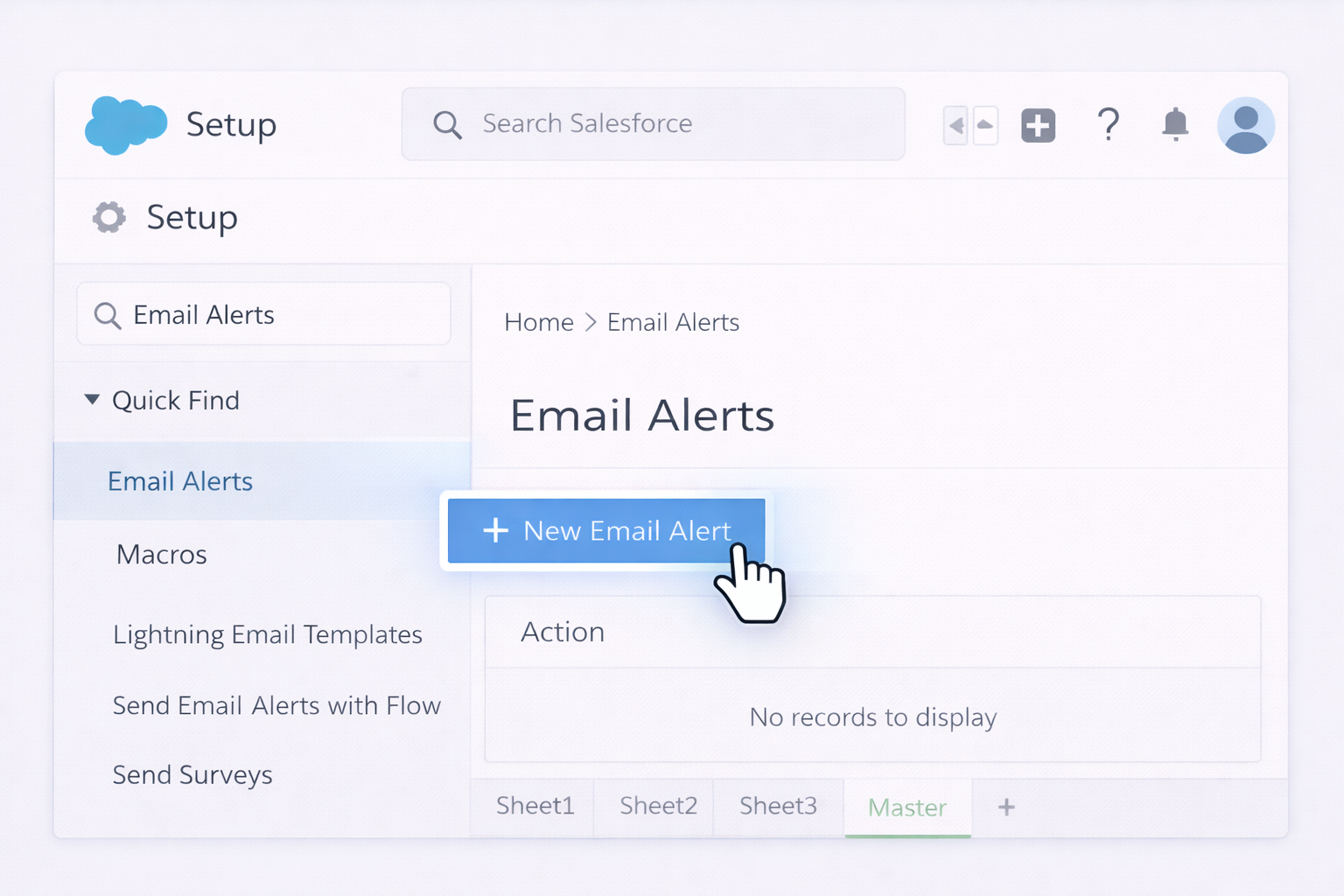
Goal: Send an email when a record changes (e.g., new lead, opportunity stage change).
Steps (Workflow/Flow basics):
Official docs:
Pros: Native, reliable, secure.
Cons: Static rules; can get messy at scale.
Goal: Get daily/weekly snapshots (pipeline, MQLs, churn risk) delivered to Gmail.
Steps:
Official docs:
Pros: Great for leadership summaries and recurring KPIs.
Cons: Static; inbox can flood if you oversubscribe.
Once Salesforce starts sending alerts, tame them in Gmail.
Steps:
no-reply@salesforce.com) or filter by Subject phrase (like "New Lead:").
Official docs:
Pros: Clean inbox, clear priority channels.
Cons: Still static; you must keep updating filters as alerts evolve.
For rare, high-touch scenarios (like a complex deal), reps can:
Pros: Extremely targeted.
Cons: Labor-intensive and easy to forget.
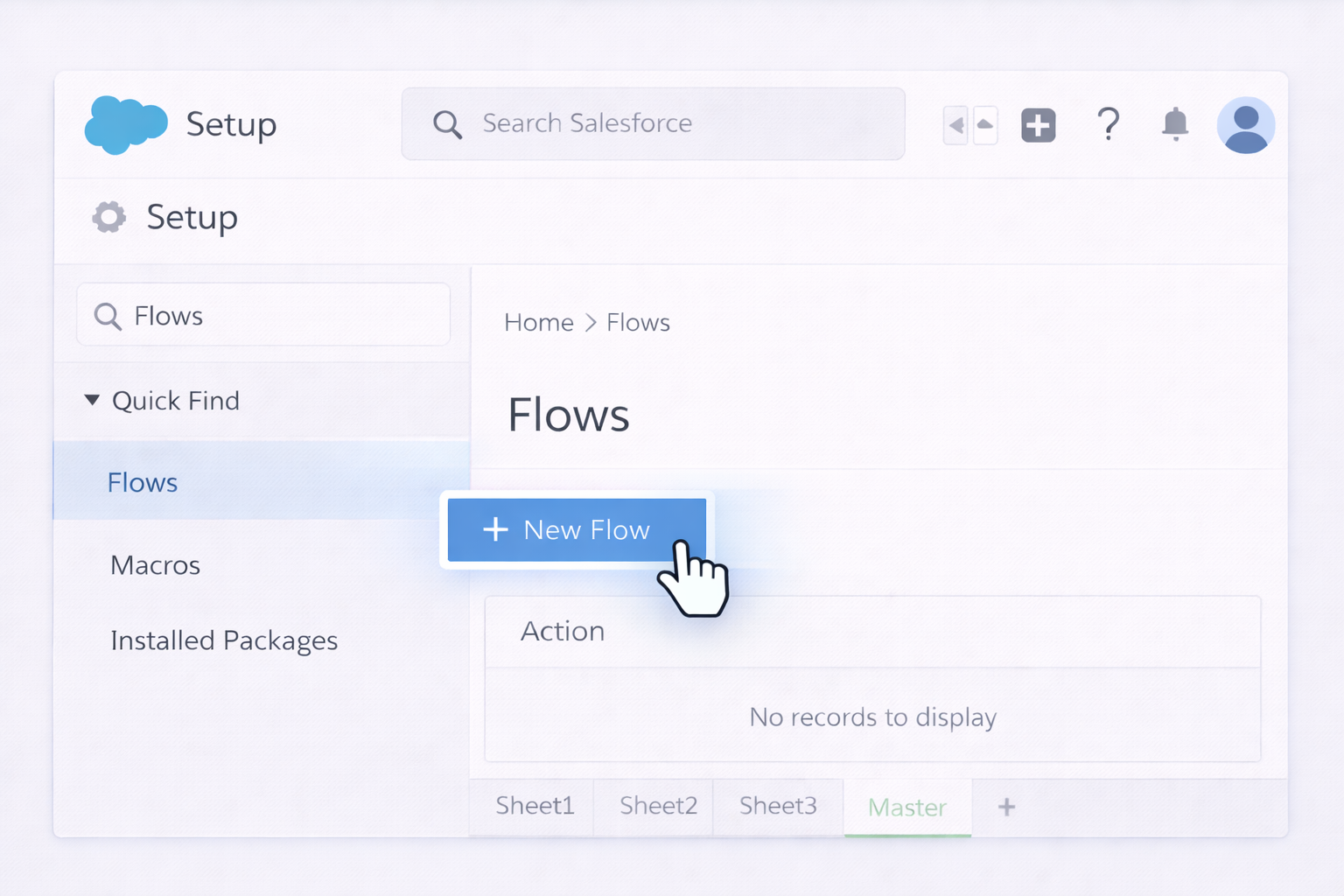
Salesforce Flow is effectively no-code automation for admins.
Example: Alert an AE in Gmail when a deal hits a high value.
Amount > 50000 AND Stage = 'Proposal'.Docs: https://help.salesforce.com/s/articleView?id=sf.flow_build_triggered_flows.htm&type=5
Pros: Powerful, no external tools, admin-friendly.
Cons: Logic complexity grows fast; still manual maintenance.
No-code integration tools watch for Salesforce events and act in Gmail.
Example: Create a Gmail alert when a new high-intent Lead is created.
Pros: Fast, flexible, good for cross-app automation.
Cons: Additional cost; can become a tangle of Zaps if not documented.
Some teams use Gmail add-ons to surface Salesforce data or log emails back into Salesforce, complementing alerts.
Pattern:
Docs hub:
Pros: Better context in Gmail.
Cons: More tools to manage; still not truly autonomous.
This is where you move beyond static rules. Instead of baking every logic change into flows or Zaps, you let an AI computer agent operate Salesforce and Gmail like a highly trained assistant.
What it does:
Workflow example:
Pros:
Cons:
Static rules decay: people change roles, products change, thresholds move. An AI agent can run ongoing maintenance passes.
Loop example:
Pros:
Cons:
Instead of 50 raw alert emails, imagine getting one curated Gmail digest every morning.
What the AI computer agent does:
Pros:
Cons:
By combining native Salesforce tools, no-code platforms, and an AI agent that literally uses Salesforce and Gmail like a human, you create an alert system that’s not just automated—but continuously improving with your business.


.png)